
مولد ممثلين AI للفيديوهات المكتوبة
ما هو مولد ممثلين AI؟
يقوم مولد ممثلين AI باختيار مؤدٍ رقمي لتقديم نص أمام الكاميرا، ليحل محل الجزء من الإنتاج الذي يتطلب شخصًا، قائمة اتصال، وموقع تصوير. يأتي Leadde بأكثر من 300 صورة رمزية للاختيار من بينها، ويمكن إقران كل منها بأي صوت في المكتبة، بحيث يتم اختيار المؤدي والأداء بشكل منفصل.
موثوق به من قبل العلامات التجارية الرائدة عالميًا







عروض ممثلي AI يمكنك مشاهدتها

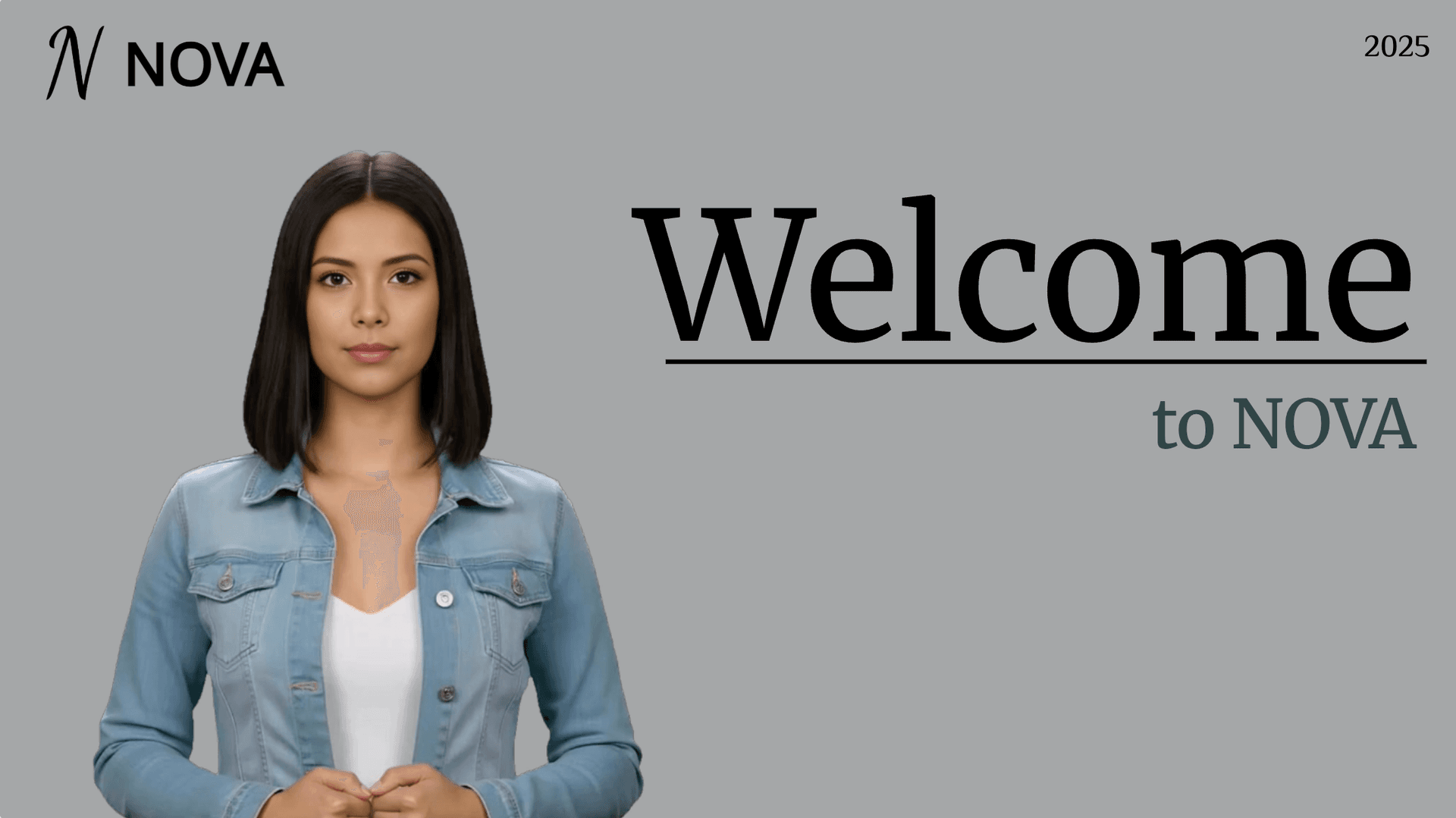
تدريب على ثقافة الشركات
تتبنى GlobalPro Consulting قيمًا جوهرية مثل النزاهة، التميز، الابتكار، والالتزام بتحقيق قيمة مستدامة.
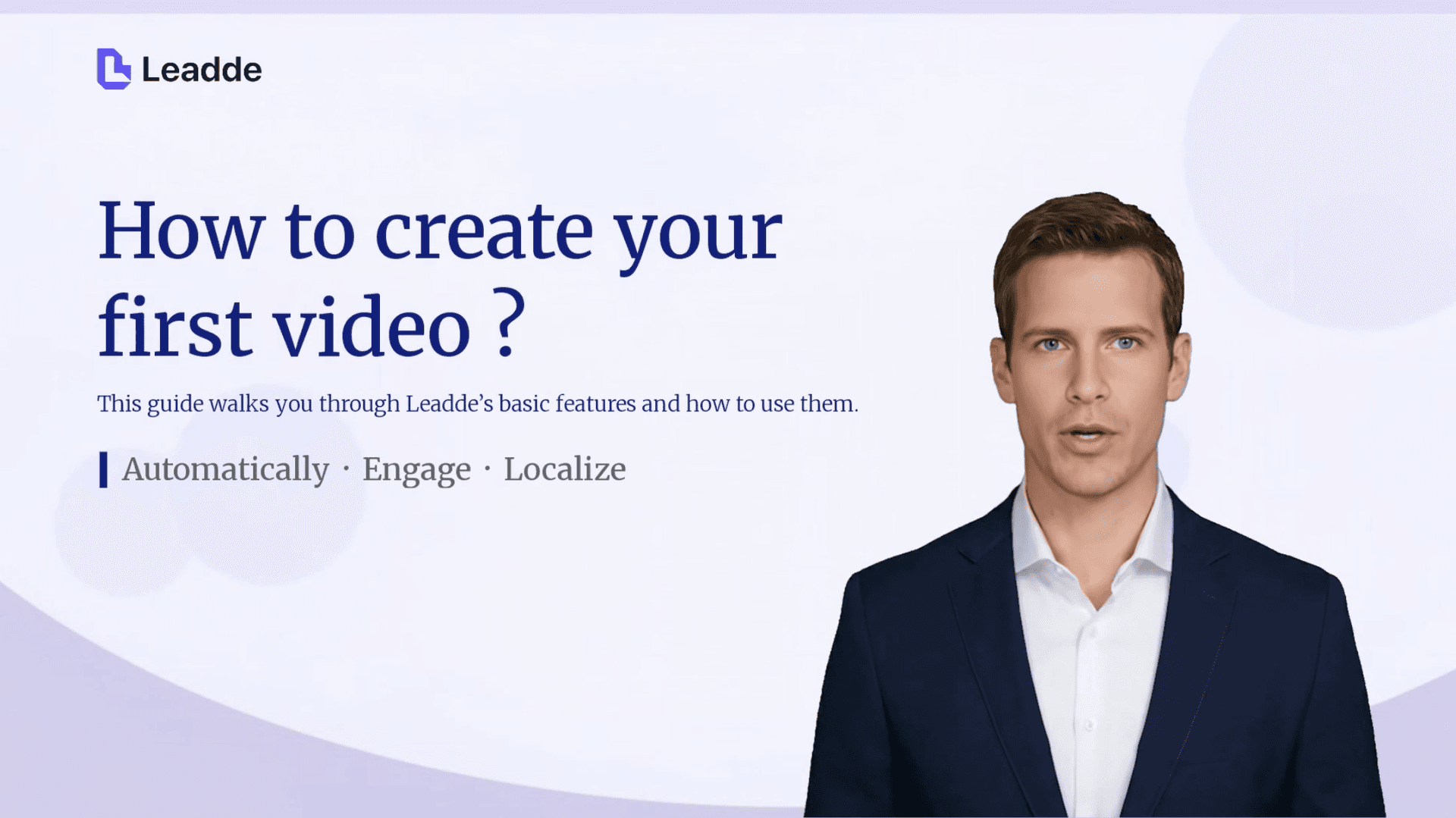
تدريب على الأدوات

سلامة العمل الميداني
اكتشف كيف تمنع الضوابط الميدانية المرئية، وفحوصات السقالات، وإجراءات أمان الحفريات الأعمال الخطرة قبل أن تبدأ.
دليل التأهيل
حوّل مستندات الامتثال، أو بروتوكولات السلامة، أو الإرشادات التنظيمية إلى فيديوهات تدريبية منظمة ومعتمدة. يتولى أفاتار AI إرشاد الموظفين بوضوح عبر كل متطلب — مما يقلل المخاطر القانونية ويجعل فرقك جاهزة للتدقيق.
لماذا Leadde هو أفضل مولد ممثلين AI
اختر من بين أكثر من 300 مقدم
اختر الوجه والصوت بشكل منفصل
أضف التعبير والحركة
أعد اختيار الممثل دون إعادة تصوير
كيفية إنشاء فيديو بممثل AI
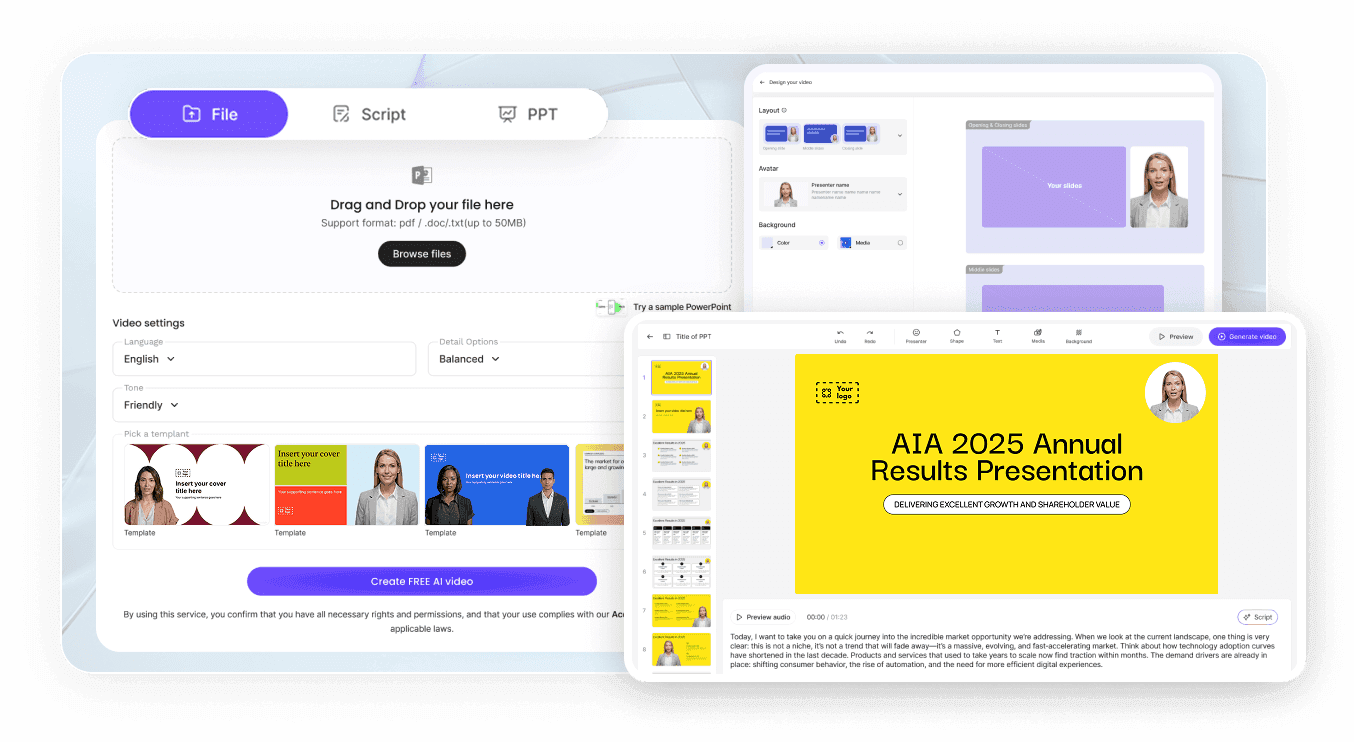
الخطوة 1: اختر المؤدي
الخطوة 2: ضبط الصوت والمحرك
الخطوة 3: معاينة، ثم إنشاء
حالات استخدام ممثل AI
تشغيل متغيرات إعلانية بأسلوب UGC
اختبر ثلاثة مؤدين يقرأون نفس العرض واحتفظ بمن يجذب الانتباه أكثر. يبقى النص ثابتًا، لذا الممثل هو المتغير الوحيد.
تجهيز سلسلة تدريبية بالمقدمين
تصبح الدورات قديمة عندما يغادر المقدم. تبقى الصورة الرمزية للممثل متاحة للمنهج بأكمله وللتعديلات اللاحقة.
استعراض ميزات المنتج بالتفصيل
يحصل كل إصدار على فيديو قصير خاص به من نفس المقدم، مما يجعل السلسلة تبدو كمنتج واحد بدلاً من مجلد من المقاطع.
توطين حملة
أنتج مسودة بلغة محلية من الفيديو النهائي، وترى كل منطقة نفس المؤدي يقدم محتوى مكتوبًا خصيصًا لها.

معايير إنتاجية بدون فريق إنتاج
حافظ على مظهر العلامة التجارية ثابتًا
ابنِ مشاهد، لا لقطات فردية
عدّل سطرًا، أبقِ على اللقطة
اختر الشخصيات التي يحق لك تمثيلها
أفكار فيديوهات بممثلين AI
فيديو شرح المنتج بمضيف
إحاطات الامتثال والسياسات
التواصل البيعي مع الحسابات المحددة
قصص العلامة التجارية متعددة المشاهد
التوظيف والعلامة التجارية لصاحب العمل
إعلانات الفعاليات والإطلاق
الأسئلة الشائعة
يظهر الممثل بالذكاء الاصطناعي على الشاشة ويقدم النص بصريًا، مع مزامنة الشفاه والتعبيرات والحركة. بينما يوفر ممثل الصوت بالذكاء الاصطناعي الصوت فقط. في Leadde، يمكنك اختيار الصورة الرمزية التي تظهر على الشاشة واختيار الصوت بشكل منفصل، بحيث يمكن تغيير أحدهما دون الآخر.
يتضمن Leadde أكثر من 300 صورة رمزية، تغطي مجموعة واسعة من الأعمار والمظاهر والإعدادات. افتح "الصور الرمزية" في القائمة اليسرى لترى أي منها يمكن لحسابك استخدامه الآن. تلك التي تحمل أيقونة البرق تتطلب خطة مطورة.
يعتمد ذلك على المحرك. يتعامل المحرك القياسي (Standard Engine) مع الحركة الأساسية ومزامنة الشفاه. يضيف محرك Expressive IV Engine تعبيرات طبيعية وحركة كاملة للجسم، تصل مدتها إلى 60 ثانية لكل فيديو، لذا قم بمعاينة المشهد قبل الالتزام بعملية تصيير طويلة.
نعم، بطريقتين. قم بتحميل صورة واضحة تحت "الصور الرمزية الخاصة بي" (My Avatars) وسيقوم Leadde بإنشاء صورة رمزية من تلك الصورة الثابتة الواحدة. أما بالنسبة لـ "صورة الاستوديو الرمزية" (Studio Avatar)، التي تعكس حركاتك وتعبيراتك الفعلية، أرسل بريدًا إلكترونيًا إلى support@leadde.ai مع مقطع فيديو وسيقوم الفريق بإعدادها لك.
بدلاً من بدء مشروع جديد، قم بنسخ المشروع. سينتقل الأفاتار والصوت وإعدادات العلامة التجارية تلقائيًا، وكل ما عليك فعله هو استبدال النص. هذا يضمن بقاء الممثل متطابقًا في جميع الفيديوهات دون الحاجة لتذكر أي ممثل اخترت.
نعم. تقدم Leadde أربع خطط: Free، Starter، Creator، و Enterprise. لا يكلف الاختيار من مكتبة الأفاتار الجاهزة أي تكلفة إضافية، لكن الأفاتار التي تحمل أيقونة البرق تتطلب ترقية. يتطلب إنشاء الفيديو نفسه استهلاك أرصدة، والتي تُشارك مع أدوات AI واستنساخ الصوت عبر حسابك.
راجع شروط الخطة في صفحة الأسعار، حيث تُحدد الحقوق التجارية لكل مستوى. مكتبة الأفاتار الجاهزة مسموح باستخدامها تجاريًا. يختلف الأمر بالنسبة للأفاتار المبني على شخص حقيقي: يجب أن يكون هذا الشخص قد أعطى الإذن قبل إنشائه، سواء كان زميلًا أو شخصية عامة.
نعم. اكتب النص باللغة التي تحتاجها، أو ترجم فيديو مكتمل إلى لغة أخرى كمسودة جديدة من المحرر أو صفحة المشاركة، واختر ما إذا كان نص الشاشة سيُترجم أيضًا.
اختر ممثلك الأول المدعوم بالذكاء الاصطناعي
