
متحدث الفيديو: استأجر واحدًا أو أنشئ واحدًا
ما هو متحدث الفيديو؟
متحدث الفيديو هو الشخص الذي يتحدث أمام الكاميرا نيابة عن الشركة: لتقديم منتج، أو تقديم تدريب، أو الإعلان عن شيء ما. تقليديًا، كان هذا يعني اختيار مقدم وحجز جلسة تصوير. متحدث الفيديو بالذكاء الاصطناعي هو مقدم رقمي يقدم نفس النص المكتوب، مما يغير تكلفة الفيديو الثاني بشكل كبير مقارنة بالأول.
موثوق به من قبل العلامات التجارية الرائدة عالميًا







أمثلة على فيديوهات المتحدثين
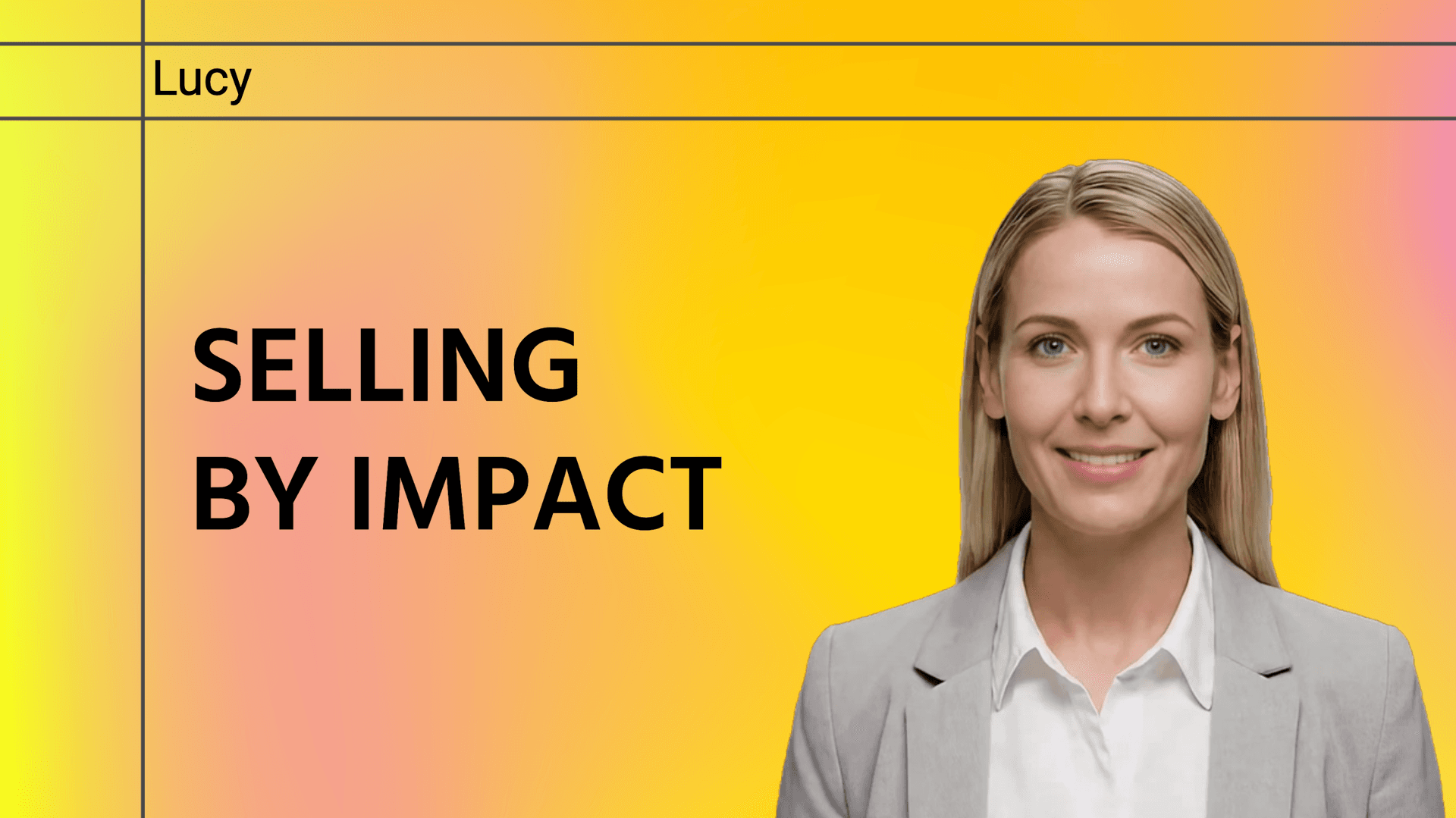
مقدمة الحل
يوضح البيع المرتكز على الحلول باستخدام PulseGuard، مع التركيز على تحديات العملاء، الأثر القابل للقياس، ورواية القصص القائمة على القيمة، لبناء الثقة وتكوين شراكات طويلة الأمد.

برنامج الشراكة
نقدم برنامج الشراكة بالامتياز التجاري لـ Verdant Leaf Tea، مسلطين الضوء على قيم العلامة التجارية، وحرفية الشاي، وتجارب المجتمع، وفرص الشراكة طويلة الأمد.

نظرة عامة على Prime Wealth

مبادئ التنفيذ
اكتشف ثلاث تحولات إنتاجية للمؤسسين: ركز على النتائج لا الكمال، تعمق في مهمة واحدة بدلاً من تعدد المهام، وحدد أهدافك بوضوح للحفاظ على الزخم.
استئجار متحدث مقابل إنشاء واحد
إعادة الكتابة تتطلب إعادة إنتاج
الوجه نفسه في كل مرة
الكمية لم تعد مشكلة
الاستئجار يتفوق أحيانًا
كيفية إنشاء فيديو متحدث بالذكاء الاصطناعي
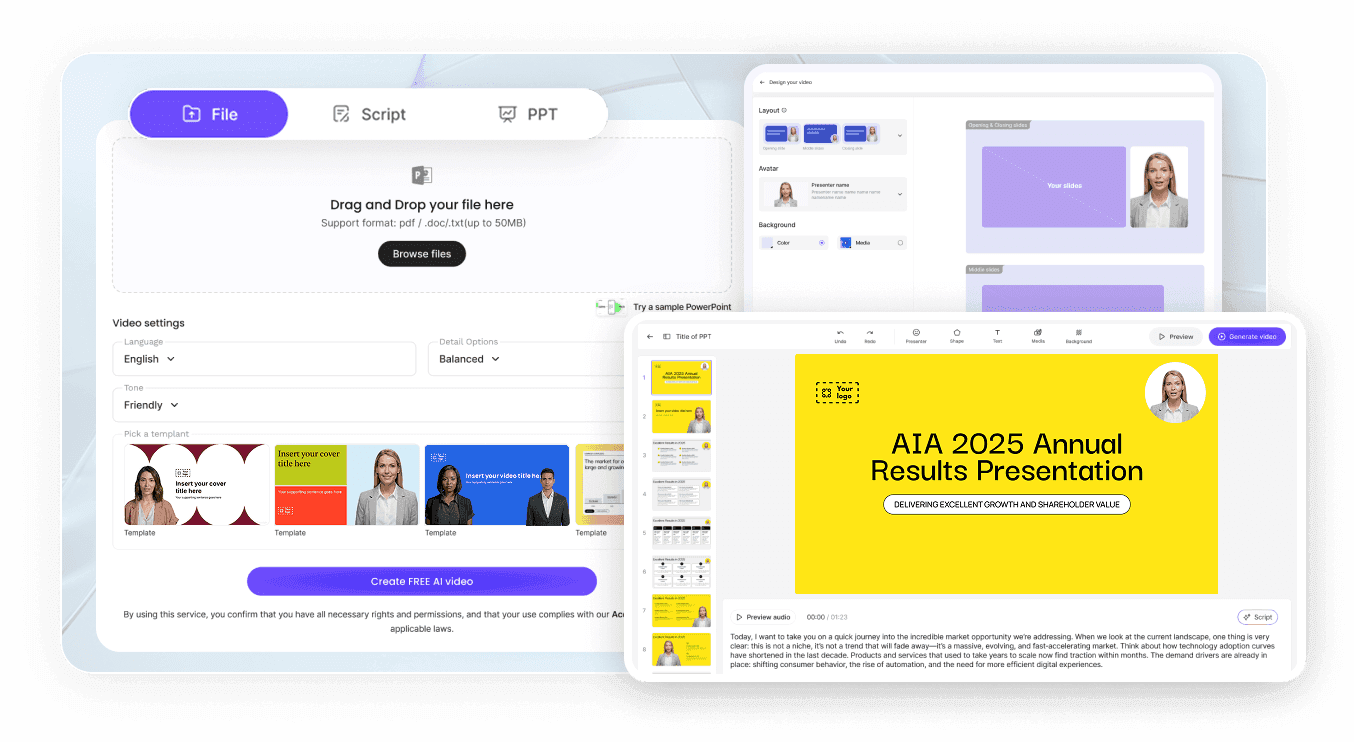
الخطوة 1: اختر متحدثك
الخطوة 2: اكتب ونسّق المحتوى
الخطوة 3: انشر وتحكم في الوصول
حالات استخدام المتحدث بالفيديو
تصدر إطلاق منتج
تُطلق الإعلانات في نفس الأسبوع الذي تُقرر فيه، دون الحاجة لانتظار توفر جدول أعمال مقدم العرض.
تقديم التدريب الإلزامي
تُراجع وحدات الامتثال باستمرار. يمكن للمتحدث الافتراضي قراءة النسخة الأحدث دون الحاجة لإعادة جدولة أي شخص.
إدارة تحديثات تمكين المبيعات
يحتاج مندوبو المبيعات إلى شرح واضح للموقع الجديد، لا مجرد رسالة بريد إلكتروني. مقاطع فيديو المتحدث القصيرة أكثر فعالية بكثير من عرض تقديمي يُرسل يوم الجمعة.
إحاطة المكاتب الإقليمية
يمكن إرسال نفس الإحاطة باللغة التي تناسب كل مكتب إقليمي، وذلك من نص واحد معتمد.

ما تتطلبه فرق المؤسسات من فيديو المتحدث
تأمين مقاطع الفيديو الداخلية
تتبع ما إذا تمت مشاهدته
شارك أصولاً موحدة
تحكم في من يمكنه الإنشاء
أفكار لفيديوهات المتحدث الرسمي
فيديو توضيحي للموقع على الصفحة الرئيسية
عرض متكرر لكشك المعرض التجاري
تحديثات للمستثمرين والشركاء
تسلسل إعداد العملاء الجدد
إعلانات السياسات الداخلية
إجابات الدعم للمشكلات الشائعة
الأسئلة الشائعة
المتحدث الرسمي بالفيديو هو المقدم الذي يتحدث أمام الكاميرا نيابة عن علامة تجارية، في فيديوهات المنتجات، التدريب، والإعلانات. يمكن أن يؤدي هذا الدور ممثل محترف أو مقدم AI يقدم النصوص التي تكتبها.
تختلف تكاليف التوظيف بشكل كبير حسب السوق، الموهبة، وحقوق الاستخدام، وتُفوتر كل إعادة تصوير مجددًا. بدلاً من ذلك، يتم إنشاء الفيديو ضمن خطة Leadde الخاصة بك، مع توفر خطة مجانية وخطط مدفوعة مدرجة في صفحة الأسعار، لذلك لا تضيف الفيديوهات الإضافية رسوم مواهب.
نعم، بشرط موافقة هذا الشخص. صورة رأس واضحة وحديثة تُضاف ضمن "صور AI الرمزية الخاصة بي" (My Avatars) تكفي لإنشاء صورة AI رمزية (Photo Avatar) لهذا الزميل. للحصول على تشابه أدق ينسخ حركاتهم وتعبيراتهم الحقيقية، راسل support@leadde.ai للاستفسار عن صورة AI رمزية استوديو (Studio Avatar) يتم إنشاؤها من مقطع فيديو.
فيديوهات شرح المنتجات، وحدات التدريب والامتثال، الإعلانات الداخلية، مواد تمكين المبيعات، تسلسلات الإعداد (onboarding)، رسائل الفعاليات، وإجابات الدعم. القاسم المشترك هو أن وجود شخص يتحدث أمام الكاميرا يجذب الانتباه بشكل أفضل من النص على الشاشة، خاصة للمحتوى الذي يُطلب من الأشخاص مشاهدته بدلاً من أن يكونوا متحمسين لذلك.
Leadde يدعم 88 لغة و175 لهجة، ويمكن اختيار اللهجات حسب المنطقة وليس اللغة فقط. اكتب النص مباشرة باللغة التي تحتاجها، أو افتح فيديو جاهزًا وأنشئ مسودة مترجمة، مع خيار ترجمة النص على الشاشة أيضًا.
نعم. افتح الفيديو المنشور، انقر على "مشاركة"، وفعّل حماية كلمة المرور، وانسخ الرابط المشفر من اللوحة. يمكن فقط للأشخاص الذين يملكون الرابط وكلمة المرور فتحه، وهذا ما يجعله مثاليًا لاجتماعات استراتيجية أو إعلانات داخلية.
نعم. تحليلات صفحة المشاركة تفصل بين الأشخاص الذين فتحوا الفيديو والذين أكملوا مشاهدته، وتقدم تقارير عن وقت المشاهدة بالإضافة إلى المشاركات والتفاعلات. وهذا يكفي عادةً لمعرفة ما إذا كان العرض قد وصل بفعالية أم تم النقر عليه وتركه.
لا. كل ما عليك هو كتابة النص وتحديد من سيقدمه وبأي صوت. يتم إعداد المشاهد والانتقالات والتعليقات التوضيحية عبر لوحات في المحرر بدلاً من الجدول الزمني، ويتم إنشاء الفيديو النهائي لك تلقائيًا بدلاً من تجميعه مقطعًا بمقطع.
اجعل متحدثًا يقدم نصك التالي
