2026년 현실적인 립싱크를 위한 최고의 AI 토킹 포토 툴
가장 정교한 립싱크 기능을 제공하는 AI talking photo tools로는 HeyGen, Hedra, Kling AI 등이 꼽히지만, 완벽한 도구를 선택할 때는 단순히 입모양의 정확도 그 이상을 따져봐야 합니다. 자연스러운 표정, 음성 동기화, 그리고 원본 이미지의 동일성 유지가 모두 어우러져야 말하는 사진이 진짜 사람처럼 보일 수 있습니다.
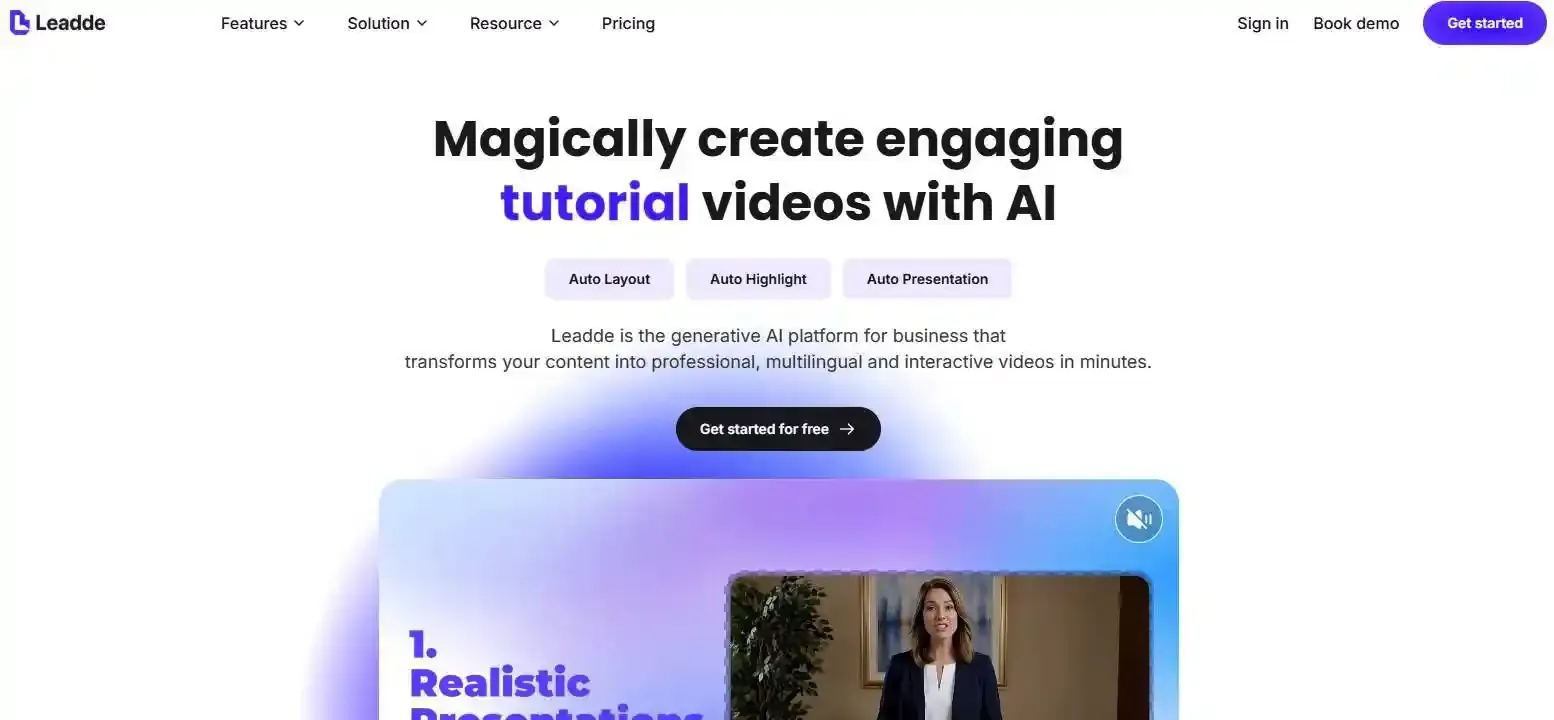
교육자, 마케터, 그리고 기업 담당자들을 위해 Leadde는 정적 사진을 풍부한 표정의 AI avatars로 바꾸고 다국어 영상을 제작할 수 있는 실용적인 방법을 제공합니다.
이번 가이드에서는 2026년 best AI talking photo tools들을 비교하고, 현실감 넘치는 립싱크를 만드는 요소가 무엇인지 살펴보며, 목적에 딱 맞는 옵션을 선택하는 방법을 안내해 드리겠습니다.
Which AI Talking Photo Tool Has the Most Realistic Lip Sync in 2026?
MiniMax H3 Turbo, InfiniteTalk, Kling AI Avatar, and HeyGen Avatar IV are strong contenders for realistic AI talking photos, but their strengths differ.
In an October 2026 blind test by Everypixel, InfiniteTalk narrowly led in speech synchronization, while MiniMax H3 Turbo performed best overall for facial expression and movement. A separate Clipia comparison highlighted Kling AI Avatar for its balance of natural motion, visual stability, and cost.
These results come from different testing conditions and should not be treated as one universal ranking.
Best AI Talking Photo Tools for Realistic Lip Sync: Quick Comparison
| AI Tool | Key Strength | Best For |
| HeyGen Avatar IV | Detailed facial rendering and voice synchronization | Professional photo avatars |
| Hedra | Expressive character animation | Creative videos and storytelling |
| Kling AI Avatar | Natural head and body movements | Social media and longer talking videos |
| D-ID | Straightforward talking portrait creation | Simple presentations |
| Leadde | Talking photo avatars and structured video workflows | Education and corporate training |
| FreeLipSync | Accessible free lip-sync generation | Beginners and short videos |
| VEED Fabric | Talking photo creation with video editing | Content creators |
| InfiniteTalk / MiniMax H3 Turbo | Strong results in independent model comparisons | Realism-focused experimentation |
These are use-case distinctions, not a single independently verified performance ranking.
Which Tool Has the Most Accurate Lip Sync vs. the Most Natural Facial Expressions?
Lip-sync accuracy and facial realism are different qualities.
A tool can match spoken words accurately while producing a stiff-looking face.
Everypixel's blind test found that InfiniteTalk scored 58% in its speech-sync comparisons, narrowly ahead of MiniMax H3 Turbo at 56%. However, MiniMax H3 Turbo won 75% of expression-and-motion comparisons.
For professional videos, viewers notice more than lip movement. Natural blinking, subtle expressions, and stable facial features matter just as much.
What Makes AI Talking Photo Lip Sync Look Realistic?
How AI Matches Speech Sounds to Mouth Movements
AI lip-sync systems analyze speech and generate corresponding mouth movements.
Two important concepts are:
- Phonemes: Individual speech sounds, such as /p/, /b/, and /m/.
- Visemes: Visible mouth shapes associated with speech sounds.
Realistic synchronization requires accurate timing between audio and facial animation.
Fast speech, long vowels, sudden pauses, and complex consonant combinations make synchronization harder.
Why Facial Expressions and Identity Consistency Matter
A realistic talking photo should preserve the original person's appearance while generating natural movements.
Important details include:
- Eye contact and blinking
- Jaw and cheek movement
- Head gestures matching speech
- Consistent facial proportions
- Natural teeth and mouth appearance
Even correctly synchronized lips can look unnatural when the rest of the face remains motionless.
Identity consistency is equally important. If the nose, jawline, or facial structure changes during animation, viewers may notice the distortion immediately.
How to Test Lip Sync Realism Fairly
To compare AI talking photo generators, use identical inputs:
- The same clear, front-facing portrait.
- The same 10-second voice recording.
- A faster speech sample with distinct consonants.
- A longer recording to examine stability.
- The same viewing conditions.
Evaluate mouth timing, facial expressions, identity preservation, and visual artifacts separately.
A five-second demo cannot establish long-video reliability.
For example, a model may perform well during a short greeting but develop facial distortion or repetitive movements during a longer presentation.
How Can You Make a Photo Talk with Realistic Lip Sync?
Step-by-Step: Turn a Still Photo into a Talking Video
Step 1: Choose a clear portrait.
Use a sharp, well-lit image with a visible face. Avoid heavy shadows, extreme angles, and objects covering the mouth.
Step 2: Prepare your script or audio.
Write natural sentences with manageable pauses. If uploading your own recording, minimize background noise.
Step 3: Select a talking photo generator.
For example, Leadde's AI Talking Photo Generator lets users upload a portrait, enter a script, select an AI voice, and generate a speaking avatar.
Its Expressive IV technology is designed to add facial expressions, blinking, and subtle head movements alongside lip synchronization.
Step 4: Generate your video.
Create a short test clip before producing longer content.
Step 5: Review and export.
Check mouth movements, facial consistency, and audio timing before using the video publicly.
Should You Use Text-to-Speech or Upload Your Own Audio?
Both approaches work, but they serve different needs.
| Method | Best For | Main Consideration |
| Text-to-Speech | Tutorials, training, scripted presentations | Voice pronunciation and emotional delivery |
| Uploaded Audio | Personal messages, branded voices, expressive speech | Recording quality and timing |
For educational content, AI-generated narration can make repeated script updates easier.
For emotional storytelling or distinctive brand voices, an existing recording may offer more control.
Why Does AI Talking Photo Lip Sync Sometimes Look Unnatural?
| Problem | Possible Cause | Practical Fix |
| Lips lag behind speech | Timing or generation inconsistency | Regenerate using clean audio |
| Mouth stays still | Face detection or animation failure | Try a closer facial crop |
| Teeth appear distorted | Difficult mouth rendering | Use a clearer portrait |
| Expressions look robotic | Limited facial animation | Try a more expressive model |
| Face changes over time | Identity drift | Test shorter segments |
| Lip sync fails in fast speech | Complex articulation | Reduce speaking speed or change the model |
A useful diagnostic technique is to watch the video twice: first without sound to assess facial movement, then with audio to evaluate synchronization.
For longer videos, inspect the beginning, middle, and ending rather than checking only the first few seconds.
Which AI Talking Photo Tool Is Best for Your Use Case?
Best for Education, Training, and Business Communication
For organizations producing educational or training content, realistic lip sync is important—but it is only one part of an effective video.
Consider a training team updating workplace safety procedures.
A standalone talking photo tool can animate a presenter reading a new announcement. However, an entire training module may also need instructional scenes, visual explanations, subtitles, and localized versions.
Leadde is particularly relevant to this workflow. Alongside Photo Avatar creation, it supports converting documents and business knowledge into structured videos with AI narration and presenters.
This makes it an option worth evaluating when teams need more than a single speaking portrait.
Best for Marketing, Social Media, and Creative Content
Different content formats require different animation styles.
- HeyGen Avatar IV: Suitable for polished spokesperson-style videos.
- Hedra: Useful for expressive fictional characters and storytelling.
- Kling AI Avatar: Worth evaluating when natural gestures and body movement matter.
- VEED Fabric: Combines audio-driven talking photos with an editing environment.
For short promotional videos, natural expression may matter more than long-form stability.
For recurring brand characters, consistent appearance between videos becomes especially important.
Best for Multilingual and Long-Form Talking Videos
Multilingual video production introduces several separate challenges:
- Accurate translation
- Natural pronunciation
- Voice consistency
- Lip movements matching each language
- Stable facial animation across longer recordings
A large supported-language list does not prove equal lip-sync quality in every language.
For longer videos, test whether the tool maintains the person's identity without repetitive gestures or changing facial details.
From an instructional design perspective, breaking lessons into focused scenes can also improve clarity and simplify future updates.
Can Free AI Talking Photo Generators Produce Realistic Lip Sync?
Yes. Free AI talking photo generators can produce convincing short clips, although free plans frequently impose limits on duration, resolution, downloads, or generation credits.
Free vs. Paid AI Talking Photo Tools
FreeLipSync offers a free generation workflow for short talking-photo clips. Its published free plan supports up to 20 seconds per video, with additional capabilities available through paid plans.
Leadde also provides a free entry point for experimenting with photo avatars, while watermark-free exports are associated with premium plans.
Other platforms may offer trials or limited credits rather than unrestricted free generation.
Before choosing, verify:
- Maximum video duration
- Export resolution and watermarks
- Generation limits
- Commercial-use permissions
- Available voices and languages
Free access is useful for initial experimentation, but not necessarily for repeated business production.
What Is the Real Cost of Creating a Usable Talking Photo?
Subscription price alone can be misleading.
A more practical measurement is:
Cost per usable video = Total generation, editing, and review costs ÷ Approved videos
For example, producing one acceptable training clip may require several generations, script corrections, and a final quality review.
A tool with lower generation costs could become more expensive if its outputs frequently require revisions.
For teams producing multiple videos every month, reliability and editability can matter more than the lowest advertised price.
How Do You Choose the Best AI Talking Photo Tool?
Five Questions to Ask Before Choosing
Does it support true photo-to-video generation?
Some tools synchronize existing videos rather than animate a single still image.
Does the lip sync work with your actual voice?
Test your preferred language, pronunciation, and speaking speed.
Does the tool preserve facial identity?
Check whether the person's appearance stays consistent throughout the video.
Can it handle your content requirements?
Consider duration, aspect ratio, subtitles, localization, and editing.
Do its licensing and pricing terms fit your project?
Verify commercial rights, consent requirements, and any restrictions on using real people's faces or cloned voices.
Most Realistic vs. Most Practical: What Matters More?
The most realistic talking photo model is not always the best production tool.
A creator publishing occasional short videos may prioritize expressive animation and free access.
A corporate training team may instead need consistent avatars, multilingual narration, easy script changes, and repeatable production workflows.
The most useful tool is the one that combines acceptable visual realism with reliable production for your specific content.
Before committing to a platform, generate a sample using the actual photograph, voice, and script you intend to publish.
Frequently Asked Questions About AI Talking Photo Lip Sync
What Is the Most Realistic AI Talking Photo Generator?
MiniMax H3 Turbo, InfiniteTalk, Kling AI Avatar, and HeyGen Avatar IV are worth comparing. Available independent tests highlight different strengths: InfiniteTalk performed well for speech synchronization in Everypixel's test, while MiniMax H3 Turbo stood out for overall facial motion. There is no universally established winner across all images and languages.
Which AI Tool Has the Most Accurate Lip Sync?
InfiniteTalk narrowly led speech synchronization in Everypixel's October 2026 comparison. However, that test included only four models and a small selection of inputs. Results may differ with other photographs, speech styles, and languages.
What Is the Best Free AI Talking Photo Generator?
FreeLipSync is a practical option for experimenting with short talking-photo videos. Leadde also offers a free entry point for photo-avatar creation, particularly relevant to educational and business communication. Compare generation limits and export conditions before choosing.
Is HeyGen or D-ID Better for Talking Photos?
HeyGen Avatar IV emphasizes expressive facial animation, gestures, and polished AI presenters. D-ID provides a straightforward approach to creating speaking portraits. The better option depends on your desired visual style, editing needs, and output requirements. Neither should be declared the more realistic tool without comparable testing.
Can AI Lip Sync Work in Different Languages?
Yes. Many AI talking photo generators support multilingual speech and animation. However, pronunciation, speech timing, and mouth movements may vary between languages. For important educational or commercial videos, have a native speaker review the generated audio and final synchronization.
Can I Create a Talking Photo Using My Own Voice?
Yes. Some tools allow users to upload prerecorded audio or use authorized voice cloning. Uploaded audio can be useful when preserving a person's natural speaking style. Always ensure you have permission to use the voice and any associated likeness.
Why Does My AI Talking Photo Move Without Speaking?
This can happen when the system animates the image but fails to generate or correctly map speech-driven mouth movements. Try using a closer portrait, cleaner audio, or a different model. A successful render does not always mean the speech animation succeeded.
Can I Use AI Talking Photo Videos Commercially?
Many platforms offer commercial-use rights under specific plans or licenses. However, commercial access does not automatically grant permission to animate someone's face or clone their voice. Verify the platform's terms and obtain appropriate consent before publishing.
Conclusion
The most realistic AI talking photo tool depends on more than lip-sync accuracy. HeyGen, Kling, Hedra, and research-focused models offer different strengths, while Leadde provides a practical option for combining talking avatars with educational and business video workflows. Compare tools using your own photo and audio, and prioritize natural facial movement, identity consistency, and reliable results over promotional demonstrations alone.