
Text to Animation Maker
Turn written content into clear, animated explainer videos in minutes. Leadde's text to animation maker uses AI Motion, narrated scenes, and 200+ presenters to convert lesson notes, reports, scripts, and documents into polished animated videos — no animator, no video editor, and no starting from scratch.
Why Leadde is the Best Text to Animation Maker

Turn Any Text Format Into a Scene-by-Scene Animation
From lesson notes, textbook chapters, and PowerPoint decks to business reports, product briefs, and marketing scripts, Leadde structures any written content into a scene-by-scene animated video — converting text into animated diagrams, narrated scenes, and visual storytelling in a single tool.

AI Motion That Brings Written Prompts to Life Visually
Static text can't show how a concept unfolds step by step or how a process connects from beginning to end. Leadde's Text-to-Motion feature turns written prompts into animated diagrams and step-by-step visuals — converting a sentence about a chemical reaction, a business process, or a historical event into a moving animated scene.

Narrated Text to Animation Videos in 88 Languages
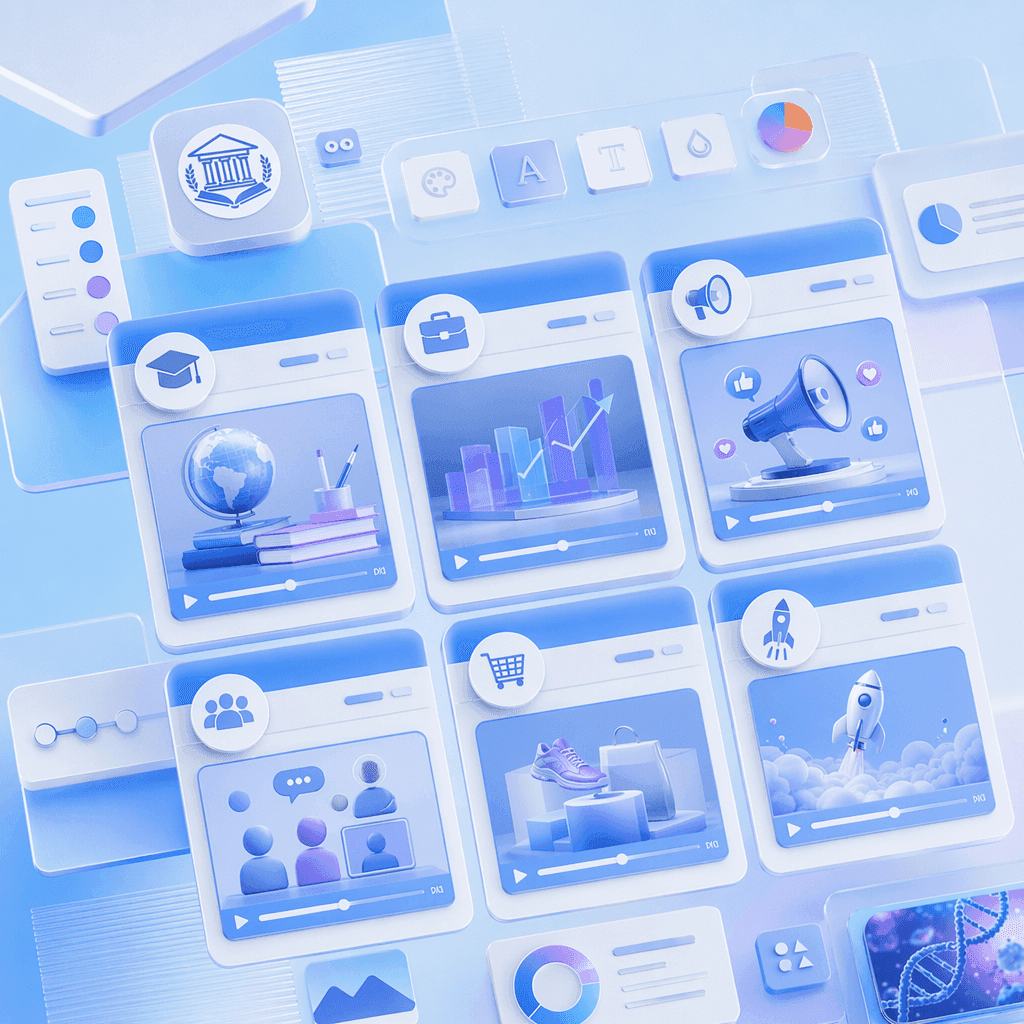
Pair every text to animation video with a lifelike AI presenter. Choose from 200+ avatars with the Expressive IV Engine, then translate voiceover and on-screen text into 88 languages and 175 dialects — ideal for global audiences, ESL classrooms, international business teams, and multilingual online courses.

Templates for Every Content Type and Audience
Apply your school, brand, or organization's colors, logo, and font once, then reuse the layout across every animated video — keeping text to animation output visually consistent from lesson explainers in term one to business presentations and product launches in the final quarter.
How to Create a Text to Animation Video with AI
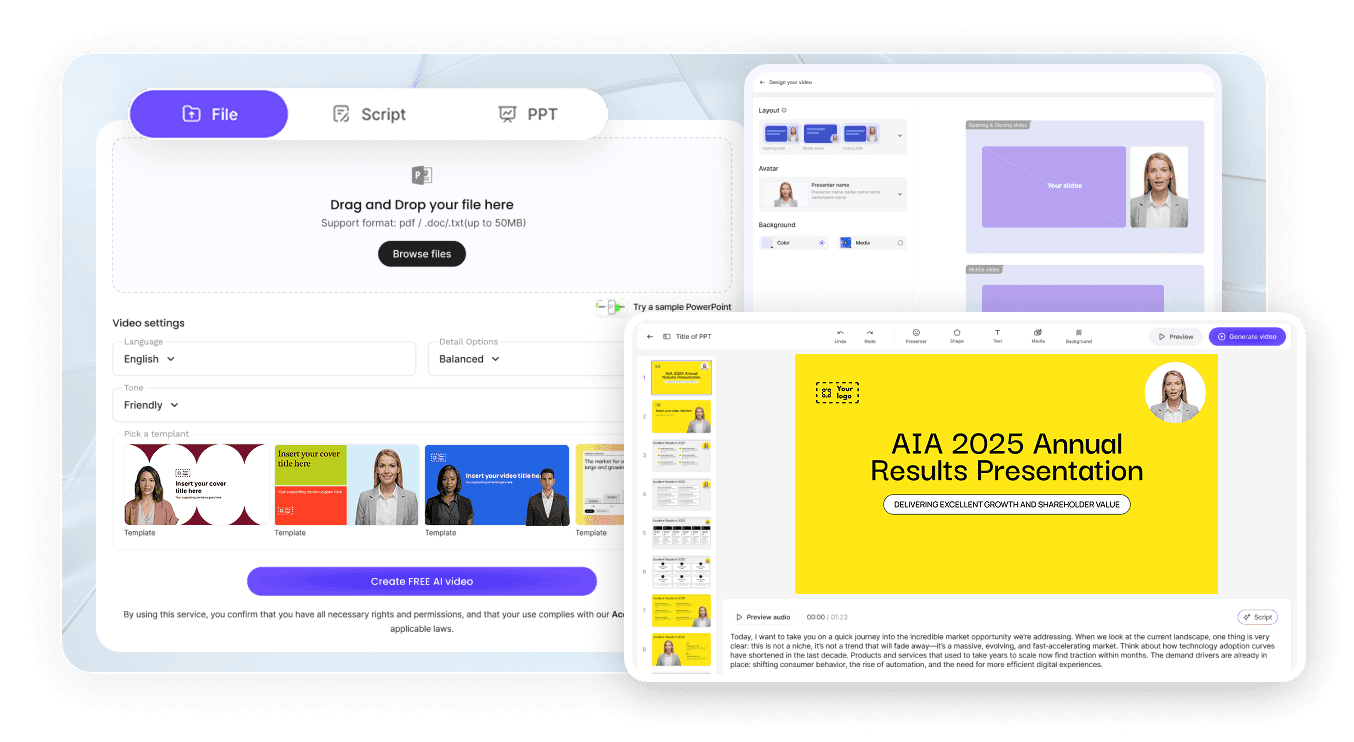
Turn any written content into a polished animated video in three steps — no animator required.

Step 1: Add Your Text, Script, or Document
Log into Leadde and paste your text or upload a document, lesson plan, report, or PowerPoint deck. Set your audience and narrative style — the AI structures your written content into a scene-by-scene animation outline.
Step 2: Generate Animations and Narration
Open Text-to-Motion and generate animated visuals directly from your written prompts. Add an AI presenter, drag in supporting diagrams or data, and let the AI Script tools regenerate, expand, or shorten narration for each scene. Apply your Brand Kit across every animated video.
Step 3: Refine, Translate, and Share with Your Audience
Preview pacing, then click "Generate Video." Download the HD MP4 and upload to Google Classroom, Canvas, YouTube, or LinkedIn — or translate into 88 languages and share via a password-protected Leadde link.
Education & Explainer Text to Animation Videos
Science, Data & Technical Text to Animation Videos
Research Paper to Animation
Convert a scientific abstract, findings section, or full paper into an animated research summary video — a paper to animation workflow mapping hypothesis, methodology, results, and conclusion into narrated animated scenes. Perfect for academic conferences, research dissemination, and science communication content.
Data Summary to Animation
Animate a written data summary or analytical brief — a data to animation workflow generating animated charts, graphs, and data visualizations from written descriptions of metrics, trends, and findings. Ideal for business analysts, researchers, and data science educators at any level.
Technical Manual to Animation
Convert a technical manual, engineering specification, or process document into a step-by-step animated explainer — a manual to animation workflow generating animated diagrams, labeled schematics, and narrated procedure walkthroughs. Perfect for engineering firms, manufacturing companies, and technical training programs.
Lab Report to Animation
Animate a lab report or experimental write-up — a report to animation workflow converting method, results, and analysis into narrated animated scenes with supporting diagrams and data visualizations. Ideal for science teachers, undergraduate courses, and EdTech content at any level.
Trusted by Educators, Marketers, and Content Creators

Text to Animation Ideas & Use Cases
Teachers & EdTech Creators
Convert lesson notes, textbook chapters, and curriculum documents into animated lesson videos students rewatch before quizzes, labs, and exams across every subject.
Business & Marketing Teams
Turn business reports, marketing copy, product briefs, and campaign scripts into animated videos for presentations, social media, and client-facing content.
Online Course Creators
Package text to animation videos as standalone lessons for Udemy, Teachable, or Coursera — each document or script its own narrated, scene-by-scene animated video.
Researchers & Science Communicators
Convert research papers, data summaries, and scientific findings into polished animated videos for academic conferences, journal submissions, and public science communication.
常見問題
文字轉動畫製作工具是一種軟體,能將書面內容——如課程筆記、腳本、報告、文件和研究論文——轉換為帶有旁白的動畫解說影片。Leadde 運用 AI 從文字提示生成動態圖形,將您的內容組織成場景,並透過逼真的 AI 演示者以 88 種語言呈現動畫。
是的。Leadde 的免費方案讓您能完整使用 AI 影片製作工具、文字轉動態生成、200 多個虛擬人像庫以及核心編輯工具。您可以在瀏覽器中完全免費製作您的第一個文字轉動畫影片——無需信用卡,也無需安裝任何軟體。
您可以轉換任何適合腳本影片的書面內容——例如課程筆記、教科書章節、演講投影片、解說腳本、商業報告、行銷文案、培訓文件、產品簡報、研究論文、數據摘要、技術手冊和實驗室報告。您可以上傳最大 200 MB 的 PPTX、PDF、DOC、DOCX 或 TXT 檔案,或直接將內容貼到 AI 影片製作工具中。
是的。Leadde 支援 88 種語言和 175 種方言。您只需以原始語言製作一次文字轉動畫影片,然後使用翻譯工具,即可為您的所有觀眾重新生成帶有本地化旁白、同步唇形動作和螢幕字幕的影片。
您可以自行嘗試,前往側邊欄並導航至「AI 工具」>「建立媒體」,您會找到兩種生成視覺內容的方式。若要免費選項,請使用「動態」分頁來製作特定動作或解說的動畫。若要進行完整的影片生成,則可使用「文字轉影片」功能,透過您的帳戶點數從純文字提示建立完整的影片片段。

