
How to Create a SaaS Explainer Video (2026): Proven Framework That Converts

Think about the last time you evaluated a SaaS product.
You land on a homepage. One site gives you paragraphs of text. Another shows a short video that instantly explains the product.
You don’t hesitate.
You watch the video. You understand the value. You move forward.
That’s exactly why SaaS explainer videos work — not because they look good, but because they reduce friction and accelerate understanding.
After analyzing real-world SaaS video workflows and testing different formats, one pattern is clear:
👉 The best SaaS explainer videos are not the most polished — they are the fastest to make users understand and act.
In this guide, you’ll learn:
- The exact structure high-performing explainer videos follow
- Real timing benchmarks (3s hook, 10s product reveal, <60s total)
- What actually kills conversion (and how to avoid it)
- A step-by-step workflow you can replicate
- How to produce videos faster using modern AI workflows
If you want to create SaaS explainer videos that follow this exact structure while reducing production time and complexity, Leadde.ai helps you turn ideas into clear, conversion-focused videos with a streamlined, end-to-end workflow.

What Is a SaaS Explainer Video? (And What It Is NOT)
A SaaS explainer video is a short, purpose-built video designed to help users quickly understand:
Typically in under 60–90 seconds.
But in practice, the biggest mistake teams make is misunderstanding its role.
👉 A SaaS explainer video is not a full demo.
👉 It is not onboarding.
👉 It is not a feature walkthrough.
Its job is simple:
👉 Reduce confusion and create initial clarity.
From real product launches and video audits, high-performing explainer videos usually focus on one primary goal:
- Increase homepage conversion
- Improve sign-up intent
- Support early-stage understanding
Not everything at once.
When to Use a SaaS Explainer Video vs a Product Demo
This is one of the most important decisions — and one of the most common mistakes.
Use an Explainer Video when:
- Your product is new or unfamiliar
- Your value proposition is hard to grasp
- Users don’t understand “why it matters”
Use a Product Demo when:
- Users already understand the problem
- Your UI is the core selling point
- You need to show how it works
Best-performing strategy:
👉 Combine both
- Explainer → clarity
- Demo → proof
In many real SaaS funnels, replacing a single long explainer with:
👉 1 short explainer + 1 demo video
leads to significantly better comprehension and engagement.
Once your SaaS explainer script is clear, Leadde can turn it into a polished product video without a studio, voiceover booking, or manual editing.
What Makes a SaaS Explainer Video Actually Work
After reviewing real SaaS explainer workflows and failed examples, one pattern is consistent:
👉 Most explainer videos fail because they try to explain too much.
High-performing videos follow a much simpler structure:
1. Start with the problem
Not the product.
2. Show the transformation
What changes after using the product?
3. Introduce the product briefly
Only what’s necessary.
4. Focus on benefits, not features
5. End early — don’t over-explain
💡 Real insight:
Videos that try to cover everything (features, workflows, edge cases)
often leave users more confused.
How to Create a SaaS Explainer Video That Converts (Core Framework)
Step 1 — Hook the Problem in the First 3 Seconds
One of the most consistent patterns across high-performing videos:
👉 Users decide whether to continue watching within 3–5 seconds
Effective hooks:
- “Still spending hours doing X manually?”
- “Struggling with [specific pain point]?”
What doesn’t work:
- “We are a company that…”
- “Introducing our platform…”
👉 Insight:
👉 Users care about their problem first, not your product
Step 2 — Show the Product Within 10 Seconds
A key performance pattern:
👉 Best-performing videos show real UI within 10 seconds
Why this matters:
- Builds trust instantly
- Reduces abstraction
- Answers “is this real?”
Poor videos delay this too long with:
- animations
- branding
- generic messaging
👉 Insight:
👉 Real product > polished animation (early stage)
Step 3 — Focus on One Core Workflow (3–5 Steps Max)
High-performing explainer videos are surprisingly simple:
- 1 use case
- 3–5 steps
- 1 clear outcome
Example structure:
- Problem
- Context
- Product (workflow)
- Result
- CTA
👉 Insight:
👉 Explainer videos compress information — not expand it
(Reviewing real explainer video script examples can help you master this specific flow.)
Step 4 — Keep It Under 60 Seconds (Critical Conversion Factor)
Across real landing page tests:
- <60 seconds → strong engagement
- ~2 minutes → sharp drop in completion
Shorter videos work because:
- lower cognitive load
- faster value delivery
- easier decision
👉 Insight:
👉 Short videos convert because they respect attention
Step 5 — End With One Clear Next Step
A common failure:
👉 Great video → no action
Effective CTAs:
- Try it free
- Book a demo
- Start now
Bad CTAs:
- multiple options
- vague messaging
👉 Insight:
👉 One video = one action
How to Write a SaaS Explainer Video Script That Converts
Script quality is the single biggest factor in performance.
From real examples:
- A $100 video with a strong script can outperform a $5,000 animation
- A weak script cannot be saved by better visuals
Proven script structure:
- Hook (first 3–5 seconds)
- Problem
- Why it matters
- Solution (your product)
- Key benefit
- Call to action
What to avoid:
- Feature dumping
- Technical jargon
- Long explanations
💡 Insight:
👉 If users don’t understand your product in 20 seconds, the script is the problem.
Why Most SaaS Explainer Videos Fail (Even If They Look Good)
After reviewing dozens of explainer videos, most failures come from:
1. Starting with the product instead of the problem
2. Over-explaining features
3. Not showing real usage early
4. Being too long
5. No clear CTA
One of the most important realizations:
👉 Many videos are “well-produced” but poorly structured
👉 Insight:
👉 Structure drives conversion more than production quality
Real Case Insights: What Actually Works in SaaS Explainer Videos
Case 1 — Landing Page Optimization
- Hook within 3 seconds
- Show UI within 10 seconds
- Keep video under 60 seconds
- Focus on one workflow
Result:
👉 Higher engagement and completion compared to longer versions
Case 2 — SaaS Launch Video Driving Traffic
- Used explainer video in marketing
- Generated 25K+ visitors in one week
Insight:
👉 Video increases reach + understanding, not just conversions
Case 3 — Multi-Tool Workflow for Explainer Videos
Typical stack:
- Loom / Tella → recording
- Descript → cleanup
- ElevenLabs → voice
- CapCut → captions
Insight:
👉 Most teams don’t lack tools — they lack efficient workflow
The Real Cost of Creating a SaaS Explainer Video
Two main paths:
Option 1 — Agency / Freelancer
- Cost: $500+ per video (If you are wondering how much does an explainer video cost on average, this is just the baseline.)
- Pros: quality
- Cons: expensive, slow iteration
Option 2 — DIY Workflow
- Cost: low
- Cons: time-heavy, fragmented
Hidden cost:
👉 Editing + revisions + iteration
👉 Insight:
👉 Cheap tools can become expensive in time
SaaS Explainer Video Workflow: What Actually Scales
Most teams start like this:
- record → edit → voice → captions → publish
Problem:
- too many tools
- slow iteration
- inconsistent output
Scaling requires:
👉 Reducing steps, not adding tools
Using a proven explainer video template can drastically cut down this friction.
AI Video Agents vs Traditional Tools: The New Workflow Shift
Traditional tools:
- generate video
- require manual editing
AI video agents:
- generate script
- build structure
- sync visuals + voice
- optimize output
This is where Leadde.ai stands out:
👉 Instead of just creating videos, it acts as a video content co-pilot
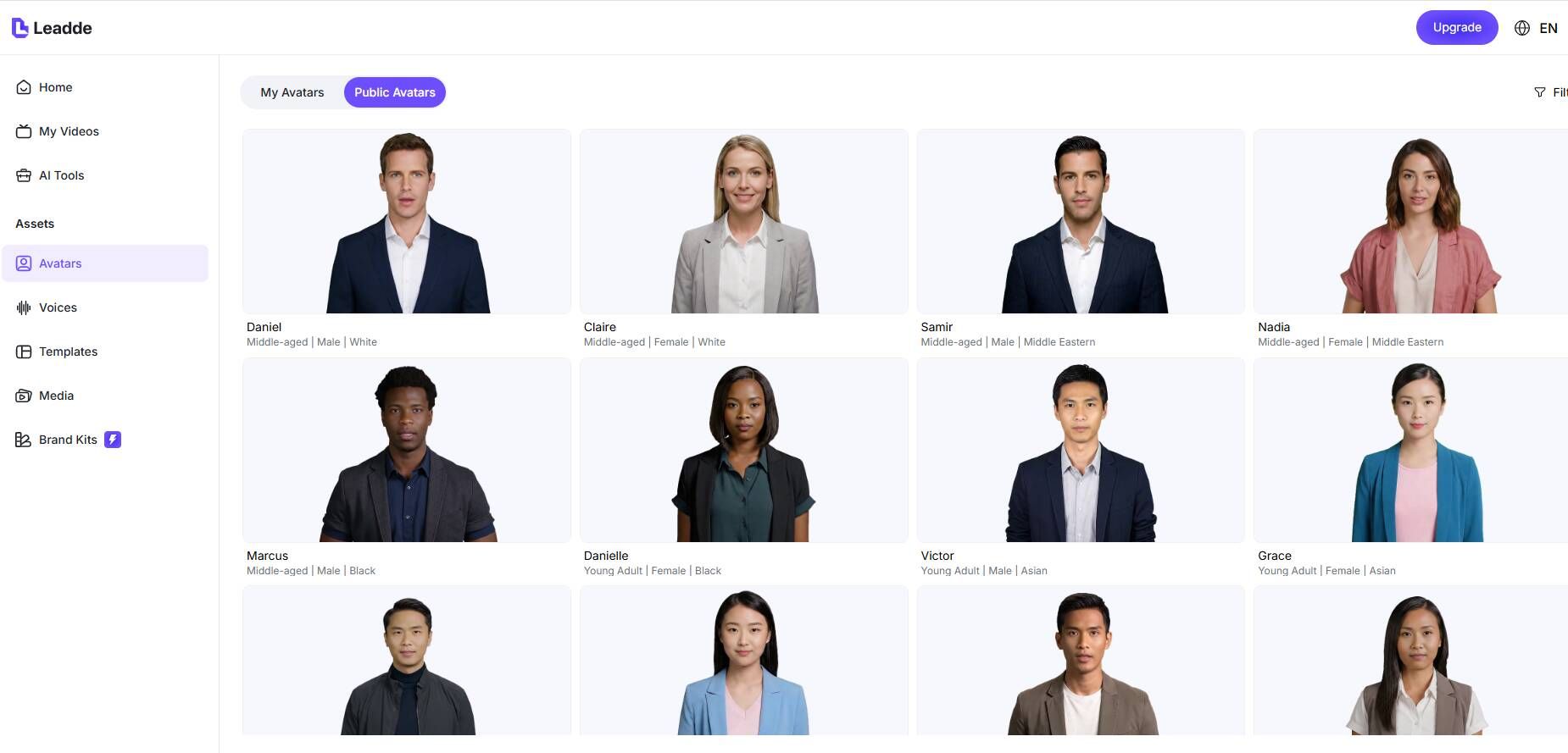
- structured explainer workflow
- reduced editing time
- consistent output
- scalable production
This is where Leadde.ai stands out. Instead of just creating videos, it acts as a video content co-pilot providing a structured explainer workflow, reduced editing time, consistent output, and scalable production.
👉 Insight:
👉 The future is not video creation — it’s workflow automation
When You DON’T Need a SaaS Explainer Video
Not every SaaS needs one.
You may NOT need it if:
- product is extremely simple
- landing page is already clear
- low complexity decision
You DO need it if:
- product is complex
- value is hard to explain
- onboarding friction is high
👉 Insight:
👉 Explainer videos solve clarity problems — not all problems
Best Tools for Creating SaaS Explainer Videos (By Use Case)
Fast Recording
- Loom
- Tella
Editing & Cleanup
- Descript
Voiceover
- ElevenLabs
Captions
- CapCut
AI End-to-End Workflow
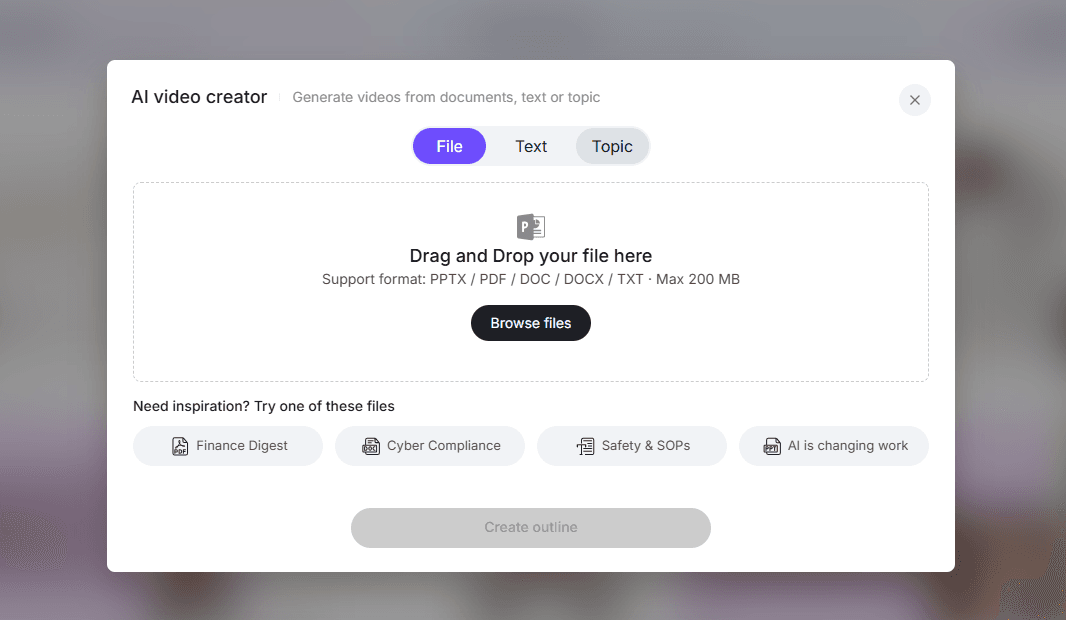
- Leadde.ai
👉 Best choice depends on:
👉 workflow, not features
How to Keep Your Explainer Video Updated as Your Product Changes
One overlooked problem:
👉 SaaS products evolve constantly — videos become outdated fast.
Traditional workflow:
- Re-record everything
- High cost
- Slow updates
Modern approach:
- Modular scenes
- AI regeneration
- Continuous updates
💡 Insight:
👉 The real cost of explainer videos is not creation — it’s maintenance.
FAQ: SaaS Explainer Videos (Based on Real User Questions)
How long should a SaaS explainer video be?
Most effective videos are 30–60 seconds.
What should come first: problem or product?
Always start with the problem, not the product.
When should I show the product?
Within the first 10 seconds.
Do I need animation?
Not necessarily. Real product demos often perform better.
Can I create explainer videos without a team?
Yes, especially using AI-based workflows to produce professional explainer videos without agencies.
What is the biggest mistake in explainer videos?
Talking too much about features instead of user outcomes.
Is it worth paying for an explainer video?
Depends — but time cost often exceeds tool cost.
What tools are best for beginners?
Loom + basic editing tools.
How do I make my video more engaging?
Focus on clarity, pacing, and problem-first structure.
Do explainer videos increase conversions?
They often improve understanding, which leads to better conversion.
What’s better: short or detailed video?
Short wins for landing pages.
Can AI replace traditional video production?
For many SaaS use cases — yes.
Final Takeaway: The Best SaaS Explainer Video Removes Friction
The biggest misconception about explainer videos is this:
👉 People think they are about “explaining better”
But in reality:
👉 They are about reducing friction in decision-making
The best SaaS explainer videos:
- start with the problem
- show the product quickly
- simplify the workflow
- focus on one outcome
- guide one action
And increasingly:
👉 The teams that win are not the ones with better videos
👉 But the ones with better AI video workflows
If your goal is to create SaaS explainer videos that are:
- fast to produce
- easy to update
- structured for clarity
- built to convert
Then tools like Leadde.ai are not just helpful — they fundamentally change how the entire process works.





