
AI Doc to Video Converter



What Is a Doc to Video Converter?
A doc-to-video converter uses AI to turn documents into structured, editable videos. It summarizes key points, creates scenes, and generates a video draft with narration and visuals.
With Leadde, you can edit the script, scenes, presenter, voice, and visuals before publishing.
Trusted by the world's leading brands







Turn static documents into dynamic videos in minutes

Onboarding walkthrough
Turn compliance documents, safety protocols, or regulatory guidelines into structured certification videos. Let an AI avatar walk employees through each requirement clearly — reducing legal risk and keeping teams audit-ready.

Cleanroom protocols
Explains the behavior guidelines and operational requirements for cleanrooms, ensuring employees adhere to standards and improve work efficiency and safety.

AR-700 operation training
Introduces the operation process and safety guidelines of the AR-700 precision assembly robot, helping employees master proper operating techniques.

Marketing insights
Why Choose Leadde for Doc to Video Creation?
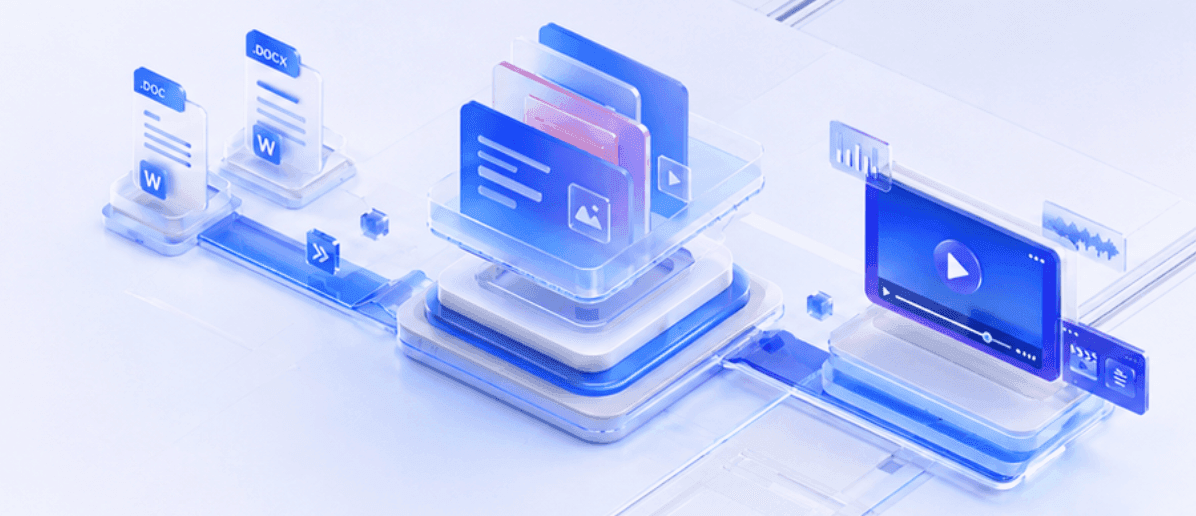
Convert Word documents to videos in minutes
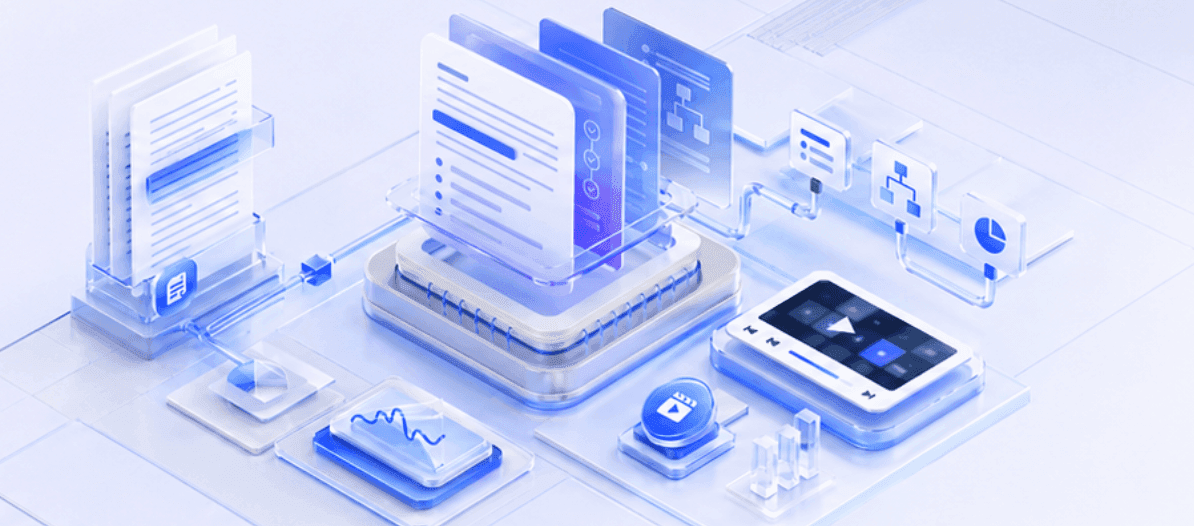
Smart Summarization & Structuring
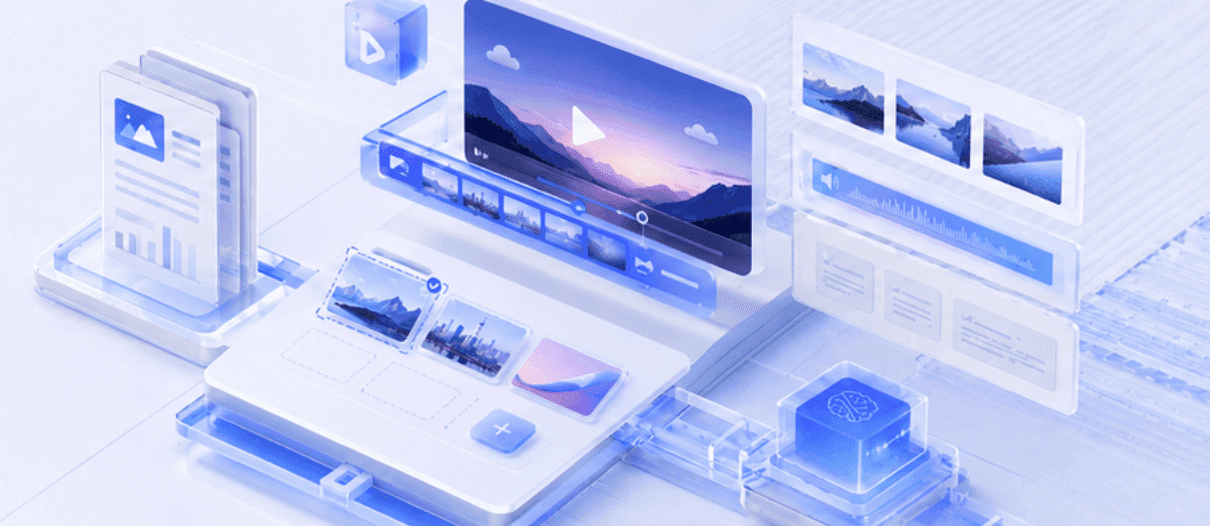
Auto-generated scenes & layouts
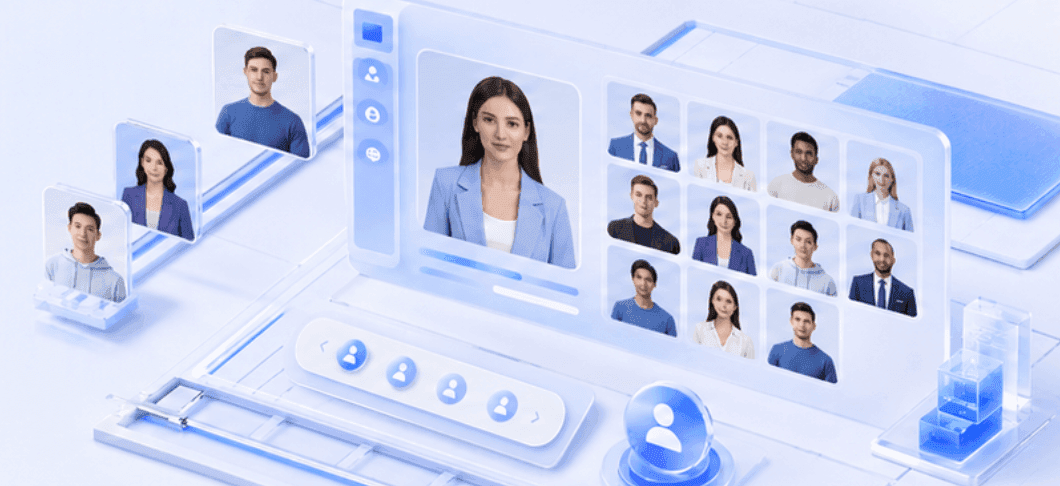
200+ Lifelike AI Presenters and Avatars
How to Convert a Document to Video with AI

Step 1: Upload Your Document
Step 2: Customize and Refine
Step 3: Generate and Publish
What Does Leadde Create from Your Document?
A Clear Video Outline
Leadde identifies the key ideas and organizes them into a logical video structure for review.
An Editable Video Script
AI converts the document content into concise narration that you can edit before generating the video.
Automatically Divided Scenes
Long document sections are split into focused video scenes, each covering one topic or step.
AI-Generated Narration
Leadde creates voice narration in your selected voice and language, with an editable script.
Subtitles and On-Screen Text
Subtitles and text highlights make important information easier to follow and understand.
AI Presenters and Visual Layouts
Choose an AI presenter and automatically generated layouts that match each video scene.
Turn Long Documents into Video-Ready Content
Leadde turns long documents into clear, structured video scenes. It identifies key information, removes repetition, adapts written content for narration, and highlights important points on screen. The result is a more visual and accessible way to present document content.
Edit Your Document Video Before Publishing
Refine your AI-generated document video with flexible editing tools before sharing it with your audience.
Edit narration, scenes, and topic flow
Customize presenters, voices, languages, and subtitles
Replace visuals, adjust layouts, and regenerate selected scenes
Update Videos When the Document Changes
When policies, procedures, or product information change, Leadde lets you update the affected script or scene without re-recording the entire video. Simply revise the content, review it, and generate a new version.
Make Document Videos Interactive
Publish your document video with Leadde Video Chat so viewers can ask questions while watching.
Interactive document videos work well for:
Employee training
Product education
Customer onboarding
Process guidance
Policy communication
Educational content

Trusted by HR, Marketers & Corporate Trainers
Doc to Video Free Trial
Maximize Knowledge Retention
Instant Content Updates
Interactive Video Experiences
Document to Video Use Cases
Standard Operating Procedures
Convert written procedures into step-by-step training videos.
Each major action can become a separate scene with narration, subtitles, and visual guidance.
Employee Handbooks
Turn long employee documents into shorter videos organized by topic.
Create separate sections for workplace policies, company expectations, benefits, security rules, or onboarding requirements.
Policies and Internal Guidelines
Present important company policies in a more accessible format.
An AI presenter can explain the main requirements while on-screen text highlights the points employees need to remember.
Training Documents
Transform training materials into structured video lessons that employees or learners can watch at their own pace.
Subject-matter experts can review the generated content before it is distributed.
Process Guides
Convert written workflows into visual instructions.
Break complex processes into shorter stages and use individual scenes to explain each step clearly.
Product Documentation
Turn feature explanations, implementation guides, or technical information into product education videos.
Combine narration, text highlights, and visual scenes to make complex information easier to understand.
Frequently asked questions
Leadde’s doc to video converter transforms documents into editable videos with scripts, scenes, narration, subtitles, and AI presenters.
Upload a document to Leadde, review the AI outline, generate scenes, edit content, then export the finished video.
Yes, Leadde converts document content into a complete editable video with scenes, narration, subtitles, visuals, and an AI presenter.
Yes, Leadde summarizes long reports, organizes key findings into scenes, and creates a shorter, editable video presentation.
Yes, Leadde converts procedures, handbooks, policies, and training documents into structured videos for employee learning and instruction.
Yes, Leadde lets you edit scripts, scenes, subtitles, voices, visuals, layouts, and AI presenters before export.
Yes, Leadde adds subtitles, AI narration, visual scenes, and a selectable AI presenter to document videos.
Yes, Leadde exports finished document videos as MP4 files, with available resolution determined by the selected plan.
Yes, Leadde offers a free plan with 10 video minutes monthly, one personal avatar, and one personal voice.
Leadde suits users needing editable document videos, AI presenters, subtitles, narration, MP4 export, and a free starting plan.
Ready to try Leadde?
