
AI PDF to Video Converter Online



Turn PDFs into Clear, Engaging Videos

Onboarding walkthrough
Turn compliance documents, safety protocols, or regulatory guidelines into structured certification videos. Let an AI avatar walk employees through each requirement clearly — reducing legal risk and keeping teams audit-ready.

Cleanroom protocols
Explains the behavior guidelines and operational requirements for cleanrooms, ensuring employees adhere to standards and improve work efficiency and safety.

AR-700 operation training
Introduces the operation process and safety guidelines of the AR-700 precision assembly robot, helping employees master proper operating techniques.

Marketing insights
Trusted by the world's leading brands







What Is an AI PDF to Video Converter?
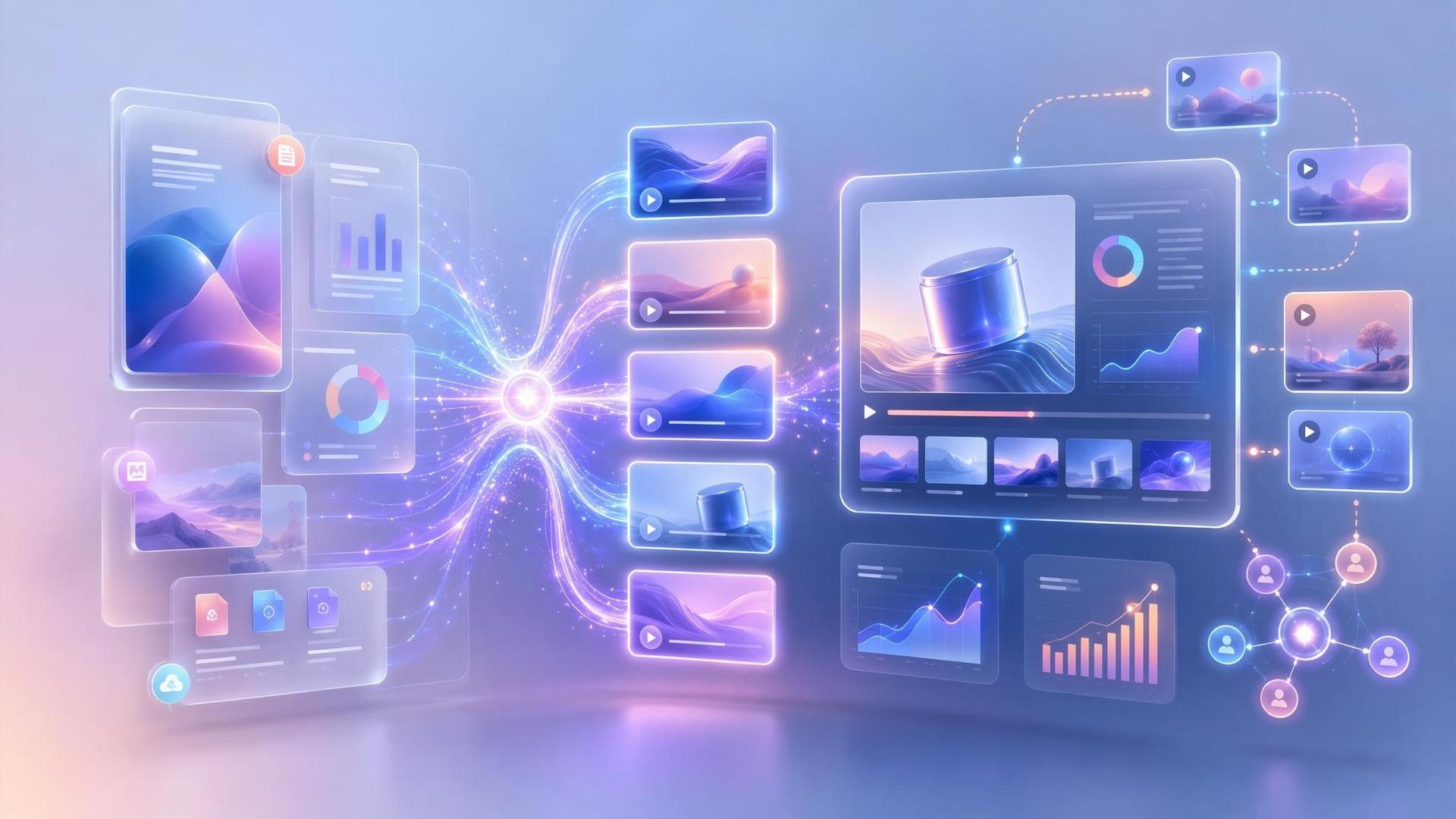
An AI PDF to video converter analyzes the text, headings, images, and structure of a PDF and transforms the content into a narrated video.
Instead of simply displaying PDF pages as a slideshow, Leadde creates an editable video outline, script, scenes, subtitles, voiceover, visual layouts, and AI presenter narration.
Once the video is ready, you can review the content, customize each scene, and export the completed video for sharing, publishing, or training.

Why Choose Leadde for PDF to Video Creation?
Any PDF, created in minutes
Auto-generated content & script
Smart layout & auto highlights
Lifelike AI presenters
How to turn PDF into Video with Leadde

Step 1: Upload Your PDF
Step 2: Edit and Customize
Step 3: Export your video as MP4 in HD quality
PDF to Video Scenarios & Examples
Employee Handbooks & Policies
Sales Decks & Pitch Documents
Educational Study Guides
Marketing Whitepapers
Software Manuals & Guides
Annual Reports & Data Summaries
What Can Leadde Create from a PDF?
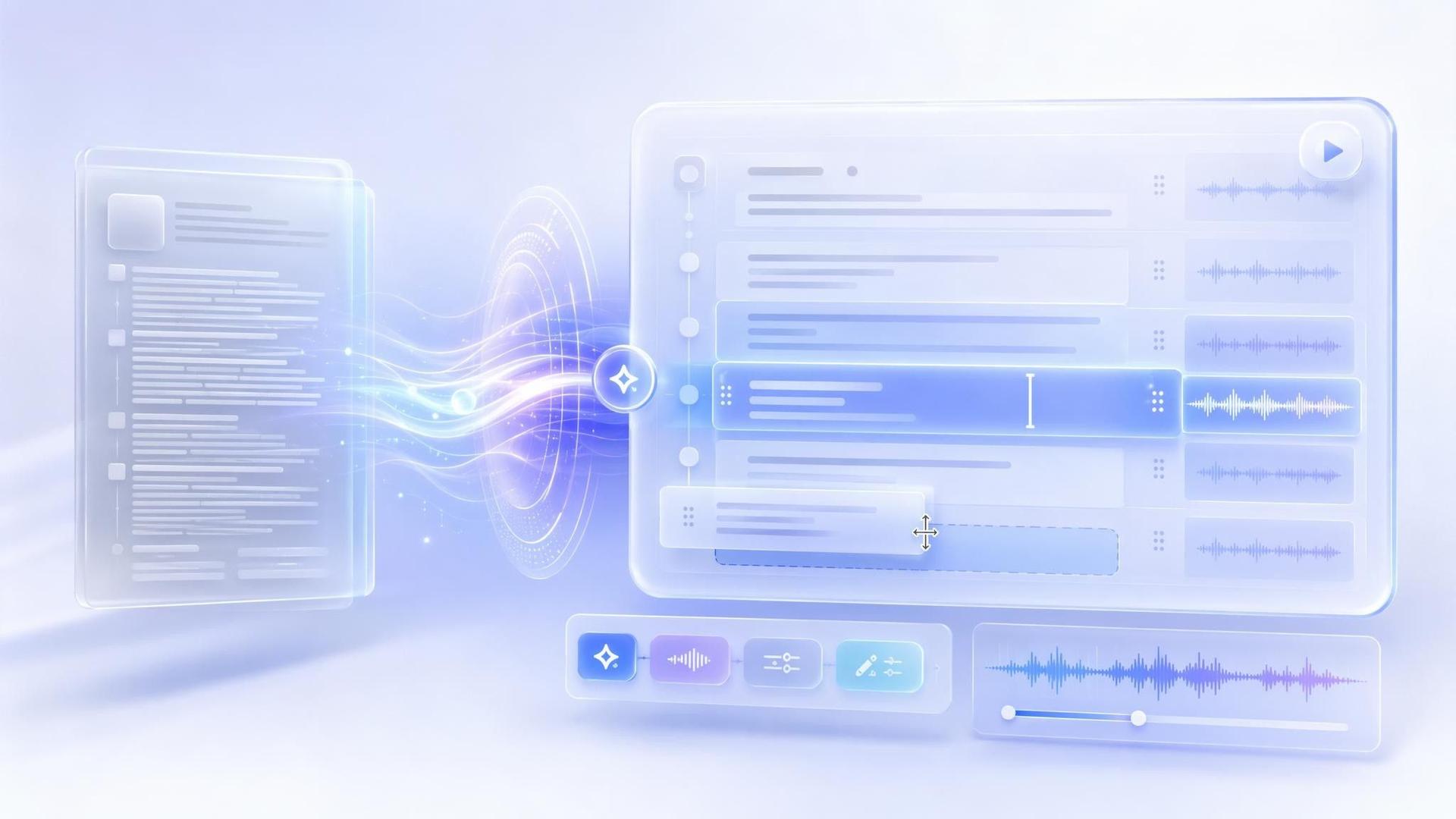
Structured Video Outline
Leadde identifies the main topics in your document and organizes them into a logical video sequence.
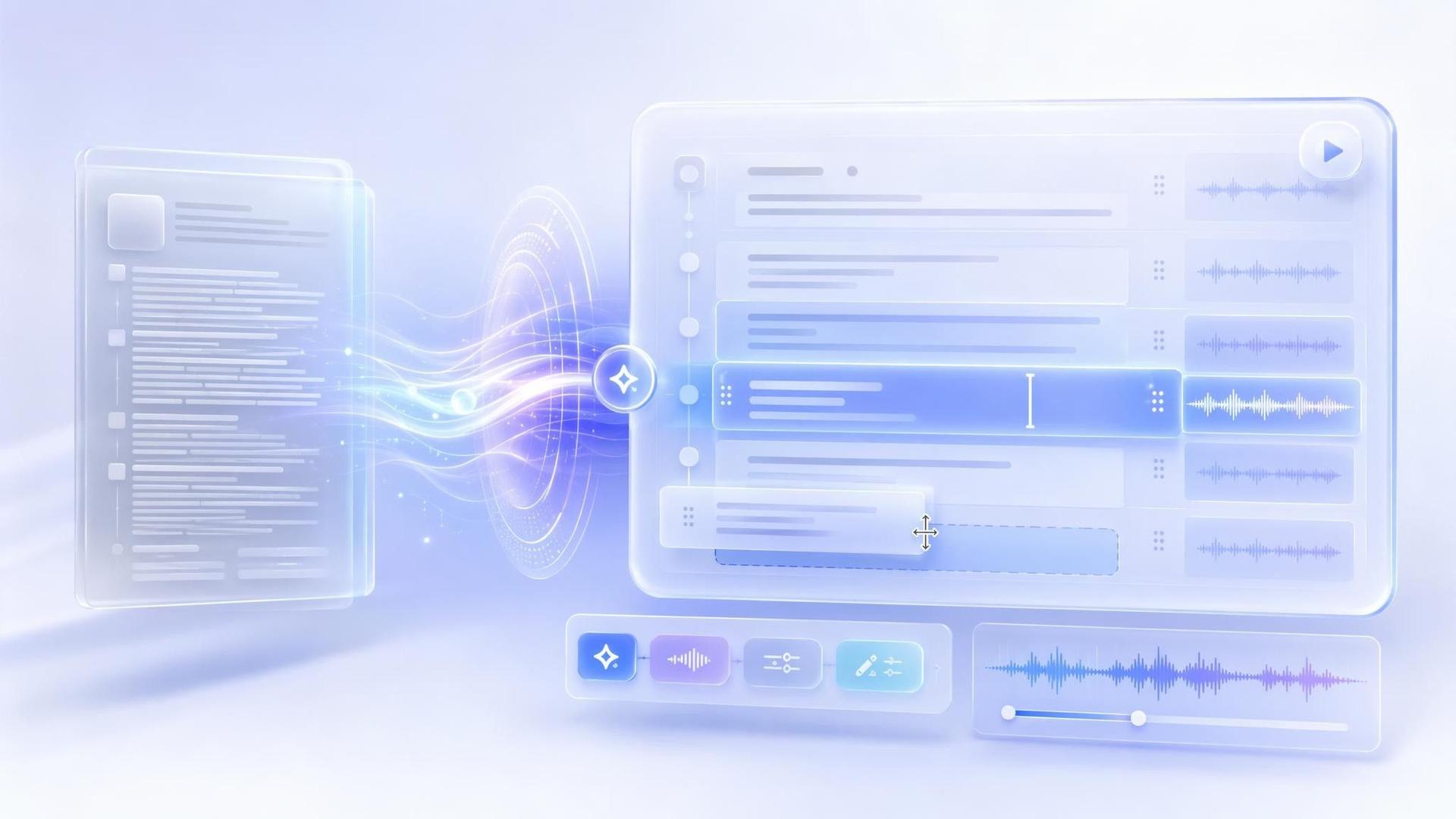
Editable Video Script
Dense written content is transformed into concise narration designed for spoken delivery.
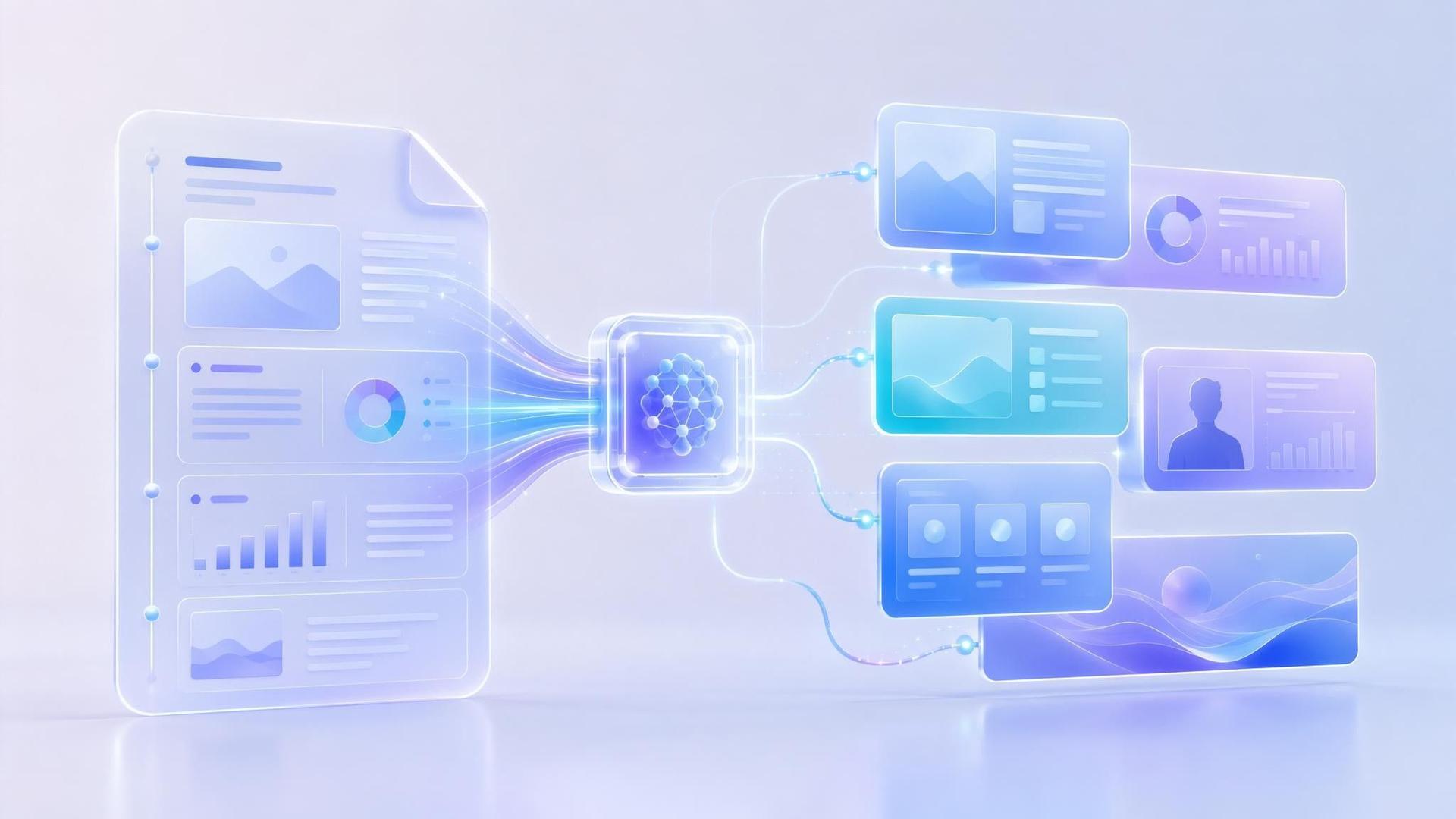
Automatically Generated Scenes
Each topic or section becomes an individual video scene with an appropriate visual layout.
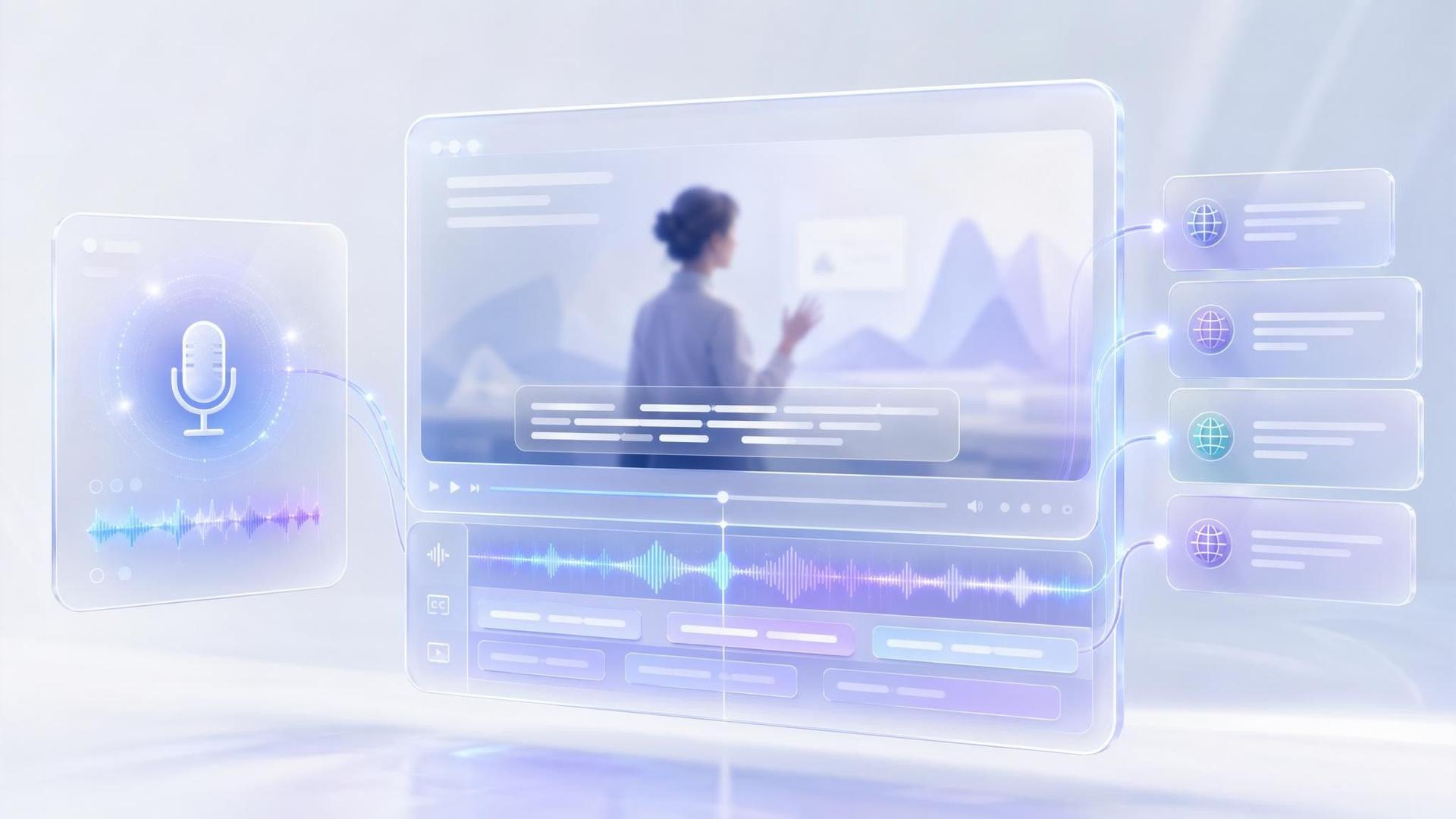
AI Voiceover and Subtitles
Generate synchronized narration and subtitles in your selected language.
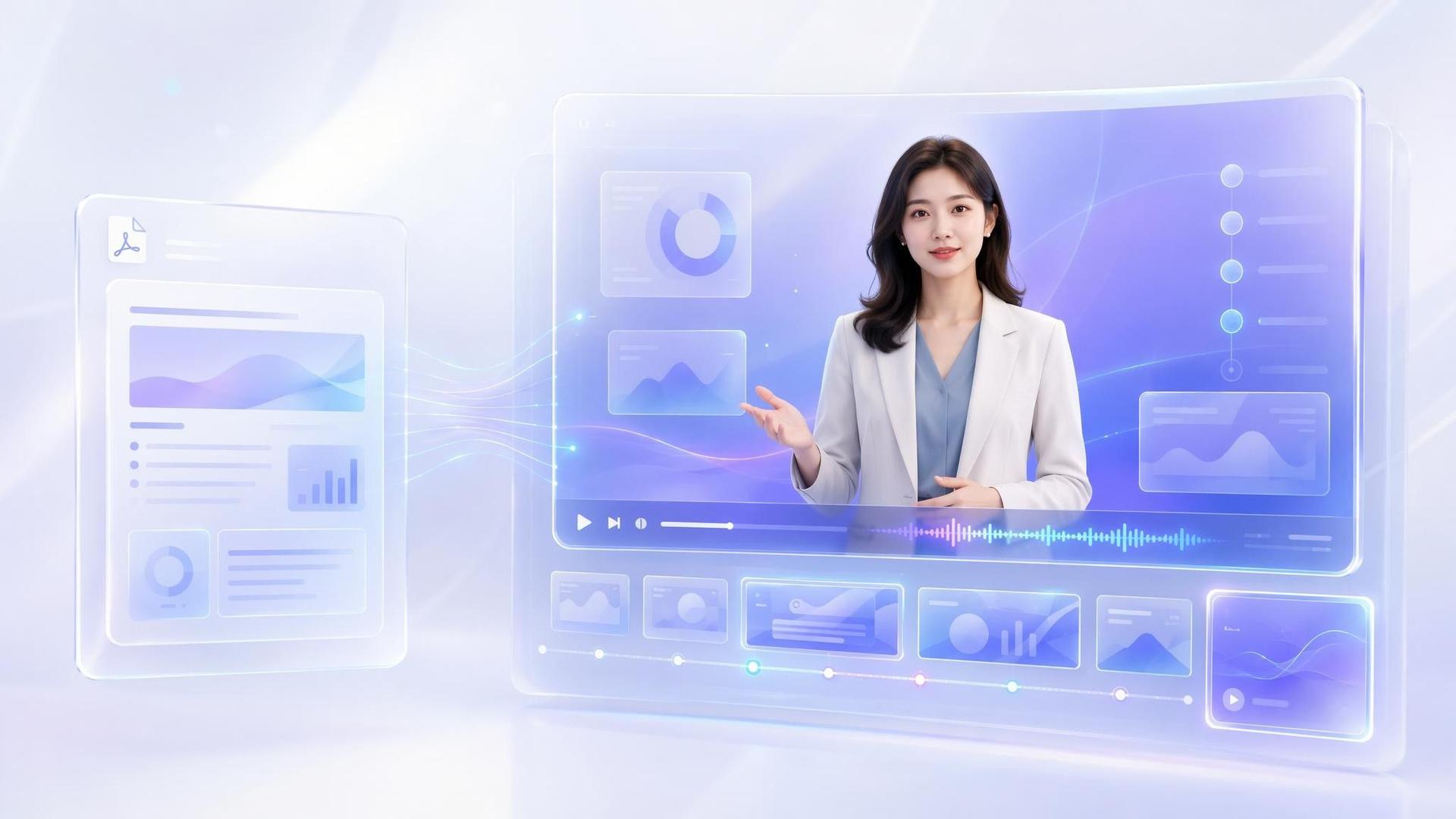
AI Presenter Video
Add an AI avatar to present the PDF content and guide viewers through each section.
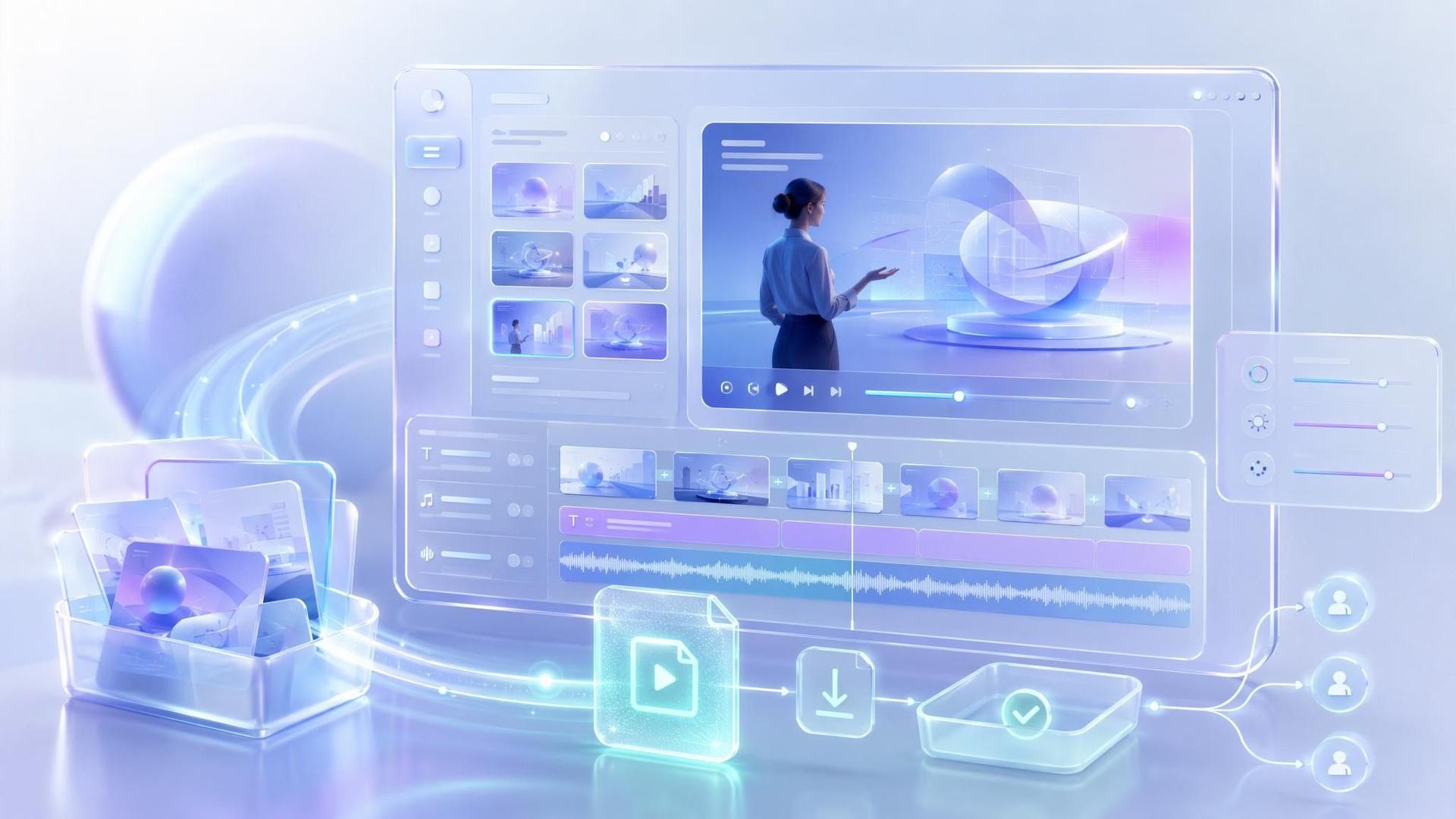
Downloadable Video
Review and customize the generated project before downloading the completed video for publishing or sharing.
Built for Different Teams
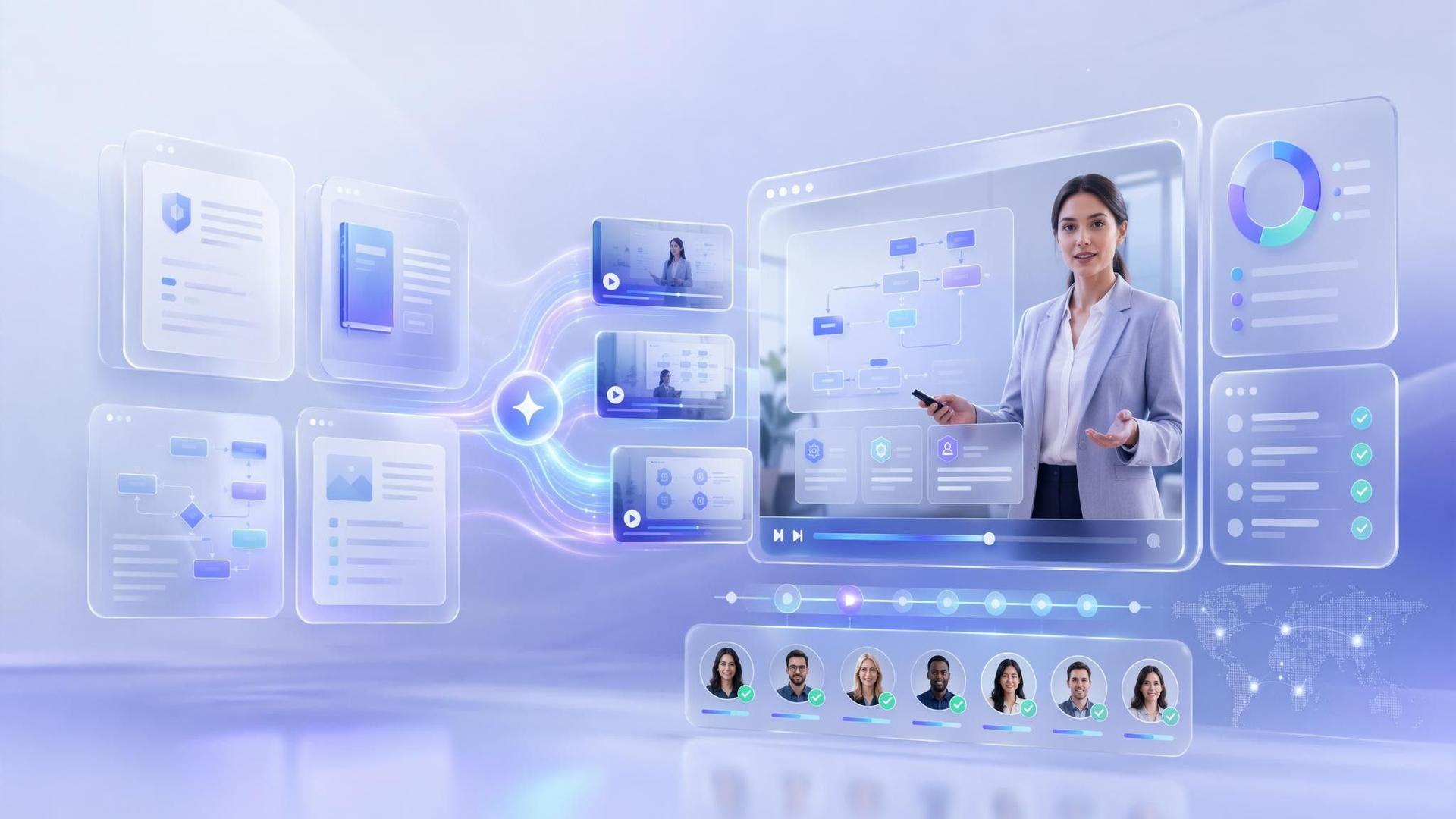
Learning and Development Teams
Convert policies, training documents, and internal learning materials into scalable employee training videos.
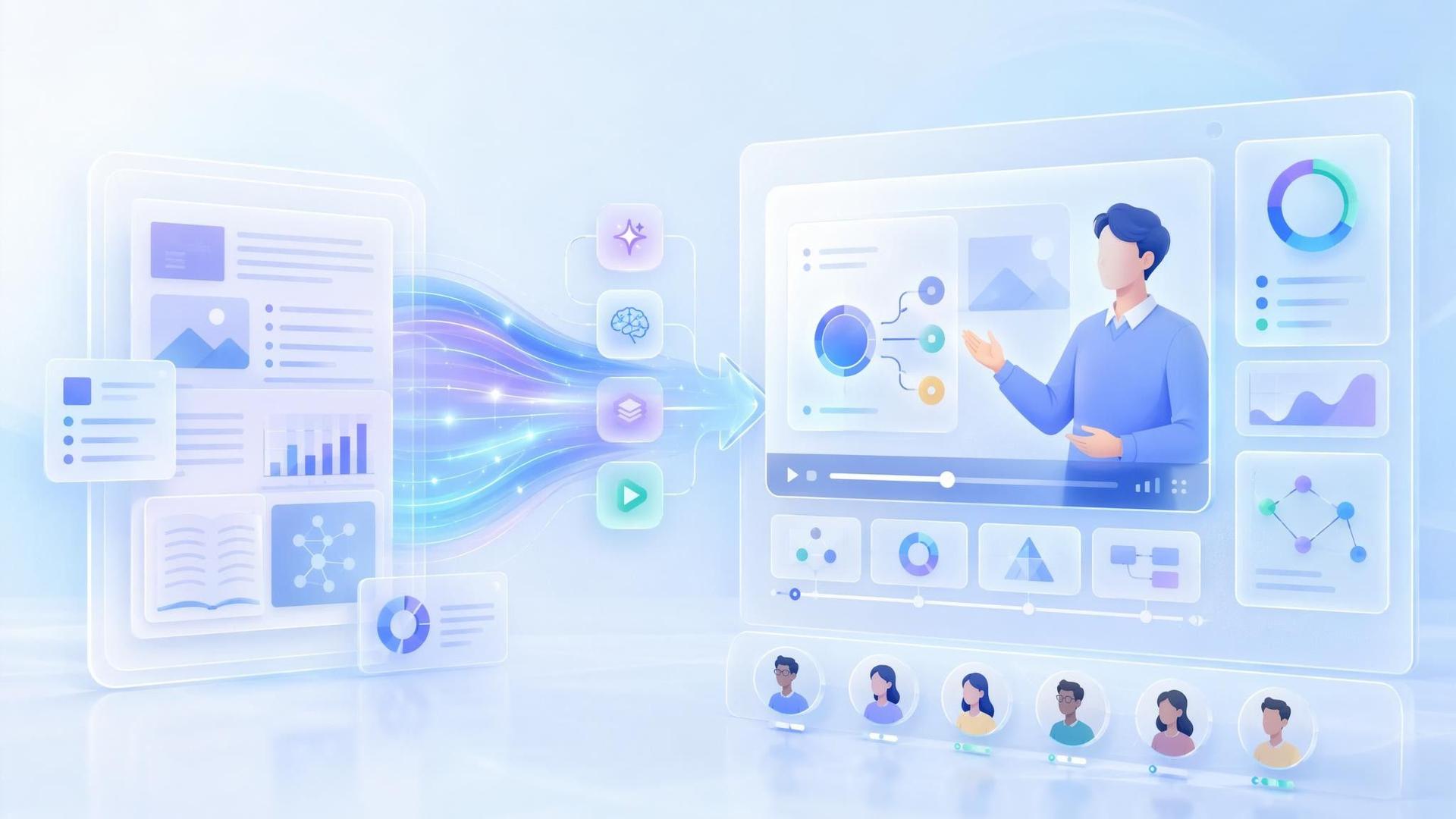
Teachers and Students
Transform study guides, lecture notes, research papers, and course PDFs into easier-to-follow educational videos.
Marketing Teams
Repurpose whitepapers, reports, and downloadable resources into videos for campaigns and content distribution.

Sales Teams
Turn sales decks, proposals, and product documents into narrated presentations that prospects can watch independently.

Operations and Compliance Teams
Convert SOPs, safety documents, and regulatory guidelines into consistent instructional videos.

Product and Customer Success Teams
Transform product manuals, setup guides, and support documents into visual tutorials and onboarding content.
Frequently asked questions
Leadde analyzes the document, identifies important sections, and organizes the content into a structured video flow. You can upload files up to 200 MB and control the level of detail used in the generated video.
Yes. Upload your document, generate the video, customize its scenes and narration, and download the completed project as a shareable MP4 file.
Yes. Leadde can add AI-generated voice narration to your video. You can also include synchronized subtitles and an AI presenter.
Yes. You can edit the script, scenes, visuals, layouts, presenter, narration, subtitles, pacing, tone, and language before generating the final video.
Yes. Leadde supports video creation in 175 languages and dialects. Select a target language to create localized versions from the same source document.
Yes. Upload a research paper in PDF format and use Leadde to create a structured video summary with narration, subtitles, visual scenes, and highlighted key findings.
Yes. Teachers and students can convert study guides, lecture notes, academic papers, and educational PDFs into instructional videos.
No. Leadde does more than create a basic PDF slideshow. It analyzes the content and generates a video outline, narration script, scenes, layouts, subtitles, voiceover, and AI presenter.
No. Leadde automatically generates the initial video structure. You can customize the result using a visual editor without professional filming or editing skills.
Yes. You can start creating an AI video for free. Available credits, export limits, and plan features may depend on your current Leadde plan.
Stop Sending Boring PDFs
