
AI Text to Video Generator
From plain text to visual reality

Onboarding walkthrough
Turn compliance documents, safety protocols, or regulatory guidelines into structured certification videos. Let an AI avatar walk employees through each requirement clearly — reducing legal risk and keeping teams audit-ready.

Cleanroom protocols
Explains the behavior guidelines and operational requirements for cleanrooms, ensuring employees adhere to standards and improve work efficiency and safety.

AR-700 operation training
Introduces the operation process and safety guidelines of the AR-700 precision assembly robot, helping employees master proper operating techniques.

Marketing insights
Trusted by the world's leading brands







Why Choose Leadde for Text to Video Creation?
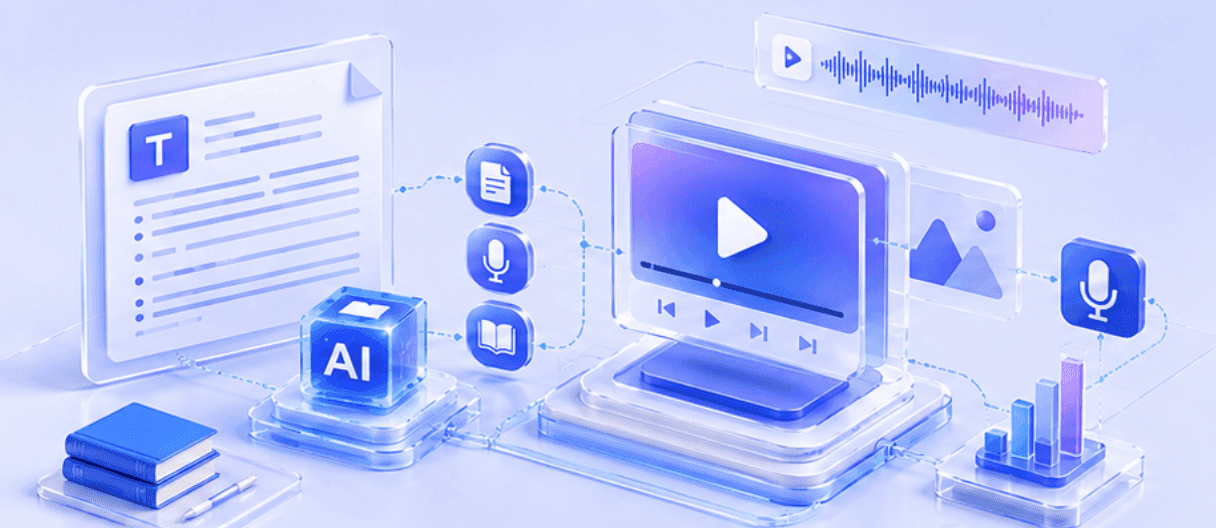
Convert text and .txt files instantly

Smart Context Understanding

Professional Avatars & Narration
Don't settle for robotic voices. Use our text to video ai generator to choose from 200+ digital avatars. They narrate your text with human-like expressions and natural intonation in 175 languages, making your message resonate globally.
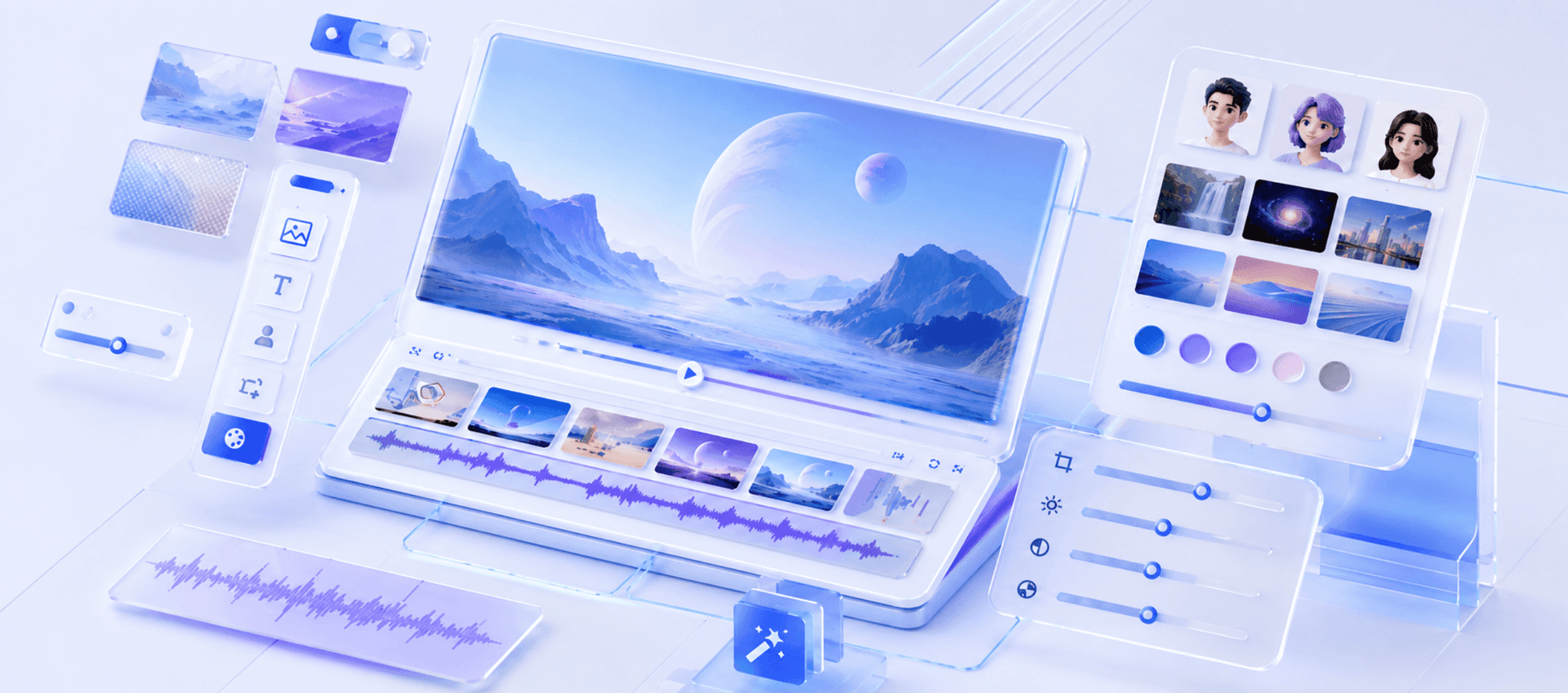
Fully Customizable Visuals
How to Turn Text into Video with Leadde

Step 1 Input Your Text
Step 2 Configure Video Settings
Step 3 Generate and Export
Review the outline, then click "Create FREE AI video". The system will render scenes, sync the avatar's lip movements, and align visual elements. Preview your creation, make any final tweaks, and share it with your audience.

Trusted by Marketers, Educators & Content Creators
Text to Video Free Access
Overcome Creative Blocks
Perfect Audio-Visual Sync
Interactive Video Experiences
Text to Video Scenarios & Examples
Social Media Content
Educational Explainers
Marketing Promo Videos
News & Daily Updates
Storytelling & Narratives
E-Commerce Product Descriptions
Frequently asked questions
Yes. Leadde offers a free tier that lets you experience the full power of our text to video ai. You can generate videos from text or .txt files, test different avatars, and preview the results without needing a credit card.
Absolutely. Leadde supports direct file uploads. You can upload .txt, .doc, .docx, .pdf, and .pptx files (up to 500 MB). The system treats txt to video conversion just like any other document, ensuring accurate content extraction.
Leadde is a global-ready text to video generator. You can input text in one language and generate the video narration in another. We support 88 languages and 175 dialects, making it ideal for localized marketing or training content.
No. Leadde is designed for everyone. You simply add text to video interfaces, and the AI handles the scene selection, timing, and animation. If you want to make changes, the drag-and-drop editor is intuitive and easy to use.
Ready to try Leadde?
