
AI Script to Video Generator
From script to visual storytelling, instantly

Onboarding walkthrough
Turn compliance documents, safety protocols, or regulatory guidelines into structured certification videos. Let an AI avatar walk employees through each requirement clearly — reducing legal risk and keeping teams audit-ready.

Cleanroom protocols
Explains the behavior guidelines and operational requirements for cleanrooms, ensuring employees adhere to standards and improve work efficiency and safety.

AR-700 operation training
Introduces the operation process and safety guidelines of the AR-700 precision assembly robot, helping employees master proper operating techniques.

Marketing insights
Trusted by the world's leading brands







What Is an AI Script to Video Generator?
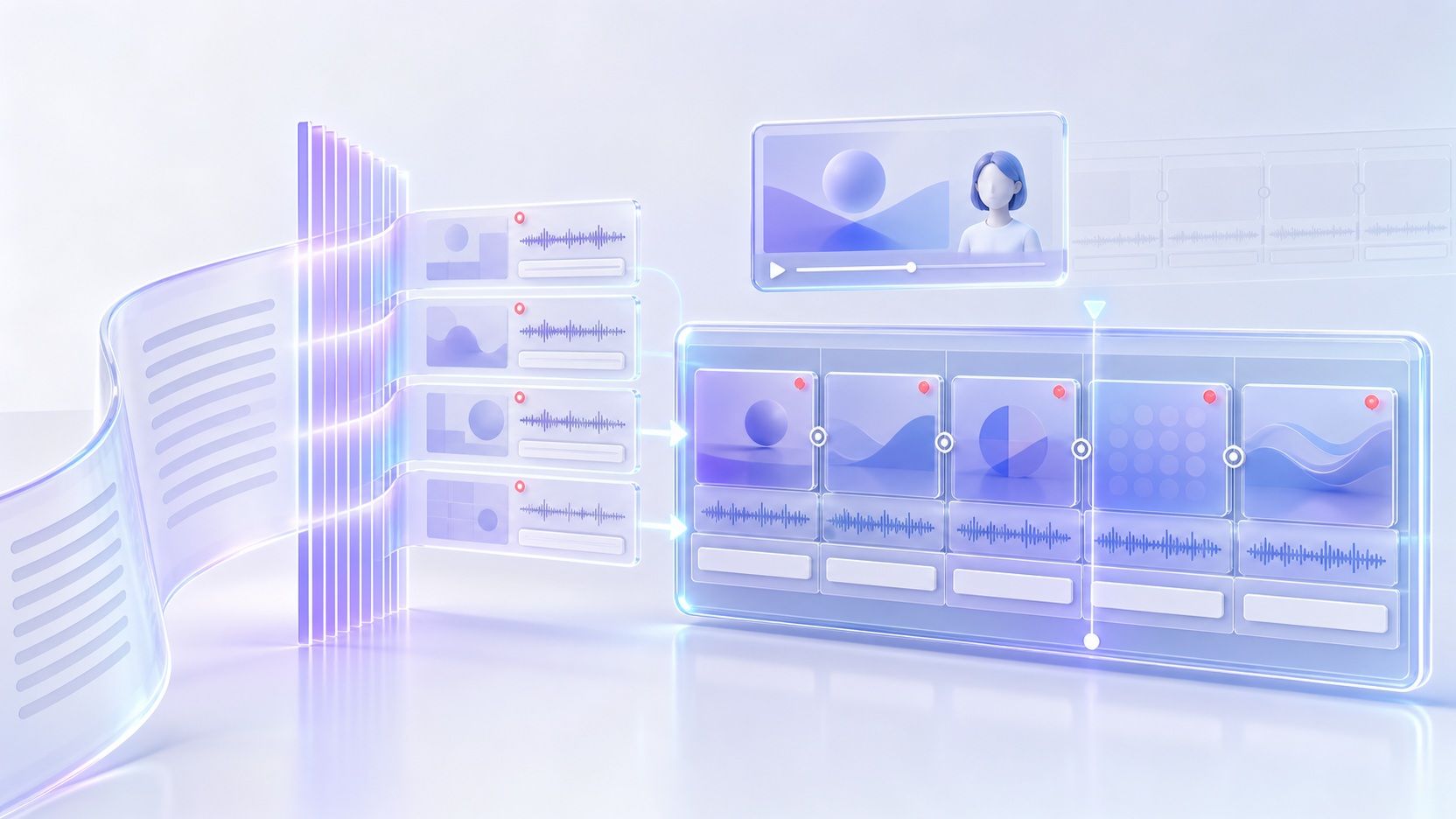
An AI script to video generator turns written scripts into complete video scenes. With Leadde, you can paste your narration or video script, and AI analyzes the content to build scenes, organize visual layouts, add narration, subtitles, highlights, and optional AI avatars—giving you an editable video without starting from a blank timeline.
Why Use Leadde's Script to Video Generator?
Scripts to videos, created in minutes
Simply input your script, and Leadde is an AI-powered script to video generator. It converts your storyboard or narration into structured instructional videos, saving you hours of production time.
Intelligent Script Optimization
Auto-generated scenes & layouts
200+ Lifelike AI Presenters
How to Turn Script into Video with Leadde

Step 1 Input Your Script
On the AI Video Creator page, simply paste your video script. You can use a rough draft or a polished narration. Leadde’s script to video AI engine will analyze the structure and convert it into a video outline.
Step 2 Customize and Refine
Step 3 Generate and Publish

Trusted by Content Creators & Marketing Agencies
Script to Video Free Access
Overcome Writer's Block
Perfect Audio-Visual Sync
Interactive Video Experiences
Who Is the Script to Video Generator For?
Training and L&D Teams
Turn prepared training scripts, policies, onboarding content, and instructional narration into standardized videos that can be updated as information changes.
Teachers and Course Creators
Convert lesson scripts, lecture narration, and educational material into structured video scenes with voice, visuals, subtitles, and optional presenters.
Product and Sales Teams
Create narrated product explainers, walkthroughs, sales enablement videos, and presentation content from scripts your team has already prepared.
Marketing and Communication Teams
Transform campaign scripts, announcements, company updates, and explainer copy into reusable video content without rebuilding each scene manually.
Script to Video Scenarios & Examples
YouTube Channel Automation
Video Sales Letters (VSL)
Social Media Ads
E-Learning & Course Creation
News & Daily Updates
Podcast to Video
Frequently asked questions
Paste your script into Leadde, let AI organize it into an outline and scenes, then customize the voice, visuals, layouts, language, and avatar. After reviewing the generated scenes, you can edit the project and generate the final video.
No. You can start with existing written content and refine the narration as part of the video creation workflow. Leadde can help structure content for video and adjust the script based on factors such as audience, purpose, role, and tone.
Yes. AI avatars are optional. You can create an avatar-led presentation or hide the avatar and use AI voice-over when narration without an on-screen presenter is more appropriate.
Yes. Leadde supports 88 languages and 175 dialects, making it possible to create video content for audiences across different regions while using AI narration and other localization capabilities.
Yes. Leadde offers a Free plan, so you can start using its AI video creation workflow before choosing a paid plan. The Leadde homepage currently states that new users can access 200 free credits.
Create Your Video from a Script with AI
Turn your written script into structured scenes with visuals, narration, subtitles, and optional AI presenters.
