
15 Best AI Avatar Generators in 2026: Compared by Use Case

The best AI avatar generator in 2026 is not the tool with the most realistic face. It is the one that helps your team create, update, and localize videos without slowing down.
This guide compares 15 AI avatar tools for training, onboarding, compliance, product demos, marketing, and multilingual business video workflows, with a focus on lip-sync quality, voice naturalness, localization, and production speed.
TL;DR: Key takeaways
- There is rarely one “best” tool—pick based on workflow (updates, languages, structure), not only avatar realism.
- Lip‑sync + voice pacing usually drive “trust” more than hyper‑real skin texture in business videos.
- Training and internal comms favor stability and fast revisions; marketing favors pacing and scene structure; UGC‑style social is the hardest fit for many corporate avatar tools.
- Multilingual programs need strong localization workflow, not just “many languages” on a feature list.
- Hidden cost is rework—if updates are painful, the tool won’t scale even if the first render looks great.
Before you compare every AI avatar generator, test one real workflow with your own content. Leadde can turn a script, slide deck, or document into a multilingual AI avatar video, so you can evaluate not only avatar quality, but also how fast your team can create, update, and localize videos.
Use this if you are creating training videos, onboarding content, product demos, explainers, or internal communications at scale.
Comparison table (15 tools)
Pricing and trial details change often, so confirm the latest plan limits on each vendor's site before buying.
| Tool | Best for | Strength | Main limitation |
|---|---|---|---|
| Leadde | Business video at scale (training, demos, onboarding, multilingual) | Documents/scripts/slides → structured video; broad language support; update‑friendly workflow | Less focused on purely experimental/creative generation |
| Elai | Corporate learning | Templates, structured learning experiences | More limited avatar expressiveness |
| AI Studio (DeepBrain AI) | High‑realism enterprise presentations | Strong realism positioning | Deeper customization often enterprise‑gated |
| D‑ID | Short outreach/campaign talking heads | Simple talking‑head flows; campaign orientation | Less depth for long structured programs |
| VEED | Small teams needing edit + light avatars | General editing + quick avatar features | Avatar depth vs specialized platforms |
| Colossyan | E‑learning/compliance | SCORM‑oriented learning workflows | Limited emotional range in avatars |
| Speechify | Fast narration‑first workflows | Voice/audio strength | Less long‑form visual depth |
| Tavus | Personalized “digital twin” outreach | Personalization at the individual level | Cost at scale |
| Runway | Creative/experimental video | Creative control | Not optimized for corporate training systems |
| Picsart | Casual/social creative | Fun, lightweight outputs | Not a professional business video stack |
| Canva | Quick design‑led videos | Speed within design ecosystem | Limited avatar realism/interaction |
| AI Nero | Asset + lightweight avatar needs | Simple generation + asset management | No advanced video avatars |
| AI Ease | Mobile headshots/light avatars | Mobile speed | Not for full video production |
| Dawn | Playful mobile avatars | Creative/personal use | Not for business training |
| HeyGen | Fast presentation/social talking heads | Quick setup, broad language surface | Less ideal for document‑driven, modular training at scale |
Some teams need AI avatars for training and onboarding. Others need them for marketing videos, product explainers, social clips, or personalized sales outreach. And in practice, the best tool for one use case often performs badly in another.
If your goal is not just to create a few avatar clips but to build a repeatable, scalable video workflow, Leadde is the strongest fit in this list.
The reason is workflow depth. Leadde does not only generate a talking head. It turns existing business content — scripts, slide decks, documents, training materials, and product notes — into structured avatar videos that can be updated and localized without starting over.
That makes it especially useful for teams producing training content, product demos, onboarding materials, internal communications, and multilingual business videos at scale.
Instead of treating avatar videos as one-off projects, Leadde turns your documents, scripts, or slides into multilingual videos in minutes. It is especially useful for teams producing training content, product demos, onboarding materials, or global communications at scale. You can turn scripts and slides into avatar videos when you are ready to test the workflow with your own content.

What Is an AI Avatar Generator?
An AI avatar generator is a platform that creates virtual presenters using artificial intelligence. These avatars can speak, gesture, and deliver scripted content in video form.
Modern AI avatar tools typically support:
- text-to-speech voice generation
- lip-sync and facial animation
- scene-based video layouts
- multilingual output
- export for marketing, training, onboarding, or internal communication
In 2026, AI avatar generators are no longer experimental. They are part of daily workflows for companies producing product demos, explainers, employee training, onboarding videos, e-learning materials, and multilingual business content.
The Best AI Avatar Generator Depends on the Use Case
One of the biggest mistakes I see in AI avatar comparisons is treating all tools as if they are solving the same problem.
They are not.
A tool that works well for internal training may look too stiff for a social ad. A platform that looks impressive in a talking-head demo may become frustrating when you need to update 30 multilingual videos every month.
In practice, the right tool depends on what you are trying to produce:
- Training and onboarding: stability, clarity, easy updates
- Marketing explainers: credibility, pacing, brand presentation
- UGC-style ads and social clips: naturalness, less template feel
- Personalized outreach and sales videos: speed, customization, personalization
- Internal communications: fast production, consistent messaging
- Creative content: flexibility matters more than structure
That is why “best” should always be read as best for a specific workflow.
How AI Avatar Generators Are Used in 2026
AI avatars are now used across a wide range of business scenarios.
Common use cases include:
- product demos and marketing explainers
- employee training and onboarding
- corporate communications and updates
- e-learning and compliance content
- social media and digital campaigns
- personalized video messages for outreach or engagement
As video demand continues to grow, avatar generators help teams create more content without increasing production overhead at the same pace. For organizations publishing frequent, multilingual, or structured videos, AI avatars have become a practical production layer rather than a novelty.
If your use case is recurring business video rather than one-off avatar generation, start an AI avatar video workflow in Leadde and convert one existing training, onboarding, or product document into a first draft.
Marketing vs Training vs UGC: Different Avatar Styles for Different Goals
One thing became very obvious in my review process: the same avatar style does not work equally well in every context.
Training and onboarding
For training content, the priorities are different. Teams care about:
- consistency
- clarity
- easy revision
- multilingual delivery
- scalable workflows
In this context, a slightly more formal avatar can still work well if the script is clear and the workflow is efficient.
Marketing explainers
Marketing videos need stronger presentation quality. The avatar has to feel credible on camera, but the bigger challenge is pacing, framing, and scene structure. A technically decent avatar can still fail if the final video feels generic.
UGC-style content
This is where many avatar tools struggle. UGC-style videos require a more natural, platform-native feel. If the delivery feels overly polished, too corporate, or too templated, the content can lose trust quickly.
What to Look for in the Best AI Avatar Generators
Start with an AI avatar video template
If you are not sure which avatar workflow to test first, start with one of these common business use cases:
- Training avatar video — Turn onboarding or internal training materials into multilingual video lessons.
- Product explainer avatar video — Explain features, workflows, or product updates with an AI presenter.
- Marketing explainer video — Create short business videos for campaigns, landing pages, and sales enablement.
When comparing tools, quality depends on more than just how the face looks.
The most important evaluation factors are:
- avatar realism and movement
- lip-sync quality
- voice naturalness and pacing
- language support and localization
- customization options
- ease of updating videos
- workflow fit for your use case
- output quality across short and long-form formats
For teams producing business videos regularly, the update workflow matters almost as much as the avatar itself. If a tool creates decent videos but makes revisions painful, it will not scale well.
Why Most AI Avatar Videos Still Feel Fake
This is one of the most important questions in the category.
Many AI avatar videos still feel artificial—not because the face is bad, but because the whole presentation feels off.
The common problems usually include:
- expressions that feel limited
- gestures that repeat too predictably
- lip-sync that is technically correct but emotionally flat
- speech pacing that sounds too even
- body language that lacks spontaneity
- scene structure that feels templated
In other words, people rarely react to just the face. They react to the total impression.
A video can have a fairly realistic avatar and still feel obviously AI if the rhythm, tone, and structure are too mechanical.
Realism Is Not the Same as Trust
A lot of tool comparisons assume that the more photorealistic the avatar is, the better the result will be.
That is not always true.
In many business contexts, trust comes from:
- clear delivery
- believable pacing
- strong script structure
- good language localization
- consistent brand presentation
A highly realistic avatar can still feel uncomfortable if the motion is slightly off. On the other hand, a less extreme but more stable avatar can perform better because it feels coherent and easier to watch.
So while realism matters, trust often depends more on whether the final video feels natural, intentional, and appropriate for the use case.
Why AI Avatar Tools Often Break Down in UGC-Style Content
UGC-style content is one of the hardest areas for AI avatar tools.
The reason is simple: audiences are extremely sensitive to anything that feels overly scripted or templated in social content.
In this format, problems become more obvious:
- the tone feels too polished
- the body language feels too neutral
- the delivery lacks platform-native looseness
- the video looks like an ad generator, not a person talking
This is why many tools that work well for training or internal communications do not perform nearly as well for social-first content.
If your goal is UGC-style promotion, you should evaluate tools differently. You are not just looking for a talking head. You are looking for something that feels native enough not to break viewer trust in the first few seconds.
What Actually Matters More Than Avatar Quality
Many buyers focus too heavily on the avatar face.
But after reviewing these tools, I would argue that several other factors often matter more:
- script clarity
- voice pacing
- video structure
- scene design
- localization workflow
- update speed
- ability to turn documents or outlines into videos efficiently
This is especially true for business teams. If you are producing product education, onboarding, training, or internal updates, workflow quality often matters more than pure avatar quality.
That is one reason platforms built around full video workflows can outperform tools that only generate a talking head.
Top 15 AI Avatar Generators in 2026
1 Leadde – Best Overall AI Avatar Generator for Business Videos
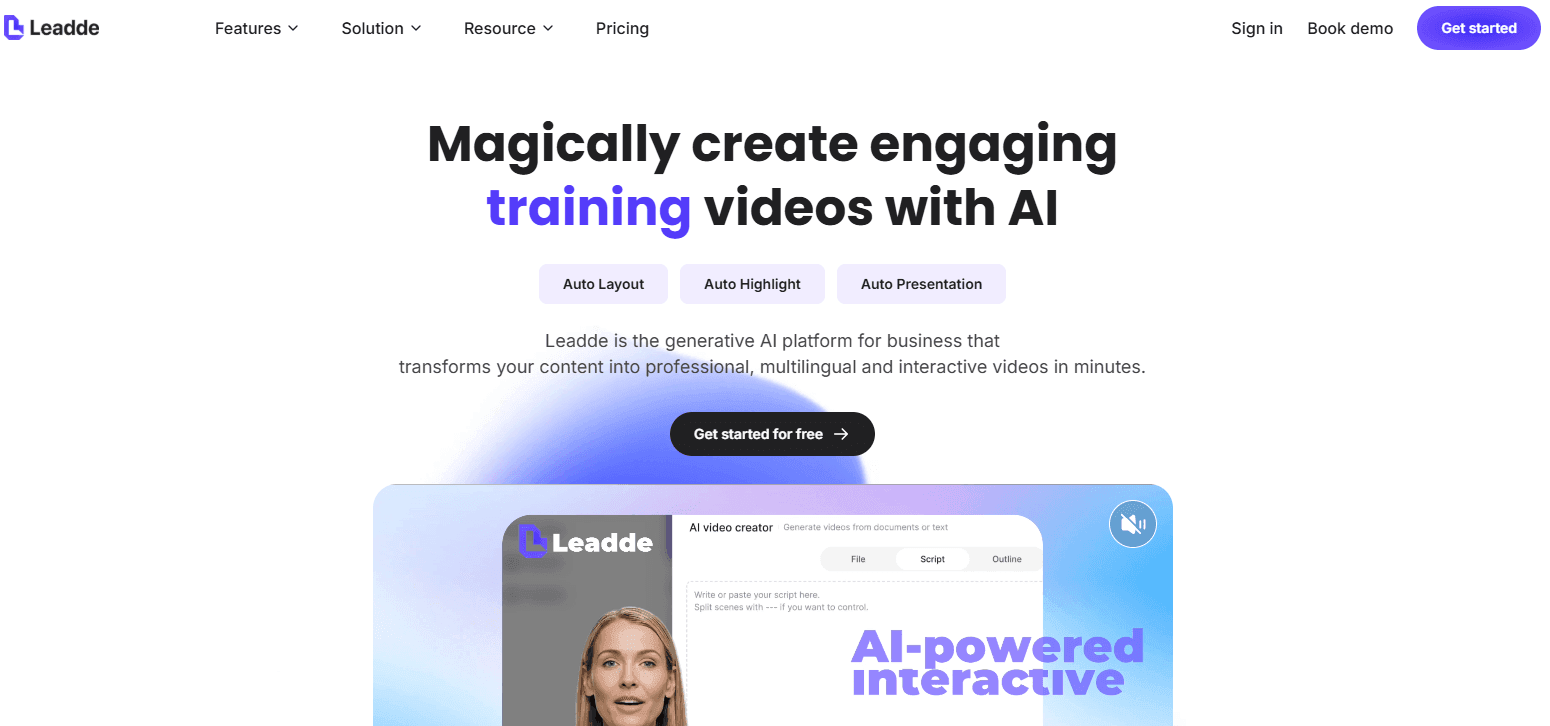
Leadde is a generative AI video platform designed for marketing, training, and enterprise communication.
Key strengths:
- Turn documents, scripts, or outlines into videos automatically
- Lifelike AI avatars integrated into the workflow
- Natural voiceovers with smart content highlighting
- Custom control over language, tone, and detail
- Support for 170+ languages and locales
- Easy updates without re‑recording
For a practical test, generate your first business avatar video from an existing document, script, or slide deck and compare the output against a manual recording workflow.
Leadde is best suited for product demos, tutorials, onboarding, training, and explainer videos where speed, clarity, and scale matter most.
2 Elai – AI Avatars for Corporate Learning Content
Elai focuses on structured corporate and educational video creation, with tools for templates and interactive learning experiences.
Best for: Corporate training and internal learning content
Limitations: Avatar motion and expressiveness are more limited
3 AI Studio (DeepBrain AI) – Hyper‑Realistic AI Avatars
This platform emphasizes avatars modeled after real humans, often used in news, education, and enterprise video production.
Best for: High‑realism enterprise videos
Limitations: Customization features are typically enterprise‑only
4 D‑ID – Talking‑Head AI Avatars for Outreach
D‑ID specializes in simple talking‑head avatar videos with campaign‑level performance tracking.
Best for: Short outreach and campaign videos
Limitations: Less depth for longer or structured content
5 VEED – Video Editing Platform with AI Avatar Features
VEED combines AI avatars with general video editing tools.
Best for: Personal and small‑team video creation
Limitations: Avatar features are more basic than specialized tools
6 Colossyan – AI Avatars for E‑Learning and Compliance
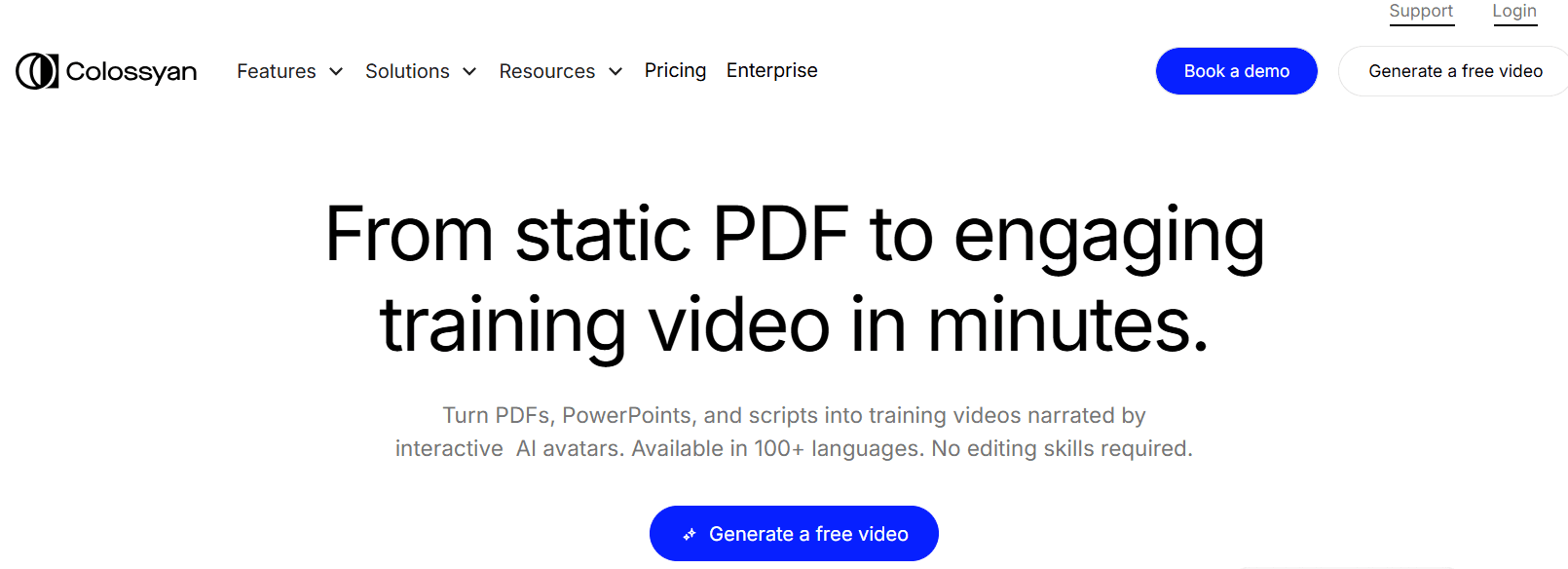
Colossyan supports SCORM‑compliant courses and structured learning videos.
Best for: Compliance and training programs
Limitations: Limited emotional expression in avatars
7 Speechify – Audio‑First AI Avatars
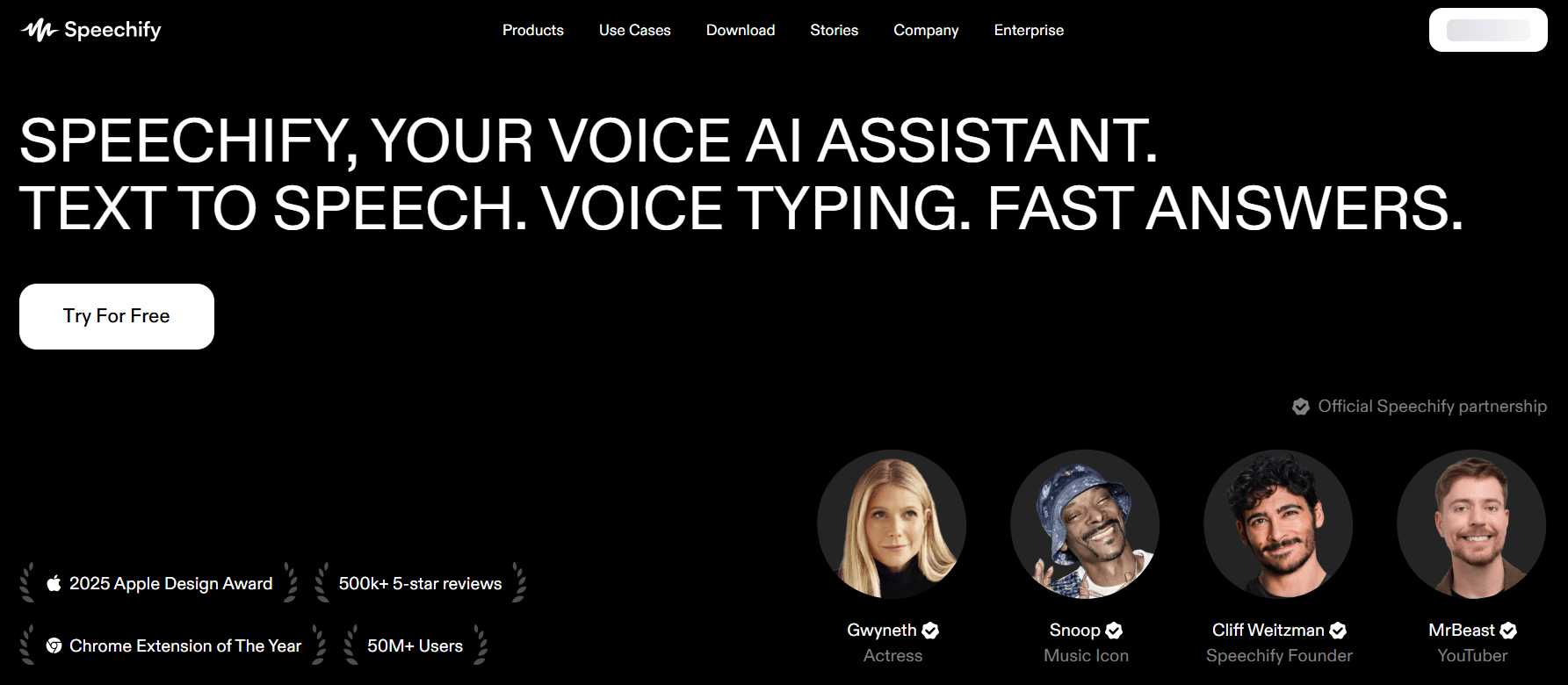
Speechify focuses on voice and audio workflows, with avatar features layered on top.
Best for: Fast text‑to‑video narration
Limitations: Less variety in long‑form visual content
8 Tavus – Personalized AI Digital Twins
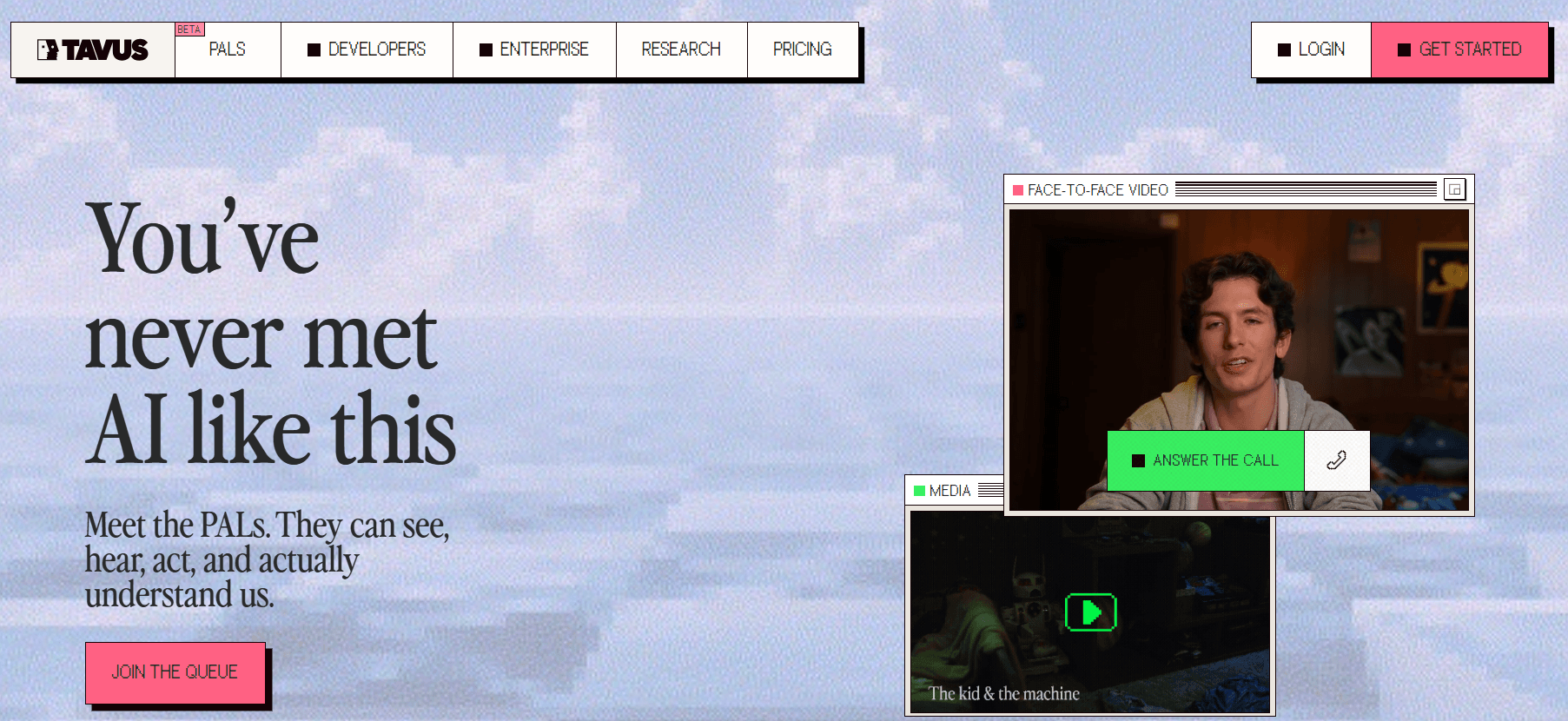
Tavus allows users to create AI versions of themselves for conversational videos.
Best for: Personalized sales and engagement
Limitations: Higher cost for scaled usage
9 Runway – Creative and Artistic AI Video Generation
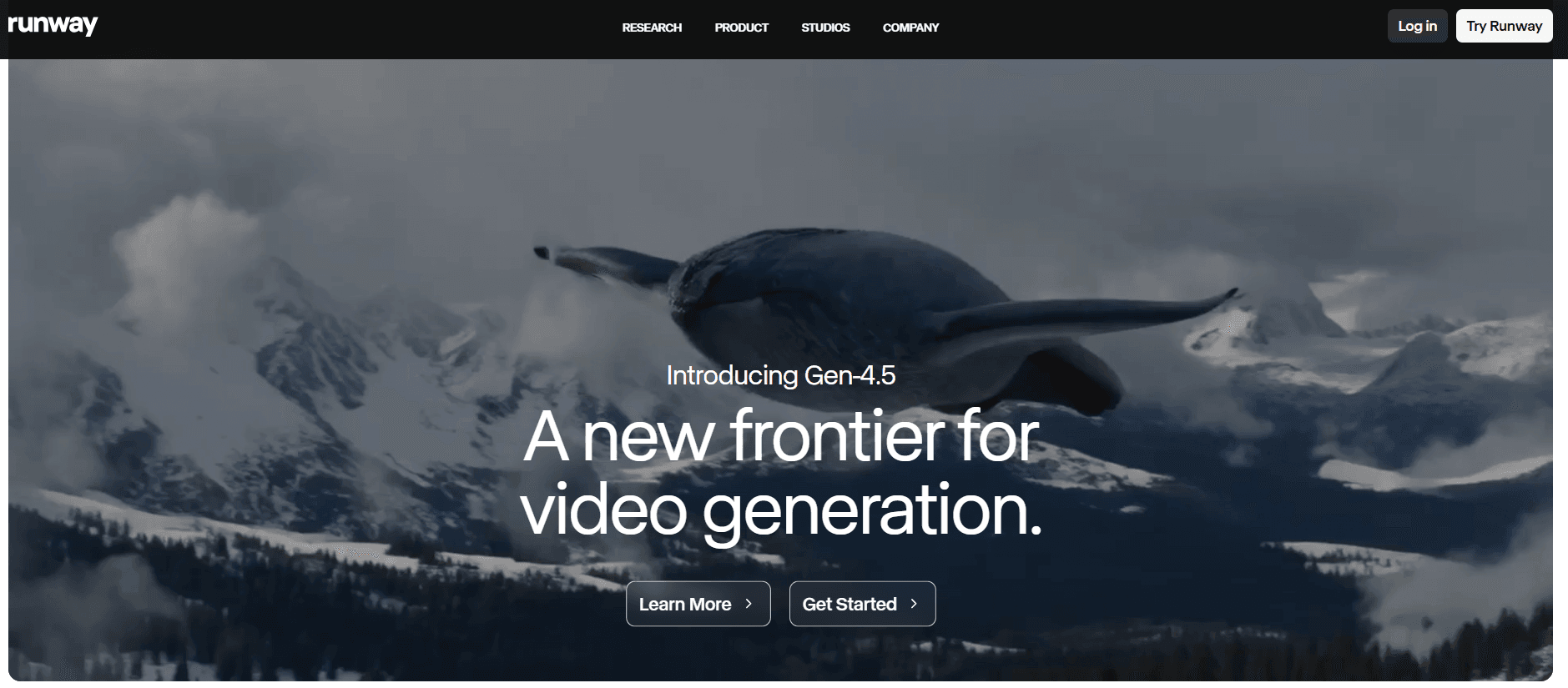
Runway emphasizes creative freedom over structured avatar presentations.
Best for: Artistic and experimental content
Limitations: Not ideal for corporate or training videos
10 Picsart – Casual AI Avatar Creation
Picsart is focused on fun, social, and creative avatar outputs.
Best for: Casual and social media use
Limitations: No professional video avatar workflows
11 Canva – Design Platform with Basic Avatar Integration
Canva enables light avatar usage within its design ecosystem.
Best for: Fast design and presentations
Limitations: Limited avatar realism and interaction
12 AI Nero – Simple Avatar Generation with Asset Management
AI Nero combines image organization with basic avatar creation.
Best for: Asset sorting and lightweight visuals
Limitations: No advanced video avatars
13 AI Ease – Mobile AI Avatar and Headshot Tool
AI Ease provides fast avatar and headshot generation on mobile devices.
Best for: Professional profile images
Limitations: Not built for video production
14 Dawn – Fun Mobile Avatar App
Dawn focuses on artistic and playful avatar styles from selfies.
Best for: Personal and creative use
Limitations: Not suitable for business or training videos
15 HeyGen – AI Avatars for Fast Presentation and Social Videos
HeyGen is an AI avatar generator focused on fast video creation using talking‑head avatars. It is commonly used for presentation‑style videos, short marketing content, and internal communications where speed and simplicity are priorities.
Best for:
- Short explainer and presentation videos
- Internal updates and basic marketing content
- Teams testing AI avatar videos with minimal setup
Key capabilities:
- Talking‑head AI avatars with lip‑sync
- Text‑to‑speech video generation
- Support for a wide range of languages
- Browser‑based video creation workflow
Limitations:
- Avatar expressions and gestures are relatively limited
- Less control over structured, long‑form video workflows
- Not designed for document‑to‑video or modular training content
HeyGen works well for quick, straightforward avatar videos, but teams producing high‑volume marketing, training, or multilingual content at scale typically require more advanced workflow automation and content structuring.
Price vs Quality: Where the Best Value Actually Is
One of the biggest buying questions in this category is not “What is the best tool?” but “What is worth paying for?”
In my view, the price-quality tradeoff usually works like this:
Higher-priced tools
You are often paying for:
- better avatar quality
- more polished voices
- stronger localization
- higher production reliability
- more scalable workflows
Lower-cost tools
They can still be useful for:
- testing AI avatar content
- internal drafts
- lightweight social use
- low-volume production
But the real cost is not just subscription price.
It is also:
- how long updates take
- how much manual cleanup is required
- whether the tool supports your long-term workflow
- whether your team has to rebuild videos from scratch too often
That is why “best value” depends on how frequently you create content and how expensive revisions are for your team.
If rework is your biggest cost, try Leadde's document-to-video workflow with one asset that changes often, such as onboarding content, a product walkthrough, or a compliance update.
When AI Avatars Are a Bad Fit
AI avatars are useful, but they are not ideal for every type of video.
They are often a poor fit for:
- highly emotional brand storytelling
- videos that depend heavily on charisma or personality
- creator-led content where authenticity is the product
- premium campaigns where subtle human performance matters
- scenarios where viewers expect true live presence
If the human presence itself is the core message, AI avatars can sometimes hurt more than help.
That is why strong teams do not force avatars into every workflow. They use them where the tradeoff actually makes sense.
How to Choose the Right AI Avatar Generator Without Wasting Money
If you want to choose well, start with these five questions:
1. What type of videos am I creating?
Training, marketing, outreach, internal comms, or social content?
2. How realistic do the avatars actually need to be?
Formal business training has a different realism threshold than UGC-style ads.
3. Will this content need frequent updates?
If yes, workflow and editability matter a lot.
4. Do I need multilingual output?
If localization matters, language support becomes a major differentiator.
5. Am I buying a face generator or a production workflow?
This is the question many teams miss. If your process involves scripts, documents, updates, and distribution, the surrounding workflow matters as much as the avatar itself.
Final Thoughts: Which AI Avatar Generator Is Best?
If you only care about the face, you will probably choose the wrong tool.
The best AI avatar generator in 2026 is the one that helps you produce the right type of video, for the right audience, with the least friction over time.
For teams creating frequent, multilingual, structured business content, workflow depth matters most. For quick presentations or lightweight talking-head videos, simplicity may matter more. For UGC-style marketing, naturalness is often more important than formal realism.
The real decision is not:
Which avatar looks best in a demo?
It is:
Which platform helps my team create believable video content at scale without breaking our workflow?
For business teams, the fastest way to choose is to test the workflow, not just compare avatar screenshots. Try Leadde for business avatar videos and see how quickly your existing content can become a structured video.
Related AI avatar tools
- AI Talking Head Generator — Create presenter-style avatar videos from scripts.
- AI Talking Photo Generator — Turn a portrait or image into a talking avatar video.
- AI Human Generator — Generate realistic AI human visuals for business content.
- AI Lip Sync Video Generator — Sync voice and mouth movement for avatar-style videos.
- Avatar Video Tool — Explore Leadde's avatar video creation workflow.
FAQ: Best AI Avatar Generator
Q: What is the best AI avatar generator right now?
There is no single best tool for every scenario. The best option depends on whether you are creating marketing videos, training content, outreach videos, internal communications, or social content. For business workflows that require scale, structure, and multilingual support, workflow depth matters as much as avatar quality.
Q: Which AI avatar generator is the most realistic?
The most realistic tools usually perform best in formal presentation-style videos, training, or enterprise communication. But realism alone is not enough. A realistic face can still feel artificial if the pacing, gestures, or structure are too mechanical.
Q: What is the best AI avatar generator for training videos?
For training, the strongest tools are the ones that support stable delivery, structured video creation, easy revisions, and multilingual workflows. In this category, consistency and editability matter more than flashy presentation. (Learn more about training video creators).
Q: What is the best AI avatar generator for marketing videos?
For marketing, you need stronger pacing, more persuasive presentation, and better alignment with brand tone. A tool that works for internal training may still feel too stiff for a customer-facing explainer or ad. (Read our B2B marketing playbook).
Q: What is the best AI avatar generator for UGC-style videos?
UGC-style content is one of the hardest use cases. The ideal tool needs to feel less templated and more platform-native. Many business avatar tools still struggle here because the output can look too polished or too obviously AI.
Q: Are AI avatars good enough to replace real people?
Sometimes, yes—but only in the right contexts. They work well for structured training, internal updates, explainers, and scalable communication. They are less convincing in high-emotion storytelling, creator-led content, or situations where real human presence is central to trust.
Q: Why do so many AI avatar videos still look fake?
Usually because the issue is not just the face. The speech rhythm, expressions, gesture patterns, and scene structure can all make a video feel artificial even if the avatar looks visually impressive.
Q: Are expensive AI avatar generators actually worth it?
They can be, especially if your team creates a lot of content and needs better realism, more languages, easier updates, and stronger workflow support. For low-volume testing, a cheaper option may be enough.
Q: What matters more: avatar quality or workflow?
For most business teams, workflow matters more over time. Avatar quality helps attract attention, but the real long-term value comes from how quickly you can create, update, localize, and reuse content.
Q: When should I avoid using AI avatars?
Avoid them when your content depends heavily on emotional nuance, strong personal charisma, or a truly human presence. In those cases, even a technically good avatar can still hurt trust.
Q: Can AI avatar tools handle multilingual content well?
Yes, many can. But the quality varies a lot. If multilingual content is a core need, language support, localization workflow, and voice naturalness should be major selection criteria.
Q: What is the biggest mistake when choosing an AI avatar generator?
Choosing based only on demo visuals. Many buyers focus too much on the avatar face and not enough on whether the tool fits their actual production workflow.





