
Machine Video Maker
Why Leadde is the Best Machine Video Maker
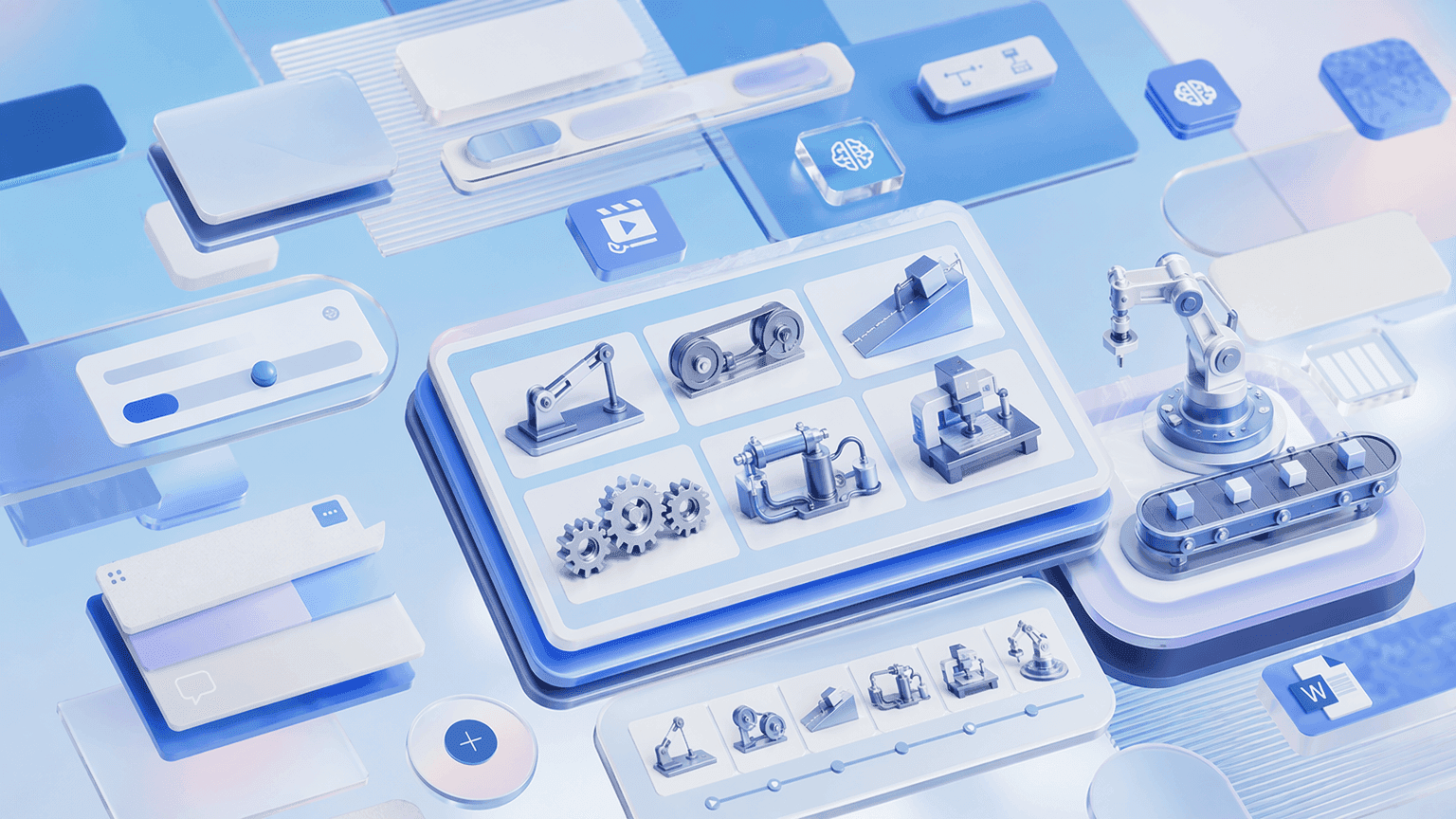
Cover Every Machine Topic in One Workflow
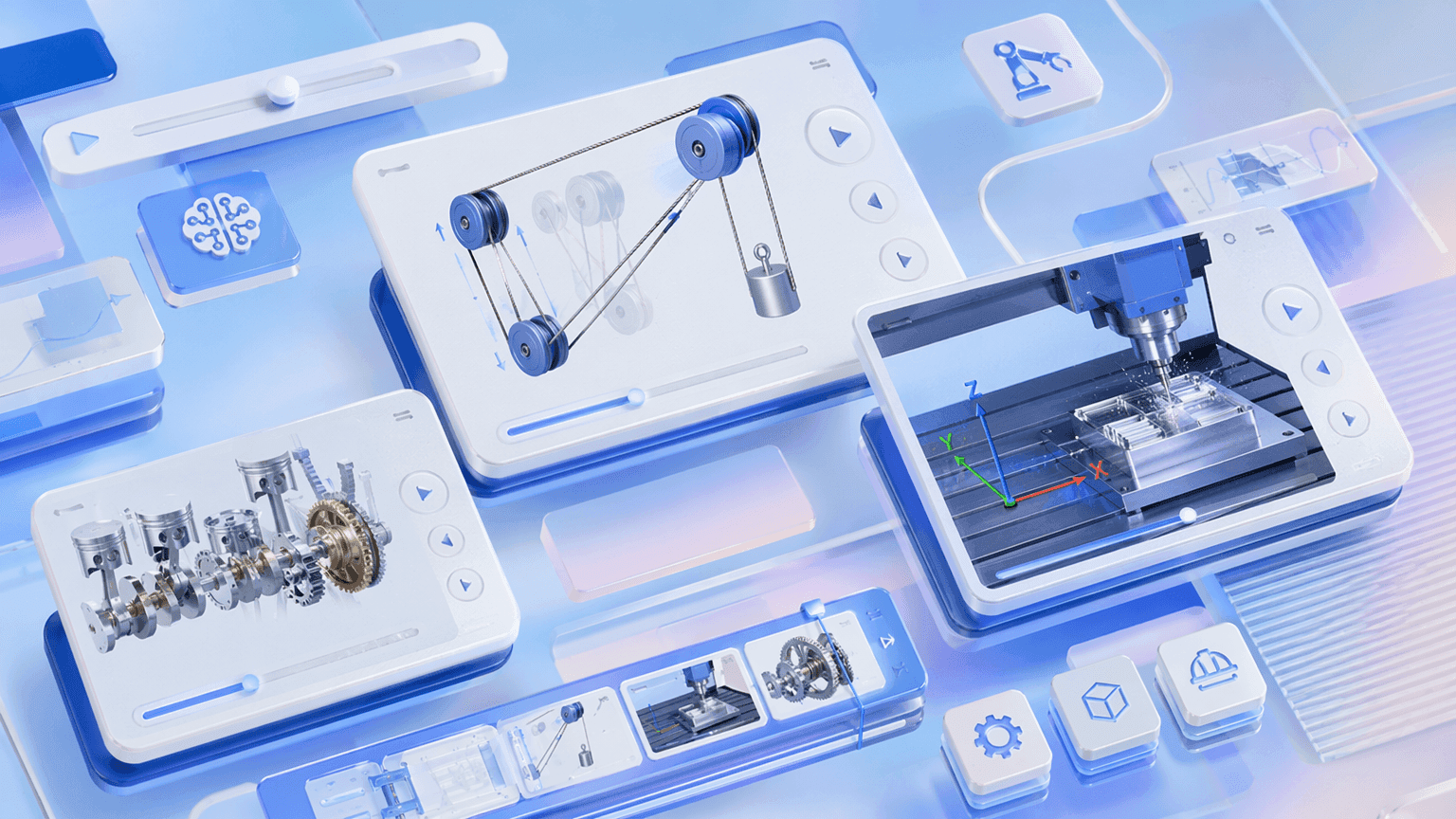
AI Motion for Machine Operation, Components, and Mechanical Processes
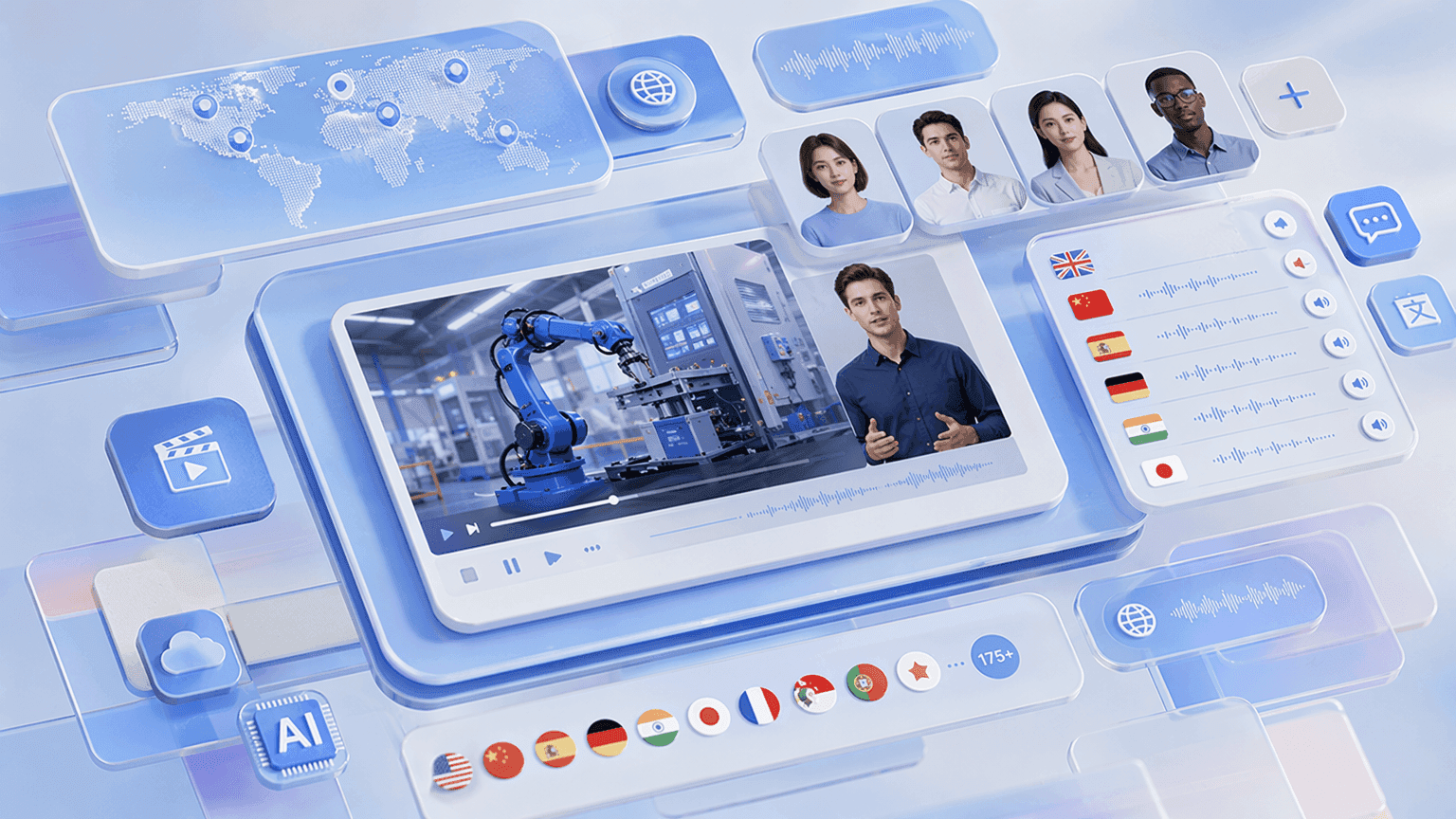
Narrated Machine Videos in 88 Languages

Templates for Lectures, Lab Walkthroughs, and Technical Training
How to Create a Machine Video with AI
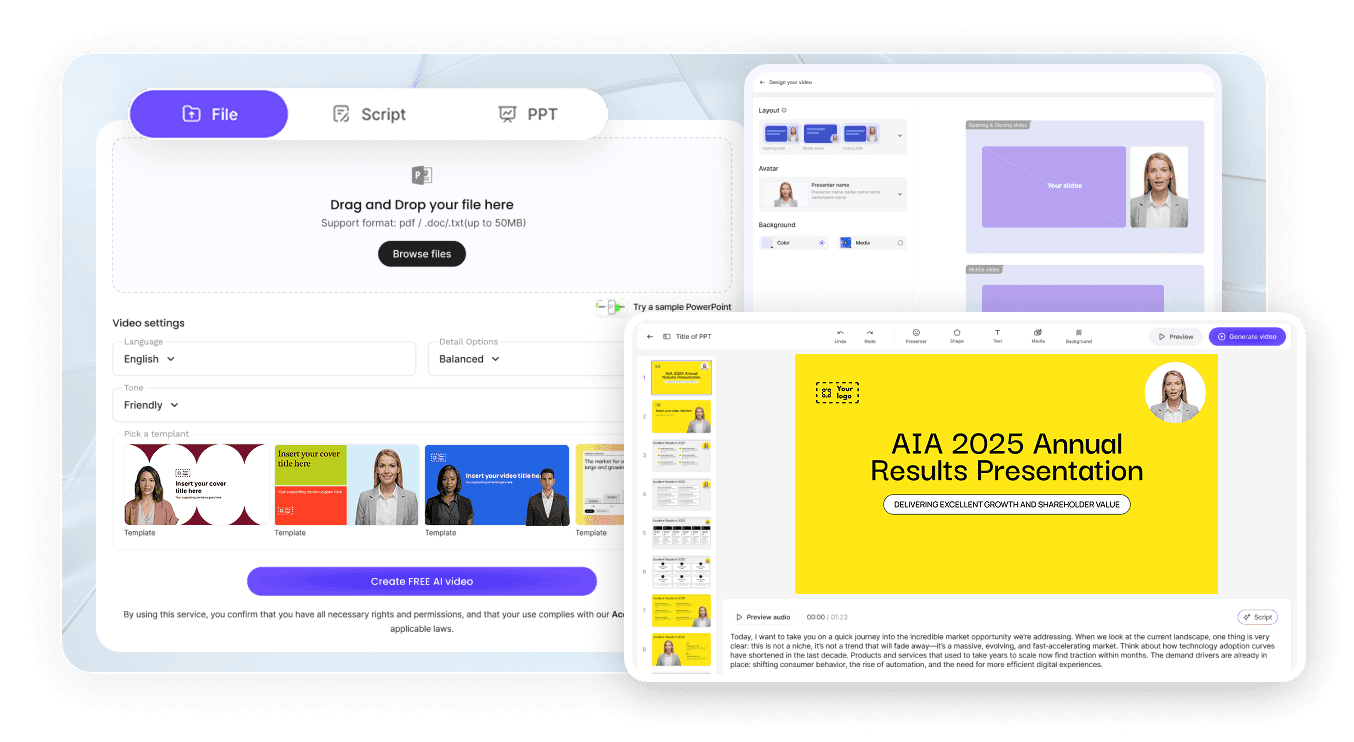
Step 1: Add Your Topic, Notes, or Lecture Slides
Step 2: Generate Animations and Narration
Step 3: Refine, Translate, and Share with Students or Teams
Simple Machines & Mechanical Advantage Videos
Lever Animation
Pulley System Animation
Inclined Plane and Wedge Animation
Wheel and Axle and Screw Animation
Industrial Machines, Automation & Manufacturing Videos
CNC Machine Animation
Robotic Arm Animation
Conveyor and Material Handling Animation
Manufacturing Process Animation
Trusted by Engineering Educators, Trainers, and EdTech Creators
One Tool for the Entire Machine Curriculum
Update Content as Standards and Technology Change
Interactive Q&A for Every Student and Trainee
Track Engagement and Comprehension

Machine Video Ideas & Use Cases
GCSE, A-Level & Undergraduate Engineering Lessons
Vocational & Industrial Technical Training
Online Engineering Courses
Tutoring & Exam Prep
Engineering Firms & Product Demonstrations
Multilingual Engineering Programs
Build Dedicated Engineering Animation Videos for Top Topics

Engine Animation
Show the four-stroke cycle, pistons, and combustion — an animated cutaway of how an engine actually works.

Mechanical Animation
Animate gears, levers, linkages, and mechanisms — visualize mechanical motion and force transmission step by step.

Robotics Animation
Visualize robotic arms, joints, and control systems — show kinematics and automation in motion without a physical build.

Physics Animation
Waves, electricity, atoms, and motion — animated physics for mechanics, energy, and quantum lessons.
FAQs
A machine video maker is software that turns machine concepts — simple machines, power transmission, industrial machinery, and manufacturing processes — into animated, narrated explainer videos. Leadde uses AI to generate Motion graphics from a prompt, structure your topic into scenes, and deliver the lesson through realistic AI presenters in 88 languages.
Yes. Leadde's Free Plan gives you full access to the AI Video Creator, Text-to-Motion generation, the 200+ avatar library, and core editing tools. You can generate your first machine video entirely in your browser — no credit card and no software install required.
You can animate any machine topic that fits a scripted lesson — levers, pulleys, inclined planes, wheels and axles, screws, gear trains, belt drives, hydraulic systems, compound machines, CNC machines, robotic arms, conveyor systems, and manufacturing processes. Use the topic pages above as starting templates, or paste your own lecture notes and let the AI structure the scenes.
Yes. Leadde supports 88 languages and 175 dialects. Create the machine video once in your source language, then use the Translate tool to regenerate it with localized voiceover, synced lip movements, and on-screen captions for every student or trainee in the program.
You can try it yourself by heading to the sidebar and navigating to AI Tools > Create Media, where you’ll find two ways to generate visuals. For a free option, use the Motion tab to animate specific actions or explanations. For full video generation, Text-to-Video lets you create complete video clips from pure text prompts using your account credits.
Ready to try Leadde?
