
AI Talking Head Video Generator
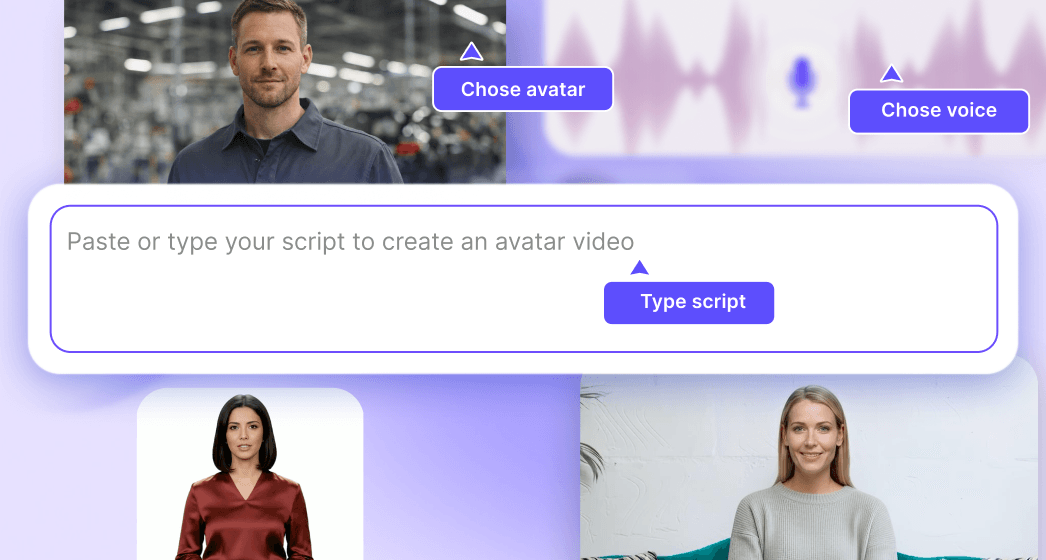
Pick a talking head
Type your script in any language
Trusted by the world's leading brands







How to Create a Talking Video from a Photo?
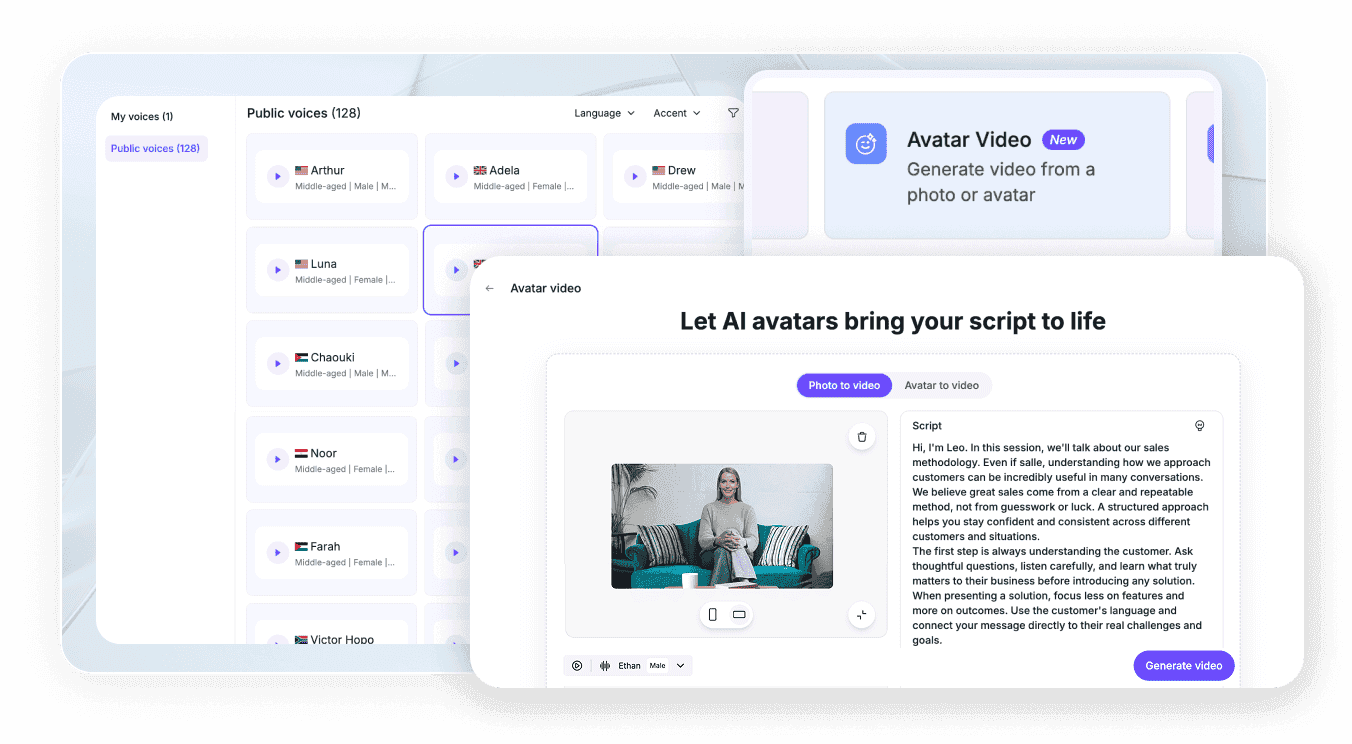
Turn a portrait photo into a realistic talking video in just a few simple steps. Upload your photo, enter a script, choose a voice, and generate your video with AI.
Step 1: Upload Your Photo
Upload a photo or drag and drop it here.
Upload a PNG or JPG file up to 30 MB. Use a clear portrait photo for the best results.
Step 2: Enter Your Script
Type or paste your script in the text box.
You can enter up to 200 characters to create a natural-sounding talking video.
Step 3: Choose a Voice and Generate
Select your preferred voice, then click Generate Video.
AI will animate your photo and turn it into a talking video.
Stunning AI Presenters for Every Platform

Onboarding walkthrough
Turn compliance documents, safety protocols, or regulatory guidelines into structured certification videos. Let an AI avatar walk employees through each requirement clearly — reducing legal risk and keeping teams audit-ready.

Cleanroom protocols
Explains the behavior guidelines and operational requirements for cleanrooms, ensuring employees adhere to standards and improve work efficiency and safety.

AR-700 operation training
Introduces the operation process and safety guidelines of the AR-700 precision assembly robot, helping employees master proper operating techniques.

Marketing insights
Why Leadde is the Best AI Talking Head Generator Online

Realistic Talking Avatars
Bring your message to life with AI presenters that speak naturally, sync accurately to your script, and deliver a polished talking head video without cameras or studios.

Expressive IV Emotion Engine
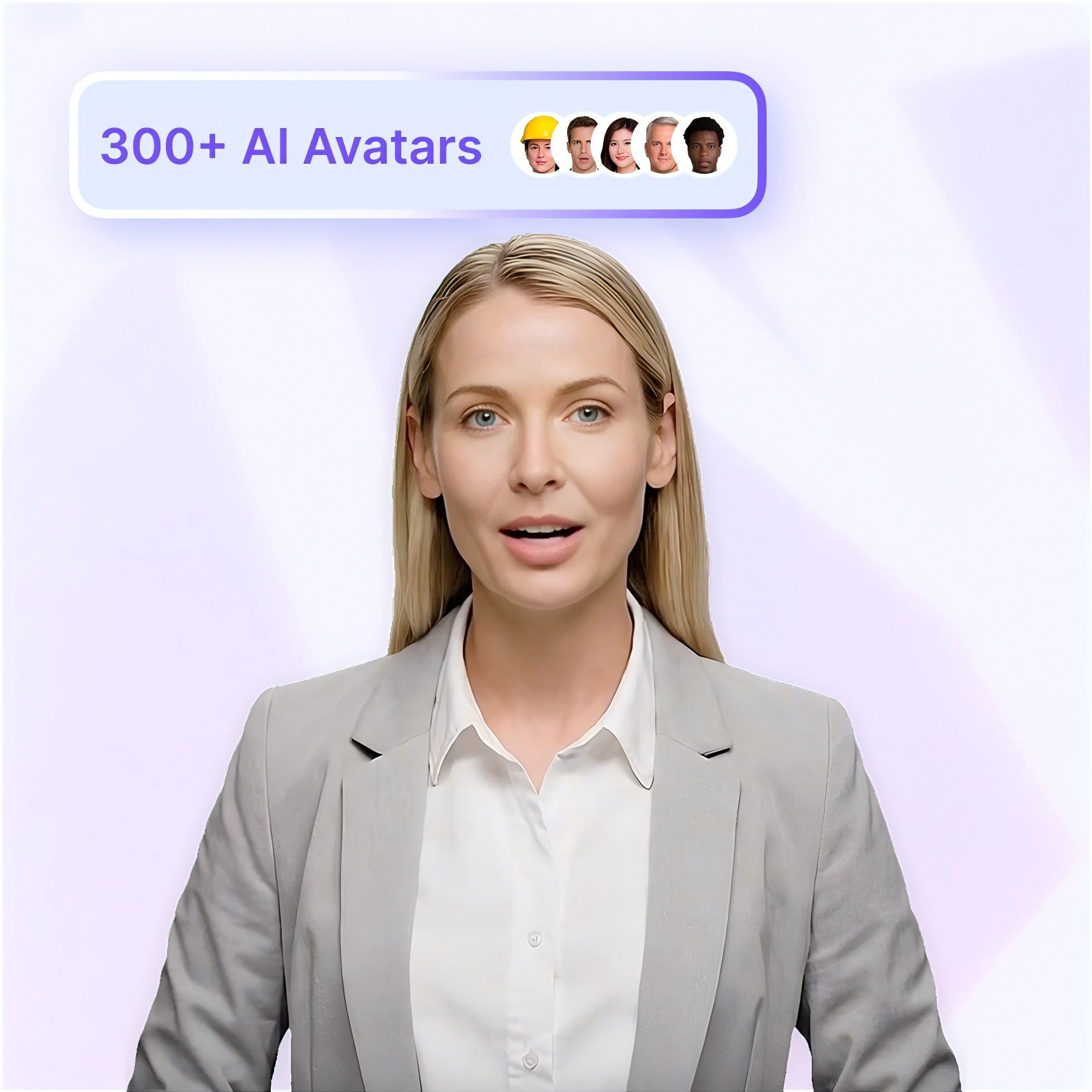
300+ Diverse AI Avatars
Translate Videos Globally
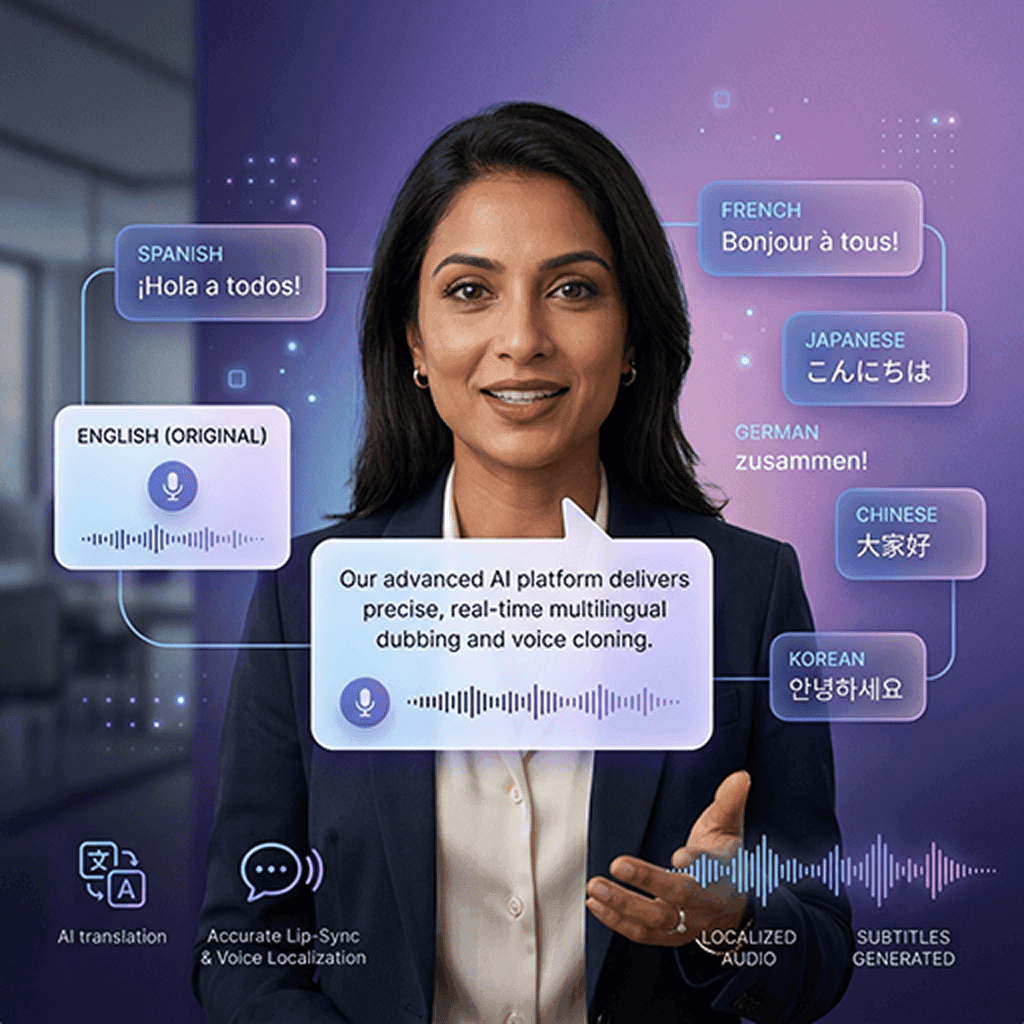
Reach a worldwide audience instantly. Translate your video's audio, lip-sync, and text into 88 languages and 175 dialects with just a few clicks.
Trusted by Creators and Global Enterprises
Free AI Talking Video Generator Access
Effortless Script Iteration
Interactive Viewer Experience
AI Talking Head Video Ideas & Use Cases
TikTok and Shorts Content
E-Learning and Explainer Courses
Product Demonstrations
Marketing and Sales Pitches
Corporate Communications
Need to send a company-wide update but the CEO is traveling? Use the "Photo Avatar" feature to clone the executive's image, paste their memo, and distribute an authoritative, realistic talking head announcement to your team.
Frequently asked questions
Yes! Leadde functions as a highly advanced, browser-based AI video generator that offers a robust free tier. You can create realistic talking head videos online without needing to download heavy software or pay an upfront fee.
With Leadde Avatar Video, choose a dynamic AI avatar, set the canvas to a vertical format, and paste your short, punchy script to generate a talking head video with precise lip sync. Download the finished video and upload it directly to TikTok.
Absolutely. Leadde uses advanced Text-to-Speech (TTS) technology paired with the Expressive IV Engine to not only create realistic voiceovers with varied tones (Storytelling, Analytical, Persuasive) but also align the avatar's micro-expressions naturally.
Yes. By utilizing Leadde's "Photo Avatar" feature, you can upload clear, static photos of yourself. The AI will analyze the image and animate it to speak any text script you provide, essentially creating a custom digital twin.
Ready to try Leadde?
