
Leadde Logo

Mechanical Animation Maker

Turn complex mechanical engineering lessons into clear, animated explainer videos in minutes. Leadde's mechanical animation maker uses AI Motion, narrated scenes, and 200+ presenters to bring gear trains, linkage mechanisms, stress analysis, and thermodynamic cycles to life — no animator or video editor needed.

Why Leadde is the Best Mechanical Animation Maker
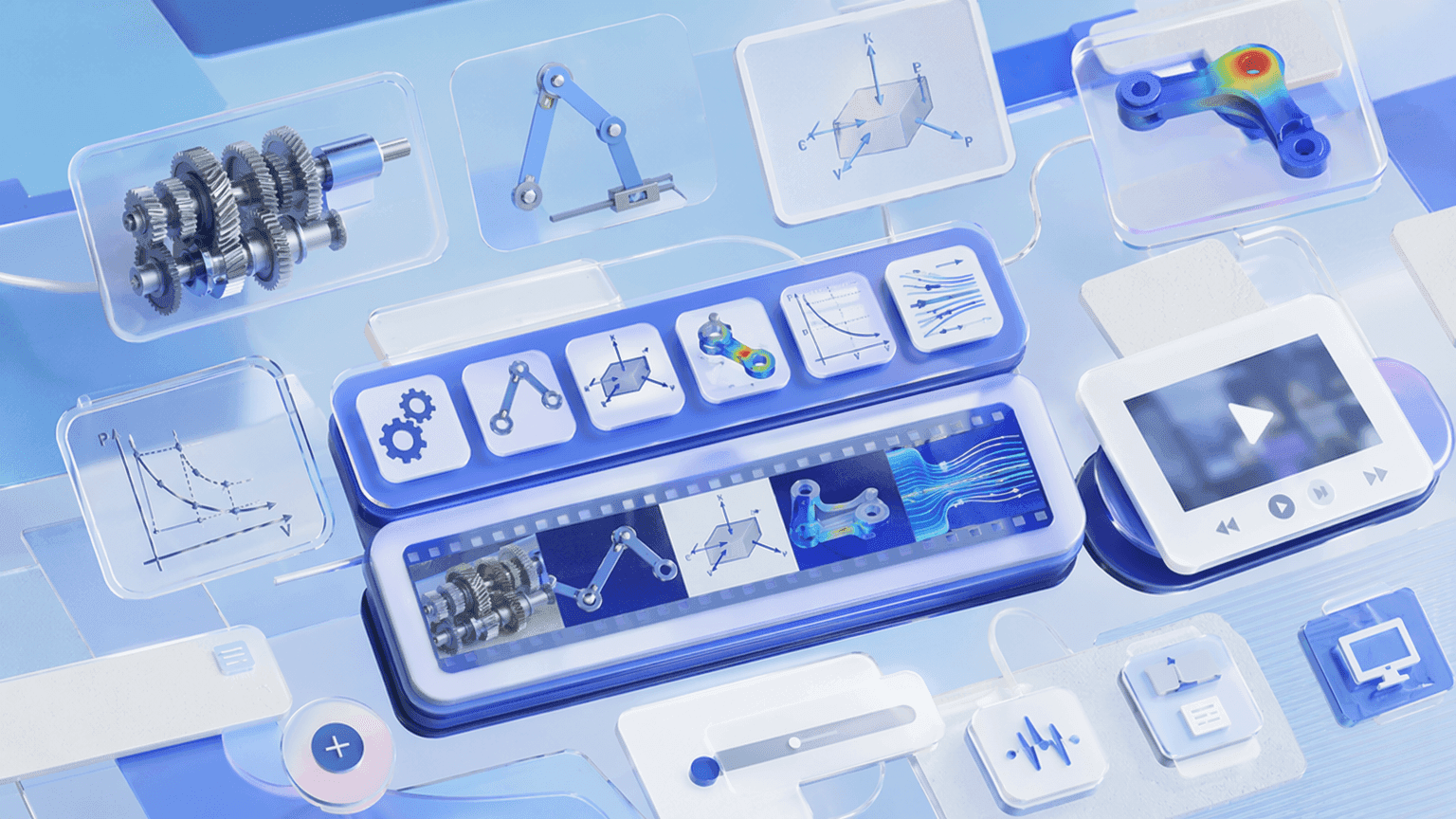
Cover Every Mechanical Engineering Topic in One Workflow
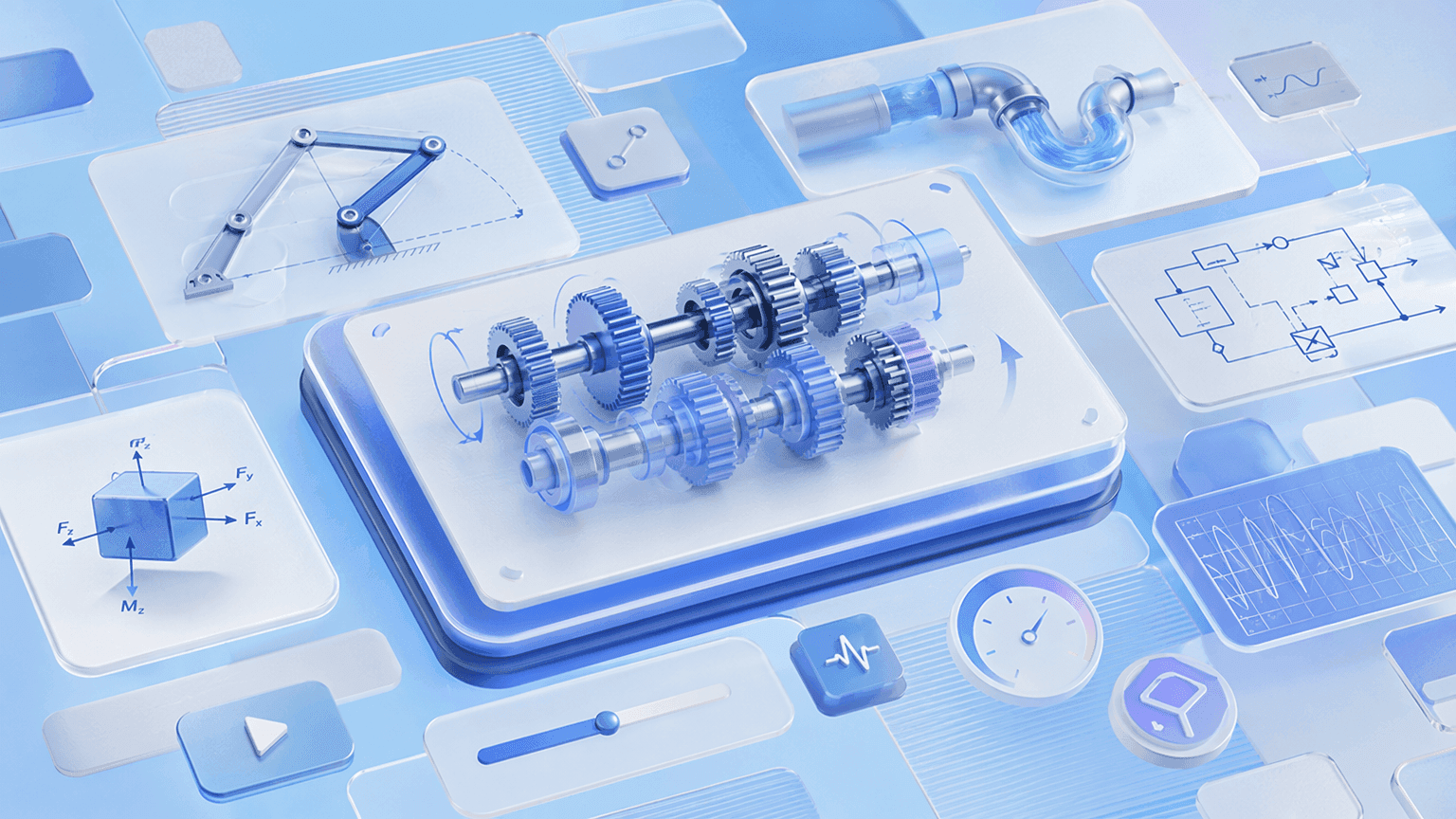
Cover Every Mechanical Engineering Topic in One Workflow

From gear trains and linkage mechanisms to free-body diagrams, stress analysis, thermodynamic cycles, and fluid mechanics, Leadde structures any topic or lecture note into a scene-by-scene mechanical animation video — covering machine design, structural mechanics, thermodynamics, and fluid dynamics in a single tool.
AI Motion for Mechanisms, Diagrams, and Mechanical Processes

AI Motion for Mechanisms, Diagrams, and Mechanical Processes

Static slides can't show how torque transfers through a multi-shaft gear train or how a four-bar linkage cycles through its full range of motion. Leadde's Text-to-Motion turns prompts into animated diagrams — showing gears meshing, forces building on free-body diagrams, and fluid flowing through a pipe in real time.
Narrated Mechanical Animation Videos in 88 Languages

Narrated Mechanical Animation Videos in 88 Languages

Pair every mechanical animation with a lifelike AI instructor. Choose from 200+ avatars with the Expressive IV Engine, then translate voiceover and on-screen text into 88 languages and 175 dialects — ideal for international engineering programs and multilingual technical training teams.
Templates for Lectures, Lab Walkthroughs, and Technical Training

Templates for Lectures, Lab Walkthroughs, and Technical Training

Apply your department or company's colors, logo, and font once, then reuse the layout across every module — keeping mechanical animation videos visually consistent from basic statics and kinematics in year one to advanced dynamics and thermodynamics in the final semester.

How to Create a Mechanical Animation with AI

Turn a mechanical engineering topic into a polished animated video in three steps — no animator required.
AI Video Generator Interface

Step 1: Add Your Topic, Notes, or Lecture Slides

Log into Leadde and paste your lecture notes or upload a textbook chapter, lab handout, or PowerPoint deck. Set your audience and narrative style — the AI builds a scene-by-scene mechanical animation outline.

Step 2: Generate Animations and Narration

Open Text-to-Motion and generate animated visuals from a prompt like "multi-shaft gear train torque and speed ratio analysis" or "four-bar linkage kinematic analysis with velocity vectors." Add an AI engineering presenter, drag in supporting schematics, and apply your Brand Kit across every scene.

Step 3: Refine, Translate, and Share with Students or Teams

Preview pacing, then click "Generate Video." Download the HD MP4 and upload to Google Classroom, Canvas, or your company LMS — or translate into 88 languages and share via a password-protected Leadde link.

Mechanisms, Machines & Motion Videos

Gear Train Animation

Build a gear train animation walking through speed ratios, torque transmission, and multi-shaft systems — every gear labeled with angular velocity, direction of rotation, and mechanical advantage at each stage. Perfect for undergraduate mechanical engineering, machine design, and automotive technology courses at any level.

Four-Bar Linkage Animation

Animate crank rotation, coupler path, and output link displacement cycling through the full range of motion — a four-bar linkage animation mapping kinematic constraints, velocity analysis, and practical applications in machinery. Ideal for undergraduate mechanical engineering and mechatronics courses at any level.

Cam and Follower Animation

Show a cam rotating and a follower tracing its profile — a cam and follower animation mapping displacement, velocity, and acceleration of the follower through each cam rotation and connecting cam profile shape to follower motion characteristics. Perfect for undergraduate machine design courses.

Belt Drive and Pulley Animation

Animate driver and driven pulleys connected by a belt — a belt drive animation mapping speed ratio, torque transmission, belt tension, and the effect of pulley diameter on mechanical advantage and power transmission. Ideal for undergraduate mechanical engineering and engineering technology courses.

Thermodynamics, Fluid Mechanics & Materials Videos

Thermodynamic Cycle Animation

Animate the Otto, Diesel, and Rankine cycles on pressure-volume and temperature-entropy diagrams — a thermodynamic cycles animation walking through compression, heat addition, expansion, and heat rejection at each stage. Perfect for undergraduate mechanical and aerospace engineering courses at any level.

Heat Transfer Animation

Show conduction through a solid wall, convection from a heated surface, and radiation from a hot body — a heat transfer animation mapping temperature gradient, thermal resistance, heat flux, and combined mode heat transfer in one connected scene. Ideal for undergraduate mechanical engineering courses.

Pipe Flow and Fluid Mechanics Animation

Animate laminar and turbulent flow developing in a pipe, Bernoulli's principle acting across a venturi, and boundary layer separation at a surface — a pipe flow animation connecting Reynolds number, pressure drop, and flow regime to real engineering applications. Perfect for undergraduate courses.

Material Properties and Stress-Strain Curve Animation

Step through elastic region, yield point, plastic deformation, and fracture on a stress-strain curve — a material properties animation mapping Young's modulus, yield strength, ultimate tensile strength, and ductility for different engineering materials. Ideal for undergraduate materials science courses.

Trusted by Engineering Educators, Trainers, and EdTech Creators

One Tool for the Entire Mechanical Engineering Curriculum

From basic statics and kinematics in first year to advanced dynamics, thermodynamics, and fluid mechanics at postgraduate level, Leadde covers the full mechanical engineering curriculum in one workspace — build a whole semester of animated lessons without switching tools, hiring animators, or re-recording.

Update Content as Standards and Syllabi Change

Industry standards evolve, design codes get revised, and new methods emerge. Reopen your saved Leadde project, edit the script, and regenerate the mechanical animation instantly — no re-recording, no re-animating, and no third-party motion-graphics shop ever required.

Interactive Q&A for Every Student and Trainee

Share each mechanical animation through a password-protected Leadde hosted link and viewers can ask follow-up questions in the built-in chat panel — answered instantly from your uploaded notes or course content. The video becomes an always-on mechanical engineering tutor.

Track Engagement and Comprehension

Use Leadde's analytics dashboard to monitor impressions, total views, unique views, average watch time, completion rate, and interaction count for every mechanical animation — easy to identify which modules need a follow-up video or additional worked example.
compliance background

Mechanical Animation Ideas & Use Cases

Undergraduate Engineering Lectures & Lab Preparation

Convert lecture notes on mechanisms, stress analysis, thermodynamic cycles, or fluid mechanics into animated explainers students rewatch before labs and exams.

Automotive & Industrial Technical Training

Build animated modules covering machine operation, mechanical system maintenance, and component function for automotive technician and industrial engineering training programs.

Online Engineering Courses

Package mechanical animation videos as standalone lessons for Udemy, Teachable, or Coursera — each topic its own narrated, step-by-step video.

Tutoring & Exam Prep

Tutors turn weak-spot topics like gear train analysis, bending stress diagrams, thermodynamic efficiency, and fluid flow regimes into focused review videos students replay before finals.

Engineering Firms & Product Demonstrations

Science centers and EdTech brands build short atom explainers on nuclear energy, quantum mechanics, and the periodic table for social posts and public exhibits.

Multilingual Engineering Programs

Generate the lesson once and translate the same mechanical animation into 88 languages — for international campuses, global training rollouts, and multilingual engineering teams.

FAQs

A mechanical animation maker is software that turns mechanical engineering concepts — mechanisms, forces, stress analysis, thermodynamic cycles, and fluid mechanics — into animated, narrated explainer videos. Leadde uses AI to generate Motion graphics from a prompt, structure your topic into scenes, and deliver the lesson through realistic AI presenters in 88 languages.

Yes. Leadde's Free Plan gives you full access to the AI Video Creator, Text-to-Motion generation, the 200+ avatar library, and core editing tools. You can generate your first mechanical animation video entirely in your browser — no credit card and no software install required.

You can animate any mechanical engineering topic that fits a scripted lesson — gear trains, four-bar linkages, cams, belt drives, free-body diagrams, bending stress, stress and strain, factor of safety, thermodynamic cycles, heat transfer, pipe flow, and material properties. Use the topic pages above as starting templates, or paste your own lecture notes and let the AI structure the scenes.

Yes. Leadde supports 88 languages and 175 dialects. Create the mechanical animation once in your source language, then use the Translate tool to regenerate it with localized voiceover, synced lip movements, and on-screen captions for every student or trainee in the program.

You can try it yourself by heading to the sidebar and navigating to AI Tools > Create Media, where you’ll find two ways to generate visuals. For a free option, use the Motion tab to animate specific actions or explanations. For full video generation, Text-to-Video lets you create complete video clips from pure text prompts using your account credits.

Ready to try Leadde?

Start creating mechanical animation videos today. Sign up free — no credit card required, no animation software to learn.
avatar
