
AI Learning Video Generator



Trusted by Leading Universities & Institutions Worldwiide











What Is an AI Learning Video Generator?
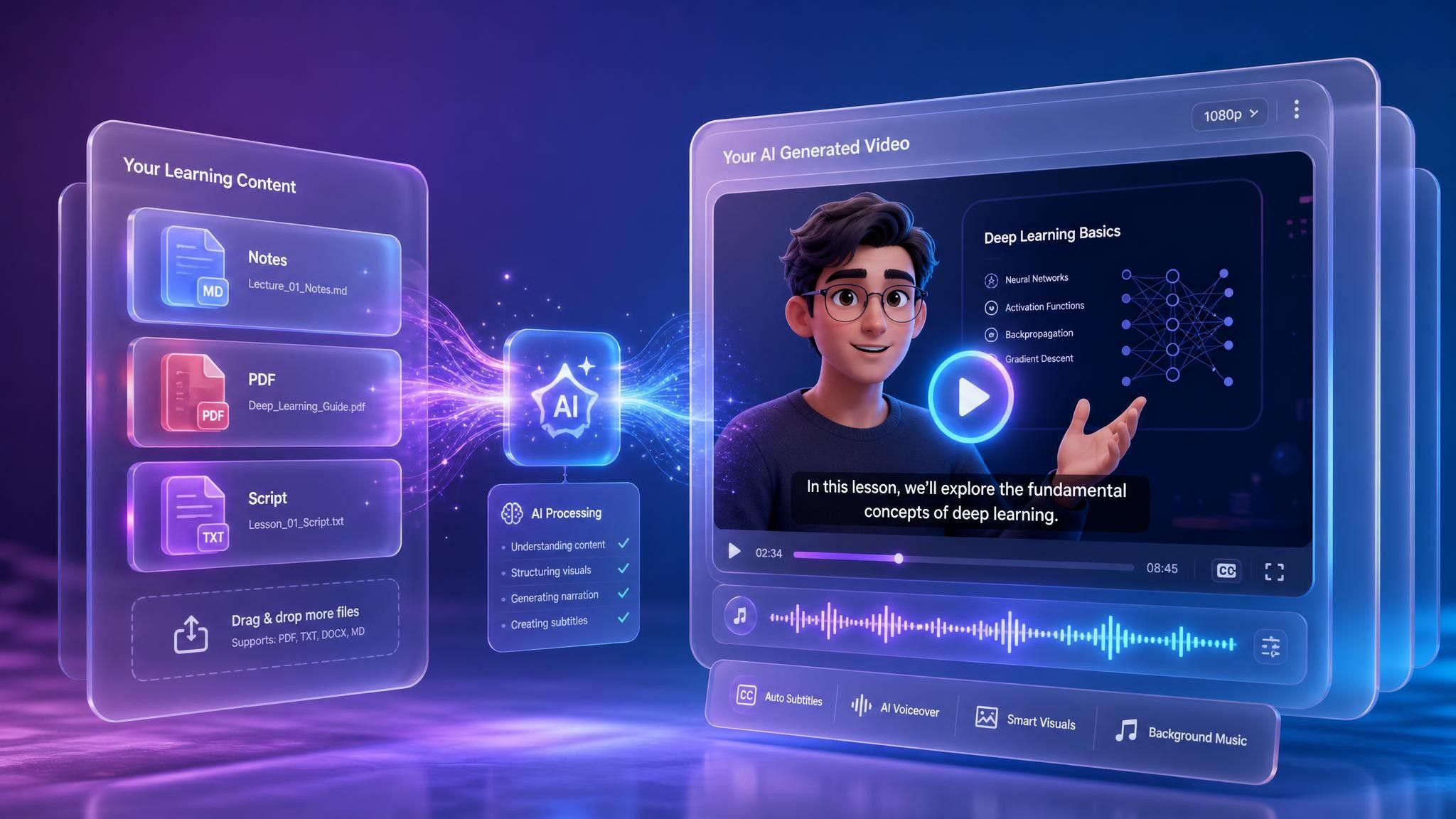
An AI learning video generator transforms notes, textbooks, scripts, presentations, and other learning materials into structured videos with narration, visuals, subtitles, and AI presenters.
Instead of writing a complete script, recording a presenter, and editing every scene manually, you can upload your content and let Leadde generate an editable first draft.
Why Leadde is the Best Tool for Learning Videos

Text to Learning Video Instantly

Engage Students with AI Teachers

Perfect Tone for Every Age

Accessible & Multilingual Education
How to Create a Learning Video with AI

Step 1: Input Your Lesson Content
Step 2: Customize Your Virtual Teacher
Step 3: Edit and Publish
Turn Any Learning Material into a Video
Use the materials you already have instead of creating every video from scratch.

Notes to Learning Videos
Turn lecture notes, class summaries, revision notes, and personal study materials into clear video explanations.
Textbooks to Educational Videos
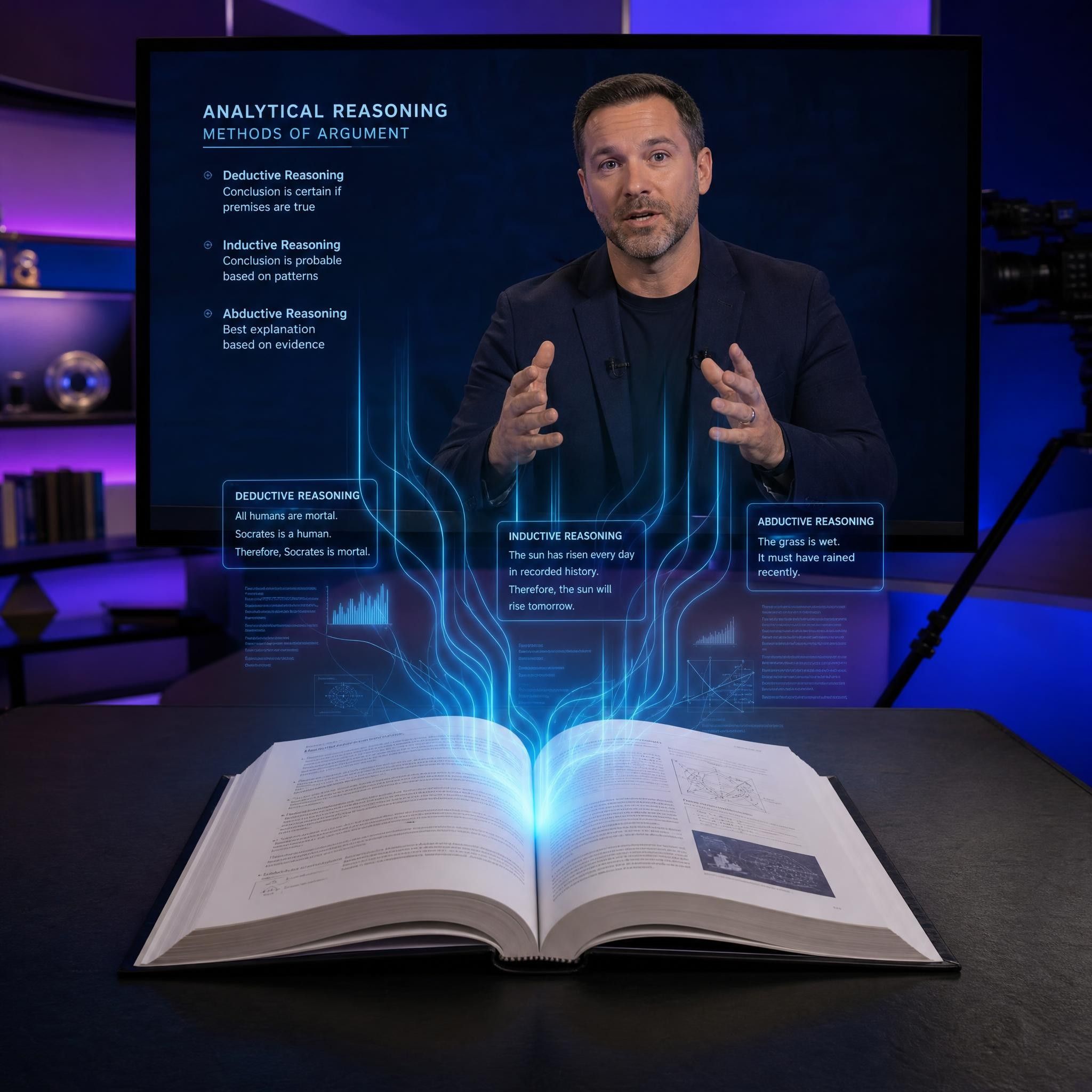
Convert textbook chapters into structured educational videos that explain the main ideas through narration, visuals, and subtitles.
PDFs to Learning Videos
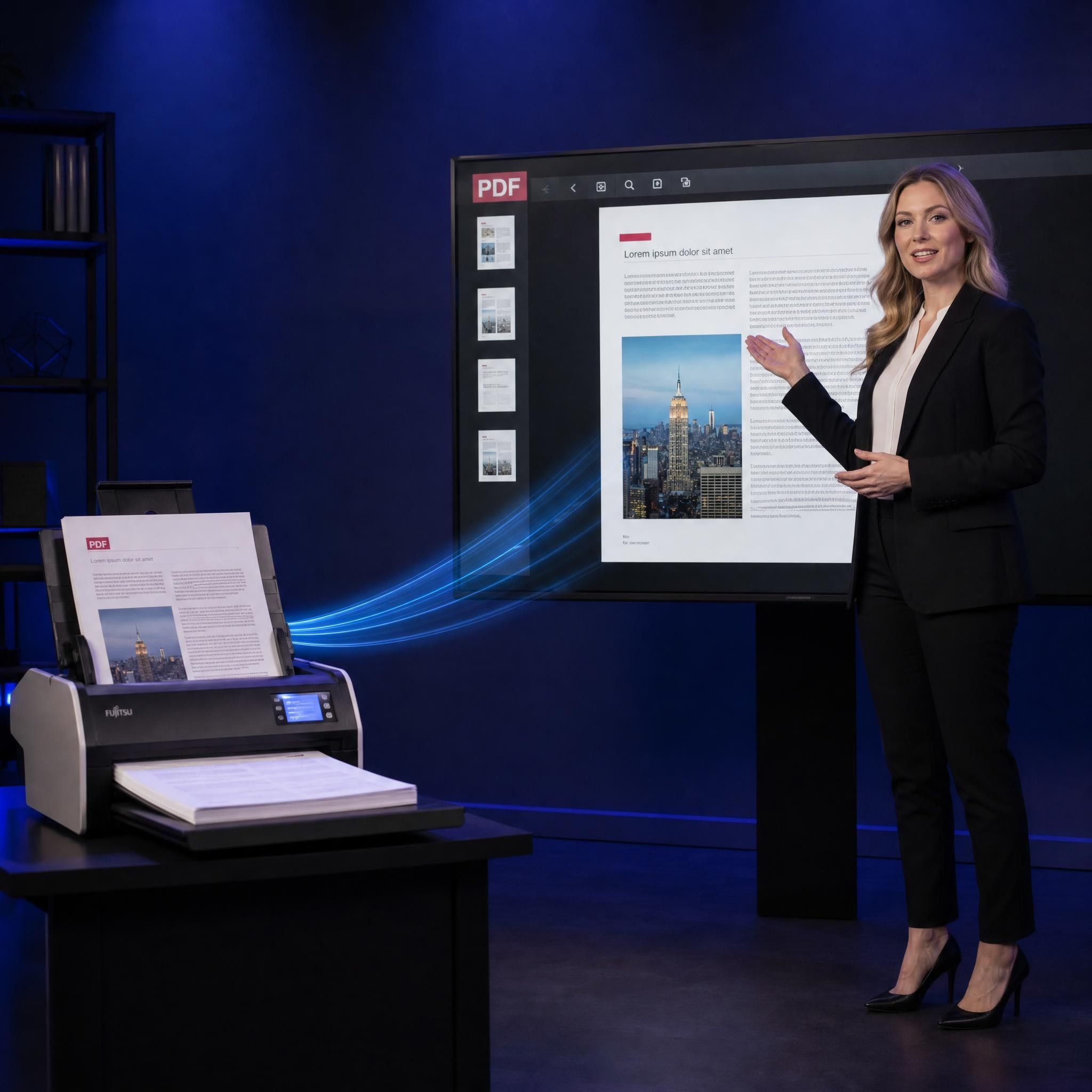
Upload study guides, worksheets, reports, and reading materials in PDF format and transform them into narrated videos.

PowerPoint Slides to Videos
Import a presentation and turn the slide content into a video with narration, subtitles, visuals, and an AI teacher.
Scripts to Educational Videos
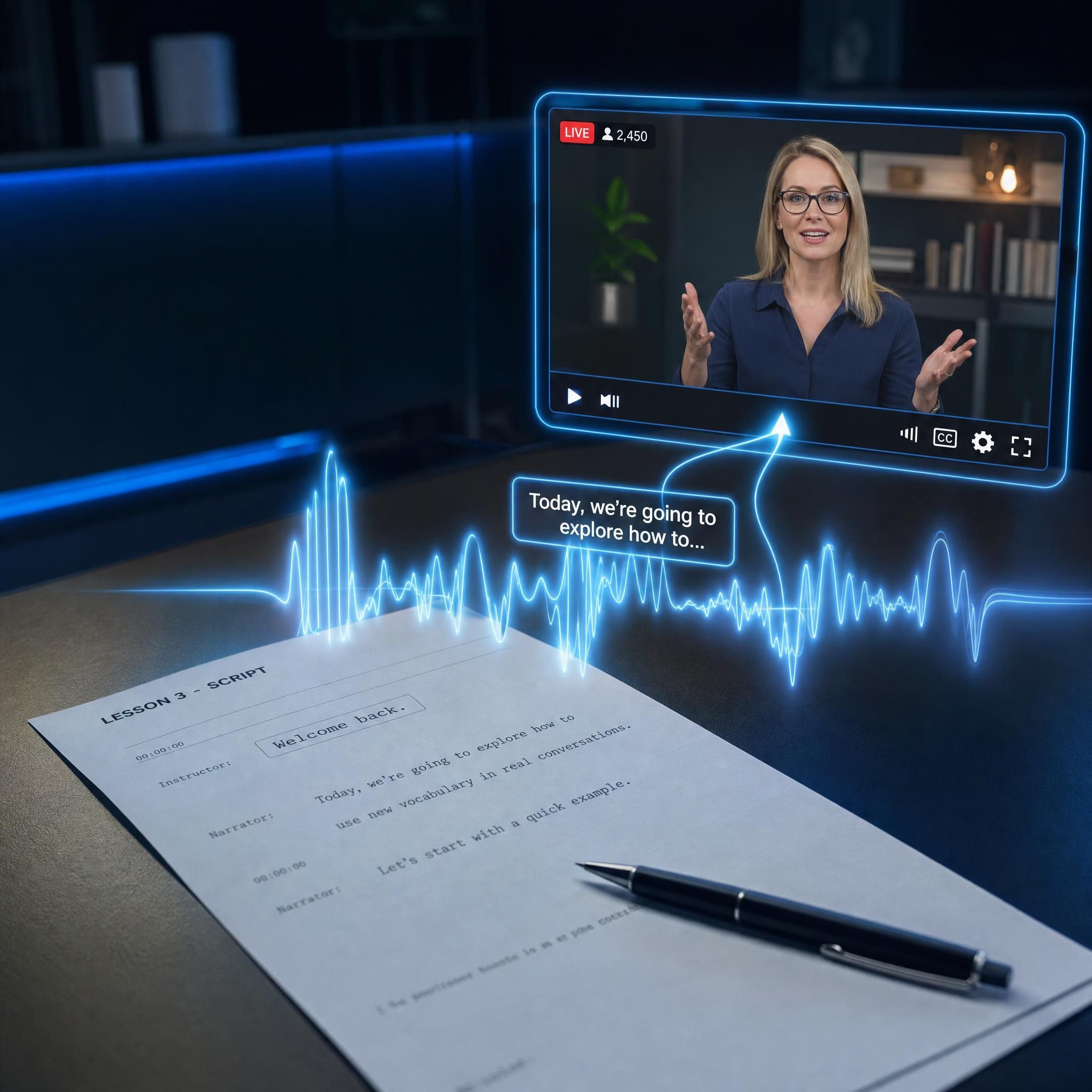
Paste a finished script and let Leadde generate the scenes, visuals, voiceover, subtitles, and presenter-led video.
Topics to Learning Videos
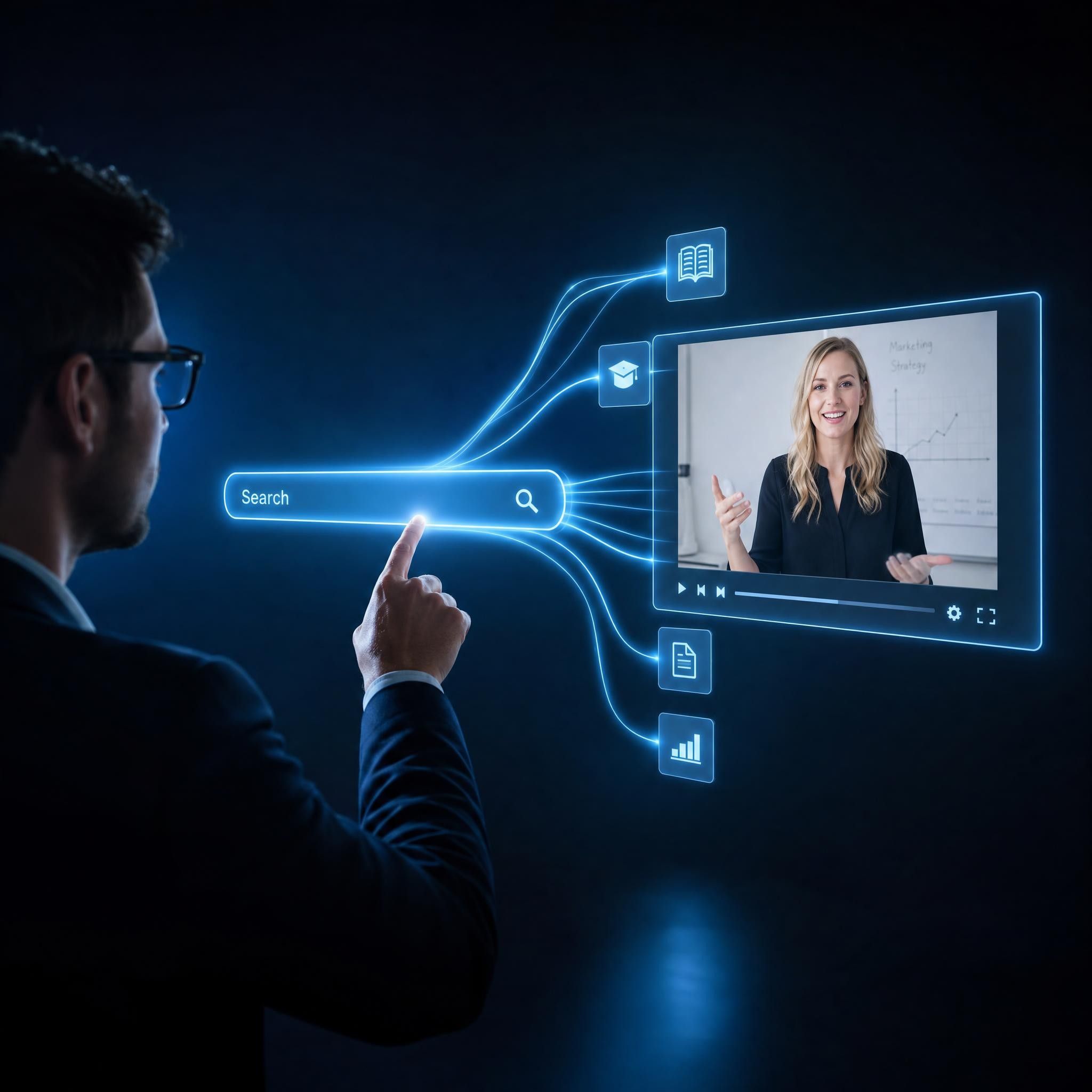
Enter a subject, question, or idea and use AI to create an editable first draft that you can review and customize.

The Future of Digital Education
Interactive Learning
Visual Clarity
Cost-Effective Production
Consistent Quality
Built for Learners, Teachers, and Creators
Students
Turn notes, textbook chapters, and revision materials into videos that make difficult subjects easier to understand and review.
Teachers
Transform lesson plans, presentations, worksheets, and course materials into educational videos for classroom and online use.
Self-Learners
Convert articles, books, research materials, and personal notes into structured videos for independent study.
Parents and Young Learners
Create clear, visual videos that introduce children to basic concepts through narration, subtitles, and friendly AI presenters.
Course Creators
Build educational videos and course modules without filming every lesson or editing each scene manually.
Knowledge Creators
Produce videos for YouTube, social media, websites, and online communities more efficiently.
Learning and Educational Video Examples
YouTube Education Channels
Kids' Story & Vocab Videos
Entertain and educate. Use the "Narrative" tone to narrate children's stories or build "Learning videos for 3 year olds" that teach colors, numbers, and basic words with built-in visuals.
Micro-Learning Modules
Employee Training
Language Lessons
Teach any language. Have an AI teacher deliver each lesson in 88 languages and 175 regional accents, then add "Captions" so learners read along and a Pronunciation editor to fine-tune words.
Parent Guides
What Can Leadde Create from Your Content?
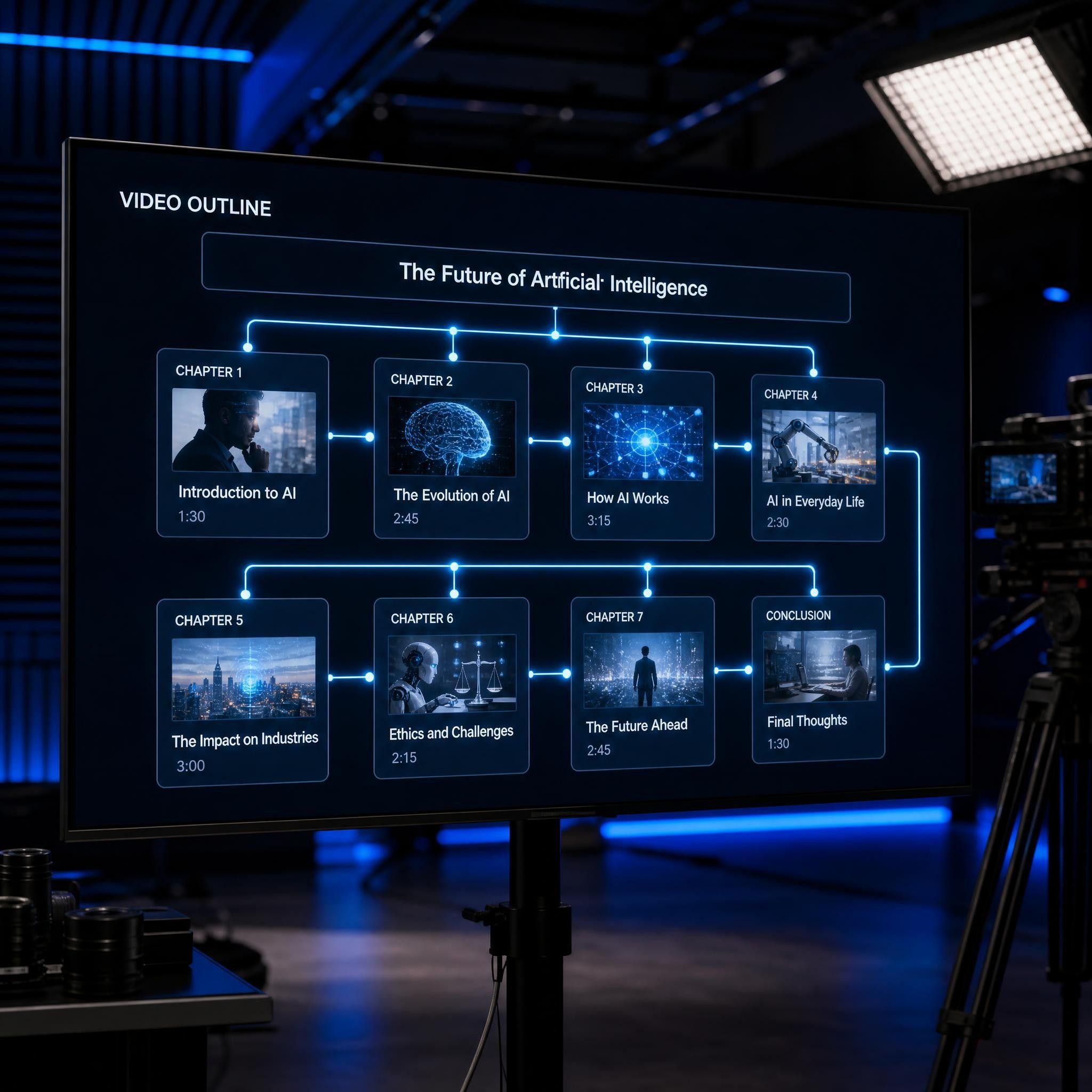
Structured Video Outline
Leadde identifies the main topics in your material and organizes them into a logical sequence.
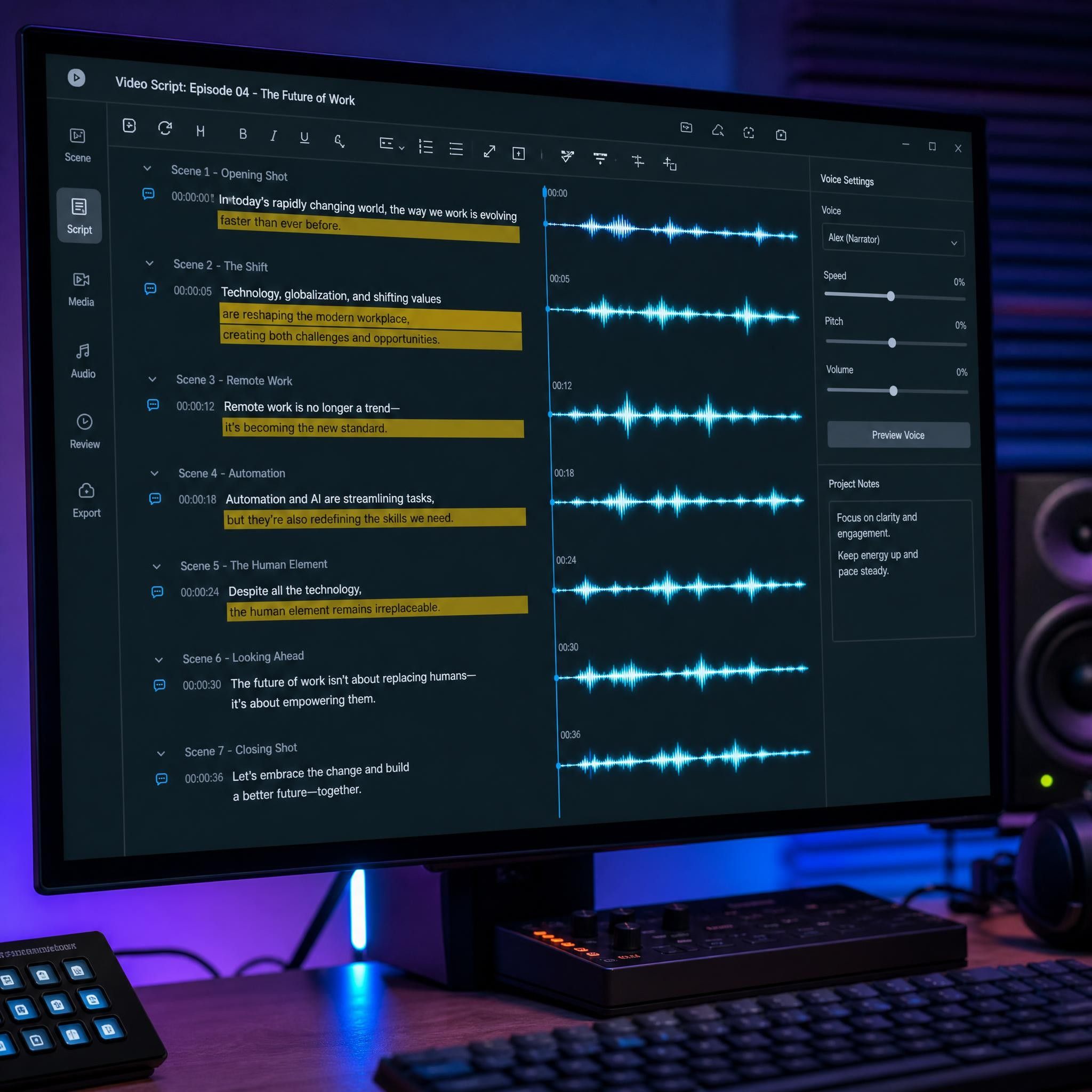
Editable Video Script
Long or complex written content is transformed into concise narration designed for spoken delivery.
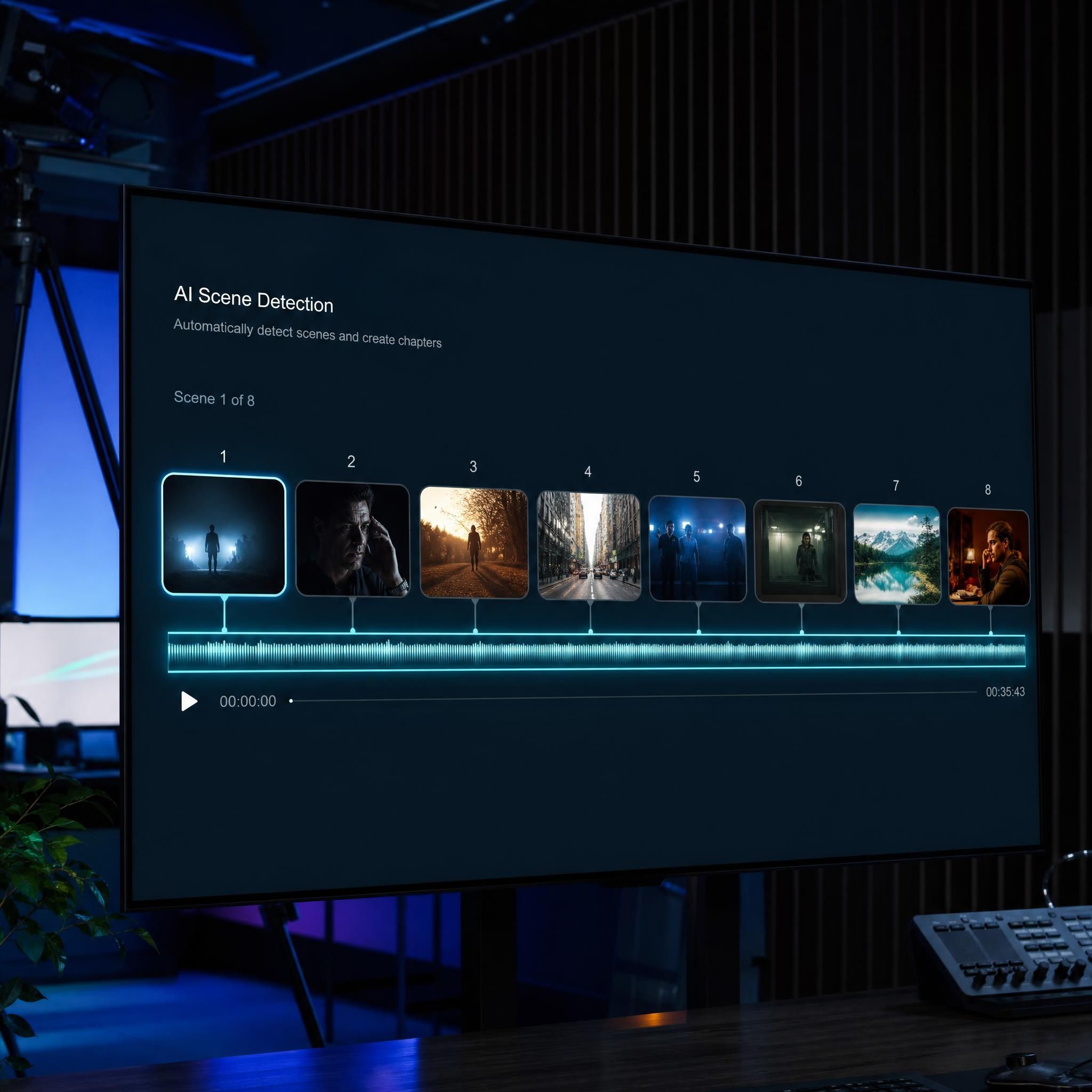
Automatically Generated Scenes
Each topic or section becomes a separate video scene with an appropriate visual layout.
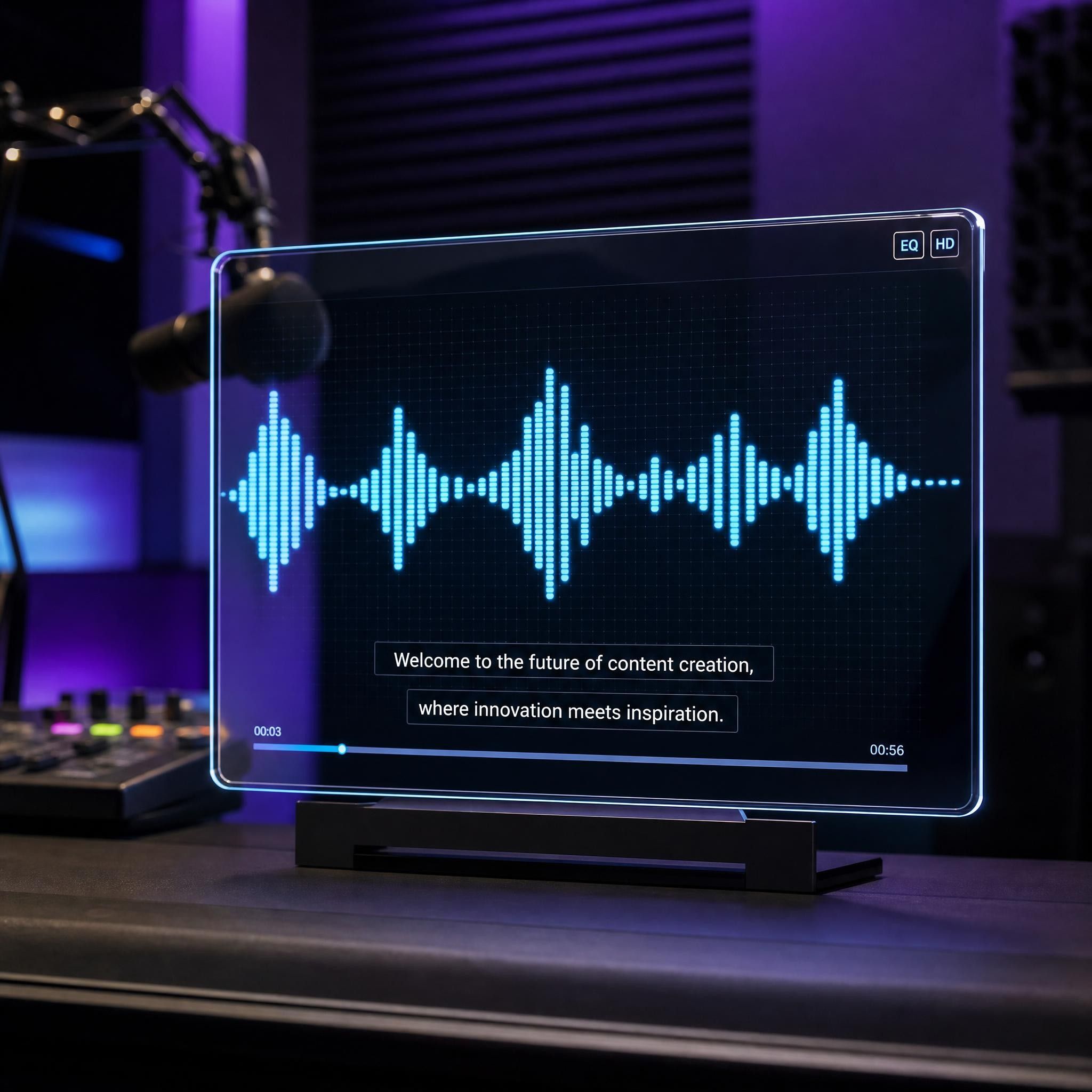
AI Voiceover and Subtitles
Generate synchronized narration and subtitles in your selected language.

AI Teacher Video
Add an AI avatar to present the content and guide learners through each section.
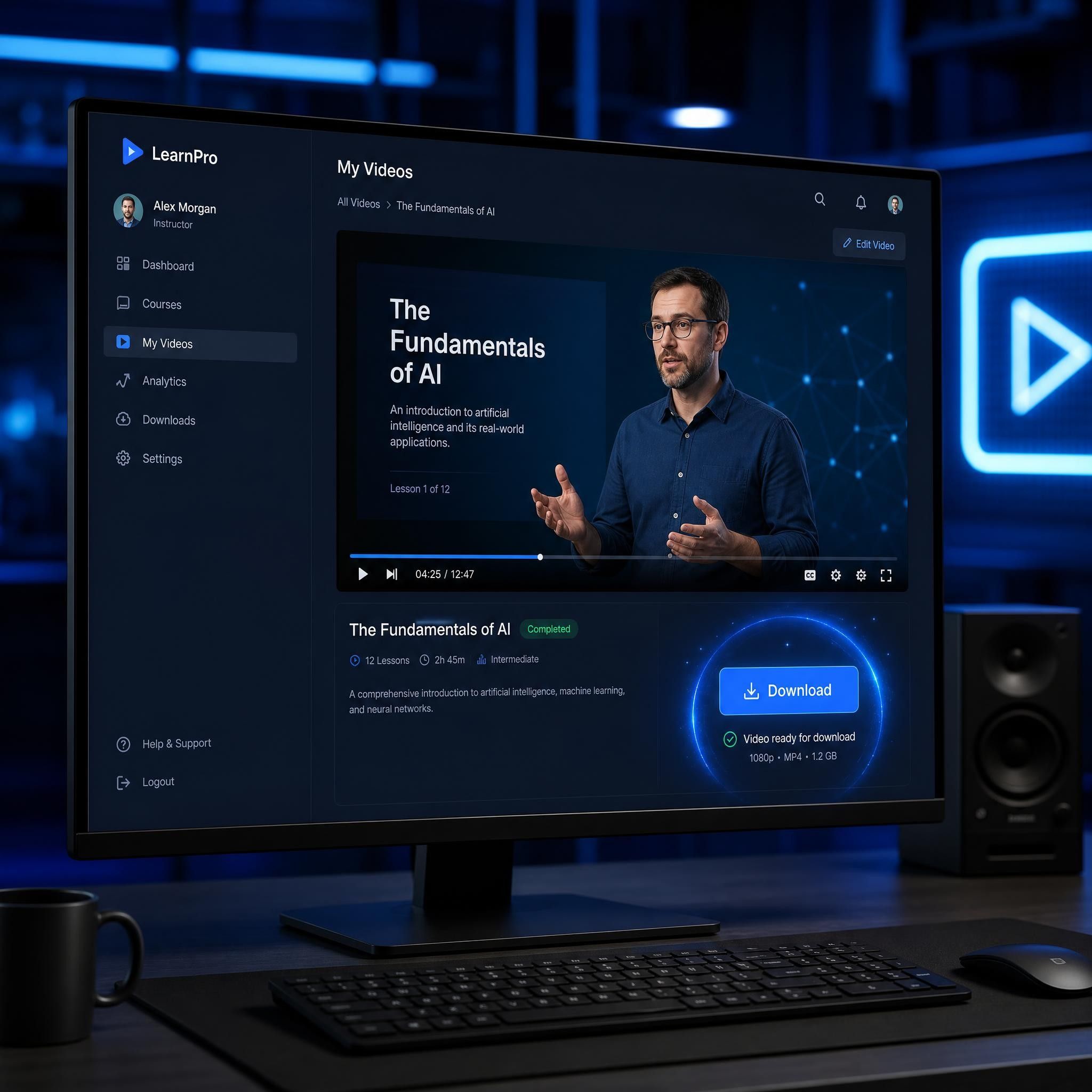
Downloadable Video
Review and customize the generated project before downloading the completed video for teaching, studying, publishing, or sharing.
Frequently Asked Questions
Yes. Leadde offers a free plan that allows you to generate and download videos without providing credit card details.
No. You can start generating and downloading learning and educational videos without adding a credit card.
Yes. Paste your notes into Leadde or upload them as a supported document. AI will organize the content into a video script and generate scenes, narration, subtitles, visuals, and an optional AI teacher.
Yes. Upload a textbook chapter or selected material and turn it into a structured video summary. You can review the script and adjust the level of detail before generating the final video.
Yes. Leadde can create videos for revision, concept explanations, textbook summaries, vocabulary practice, and self-paced study using your existing materials.
Yes. Choose a friendly AI avatar, a storytelling tone, simple language, and clear visuals to create videos for young learners.
Yes. Teachers can convert lesson plans, slides, worksheets, course materials, and subject content into videos for classroom teaching, homework, flipped learning, and online courses.
Yes. Leadde supports video creation in 175 languages, helping you create localized educational and learning content for audiences in different regions.
Start creating educational videos today
