
Leadde Logo

Sound Wave Animation Maker

Turn complex sound wave lessons into clear, animated explainer videos in minutes. Leadde's sound wave animation maker uses AI Motion, narrated scenes, and 200+ presenters to bring compression, rarefaction, frequency, amplitude, and the hearing system to life — no animator or video editor needed.

Why Leadde is the Best Sound Wave Animation Maker
Cover Every Sound Wave Topic in One Workflow
Cover Every Sound Wave Topic in One Workflow

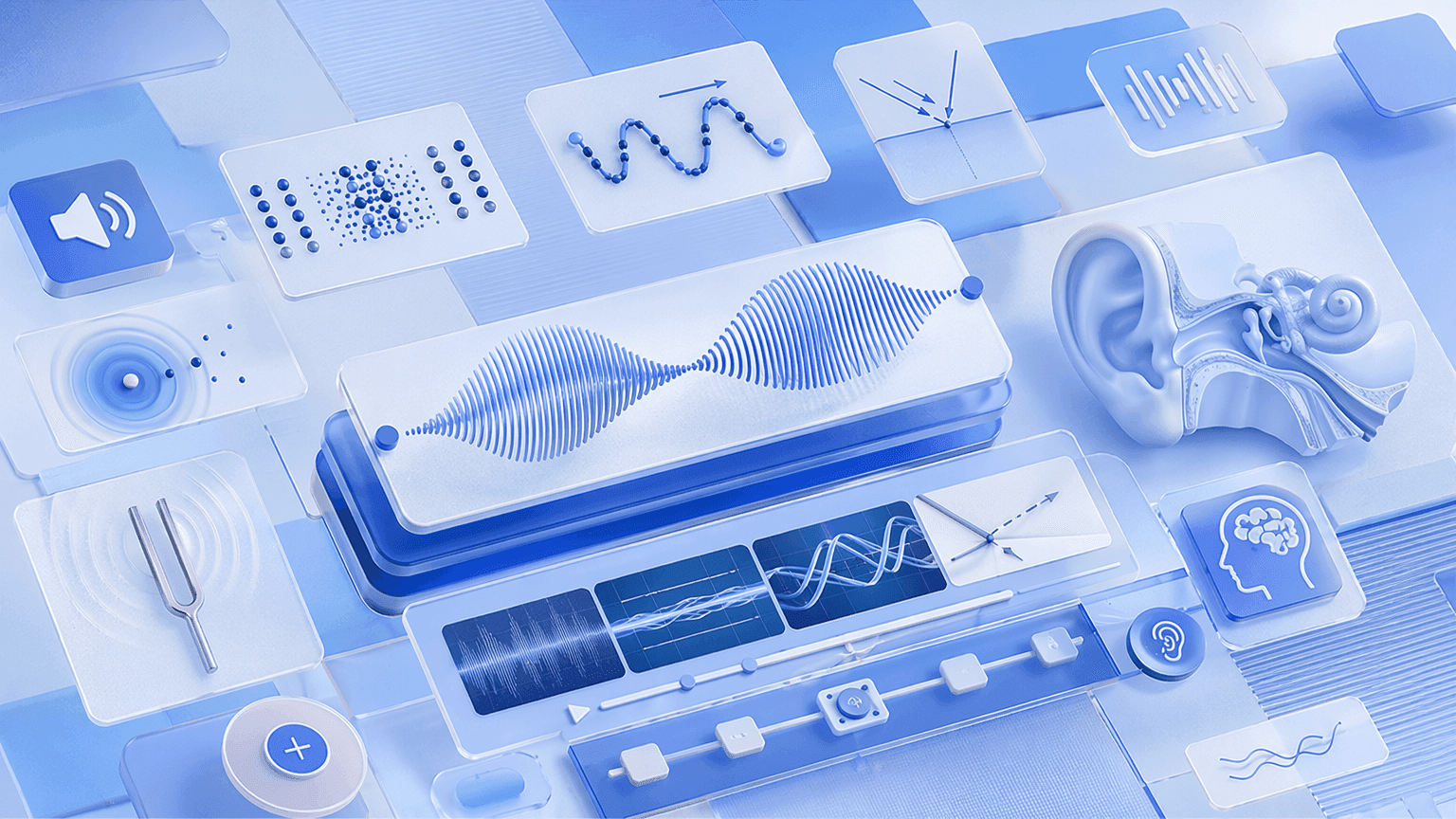
From longitudinal wave particle motion and compression-rarefaction cycles to frequency, amplitude, reflection, refraction, and the human hearing system, Leadde structures any topic or lesson plan into a scene-by-scene sound wave animation video — covering acoustics, wave physics, and audiology in a single tool.
AI Motion for Particle Oscillation, Wave Diagrams, and Acoustic Processes
AI Motion for Particle Oscillation, Wave Diagrams, and Acoustic Processes

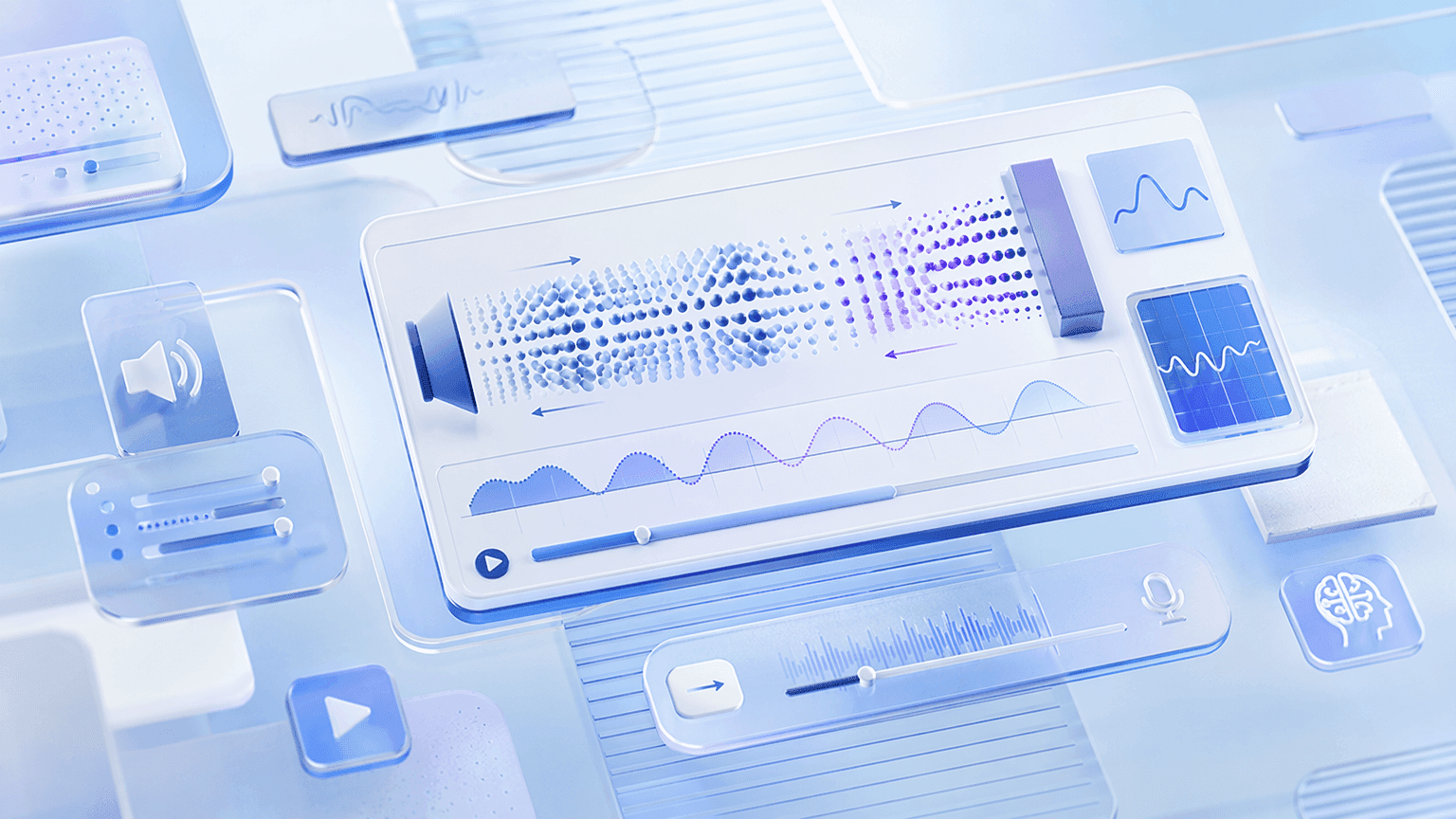
Static slides can't show how air particles compress and rarefy as a sound wave passes or how a reflected sound wave bounces off a hard surface to produce an echo. Leadde's Text-to-Motion turns prompts into animated diagrams — showing particle motion, pressure changes, and wave propagation in real time.
Narrated Sound Wave Animation Videos in 88 Languages

Narrated Sound Wave Animation Videos in 88 Languages

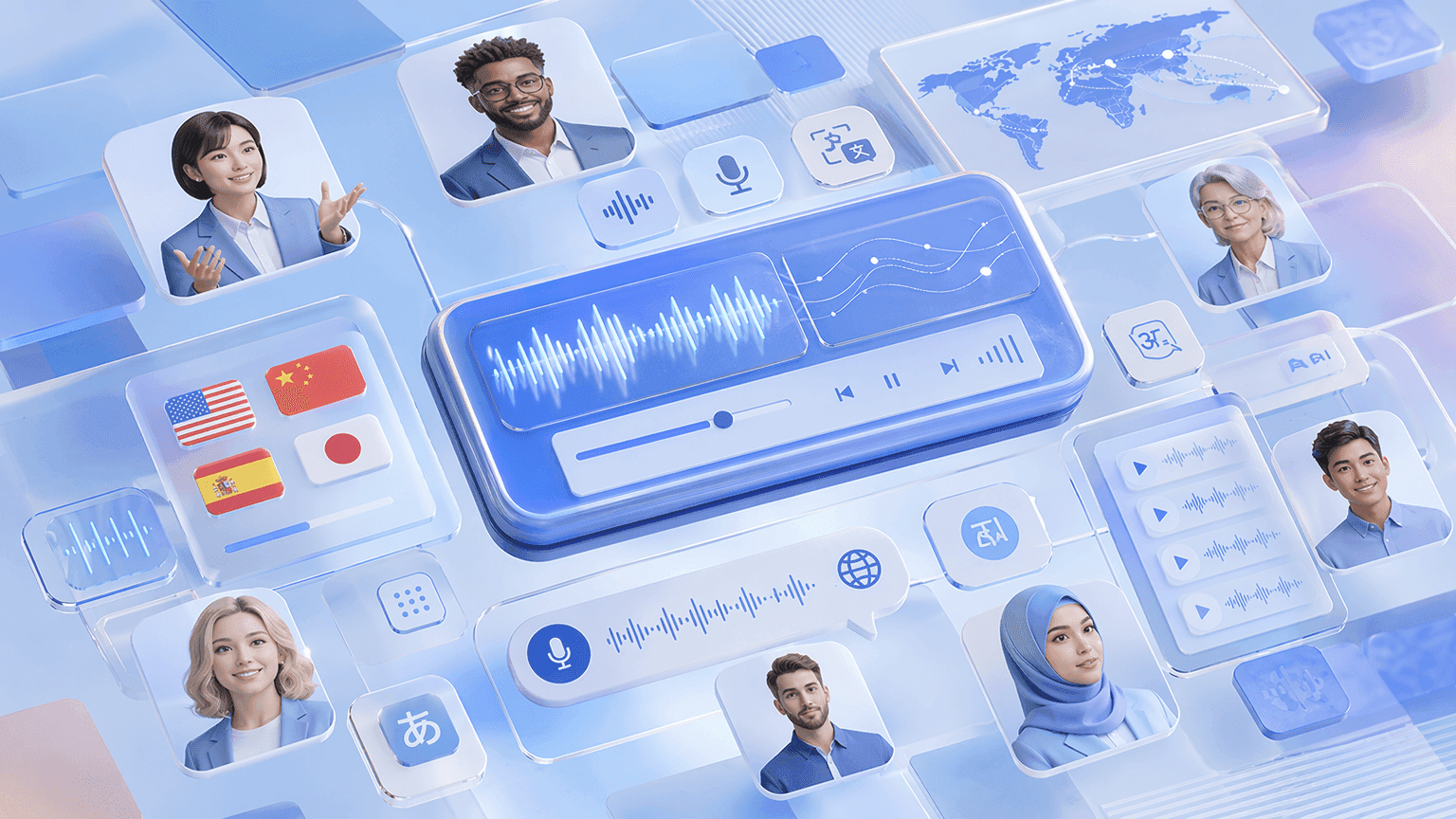
Pair every sound wave animation with a lifelike AI instructor. Choose from 200+ avatars with the Expressive IV Engine, then translate voiceover and on-screen text into 88 languages and 175 dialects — ideal for ESL classrooms and bilingual physics programs.
Templates for Lessons, Lab Walkthroughs, and Exam Recap Videos

Templates for Lessons, Lab Walkthroughs, and Exam Recap Videos

Apply your school or department's colors, logo, and font once, then reuse the layout across every chapter — keeping sound wave animation videos visually consistent from basic longitudinal wave properties in term one to advanced acoustics and hearing in the final unit.

How to Create a Sound Wave Animation with AI
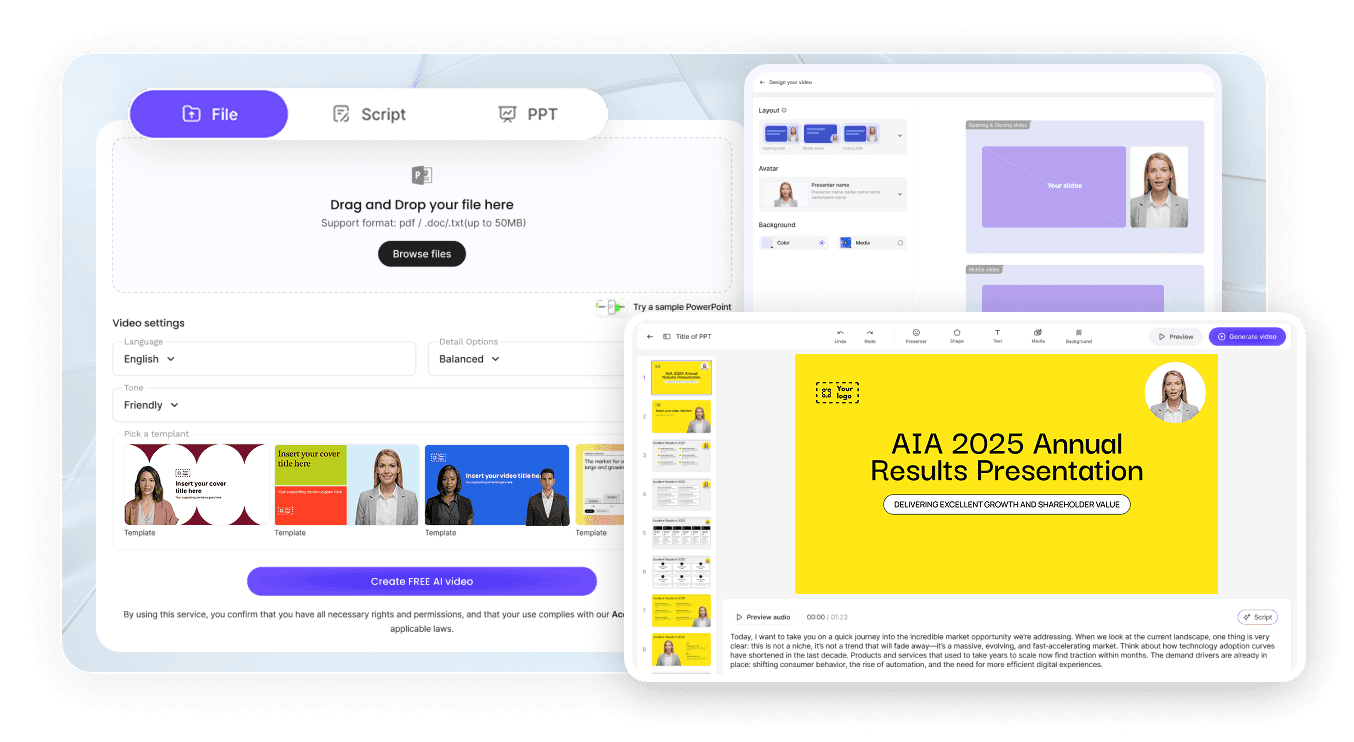
Turn a sound wave topic into a polished animated video in three steps — no animator required.
AI Video Generator Interface

Step 1: Add Your Topic, Notes, or Textbook Chapter

Log into Leadde and paste your lesson notes or upload a textbook chapter, lab handout, or PowerPoint deck. Set your audience and narrative style — the AI builds a scene-by-scene sound wave animation outline.

Step 2: Generate Animations and Narration

Open Text-to-Motion and generate animated visuals from a prompt like "longitudinal sound wave showing compression and rarefaction with frequency and amplitude labeled." Add an AI physics presenter, drag in supporting diagrams, and apply your Brand Kit across every scene.

Step 3: Refine, Translate, and Share with Students

Preview pacing, then click "Generate Video." Download the HD MP4 and upload to Google Classroom, Canvas, or YouTube — or translate into 88 languages and share via a password-protected Leadde link.

Sound Wave Properties & Particle Motion Videos

Longitudinal Sound Wave Animation

Build a longitudinal sound wave animation walking through particle oscillation parallel to wave travel, compression zones, rarefaction zones, and wavelength — every property labeled on a live animated particle diagram. Perfect for GCSE, AP Physics, and introductory undergraduate wave mechanics courses.

Compression and Rarefaction Animation

Animate air particles bunching together in compressions and spreading apart in rarefactions as a sound wave passes — a compression and rarefaction animation mapping pressure variation, particle displacement, and wave direction in one connected scene. Ideal for GCSE and AP Physics courses.

Sound Wave Properties Animation

Show frequency, amplitude, wavelength, and wave speed labeled on an animated pressure-distance graph — a sound wave properties animation deriving the wave equation and connecting each property to its physical meaning. Perfect for GCSE, AP Physics, and introductory undergraduate acoustics courses.

Sound Wave Speed Animation

Animate sound traveling at different speeds through solid, liquid, and gas — a sound wave speed animation mapping particle density, intermolecular spacing, and medium type to wave speed and connecting the concept to real-world examples. Ideal for GCSE, AP Physics, and undergraduate courses.

Hearing, Music & Applied Acoustics Videos

Human Ear and Hearing Animation

Animate sound waves entering the ear canal, vibrating the eardrum, transmitting through ossicles, and stimulating hair cells in the cochlea — a human ear animation mapping the full transduction pathway from sound wave to nerve signal. Perfect for GCSE, AP Biology, and undergraduate audiology courses.

Resonance and Standing Waves in Instruments Animation

Show standing waves forming in open and closed pipes and on vibrating strings — a resonance animation mapping fundamental frequency, harmonics, and node-antinode patterns to the sound produced by wind and string instruments. Ideal for AP Physics and undergraduate acoustics courses.

Ultrasound Animation

Animate high-frequency sound pulses transmitted into the body, reflecting off tissue boundaries, and returning to a transducer — an ultrasound animation connecting pulse-echo timing, wave speed, and depth calculation to medical imaging applications. Perfect for GCSE, AP Physics, and undergraduate courses.

Noise Pollution and Sound Intensity Animation

Step through sound intensity levels in decibels from whisper to jet engine — a noise pollution animation mapping intensity, distance, and exposure time to hearing damage risk and connecting the physics to environmental and occupational health contexts. Ideal for GCSE and undergraduate courses.

Trusted by Physics Teachers, Tutors, and EdTech Creators

One Tool for the Entire Sound Wave Curriculum

From basic longitudinal wave properties in middle school to advanced acoustics and audiology at university, Leadde covers the full sound wave syllabus in one workspace — build a whole semester of animated lessons without switching tools, hiring animators, or re-recording.

Update Content as Curriculum Changes

Standards shift, exam question styles change, and new approaches regularly emerge. Reopen your saved Leadde project, edit the script, and regenerate the sound wave animation instantly — no re-recording, no re-animating, and no third-party motion-graphics shop ever required.

Interactive Q&A for Every Student

Share each sound wave animation through a password-protected Leadde hosted link and students can ask follow-up questions in the built-in chat panel — answered instantly from your uploaded notes or textbook content. The video becomes an always-on physics tutor.

Track Engagement and Comprehension

Use Leadde's analytics dashboard to monitor impressions, total views, unique views, average watch time, completion rate, and interaction count for every sound wave animation — easy to identify which topics need a follow-up video or additional worked example.
compliance background

Sound Wave Animation Ideas & Use Cases

GCSE & AP Physics Lessons

Convert chapter notes on sound wave properties, pitch, loudness, or the human ear into animated lessons students rewatch before quizzes and physics exams.

Undergraduate Acoustics & Audiology

Build animated modules covering wave mechanics, resonance, standing waves, ultrasound, and hearing for university-level physics and health science courses.

Online Course Modules

Package sound wave animation videos as standalone lessons for Udemy, Teachable, or Skillshare — each topic its own narrated, scene-by-scene video.

Tutoring & Exam Prep

Tutors turn weak-spot topics like compression and rarefaction, the decibel scale, and standing waves in instruments into focused review videos students replay before exams.

Museum & Science Communication

Science centers and EdTech brands build short sound wave explainers on echo, sonar, ultrasound, and musical acoustics for social posts and public exhibits.

Multilingual Physics Classrooms

Generate the lesson once and translate the same sound wave animation into 88 languages — for ESL classes, international schools, and multilingual university programs.

FAQs

A sound wave animation maker is software that turns acoustics concepts — longitudinal wave motion, compression and rarefaction, frequency, amplitude, reflection, and hearing — into animated, narrated explainer videos. Leadde uses AI to generate Motion graphics from a prompt, structure your topic into scenes, and deliver the lesson through realistic AI presenters in 88 languages.

Yes. Leadde's Free Plan gives you full access to the AI Video Creator, Text-to-Motion generation, the 200+ avatar library, and core editing tools. You can generate your first sound wave animation video entirely in your browser — no credit card and no software install required.

You can animate any sound wave topic that fits a scripted lesson — longitudinal waves, compression and rarefaction, wave properties, wave speed in different media, frequency and pitch, amplitude and loudness, reflection and echo, diffraction, the human ear, resonance, standing waves, ultrasound, and noise pollution. Use the topic pages above as starting templates, or paste your own lesson notes and let the AI structure the scenes.

Yes. Leadde supports 88 languages and 175 dialects. Create the sound wave animation once in your source language, then use the Translate tool to regenerate it with localized voiceover, synced lip movements, and on-screen captions for every student in the class.

You can try it yourself by heading to the sidebar and navigating to AI Tools > Create Media, where you’ll find two ways to generate visuals. For a free option, use the Motion tab to animate specific actions or explanations. For full video generation, Text-to-Video lets you create complete video clips from pure text prompts using your account credits.

Ready to try Leadde?

Start creating sound wave animation videos today. Sign up free — no credit card required, no animation software to learn.
avatar
