
AI Self-Introduction Video Maker
Introduce Yourself Like a Pro

Onboarding walkthrough
Turn compliance documents, safety protocols, or regulatory guidelines into structured certification videos. Let an AI avatar walk employees through each requirement clearly — reducing legal risk and keeping teams audit-ready.

Cleanroom protocols
Explains the behavior guidelines and operational requirements for cleanrooms, ensuring employees adhere to standards and improve work efficiency and safety.

AR-700 operation training
Introduces the operation process and safety guidelines of the AR-700 precision assembly robot, helping employees master proper operating techniques.

Marketing insights
Trusted by the world's leading brands







Turn Your Resume, Slides, or Script into a Self-Introduction Video
Start with the content you already have instead of writing and recording everything again. Leadde helps identify the most relevant information, improve the structure, and present it through an AI avatar or your own photo. You can upload:
Content You Can Upload
- Resume or CV
- Self-introduction slides
- Self-introduction PPT
- Job description
- College application materials
- Personal statement
- Interview notes
- Existing script
How Leadde Uses It
- Highlight your education, experience, skills, and achievements.
- Turn a static presentation into a narrated video.
- Convert multiple slides into a structured video introduction.
- Adapt your introduction to a specific role or company.
- Present your academic background, interests, and goals.
- Transform written content into a more engaging presentation.
- Organize your key points into a confident response.
- Bring a finished self-introduction speech to life.
Why Leadde is the Best Tool for Self-Introduction Videos
No Camera? No Problem
Creating a self-introduction video doesn't require a studio. With "Photo Avatar", you can upload a single high-definition photo of yourself, and Leadde’s AI will animate it to speak your script naturally, creating a video that looks like you without the filming stress.
AI Script Writer
Personalized Voice
Global Opportunities
How to Make a Self-Introduction Video with AI
Create a complete video in three simple steps without setting up a camera or editing footage.

Step 1: Add Your Content
Upload a resume, PPT, self-introduction slide, personal statement, or script. You can also enter a few details about your background if you have not written anything yet.
Step 2: Build Your Introduction
Let the AI organize your information into a concise script. Choose a professional, confident, friendly, or storytelling tone based on your audience.
Select an AI avatar or upload a professional photo to create a presenter that represents you.
Step 3: Generate and Share
Choose a voice and language, review the script, and generate your video. Share it with recruiters, universities, clients, teachers, or colleagues.

The Standard for Digital Identity
Professional Templates
Realistic Expressions
Secure Sharing
Easy Updates
Self-Introduction Video Examples
Job Interview
Introduce your current role, relevant experience, strongest skills, and interest in the position.
College Student
Share your academic background, major, projects, interests, and future goals.
New Graduate
Connect your education, internships, practical experience, and career direction.
Professional Profile
Summarize your expertise, achievements, and the value you bring to employers, clients, or collaborators.
Freelancer Introduction
Explain your services, experience, working style, and the type of clients you support.
New Team Introduction
Share your role, previous experience, responsibilities, and a few personal interests.
Create a Self-Introduction Video for Any Purpose
Choose a format that matches your audience, then turn your resume, slides, notes, or script into a polished video.

Self-Introduction Video for Interviews
Create a focused introduction for job applications and video interviews. Upload your resume and job description to highlight your experience, relevant skills, achievements, and interest in the role.

Self-Introduction Video for College Students
Turn a self-introduction PPT, student resume, personal statement, or class notes into a clear video for assignments, university applications, scholarships, internships, and student portfolios.

Professional Self-Introduction Video
Build a professional video profile for your portfolio, website, LinkedIn presence, client proposals, or team introduction. Update the script for different audiences without recording again.
One-Minute Self-Introduction Video
Keep your introduction concise by covering five essentials: who you are, your background, key strengths, your purpose, and what you hope to contribute.
Add your information, and Leadde will help structure it into a clear one-minute script.
Turn Self-Introduction Slides into Video
Convert your self-introduction PPT into a narrated video with an AI presenter.
Upload your slides and let Leadde organize the content, add natural narration, and turn your background, experience, skills, projects, and goals into a polished video.
Ideal for college assignments, portfolios, professional profiles, and team introductions.
Use Your Own Photo and Voice
Use Your Photo as an Avatar
Upload a clear professional headshot and use it as the presenter for your introduction.
Clone Your Voice
Upload a 10–60 second audio sample to create a personalized voice for your video.
Choose an AI Voice
Select a voice from Leadde’s library when you prefer not to record your own audio.
Update Your Introduction Easily
Edit the text whenever you gain a new skill, complete a project, change roles, or apply for a different opportunity.
Features for Better Self-Introduction Videos
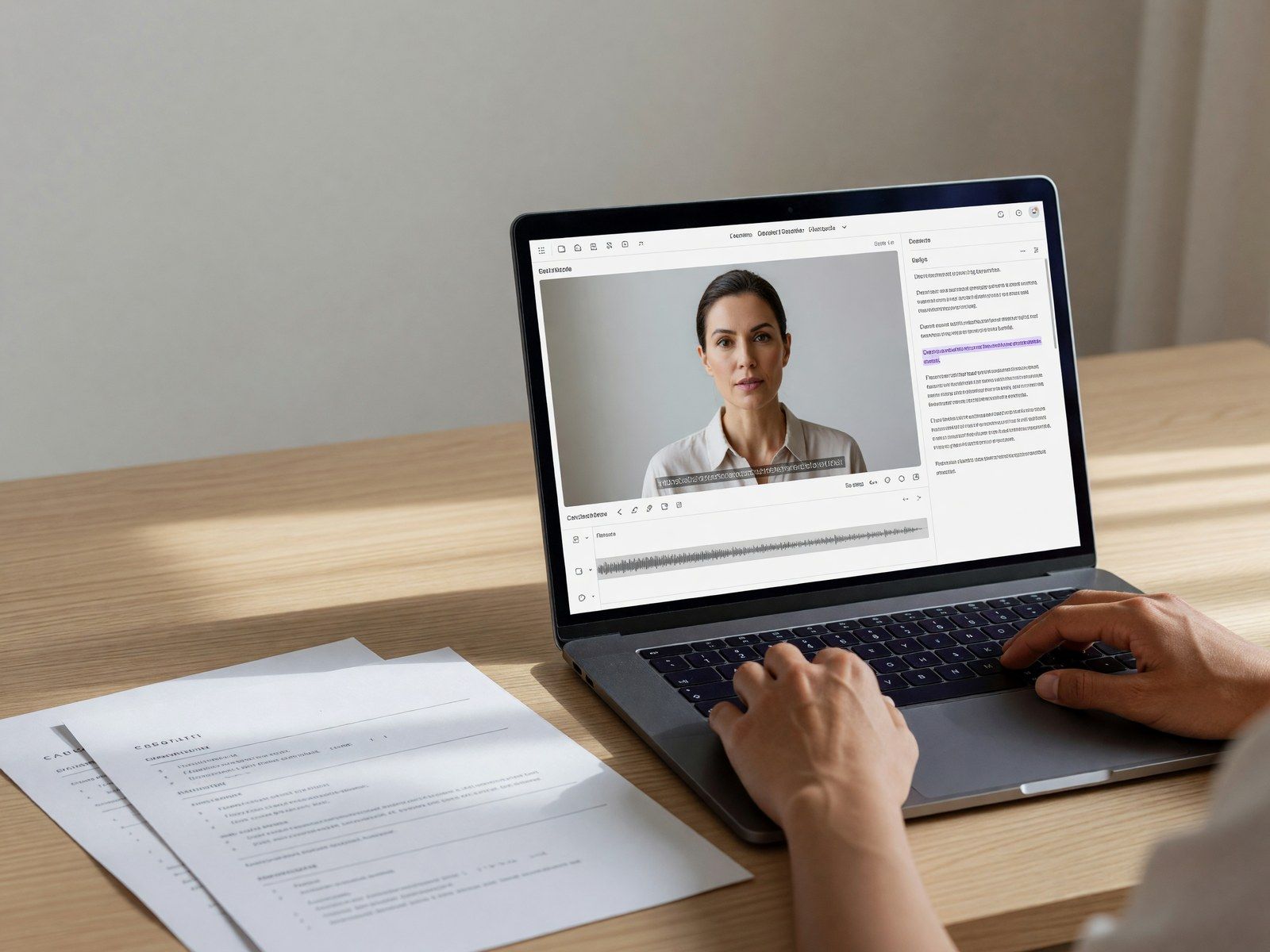
AI Script Writer
Turn resumes, slides, notes, and personal statements into a structured self-introduction script.
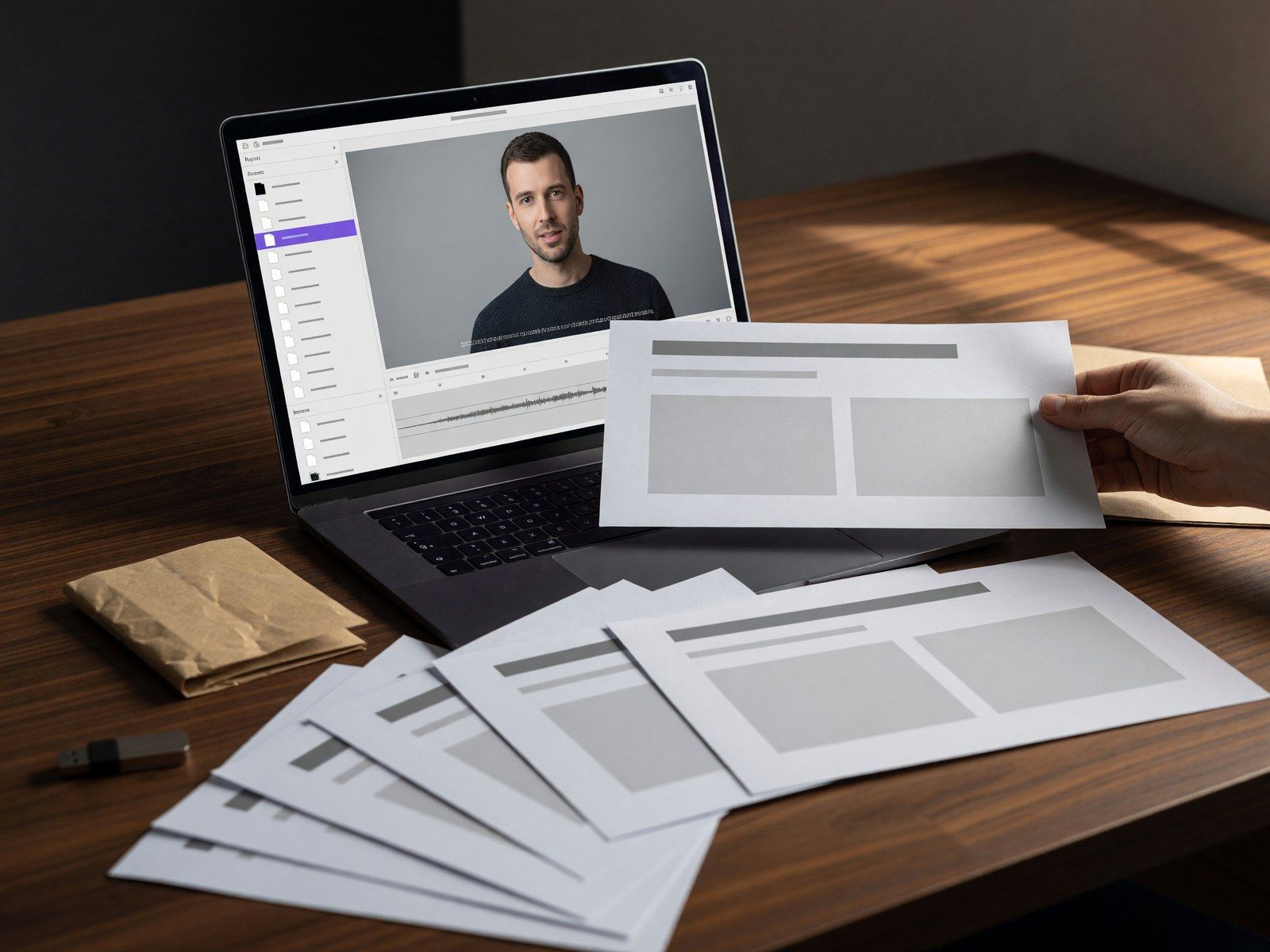
Document and PPT Input
Start from existing files instead of copying every detail into the editor manually.
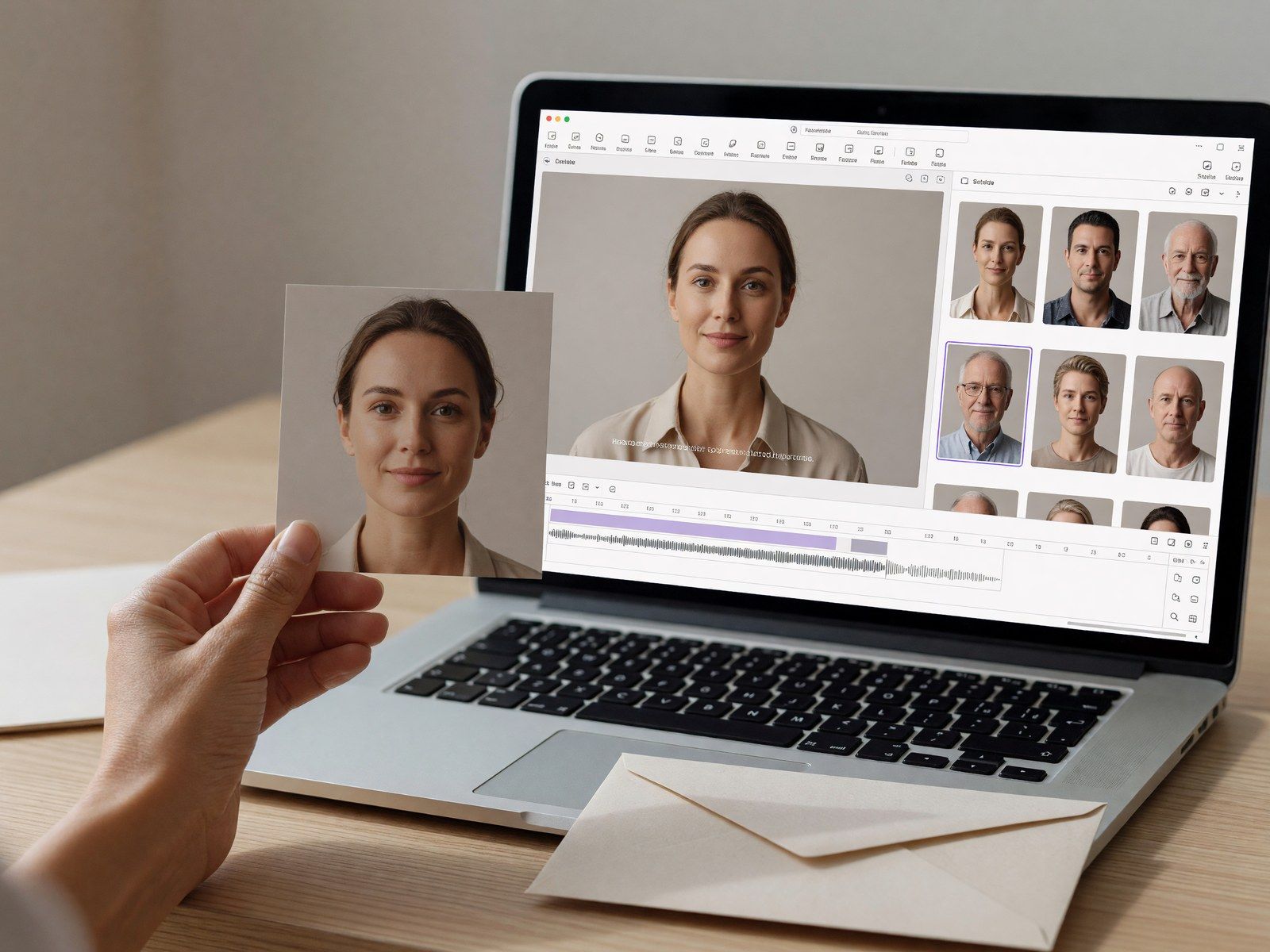
Photo and AI Avatars
Use your own image or choose an AI presenter to deliver the introduction.
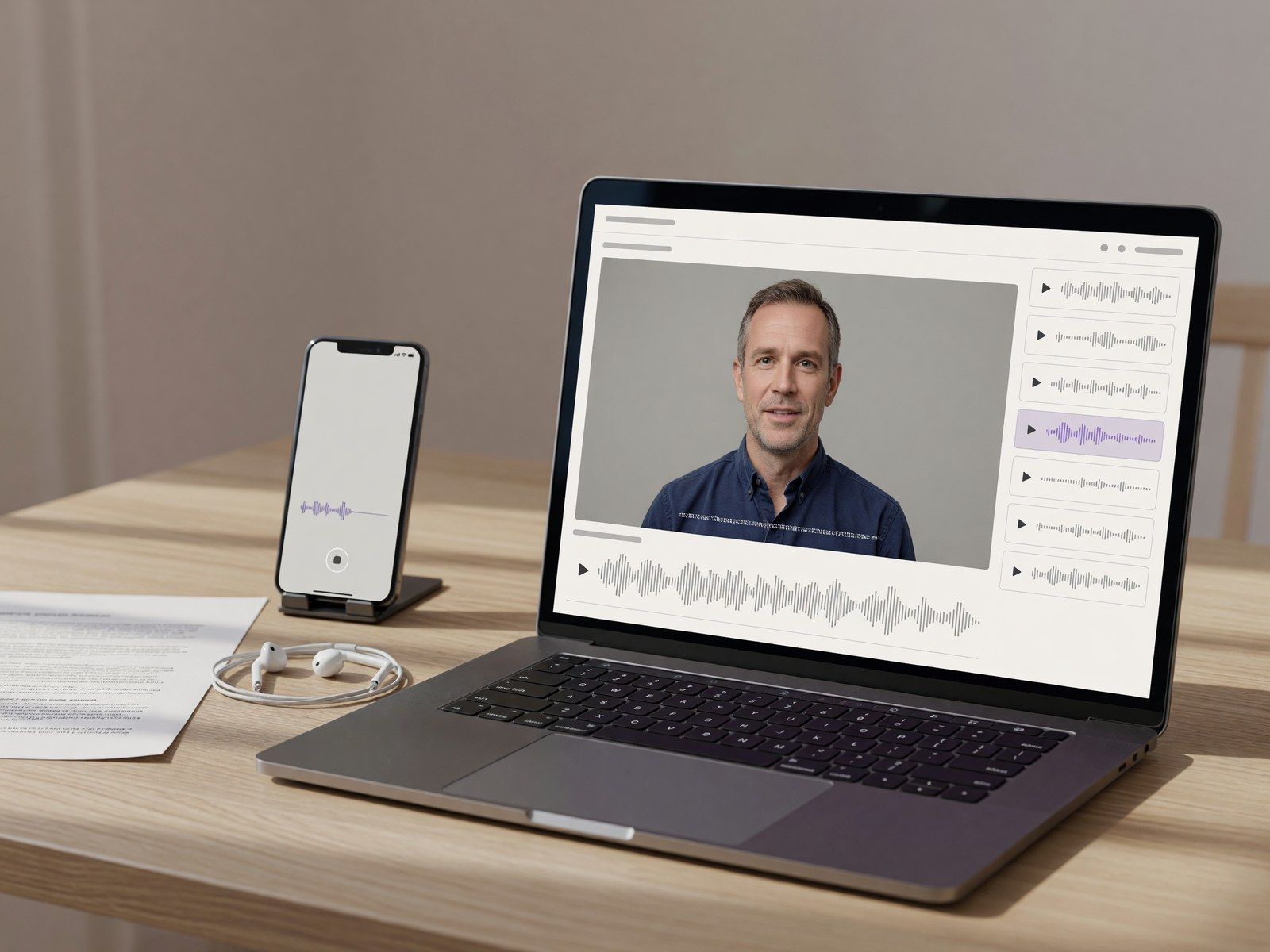
Personalized Voice
Clone your voice or select an AI voice that fits the tone of your video.
Frequently asked questions
A self-introduction video is a short presentation in which you explain your background, experience, skills, interests, and goals. It may be used for interviews, job applications, college assignments, admissions, portfolios, and professional profiles.
Upload your content, review the AI-generated script, choose an avatar and voice, and generate the video. You do not need to record yourself or edit footage manually.
Yes. Upload your resume and Leadde can help organize your education, experience, skills, and achievements into a concise introduction.
Yes. Upload your PowerPoint or self-introduction slides, then add narration and an AI presenter to turn the presentation into a video.
Upload your resume and the job description, then create a script focused on your relevant experience, strengths, achievements, and interest in the role.
Yes. Upload a clear photo to create a personal avatar for your self-introduction video.
Yes. Upload a 10–60 second voice sample to create a personalized voice. You can also select an AI voice.
Create Your Self-Introduction Video
Turn your resume, slides, PPT, notes, or script into a professional video for interviews, college, job applications, and personal branding. No camera setup.
No repeated recording. Just add your content, choose your presenter, and generate.
