
Physics Animation Maker
Why Leadde is the Best Physics Animation Maker
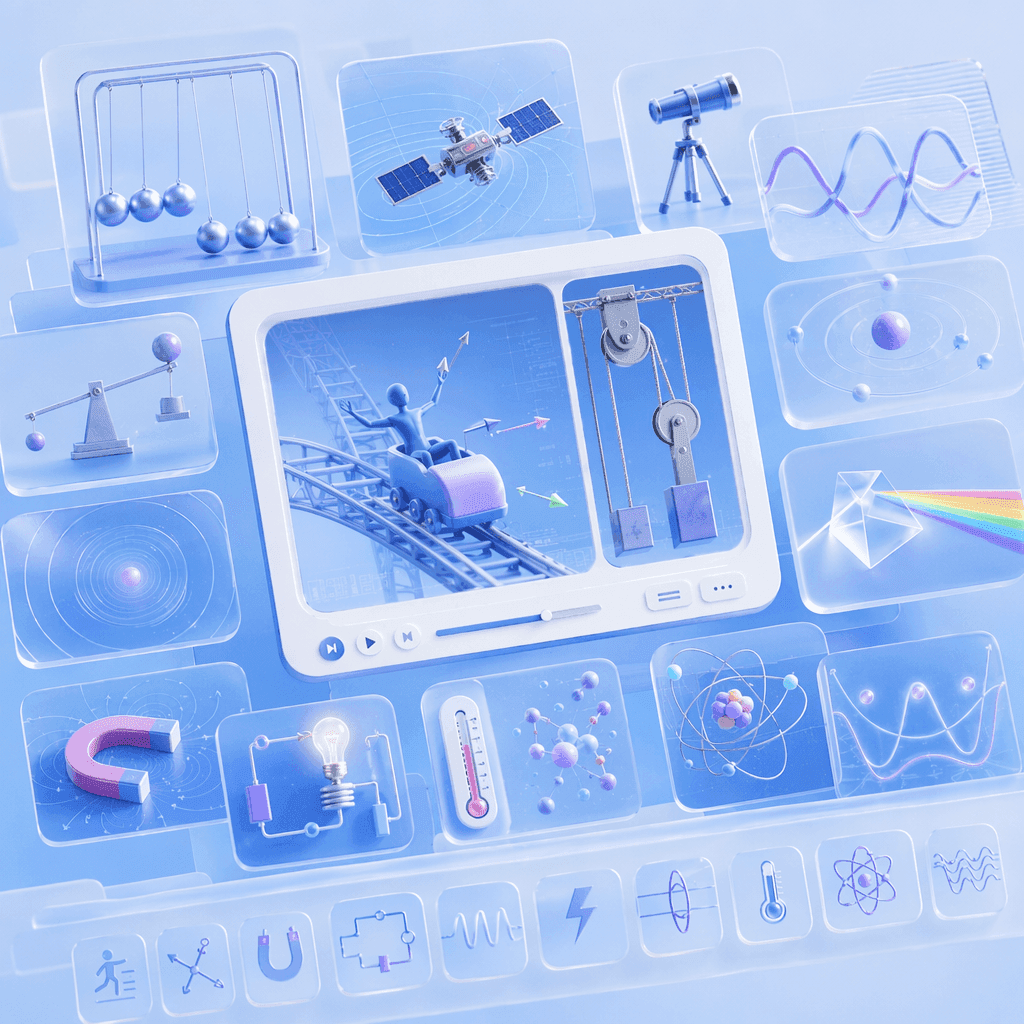
Cover Every Physics Topic in One Workflow
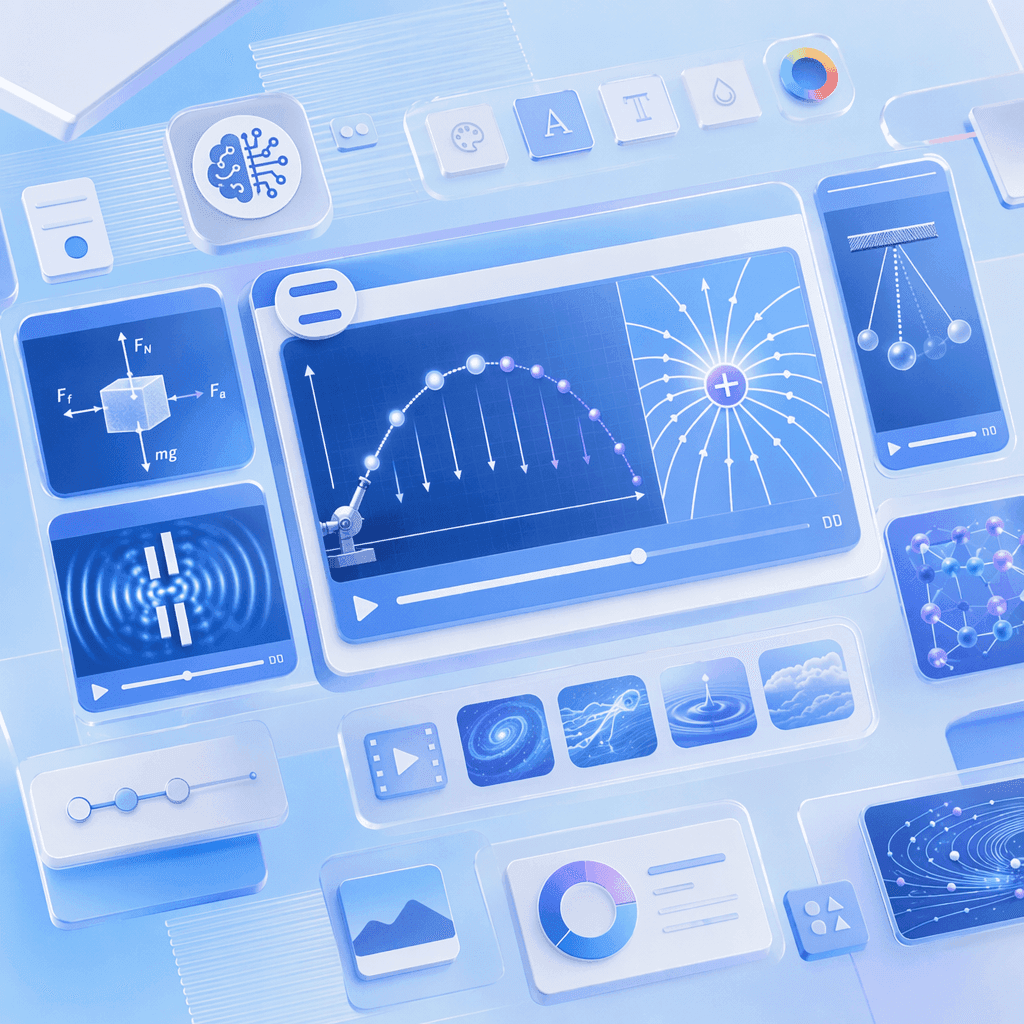
AI Motion for Forces, Fields, and Physical Processes

Narrated Physics Videos in 88 Languages

Templates for Lessons, Lab Walkthroughs, and Recap Videos
How to Create a Physics Animation with AI

Step 1: Add Your Topic, Notes, or Textbook Chapter
Step 2: Generate Animations and Narration
Step 3: Refine, Translate, and Share with Students
Motion, Forces & Energy Physics Videos
Projectile Motion Animation
Newton's Laws Animation
Conservation of Energy Animation
Circular Motion Animation
Thermodynamics, Modern & Nuclear Physics Videos
Laws of Thermodynamics Animation
Photoelectric Effect Animation
Atomic Models Animation
Nuclear Fission and Fusion Animation
Trusted by Physics Teachers, Tutors, and EdTech Creators
One Tool for the Entire Physics Curriculum
Update Content as Curriculum Changes
Interactive Q&A for Every Student
Track Engagement and Comprehension

Physics Animation Ideas & Use Cases
High School Physics & AP Lessons
Undergraduate Physics & Engineering
Online Course Modules
Tutoring & Exam Prep
Explore Animations Across Every Science Subject

Biology Animation
From cells and mitosis to evolution — animated biology videos covering the full life-science syllabus.

Math Animation
Geometry, graphs, and data brought to life with clean math visualization for algebra through calculus.

Physics Animation
Waves, electricity, atoms, and motion — animated physics for mechanics, energy, and quantum lessons.

Engineering Animation
Engines, machines, and robotics — animated engineering and automation video walkthroughs.

Geography Video
Solar systems, volcanoes, and earthquakes — Earth and space science visualization in motion.

Chemistry Animation
States of matter, chemical reactions, and the periodic table — animated chemistry concepts.

STEM Animation
Text-to-animation and teaching videos — cross-subject scientific animation for any classroom.

Science Animation
The science visualization hub linking every subject — start broad, then drill into a discipline.
FAQs
A physics animation maker is software that turns physics concepts — forces, fields, waves, and quantum phenomena — into animated, narrated explainer videos. Leadde uses AI to generate Motion graphics from a prompt, structure your topic into scenes, and deliver the lesson through realistic AI presenters in 88 languages.
Yes. Leadde's Free Plan gives you full access to the AI Video Creator, Text-to-Motion generation, the 200+ avatar library, and core editing tools. You can generate your first physics animation video entirely in your browser — no credit card and no software install required.
You can animate any physics topic that fits a scripted lesson — mechanics, waves, optics, electricity, magnetism, thermodynamics, and modern physics. Use the topic pages above as starting templates, or paste your own lesson notes and let the AI structure the scenes.
Yes. Leadde supports 88 languages and 175 dialects. Create the physics animation once in your source language, then use the Translate tool to regenerate it with localized voiceover, synced lip movements, and on-screen captions for every student in the class.
You can try it yourself by heading to the sidebar and navigating to AI Tools > Create Media, where you’ll find two ways to generate visuals. For a free option, use the Motion tab to animate specific actions or explanations. For full video generation, Text-to-Video lets you create complete video clips from pure text prompts using your account credits.
Ready to try Leadde?
