
Translate Image Text and Keep the Original Design
Trusted by Teams Worldwide







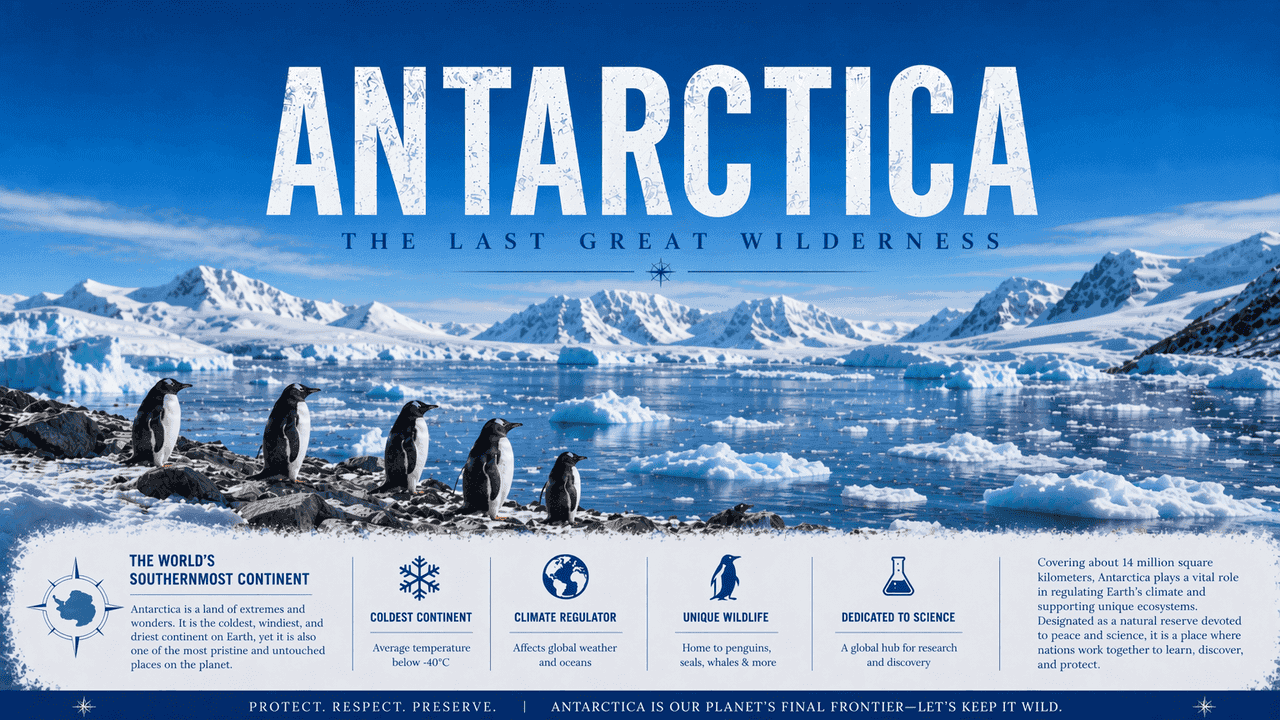
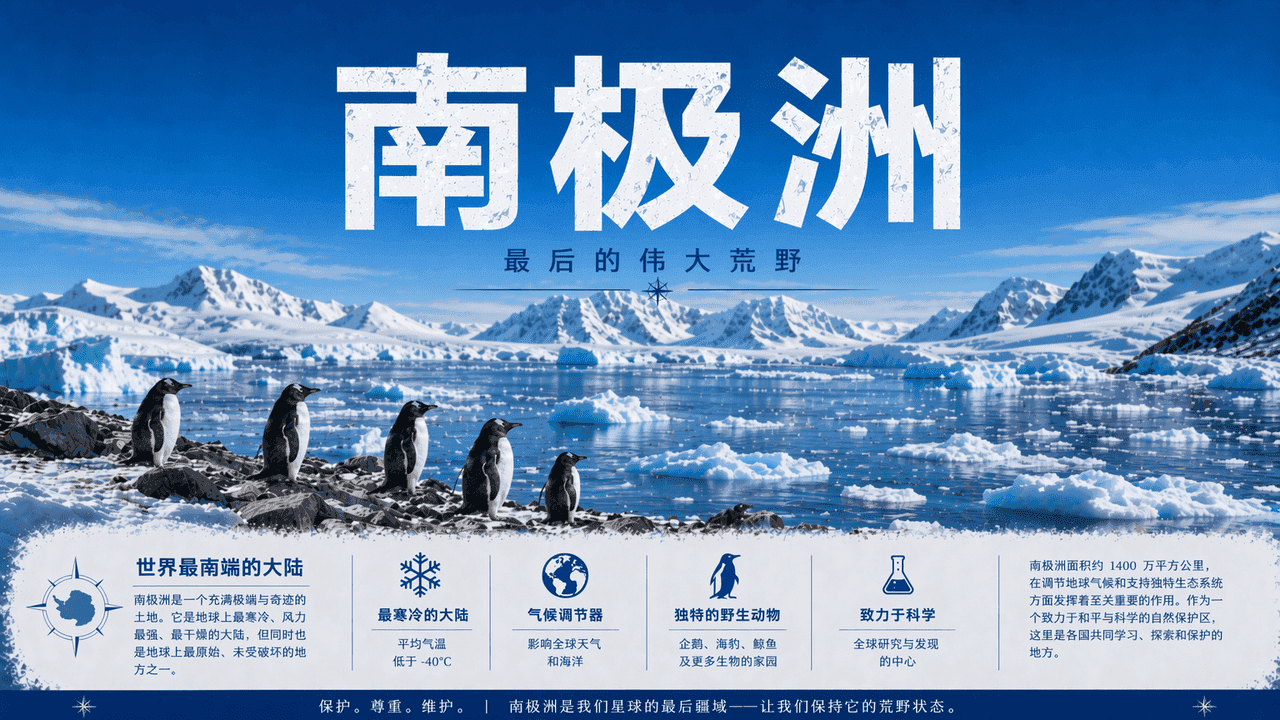
See the Difference: Before vs. After
Not just translated — every image translation is typeset to match the original design.
Why Leadde Is the Best Image Translator
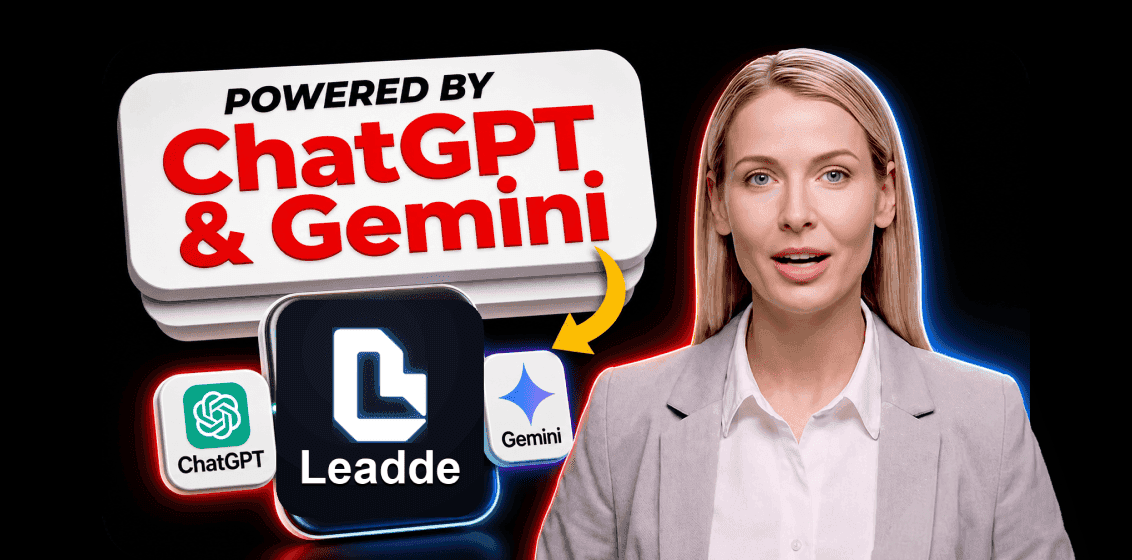
Best-in-Class Translation Accuracy
Leadde's image translator runs on top-tier LLMs like Gemini and GPT, so every translation reads naturally and respects the context of the original copy.
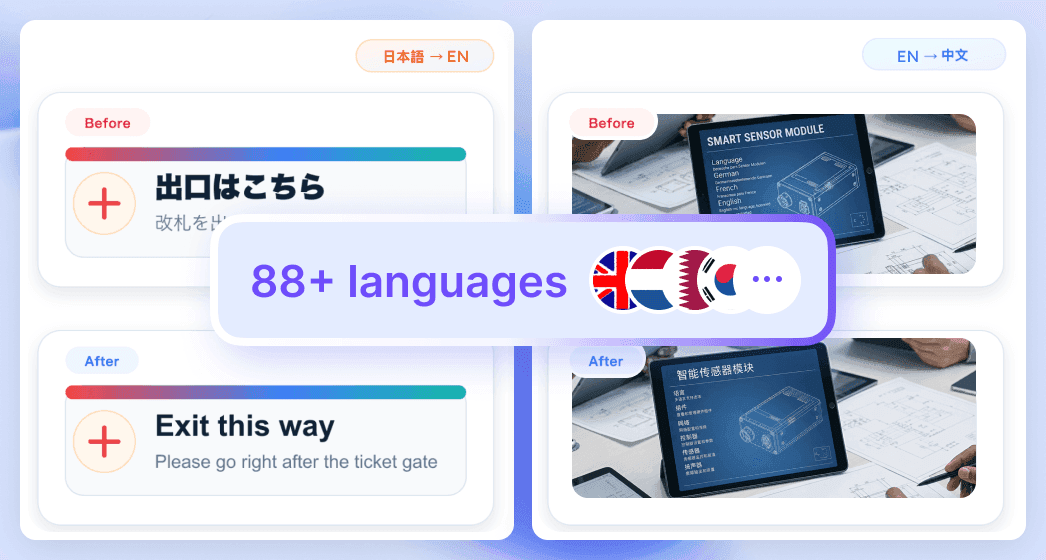
Multilingual, Built for Global Work
Translate image text across 88 languages so a single design can ship to every market your team sells into.
Perfectly Preserve the Original Look
Leadde replaces the text in your image and intelligently rebuilds the background, so the result keeps the original fonts, colors, and layout.
Batch Translate and Edit at Scale
Enterprise plans add batch image translation plus post-translation editing, so teams keep terminology on-brand and accurate across hundreds of assets.
Translate Image Text for Every Use Case
From marketing creatives to travel photos, translate the text inside any image fast — while keeping the original design clean and natural.

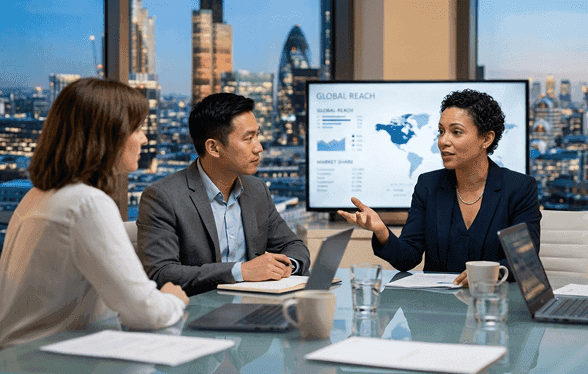
Marketing Localization
Translate ad, banner, and brochure visuals to reach global audiences without sending files back to design.
E-commerce Adaptation
Localize product images, labels, and packaging visuals for international stores and online marketplaces.

Study & Education
Translate textbook pages, lecture slides, and diagrams so learners absorb the material in their own language.
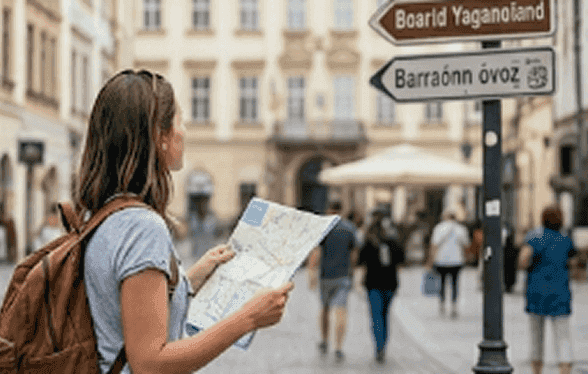
Travel Support
Translate menus, street signs, maps, and posters on the go and grasp the meaning at a single glance.

Customer Support
Translate screenshots shared by users so your team resolves issues faster across languages and regions.
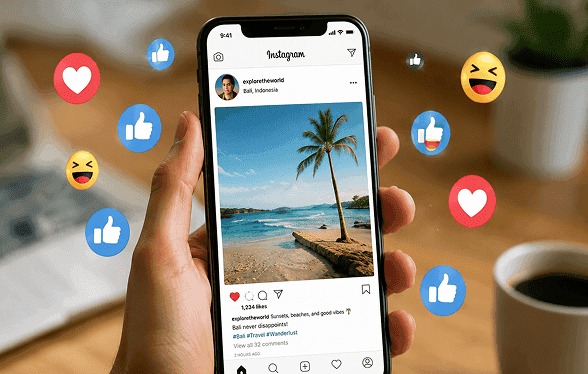
Social Media Content
Translate memes, posts, and creator graphics for cross-language sharing while keeping the layout intact.
How to Translate an Image to English
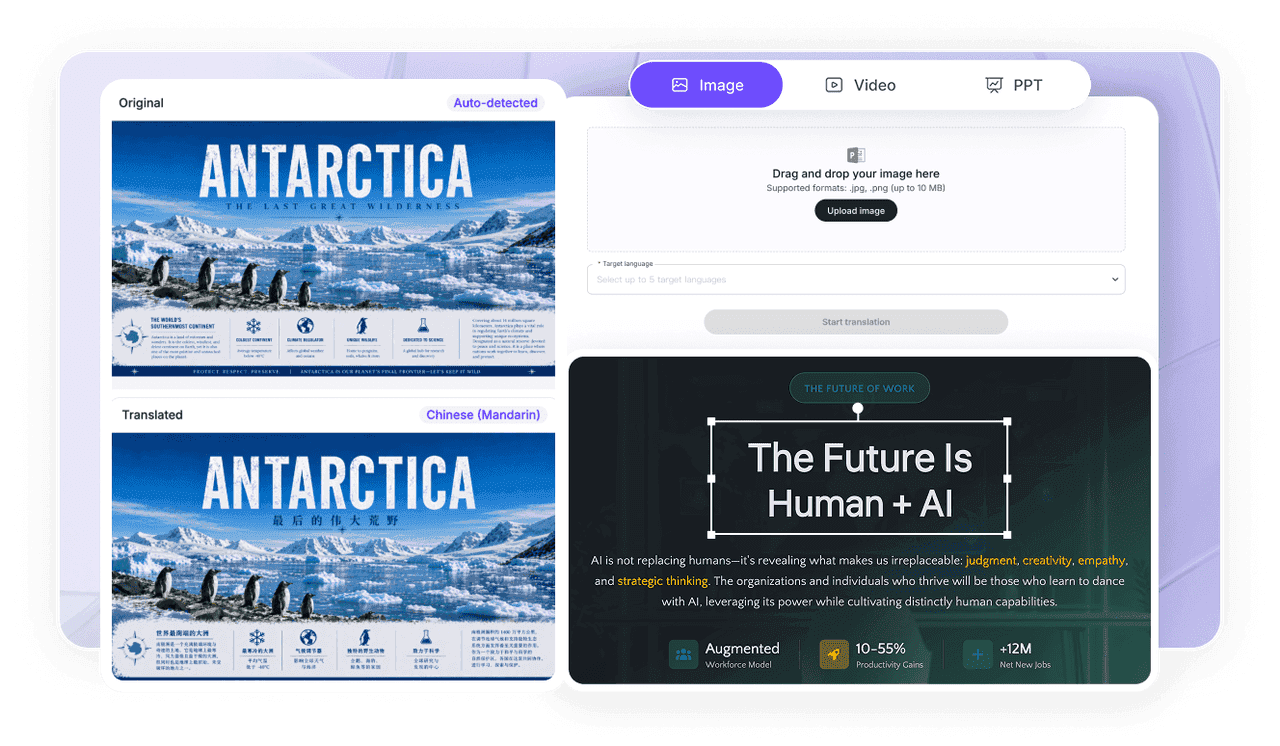
1) Upload
Upload an image with clear, readable text — Leadde supports .jpg and .png up to 10 MB.
2) Choose Languages & Settings
Pick English or any of 88 target languages, then fine-tune the settings if you need to.
3) Get Results & Download
Preview the finished image translation and download it in high quality, with no watermark.

Enterprise Image Translation, End to End
Batch document translation, post-translation text editing, and an Information Protection Zone for sensitive content.
Batch Document Translation
Translate documents and images in bulk with consistent terminology and faster review cycles.
Text Editing & Review
Edit translated text for tone, terminology, and layout to meet brand and compliance needs.
Information Protection Zone
Protect sensitive content with access control and privacy-first processing built for enterprise.
Security & Compliance
Support GDPR and SOC 2 compliance with secure data handling, privacy-first workflows, and enterprise-grade access controls.
Image Translation FAQs
Image translation rewrites the text inside an image into another language and rebuilds the background, so the design stays intact. Upload a .jpg or .png, choose your languages, and download the result.
Choose English as your target language, then start translation. Leadde supports 88 languages, including two-way translation, so the same flow also works in reverse.
Yes, you can start for free with no watermark on export. Batch translation and post-translation text editing are available for Enterprise users.
JPG and PNG are supported. For the most accurate image translation, use high-resolution images with clear, legible text.
Text editing is available for Enterprise users, alongside batch translation. Contact Sales to find the best plan for your volume.
Your files are processed securely, and Enterprise users can enable extra controls through the Information Protection Zone, backed by GDPR and SOC 2 practices.
Meet Leadde
A smart platform for business video creation and content translation. Create, edit, translate, and publish in one workflow.
