
How to Make Lecture Videos in 2026: AI-Powered Training Guide

A few years ago, creating lecture videos often meant recording long presentations, fixing editing mistakes manually, and re-recording entire lessons whenever information changed. For many educators and training teams, maintaining video content was often harder than creating it in the first place.
In 2026, AI-assisted workflows are changing that process. Instead of rebuilding lessons manually, teams can now turn SOP documents into training videos in minutes. This shift is helping educators, SaaS companies, and enterprises create scalable training content faster, reduce production costs, and deliver more engaging learning experiences across multiple languages.
This shift is helping educators, SaaS companies, and enterprises create scalable training content faster, reduce production costs, and deliver more engaging learning experiences across multiple languages.
Creating traditional lecture videos is often slow, repetitive, and difficult to scale—especially when teams need multilingual training, frequent updates, or consistent branding.
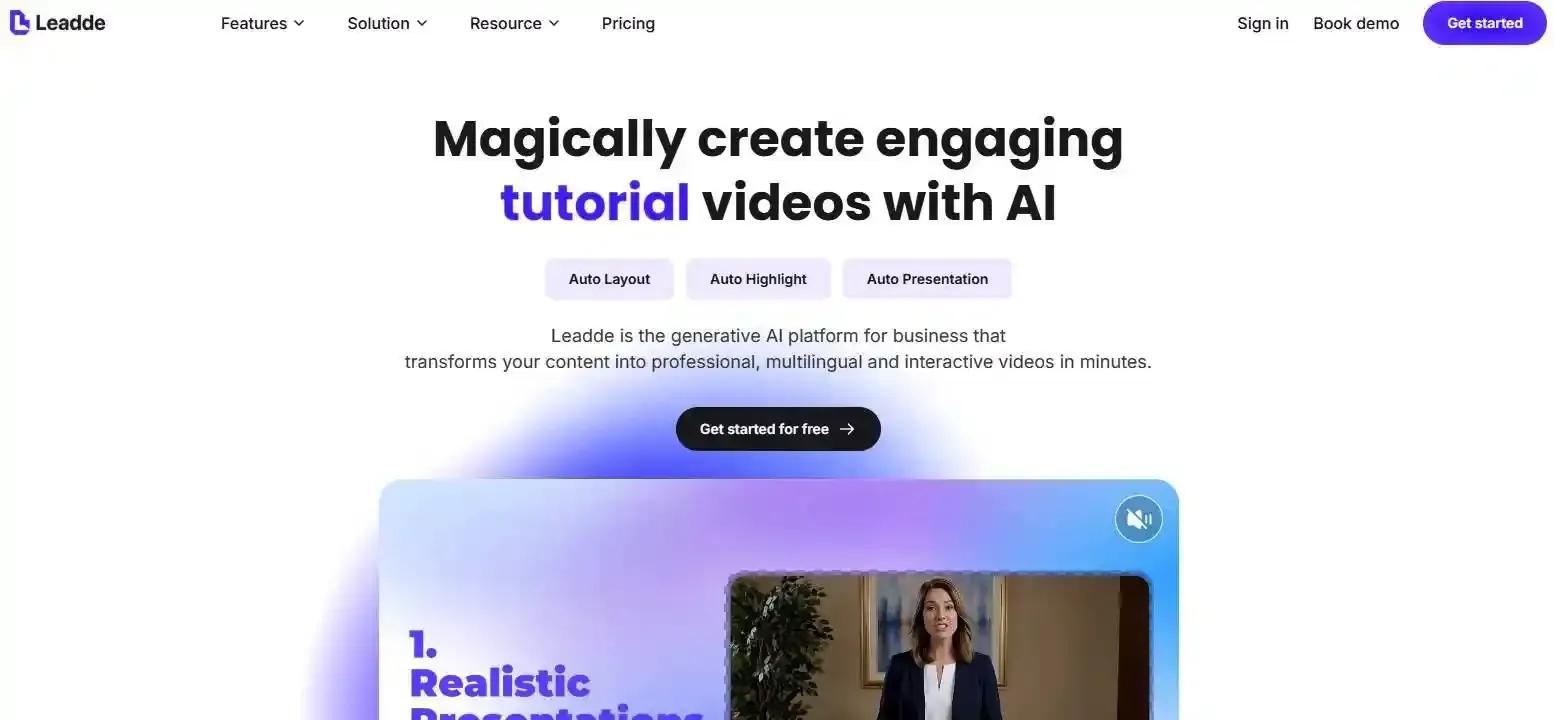
AI-powered platforms like Leadde simplify this process by automatically turning documents and text into professional lecture videos with AI narration, avatars, layouts, and interactive learning features, helping organizations cut production time by up to 90% while making training content easier to create and update.
How to Make Lecture Videos in 2026: AI-Powered Training Guide
In 2026, creating lecture videos is much easier than it was a few years ago. Teachers, trainers, and businesses no longer need large recording setups or advanced editing skills to produce professional learning content. Modern workflows are defined in our 2026 guide on eLearning video production, where AI tools now turn PowerPoint slides, PDFs, documents, and training materials into complete lecture videos with narration, subtitles, and AI presenters.
This change is especially important for companies and educators who need to create training content quickly and update it often. Instead of recording the same lesson again and again, teams can update the original document and regenerate the video in minutes. As AI video platforms continue to improve, lecture production is shifting from manual recording to scalable knowledge delivery.
Traditional lecture production can still work well for some situations, especially when personal teaching style or live demonstrations matter. However, for onboarding, product training, internal education, and multilingual learning, AI-assisted workflows are becoming far more practical.
How to Make Lecture Videos Using AI Automatically in Minutes?
Creating lecture videos used to be a slow and repetitive process. Teachers and training teams often needed to record lessons manually, edit mistakes, add captions, redesign slides, and export multiple versions before a single video was ready.
Today, AI-powered platforms can automate much of this workflow. Instead of building every lesson from scratch, users can upload a document, presentation, or script and generate a structured lecture video automatically.
| Workflow Stage | Traditional Lecture Video Workflow | AI-Assisted Document-to-Video Workflow |
| Starting Point | Create slides, script, and recording setup manually | Upload a PPT, PDF, DOC, or script |
| Recording | Record the lecture with camera, microphone, and screen tools | AI generates narration, scenes, and presenter automatically |
| Editing | Manually remove mistakes and adjust visuals | Review and fine-tune generated scenes |
| Captions | Add subtitles manually or with separate tools | Captions can be generated automatically |
| Updates | Re-record or re-edit when content changes | Update the source document and regenerate the video |
| Best For | Personal teaching and live demos | Training videos, onboarding, and scalable learning |
This workflow is becoming popular because many organizations already store important knowledge inside PowerPoint slides, SOP documents, PDFs, product manuals, and internal training guides. Instead of rebuilding lessons manually, teams can reuse these materials and convert them into lecture videos much faster.
AI-assisted workflows also reduce technical barriers. Smaller teams and non-technical users can now create professional training content without advanced editing skills or large recording setups.
As of 2026, this shift is especially visible in employee onboarding, SaaS tutorials, compliance training, and internal knowledge sharing.
How to Plan Lecture Videos for Maximum Knowledge Retention?
A successful lecture video is not only about visuals. The structure of the lesson plays an important role in helping learners stay focused and remember information.
Before creating a lecture video, it helps to define a clear learning objective. Ask simple questions such as:
- What should learners understand after watching?
- What problem should the lesson solve?
- Is the content designed for beginners or advanced users?
Clear goals make the lesson easier to organize and easier to follow.
Many educators and training teams now prefer microlearning. Instead of one long lecture, they divide lessons into short sections that focus on one topic at a time. In many cases, videos between 3 and 5 minutes perform better because learners can finish them quickly without feeling overwhelmed.
This approach also helps reduce cognitive overload. When too much information appears at once, viewers often lose attention.
A simple lesson structure usually works well:
- Introduce the topic
- Explain the key idea
- Show a practical example
- End with a short summary
Long-form lecture videos can still work for:
- Technical workshops
- Academic discussions
- Product certification
- Advanced software training
However, even longer lessons are easier to follow when divided into smaller chapters with clear sections.
What Equipment Do You Actually Need to Make Lecture Videos?
Many people assume they need expensive equipment to create good lecture videos. In reality, viewers usually care more about clarity than production quality.
| Basic Setup | Advanced Setup |
| Smartphone | DSLR Camera |
| USB Mic | Studio Mic |
| Desk Lamp | Professional Lighting |
| Quiet Room | Recording Studio |
For most educational and business use cases, a simple setup is often enough. Clear audio matters far more than expensive visuals, and many viewers are comfortable with average video quality as long as the lesson is easy to follow.
At the same time, not every lecture video now requires traditional recording. Some creators use AI-generated narration or AI avatars instead of appearing on camera themselves.
Professional equipment can still be useful for high-end courses, public presentations, and premium educational brands. However, strong explanations and well-structured lessons usually matter more than expensive production setups.
How to Write Lecture Video Scripts That Keep Learners Engaged?
One of the biggest problems in lecture videos is reading directly from slides. Many viewers lose interest quickly when the presentation feels repetitive or robotic.
Good lecture scripts sound natural and conversational. Instead of repeating the text on the screen, the narration should explain ideas clearly and provide context or examples.
Many teams now use AI tools to create first-draft scripts. AI can help summarize documents, simplify technical language, and rewrite content into a more conversational tone. For a deeper dive into structuring these drafts effectively, reviewing practical video script templates and examples can save time, especially for large training projects.
A simple script structure often works best:
- Present the problem
- Explain the concept
- Show an example
- Summarize the lesson
Many teams now use AI tools to create first-draft scripts. AI can help summarize documents, simplify technical language, and rewrite content into a more conversational tone. This can save time, especially for large training projects.
Another useful framework is PAS:
- Problem
- Agitation
- Solution
For example, a company may struggle to train employees using long manuals. Instead of asking workers to read dozens of pages, the business can turn the information into short lecture videos with visuals and narration.
This makes training easier to follow and easier to update later.
How to Turn PowerPoint Slides and PDFs Into Lecture Videos Automatically?
Many organizations already have valuable knowledge stored in PowerPoint presentations, PDFs, Word documents, and internal guides. AI video platforms can now convert these materials into lecture videos automatically.
In most cases, the workflow is simple:
- Upload the document
- Let AI analyze the content
- Generate scenes and narration
- Review the output
- Publish the lecture video
This process saves a large amount of production time because teams no longer need to build every lesson manually.
Traditional PowerPoint lecture videos often feel static because the slides contain too much text and very little visual movement. AI-powered systems improve this by automatically:
- Highlighting important points
- Rearranging layouts
- Adding visuals
- Creating smoother transitions
Some platforms can also regenerate videos when the original document changes. This is useful for:
- SaaS onboarding
- Compliance updates
- Product tutorials
- Internal training
Instead of editing every scene manually, teams can simply update the original document and create a new version of the video.
This document-to-video workflow is becoming one of the most practical ways to scale training content.
How to Make Lecture Videos More Interactive and Engaging?
Traditional lecture videos are usually passive. Learners watch the content, but they cannot interact with it directly.
In 2026, many organizations are moving toward more interactive learning experiences. Modern lecture video platforms can now include searchable transcripts, quizzes, summaries, and AI-powered question systems.
These interactive features make lecture videos easier to use in real learning environments. Instead of replaying an entire lesson, learners can quickly search for a specific topic, review difficult sections, or test their understanding without leaving the video itself.
Interactive learning is especially useful for:
- Software training
- Employee onboarding
- Technical tutorials
- Product education
Some AI platforms are also experimenting with conversational video systems where learners can ask questions during the lesson. While this technology is still evolving, it reflects a larger shift in online education.
Instead of simply watching videos, learners increasingly expect training content to respond to their needs and help them find answers quickly.
What Are the Best AI Tools for Making Lecture Videos?
There are now many AI tools designed for lecture video creation. Some focus on AI avatars, while others specialize in document-to-video automation or multilingual training.
The best platform depends on your goals.
Educators usually prioritize simplicity and speed. Many teachers do not want to spend hours learning complicated editing software, especially for smaller courses or internal lessons. In most cases, they prefer tools that are easy to update and fast enough to produce lessons consistently.
For businesses, the challenge is usually not creating one training video. The real difficulty is maintaining hundreds of videos across different teams, products, and languages. This is one reason scalable document-to-video workflows are becoming more common in SaaS onboarding and enterprise training.
When evaluating AI lecture video tools, useful features may include:
- PowerPoint and PDF support
- AI-generated voiceovers
- Automatic subtitles
- AI presenters
- Multi-language support
- Interactive learning features
Document-to-video systems are becoming especially popular because they help organizations reuse existing knowledge instead of recreating lessons manually.
At the same time, no AI platform is perfect. AI-generated narration may still require review, and automatically generated layouts sometimes need editing for complex topics. Teams usually get the best results when AI automation is combined with human review.
What Are the Biggest Mistakes People Make When Creating Lecture Videos?
Many lecture videos become difficult to follow because creators focus too much on visuals and not enough on clarity.
One common mistake is making videos too long. Long lessons are harder to finish and easier to forget. Shorter videos that focus on one idea at a time are often more effective.
Another major issue is reading directly from slides. Viewers can usually read faster than the presenter speaks, so repeating the same text often reduces engagement.
Many lecture videos also become difficult to follow because the slides contain too much text or too many moving elements at once. In some cases, creators spend more time adding animations and visual effects than improving the actual explanation.
Some creators also try to make lecture videos overly cinematic. While polished visuals can help, most learners mainly want:
- Clear explanations
- Logical structure
- Useful examples
- Easy-to-follow pacing
In many cases, simple and understandable content performs better than highly polished production.
What Is the Best Way to Make Lecture Videos in 2026?
The best lecture video workflow depends on the type of content you need to create and how often the material changes.
For smaller educational projects, lightweight AI-assisted workflows are often enough to speed up scripting, narration, captions, and publishing.
For SaaS companies and enterprise teams, document-to-video systems are becoming more common because training information already exists inside internal documents, product guides, and knowledge bases. Instead of rebuilding lessons manually, teams can update the source material and regenerate videos much faster.
Traditional recording still works well when human presence and live communication are especially important, such as coaching sessions, demonstrations, and presentation training.
As of 2026, many organizations are moving toward hybrid workflows that combine human expertise, AI automation, and interactive learning features. This approach helps teams balance production speed, scalability, and learning quality more effectively.
Conclusion: Why AI Is Changing How Lecture Videos Are Created
Lecture video production is changing quickly. Traditional recording workflows are often slow, repetitive, and difficult to scale, especially for organizations that manage large amounts of training content.
AI-powered systems are making it easier to turn documents, presentations, and internal knowledge into professional lecture videos automatically. Businesses and educators can now create content faster, update lessons more easily, and deliver training across multiple languages without rebuilding every video manually.
Interactive learning tools, searchable video systems, and AI-generated presenters are also changing how people learn online.
As of 2026, the biggest shift is not simply better video production software. The real change is the move from manual content creation toward scalable AI-assisted knowledge delivery.





