
Earthquake Animation Maker
Why Leadde is the Best Earthquake Animation Maker
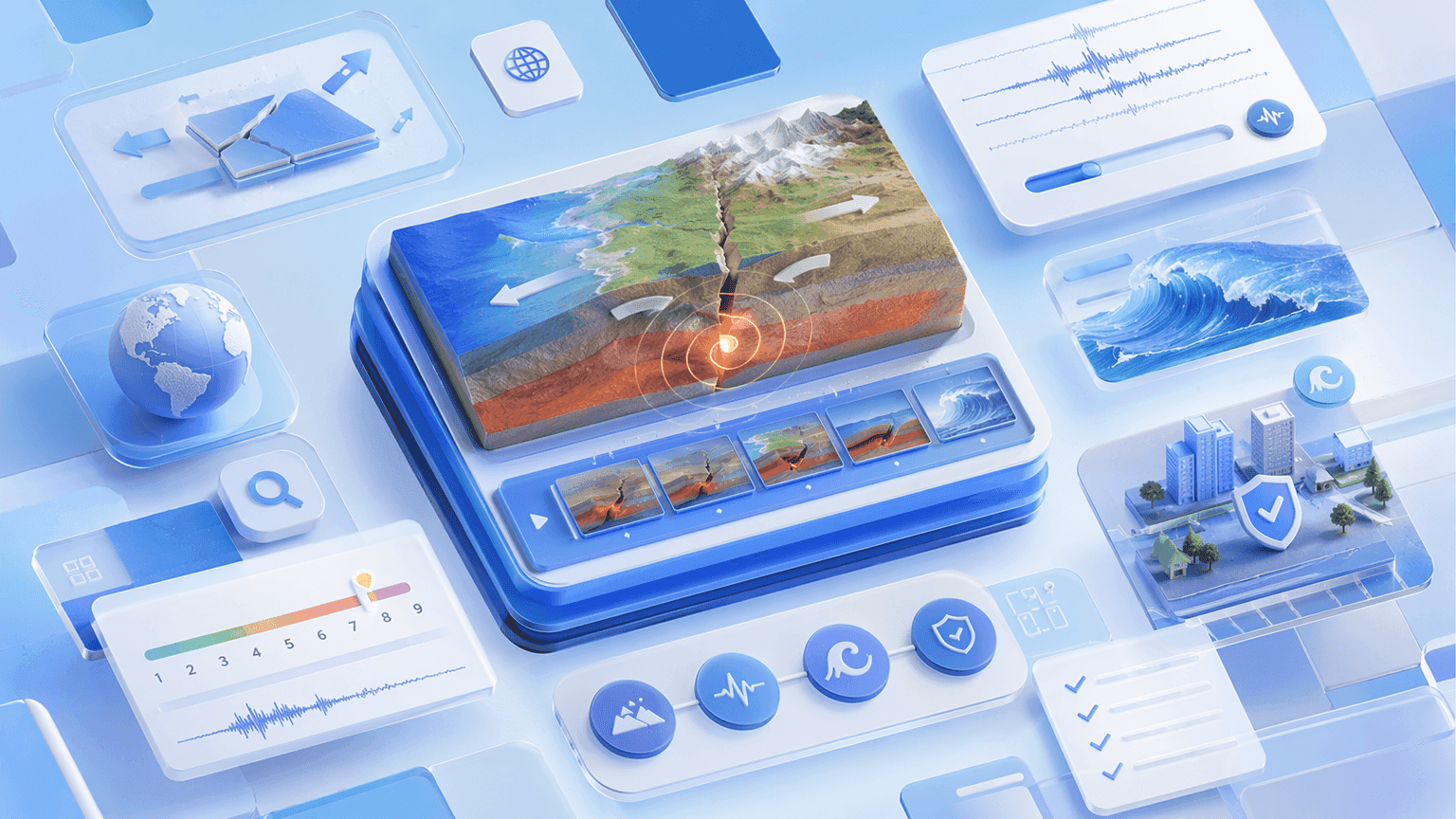
Cover Every Earthquake Topic in One Workflow
From tectonic plate stress accumulation and fault rupture to seismic wave propagation, magnitude scales, tsunami generation, and earthquake hazard management, Leadde structures any topic or lesson plan into a scene-by-scene earthquake animation video — covering seismology, tectonics, and hazard geography in a single tool.
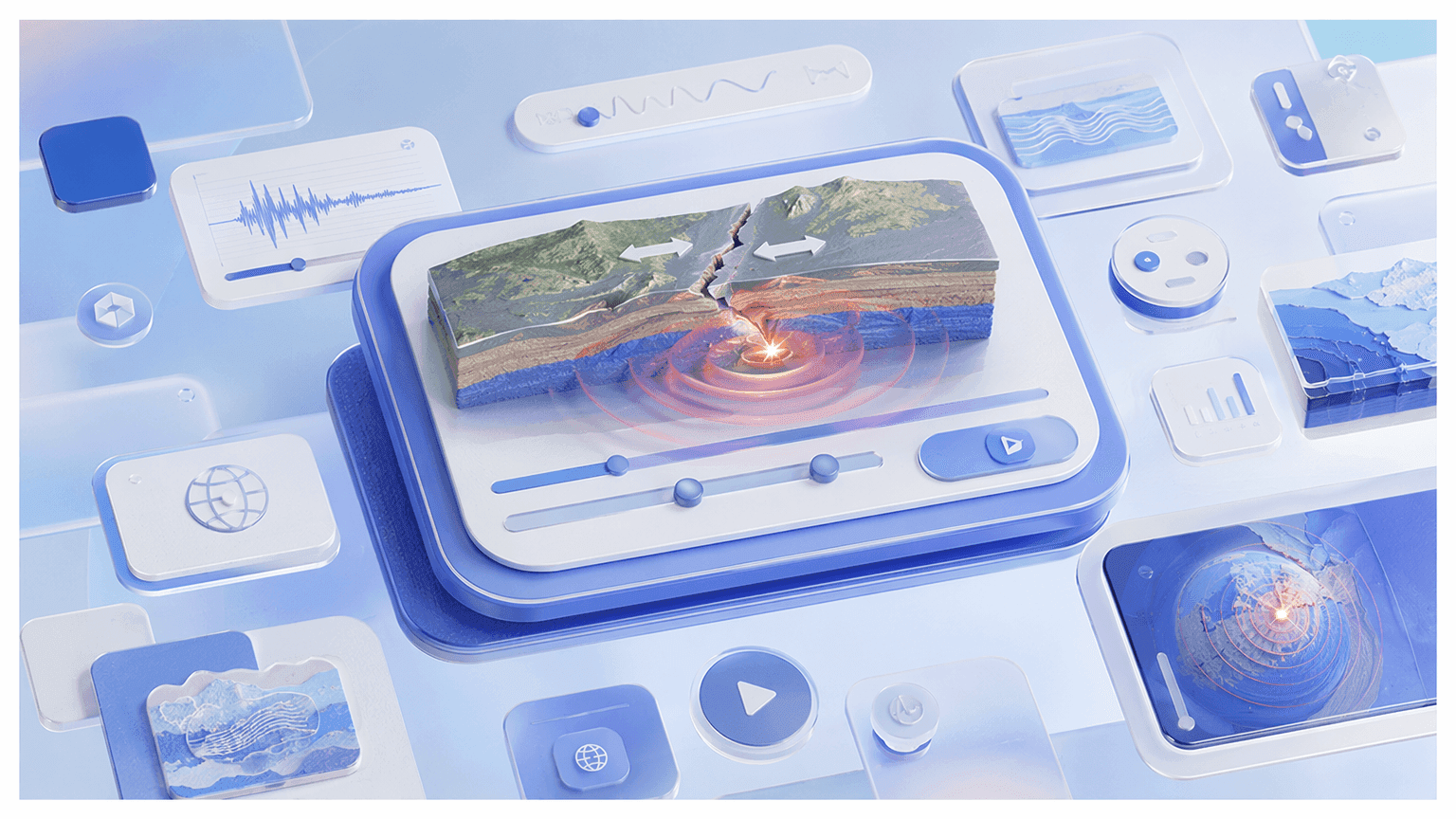
AI Motion for Fault Rupture, Seismic Waves, and Tectonic Processes
Static slides can't show how stress builds along a fault over decades before releasing in seconds or how P-waves and S-waves radiate outward from a focus through the Earth's interior. Leadde's Text-to-Motion turns prompts into animated diagrams — showing plates grinding, faults rupturing, and seismic waves propagating in real time.

Narrated Earthquake Animation Videos in 88 Languages
Pair every earthquake animation with a lifelike AI instructor. Choose from 200+ avatars with the Expressive IV Engine, then translate voiceover and on-screen text into 88 languages and 175 dialects — ideal for ESL classrooms, international schools, and bilingual geography programs.

Templates for Lessons, Case Study Walkthroughs, and Exam Recap Videos
Apply your school or department's colors, logo, and font once, then reuse the layout across every chapter — keeping earthquake animation videos visually consistent from basic earthquake causes in term one to advanced seismology and hazard management in the final unit.
How to Create an Earthquake Animation with AI

Step 1: Add Your Topic, Notes, or Textbook Chapter
Step 2: Generate Animations and Narration
Open Text-to-Motion and generate animated visuals from a prompt like "earthquake focus, epicentre, and seismic wave propagation through Earth's layers" or "transform fault stress accumulation and rupture producing surface waves." Add an AI geography presenter, drag in supporting diagrams or maps, and apply your Brand Kit across every scene.
Step 3: Refine, Translate, and Share with Students
Preview pacing, then click "Generate Video." Download the HD MP4 and upload to Google Classroom, Canvas, or YouTube — or translate into 88 languages and share via a password-protected Leadde link.
Earthquake Causes, Faults & Seismic Waves Videos
Earthquake Hazards, Impacts & Management Videos
Tsunami Generation Animation
Animate a submarine earthquake displacing the seabed, generating a tsunami wave column, and the wave traveling at jet speed across the ocean before shoaling and inundating a coastline — a tsunami animation mapping wave height, speed, and runup. Perfect for GCSE, A-level, and undergraduate hazard courses.
Liquefaction Animation
Show saturated loose sediment losing strength under seismic shaking, behaving like a liquid, and causing buildings to sink or tilt — a liquefaction animation connecting soil type, water table, and shaking intensity to ground failure and structural damage. Ideal for GCSE, A-level, and undergraduate earth science courses.
Earthquake Damage and Vulnerability Animation
Animate ground shaking, building resonance, and structural collapse in poorly constructed buildings — an earthquake damage animation mapping building type, foundation, soil amplification, and population density to casualty risk and economic loss. Perfect for GCSE, A-level, and undergraduate disaster risk courses.
Earthquake Hazard Management Animation
Step through seismic monitoring networks, early warning systems, building codes, land use planning, and community preparedness — an earthquake hazard management animation comparing responses in HICs and LICs using real case study examples. Ideal for GCSE, A-level, and undergraduate geography hazard management units.
Trusted by Geography Teachers, Tutors, and EdTech Creators

Earthquake Animation Ideas & Use Cases
GCSE & A-Level Geography Lessons
Convert chapter notes on earthquake causes, seismic waves, fault types, or hazard management into animated lessons students rewatch before mocks and final exams.
Undergraduate Earth Science & Seismology
Build animated modules covering fault mechanics, seismic wave propagation, global seismicity, tsunami generation, and earthquake hazard management for university-level courses.
Online Course Modules
Package earthquake animation videos as standalone lessons for Udemy, Teachable, or Skillshare — each topic its own narrated, scene-by-scene video.
Tutoring & Exam Prep
Tutors turn weak-spot topics like seismic wave types, liquefaction, tsunami generation, and plate boundary earthquake distribution into focused review videos students replay before exams.
Museum & Science Communication
Science centers and EdTech brands build short earthquake explainers on famous seismic events, fault systems, and earthquake early warning technology for social posts and public exhibits.
Multilingual Geography Classrooms
Generate the lesson once and translate the same earthquake animation into 88 languages — for ESL classes, international schools, and multilingual university programs.
Explore Animations Across Every Science Subject

Biology Animation
From cells and mitosis to evolution — animated biology videos covering the full life-science syllabus.

Math Animation
Geometry, graphs, and data brought to life with clean math visualization for algebra through calculus.

Physics Animation
Waves, electricity, atoms, and motion — animated physics for mechanics, energy, and quantum lessons.

Engineering Animation
Engines, machines, and robotics — animated engineering and automation video walkthroughs.

Geography Video
Solar systems, volcanoes, and earthquakes — Earth and space science visualization in motion.

Chemistry Animation
States of matter, chemical reactions, and the periodic table — animated chemistry concepts.

STEM Animation
Text-to-animation and teaching videos — cross-subject scientific animation for any classroom.

Science Animation
The science visualization hub linking every subject — start broad, then drill into a discipline.
FAQs
An earthquake animation maker is software that turns seismology and hazard geography concepts — earthquake causes, fault types, seismic waves, tsunami generation, and hazard management — into animated, narrated explainer videos. Leadde uses AI to generate Motion graphics from a prompt, structure your topic into scenes, and deliver the lesson through realistic AI presenters in 88 languages.
Yes. Leadde's Free Plan gives you full access to the AI Video Creator, Text-to-Motion generation, the 200+ avatar library, and core editing tools. You can generate your first earthquake animation video entirely in your browser — no credit card and no software install required.
You can animate any earthquake topic that fits a scripted lesson — earthquake causes, focus and epicentre, seismic wave types, seismic wave propagation, seismographs, plate boundary earthquakes, strike-slip faults, normal and reverse faults, global seismicity, tsunami, liquefaction, earthquake damage, and hazard management. Use the topic pages above as starting templates, or paste your own lesson notes and let the AI structure the scenes.
Yes. Leadde supports 88 languages and 175 dialects. Create the earthquake animation once in your source language, then use the Translate tool to regenerate it with localized voiceover, synced lip movements, and on-screen captions for every student in the class.
You can try it yourself by heading to the sidebar and navigating to AI Tools > Create Media, where you’ll find two ways to generate visuals. For a free option, use the Motion tab to animate specific actions or explanations. For full video generation, Text-to-Video lets you create complete video clips from pure text prompts using your account credits.
Ready to try Leadde?
Start creating earthquake animation videos today. Sign up free — no credit card required, no animation software to learn.
