
Create Educational Animation Videos with AI
From Teaching Material to Animated Lesson
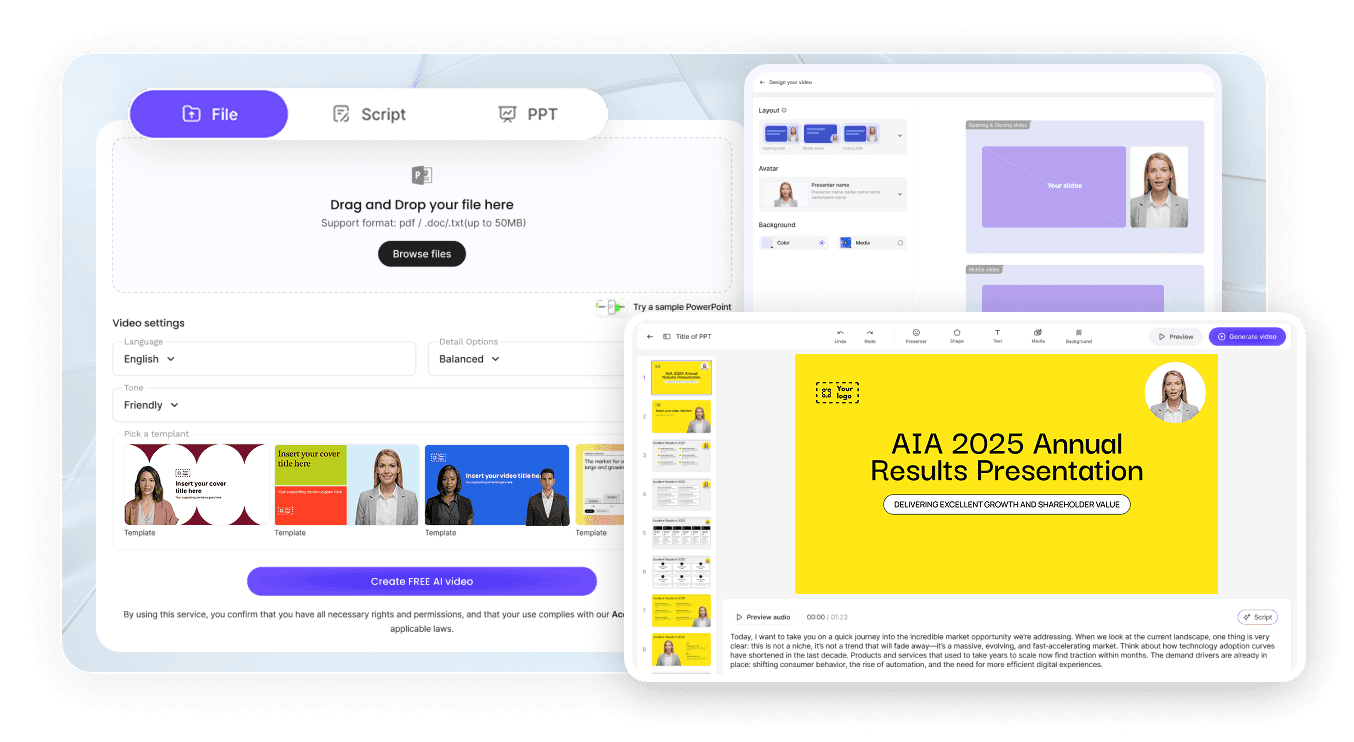
Upload Your Lesson Content
Generate an Education-Ready Script
Choose a Teaching Style and Avatar
Create and Share the Animated Lesson
How Educators Use Leadde Motion
Online Course and E-Learning Production
Mental Blocks and Focus Recovery
Designed for Educators Who Want to Teach Visually
Concept-First Animation
Works with Any Subject
Save Hours of Production Time
Multilingual for Global Learners
Related Leadde Tools for Educational Animation

AI Learning Video Generator
Turn notes, textbooks, PDFs, and slides into learning videos with AI teachers, visuals, narration, and subtitles.

AI Classroom Video Maker
Turn lesson plans for any subject into engaging classroom videos presented by AI instructors.

Textbook to Video
Turn textbook chapters into structured video lessons with AI avatars and voiceover, from PDF or DOCX.

AI Video Course Creator
Build full courses from PPTs, PDFs, and lesson plans, with AI instructors, narration, and editable scenes.

AI Lecture Video Generator
Turn lecture slides, PDFs, and study notes into lecture videos with avatars, voiceovers, and subtitles.

AI eLearning Video Creator
Turn course files, text, and scripts into structured eLearning videos with narration and AI presenters.
Frequently asked questions
An educational animation video generator uses AI to convert teaching content — such as lesson plans, notes, or concept outlines — into animated explainer videos that explain the material visually. Leadde Motion automates the script, animation and visual structure for you.
Yes. Leadde Motion is suitable for all education levels, from elementary to postgraduate. You control the depth, tone, and pacing of the explanation by adjusting the AI-generated outline before rendering.
Yes. Leadde Motion accepts PDF, Word, PowerPoint, and plain text inputs. Upload your existing lecture slides or course handouts and the AI will restructure them into an animated lesson format.
Yes. Leadde Motion exports in standard video formats that can be uploaded to any LMS or e-learning platform, including Moodle, Canvas, Teachable, and Thinkific.
Ready to bring your lessons to life?
