Leadde Logo

PPT Translation

PPT Translation in Leadde converts your slides into 88 languages with professional terminology for 21 industries, keeping layouts clean and text editable — then turn the translated deck into a narrated video in one click.
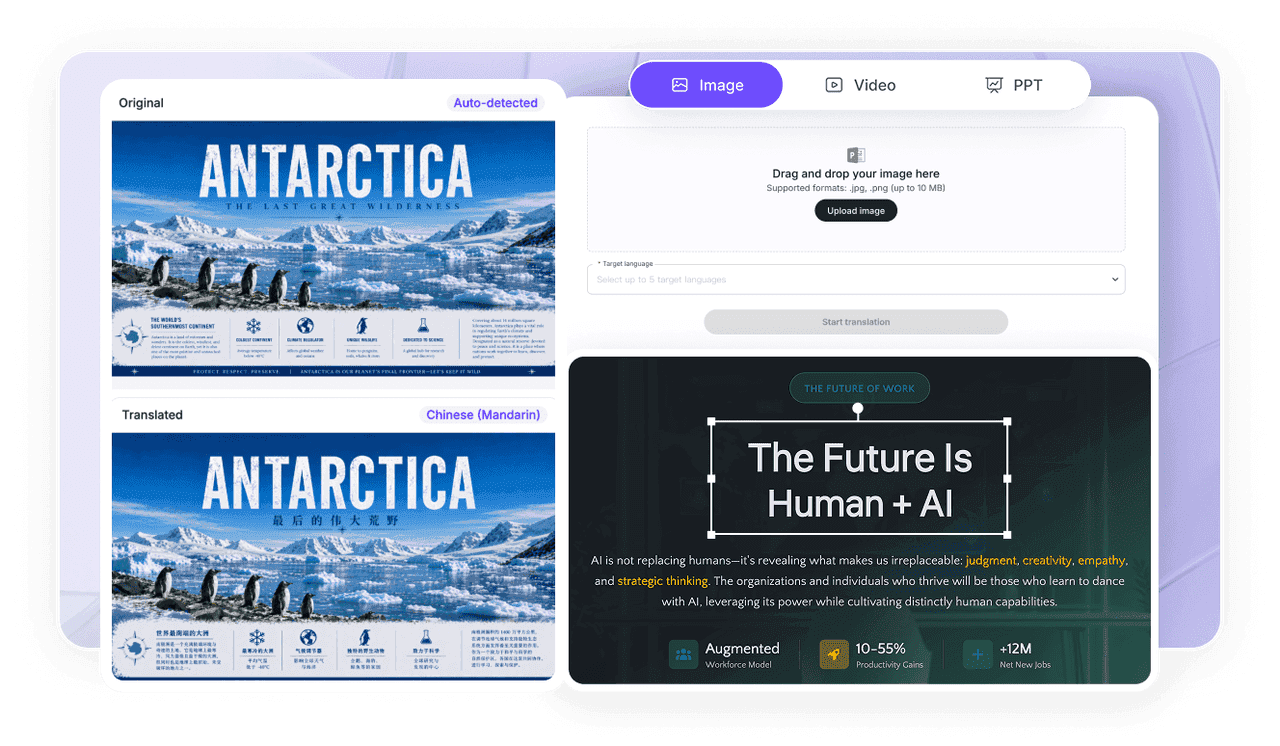
Image
Video
PPT

Trusted by Teams Worldwide

77.png
66.png
55.png
44.png
33.png
22.png
11.png
77.png
66.png
55.png
44.png
33.png
22.png
11.png
77.png
66.png
55.png
44.png
33.png
22.png
11.png

See the Difference: Before vs. After

Translate slides fast while keeping layouts clean and text fully editable.

bb.png
a.png

Why Leadde Is the Best PPT Translator
Fast for Busy Teams

Fast for Busy Teams

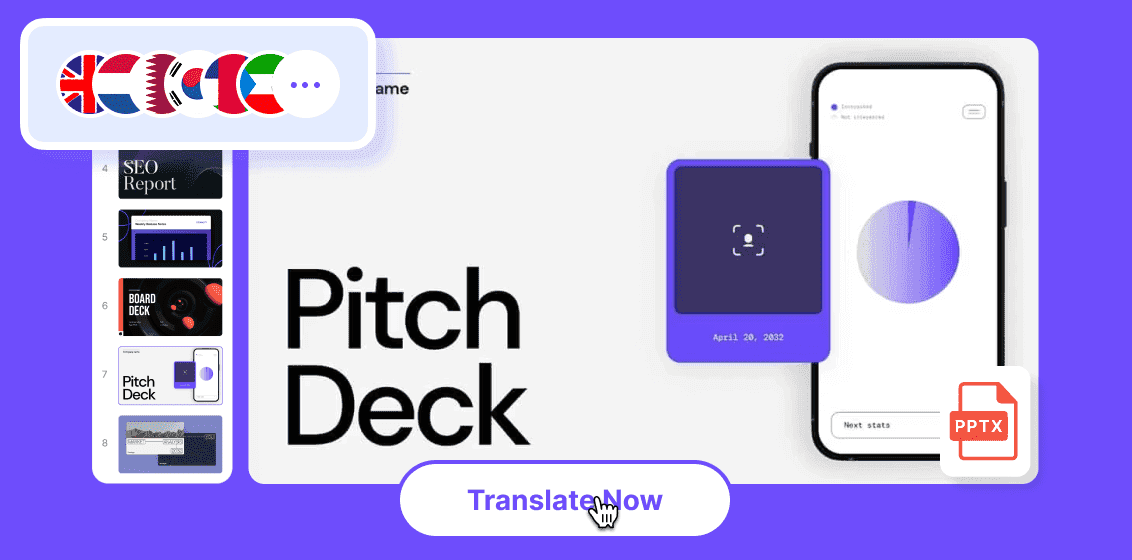
Turn decks around quickly without manual copy-paste, and translate into several languages in a single run.

Professional, Industry-Consistent

Pick from presets for 21 common industries so terminology stays consistent and accurate across every slide.
Download and Editable, No Watermark

Download and Editable, No Watermark

Download the translated deck and keep editing slide text and layers, so everything stays presentation-ready.

One-Click Narrated Video

Import the translated PPT into Slide Presenter for a narrated video, with auto script, auto highlights, and editable layers.

Translate PPT Decks Built for Work

Translate decks fast in 88 languages with industry terminology — download, edit, and turn slides into narrated videos.

Sales Decks.png

Sales Decks

Translate pitch decks for global prospects while keeping every slide editable for last-minute updates.
Investor Board Updates.png

Investor & Board Updates

Localize business updates and strategy decks for board stakeholders across every region you report into.
Localize business updates and.png

Conference Presentations

Translate speaker decks fast, then generate a narrated video version for simple post-event sharing online.
Conference Presentations.png

Product & Solution Briefings

Use industry presets to keep technical terminology accurate across 21 common industries and markets.
Product & Solution Briefings.png

Cross-Border Collaboration

Translate and edit decks for multinational teams while keeping structure, layers, and design intact.
Cross-Border Collaboration.png

Education & Training

Translate lecture and course decks for international learners, then narrate them as shareable videos.

How to Translate a PPT in 3 Steps

AI Video Generator Interface

1) Upload

Upload your .ppt or .pptx file — Leadde supports decks up to 200 MB.

2) Choose Languages & Industry

Select your target languages and, optionally, an industry preset for accurate terminology.

3) Download or Create a Video

Download the translated, editable deck — or import to Slide Presenter to generate a narrated video.
compliance background

Enterprise PPT Localization

Standardize terminology, accelerate review, and keep sensitive decks protected.

Team Workflow

Manage translations and review efficiently across teams and projects.

Industry Terminology Control

Keep consistent translation standards across departments with shared industry presets.

Information Protection Zone

Protect sensitive decks with access control and privacy-first processing built for enterprise.

Security & Compliance

Support GDPR and SOC 2 compliance with secure data handling, privacy-first workflows, and enterprise-grade access controls.

PPT Translation FAQs

PPT translation converts the text in your slides into another language while keeping the layout and formatting editable. Upload a .pptx, choose your languages and industry, then download the translated deck.

Upload your deck, pick your target languages, and start translation. Leadde supports PPT translation in 88 languages, and the translated slides stay fully editable.

Yes, you can start for free with no watermark. Team workflows, terminology control, and enterprise security are available on Enterprise plans.

Yes. Leadde works like a computer assisted translation tool for PPT, pairing AI translation with editable slides and presets for 21 industries so you can review and refine before export.

Yes. You can download the translated PPT and keep editing the text and layers, so the deck stays presentation-ready.

Yes. Import it into Slide Presenter for one-click creation with auto script, auto highlights, and editable layers.

Meet Leadde

A smart platform for business video creation and content translation. Create, edit, translate, and publish in one workflow.
avatar