
Teaching Video Maker
Turn any lesson plan, curriculum topic, or subject content into a clear, animated teaching video in minutes. Leadde's teaching video maker uses AI Motion, narrated scenes, and 200+ presenters to bring science, math, history, and every other subject to life — no video editor, no recording equipment, and no animator needed.
Why Leadde is the Best Teaching Video Maker

Cover Every Subject and Level in One Workflow
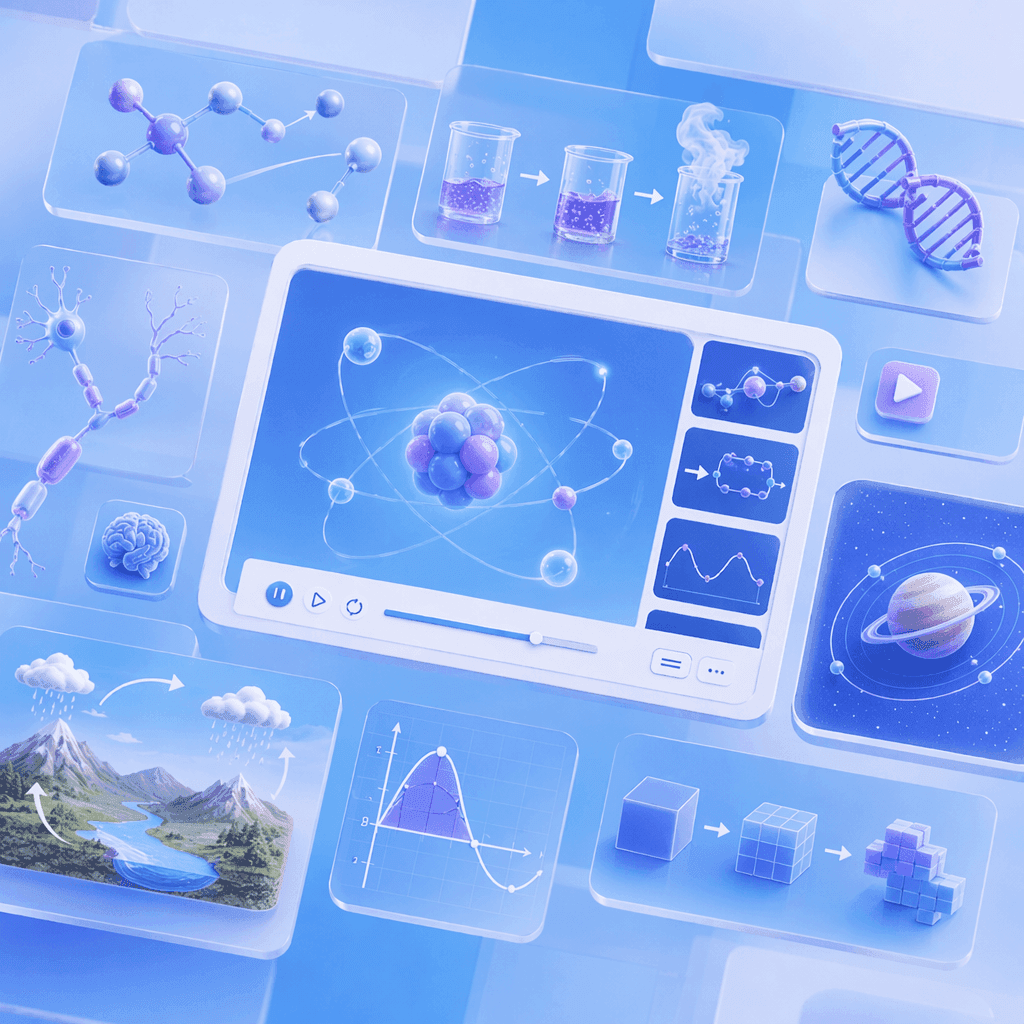
AI Motion That Makes Every Lesson Visual and Engaging

Narrated Teaching Videos in 88 Languages
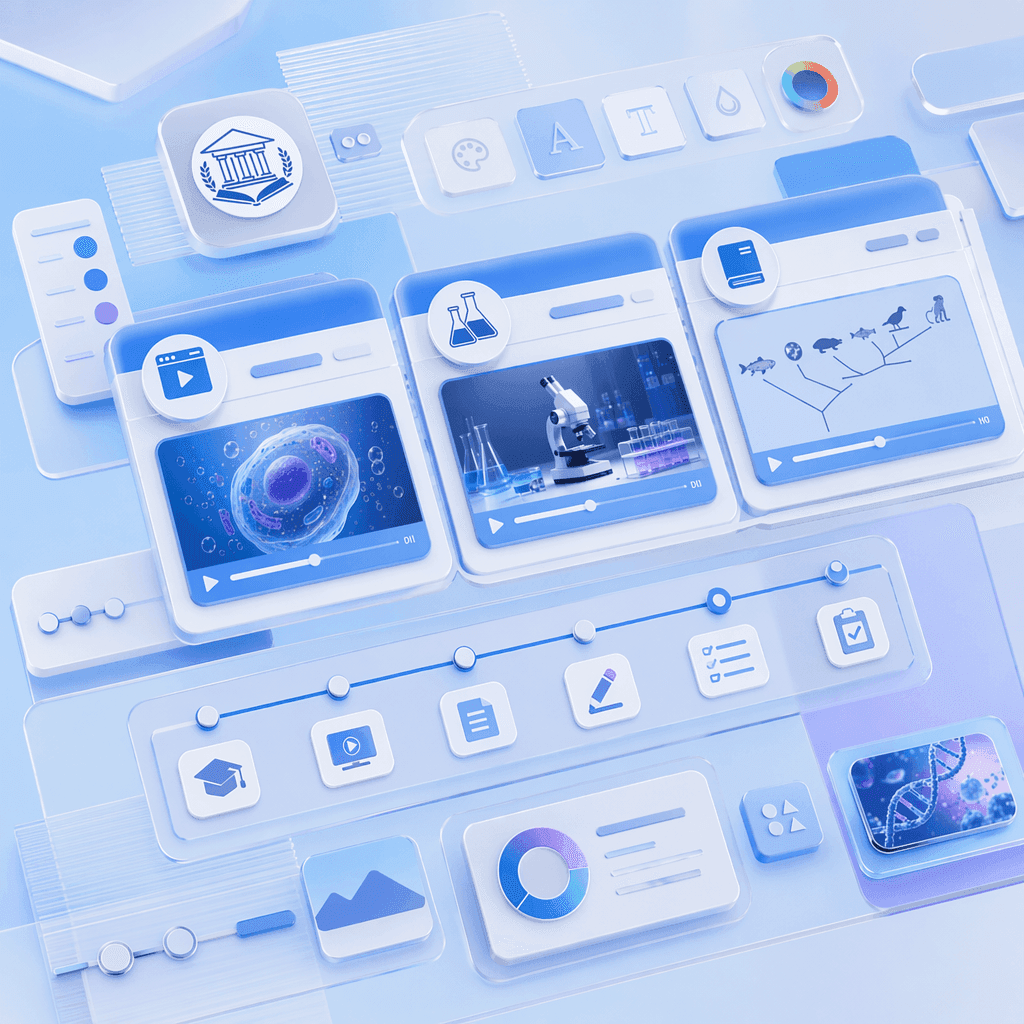
Templates for Every Lesson Format and Subject
How to Create a Text to Animation Video with AI
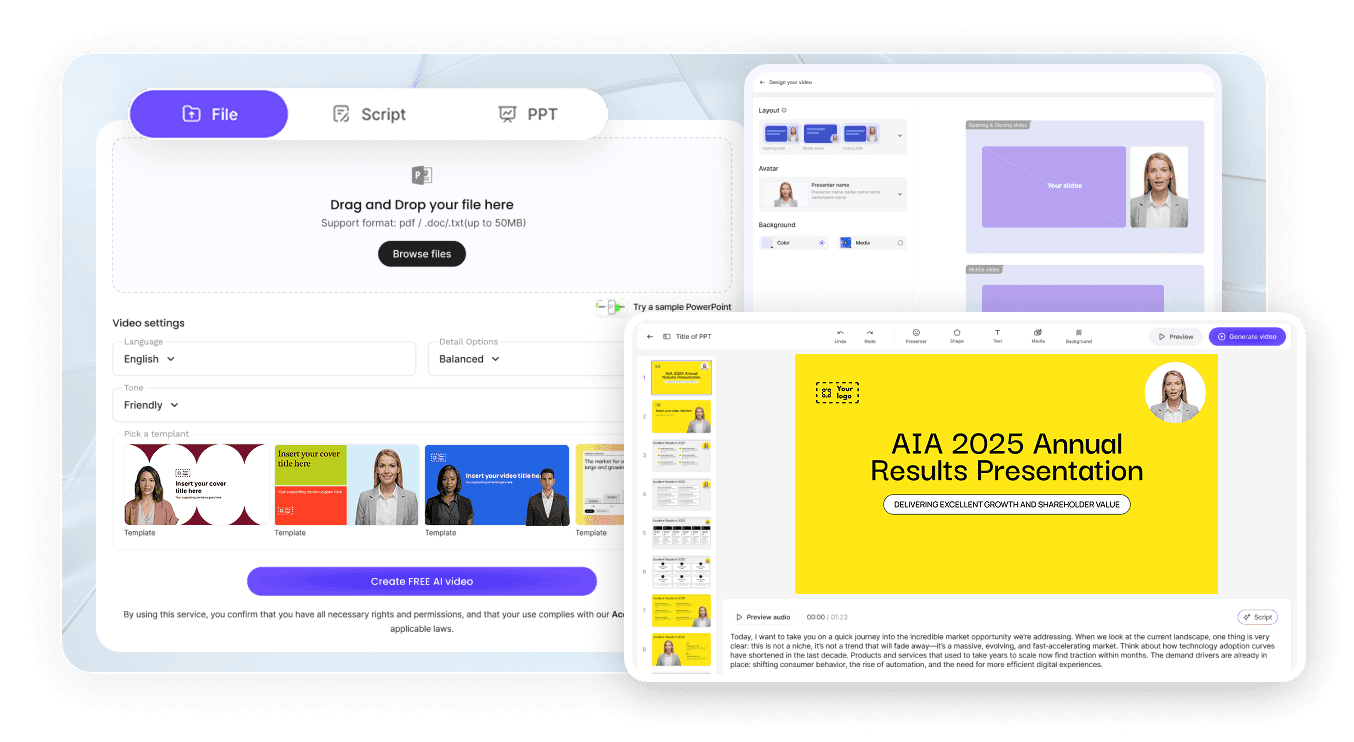
Step 1: Add Your Lesson Plan, Notes, or Curriculum Content
Step 2: Generate Animations and Narration
Step 3: Refine, Translate, and Share with Students
Subject Lesson & Explainer Teaching Videos
Science Teaching Video
Math Teaching Video
History Teaching Video
Geography Teaching Video
Professional Development, Training & EdTech Teaching Videos
Teacher CPD and Professional Development Video
Staff Onboarding and Training Video
EdTech Platform Teaching Video
Parent and Community Education Teaching Video
Trusted by Teachers, Tutors, and EdTech Creators
One Tool for Every Subject, Level, and Audience
Update Content as Curriculum and Lessons Change
Interactive Q&A for Every Student
Track Engagement and Comprehension

Teaching Video Ideas & Use Cases
Classroom Teachers & Subject Specialists
Tutors & Private Educators
Online Course Creators
School & University Leaders
Explore Animations Across Every Science Subject

Biology Animation
From cells and mitosis to evolution — animated biology videos covering the full life-science syllabus.

Math Animation
Geometry, graphs, and data brought to life with clean math visualization for algebra through calculus.

Physics Animation
Waves, electricity, atoms, and motion — animated physics for mechanics, energy, and quantum lessons.

Chemistry Animation
States of matter, chemical reactions, and the periodic table — animated chemistry concepts.

STEM Animation
Text-to-animation and teaching videos — cross-subject scientific animation for any classroom.

Science Animation
The science visualization hub linking every subject — start broad, then drill into a discipline.
FAQs
A teaching video maker is software that turns lesson plans, curriculum content, and subject notes — across every subject and educational level — into animated, narrated teaching videos. Leadde uses AI to generate Motion graphics from written content, structure lessons into scenes, and deliver teaching through realistic AI presenters in 88 languages.
Yes. Leadde's Free Plan gives you full access to the AI Video Creator, Text-to-Motion generation, the 200+ avatar library, and core editing tools. You can generate your first teaching video entirely in your browser — no credit card and no software install required
You can create teaching videos for any subject that fits a scripted lesson — science, math, history, geography, English, languages, social studies, engineering, business, and more. Content formats include lesson notes, textbook chapters, PowerPoint decks, curriculum documents, online course outlines, revision summaries, and homework explainers. Upload PPTX, PDF, DOC, DOCX, or TXT files up to 200 MB.
Yes. Leadde supports 88 languages and 175 dialects. Create the teaching video once in your source language, then use the Translate tool to regenerate it with localized voiceover, synced lip movements, and on-screen captions for every student in the class.
You can try it yourself by heading to the sidebar and navigating to AI Tools > Create Media, where you’ll find two ways to generate visuals. For a free option, use the Motion tab to animate specific actions or explanations. For full video generation, Text-to-Video lets you create complete video clips from pure text prompts using your account credits.
Ready to try Leadde?
