
AI Product Demo Video Maker & Generator



The Smartest Way to Demo Your Software

Onboarding walkthrough
Turn compliance documents, safety protocols, or regulatory guidelines into structured certification videos. Let an AI avatar walk employees through each requirement clearly — reducing legal risk and keeping teams audit-ready.

Cleanroom protocols
Explains the behavior guidelines and operational requirements for cleanrooms, ensuring employees adhere to standards and improve work efficiency and safety.

AR-700 operation training
Introduces the operation process and safety guidelines of the AR-700 precision assembly robot, helping employees master proper operating techniques.

Marketing insights
Trusted by the world's leading brands







Why Leadde is the Best Tool for Product Demos
Sync Narration with Gameplay
PPT to Product Launch
Update Demos Instantly
Global SaaS Expansion
How to Create a Product Demo Video with AI

Step 1: Upload Your Assets
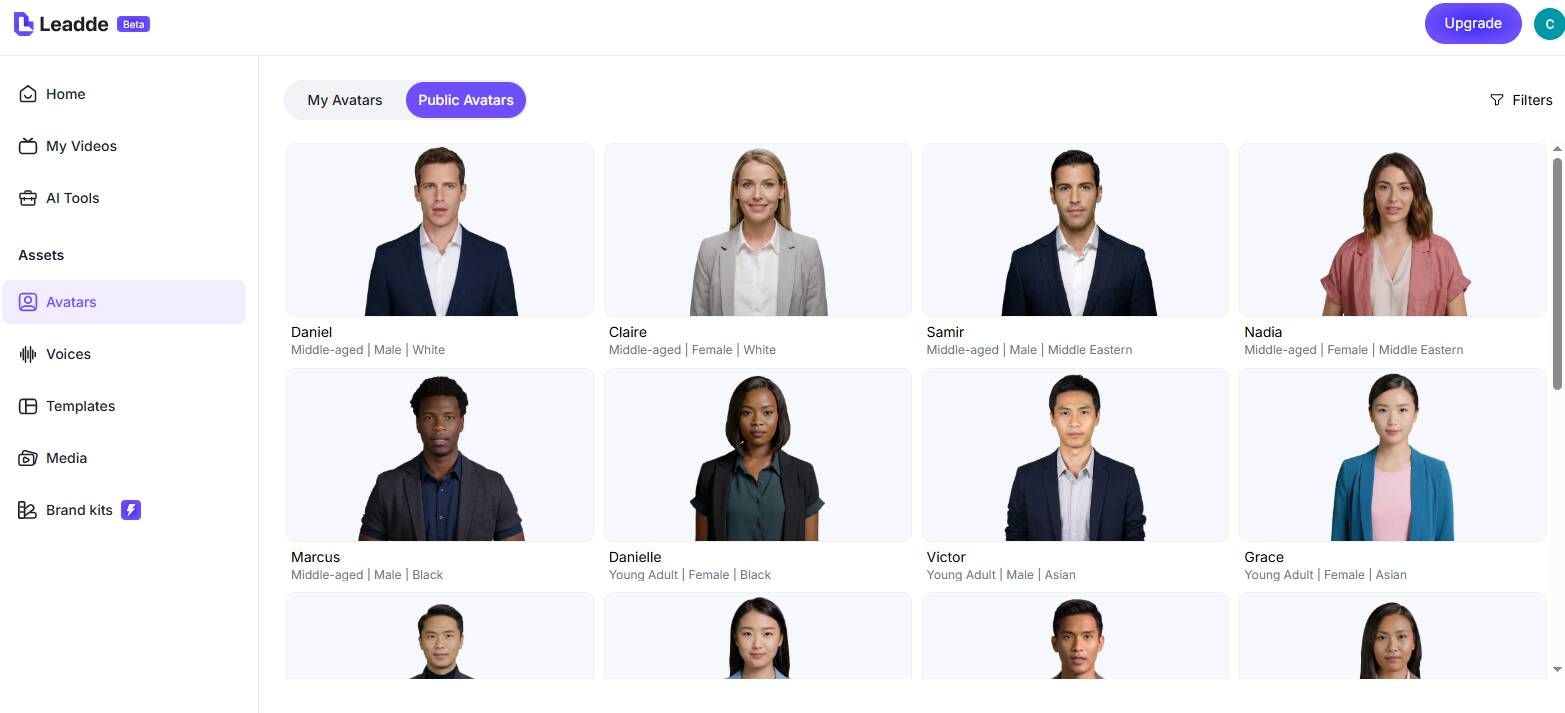
Step 2: Choose Your Presenter
Step 3: Edit and Sync

The Standard for SaaS Video Marketing
Brand Consistency
Professional Quality
Interactive Demos
Data-Driven Insights
Product Demo Ideas for Every Stage
Product Demo Video for SaaS
Create compelling product demo videos for SaaS platforms — feature walkthroughs, use case scenarios, and value proposition presentations that convert prospects into customers.
Software Tutorial Demo
Walk users through specific software workflows with AI avatar narration synchronized to screen recording. Ideal for onboarding, sales enablement, and customer success.
Product Launch Video
Announce new product features and releases with professionally narrated demo videos. Generate multiple versions for different audiences — developers, end users, and executives.
Sales Demo Video
Empower sales teams with consistent, polished demo videos for every prospect segment. Reps send AI demos instead of scheduling live calls for initial product introductions.
Interactive Product Demo
Host your demo on Leadde and enable viewer Q&A. Prospects ask questions about features shown in the demo and receive instant AI responses — extending demo engagement beyond the video.
Frequently asked questions
Yes. Leadde offers a Free Plan that allows you to explore the platform. You can upload your own media assets and generate draft videos to see how AI can transform your demos.
Absolutely. You can upload .mp4 or .mov files to "My Media" and drag them onto the canvas. Leadde acts as a powerful editor to combine your footage with AI narration.
Leadde offers "Video Fit" modes. You can use "Freeze" to pause the video frame while the avatar finishes speaking, or "Insert" to play a video segment in full before resuming narration.
Yes. If you prefer a clean look, simply select the avatar layer on the canvas and press the "Delete" key. The AI voiceover will still play over your screen recording.
Start creating professional product demos
