
English to Malay Video Translator
Take your English videos to Malay-speaking audiences across Malaysia and the region. Leadde's English to Malay video translator rebuilds the voiceover, subtitles, and on-screen text in natural Bahasa Melayu, with optional lip sync for a local-ready cut.
Image
Video
PPT
Drag and drop your video here
Supported formats: .mp4, .mov, .webm (max 5 GB, 30 min)
Select up to 10 target languages
Enable Lip Sync
Trusted by Teams Worldwide







See the Difference: Before vs. After
An English product ad becomes a Malay-ready cut — voice, timing, and subtitles aligned.
Why Leadde Is the Best English to Malay Video Translator
Reach Malaysia & the Region
Open your English content to Malay speakers across Malaysia, Brunei, and Singapore without reshooting.
Natural Bahasa Melayu
Leadde renders clear, everyday Bahasa Melayu rather than stiff literal translation, so viewers hear it the way they speak it.
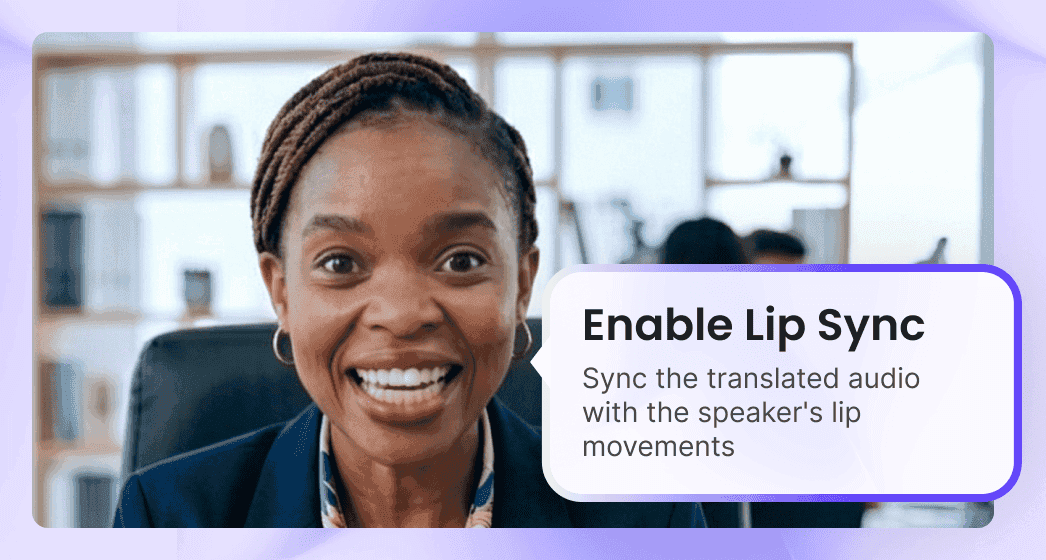
Your Voice, Now in Malay
Leadde preserves the speaker's tone and delivery, so the Malay voiceover still sounds like the original English presenter.
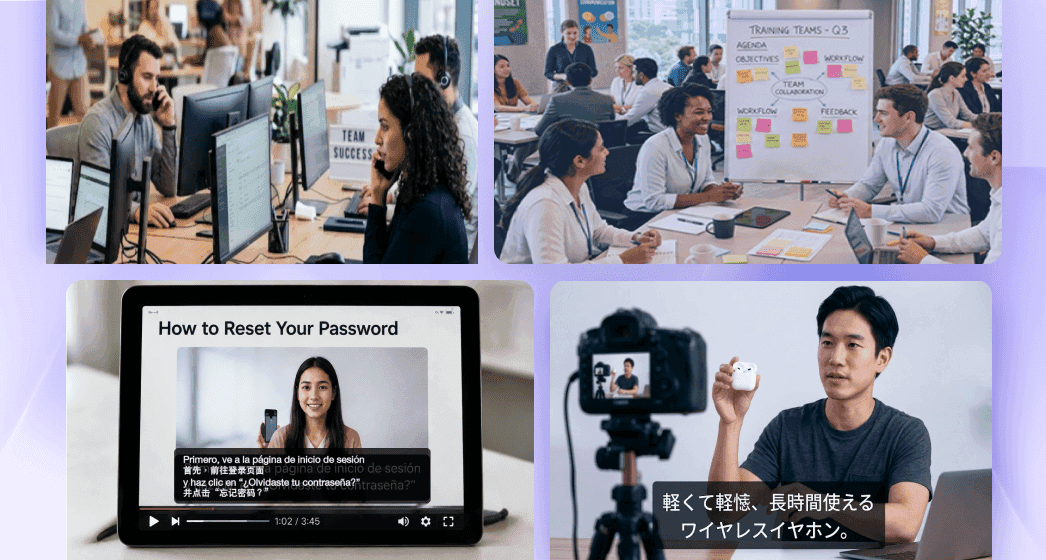
Aligned Malay Subtitles
Generate aligned Malay subtitles alongside the voiceover, styled to stay readable on mobile feeds and silent autoplay.
English to Malay Video Translation Built for Southeast Asia
From e-commerce launches to online courses, turn English clips into Malay your regional viewers understand instantly.
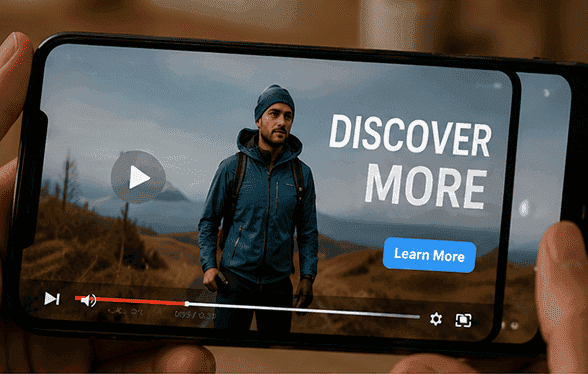
E-commerce & Retail
Localize English product videos into Malay for Shopee, Lazada, and regional marketplace shoppers.
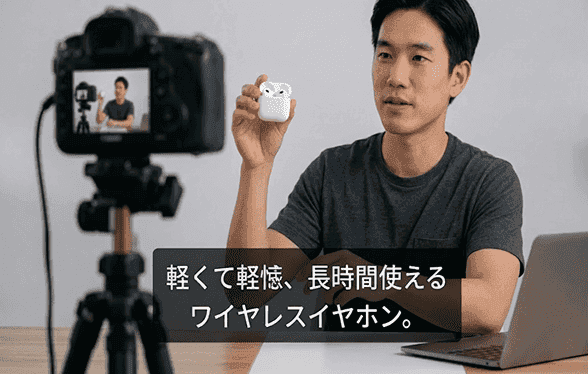
EdTech & Online Learning
Translate English lessons into Malay so learners across Malaysia follow along with ease.

Corporate & Compliance Training
Roll out English SOP and compliance videos in Malay for frontline and field teams.
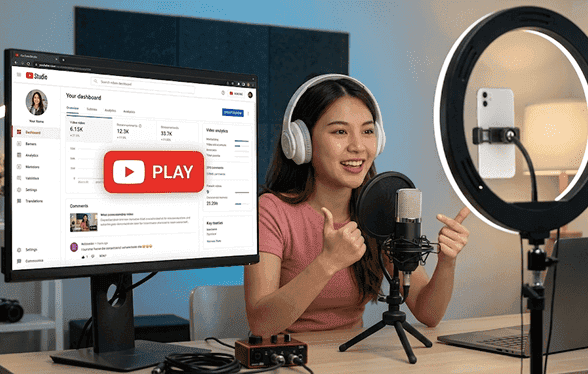
Government & Public Sector
Adapt English public-information videos into Malay for national campaigns and services.
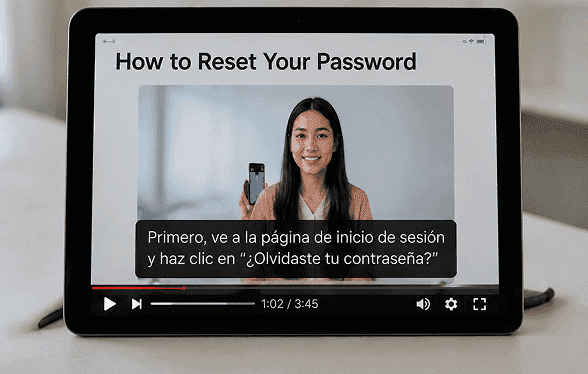
Tourism & Hospitality
Convert English destination and hotel guides into Malay for regional travelers.
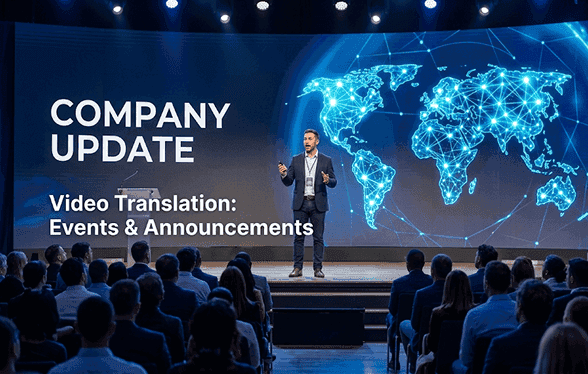
Creators & Social Video
Translate English creator clips into Malay to grow a following across Southeast Asia.
How to Translate an English Video to Malay in 3 Steps
Localize an English clip for Malay audiences in minutes — your original stays untouched as a separate draft.
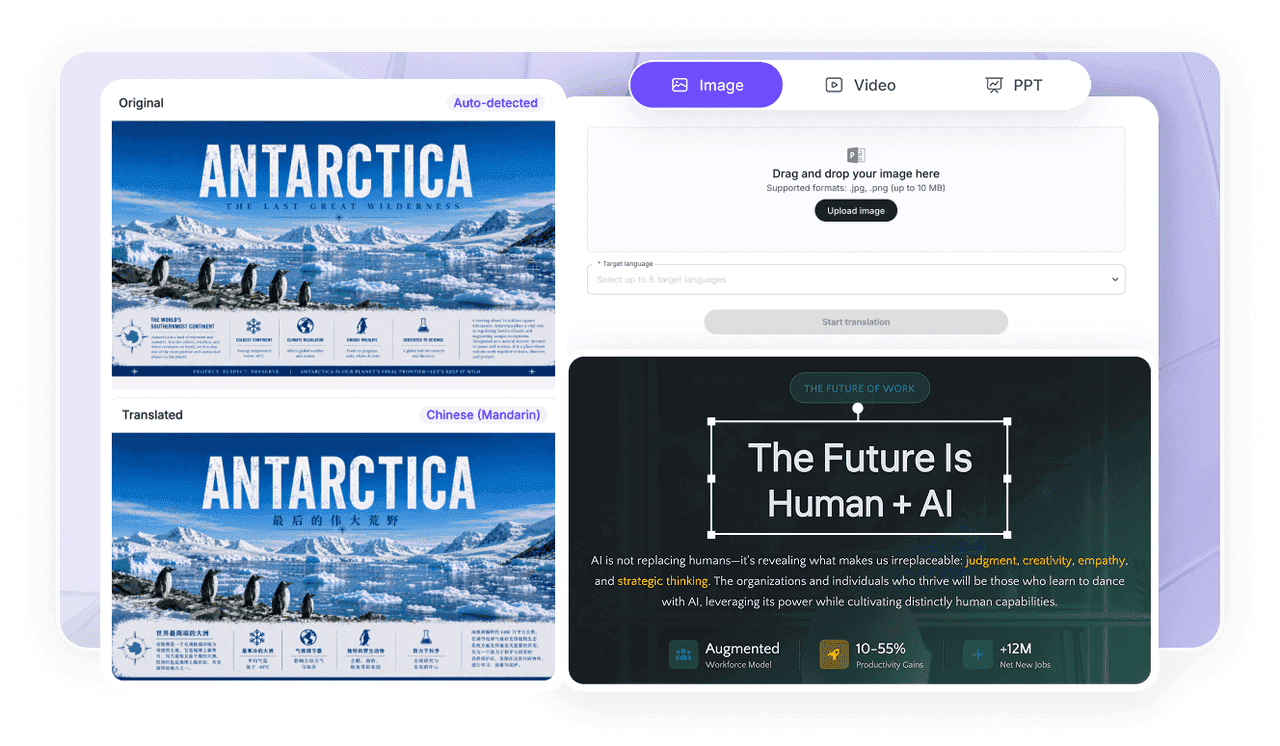
1) Upload
Upload your English video with clear speech; Leadde accepts .mp4, .mov, and .webm up to 5 GB or 30 minutes.
2) Set English → Malay
Choose English as the source and Malay as the target, then pick voiceover, subtitle, and optional lip-sync options.
3) Preview & Export
Review the Malay cut, fine-tune timing, and export in high quality while your English original stays intact.

Enterprise English to Malay Localization
Standardize terminology and review across teams localizing English video libraries into Malay at scale.
Batch Translation
Translate large English video libraries into Malay in bulk with standardized voice and subtitle settings.
Review & Collaboration
Keep terminology and brand voice consistent as teams ship Malay versions across regions.
Information Protection Zone
Protect sensitive content with access control and privacy-first processing built for enterprise.
Security & Compliance
Support GDPR and SOC 2 compliance with secure data handling, privacy-first workflows, and enterprise-grade access controls.
More Translation Tools
English to Malay Video Translation FAQs
It converts the spoken English, subtitles, and on-screen text in a video into Malay. Leadde rebuilds the voiceover in Bahasa Melayu, optionally re-syncs lip movement, and saves the result as a new draft.
Leadde renders clear, conversational Bahasa Melayu that matches how people actually speak, drawing on support for 88 languages and 175 dialects.
Leadde preserves tone and delivery, so the translated Malay voiceover still sounds like the original English presenter rather than a flat machine read.
Yes. You can translate the voice, generate aligned Malay subtitles, or do both — useful for mobile and silent-autoplay viewers.
You can upload .mp4, .mov, or .webm files up to 5 GB or 30 minutes per clip, then translate the whole video in one run.
Your files are processed securely, and Enterprise teams can add access controls through the Information Protection Zone, backed by GDPR and SOC 2 practices.
Meet Leadde
A smart platform for business video creation and content translation. Create, edit, translate, and publish in one workflow.