
English to Malayalam Video Translator
Take your English videos to Malayalam-speaking audiences in Kerala and the Gulf. Leadde's English to Malayalam video translator rebuilds the voiceover, subtitles, and on-screen text in natural Malayalam, with optional lip sync for a local-ready cut.
Image
Video
PPT
Drag and drop your video here
Supported formats: .mp4, .mov, .webm (max 5 GB, 30 min)
Select up to 10 target languages
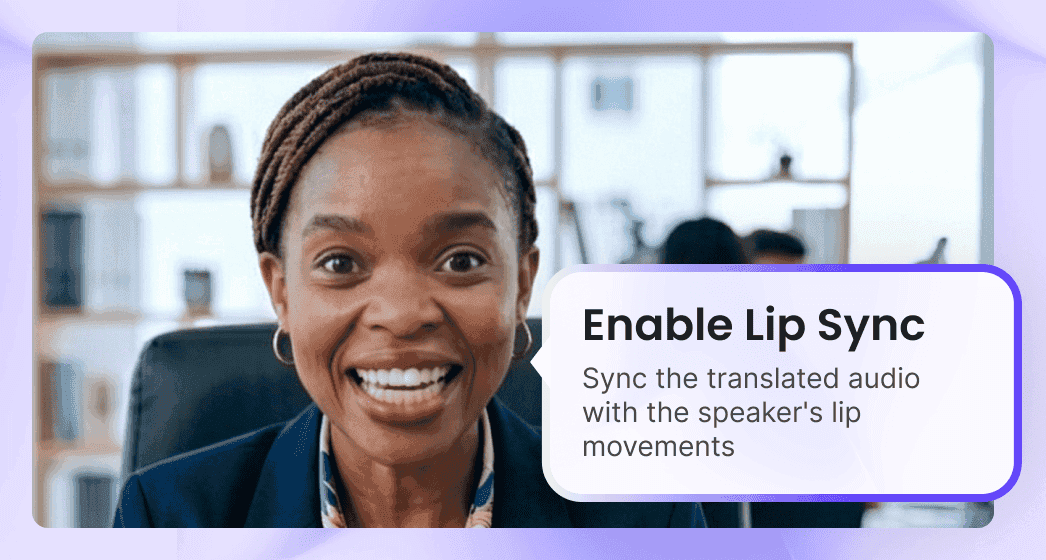
Enable Lip Sync
Trusted by Teams Worldwide







See the Difference: Before vs. After
An English explainer becomes a Malayalam-ready cut — voice, timing, and subtitles aligned.
Why Leadde Is the Best English to Malayalam Video Translator
Reach Kerala & the Malayali Diaspora
Open your English content to Malayalam speakers across Kerala, the Gulf, and NRI communities without reshooting.
Natural, Conversational Malayalam
Leadde renders clear, everyday Malayalam rather than stiff literal translation, so viewers hear it the way they speak it.
Your Voice, Now in Malayalam
Leadde preserves the speaker's tone and delivery, so the Malayalam voiceover still sounds like the original English presenter.
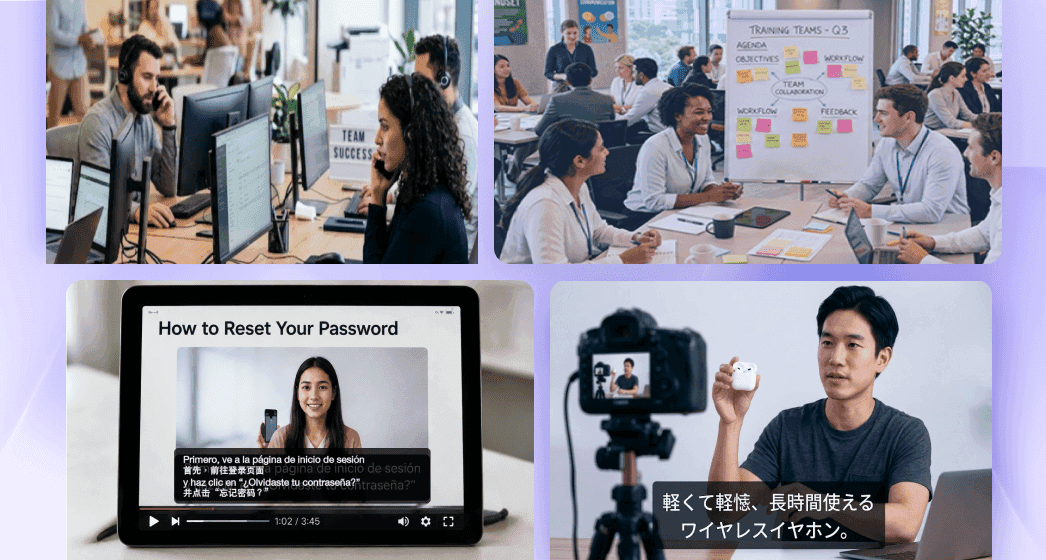
Malayalam-Script Subtitles
Generate aligned Malayalam subtitles that stay crisp and readable on mobile feeds and silent autoplay.
English to Malayalam Video Translation Built for Kerala
From D2C launches to entrance-exam coaching, turn English clips into Malayalam your local viewers understand instantly.
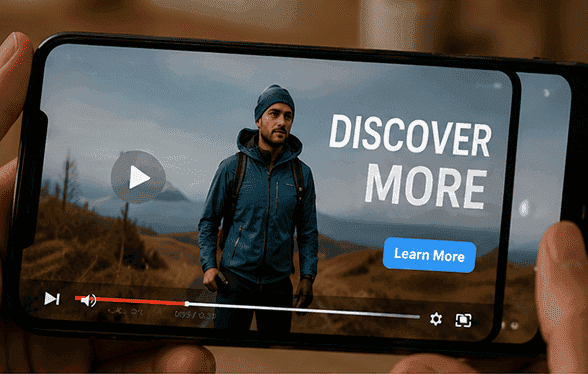
D2C & Local Brands
Localize English product and ad videos into Malayalam for Kerala shoppers and regional marketplaces.
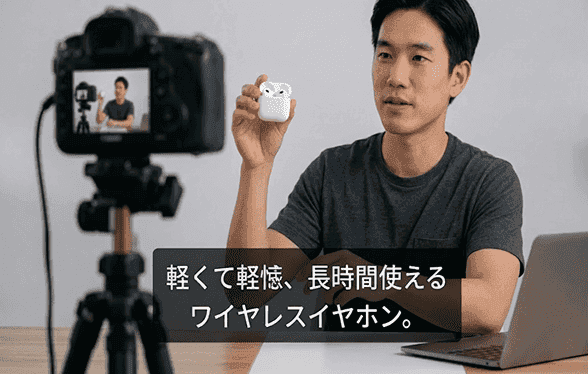
EdTech & Entrance Coaching
Translate English lessons into Malayalam for students and entrance-exam aspirants across Kerala.

YouTube & Creator Channels
Convert English videos into Malayalam to grow subscribers among Kerala's active viewers.
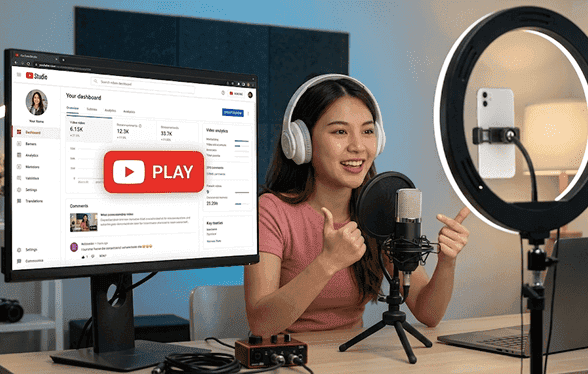
Gulf Malayali Audiences
Localize English content into Malayalam for Gulf-based Malayali communities and expats.
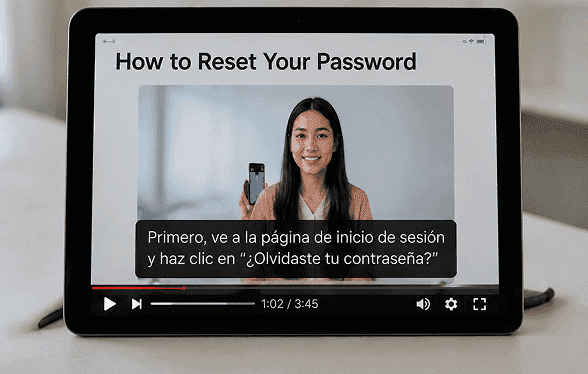
Healthcare & Public Awareness
Adapt English health and public-service videos into Malayalam for wider community reach.
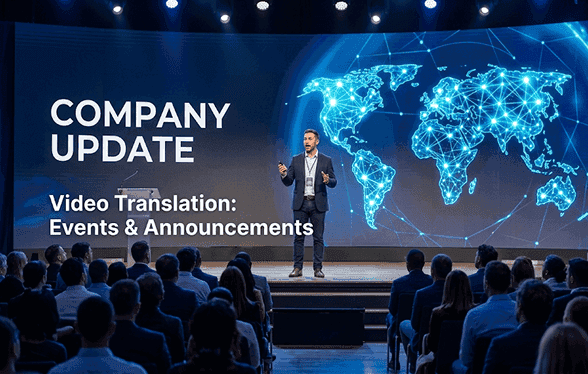
Corporate & Field Training
Roll out English SOP and safety videos in Malayalam for frontline and field teams.
How to Translate an English Video to Malayalam in 3 Steps
Localize an English clip for Malayalam audiences in minutes — your original stays untouched as a separate draft.
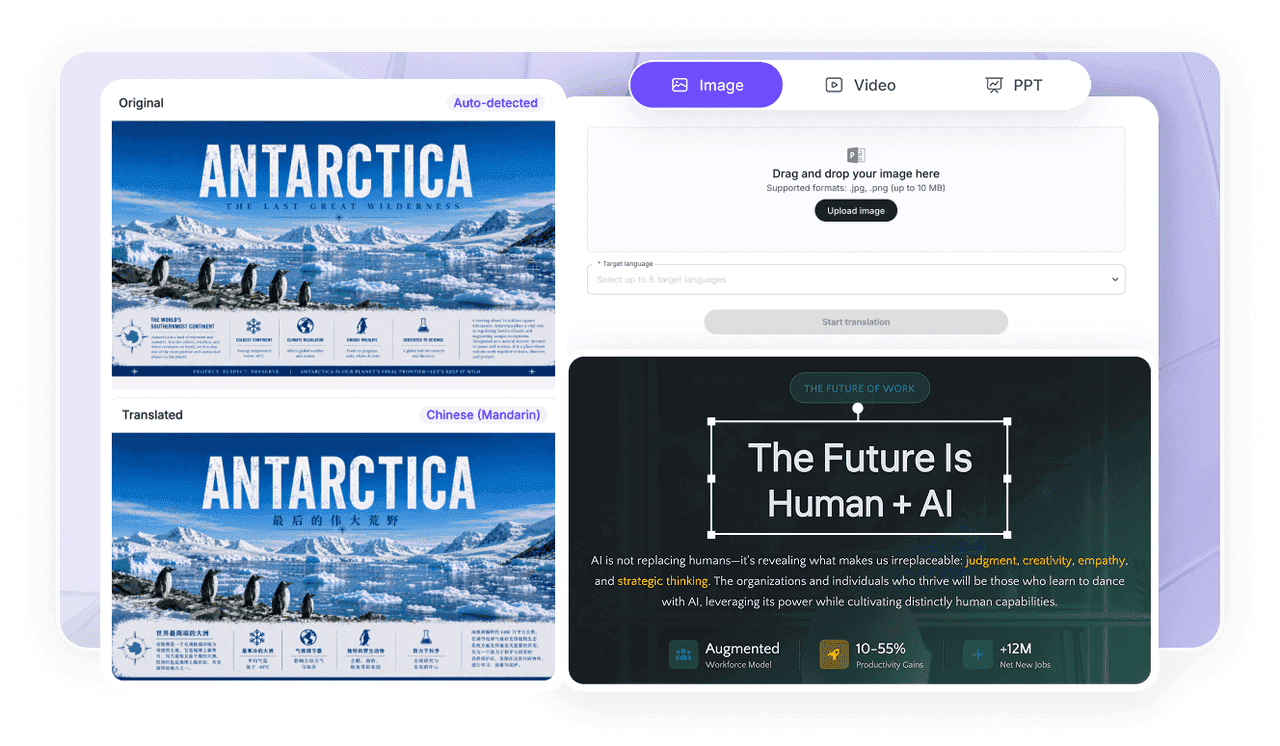
1) Upload
Upload your English video with clear speech; Leadde accepts .mp4, .mov, and .webm up to 5 GB or 30 minutes.
2) Set English → Malayalam
Choose English as the source and Malayalam as the target, then pick voiceover, subtitle, and optional lip-sync options.
3) Preview & Export
Review the Malayalam cut, fine-tune timing, and export in high quality while your English original stays intact.

Enterprise English to Malayalam Localization
Standardize terminology and review across teams localizing English video libraries into Malayalam at scale.
Batch Translation
Translate large English video libraries into Malayalam in bulk with standardized voice and subtitle settings.
Review & Collaboration
Keep terminology and brand voice consistent as teams ship Malayalam versions across regions.
Information Protection Zone
Protect sensitive content with access control and privacy-first processing built for enterprise.
Security & Compliance
Support GDPR and SOC 2 compliance with secure data handling, privacy-first workflows, and enterprise-grade access controls.
More Translation Tools
English to Malayalam Video Translation FAQs
It converts the spoken English, subtitles, and on-screen text in a video into Malayalam. Leadde rebuilds the voiceover in Malayalam, optionally re-syncs lip movement, and saves the result as a new draft.
Leadde renders clear, conversational Malayalam that matches how people actually speak, drawing on support for 88 languages and 175 dialects.
Leadde preserves tone and delivery, so the translated Malayalam voiceover still sounds like the original English presenter rather than a flat machine read.
Yes. You can translate the voice, generate aligned Malayalam subtitles, or do both — useful for mobile and silent-autoplay viewers.
You can upload .mp4, .mov, or .webm files up to 5 GB or 30 minutes per clip, then translate the whole video in one run.
Your files are processed securely, and Enterprise teams can add access controls through the Information Protection Zone, backed by GDPR and SOC 2 practices.
Meet Leadde
A smart platform for business video creation and content translation. Create, edit, translate, and publish in one workflow.