
Infographic Animation Maker
Why Leadde is the Best Infographic Animation Maker

Cover Every Infographic Format in One Workflow

AI Motion for Charts, Data, and Visual Storytelling

Narrated Infographic Animation Videos in 88 Languages

Templates for Reports, Campaigns, and Presentations
How to Create an Infographic Animation with AI
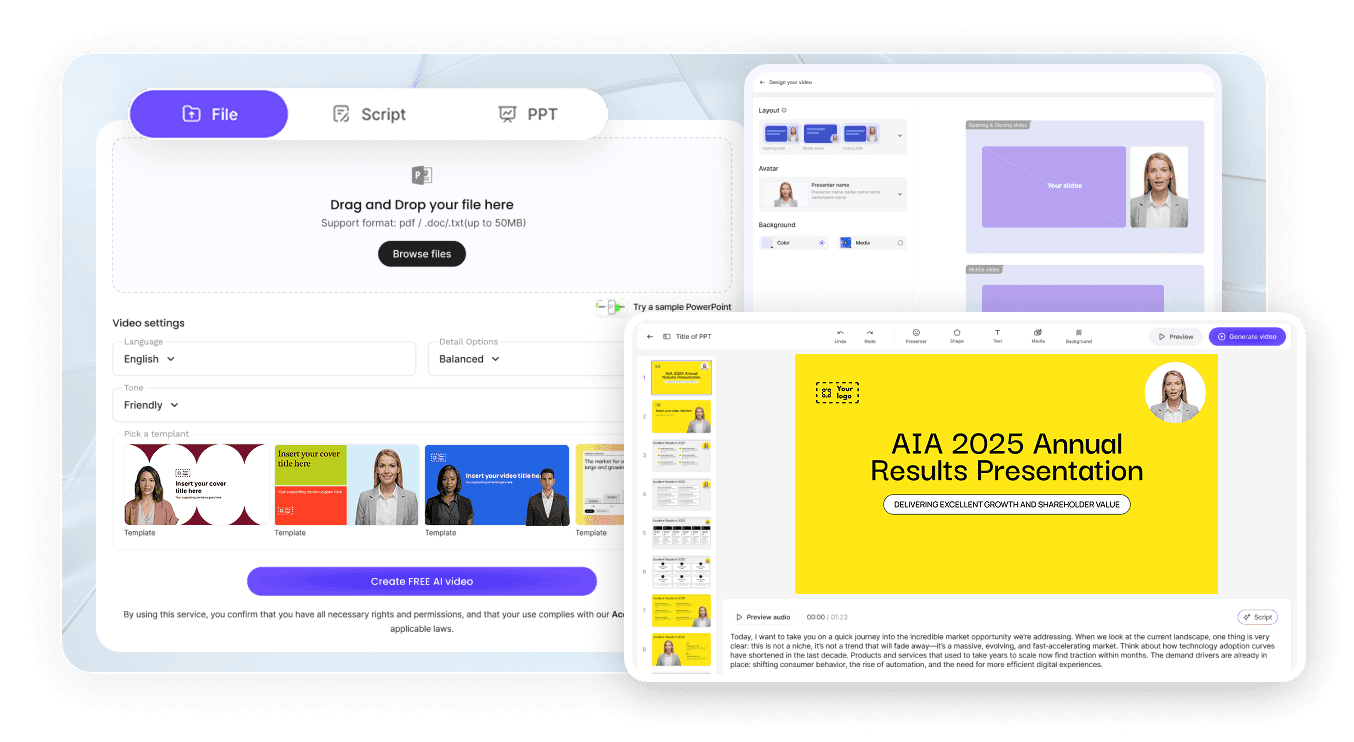
Step 1: Add Your Data, Brief, or Content Document
Step 2: Generate Animations and Narration
Step 3: Refine, Translate, and Share with Your Audience
Data, Stats & Chart Infographic Videos
Business, Marketing & Education Infographic Videos
Business Report Infographic Animation
Social Media Infographic Animation
Product Explainer Infographic Animation
Classroom Data Literacy Animation
Trusted by Marketers, Educators, and Content Creators

Infographic Animation Ideas & Use Cases
Marketing Campaigns & Brand Content
Business Reports & Executive Presentations
Online Course & eLearning Modules
Tutoring & Academic Presentations
NGO, Government & Public Communication
Multilingual Global Campaigns
Build Dedicated Math Animation Videos for Top Topics

Circle Animation
Animate circumference, radius, arcs, and the unit circle — a geometry video that makes circle theorems click.

Angle Animation
Show how angles form, rotate, and combine — from basic angle types through trigonometry, with triangle animation built in.

Graph Animation
Plot and animate functions, slopes, and transformations — a function video for algebra and calculus lessons.

Timeline Animation
Turn dates and milestones into an animated timeline — ideal for history, project, and data-driven storytelling.

Data Animation
Bring probability and statistics to life — animated bar races, distributions, and data visualization for any dataset.

Math Animation
Geometry, graphs, and data brought to life with clean math visualization for algebra through calculus.
FAQs
An infographic animation maker is software that turns data, processes, timelines, and comparisons into animated, narrated explainer videos. Leadde uses AI to generate Motion graphics from a prompt, structure your content into scenes, and deliver the story through realistic AI presenters in 88 languages.
Yes. Leadde's Free Plan gives you full access to the AI Video Creator, Text-to-Motion generation, the 200+ avatar library, and core editing tools. You can generate your first infographic animation video entirely in your browser — no credit card and no software install required.
You can animate any infographic format that fits a scripted video — bar charts, pie charts, line graphs, statistical summaries, process flows, timelines, comparison tables, ranked lists, and social media infographics. Use the topic pages above as starting templates, or paste your own data and let the AI structure the scenes.
Yes. Leadde supports 88 languages and 175 dialects. Create the infographic animation once in your source language, then use the Translate tool to regenerate it with localized voiceover, synced lip movements, and on-screen captions for every viewer in your audience.
You can try it yourself by heading to the sidebar and navigating to AI Tools > Create Media, where you’ll find two ways to generate visuals. For a free option, use the Motion tab to animate specific actions or explanations. For full video generation, Text-to-Video lets you create complete video clips from pure text prompts using your account credits.
Ready to try Leadde?
