
YouTube Video Translator
Trusted by teams worldwide







See the Difference: Before vs. After
Not just translated - voice, timing, and subtitles are aligned for a natural viewing experience.
Why Leadde is the Best YouTube Video Translator
Save Your YouTube Video, Then Translate
YouTube doesn't export translated versions for you. Download your video from YouTube Studio (or use your original export), upload the saved file to Leadde, and translate the narration and on-screen text into your target language in one workflow.
AI Voiceover in 88 Languages
Replace the original narration with AI-generated voiceover across 88 languages and 175 dialects. Target-language audio is matched to the script so each localized version sounds natural rather than machine-read.

Auto-Generated Captions in 9 Styles
Add translated subtitles in 9 caption styles to every language version. Captions lift watch time on silent autoplay and make your channel accessible to non-native and hard-of-hearing viewers.

One Source Video, Every Market
Produce every language version from a single Leadde project. Update the source once and regenerate localized cuts — no separate edit pass and no per-language production workflow to manage.
How to Translate a YouTube Video with AI
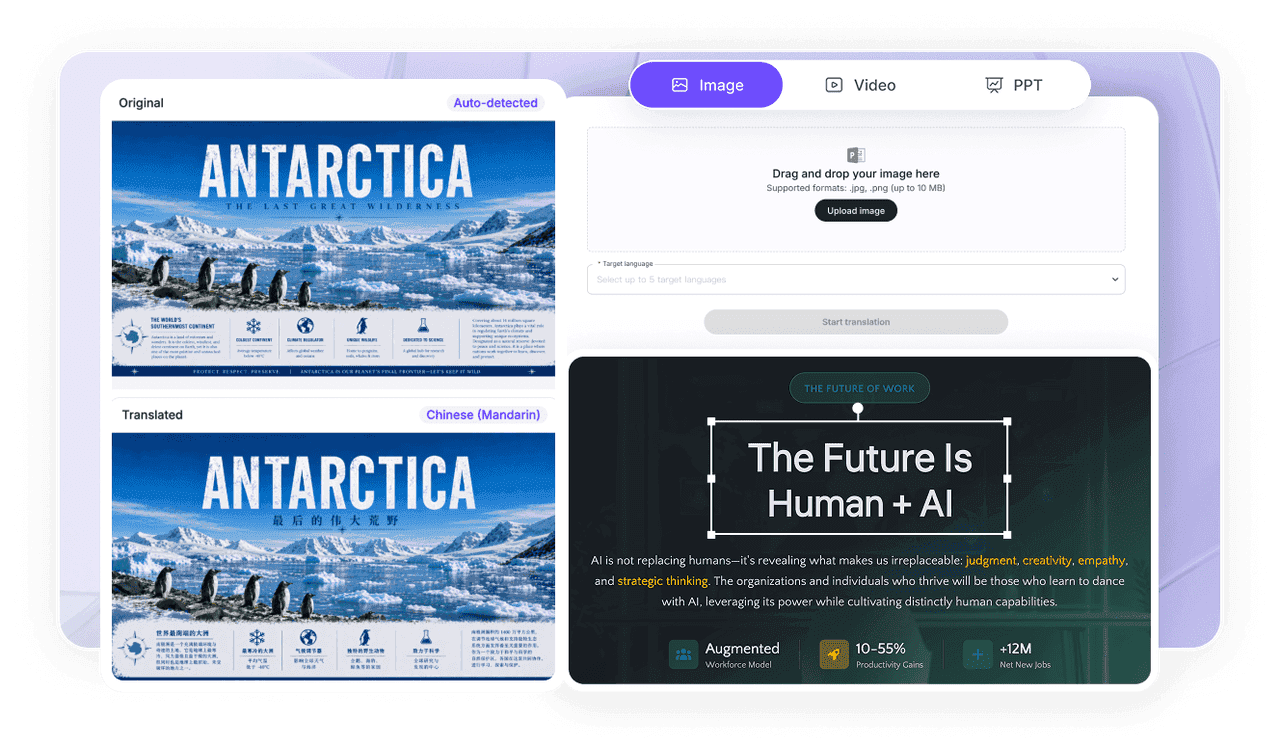
Step 1: Save Your YouTube Video as a Local File
Open YouTube Studio and download your original video to your device (or use your source export). This gives Leadde a clean file to translate from.
Step 2: Upload to Leadde and Choose Languages
Step 3: Generate and Re-Upload to YouTube
Preview the translated voiceover and captions, generate HD MP4 in 16:9, and upload the localized version to your channel or add it as an alternate language track.
YouTube Video Translation Ideas & Use Cases
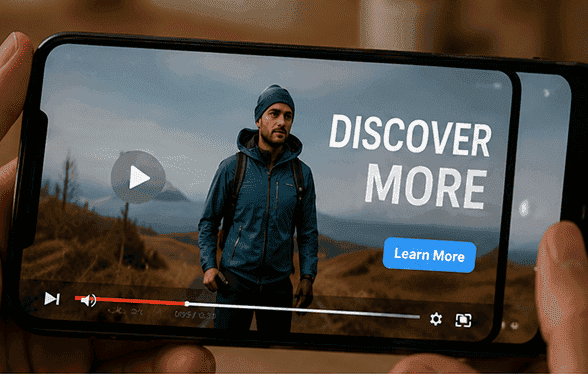
Grow an International Subscriber Base
Translate your best-performing videos into high-demand languages and open your channel to viewers who would never find it through English-only search.
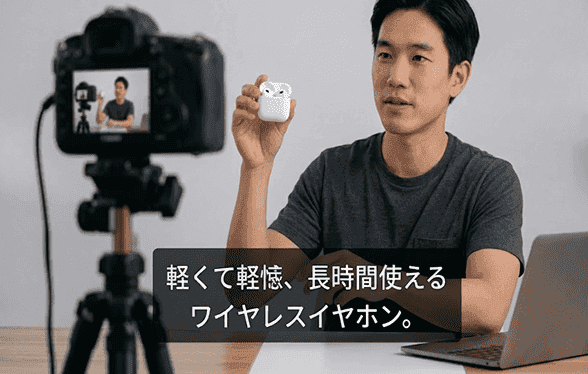
Localize Tutorial & How-To Channels
Step-by-step content travels well across languages. Translate tutorials so global viewers can follow along in their own language without guessing.

Educational & Course Channels
Turn one lesson into many. Translate lectures and explainers so students worldwide learn from the same video in a language they understand.
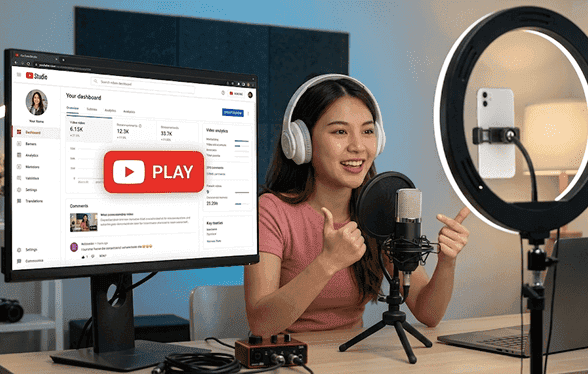
Brand & Product Channels
Localize product launches, demos, and brand stories so international customers see your content in their language — without booking new voice talent.
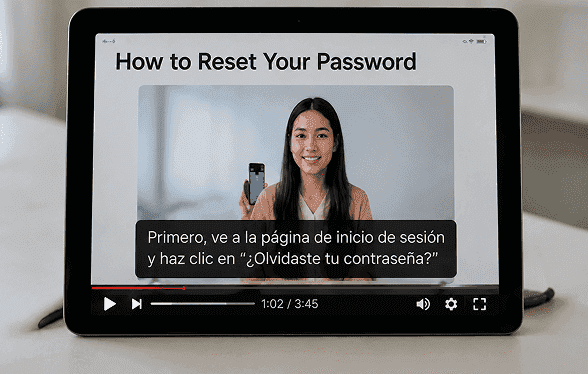
Reach Silent-Autoplay Viewers
Translated captions keep viewers watching when the sound is off — essential for discovery on mobile feeds and embedded players.

Events & Announcements
Frequently asked questions
A YouTube video translator converts a video's narration and captions from one language into others. With Leadde you save your YouTube video as a file, then generate translated voiceover and subtitles to re-upload localized versions.
Leadde works from your saved video rather than a live URL. Download your video from YouTube Studio first, then upload it to Leadde to translate the narration and captions into 88 languages.
Leadde supports 88 languages and 175 dialects. You can generate multiple language versions of the same YouTube video from one project with consistent quality across all of them.
Yes. Leadde's Free Plan includes access to translation features, so you can generate a translated preview of your video before upgrading.
Translate Your YouTube Videos for Free
Reach a global audience with AI-translated YouTube content today — save your video, translate the narration and captions, and re-upload in any language.

Meet Leadde