
How to Turn Discharge Instructions into Patient Education Videos

To turn discharge instructions into patient education videos, extract the most important patient actions from the discharge document, rewrite them in plain language, organize them into short video modules, add visuals and captions, review the script with a clinician, remove protected health information, and publish the video through a secure patient portal, QR code, SMS link, or printed discharge packet.
The goal is not to turn a PDF into a narrated document. The goal is to help patients and caregivers understand what to do after leaving care: which medications changed, how to care for themselves at home, what symptoms are normal, when to call the clinic, and when to seek urgent help.
In our healthcare AI workflow research, the strongest patient education opportunities appeared in the gap between “clinically complete” documents and “patient-understandable” instructions. Discharge packets, after-visit summaries, care handouts, and policy-approved instructions often contain the right information, but they are too long, too technical, or too hard to remember at the moment of discharge.

Why Discharge Instruction Videos Work Better Than PDFs Alone
Discharge is a difficult time to teach. Patients may be tired, anxious, medicated, in pain, or eager to leave. Caregivers may not be present. Even when a nurse explains everything clearly, the patient may forget important details later at home.
A good patient education video solves three problems:
First, it makes the instructions repeatable. The patient or caregiver can rewatch the video after leaving the hospital or clinic.
Second, it reduces cognitive load. Instead of reading a dense packet, the patient sees one action at a time.
Third, it supports different learning styles. Video can combine voice, captions, simple visuals, diagrams, and plain-language summaries.
This matters because discharge education is linked to care transitions and readmission prevention. AHRQ has highlighted structured discharge interventions such as Project RED, which showed a 30% reduction in readmission and emergency department visit rates after discharge. AHRQ also recommends teach-back, where patients explain instructions in their own words to confirm understanding.
In practical training research, short video modules consistently performed better than long PDFs, slide decks, or long-form videos. The most usable format was usually a 3–5 minute module focused on one task: how to take a medication, how to change a dressing, when to call, or what to do before a follow-up visit.
What to Include in a Discharge Instruction Patient Education Video
A discharge instruction video should not include every sentence from the original document. It should focus on the decisions and actions the patient must remember.
A strong video usually includes seven elements:
- What happened
Explain the reason for the visit, procedure, or treatment in one simple sentence. - What to do first
Tell the patient what to do today and tomorrow, such as picking up medication, resting, changing a dressing, or scheduling a follow-up visit. - Medication changes
Clearly separate new medications, stopped medications, changed doses, and medications to continue. - Home care steps
Show wound care, activity limits, bathing instructions, diet guidance, device use, or symptom tracking. - What is normal
Explain expected symptoms, such as mild soreness, fatigue, bruising, or small amounts of drainage. - Warning signs
Clearly explain when to call the clinic and when to seek emergency care. - Teach-back prompt
End by asking the patient or caregiver to repeat the most important instructions in their own words.
A practical rule is to limit each video to 3–5 key points. If the discharge instructions contain more than that, create a playlist instead of one long video.
AI Workflow: How to Convert Discharge PDFs and AVS Documents into Video Scripts
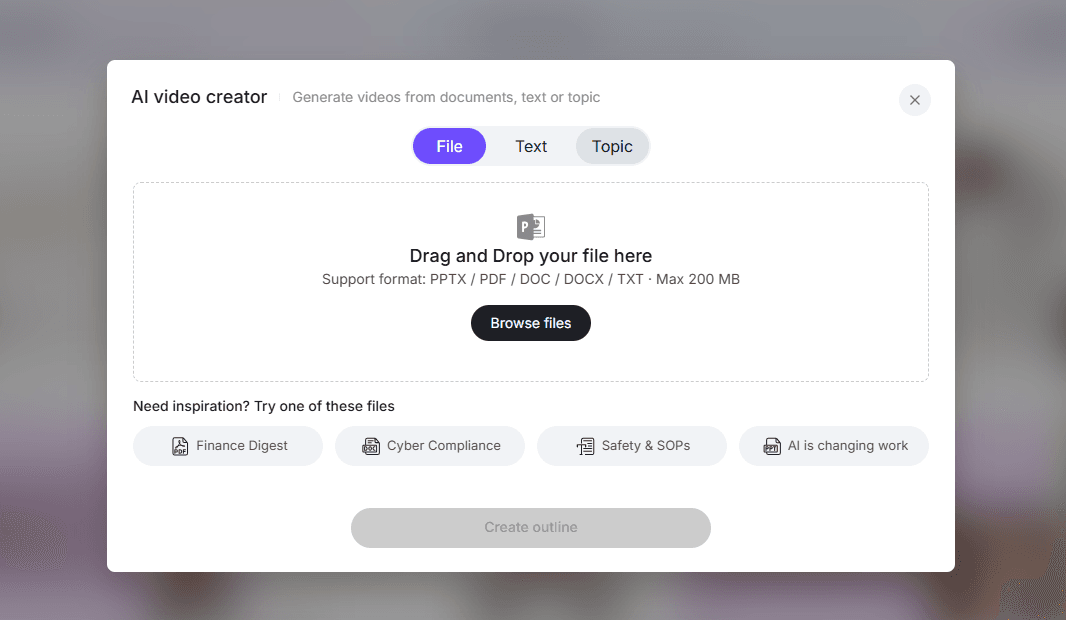
AI is most useful for speed, structure, and creative production. It can extract action items, simplify language, create scripts, suggest visuals, draft captions, generate quizzes, and help update videos when policies change.
A safe AI workflow looks like this:
- Remove patient identifiers and unnecessary protected health information.
- Start from an approved discharge document, AVS, SOP, or patient handout.
- Ask AI to extract only the patient-facing actions.
- Rewrite the instructions at a 4th–6th grade reading level.
- Organize the content into short modules.
- Generate a video script and storyboard.
- Add captions, narration, and on-screen summaries.
- Have a clinician review the script and visuals.
- Publish only the approved version.
- Track the source document and review date for future updates.
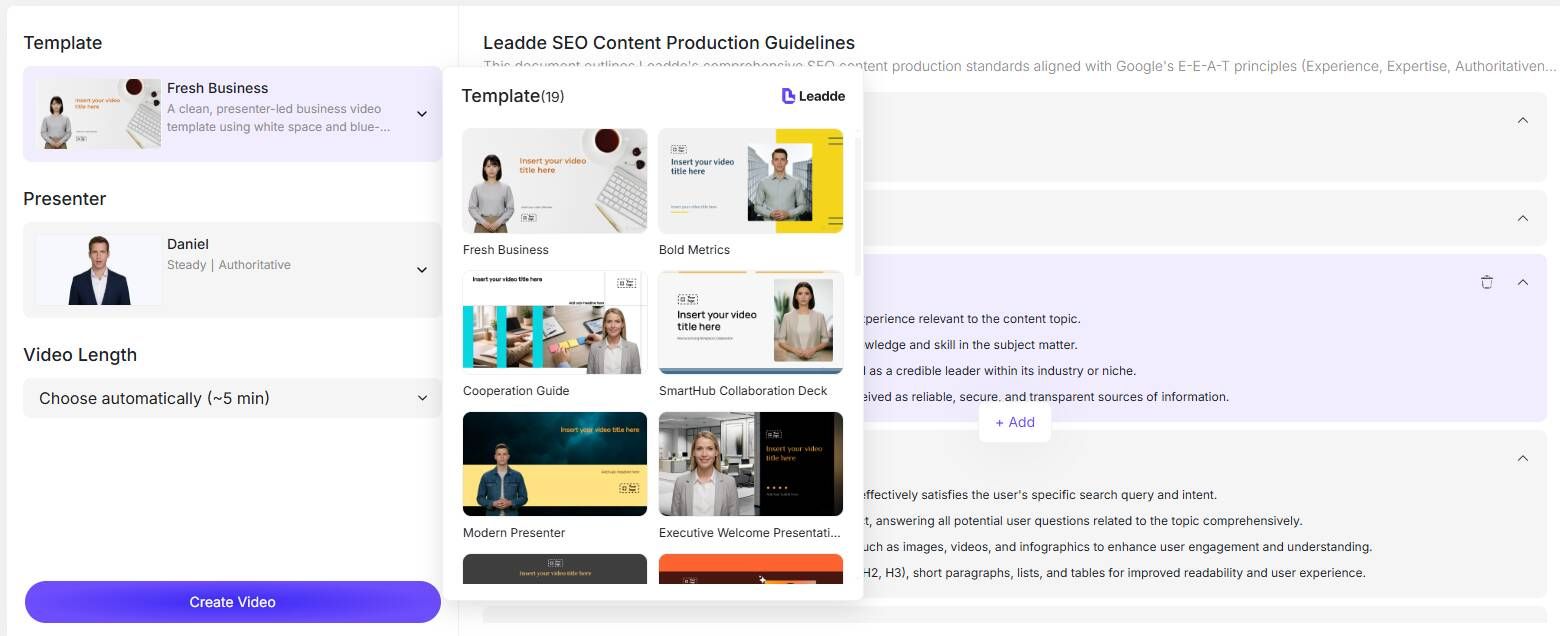
This workflow reflects what we found in real medical AI use cases: clinicians trusted AI most when it transformed existing approved information into a clearer format. They trusted it less when it invented content, made clinical decisions, or produced polished health content without visible review.
One physician use case involved using AI to write patient-friendly explanations at a 5th-grade level. Another involved drafting discharge-related language such as return precautions and symptoms that should prompt a call to the primary care provider. These examples show where AI fits best: not replacing clinical judgment, but turning medical language into patient language.
How to Write a Patient Education Video Script from Discharge Instructions
The script should sound like a calm clinician explaining the plan, not like a policy document.
Use this simple structure:
Opening:
“You are going home after [condition or procedure]. This video explains what to do at home, what to watch for, and when to get help.”
Top actions:
“Today, your most important steps are…”
Medication section:
“Start taking… Stop taking… Keep taking… Call us if…”
Home care:
“To care for yourself at home…”
Warning signs:
“Call the clinic if…”
Emergency signs:
“Get emergency help right away if…”
Follow-up:
“Your follow-up visit is important because…”
Teach-back:
“Before you finish, explain in your own words what medicine changed, what symptoms to watch for, and when your follow-up visit is.”
Example:
“Today you are going home after surgery. For the first 24 hours, rest, drink fluids, and take your medicine exactly as instructed. Keep your incision clean and dry. Do not lift anything heavy until your care team says it is safe.
Some soreness is normal. But call the clinic if your pain gets worse, if you have a fever, if the incision becomes very red or swollen, or if drainage becomes thick, yellow, or foul-smelling.
Go to the emergency room if you have trouble breathing, chest pain, severe bleeding, confusion, or feel that something is seriously wrong.”
This script is short, specific, and action-oriented. It tells patients what to do, what to expect, and when to get help.
How to Storyboard Discharge Instruction Videos into Short Modules
The most effective discharge instruction videos are usually not single long videos. They are short playlists.
A useful structure is:
Video 1: What to do when you get home
Length: 60–90 seconds
Video 2: Medication changes
Length: 2–4 minutes
Video 3: Home care steps
Length: 2–5 minutes
Video 4: Warning signs and when to call
Length: 60–120 seconds
Video 5: Follow-up and teach-back
Length: 60–90 seconds
This format works because patients and caregivers can rewatch only the section they need. A caregiver may not watch a 25-minute discharge lecture, but they may rewatch a 90-second video on warning signs.
AI can help create the storyboard by suggesting simple visuals: medication icons, wound care diagrams, calendar reminders, phone call prompts, red/yellow/green warning sign screens, and short text summaries.
However, AI-generated medical visuals should be reviewed carefully. In one medical visualization project we studied, a traditional 20-second medical procedure animation was quoted at about $20,000. AI video tools were tested as a lower-cost alternative, but complex anatomy such as thoracic spine fusion produced results that were visually interesting rather than clinically useful. The better workflow was to break the animation into 4–5 second clips and review each segment with anatomy-aware human oversight.
For discharge education, this means AI is excellent for scripts, captions, narration, and simple motion graphics. It should not be trusted alone for complex anatomy, procedure visuals, or clinical claims.
How to Make AI Discharge Instruction Videos HIPAA-Safe
A HIPAA-safe workflow should be designed before production begins.
The safest approach is to create general education videos from approved templates, not personalized videos containing patient identifiers. For example, create “How to Care for Your Incision After Surgery,” not “John Smith’s Discharge Instructions After Surgery on June 12.”
Before using AI, remove:
- Names
- Dates of birth
- Medical record numbers
- Addresses
- Phone numbers
- Visit-specific identifiers
- EHR screenshots with patient data
- Patient images or recordings without approval
A strong healthcare video workflow should also include clinician review, version history, approved distribution channels, and clear ownership of updates.
In our healthcare AI workflow research, clinicians were more comfortable using AI when they could avoid uploading identifying patient information and then manually review the final output. This pattern appeared across discharge education, appeal letters, patient explanations, and clinical documentation.
How to Keep Discharge Instruction Videos Updated
Patient education videos become risky when they become outdated. Discharge instructions may change because of new medication guidance, updated phone numbers, revised follow-up workflows, new post-op protocols, or updated safety language.
Every discharge education video should have:
- A content owner
- A clinical reviewer
- A source document
- A review date
- A version number
- A change log
- A distribution map
AI can help compare old and new discharge instructions, identify what changed, and draft an updated script. But the final decision should remain with the clinical team.
This is one of the strongest use cases for AI in healthcare training and patient education: fast updates without re-recording an entire video from scratch.
Discharge Instruction Video Checklist
Before publishing, review the video against this checklist.
Clinical accuracy
- Reviewed by a qualified clinician
- Matches the current approved discharge instructions
- Separates normal symptoms from warning signs
- Avoids unsupported claims
Patient understanding
- Written at a 4th–6th grade level
- Uses short sentences
- Covers only 3–5 key points per video
- Includes captions
- Includes teach-back
Privacy
- No unnecessary PHI
- No patient-identifying screenshots
- No unapproved patient images or recordings
- Approved publishing channel
Usability
- Works on mobile
- Has clear audio
- Uses large on-screen text
- Includes a simple summary
- Can be rewatched at home
Conclusion
The best way to turn discharge instructions into patient education videos is to transform approved discharge documents into short, plain-language, clinician-reviewed video modules that patients and caregivers can rewatch at home.
AI can speed up the process by extracting key actions, simplifying language, drafting scripts, creating storyboards, generating captions, and supporting updates. But in healthcare, the winning workflow is not fully automated video creation. It is AI-assisted production with clinical review, privacy protection, version control, and a clear focus on patient understanding.





