
Black Hole Animation Maker
Turn complex black hole lessons into clear, animated explainer videos in minutes. Leadde's black hole animation maker uses AI Motion, narrated scenes, and 200+ presenters to bring event horizons, gravitational lensing, spacetime curvature, and stellar collapse to life — no animator or video editor needed.
Why Leadde is the Best Black Hole Animation Maker

Cover Every Black Hole Topic in One Workflow
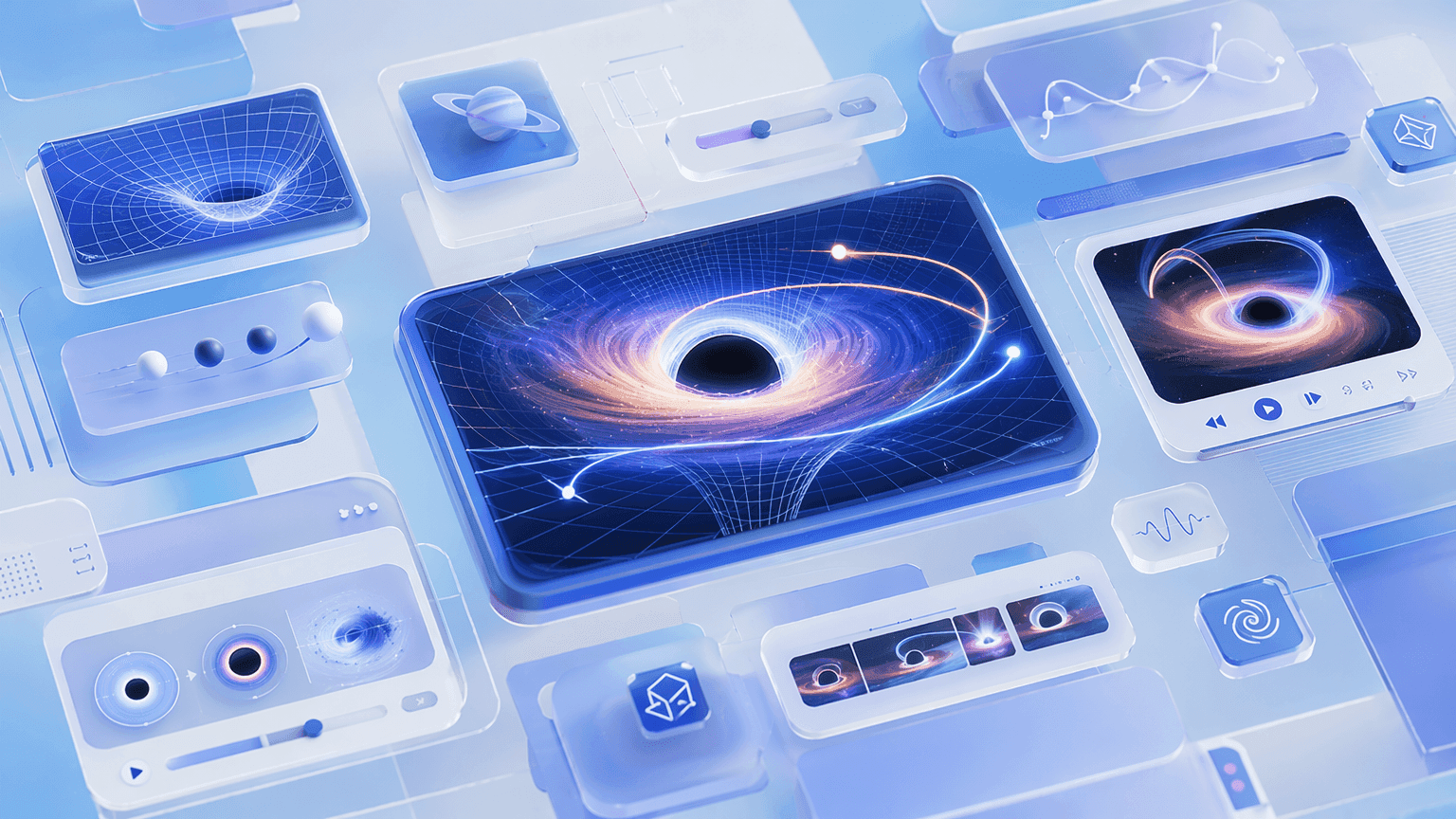
AI Motion for Spacetime Curvature, Gravitational Effects, and Cosmic Processes
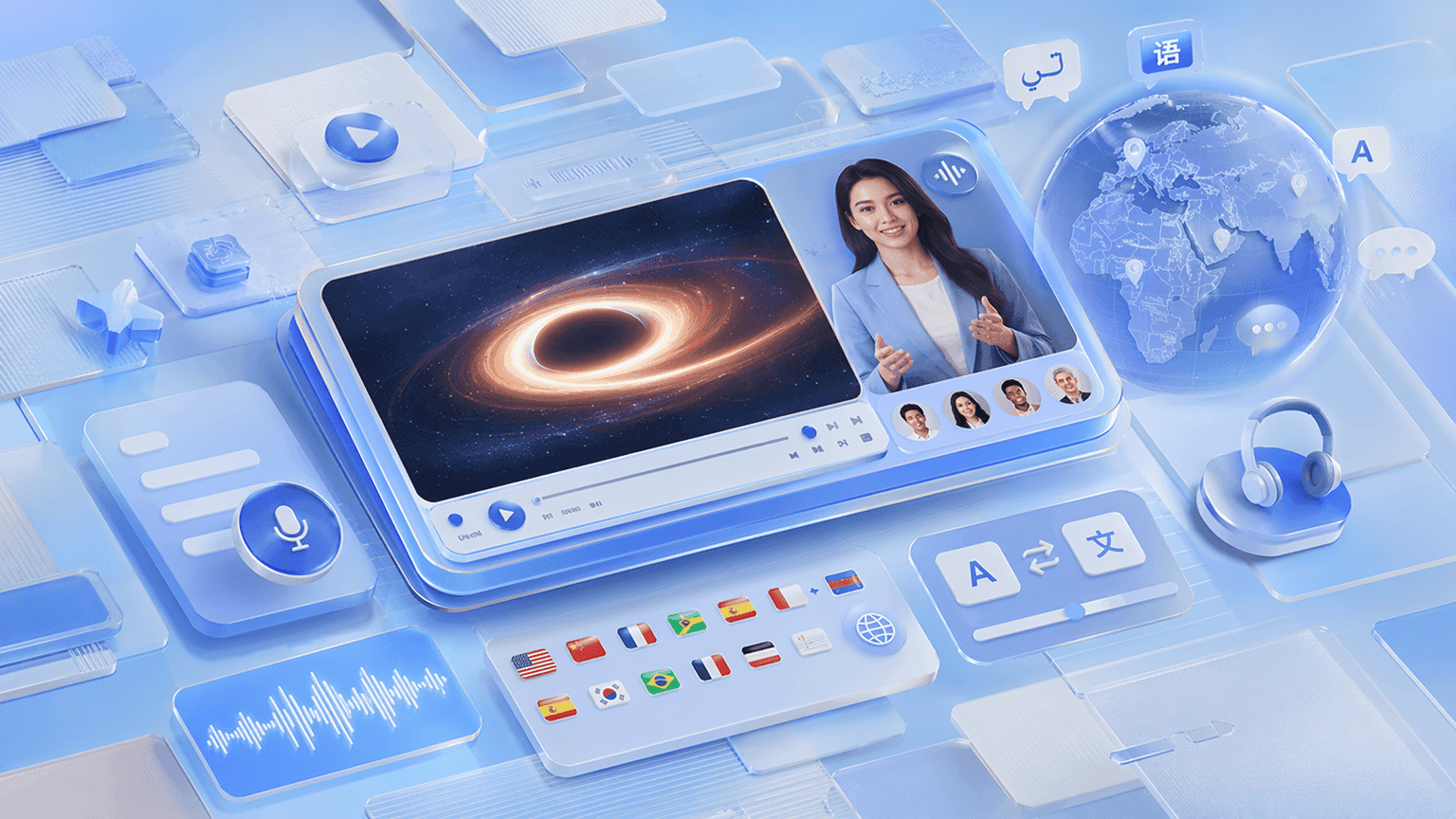
Narrated Black Hole Animation Videos in 88 Languages

Templates for Lessons, Documentary-Style Walkthroughs, and Exam Recap Videos
How to Create a Black Hole Animation with AI

Step 1: Add Your Topic, Notes, or Textbook Chapter
Step 2: Generate Animations and Narration
Step 3: Refine, Translate, and Share with Students
Black Hole Structure & Formation Videos
Black Hole Structure Animation
Stellar Collapse and Black Hole Formation Animation
Accretion Disk Animation
Event Horizon Animation
Types of Black Holes, Hawking Radiation & Cosmology Videos
Types of Black Holes Animation
Supermassive Black Hole Animation
Hawking Radiation Animation
Black Hole Merger and Gravitational Waves Animation
Trusted by Science Teachers, Tutors, and EdTech Creators
One Tool for the Entire Black Hole and Astrophysics Curriculum
Update Content as Curriculum Changes
Interactive Q&A for Every Student
Track Engagement and Comprehension

Black Hole Animation Ideas & Use Cases
GCSE & AP Physics Lessons
Undergraduate Astrophysics & General Relativity
Museum & Science Communication
Multilingual Science Classrooms
Explore Animations Across Every Science Subject

Math Animation
Geometry, graphs, and data brought to life with clean math visualization for algebra through calculus.

Physics Animation
Waves, electricity, atoms, and motion — animated physics for mechanics, energy, and quantum lessons.

Engineering Animation
Engines, machines, and robotics — animated engineering and automation video walkthroughs.

Chemistry Animation
States of matter, chemical reactions, and the periodic table — animated chemistry concepts.

STEM Animation
Text-to-animation and teaching videos — cross-subject scientific animation for any classroom.

Science Animation
The science visualization hub linking every subject — start broad, then drill into a discipline.
Related Leadde Tools for Black Hole Animation

AI Educational Video Generator
Turn a space science topic into a complete lesson on black holes with a script, AI teacher, voiceover, and subtitles.

AI Learning Video Generator
Turn astronomy notes or slides into a learning video that walks students through gravity and event horizons.

AI Lecture Video Generator
Convert astrophysics lecture slides or notes into a narrated lecture video with auto-generated scenes and subtitles.
FAQs
A black hole animation maker is software that turns astrophysics concepts — black hole structure, formation, event horizons, spacetime curvature, gravitational lensing, and Hawking radiation — into animated, narrated explainer videos. Leadde uses AI to generate Motion graphics from a prompt, structure your topic into scenes, and deliver the lesson through realistic AI presenters in 88 languages.
Yes. Leadde's Free Plan includes 200 credits per month that you can use with the AI Video Creator, Text-to-Motion and other AI tools. You can generate your first black hole animation video entirely in your browser — no software install required. See the pricing page for what each plan includes.
You can animate any black hole topic that fits a scripted lesson — black hole structure, stellar collapse, accretion disks, event horizons, spacetime curvature, gravitational lensing, time dilation, spaghettification, types of black holes, supermassive black holes, Hawking radiation, and black hole mergers and gravitational waves. Use the topic pages above as starting templates, or paste your own lesson notes and let the AI structure the scenes.
Yes. Leadde supports 88 languages and 175 dialects. Create the black hole animation once in your source language, then use the Translate tool to regenerate it with localized voiceover, synced lip movements, and on-screen captions for every student in the class.
You can try it yourself by heading to the sidebar and navigating to AI Tools > Create Media, where you’ll find two ways to generate visuals. Use the Motion tab to animate specific actions or explanations, or use Text-to-Video to create complete video clips from text prompts. Both options use your account credits.
Ready to try Leadde?
