
AI Educational Video Generator



Reimagine How You Create Educational Videos

Understanding PCR Testing: How It Works and What It Detects

Why Lithium-Ion Batteries Degrade Over Time

Why Wetlands Matter: Nature's Vital Ecosystems
Create Complete Educational Videos with AI
Generate the Script
Add a topic, lesson plan, textbook content, PDF, or presentation. Leadde automatically organizes your material into a structured educational video script with clear explanations and logical sections.
Create Animated Visuals
Use AI Motion to generate educational animations that explain concepts visually. Turn formulas, processes, diagrams, timelines, scientific concepts, and other ideas into motion scenes that support the teacher’s explanation.
Add AI Teachers & Voiceovers
Choose an existing AI avatar or upload a photo to create your own digital teacher. Leadde combines your AI teacher with natural voiceover to present educational content clearly on screen.
Add Subtitles & Translate
Leadde automatically generates subtitles and translates your educational video into other languages, helping educators adapt the same content for different classrooms and audiences.

Create Complete Educational Videos with AI
Leadde works as an AI educational video generator that handles the entire creation process—from your original lesson material to a finished video ready to share.
Generate the Script
Add a topic, lesson plan, textbook content, PDF, or presentation. Leadde automatically organizes your material into a structured educational video script with clear explanations and logical sections.
Create Animated Visuals
Use AI Motion to generate educational animations that explain concepts visually. Turn formulas, processes, diagrams, timelines, scientific concepts, and other ideas into motion scenes that support the teacher’s explanation.
Add AI Teachers & Voiceovers
Choose an existing AI avatar or upload a photo to create your own digital teacher. Leadde combines your AI teacher with natural voiceover to present educational content clearly on screen.
Add Subtitles & Translate
Leadde automatically generates subtitles and translates your educational video into other languages, helping educators adapt the same content for different classrooms and audiences.
Trusted by the world's leading brands







Why Educators Create Educational Videos with Leadde
Turn Textbooks into Video Lessons
Virtual AI Teachers for Every Subject
Interactive & Conversational Learning
Inclusive & Multilingual Classrooms
Translate educational content into 88 languages and 175 dialects with one click. Serve ESL learners and international students with native-quality audio and subtitles.
How to Make Educational Videos with AI

Step 1: Import Your Lesson Material
Step 2: Customize Your AI Teacher
Step 3: Animate and Share
AI Educational Video Generator for Every Subject
Global Education Access
Diverse Virtual Faculty
Consistent Teaching Quality
Rapid Content Iteration
AI Educational Video Maker for Teachers and Educators
Leadde helps teachers, educators, instructors, and course creators produce clear educational videos without building every scene manually.

Classroom Lessons
Create visual lesson videos that teachers can use to introduce topics, explain difficult concepts, or reinforce classroom instruction.

Subject Explanations
Generate educational videos for science, mathematics, history, geography, language arts, and other subjects with visuals tailored to the topic.
Course Videos
Turn course materials into consistent video lessons with scripts, AI teachers, animated visuals, voiceovers, and subtitles.
Educational Presentations
Convert presentation content into narrated educational videos instead of asking viewers to work through static slides alone.
Create Educational Animations with AI Motion
Science Animations
Visualize cells, atoms, forces, biological processes, chemical concepts, and other scientific subjects.
Math Animations
Show equations, graphs, geometry, numerical relationships, and step-by-step mathematical processes with motion.
Timelines and Processes
Animate historical timelines, sequences, workflows, cycles, and multi-step concepts to make explanations easier to follow.
Diagrams and Concepts
Transform static ideas into animated educational visuals that appear alongside the teacher's narration.
AI Lesson Video Generator for Every Subject
Whether you're teaching K-12 students, building an online course, or producing corporate learning content, Leadde's AI lesson video generator creates structured, curriculum-aligned instructional videos on demand.
Instructional Video for K-12 Classrooms
Create instructional videos that align with curriculum standards. AI avatar teachers deliver clear, grade-appropriate explanations for science, history, math, and language arts.
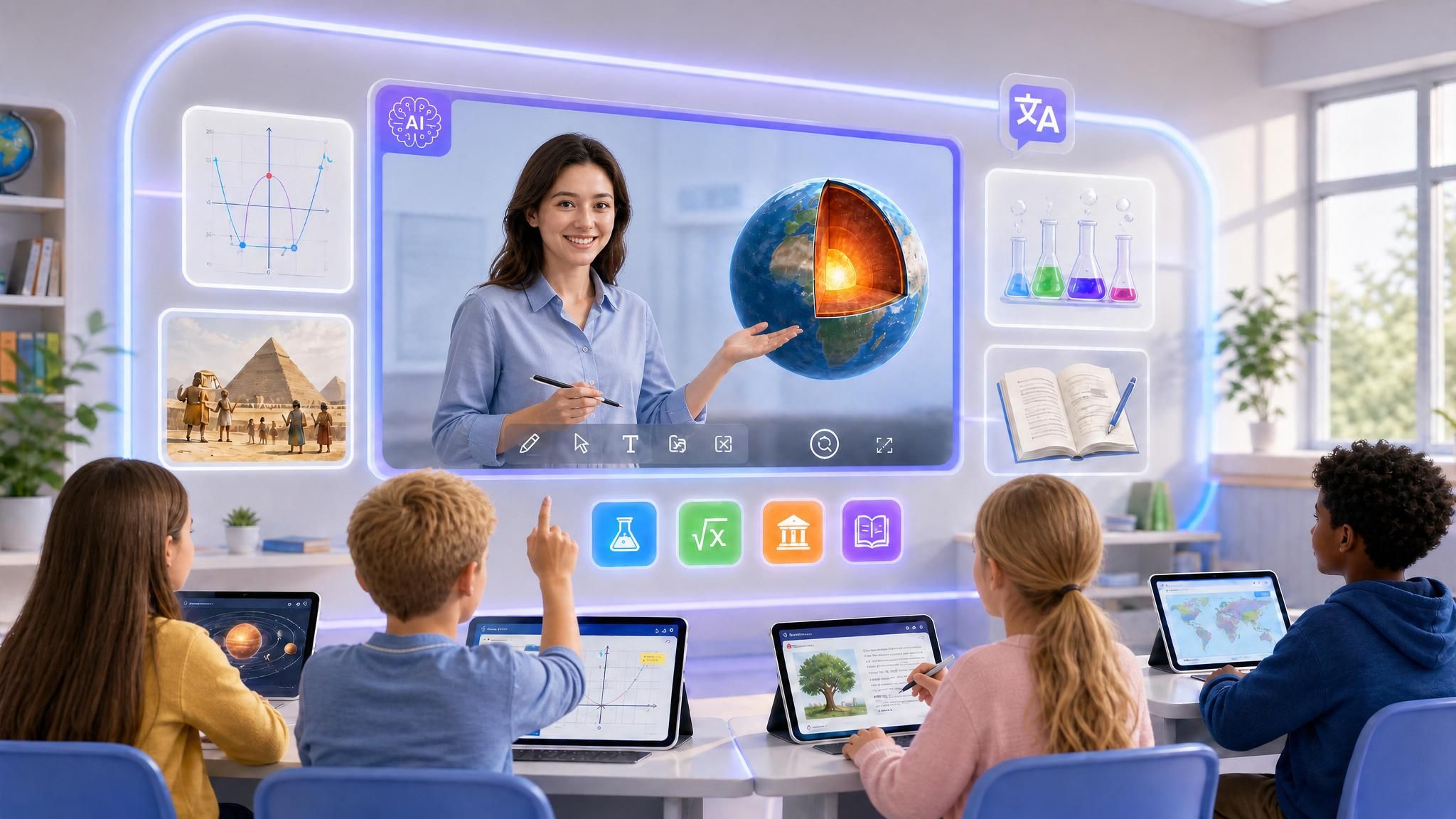
Online Course Lesson Videos
Build a complete library of AI-generated lesson videos for your online course platform. Structured modules, consistent quality, and easy to update as your curriculum evolves.
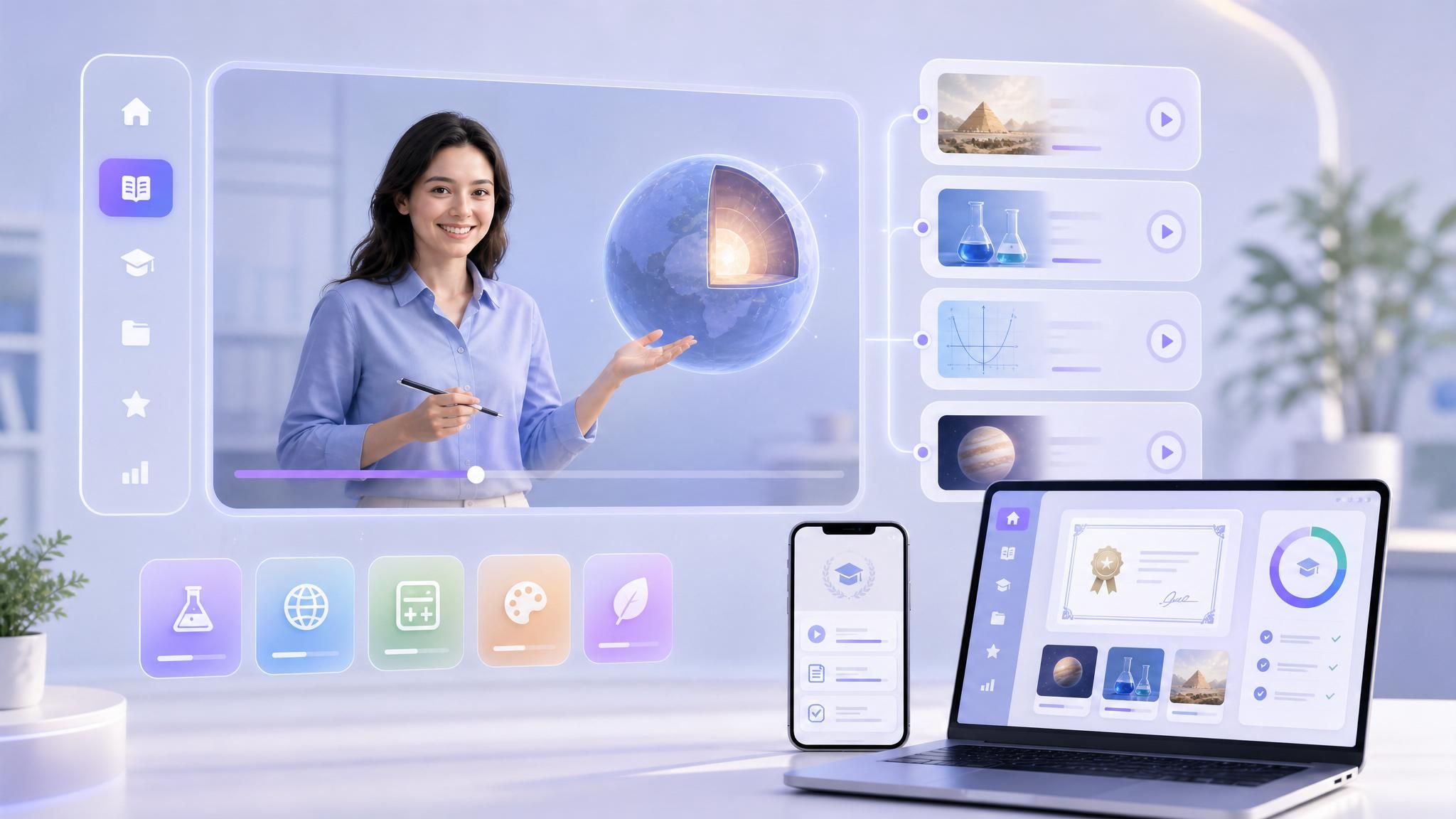
Subject-Specific Learning Modules
Produce dedicated lesson videos for individual topics — photosynthesis, the French Revolution, algebraic equations, or any subject area. Each module stands alone as a self-contained learning unit.
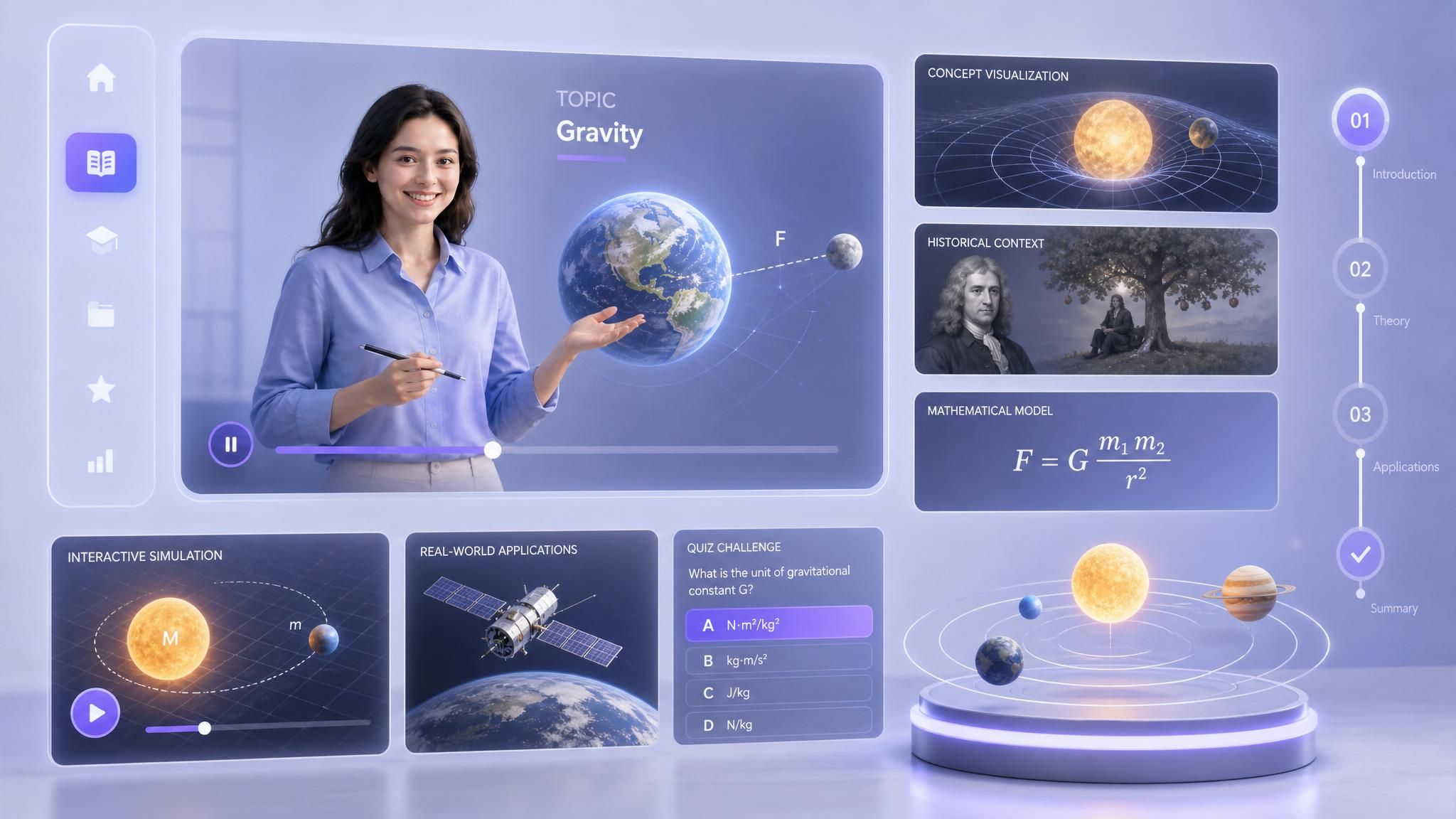
Video Solutions for Every Educational Need
PPT to Video Lessons
Micro-Learning Modules
Language Learning Videos
Distance Learning & MOOCs
Special Education Support
Campus Announcements
Frequently asked questions
An AI educational video generator is a tool that uses AI to turn educational content into a video. With Leadde, you can provide a topic, text, document, PDF, or presentation and automatically generate a script, visual scenes, AI teacher, voiceover, subtitles, and translation.
Add your educational content to Leadde, choose your preferred teacher and visual style, and generate the video. Leadde automatically handles the script, visual scenes, narration, subtitles, and other parts of the production process.
Yes. You can use educational materials such as PDFs and presentations as the source for your video. Leadde organizes the content into a script and transforms it into a complete educational video.
Yes. Leadde's AI Motion can generate animated educational visuals for concepts such as processes, diagrams, formulas, timelines, science topics, and other subjects that benefit from visual explanation.
Yes. You can select an existing AI avatar or upload a photo to create your own digital teacher and use it to present your educational content.
Yes. Upload a photo to create a personalized digital presenter that can appear as the teacher in your educational video.
Yes. Leadde can automatically translate educational video content so educators can adapt the same video for audiences in different languages.
Start creating smarter educational videos
