
AI Blog to Video Maker
Maximize the ROI of Your Content Marketing

Onboarding walkthrough
Turn compliance documents, safety protocols, or regulatory guidelines into structured certification videos. Let an AI avatar walk employees through each requirement clearly — reducing legal risk and keeping teams audit-ready.

Cleanroom protocols
Explains the behavior guidelines and operational requirements for cleanrooms, ensuring employees adhere to standards and improve work efficiency and safety.

AR-700 operation training
Introduces the operation process and safety guidelines of the AR-700 precision assembly robot, helping employees master proper operating techniques.

Marketing insights
Trusted by the world's leading brands







Why Leadde is the Best Blog to Video AI Online
Auto-Convert Blog Posts to Video Content
Free Blog Video Templates
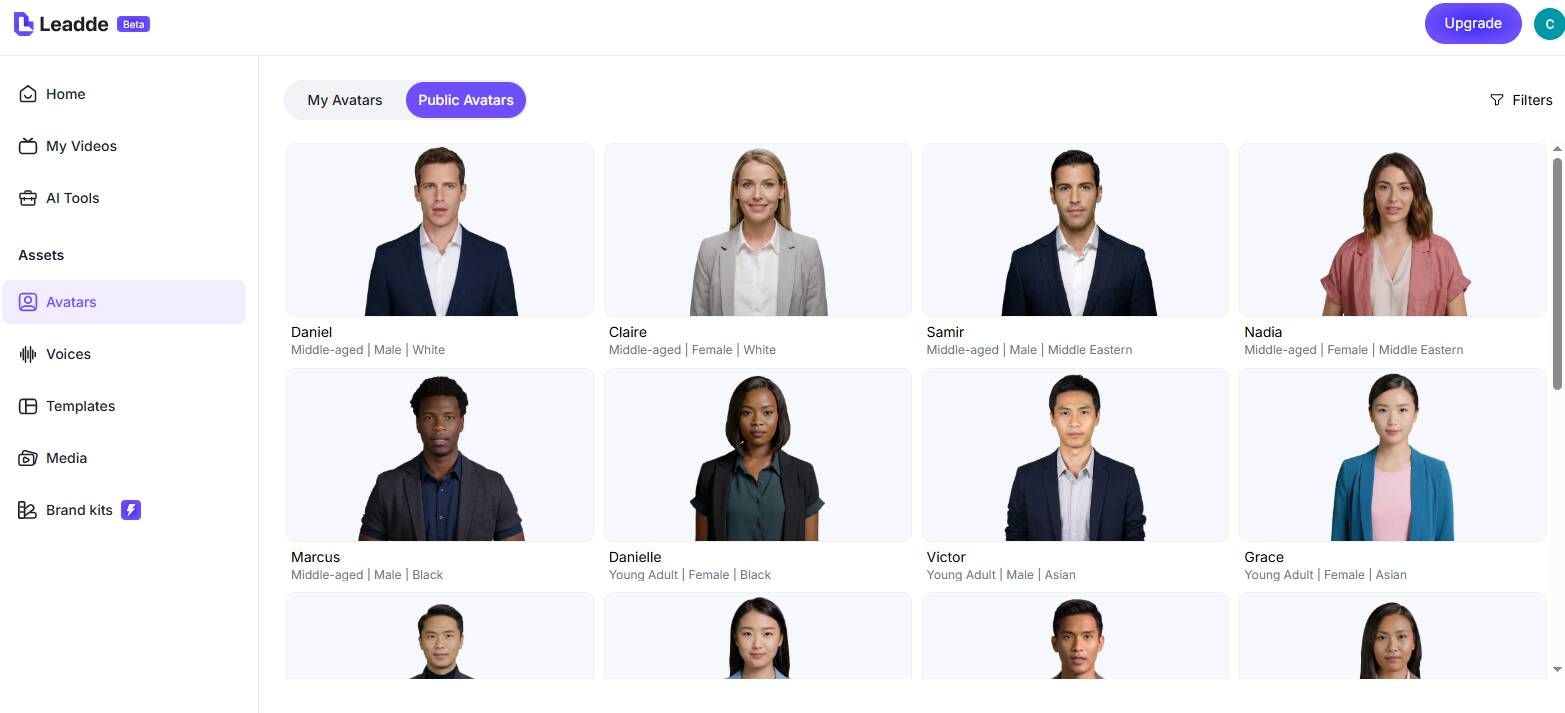
Engaging Digital Spokespersons
Translate Content for International SEO
How to Convert a Blog Post to Video with AI

Step 1: Input Your Blog Content
Step 2: Customize Visuals and Select Avatars
Step 3: Generate and Embed

Trusted by Growth Marketers and SEO Experts

Free Blog to Video AI Access
Effortless Content Refreshes

Interactive Lead Capture
Improve "Time on Page" Metrics
Blog to Video Ideas & Marketing Scenarios
Top 10 Listicles
Social Media Teasers
How-To Guides & Tutorials
Thought Leadership Columns
Newsletter Video Summaries
Repurpose your weekly newsletter into a short video recap. Summarize the top 3 stories, embed the video in your next send, and link back to the full blog — turning passive readers into active viewers.
Evergreen Content Repurposing
Frequently asked questions
With Leadde, simply copy the text from your blog post and paste it into the editor. The AI will immediately parse your text, allowing you to select a free template and generate a complete marketing video with a synthetic voiceover.
Presently, Leadde requires users to manually copy and paste the actual blog text into the platform rather than scraping a URL. This ensures the AI summarizes the most critical, accurate information without importing website menus or ads.
Leadde offers a comprehensive video creation suite where users can utilize the free tier to test the platform. Depending on your current plan level, you can export your AI-generated blog videos completely free of intrusive watermarks.
Converting text blogs into video caters to audiences who prefer visual learning. Furthermore, embedding a high-quality summary video at the top of a blog post significantly increases "dwell time" (time on page), which is a major positive ranking signal for SEO, helping your article rank higher in search results.
Double Your Content Output
