
AI Facebook Video Maker
What Is a Facebook Video Maker?
A Facebook video maker helps businesses, local services, and marketers turn product photos, brochures, and campaign scripts into 16:9 Feed videos or 9:16 Reels and Story ads. Video Agent pairs your 20 storefront or item photos and 2 brochures with 30-second to 2-minute ad scenes and downloadable SRT closed captions. Cross-channel planners can also open AI Marketing Video Maker.
Trusted by the world's leading brands







Core Capabilities of Our AI Facebook Video Ad Maker
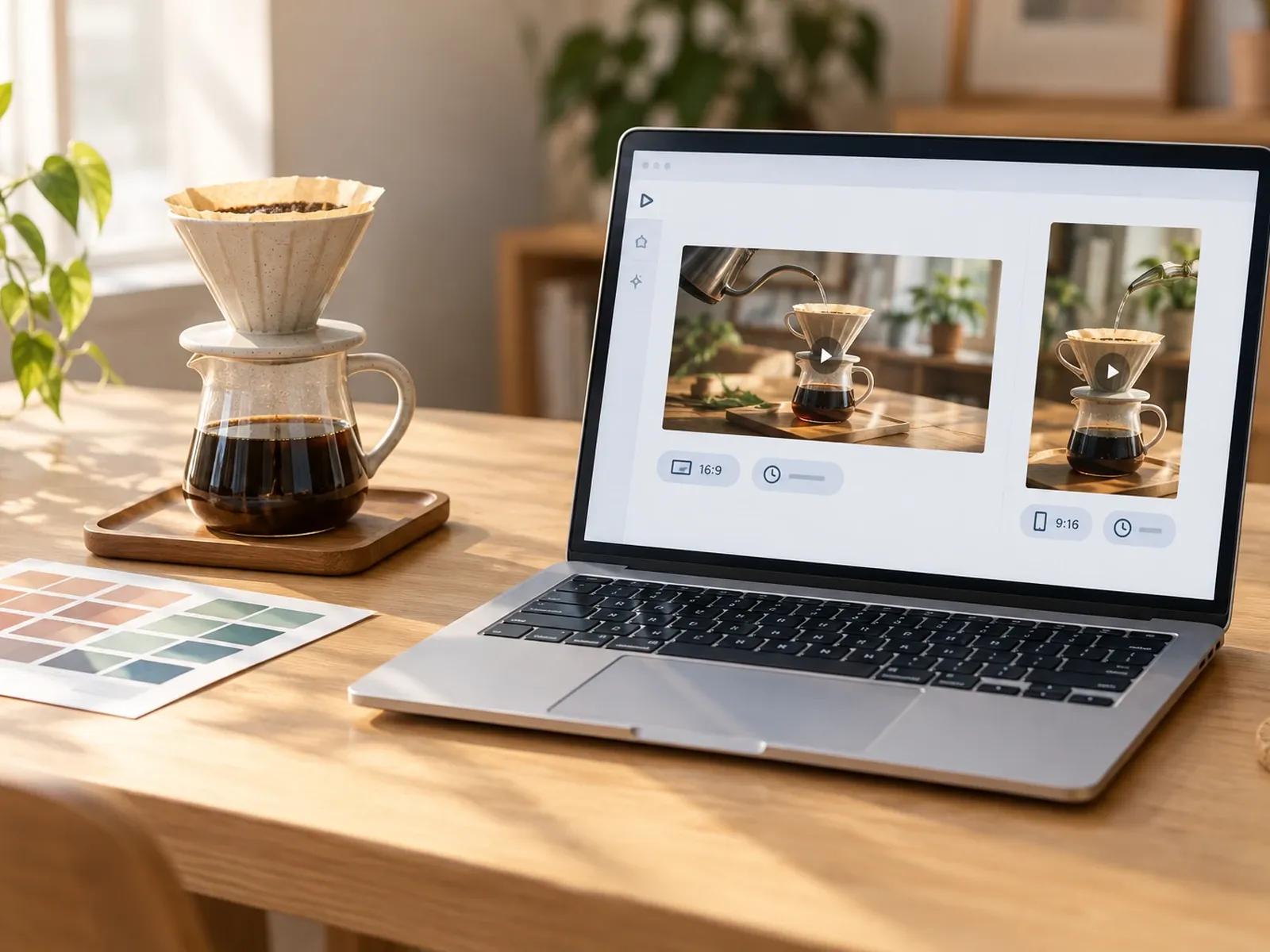
Switch Between 16:9 Feed and 9:16 Reels
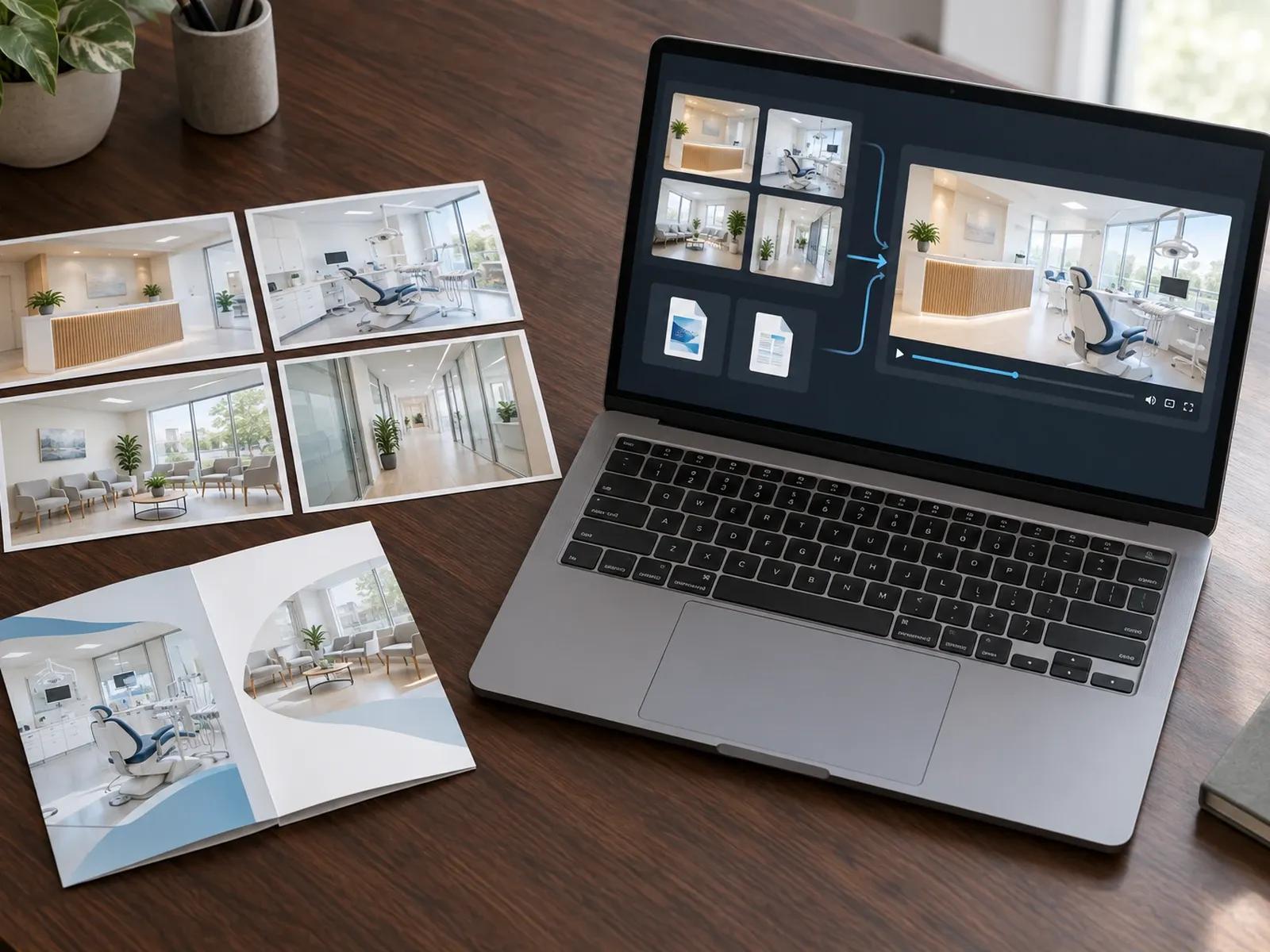
Upload 20 Product or Local Service Photos
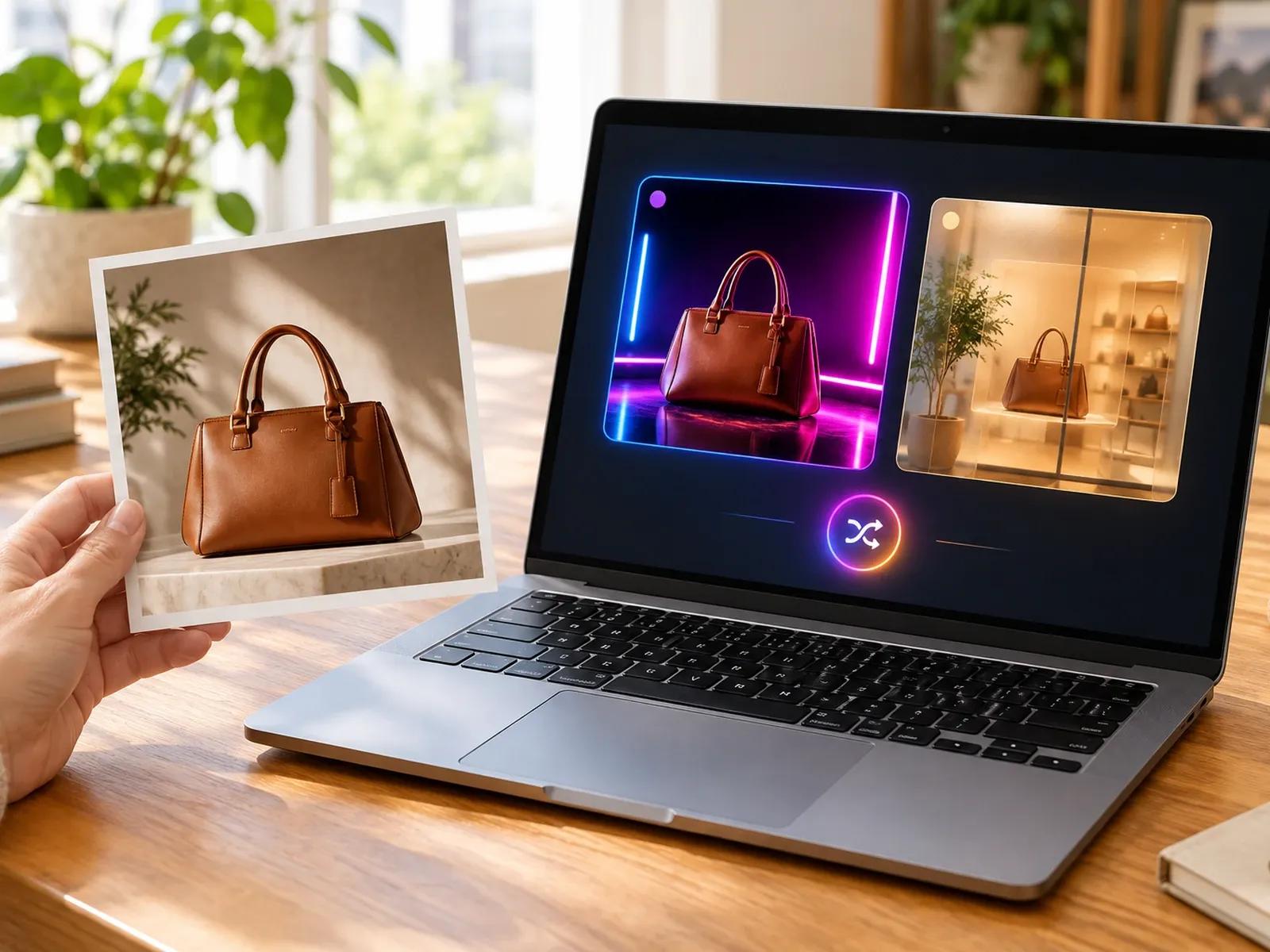
Product Showcase and Local Business Presets
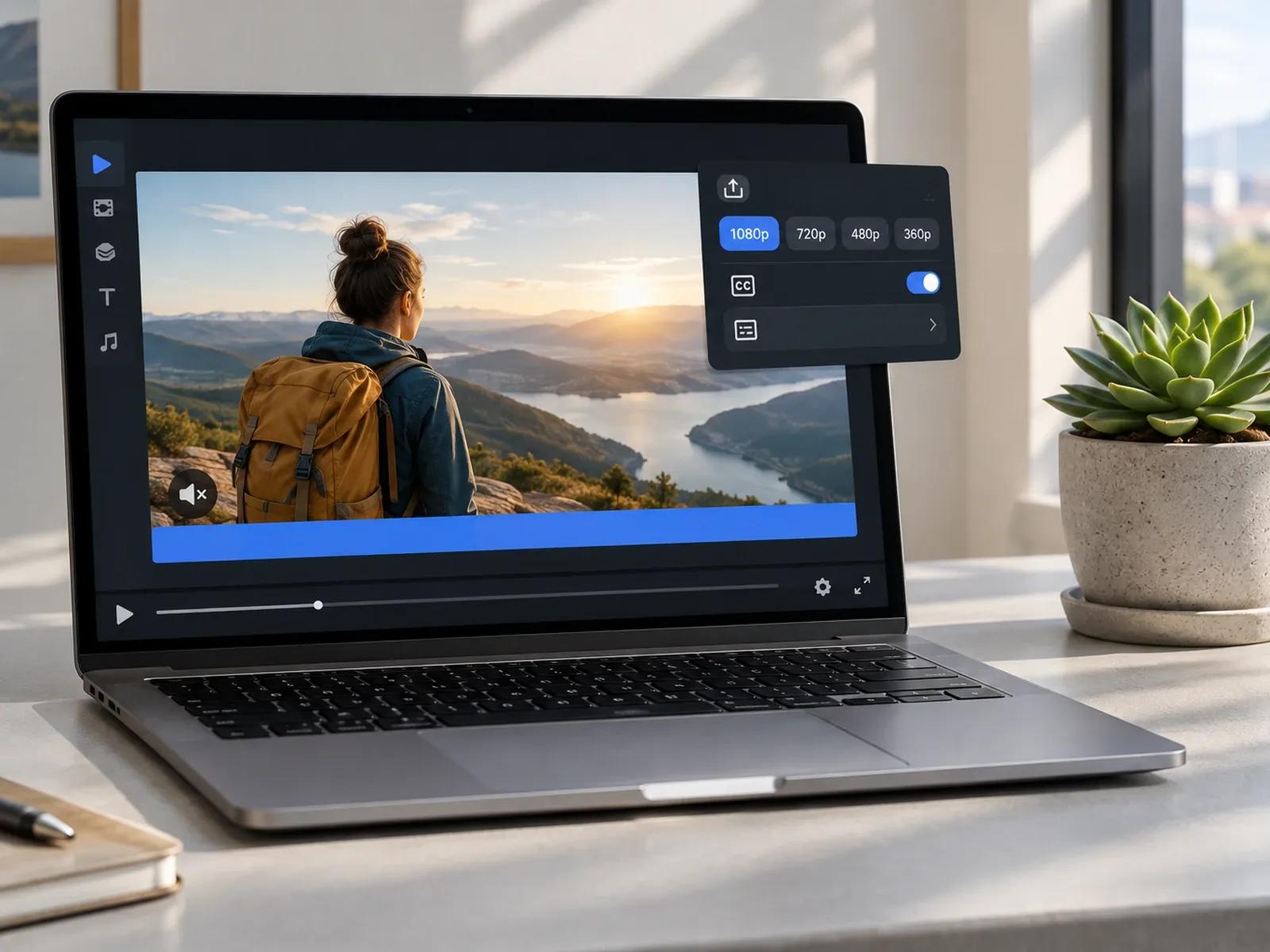
SRT/VTT Closed Captions and 4K MP4 Export
Three Steps from Campaign Brief to Facebook Video
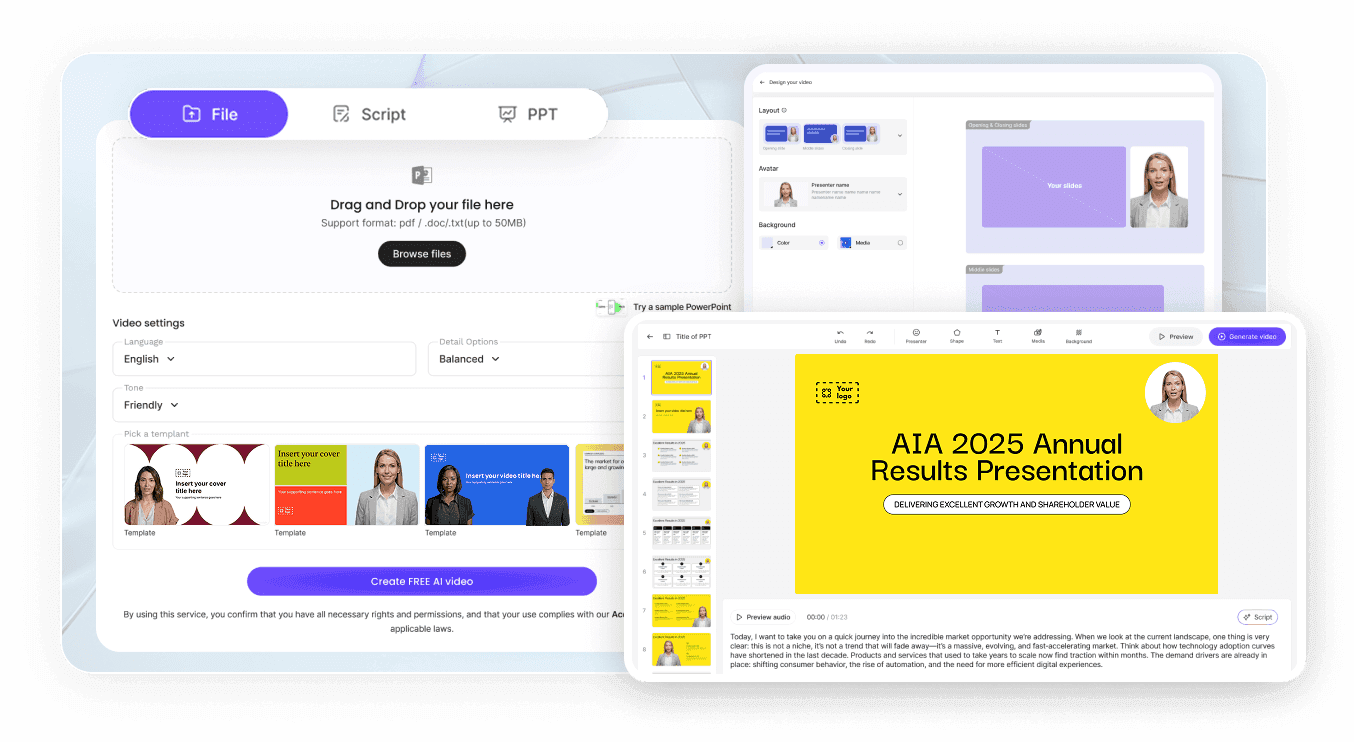
Step 1: Select 16:9 Feed or 9:16 Reels Framing
Step 2: Upload 20 Photos and Your Offer Script
Step 3: Export MP4 and SRT Captions in Studio
Where Businesses Use a Facebook Video Ad Maker
Direct-to-Consumer Product & Catalog Ads
Stage product photos inside frosted-glass or neon spec cards with clear discount badges to drive clicks from Facebook Feeds.
Local Clinic, Dental & Family Service Promos
Turn a clinic brochure and facility photos into a reassuring 60-second neighborhood introduction with warm acoustic music.
Facebook Reels & Event Announcement Clips
Combine speaker or venue photos, bold date callouts, and fast split-screen cuts into 9:16 Reels that reach mobile audiences.
Real Estate Listing & Open House Walkthroughs
Pair property photos, floor plan notes, and neighborhood highlights into a narrated 16:9 tour for local homebuyer groups.

Why Advertisers Choose Our Facebook Video Ad Maker
Built for Sound-Off Facebook Feed Scrolling
Real Brochures and Photos Instead of Generic Stock
Test Avatar Spokesperson vs. Product-Only Ads
Multilingual Variations for Diverse Communities
Practical Tips for High-Converting Facebook Videos
Call Out Your Target Audience in Card One
Pair Every Feed Video With an SRT File
Use 9:16 Vertical Framing for Facebook Reels
Choose 16:9 Widescreen for Detailed Explainers
Show Clear Pricing or Offer Terms Early
Keep Your Closing Banner Focused on One Link
Facebook Video Maker Frequently Asked Questions
In Leadde Video Agent, pick 16:9 widescreen for timeline Feed posts or 9:16 vertical for mobile Reels, then set a 30 sec, 60 sec, or 2 min duration. Upload up to 20 storefront or product images plus 2 service documents, and describe your special offer and narrator tone.
Yes. Entering "No avatar" in your prompt with a reassuring male or upbeat female voiceover and warm acoustic backing music keeps digital presenters off screen. Your scenes will focus on your uploaded storefront photos, service brochures, and promotional price cards.
Yes. In Studio, you can customize on-screen subtitle styling and export separate SRT or VTT closed caption files alongside your 720P, 1080P, or 4K MP4 video so your Facebook Page posts and Meta Ads display clear captions when watched on mute.
No. Leadde is a video creation workspace and does not connect to Meta Ads Manager APIs, manage ad budgets, or auto-post to Facebook Pages. You download the finished MP4 and SRT files from Studio and upload them to your Facebook Page or ad account.
This Facebook video maker addresses both 16:9 Facebook Feed/Group videos (including local service and brochure explainers) and 9:16 Facebook Reels ads. For cross-network paid ad ideation including YouTube pre-roll, visit Free AI Ad Generator. For Instagram-specific Story collages, use Instagram Video Maker.
Yes. During the Free beta period, Video Agent lets advertisers upload product photos or local brochures, test 16:9 Feed and 9:16 Reels layouts, and inspect pacing in the browser; when you export finished MP4 and SRT files from Studio, credit usage follows the Leadde Pricing page.
Start Creating Facebook Feed Videos and Reels Ads Today
