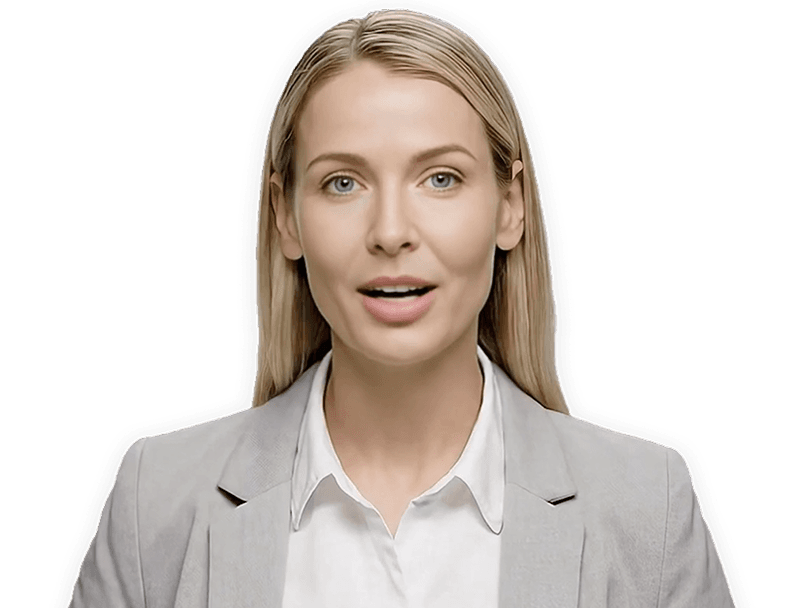
AI Promo Video Maker
AI Promo Video Maker Showcase Examples
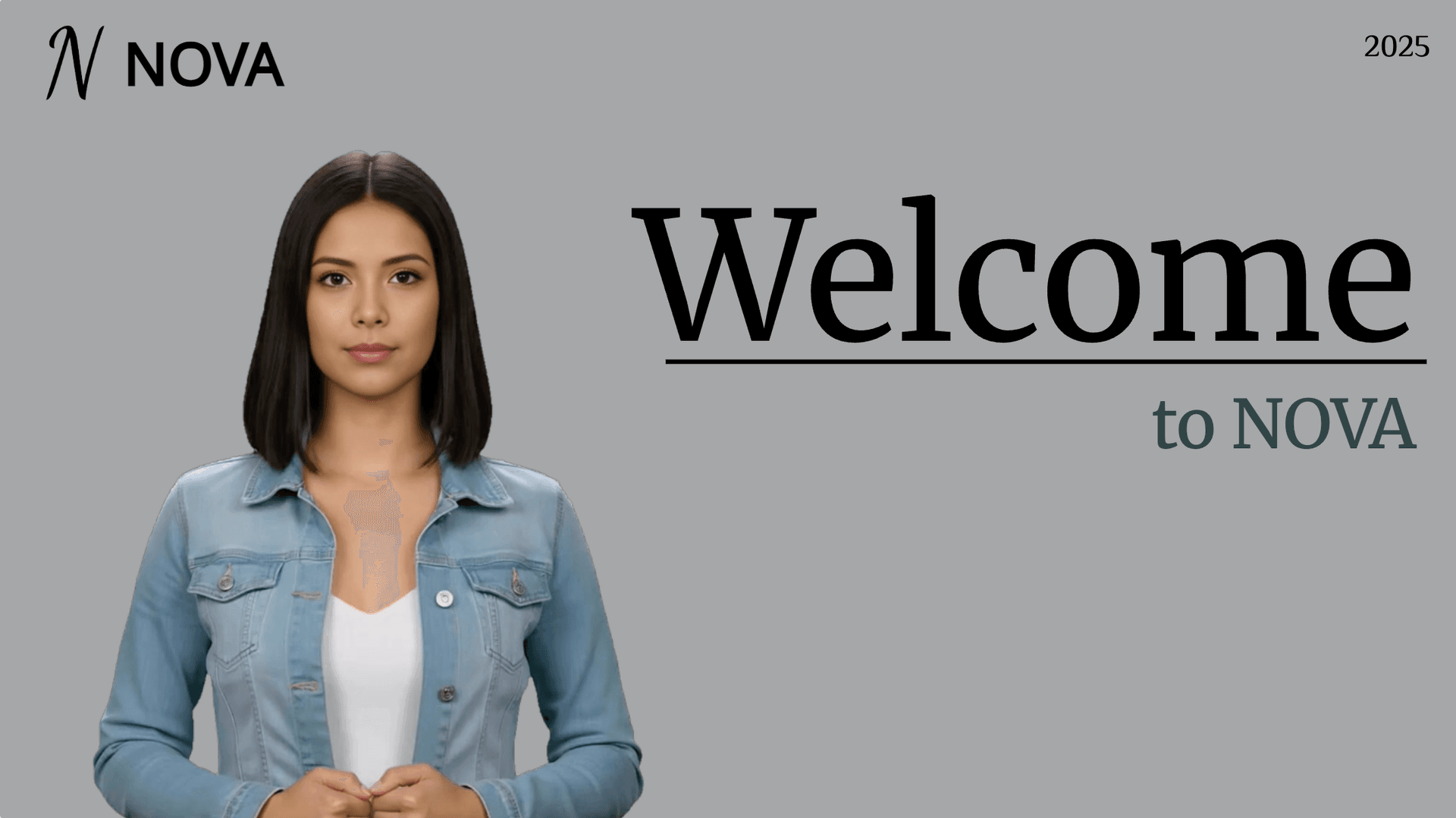
Onboarding walkthrough
Turn compliance documents, safety protocols, or regulatory guidelines into structured certification videos. Let an AI avatar walk employees through each requirement clearly — reducing legal risk and keeping teams audit-ready.

Cleanroom protocols
Explains the behavior guidelines and operational requirements for cleanrooms, ensuring employees adhere to standards and improve work efficiency and safety.

AR-700 operation training
Introduces the operation process and safety guidelines of the AR-700 precision assembly robot, helping employees master proper operating techniques.

Marketing insights
Trusted by Global Teams Making Promo Videos


What Is an AI Promo Video Maker?
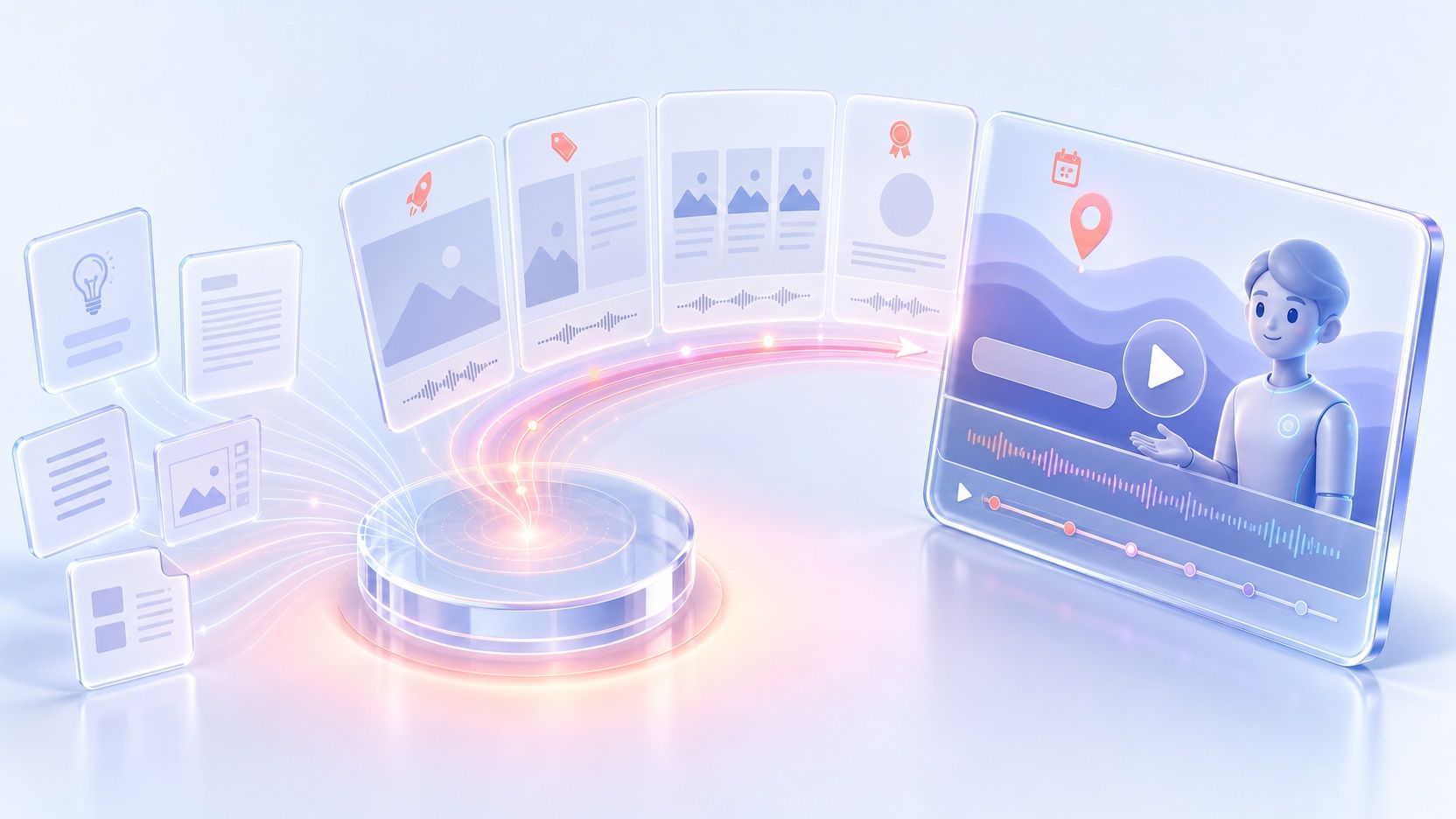
An AI promo video maker turns campaign copy, scripts, or product slides into structured promotional scenes with narration and visuals. Add a topic, pasted draft, PPTX deck, PDF brochure, or TXT document, and Leadde organizes the message into clear scenes ready for customization and export.
Why Choose Leadde's AI Promo Video Maker?
Quick Promo Drafts From Text
Ready-Built Promotional Scene Layouts
Digital Hosts Using Persuasive Tones
Multilingual Campaigns Across 88 Languages
How to Make a Promo Video Online
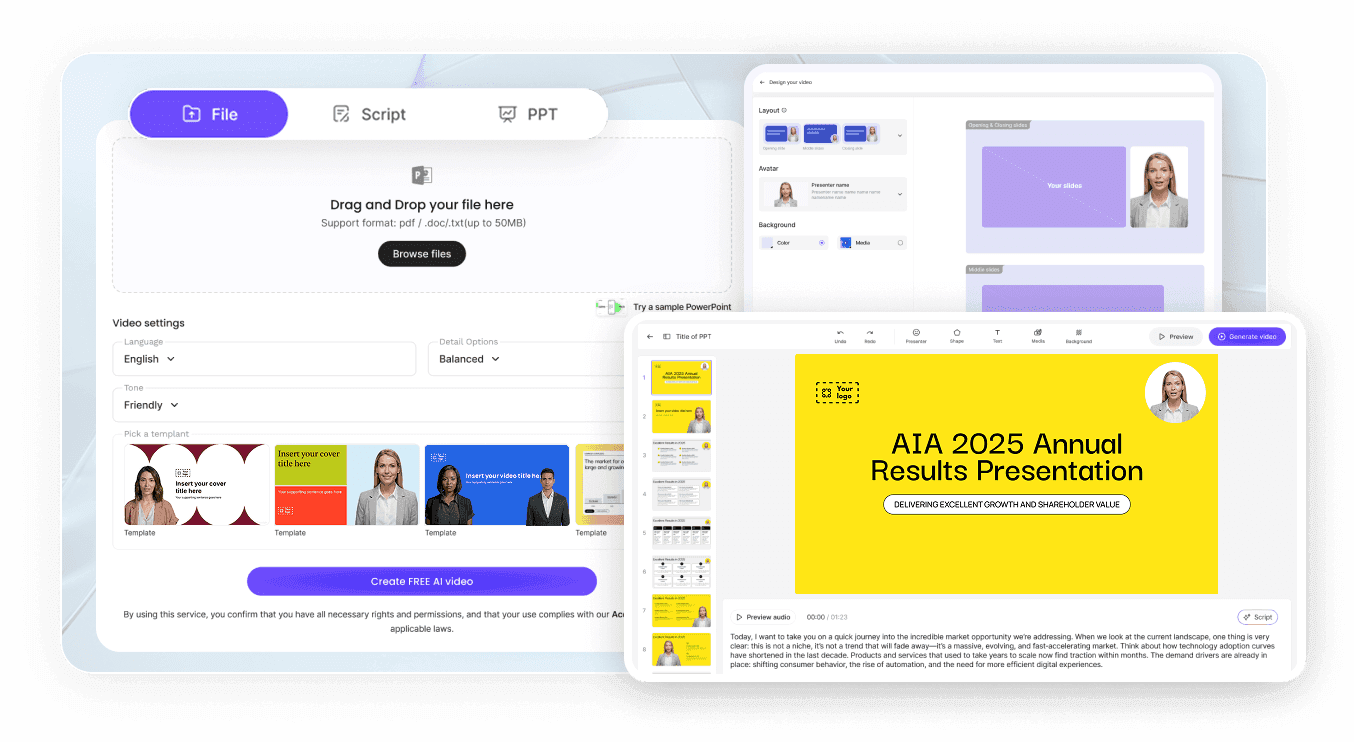
Step 1: Enter Copy, Script, or Slides
Step 2: Pick Avatars, Branding, and Voice
Step 3: Render and Share Your Link
Preview synced captions, download 1080p MP4 (watermarked on Free) or 4K MP4 on Creator, or distribute a Hosted Link.

Promo Workflow and Branding Controls Built for Teams
Free Plan With 200 Monthly Credits
Edit Dates and Offers Without Re-Recording
Answer Buyer Questions Beside Playback
Track Viewer Views and Completion Rates
Who Builds Campaigns With This Promo Video Maker?
Marketing Operations Teams
Turn launch briefs, campaign copy, and quarterly sales decks into cohesive promo assets with our AI marketing video maker so teams ship fresh creatives regularly alongside paid social schedules.
Ecommerce Store Owners
Pair product photography, pricing bullets, and seasonal promotion scripts inside Leadde's ecommerce video maker to assemble collection previews and holiday sale spots without external post-production delays.
Product and Software Leads
Adapt changelog notes, feature announcements, and launch decks into structured promotional recaps that clearly state what changed and who benefits for sales outreach and landing pages.
Small Business Founders
Produce steady announcement videos for local events, service discounts, and seasonal greetings from uploaded photos and concise typed prompts using simple canvas tools instead of complex studio suites.
Promotional Video Ideas and Campaign Formats
Limited-Time Sale Announcements
New Product Launch Previews
Assemble pre-launch hype assets inside our AI product video maker pairing uploaded photography with a concise teaser script so subscribers preview headline capabilities ahead of general release day.
Seasonal Holiday Sale Recaps
Webinar and Event Invitations
Email Newsletter Video Thumbnails
Pair announcements built in Leadde's campaign video maker with a clean preview thumbnail inside subscriber newsletters, sending clicks to a Hosted Link backed by interactive buyer Q&A.
Neighborhood Shop Weekend Updates
Promo Video Maker Frequently Asked Questions
Start from rough discount notes, a Slide Presenter deck up to 50 pages, or an uploaded PDF, DOC, DOCX, PPTX, or TXT brief up to 200MB. Leadde maps your source into spoken scenes, allowing you to swap visuals from My media, pick a voice track, and review layout timing before export.
Exports created on the free tier render at 1080p MP4 with a Leadde mark across a 10-minute cap, paired with 200 monthly credits and 500MB Knowledge Base storage. Upgrading to Starter strips the watermark on branded projects, whereas Creator adds 4K MP4 resolution and downloadable SRT or VTT subtitles.
Yes. An AI presenter is optional across all promotional templates. Keep one of 300 avatars on screen for spokesperson ads, or hide the avatar layer in the editor to build clean text, slide, and visual promos driven by AI voices and captions.
Leadde supports 100+ AI voices covering 88 languages and 175 dialects, plus Pronunciation overrides and Pause controls up to 99 seconds. Paid plans support Voice Cloning from 10 to 60 second clean MP3, WAV, or M4A clips and lip-sync Video Dubbing in 15+ languages.
Publish any finished promotional project as a Hosted Link with your promotional policy docs or FAQs loaded into the Knowledge Base. Viewers watch beside an AI Video Chat panel that answers product or promo questions while analytics record engagement.
Yes. Open the saved draft in My Videos, change the price, date, or discount phrase in the script or slide canvas, and regenerate the updated version cleanly while preserving your existing visual layout, Brand Kit styles, and host preferences.
Create Your Next Promotional Video Online
Turn campaign drafts, product slides, and seasonal offers into clear promotional scenes with 300 AI avatars, Brand Kit consistency on paid plans, and synced captions.