
TikTok Video Translator
Trusted by Teams Worldwide







See the Difference: Before vs. After
One vertical clip, retranslated per market — voice, captions, and on-screen text all moved over.
Why Leadde Is the Best TikTok Video Translator

Vertical Stays Vertical
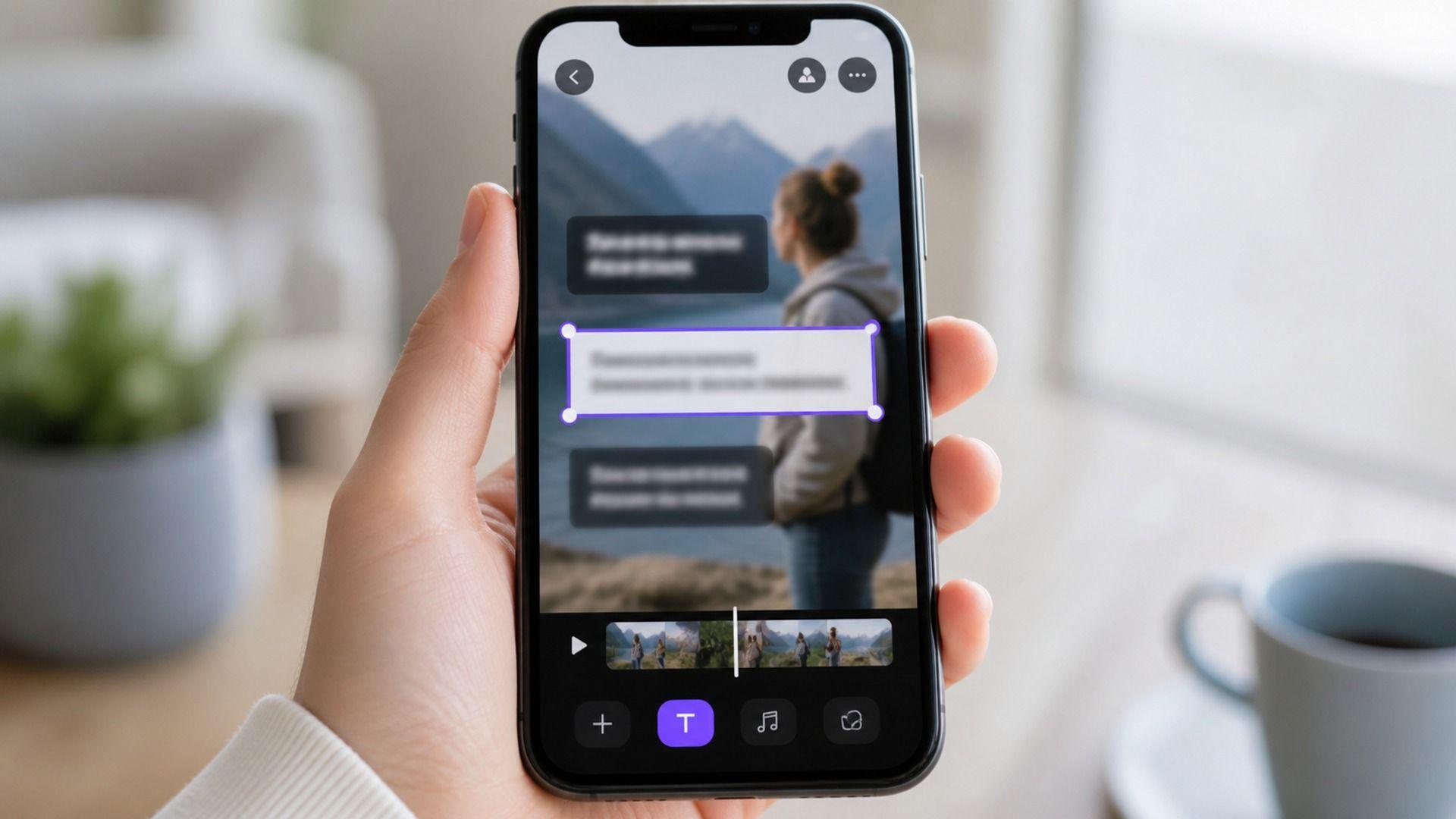
On-Screen Text, Not Just Audio

Captions in 9 Styles

One Clip, Every Market Account
TikTok Translation Ideas & Use Cases
Short-form travels further than any other format — as long as the words land in the viewer's language.

Creators Going Global

TikTok Shop & Social Commerce

Brand Social Teams

Agencies & Multi-Market Accounts

Education & Explainer Creators

UGC & Paid Social Ads
How to Translate a TikTok Video in 3 Steps

1) Save Your TikTok Video as a File
2) Upload and Choose Languages
3) Preview & Repost

Enterprise TikTok Localization
Batch Translation
Review & Collaboration
Information Protection Zone
Security & Compliance
TikTok Video Translation FAQs
It converts the spoken audio, captions, and on-screen text of a short-form video into another language. With Leadde you save the clip as a file, translate it into up to 10 target languages per run, and post the localized versions yourself.
No. Leadde works from your saved video file rather than a live URL, so export the clip from your drafts or save the posted video first, then upload it.
Yes. On-screen text is translated along with the spoken track, which matters on TikTok where the hook and the punchline are often typed rather than spoken.
Yes. Vertical framing is preserved through translation, so the exported cut is ready for the feed without a reframing pass.
Leadde supports 88 languages and 175 dialects, and you can select up to 10 target languages in a single run.
Your files are processed securely, and Enterprise teams can add access controls through the Information Protection Zone, backed by GDPR and SOC 2 practices.
Meet Leadde AI
