
Healthcare Employee Onboarding: How to Turn Manuals into Training Videos

Healthcare teams can turn onboarding manuals into training videos by using the manual as the source of truth, breaking it into short role-based modules, generating outlines and scripts with AI, adding narration, captions, job aids, and knowledge checks, then publishing the videos through an LMS or internal training hub. In my healthcare training research, the most effective onboarding content was not a 40-minute video or a long PDF. It was usually a 3–5 minute module focused on one task, with 2-minute “what changed” refreshers when policies or workflows changed.
This matters because healthcare onboarding is unusually dense. New hires may need to learn HIPAA basics, patient communication standards, incident reporting, EHR workflows, scheduling rules, billing procedures, equipment handling, and department-specific SOPs in a short period of time.
The problem is not that healthcare organizations lack onboarding content. They already have employee handbooks, policy PDFs, PowerPoint decks, SOPs, EHR guides, checklists, and shadowing notes. The problem is that these materials are often written for documentation, not learning.
AI-assisted video workflows help by turning those static onboarding materials into short, consistent, updateable training videos.

Why Healthcare Employee Onboarding Manuals Fail as Training
Healthcare onboarding manuals often fail because they are too long, too general, and too disconnected from the work new hires actually perform.
In my healthcare training research, I repeatedly saw the same onboarding pattern: new employees receive a large packet of PDFs, links, slide decks, and recorded sessions. The materials technically cover everything, but new hires still ask the same questions, managers repeat the same explanations, and teams rely heavily on shadowing because the formal training is hard to apply.
The most common problems are:
- Manuals explain policies but not daily workflows.
- Long videos are difficult to rewatch during busy shifts.
- New hires do not know which information applies to their role.
- EHR and software screenshots become outdated.
- Onboarding content is spread across shared folders, LMS modules, and local documents.
- Completion tracking does not always prove understanding.
This is especially important in healthcare because onboarding often includes privacy and security training. HHS states that regulated entities must train workforce members on security policies and procedures under the HIPAA Security Rule.
That means healthcare onboarding content needs to be accurate, role-based, and reviewable. A video can help, but only if it is built from the approved source material and paired with job aids or knowledge checks.
The AI Workflow to Turn Healthcare Onboarding Manuals into Training Videos
The best workflow is not “upload a manual and publish whatever AI creates.” The safer and more effective model is:
AI drafts, humans review, teams publish.
A practical AI workflow looks like this:
- Start with the approved onboarding manual, SOP, PDF, or PowerPoint deck.
- Use AI to extract the main topics and create a structured outline.
- Split the content into short onboarding modules.
- Generate a first-draft script for each module.
- Edit the script for role, tone, local workflow, and accuracy.
- Generate video drafts with narration, captions, avatars, or slide-style visuals.
- Add job aids, checklists, and scenario-based questions.
- Review with HR, compliance, clinical, operations, or IT stakeholders.
- Publish through the LMS, intranet, or onboarding portal.
- Update the script and regenerate videos when policies or systems change.
This workflow is useful because onboarding content changes often. A new privacy procedure, patient intake step, billing rule, scheduling workflow, or EHR screen can make a video outdated.
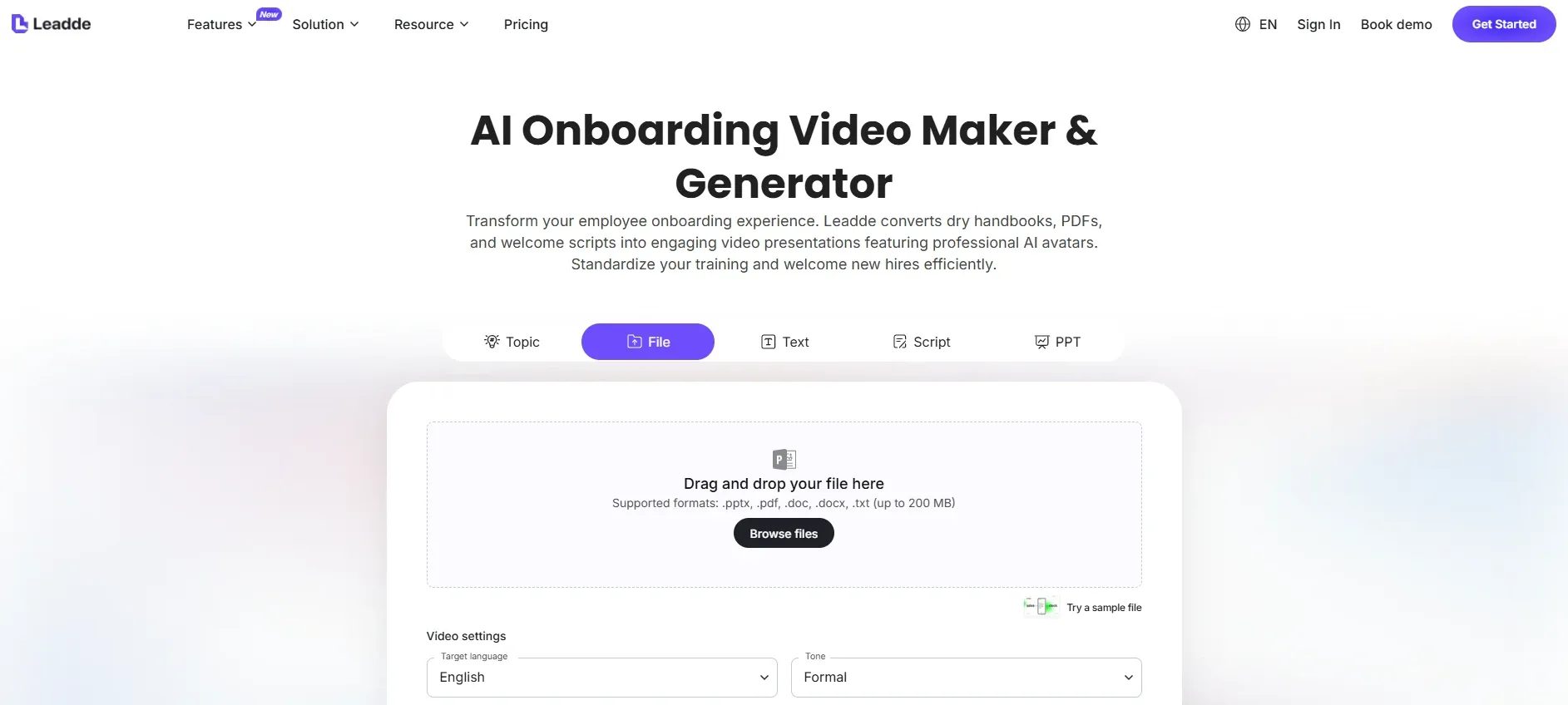
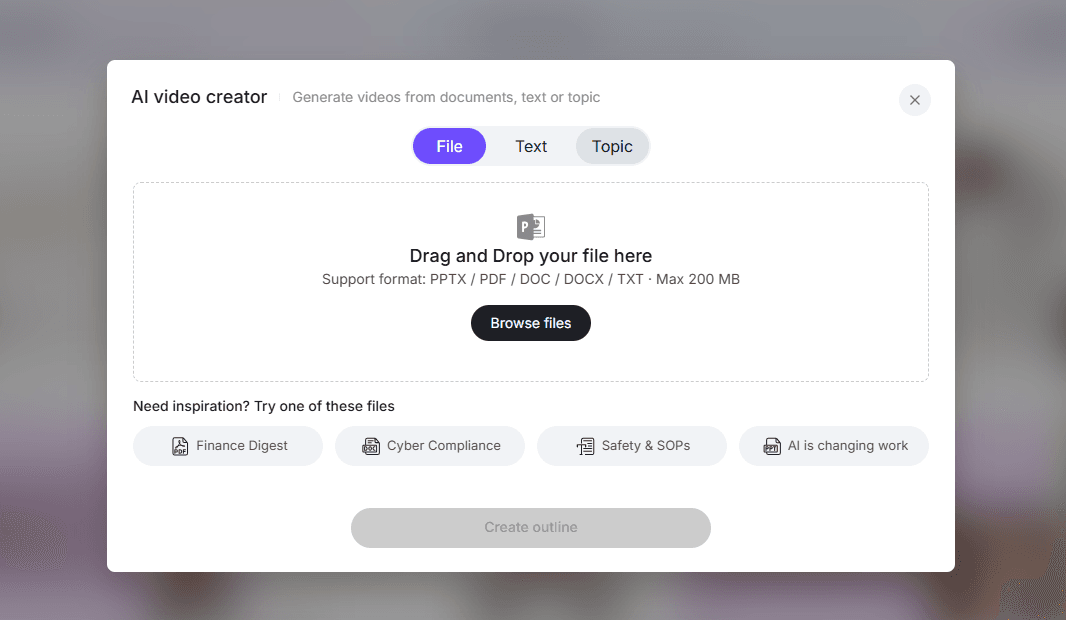
AI tools can reduce the slow manual work: outlining, scripting, narration, captioning, translation, and regeneration. For example, Leadde’s ai onboarding video maker supports uploading onboarding documents and converting them into video scripts and layouts, with supported formats including .pptx, .pdf, .doc, .docx, and .txt up to 200 MB.
Leadde also describes healthcare use cases such as uploading nursing protocols, equipment manuals, patient education materials, public health guidelines, and internal training documents in Word, PDF, PowerPoint, or text formats.
The value is not replacing your onboarding team. The value is turning approved materials into review-ready video drafts much faster.
How to Structure Healthcare Onboarding Videos from Manuals
The strongest healthcare onboarding videos are short, role-based, and task-specific.
Instead of creating one long “Welcome to the organization” course, split the manual into practical modules.
A healthcare onboarding manual might become:
| Manual Section | Better Video Module |
|---|---|
| Organization overview | Welcome and first-week expectations |
| HIPAA and privacy | How to handle patient information in your role |
| Patient communication | How to greet, verify, and escalate patient requests |
| Incident reporting | How to document and report an incident |
| EHR access | How to log in and complete role-specific tasks |
| Scheduling rules | How to book, reschedule, or escalate appointments |
| Billing basics | How to route billing questions correctly |
| Safety procedures | What to do during common safety events |
| Equipment instructions | How to clean, store, or inspect equipment |
| Department SOPs | How this workflow works in your team |
In my research, 3–5 minute videos were the most practical format for onboarding tasks. They are short enough for new hires to complete, easy to assign by role, and easier to update when the source material changes.
For smaller updates, such as a changed form, updated phone script, or new EHR step, a 2-minute “what changed” video is often more useful than reassigning the full onboarding course. Organizations looking to adopt this model can use specialized software like the best ai medical video maker to build a highly targeted asset library.
Case Study: Reducing Manual New-Hire Tutorial Work
One onboarding-related case from my research involved a team responsible for creating tutorials for new hires. The workflow was manual: record or perform a task, take screenshots, paste them into documents, annotate steps, and maintain those documents whenever the system changed.
The measurable pain point was clear: the team spent about 5 hours per week creating and maintaining screenshot-based tutorials.
The old workflow looked like this:
- Perform the task manually.
- Capture screenshots.
- Paste screenshots into a document.
- Add arrows, notes, and step descriptions.
- Update the document when the workflow changed.
- Repeat the process for new hire questions.
The better onboarding workflow combines AI video with step guides:
- Use the approved manual, SOP, or process notes as the source.
- Generate a short training outline.
- Create a narrated onboarding video.
- Add screen recordings or screenshots for software tasks.
- Generate a one-page job aid or step guide.
- Add a scenario question or task check.
- Publish to the onboarding hub.
- Update only the affected script or screen segment when the workflow changes.
This case is important because it shows that onboarding video is not always the only output. For healthcare software and EHR training, learning teams often save time by deploying a dedicated sop video maker to generate instructional video components straight from documentation. For healthcare software and EHR training, the best package is often:
- A short video
- A step-by-step guide
- A checklist
- A searchable source document
- A short assessment
That combination gives new hires both explanation and practical support.
What Healthcare Onboarding Videos Should Include
A healthcare onboarding video should help new employees answer one practical question at a time.
A strong module includes:
- Who this video is for
Example: front desk staff, nurses, medical assistants, billing specialists, call center agents, or new EHR users. - What the new hire will be able to do
Example: verify patient identity, document an incident, complete a scheduling step, or escalate a call. - Why the workflow matters
Connect the task to patient safety, privacy, compliance, service quality, or operational consistency. - The step-by-step workflow
Show exactly what to do. - A common mistake
New hires remember mistakes when they see them in context. - A realistic scenario
Example: a patient’s family member calls asking for appointment information. - A checklist or job aid
Give the learner something to use during work. - A knowledge check
Ask a scenario-based question, not just “Did you understand?”
This format works especially well for HIPAA, patient communication, incident reporting, call center workflows, scheduling, EHR tasks, and department SOPs. If you are starting out with heavily text-based workflows, you can utilize tools to convert medical pdfs power points to videos to quickly generate these foundational learning blocks.
How to Use AI Without Losing Accuracy in Healthcare Onboarding
AI can make onboarding video production faster, but healthcare teams still need human review.
AI is useful for:
- Turning manuals into outlines
- Creating first-draft scripts
- Simplifying dense policy language
- Generating narration
- Creating subtitles
- Producing multilingual versions
- Drafting scenario questions
- Regenerating updated videos when policies change
AI should not be the final reviewer for:
- HIPAA-safe language
- Clinical accuracy
- Local SOP interpretation
- Patient-facing medical advice
- EHR-specific workflow accuracy
- Legal or compliance requirements
For patient-facing or patient-adjacent onboarding content, plain language is also important. CDC recommends organizing content for the audience, putting the most important message first, breaking information into logical chunks, and choosing words carefully.
That principle applies to staff onboarding too. New employees should not have to decode policy language during their first week. The video should translate the manual into clear actions while keeping the approved policy linked as the source. When configuring your automation pipelines, you can ingest raw resources directly through a doc to video or a pdf to video framework to expedite the initial language processing steps.
How to Keep Healthcare Onboarding Videos Updated
Healthcare onboarding videos become outdated when policies, systems, or workflows change. To avoid this, build every video as a versioned asset and learn the framework on how to keep healthcare training videos updated efficiently.
Each onboarding video should include:
- Source document name
- Source document version
- Video version
- Target role
- Owner
- Reviewer
- Last reviewed date
- Next review date
- Related SOP or policy link
- Change log
For example:
Source: New Hire Privacy Manual v3.2
Video: Front Desk Privacy Onboarding v3.2
Audience: Front desk new hires
Owner: Privacy Office
Last reviewed: June 2026
Replaces: v3.1 training module
When the manual changes, update the script first. Then regenerate the affected video module. Do not rerecord the whole onboarding course unless the full workflow changed.
This is where AI workflows are especially useful. Instead of rebuilding the course manually, teams can update the source document, generate a revised outline or script, review it, and regenerate the updated module. This system works exceptionally well for highly fluid documentation, allowing departments to turn changing medical call center scripts into training videos fast without backlog bottlenecks.
What to Pair with Healthcare Onboarding Videos
A video alone is rarely enough for healthcare onboarding.
A stronger onboarding package includes:
| Asset | Purpose |
|---|---|
| Short video | Explains the workflow |
| One-page checklist | Supports the task during work |
| Full manual or SOP link | Provides the official source |
| Scenario quiz | Confirms understanding |
| LMS completion record | Tracks training |
| Manager coaching guide | Supports follow-up |
| Updated version note | Shows what changed |
This matters because video views do not prove readiness. A new hire may watch a video and still misunderstand when to escalate, what to document, or what information can be shared. For high-risk operations, compliance officers should follow guidelines on how to make hipaa training videos for healthcare staff to protect institutional compliance.
For high-risk topics, use scenario-based knowledge checks.
Example:
A caller says they are the patient’s spouse and asks for appointment details. They know the patient’s name but cannot complete the required verification step. What should you do?
This kind of question tests applied judgment, not memorization. To train staff effectively on operational guardrails, teams should learn to build healthcare compliance training videos from sops so that real-world legal limits are transparent.
Conclusion: Turn Healthcare Onboarding Manuals into Short, Updateable Training Videos
Healthcare employee onboarding works better when manuals become short, role-based, AI-assisted training videos instead of long static documents.
The best workflow is simple: keep the approved manual as the source of truth, use AI to create outlines and scripts, split content into 3–5 minute modules, add scenarios and job aids, review for accuracy, publish through the LMS, and regenerate videos when policies or workflows change. Managers can systematically execute this by discovering how to create healthcare training videos from existing documents using automated templates.
The strongest operational lesson from my research is that onboarding teams do not need more content. They need better ways to turn existing content into training that new hires can actually use.
AI helps by reducing the slowest parts of onboarding video production: summarizing manuals, drafting scripts, generating narration, adding captions, producing multilingual versions, and updating videos when the source material changes.
For healthcare teams, that means faster onboarding, more consistent training, fewer repeated explanations, and a training library that stays aligned with the latest policies, SOPs, and workflows.





