
HeyGen AI Avatar Generator
Trusted by Leading Universities & Institutions Worldwiide











Key Features of HeyGen AI Avatar Generator
HeyGen AI Avatar Generator provides digital presenters for creating videos without repeatedly filming a human speaker. Its avatar ecosystem includes stock video avatars, personalized Digital Twins, Photo Avatars, Avatar IV, Avatar V, voice tools, and motion controls.
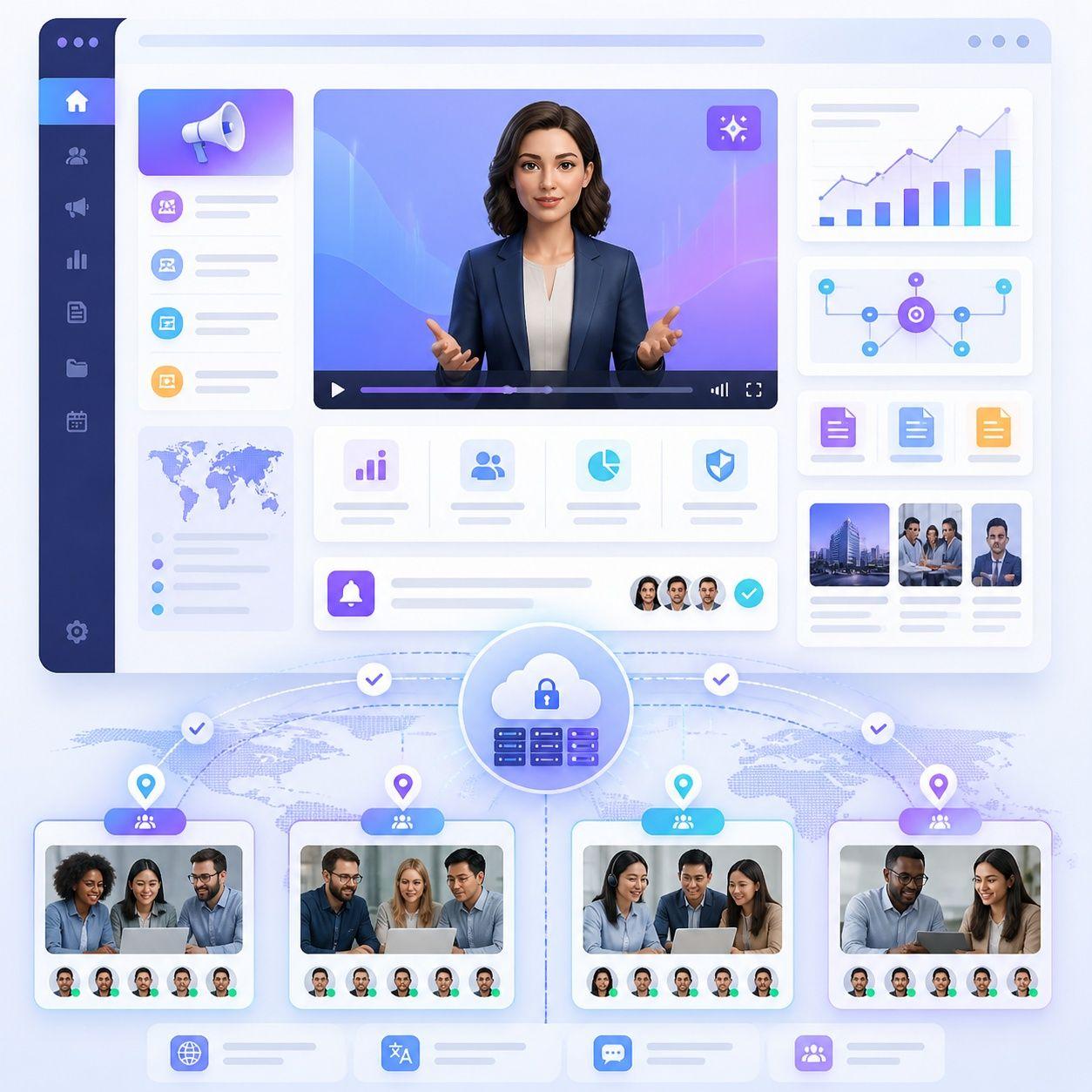
700+ Stock Video Avatars
HeyGen’s current Creator and Pro plans list access to more than 700 stock video avatars, while its Free plan includes more than 500. Users can choose different digital presenters for marketing, training, social media, sales, and business videos.
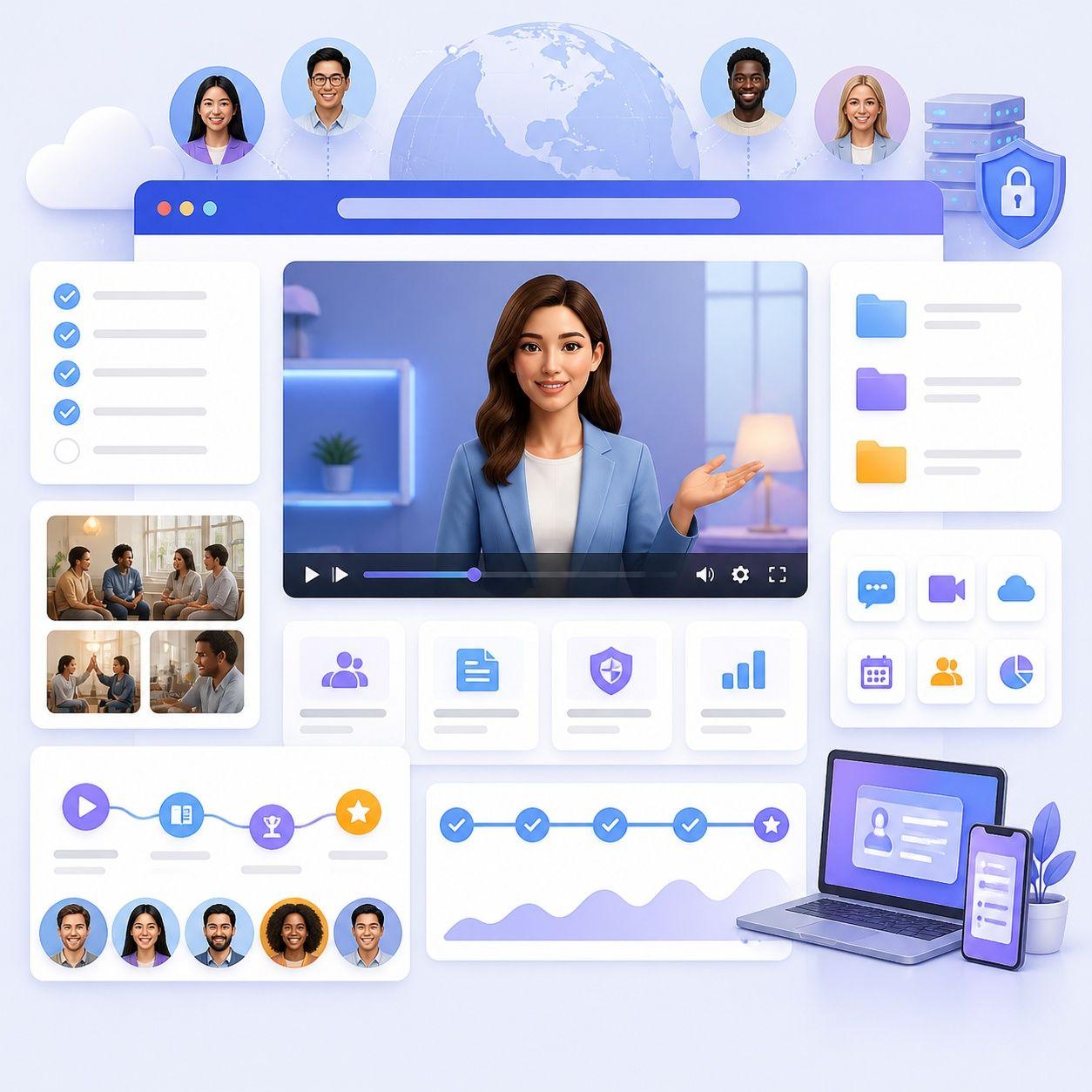
Create Your Own Digital Twin
HeyGen lets users create a personalized Digital Twin based on their own appearance and performance. Its latest Avatar V can build a digital identity from a short reference video and preserve characteristic gestures, expressions, and mannerisms across new videos.
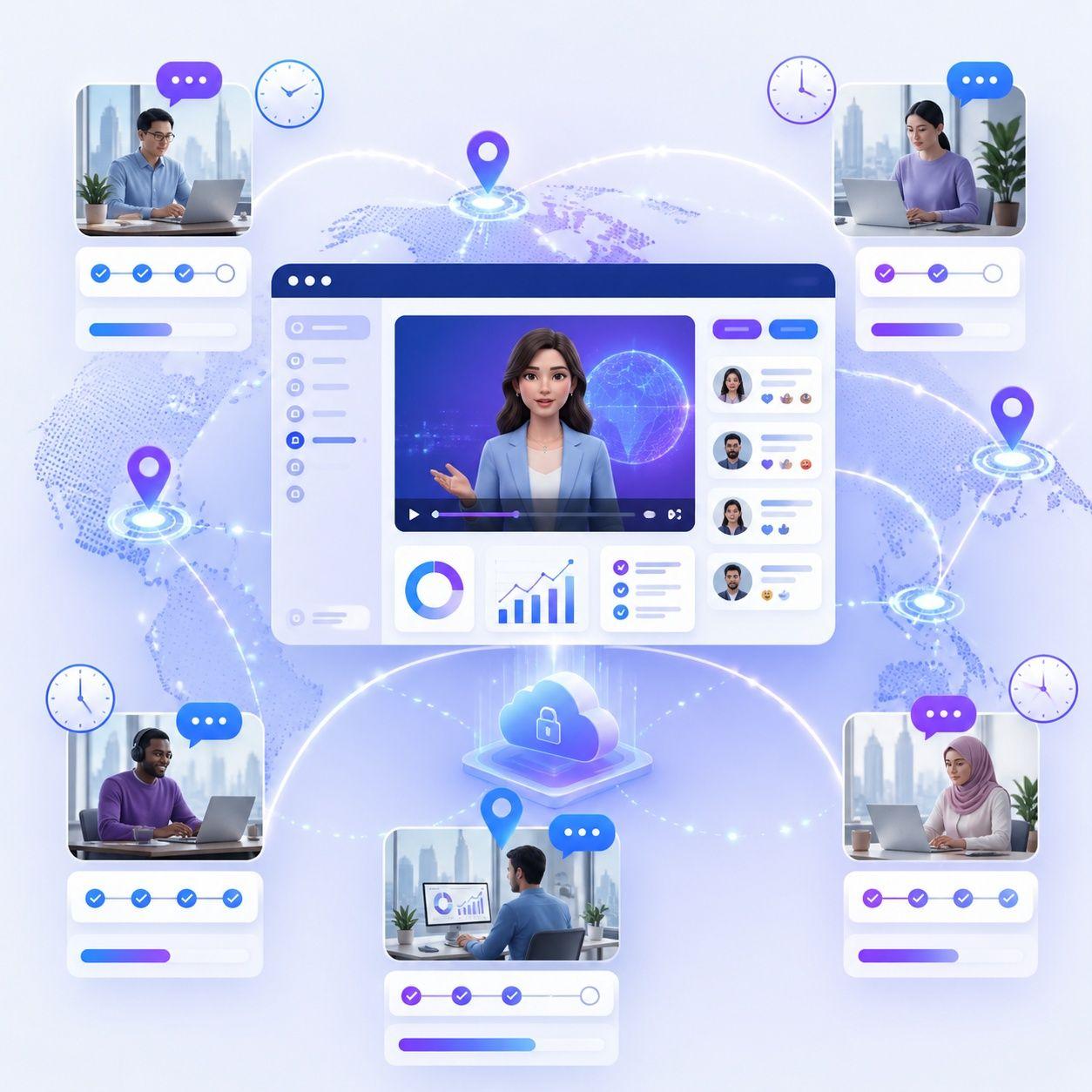
Turn Photos Into AI Avatars
HeyGen Photo Avatars let users animate an image and turn it into a talking presenter. Avatar IV can add synchronized speech, facial expression, and natural gestures to photo-based characters.
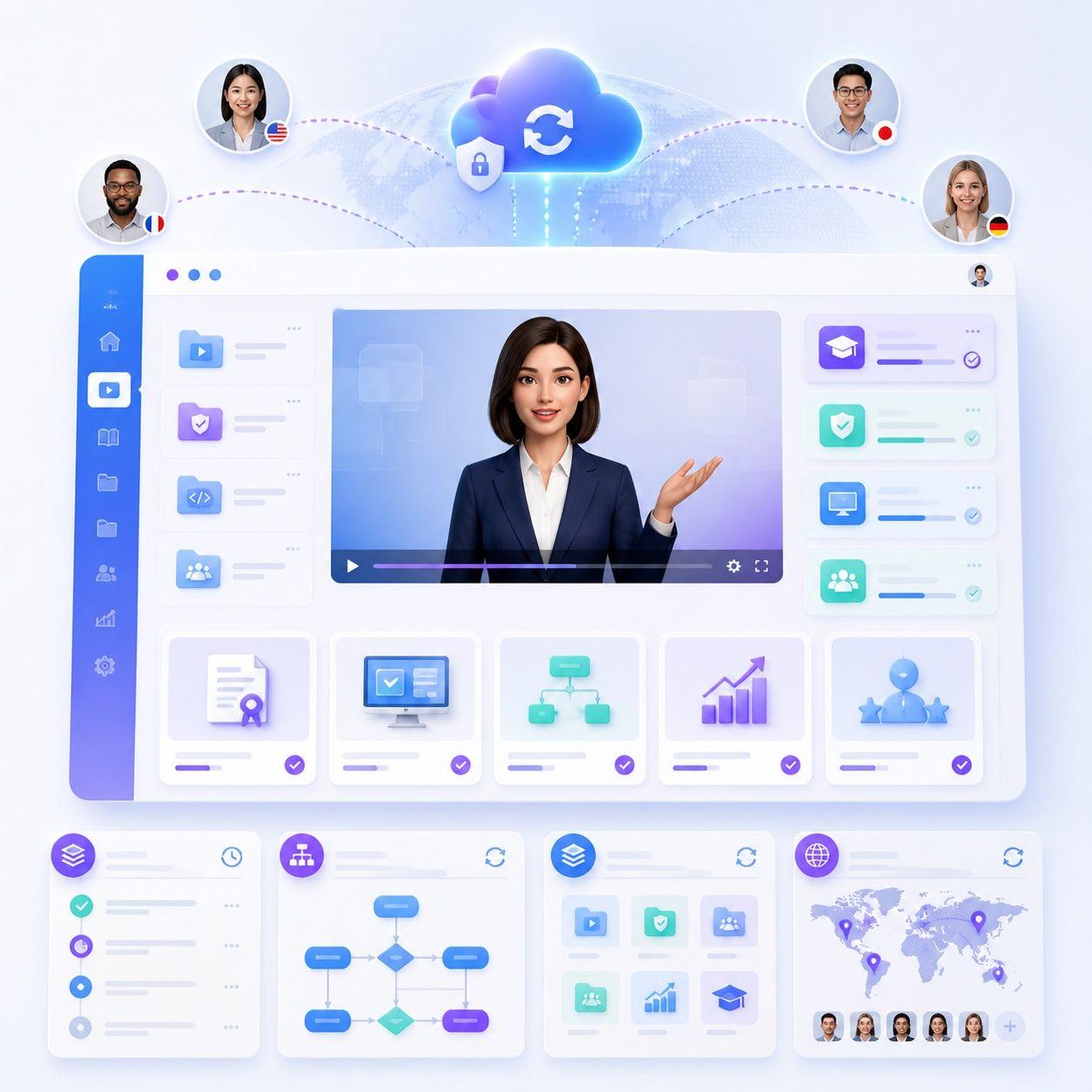
Control Motion and Gestures
HeyGen supports motion controls for avatar performance. Users can guide facial expressions, hand gestures, posture, and gaze, with options varying between Avatar IV and Avatar V workflows.
What Can You Create with HeyGen AI Avatars?
Marketing Videos
Create product promotions, branded content, ads, and other presenter-led marketing videos without organizing a new filming session for each campaign.
Social Media Videos
Use Photo Avatars or Digital Twins to create recurring short-form content while maintaining a recognizable presenter or character.
Training Videos
Build onboarding, learning, training, and instructional videos with a consistent AI presenter.
Sales and Business Videos
Use digital presenters for product explanations, sales communication, customer education, and repeatable business messaging.
What Is the HeyGen AI Avatar Generator?
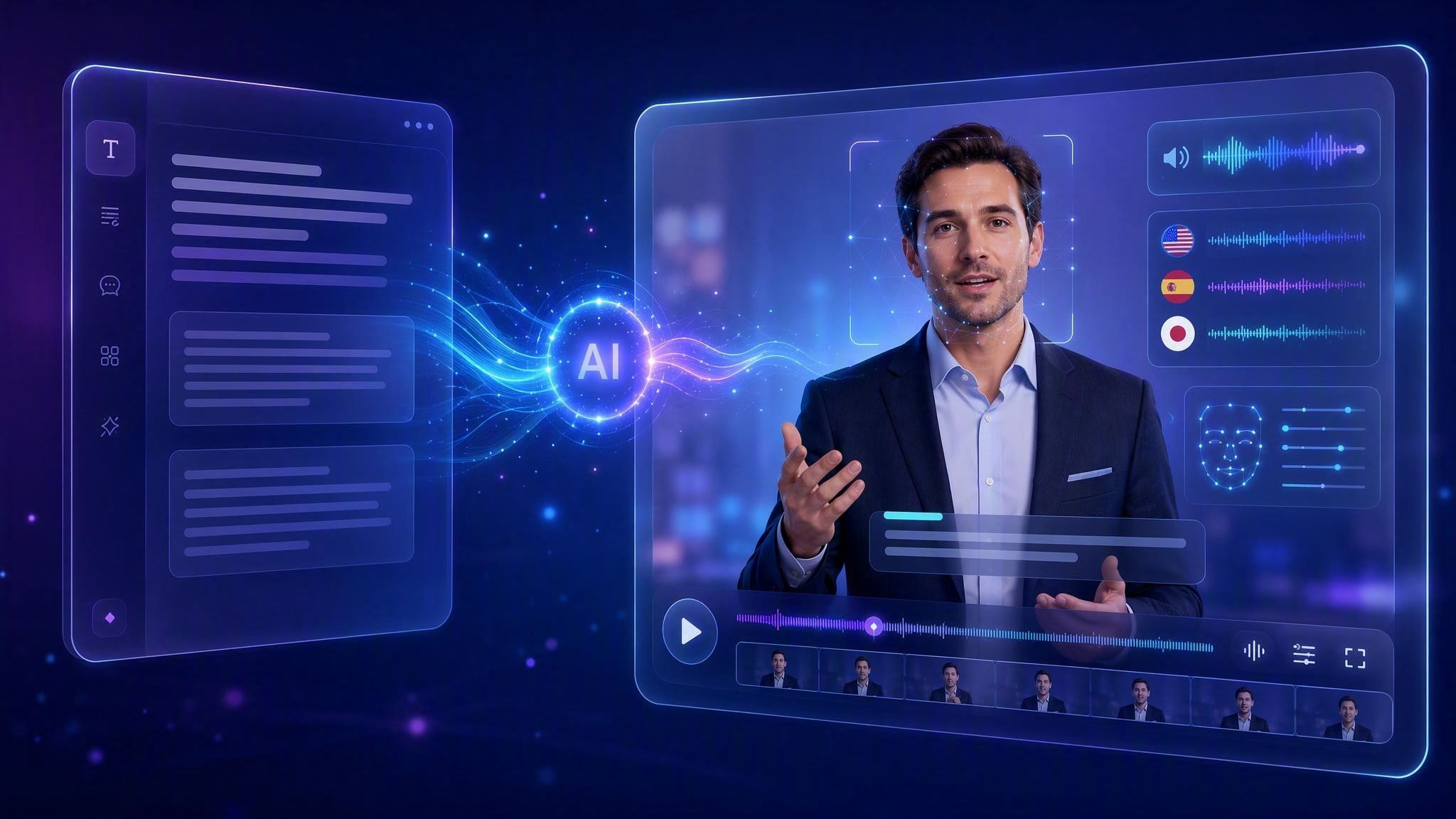
The HeyGen AI Avatar Generator is HeyGen’s set of tools for making videos with digital human presenters. Choose stock avatars, animate Photo Avatars, build Digital Twins, add scripts and AI voices, and generate multilingual videos with Avatar IV or Avatar V.
How Does the HeyGen AI Avatar Generator Work?

Step 1: Choose or Create an Avatar
Start with a stock avatar, create a Photo Avatar, or build your own Digital Twin using supported HeyGen avatar tools.
Step 2: Add Your Script
Enter what the avatar should say, choose a voice, and organize the content you want to present.
Step 3: Customize the Performance
Adjust the avatar look, scene, voice, gestures, expressions, gaze, or other available motion settings.
Step 4: Generate the Video
Generate the avatar-led video and review the result before exporting, sharing, or continuing to edit it.
Can You Create Your Own AI Avatar with HeyGen?
Yes. Photo Avatars animate a still image, and Digital Twins are built from video footage. HeyGen’s Avatar V creates a digital identity from a short reference video and reproduces your motion, expressions, and mannerisms across different looks.
HeyGen AI Avatar Generator Pros and Considerations


Who Is HeyGen AI Avatar Generator For?
Content Creators
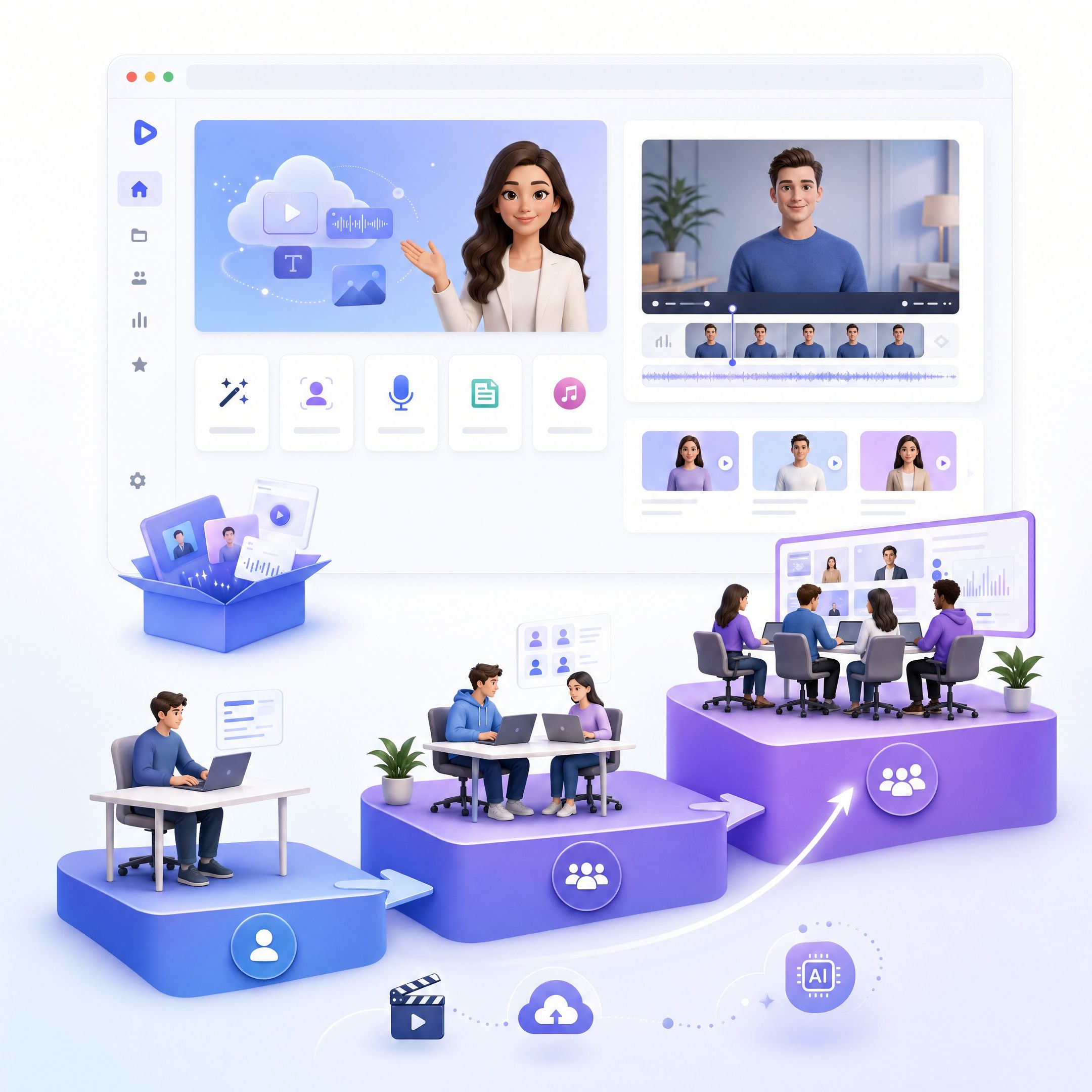
Creators who want to build recurring videos around a recognizable AI character, Photo Avatar, or digital version of themselves.
Marketing Teams
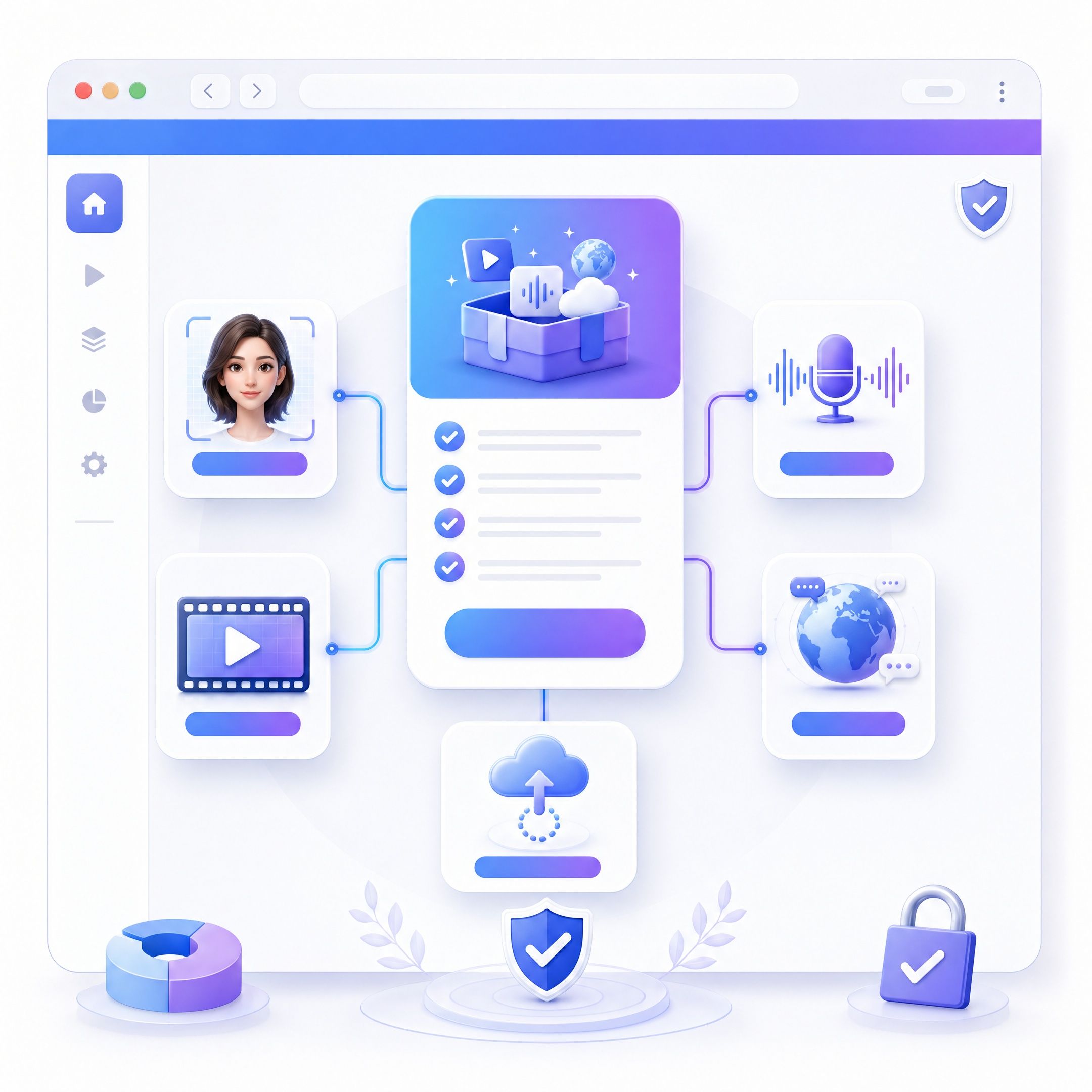
Teams creating ads, product videos, campaigns, social content, and other presenter-led marketing assets.
Training Teams
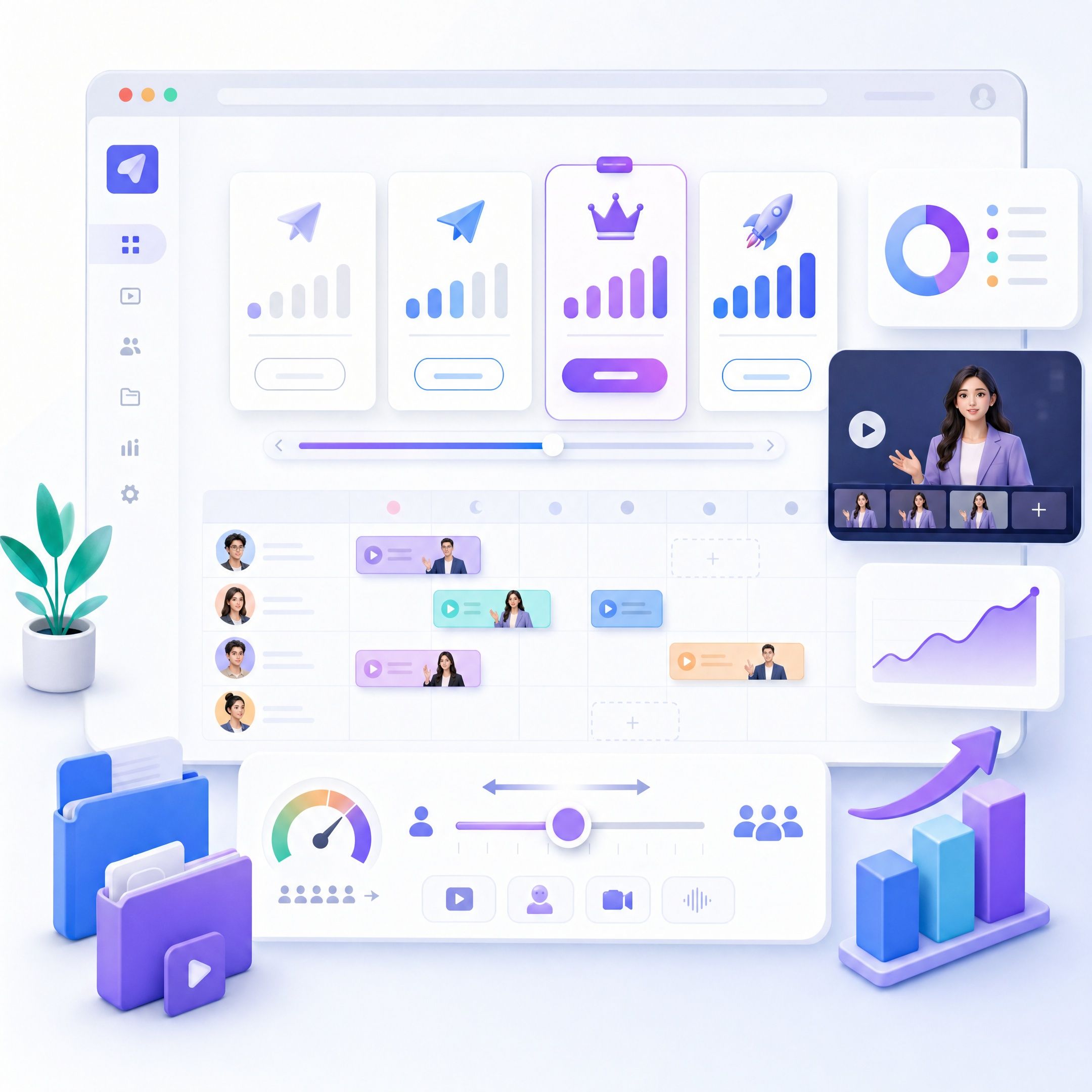
Organizations producing onboarding, employee learning, instructional content, and repeatable training videos.
Sales and Business Teams
Users creating product introductions, sales videos, customer communication, and other business presentations without repeated filming.
When Should You Explore a HeyGen Alternative?
HeyGen is strong if you want realistic avatars, Digital Twins, and photo-to-avatar video. But not every video starts with the avatar. When your content already lives in a deck, PDF, or manual, the harder part is restructuring it before a presenter explains it.
HeyGen vs. Leadde AI Presenter
HeyGen emphasizes avatar realism: Digital Twins, Photo Avatars, and motion control. Leadde starts from your source material, turning a PPT, PDF, or document into an outline, narration, scenes, visual layouts, and subtitles before adding the AI presenter.
Leadde vs Synthesia vs HeyGen: AI Avatar Video Generator Comparison



Why Consider Leadde as a HeyGen Alternative?
Start With Existing Content
Instead of making the avatar the starting point, upload a presentation, PDF, document, text, or script. Leadde analyzes the material and identifies the structure and key information that should be presented.
Turn Content Into a Video Narrative
Leadde can transform source material into an outline, narration, scenes, visual layouts, subtitles, and highlights, helping turn information written for reading into content structured for watching.
Add an AI Presenter
Choose from Leadde’s AI avatar options and combine the presenter with the generated narrative, scenes, visuals, and voice.
Create Multilingual Versions
Leadde supports 88 languages and 175 dialects, along with 100+ AI voices, translation, dubbing, subtitles, and optional lip sync for multilingual video workflows.
Your Avatar Should Know What It’s Talking About.
Move While Presenting
Avatar O can move within the visual scene while delivering the presentation instead of remaining fixed in one position.
Point to What Matters
The presenter can direct viewer attention toward the visual information being discussed.
Gesture While Explaining
Presenter-style gestures help connect the avatar’s delivery with the content appearing on screen.
More Than an AI Avatar Generator
Understand the Content
AI analyzes documents, presentations, scripts, and text to identify the main structure and information.
Build the Narrative
Source content can be rewritten into an outline and narration designed for spoken video.
Create the Visual Scenes
Leadde automatically generates scenes, visual layouts, subtitles, and Magic Highlights around the information being explained.
Add the Presenter
Combine the structured content with an AI avatar, voice, or Avatar O to create the finished presenter-led video.
Who Should Consider Leadde?
.PNG)
Training and L&D Teams
Turn onboarding materials, policies, SOPs, manuals, and training decks into structured presenter-led videos.
.PNG)
Teachers and Educators
Convert PowerPoints, PDFs, lecture notes, and learning materials into video lessons with a digital presenter.
.PNG)
Product Teams
Transform product documents, feature information, release materials, and support content into explainer videos.
.PNG)
Sales and Enablement Teams
Turn pitch decks, proposals, and product materials into reusable narrated presentations.
Can You Try a HeyGen Alternative for Free?
Leadde currently offers a Free plan, and its homepage states that users receive 200 free credits.
Specific video generation, download, and plan limits depend on the current product plan and should be checked in the product when creating a video.
Frequently Asked Questions
HeyGen AI Avatar Generator refers to HeyGen's tools for creating videos with stock avatars, Photo Avatars, and personalized Digital Twins. Users can add scripts and voices, customize avatar appearance and motion, and generate presenter-led videos for creator and business use.
Yes. HeyGen currently offers a Free plan with up to three videos per month, videos up to one minute, access to Avatar IV, more than 500 stock digital twins, one Custom Digital Twin, and support for more than 30 languages.
HeyGen's current pricing page lists more than 700 stock video avatars for Creator and Pro plans and more than 500 for the Free plan. The exact avatar selection available to a user depends on the plan.
Yes. HeyGen supports personalized Digital Twins and Photo Avatars. Avatar V can create a video-based Digital Twin from a short reference recording, while Avatar IV supports photo-based avatar workflows.
Avatar V is HeyGen's latest video-based AI avatar model. It uses a short reference recording to capture a person's identity, gestures, expressions, and mannerisms, then applies that performance across different generated looks.
Yes. HeyGen provides motion controls for expressions, gestures, body posture, and gaze. Avatar IV and Avatar V support different motion-control workflows, including text prompts and preset controls.
Yes. HeyGen offers a PPT/PDF to Video tool that can convert presentations into editable layouts or retain slides as static images. Users can add an avatar to the resulting video scenes.
Leadde is an option for users whose workflow begins with presentations, PDFs, documents, scripts, or existing knowledge content. It can analyze source material and turn it into narration, scenes, visuals, voice, and presenter-led video.
HeyGen places strong emphasis on realistic digital identities, Photo Avatars, Digital Twins, and flexible motion generation. Leadde places particular emphasis on understanding and restructuring source material before creating the final video. Avatar O adds a presentation-focused experience by moving, pointing, and gesturing while explaining what appears on screen.
Turn Your Content Into an AI Presenter Video
Start with your slides, documents, scripts, or ideas and turn them into structured videos with visuals, voice, and a digital presenter that can help explain what’s on screen.
