
AI Avatar Generator for User Onboarding Tutorials
Choose your product guide avatar
Script your onboarding walkthrough
Trusted by the world's leading brands







Leadde vs Synthesia vs HeyGen: AI Avatar Video Generator Comparison



How to Create an AI Avatar Onboarding Tutorial?
Produce a professional product onboarding video in three simple steps.
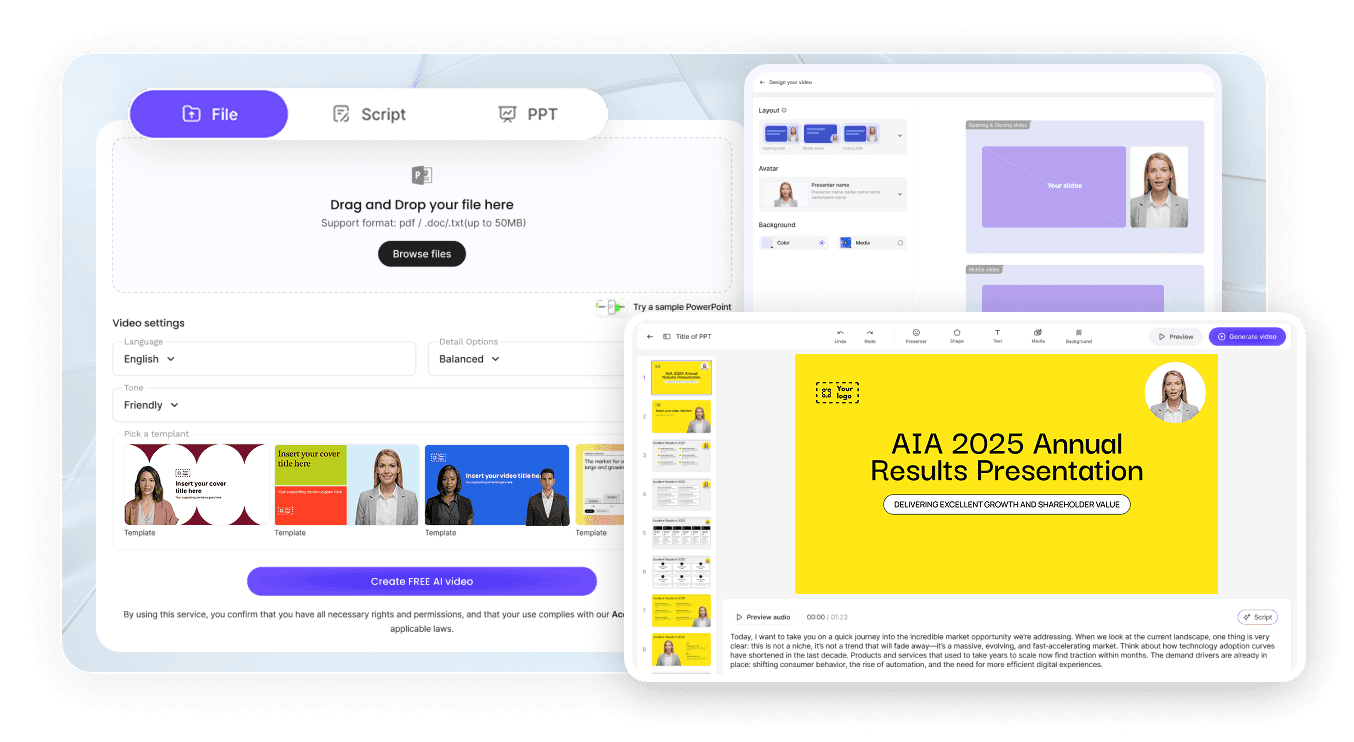
Step 1: Write Your Onboarding Script
Step 2: Select Your Product Guide Avatar
Step 3: Generate and Embed Your Video
Why AI Avatars Are Perfect for User Onboarding?
Engaging video guides users actually watch and follow
Update scripts and regenerate instantly after product updates
Zero re-filming—new video ready in minutes
88 languages for global product launches
Consistent experience for every user, every time
Reduced support tickets and faster time-to-value
Onboarding Tutorial Types You Can Create
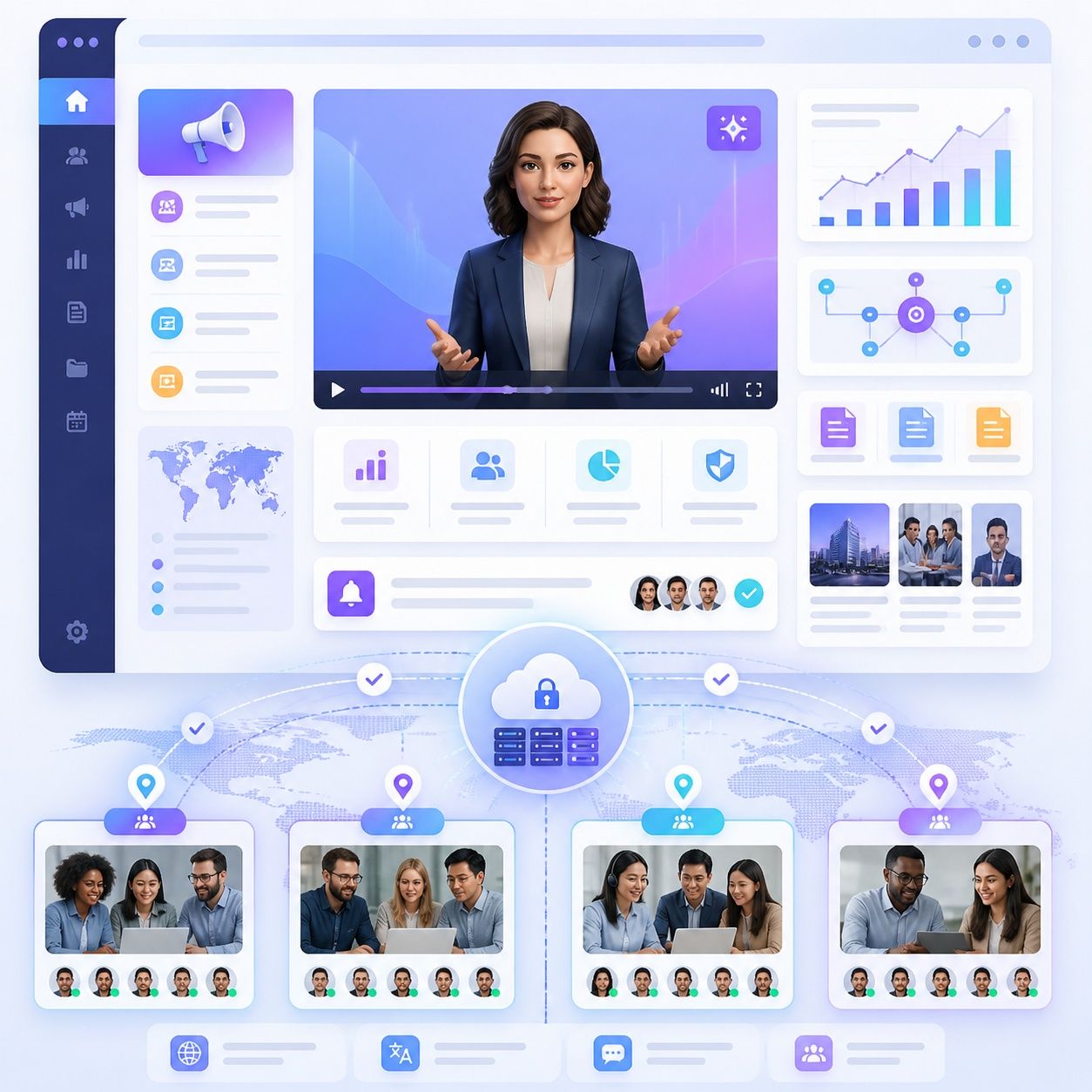
Welcome & getting started
Greet new users with a warm, professional avatar using this AI onboarding video maker that introduces your product's value proposition and walks them through initial setup. Set the right first impression.
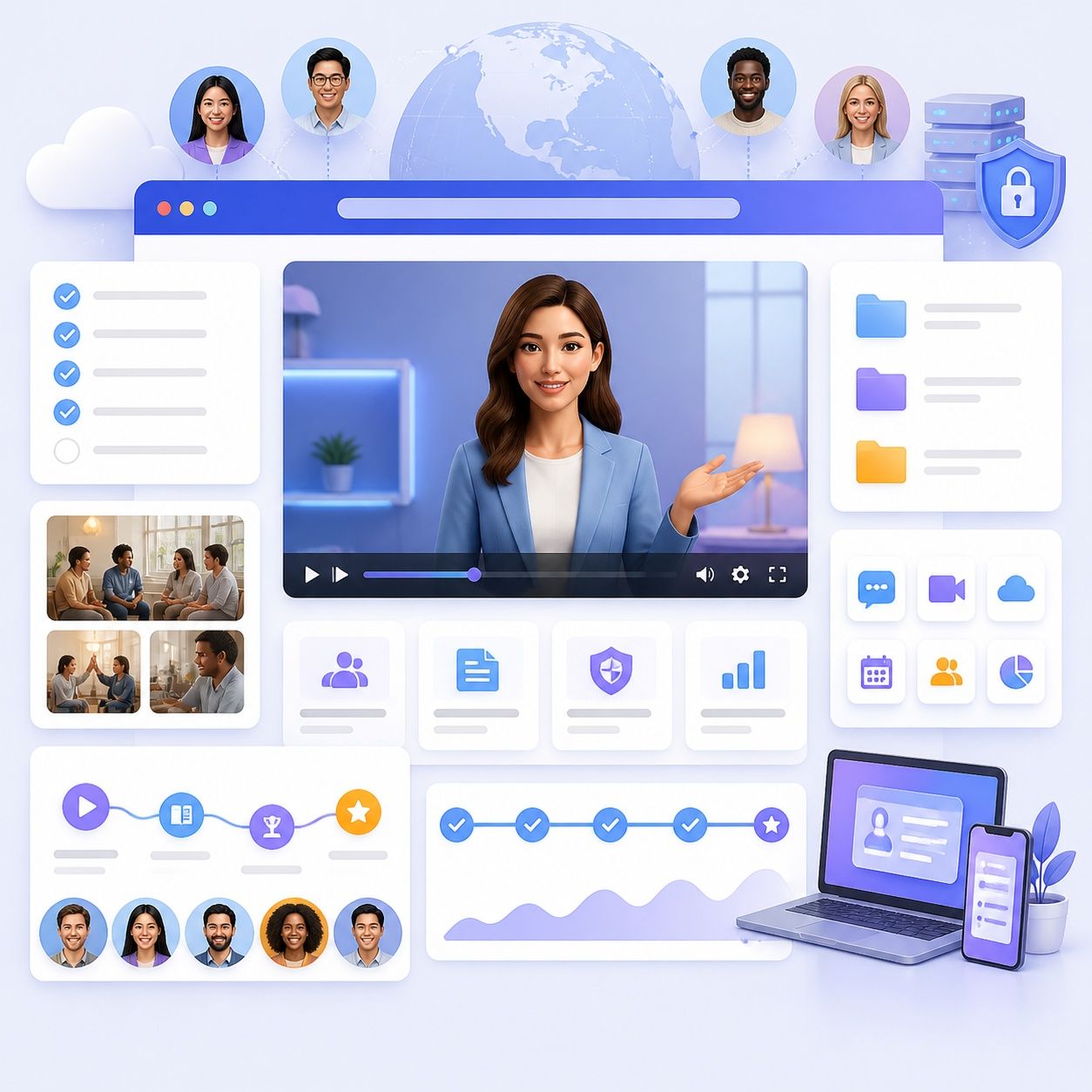
Feature walkthroughs
Create dedicated tutorials for each core feature with our tutorial video maker. Your AI avatar explains what each feature does, why it matters, and how to use it — with clear, step-by-step narration.
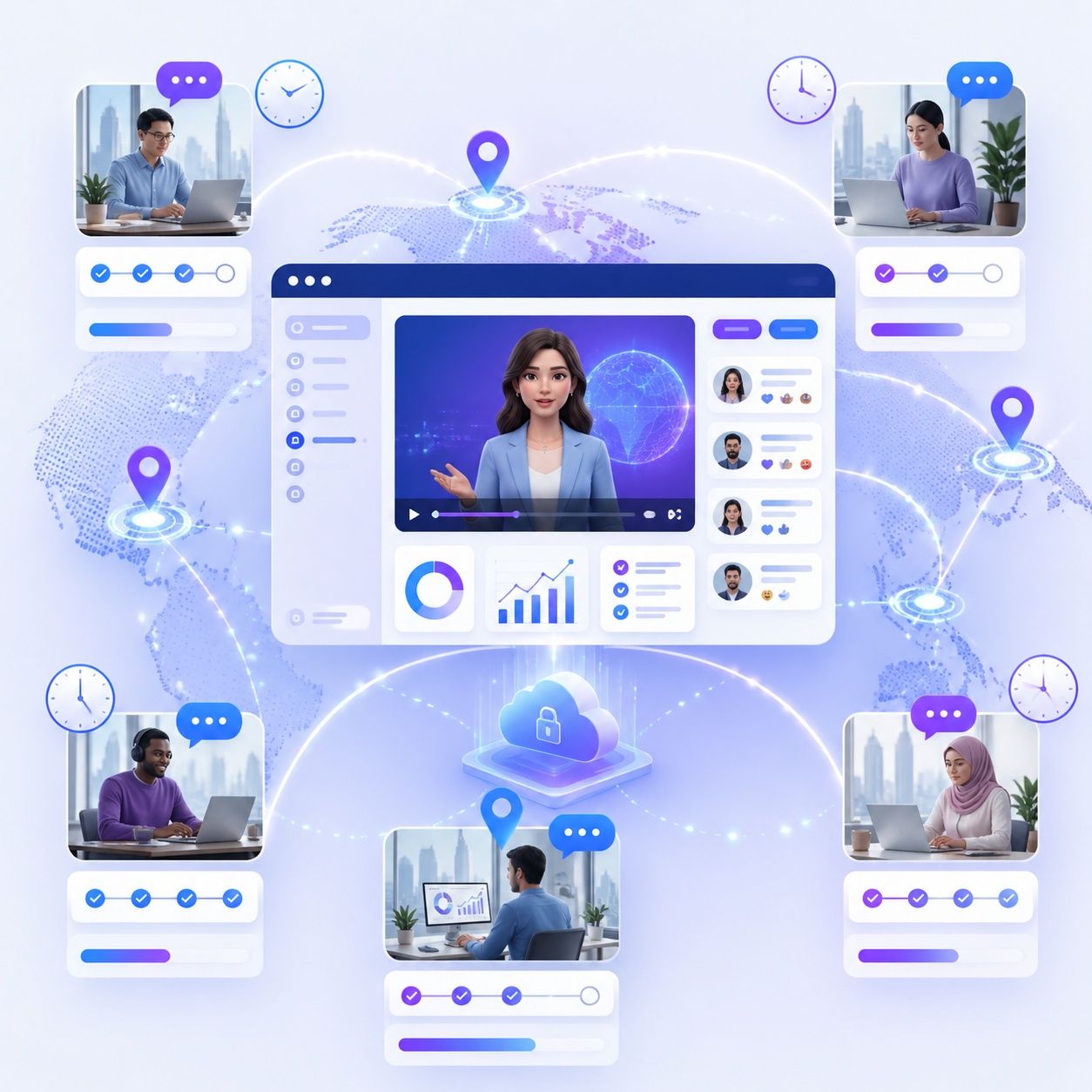
Workflow & use case guides
Show users how to accomplish specific goals within your product using our AI walkthrough video maker. Tutorial videos for common workflows reduce learning curves and accelerate adoption.
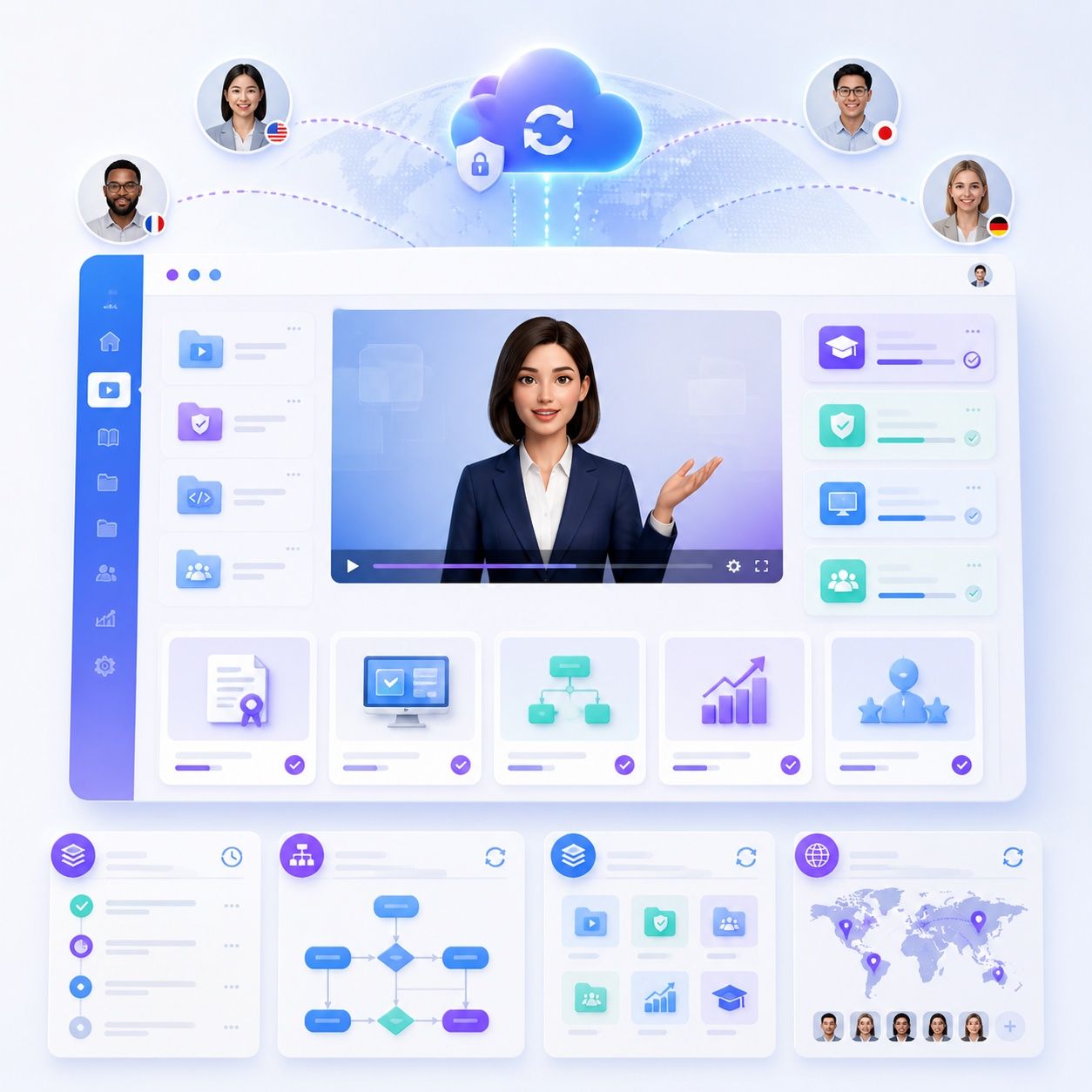
Tips & best practices
How AI Avatar Onboarding Boosts Product Metrics
+40% activation rate
-35% support tickets
-25% day-7 churn

AI Avatar Platform for HR Training Videos
Beyond product onboarding, Leadde serves as a complete HR training video platform. HR departments, L&D teams, and people operations leaders use Leadde to create training content that employees actually watch — on-demand, in any language, without scheduling a single live session.
New Employee Onboarding at Scale
Guide new hires through policies and workflows with AI avatar videos. Consistent onboarding delivered on-demand at any scale.
Compliance & Regulatory Training
Cover DEI, workplace safety, and anti-harassment topics with AI avatar videos. Update scripts instantly when regulations change — no re-filming needed.
Skills Development & Upskilling
Create role-specific training modules with our AI customer education video maker. Employees access skills content on-demand and revisit videos at their own pace.
Manager & Leadership Development
Scale leadership training, performance management guidelines, and company culture content seamlessly across every office and global region.
Integrate Onboarding Videos Across Your Product
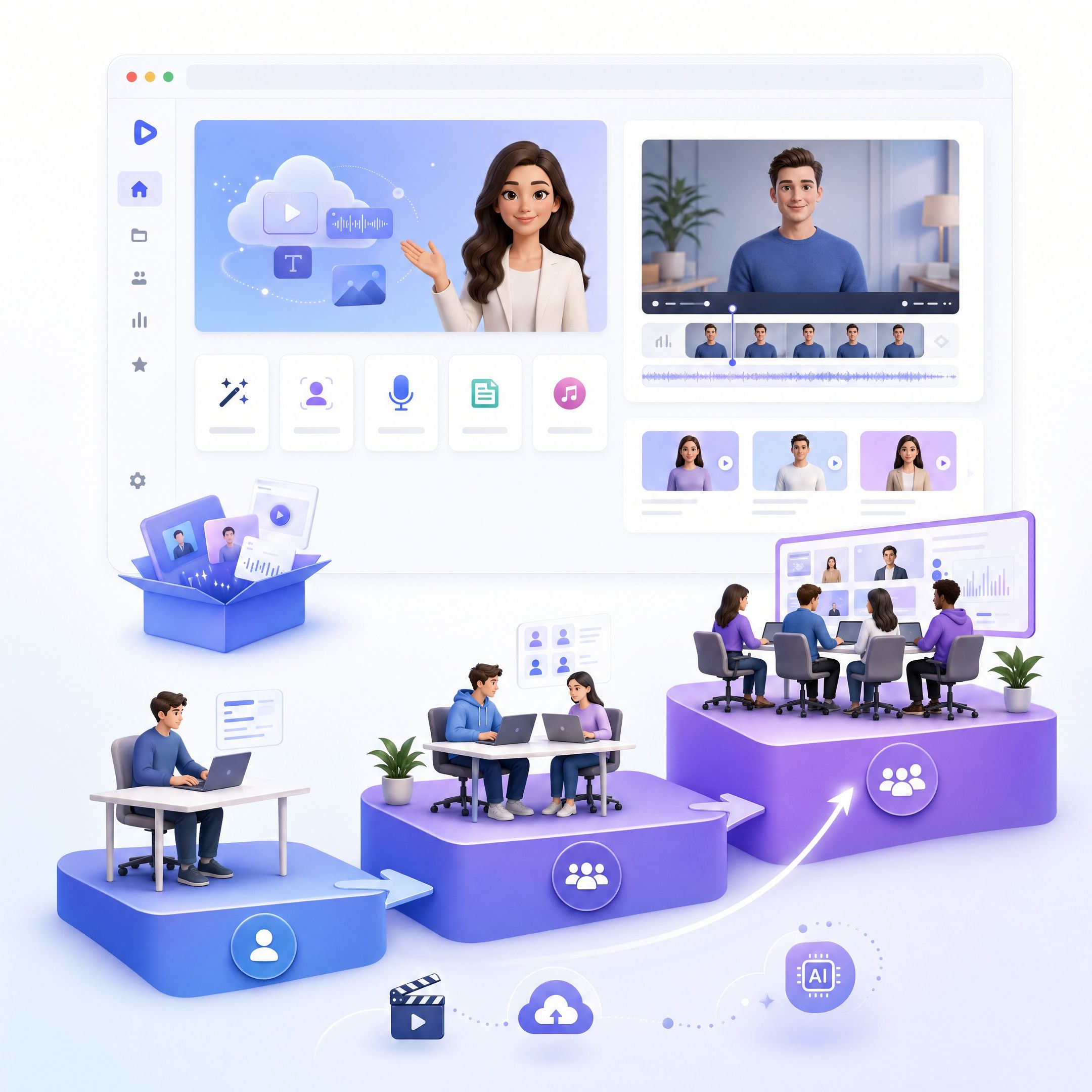
In-app guides
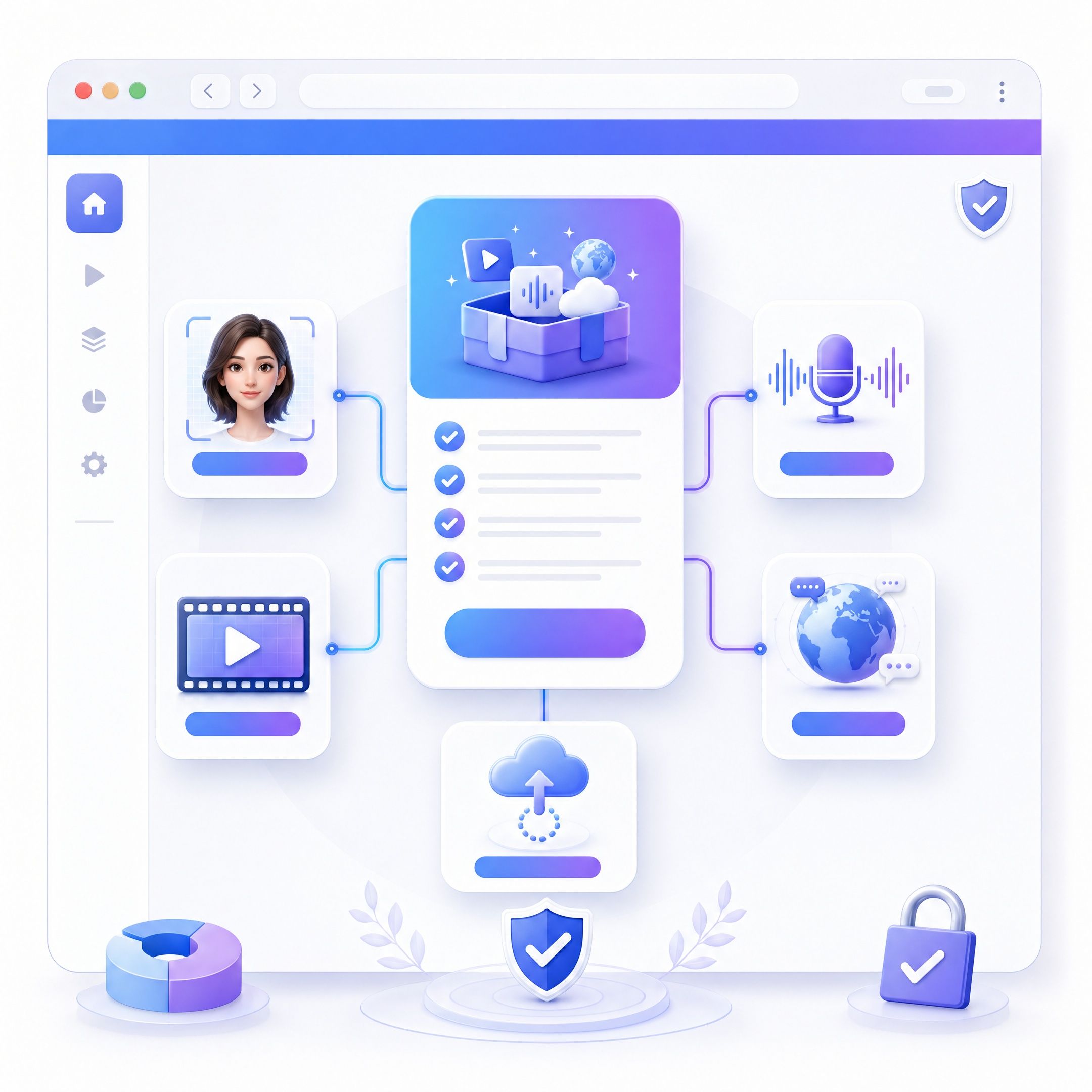
Help center & knowledge base
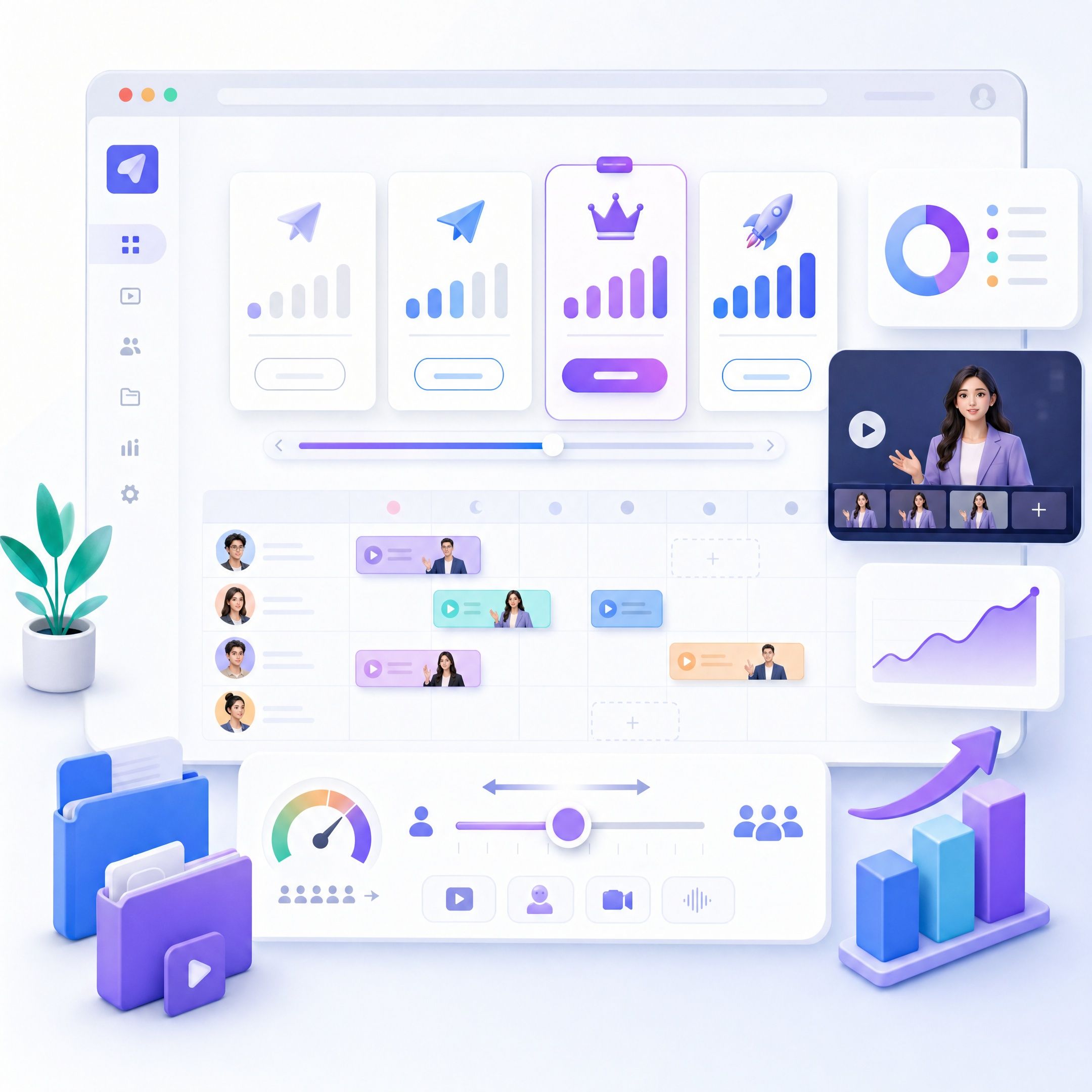
Email onboarding sequences
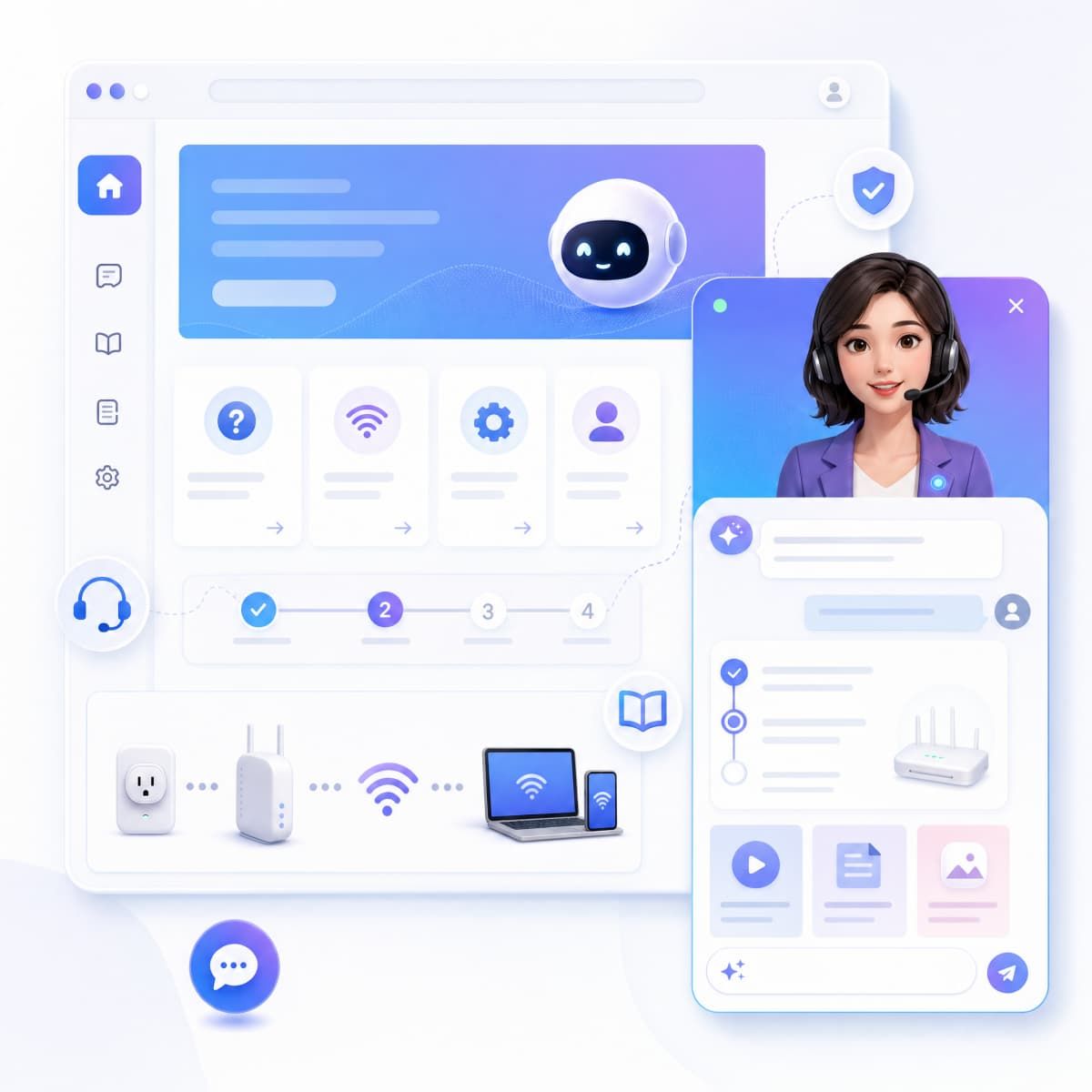
LMS & academy
Built for Product and CS Teams
No video expertise required
Version control for content
Team collaboration
Trusted Security for Product Content
Content moderation
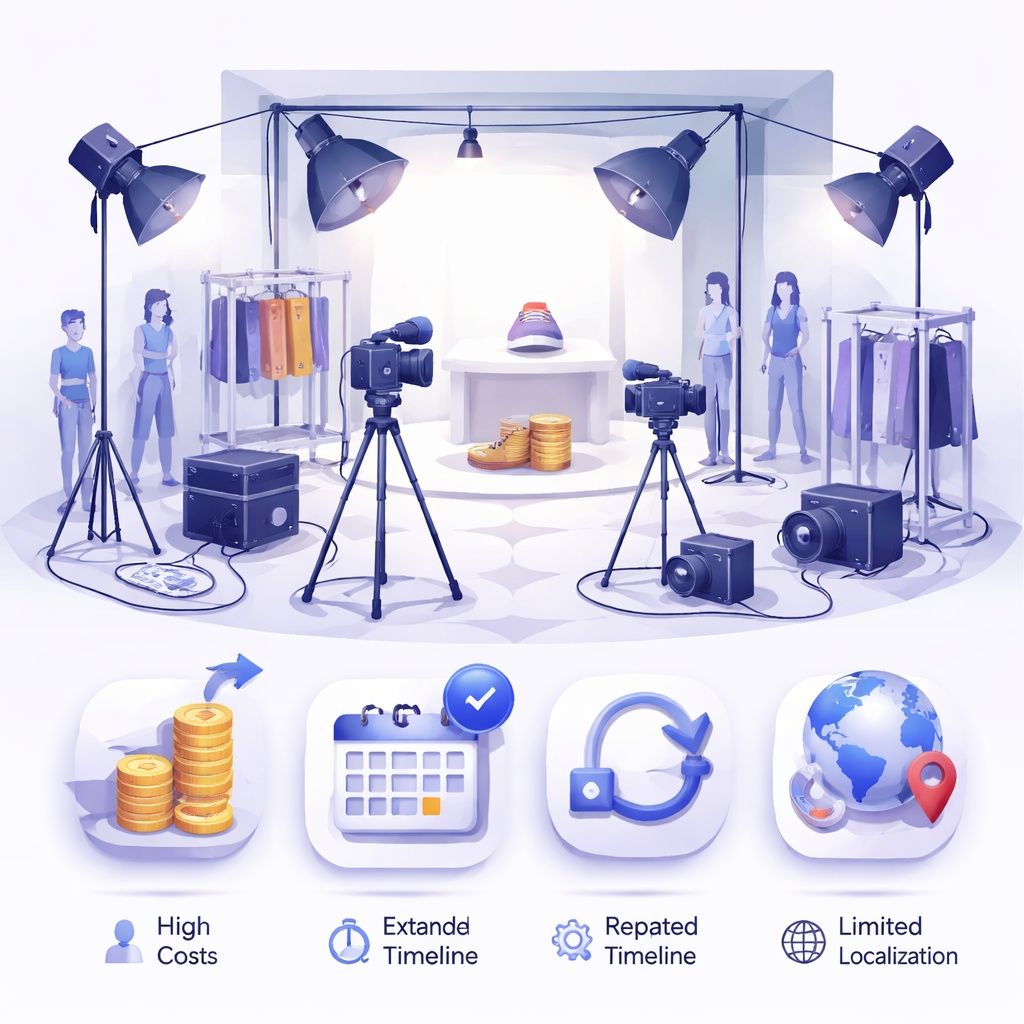
Data ownership & privacy
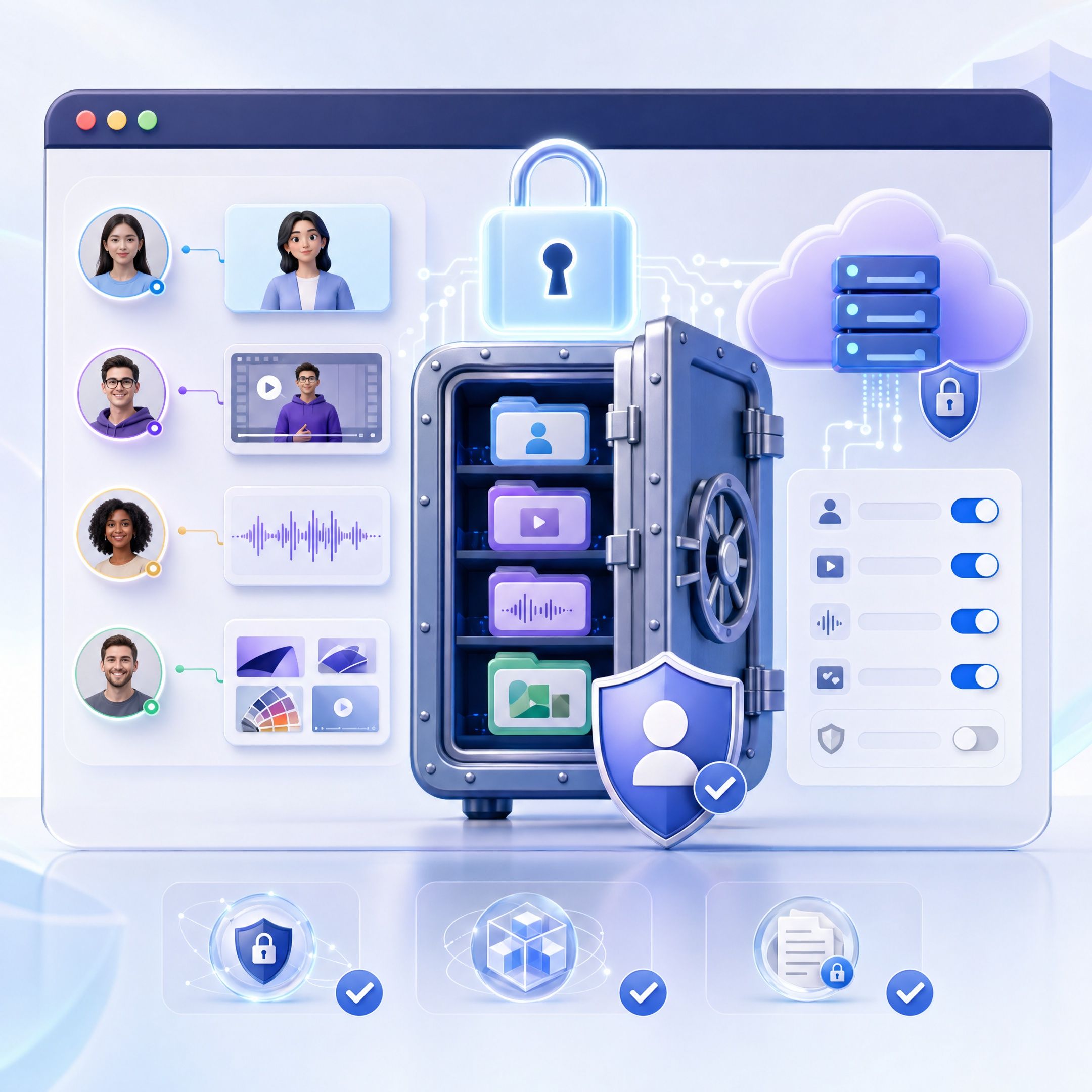
SOC 2 & GDPR compliant

Frequently asked questions
Write a script that walks users through the feature or workflow you want to explain. Choose an avatar and voice in Leadde, then generate the video. The entire process takes under 10 minutes—no filming, editing, or design skills needed.
Simply update the narration script to reflect the new UI, and regenerate the video. Because there's no filming or editing involved, keeping tutorials current is as fast as updating a text document.
Yes. Export tutorials as MP4 videos and embed them in your product using any video player component or integration. Many teams embed tutorials in onboarding flows, help widgets, and knowledge base pages.
Start with your top user languages and expand from there. Leadde supports 88 languages, so you can prioritize based on user demographics and add languages as your global user base grows.
For standard onboarding and common workflows, yes—avatar tutorials handle these effectively at scale. For complex or enterprise onboarding, they're an excellent complement to live CS calls, covering foundational content while your team focuses on strategi
Ready to onboard users faster with AI avatar tutorials?
