
Edit & Customize AI Avatars Online
Choose or upload an avatar
Edit and customize in real time
Trusted by the world's leading brands







Leadde vs Synthesia vs HeyGen: AI Avatar Video Generator Comparison



How to Create a Picture Avatar with Leadde
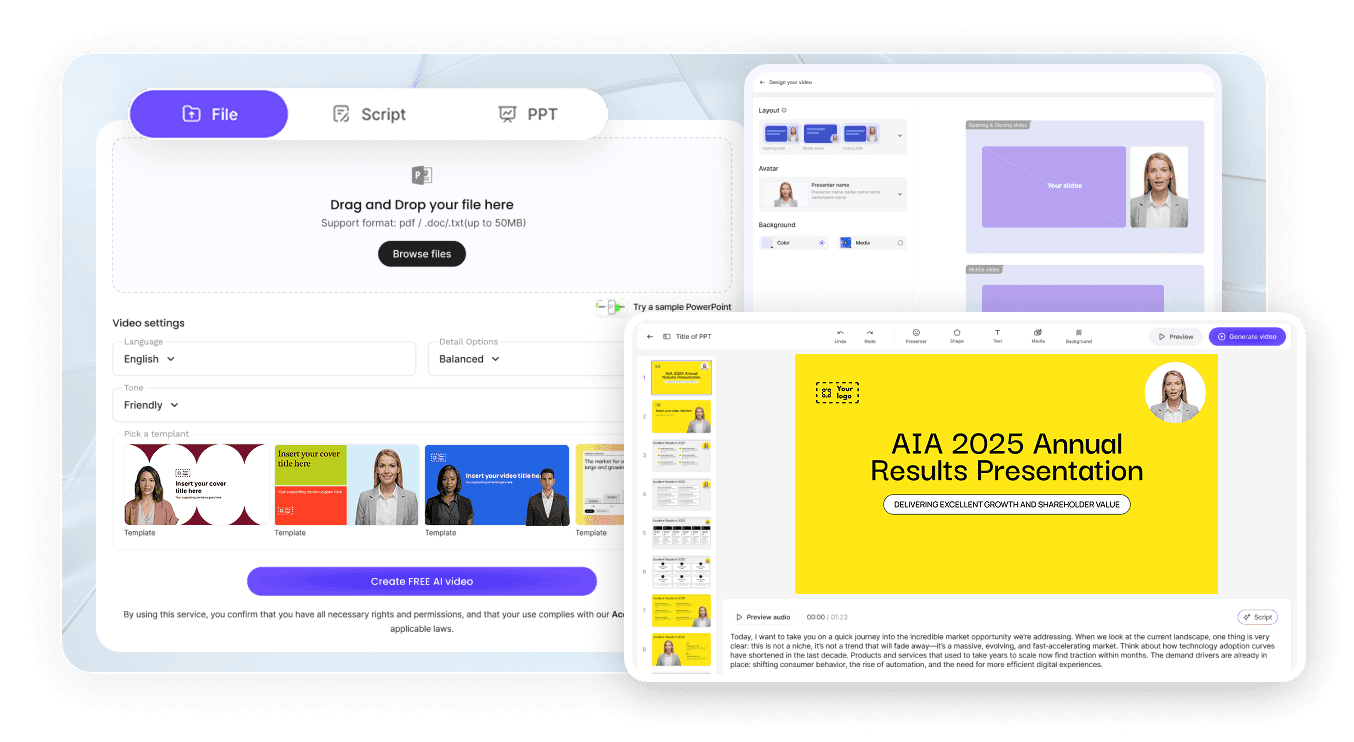
Pick your avatar
Select from 300+ ready-made avatars, or upload a photo to create your own picture avatar. Leadde's AI generates a realistic, animated digital presenter in seconds.
Edit everything
Preview & export
What You Can Do with the AI Avatar Editor
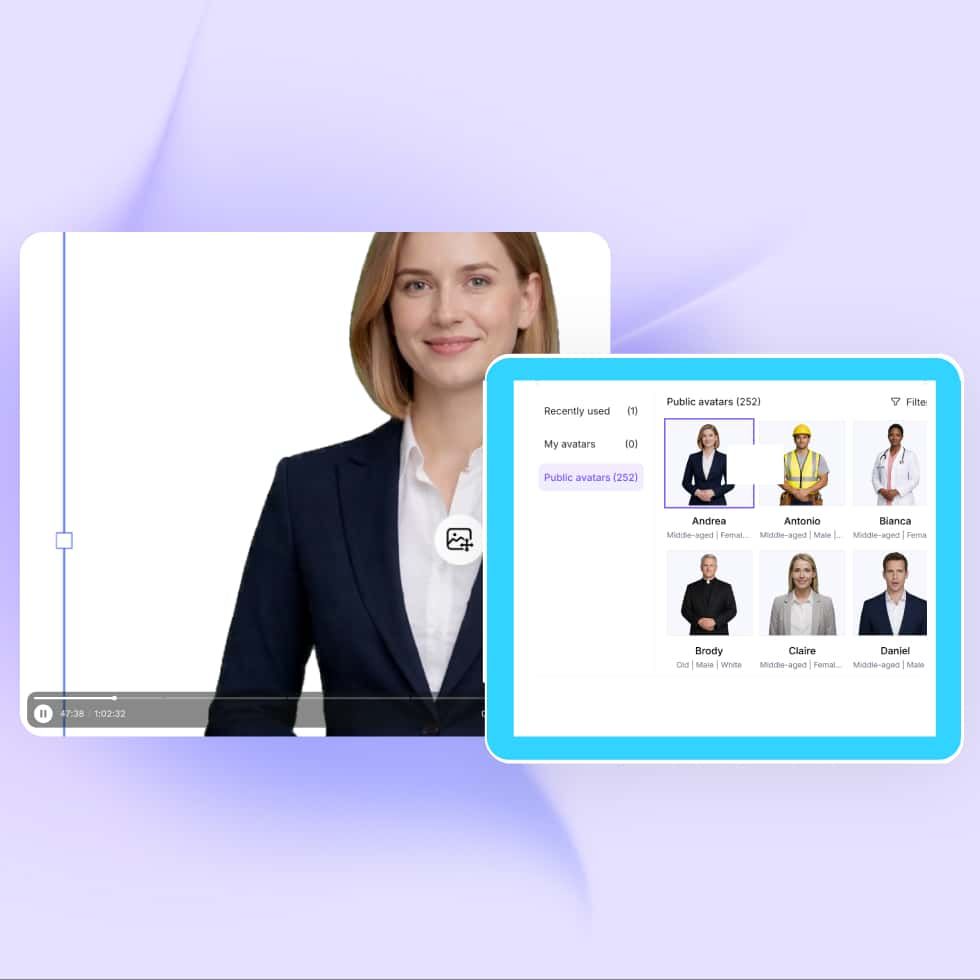
Edit avatar appearance
Swap between 300+ pre-built avatars from the AI avatar generator or upload your own photo to create a custom one. Preview instantly and choose the look that fits your brand.

Customize voice & language
Pick from 100+ natural AI voices in 170+ languages to build a text to speech avatar. Clone your own voice for a personal touch. Adjust tone, pace, and pronunciation to match your content.

Refine gestures & motion
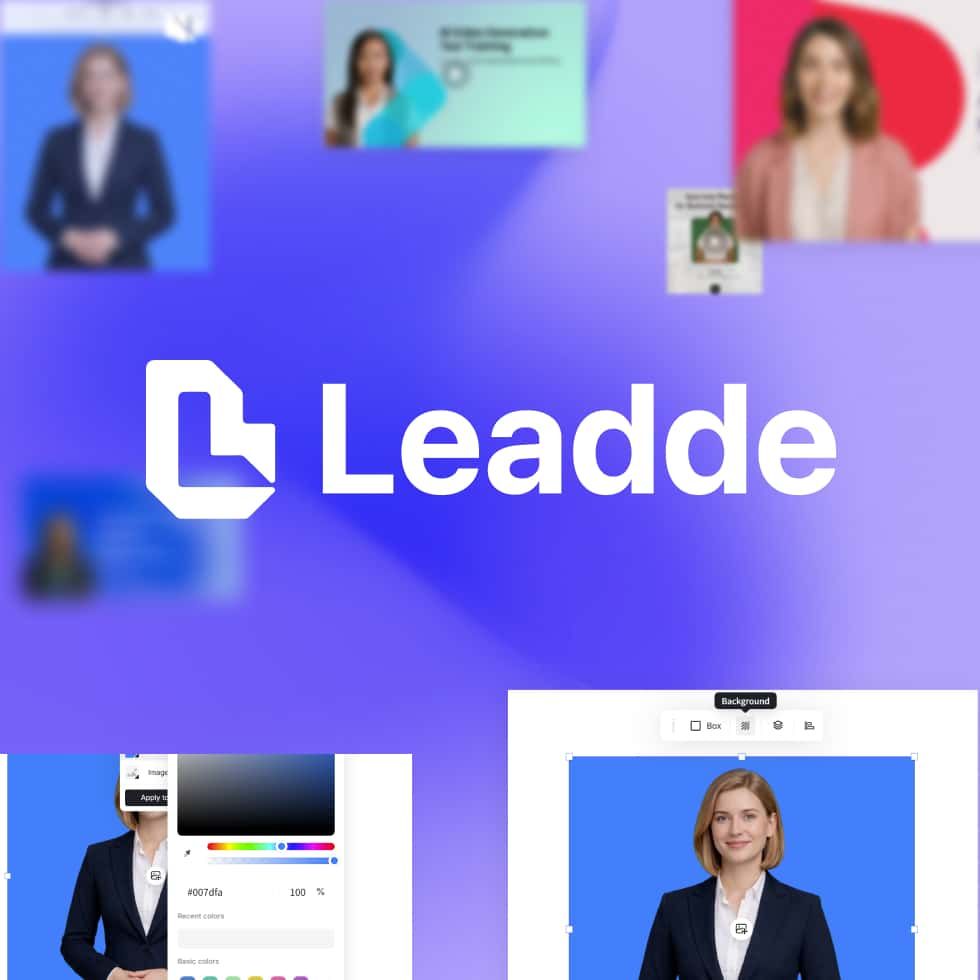
Design scenes & backgrounds
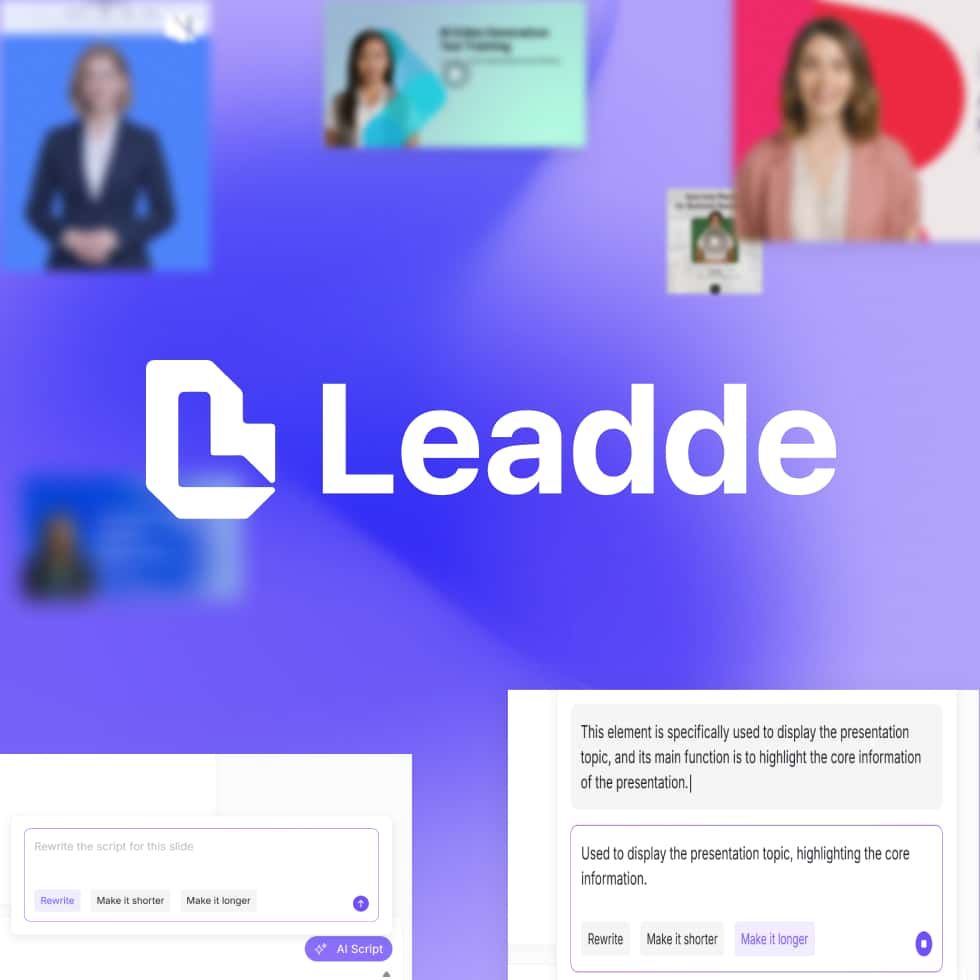
Script editing & multi-language output
Full-Body V4 Avatar Editing
Edit full-body avatars with natural, content-aware motion
Gestures and expressions adapt automatically to your script
No green screen, no recording—just a photo and your words
Render in up to 4K for presentations, ads, and training videos
Avatar Editor Technology: Traditional vs V3 vs V4
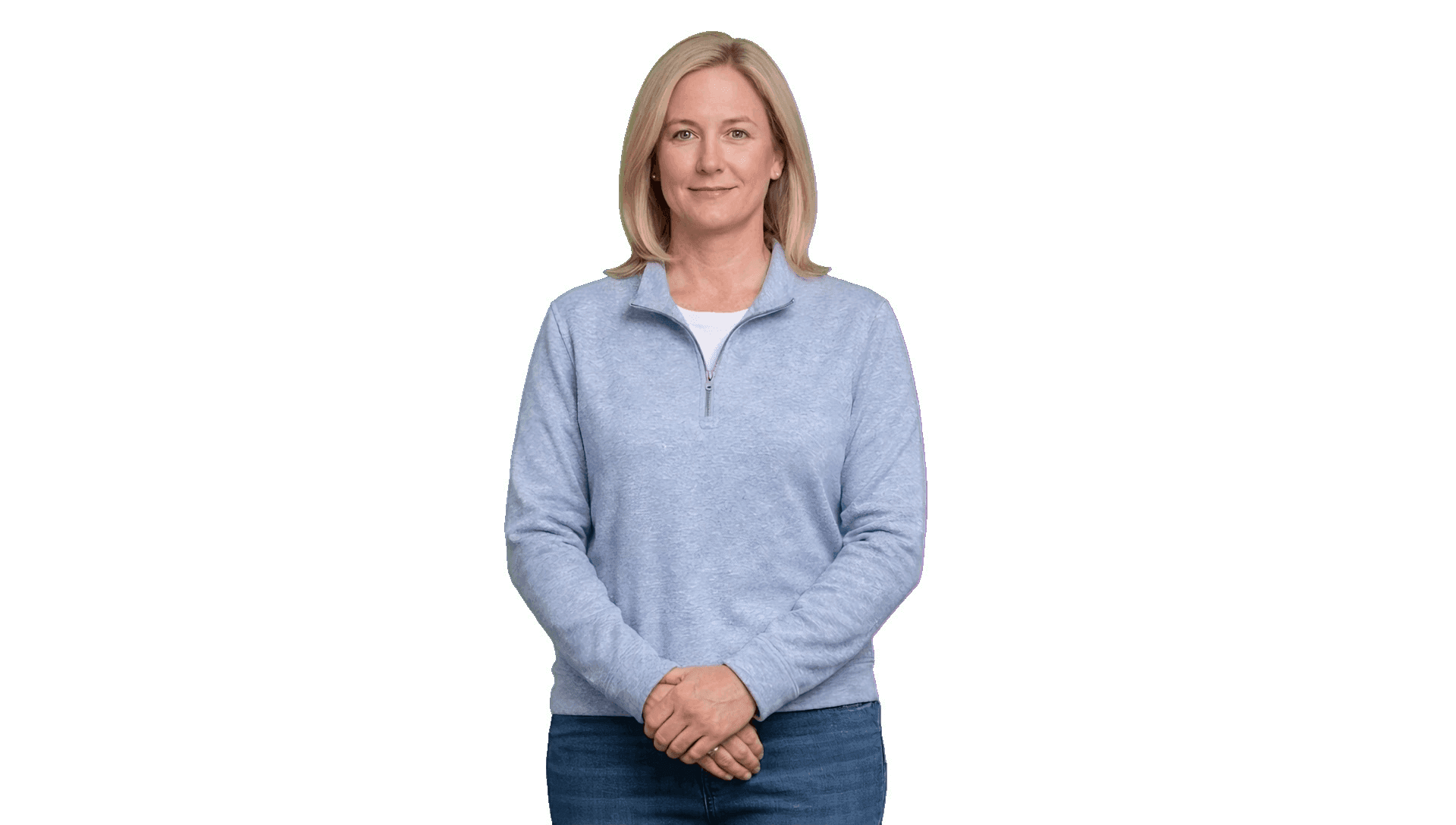
Traditional avatars

Leadde standard avatars (V3)

Leadde express avatars (V4)
Why Leadde Is the Best AI Avatar Editor Online?
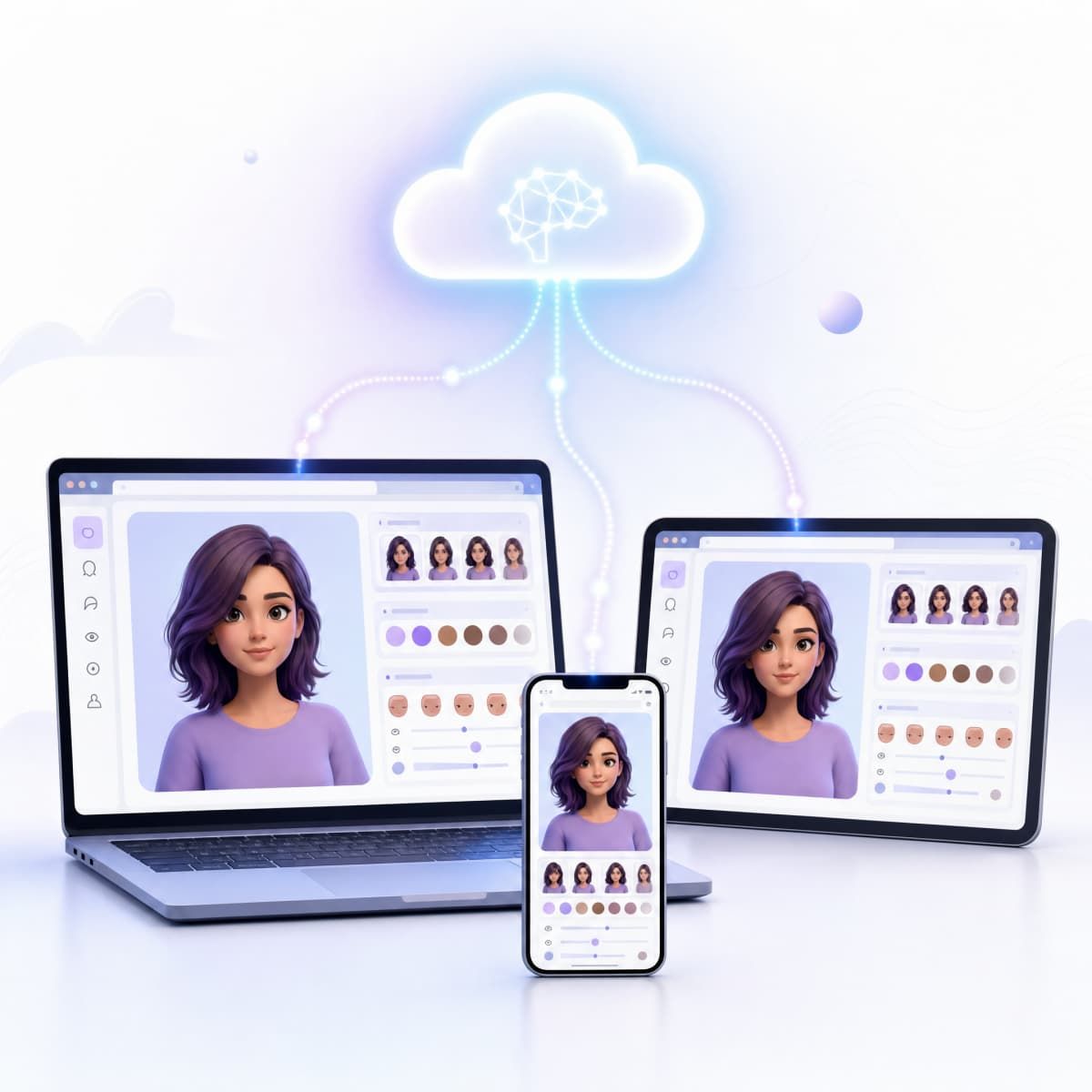
No downloads, no installs
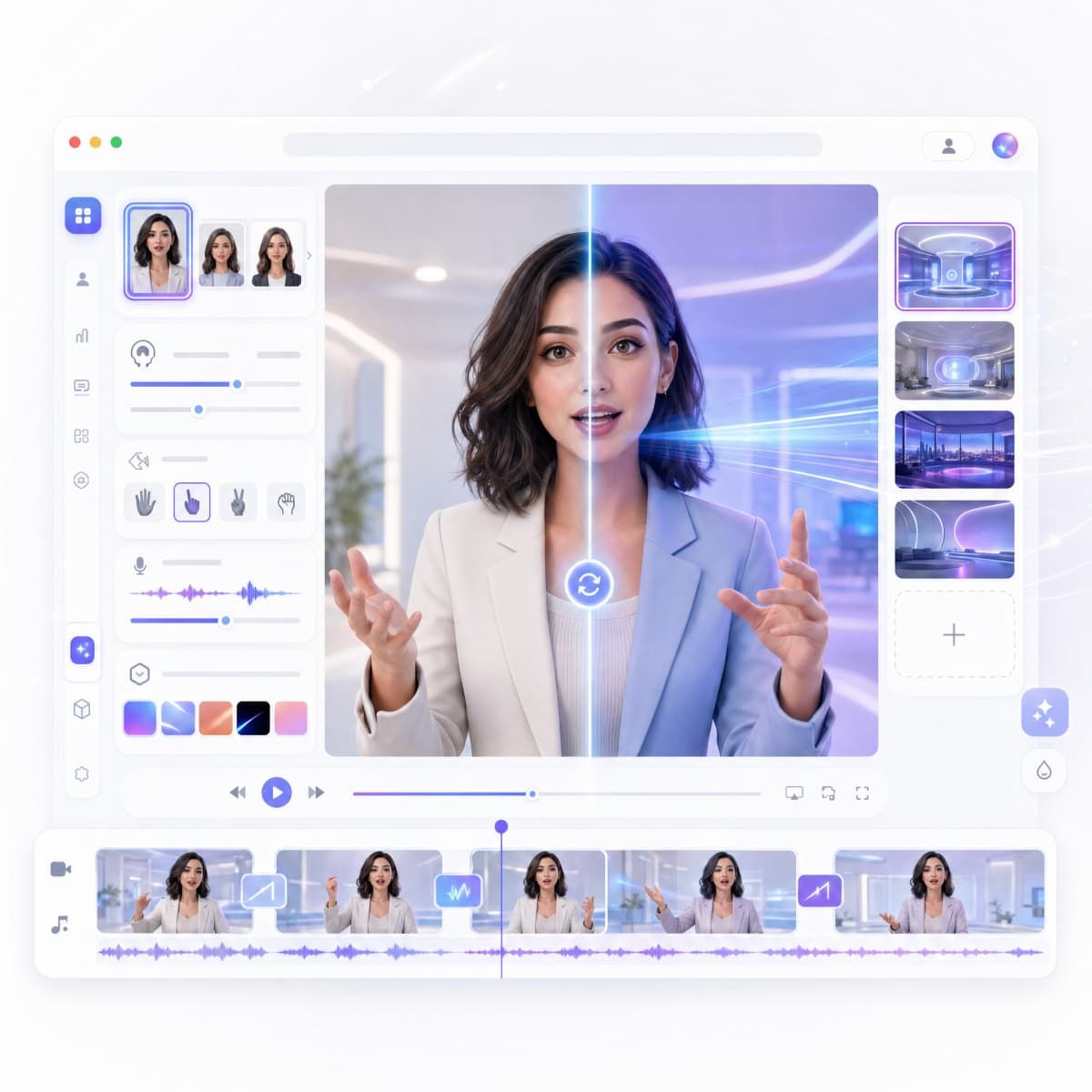
Real-time preview
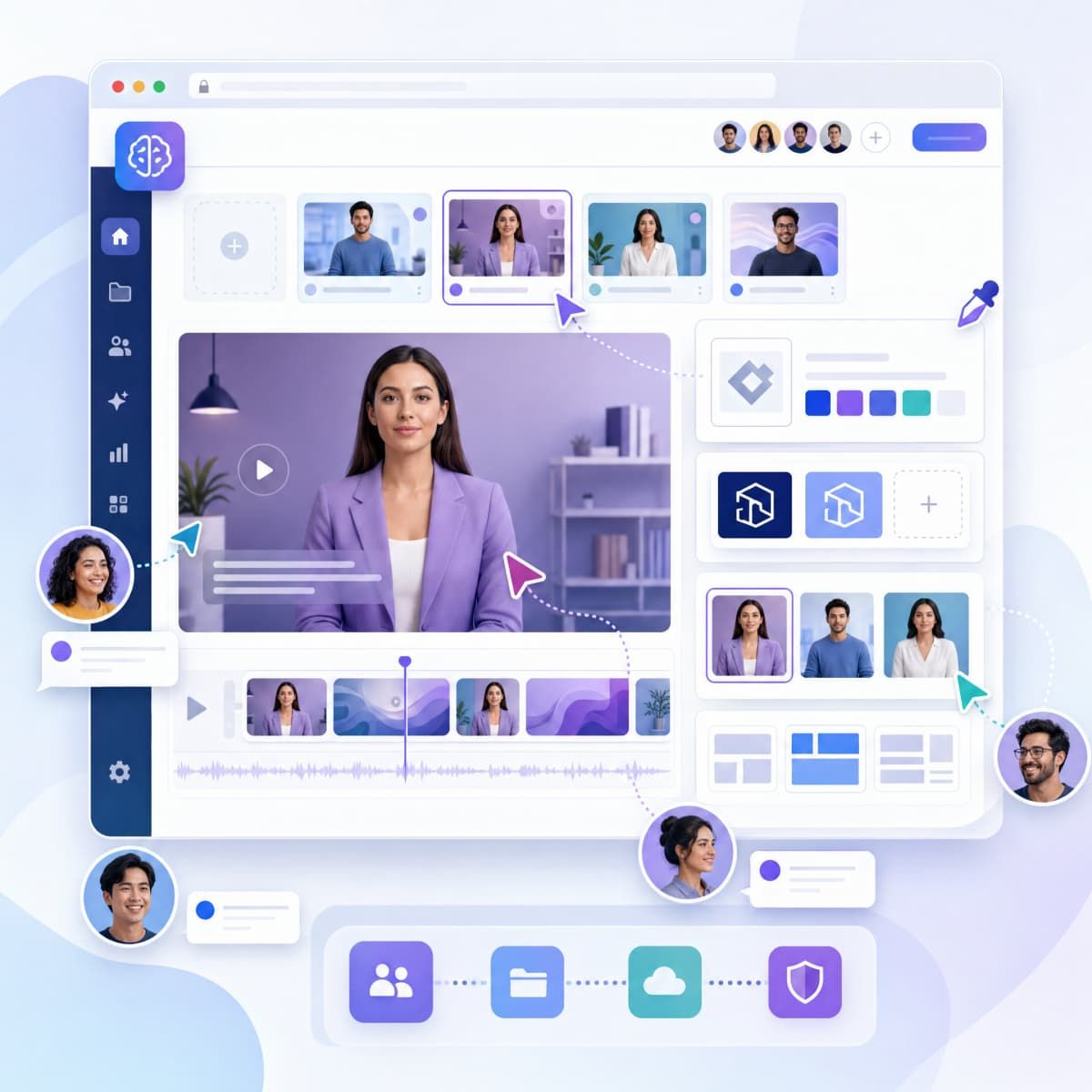
Team collaboration
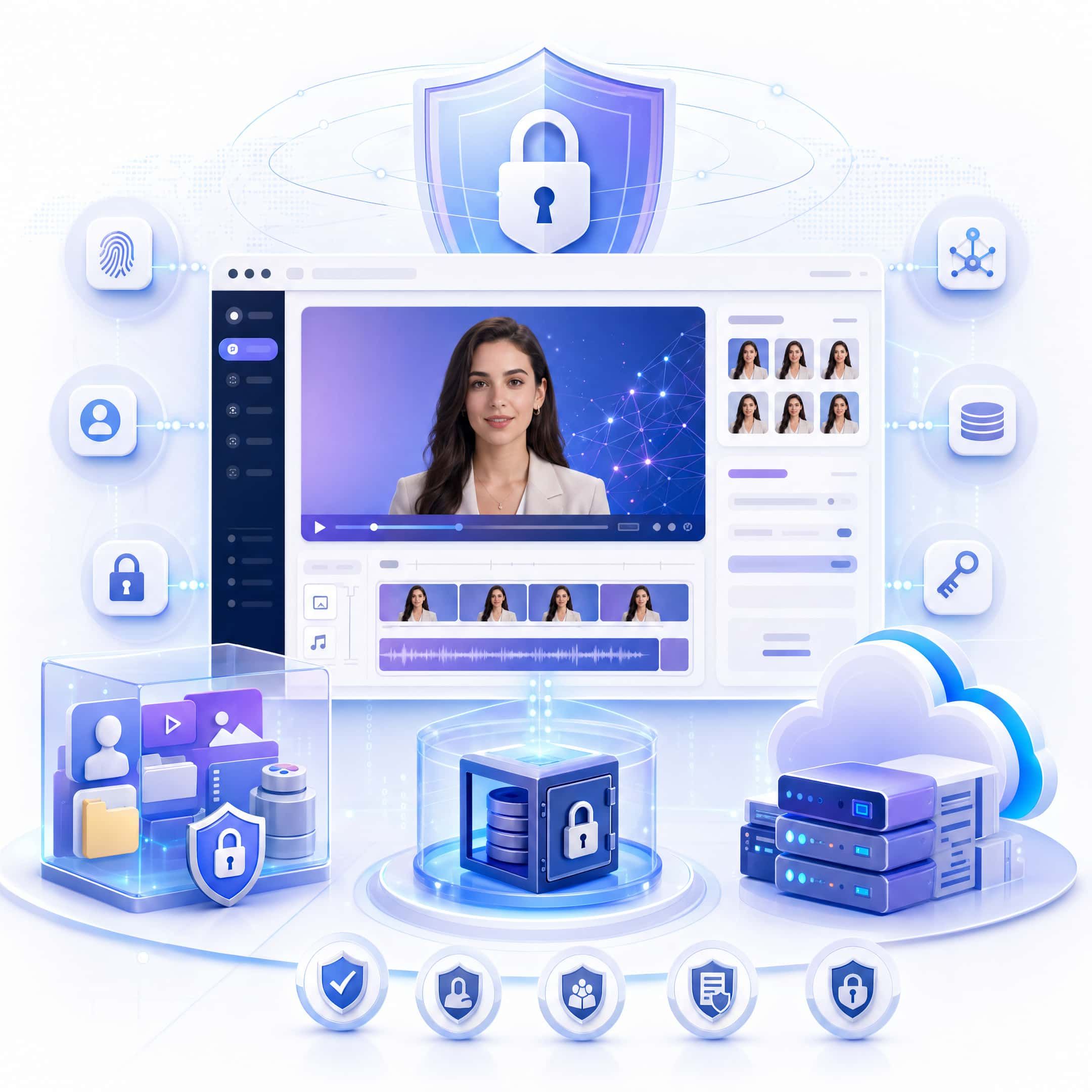
Enterprise security
Create Videos with Your Edited Avatar
Start from a document
Start from a script
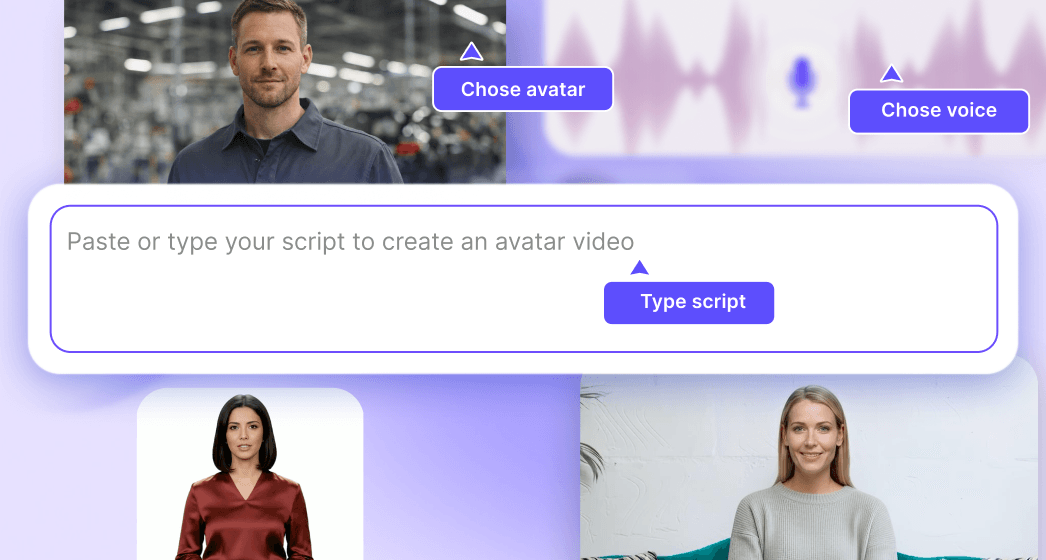
Start from a template
Frequently asked questions
Yes, you can start editing AI avatars for free with Leadde's trial. The online editor includes avatar selection, script editing, voice customization, and video preview. Advanced features like V4 full-body avatars and voice cloning are available in paid pl
No. Leadde's avatar editor runs entirely in your browser. There's nothing to download or install—just sign up, log in, and start editing.
Absolutely. Upload a photo to create your avatar, then use the editor to adjust voice, script, language, gestures, background, and more—all online.
You can export avatar videos in MP4 format at up to 4K resolution. Videos are optimized for social media, web, presentations, and internal communications.
Yes. Leadde supports team workspaces where you can share avatars, templates, scripts, and brand assets. Everyone edits in the same online environment for consistent, on-brand output.
Ready to edit your AI avatar online?
