
AI Video Course Creator



Trusted by the world's leading brands







Turn Your Course Materials into Video
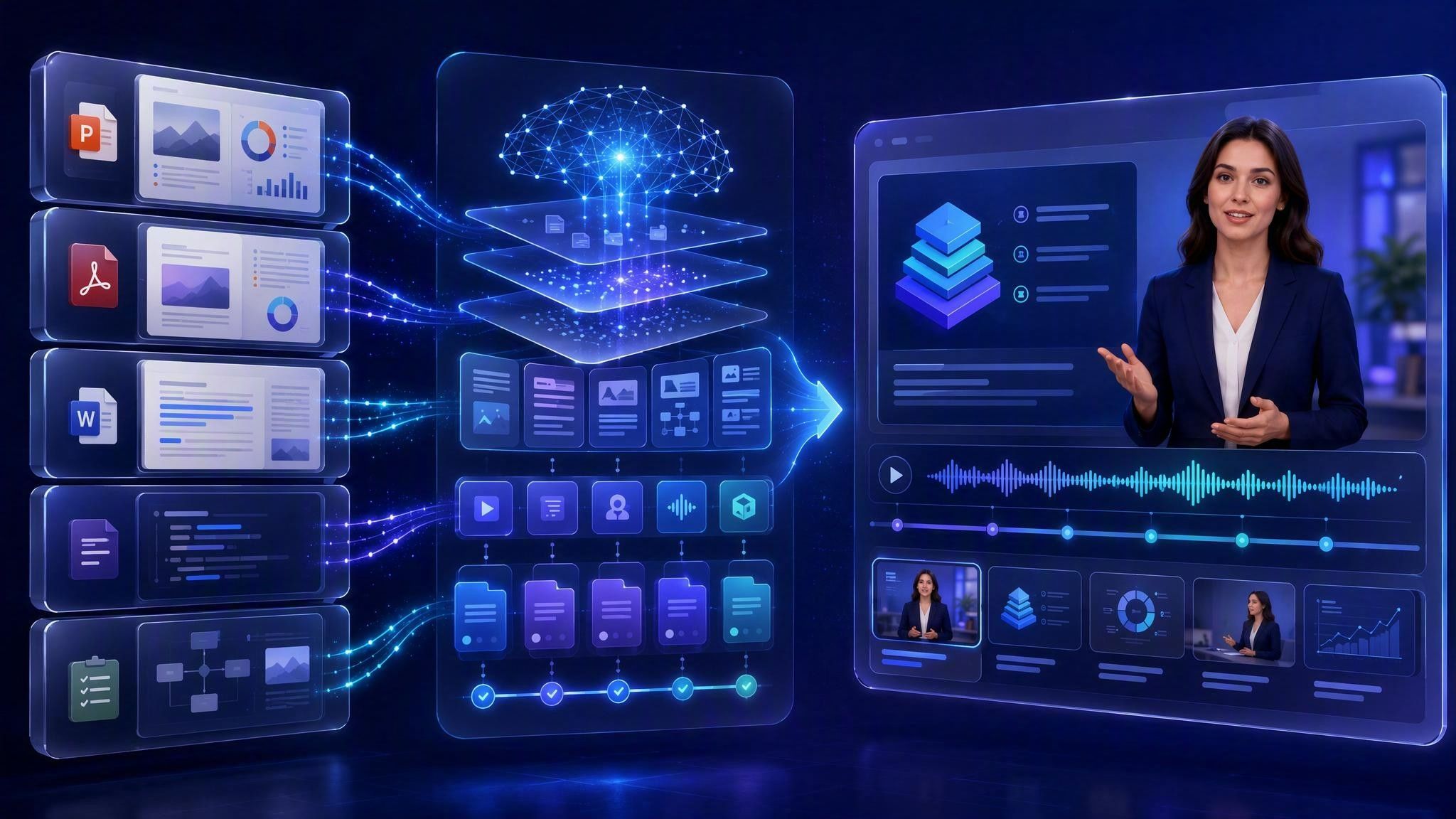
Upload your existing content, and Leadde turns it into a structured course video with narration, scenes, and an AI instructor.
PowerPoint presentations: Convert slides into narrated course content.
PDF documents: Turn textbooks, manuals, and reports into structured lessons.
DOC and DOCX files: Transform lesson plans and written materials into video.
Scripts and text: Start with an outline, notes, or completed narration.
Training documents: Convert policies, procedures, and internal knowledge into reusable courses.
Why Leadde is the Best AI Course Video Generator

Auto-Structure Lessons from Documents

AI Instructors with Natural Delivery
Choose from 200+ diverse AI avatars to serve as your course instructor. The Expressive IV Engine delivers natural facial expressions, content-aware gestures, and varied tone — set it to "Explanatory" for technical subjects or "Storytelling" for engaging narratives. As a versatile AI learning video generator, your AI instructor keeps learners focused without the cost of a camera crew.

Templates for Every Course Format

Translate Courses into 89 Languages
How to Create a Course Video with AI

Step 1: Upload Your Course Material
Log into the Leadde online app. Click "AI Video Creator" and upload your lesson plan, training document (PDF, DOCX), or PowerPoint presentation via "Slide Presenter." Set the detail level to "Comprehensive" for in-depth courses or "Summary" for quick overviews. Specify the audience (e.g., "Adult Learners" or "University Students") and training objectives. Our AI training course generator builds a structured, scene-by-scene course outline automatically.
Step 2: Customize Your Course Design
Step 3: Generate and Publish

AI Course Video Generator for PPT, PDF, and DOCX
Convert common course materials into videos without rebuilding your content from scratch.
PowerPoint to Course Video
Upload a PPT or PPTX file and turn the slide content into a narrated video lesson. Add an AI instructor, voiceover, supporting visuals, and a consistent course design.
PDF to Course Video
Convert textbooks, research materials, manuals, and training PDFs into structured video scenes with clear narration.
DOCX to Course Video
Transform lesson plans, course notes, SOPs, and written training documents into presenter-led videos.
Script to Course Video
Start with a completed script and use Leadde to add an instructor, voice, scenes, visuals, and branding.
Everything You Need to Create Course Videos
AI-Generated Course Structure
Leadde extracts the main ideas from your material and organizes them into clear, connected scenes.
AI Instructors
Choose from more than 200 AI avatars to present your lessons without arranging a filming session.
Natural Voiceover
Select a voice and delivery style that matches your subject, audience, and course format.
Editable Scripts and Scenes
Review the generated narration, expand important sections, shorten repetitive content, and add your own examples.
Professional Course Designs
Choose a ready-made visual layout for lectures, tutorials, step-by-step lessons, and chapter-based content.
Images, Charts, and Diagrams
Add supporting visuals to explain processes, data, systems, and complex ideas more clearly.
Trusted by Educators and Course Creators
Leadde empowers teachers, instructional designers, corporate trainers, and independent course creators to produce professional video courses without video production expertise.
Free AI Course Video Generator
Update Course Content Instantly
Interactive Learner Q&A
Track Learner Engagement
Course Video Ideas & Use Cases
University Lecture Recordings
Transform lecture notes into structured video lectures with AI instructors. Perfect for flipped classrooms and distance learning.
Corporate Training Programs
Convert compliance manuals and SOP documents into multi-lesson training courses using our AI eLearning video creator. Ensure consistency across all departments.
Online Course Marketplace Content
Create polished course videos for Udemy, Teachable, or Skillshare. Upload your documents and publish courses faster than filming.
Certification & Assessment Prep
Build focused review courses covering key concepts and exam strategies — presented by an AI instructor with clear delivery.
Professional Development & Upskilling
Create bite-sized course videos for software training, leadership, or certifications with the AI microlearning video maker. Learners complete at their own pace.
K-12 Supplementary Learning
Frequently asked questions
An AI video course creator turns presentations, lesson plans, documents, and scripts into structured course videos. It can organize the content, generate narration, create scenes, and present the lesson through an AI instructor.
Upload your course material, review the AI-generated structure and narration, choose an instructor and voice, customize the scenes, and generate the final video.
Yes. Upload a PPT or PPTX file and use Leadde to turn the slide content into a narrated course video with an AI instructor and supporting visuals.
Yes. Leadde can convert textbooks, manuals, reports, and training PDFs into structured video scenes.
Leadde supports PPTX, PDF, DOC, DOCX, and TXT files up to 200 MB. You can also start with a topic, pasted text, or finished script.
Yes. You can review and edit the script, expand or shorten sections, add examples, adjust the visuals, and refine individual scenes before generating the video.
Create Your Course Video with AI
Turn your PPTs, PDFs, lesson plans, and training documents into structured course videos with AI instructors and narration.
Upload your content, review the generated course, customize the presentation, and publish it for your learners.
