
Statistics Animation Maker
Create statistics animation videos that explain what a distribution, sample, or interval means. Use Leadde to draft Motion visuals from your teaching prompts, add narration, and review the numbers and labels before sharing the lesson with your learners.
Create Statistics Lessons With Leadde
Build a Lesson Around Sampling
Describe the Motion You Need
Add a Spoken Explanation
Prepare Versions for Your Learners
How to Create a Statistics Animation
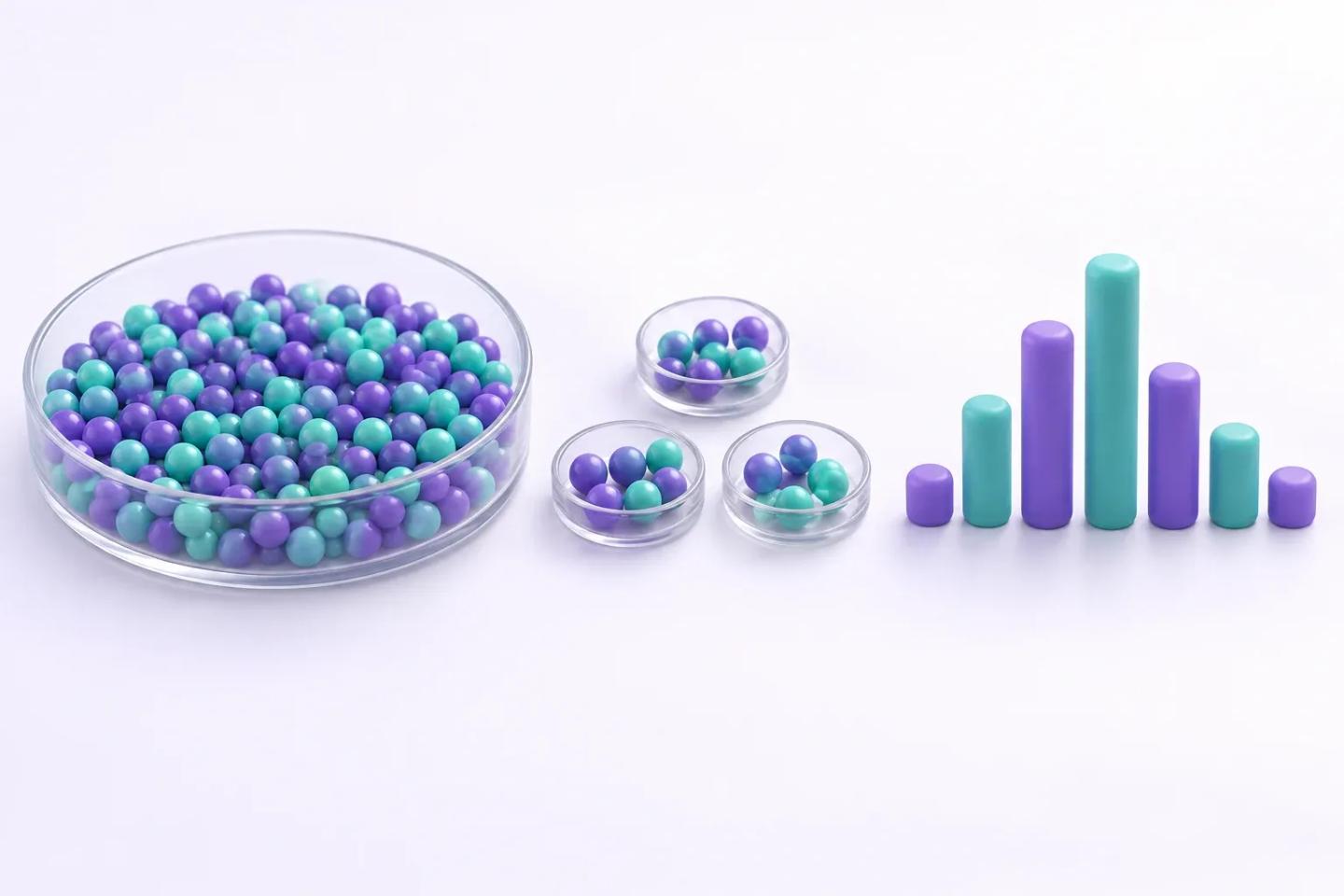
Step 1: Define the Lesson and Check the Example
Step 2: Generate and Assemble the Scenes
Step 3: Review, Render, and Share
Plan a Clear Visual Sequence
Choose one idea for the lesson and describe what should change between scenes. The illustration is a simplified concept for planning a visual explanation.
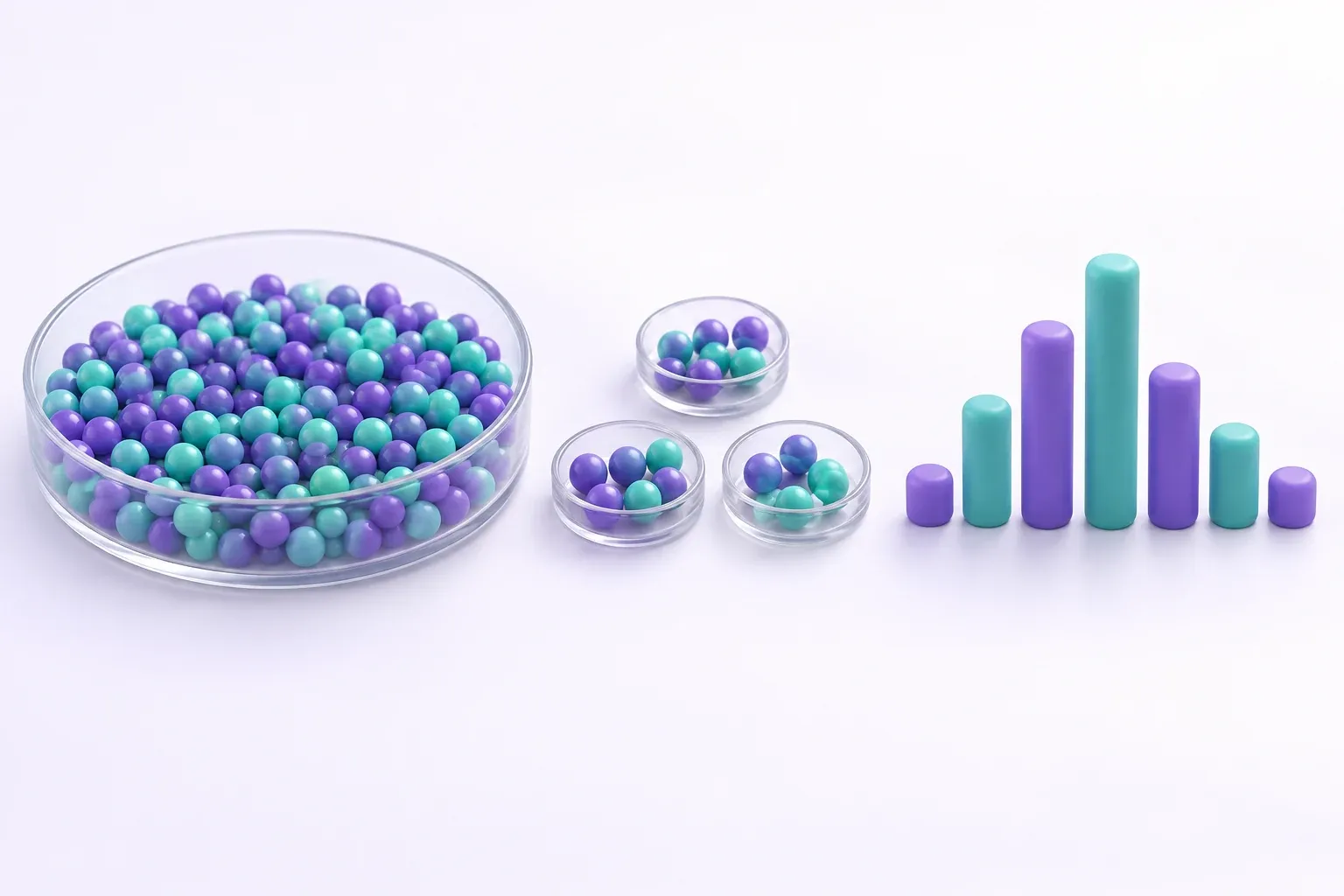
Statistics Concepts Worth Showing in Sequence
Population and Sampling Animation
Distribution and Variability Animation
Confidence Interval Explainers
Hypothesis Testing and P-Values
Statistics Animation Ideas and Use Cases
Introductory Statistics Classes
Research Methods Courses
Data Literacy Training
Exam Preparation and Tutoring
Prepare a Lesson You Can Reuse
Keep Each Clip Focused
Use Your Course Terminology
Revise the Saved Lesson
Choose the Right Visual Source

Before You Share Your Statistics Video
Keep the Source of Each Number
Use Comparable Axes
State the Assumptions
Review the Narration
Related Statistics and Science Lessons
Math Animation
Explore related animated lesson topics.
Data Animation
Explore related animated lesson topics.
Graph Animation
Explore related animated lesson topics.
Infographic Animation
Explore related animated lesson topics.
Computer Science Animation
Explore related animated lesson topics.
Science Animation
Explore related animated lesson topics.
Tools for Building Your Lesson Video
AI Motion Graphics Generator
Use this tool as part of your video creation workflow.
AI Educational Video Maker
Use this tool as part of your video creation workflow.
AI Learning Video Generator
Use this tool as part of your video creation workflow.
Explainer Video Maker
Use this tool as part of your video creation workflow.
PowerPoint To Video
Use this tool as part of your video creation workflow.
Video Translation
Use this tool as part of your video creation workflow.
FAQs
You can develop a narrated teaching video about sampling, variation, and statistical reasoning. Start with reviewed material, draft visual assets using Motion, then assemble and check the explanation before you share it.
This page is for making narrated teaching videos. Supply statistics you have calculated and checked in your preferred analysis tool. Review generated visuals against those values; do not treat the animation as statistical analysis or a source of computed results.
Create a short introductory statistics animation comparing a population with three random samples. Use coloured dots, keep the population unchanged, and explain why the sample means can differ. Treat all values as hypothetical.
Motion generation uses credits. Review the credit cost shown in the product before generating, and check the pricing page for current plan allowances and export options.
Ready to Try Leadde?
Bring a checked statistics example and start building your lesson. Describe the visual sequence, review the draft, and add your explanation.
