
Create Videos with Lifelike AI Avatars
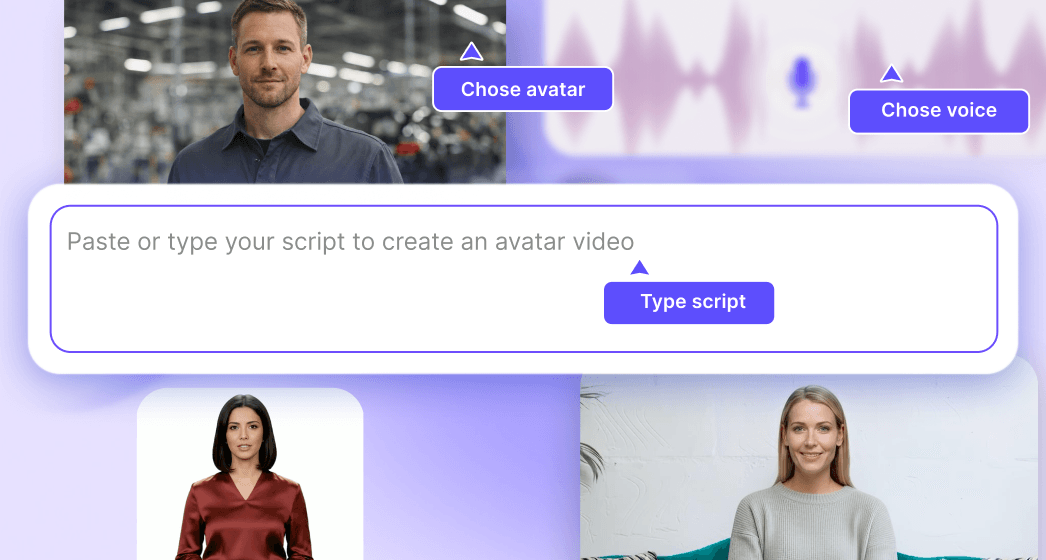
Pick an avatar
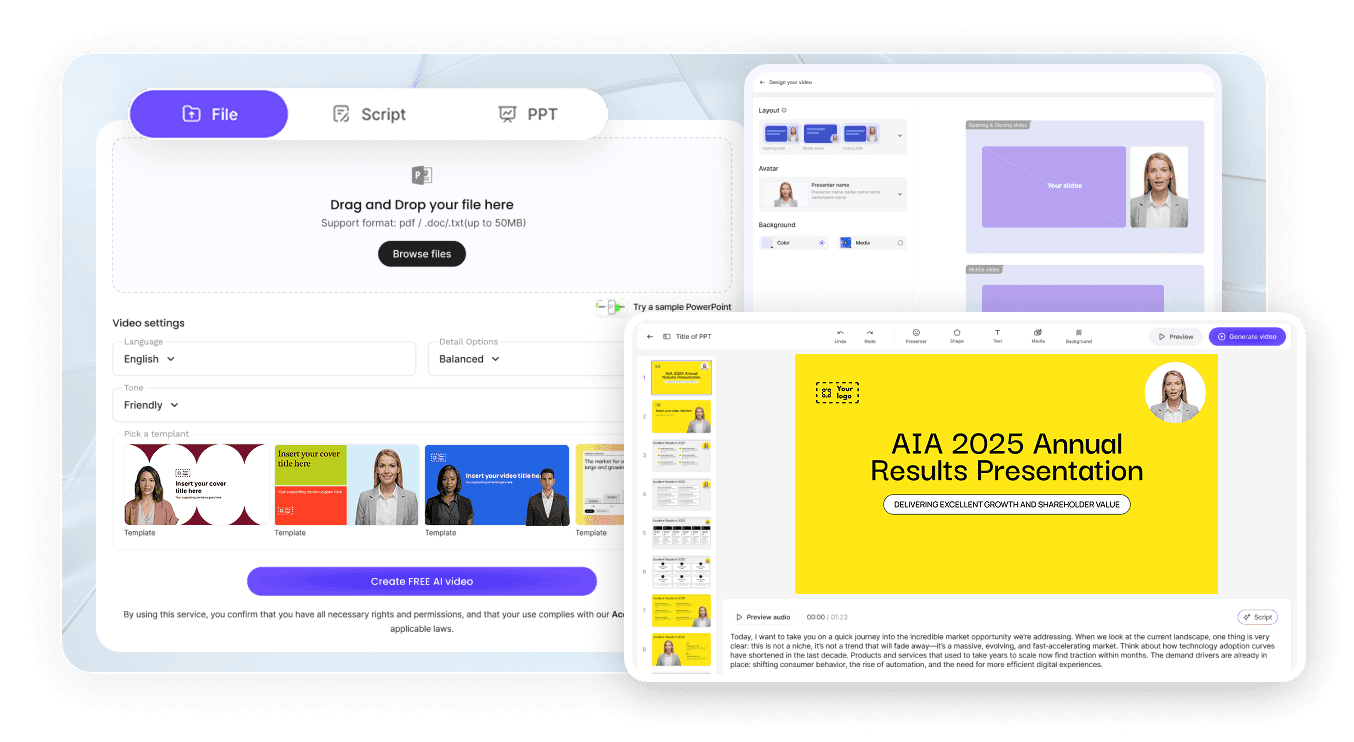
Type your script in any language
Trusted by the world's leading brands







Leadde vs Synthesia vs HeyGen: AI Avatar Video Generator Comparison



Leadde V4 AI Avatar Engine
High-fidelity, full-body motion generation
Content-aware gestures and expressive delivery
Photo-based avatars, no training required
Explore 300+ AI Avatars for Every Industry
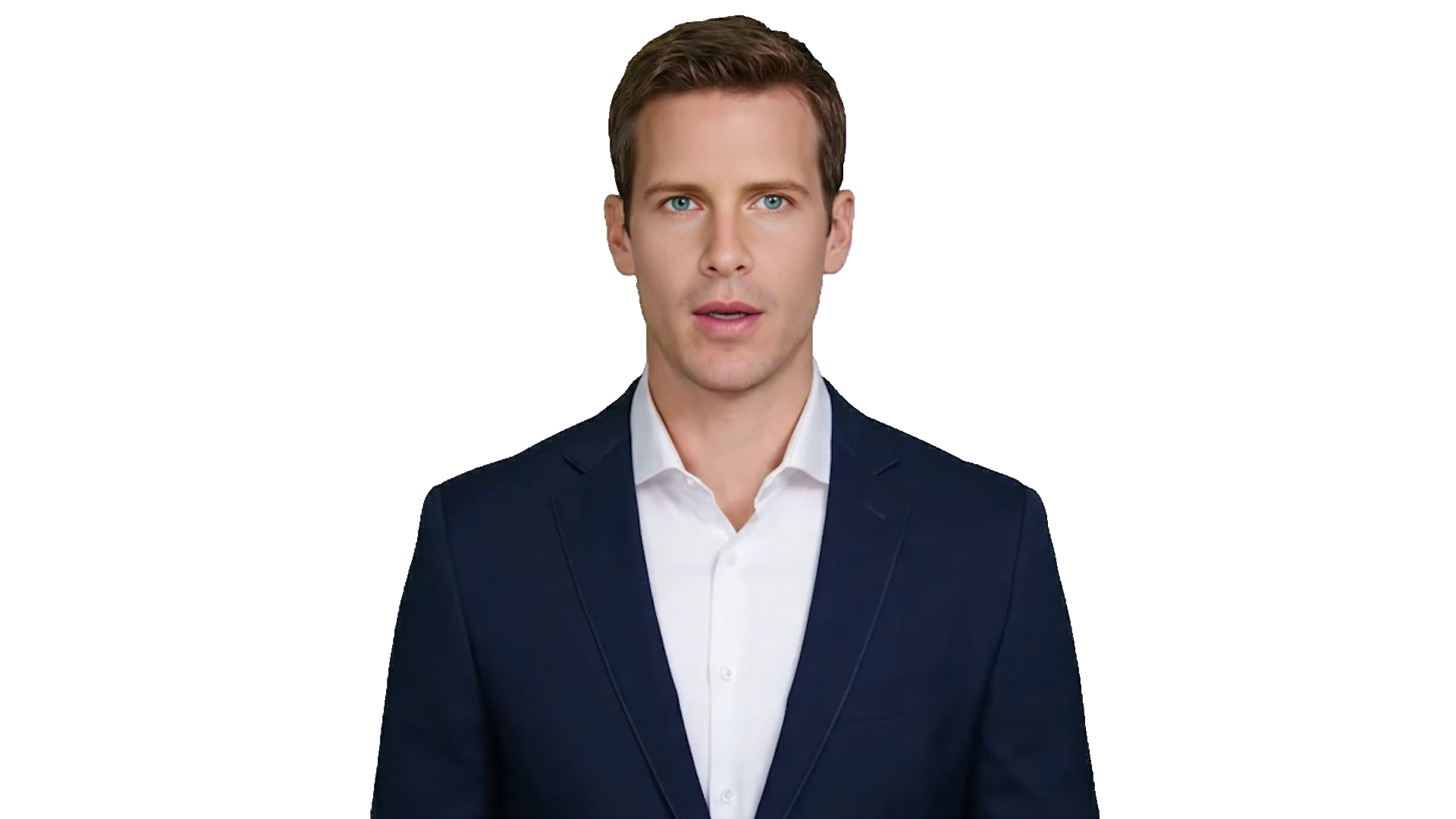
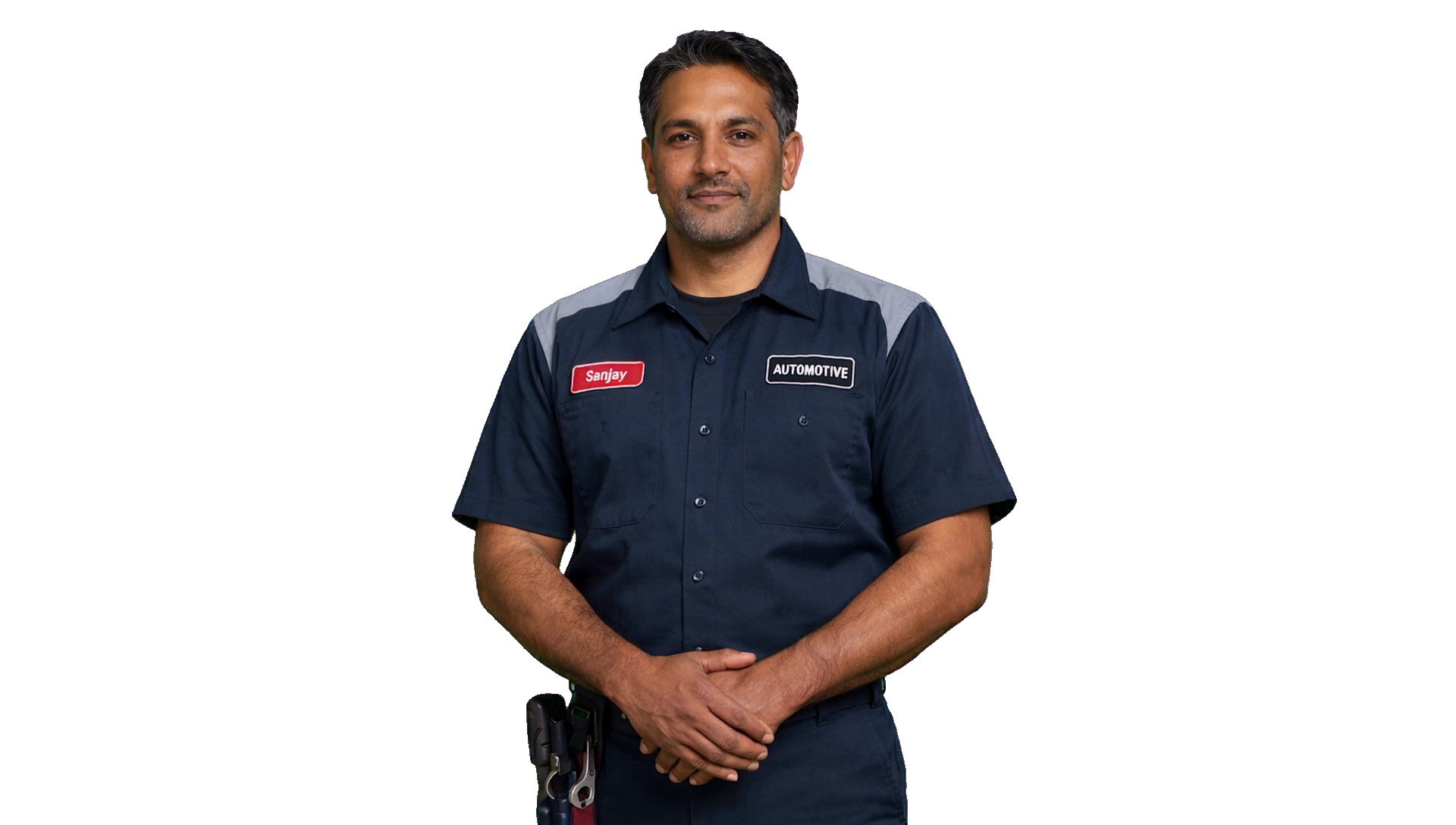
Multilingual global reach


Multilingual AI Avatar Videos (170+ Languages)
Speak naturally in 170+ languages with 100+ lifelike voices — perfect for global audiences, localized content, and seamless communication.
AI Avatar Models Compared: Traditional Avatars vs V3 vs V4
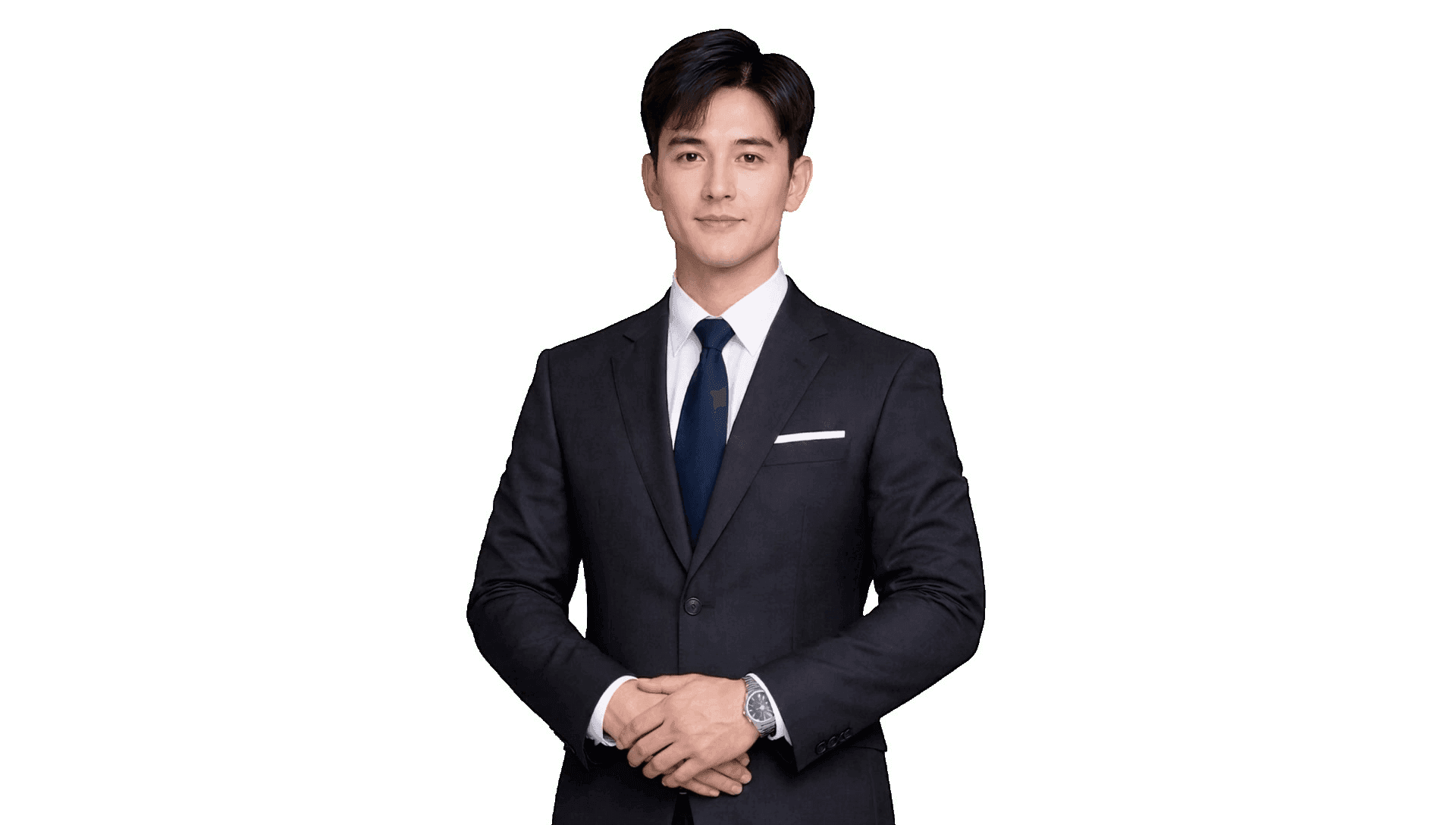
Traditional avatars
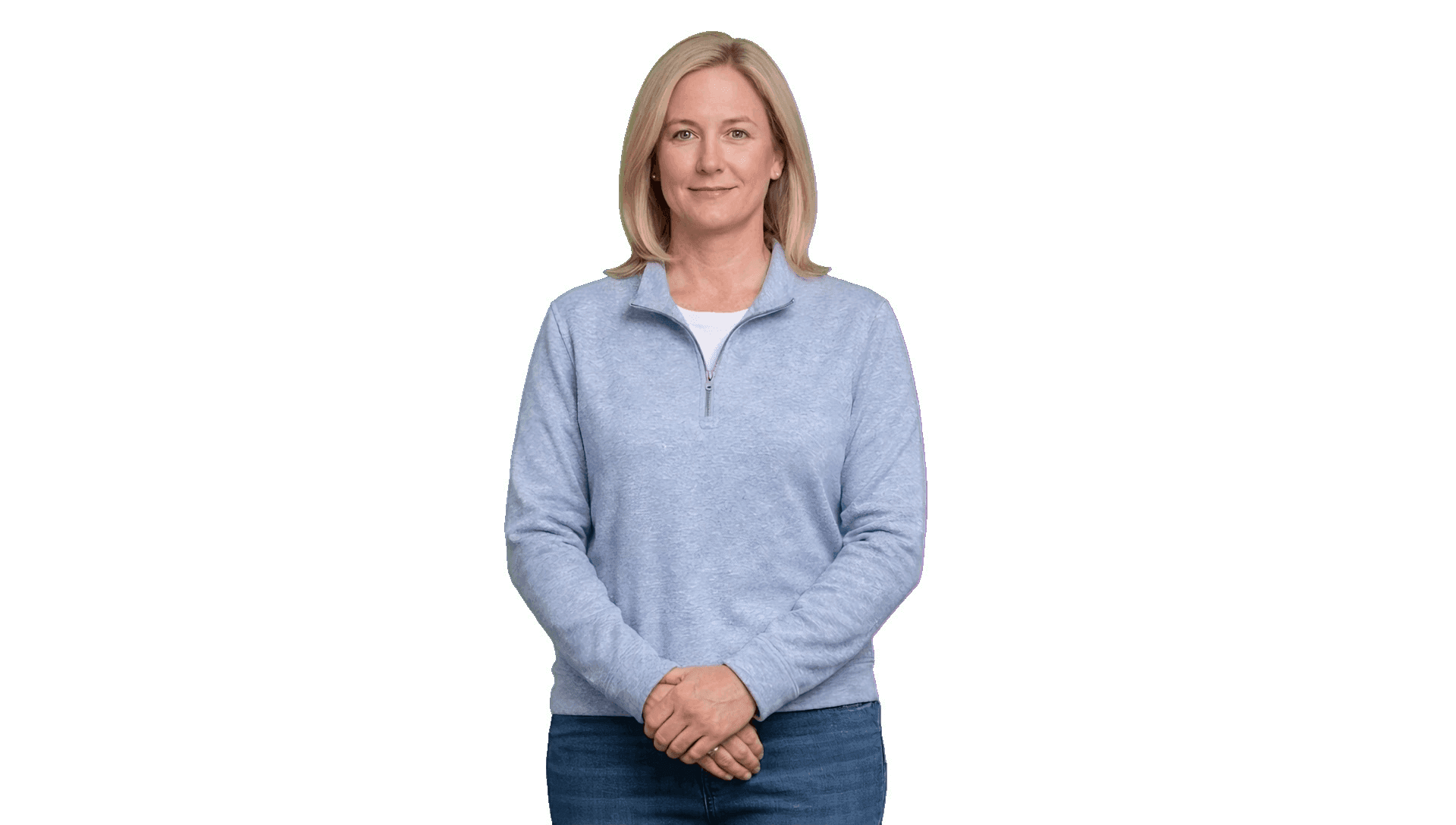
Leadde standard avatars (V3)

Leadde express avatars (V4)
Create an AI Avatar from a Single Photo (No Recording)
Upload a single photo and instantly create a fully animated picture avatar—ready for video generation across both V3 and V4 engines.
Upload or generate your photo
Pick or clone your voice
Choose from our voice library or clone your own voice in seconds. Leadde's text to speech avatar technology matches the tone, style, and language to fit your content.
Preview & create
See your avatar come to life in the avatar editor online, choose between V3 face-driven or V4 full-body engines, and generate your video in just a few clicks.
Why Leadde Is the Best AI Avatar Video Generator?
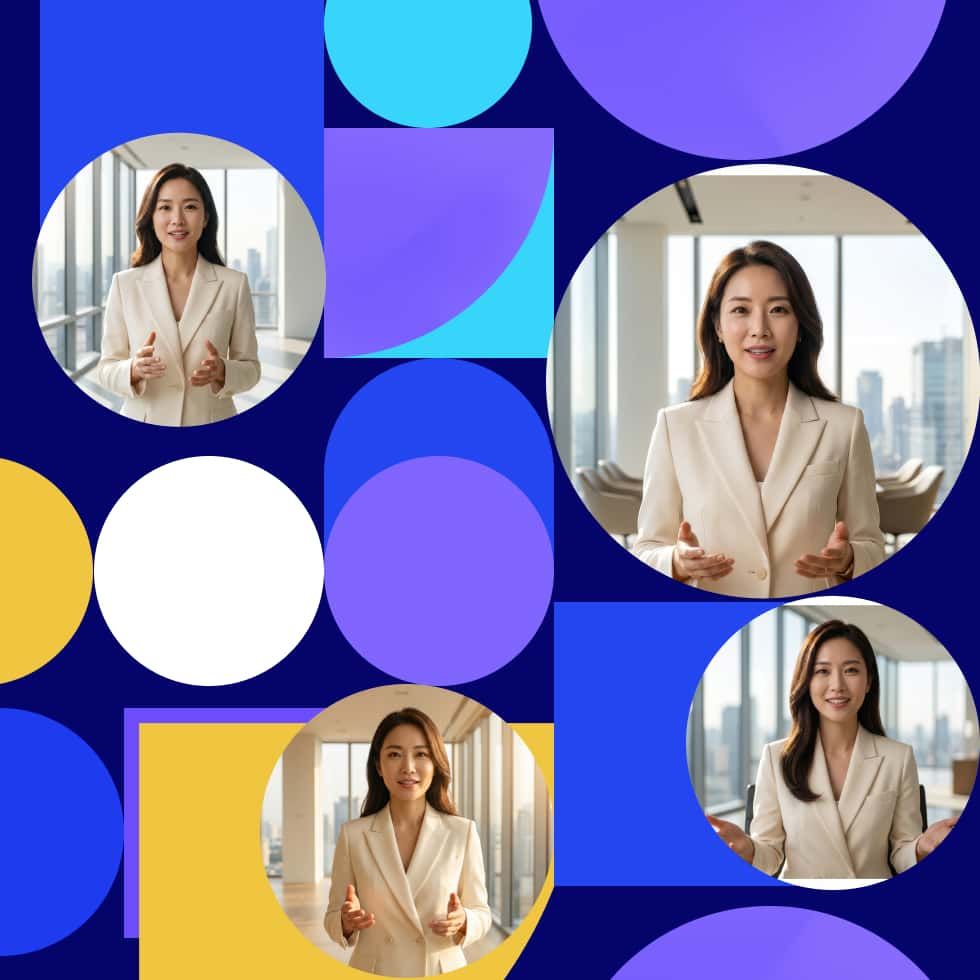
4K resolution & natural gestures
Produce stunning AI avatar videos in up to 4K resolution with smooth, content-aware gestures and natural facial expressions—powered by Leadde's V4 full-body engine. For face-driven formats, try our AI talking head generator.
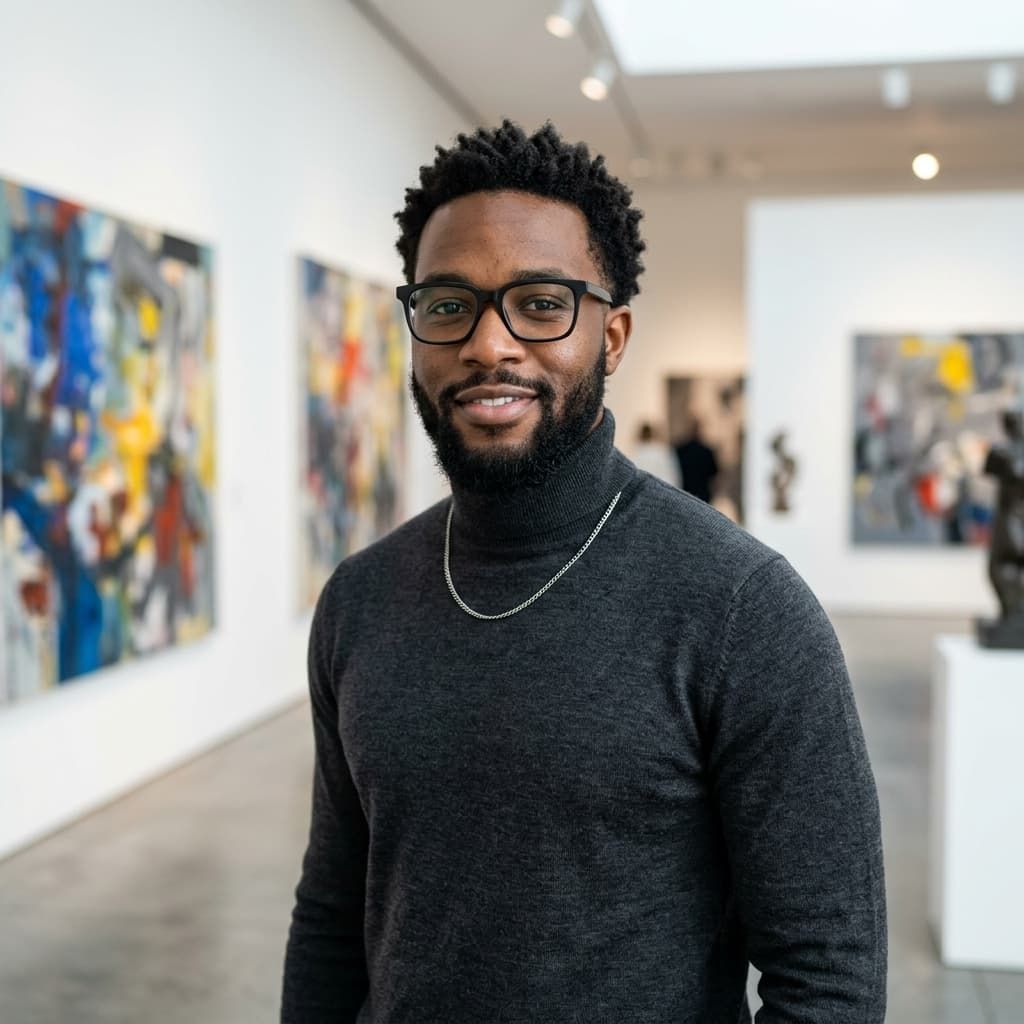
Custom photo avatars
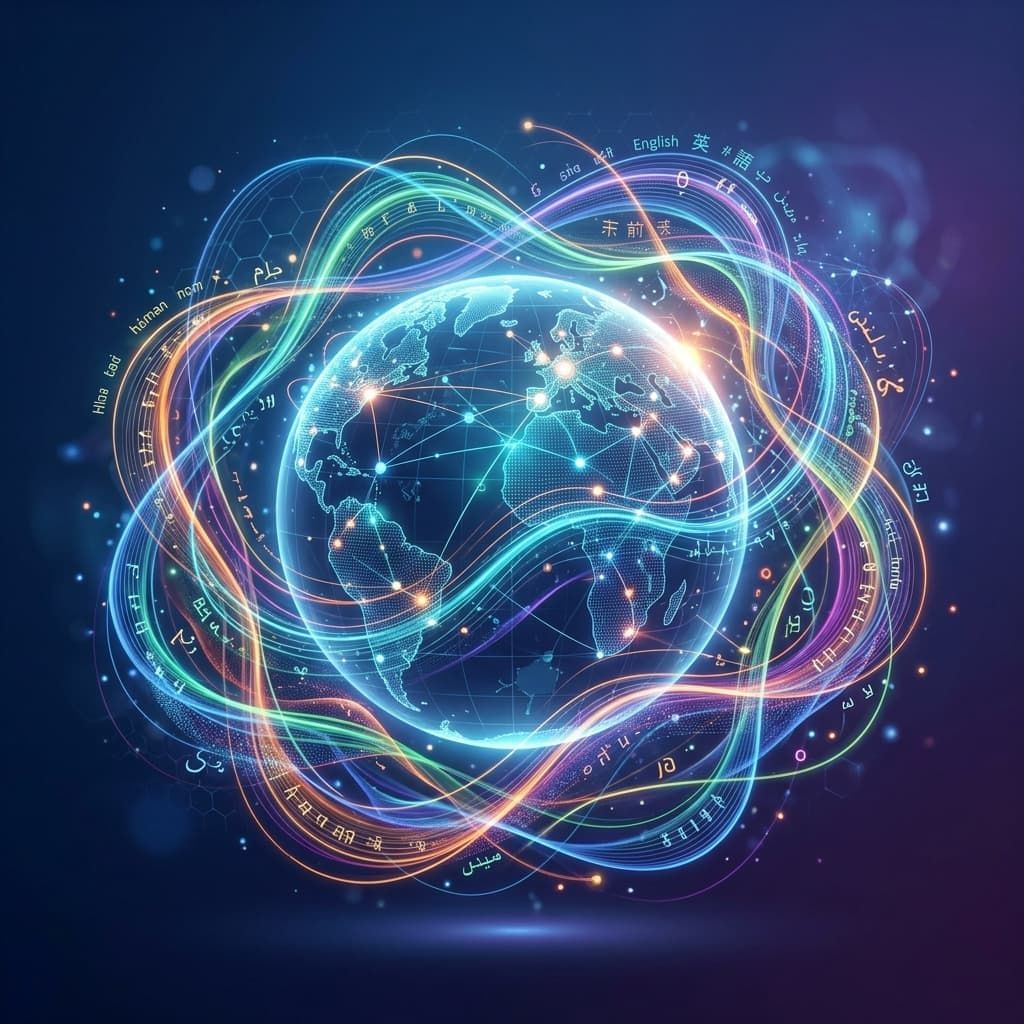
Multilingual, same identity

Cost-efficient & SOC 2 / ISO / GDPR compliant
Create videos with your AI avatar
Start from a document
Start from a script
Start from a template
Frequently asked questions
An AI avatar video generator lets you turn scripts, documents, or templates into videos featuring lifelike digital presenters. With Leadde, you can create professional, multilingual videos without filming or recording
No. You can generate an avatar instantly from a photo — no recording required. You can also choose from our library of pre-built AI avatars. If you're looking to create a high-quality studio avatar using green-screen footage, please contact us for a custo
For best results, please upload a real, high-quality photo of yourself. Cartoon images, filters, screenshots, or heavily edited photos are not supported, as the system relies on realistic facial details to generate accurate and natural avatars.