
AI Presenter Generator


Trusted by Leading Universities & Institutions Worldwiide











What Is an AI Presenter?
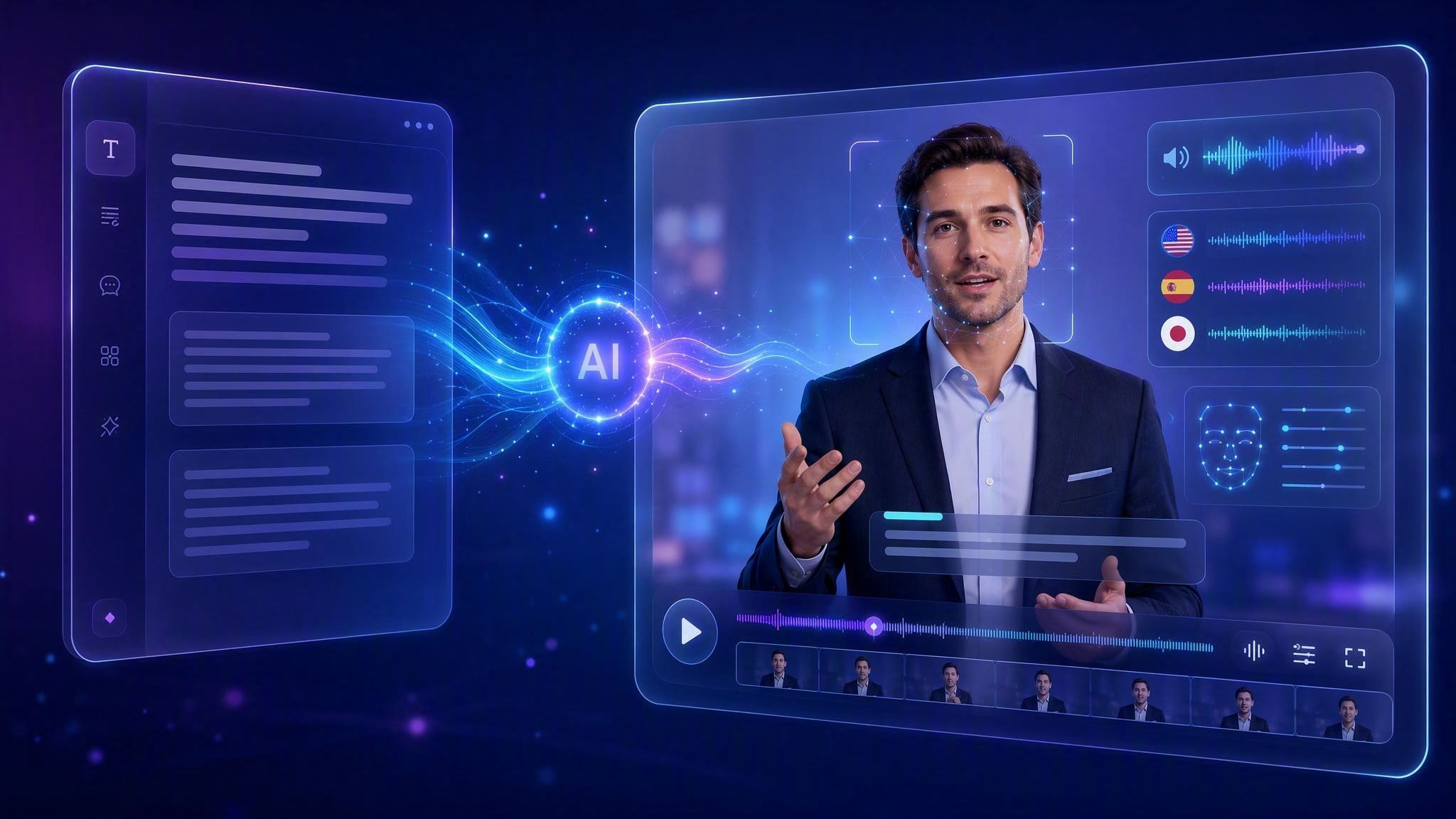
An AI presenter is a digital presenter that turns your content into a presenter-led video without requiring you to film a human speaker. With Leadde, you can add text, scripts, PPTs, PDFs, or documents, then generate structured scenes, narration, visuals, voice, and an AI avatar. Avatar O goes beyond reading a script by interacting with on-screen content as it explains.
Leadde vs Synthesia vs HeyGen: AI Avatar Video Generator Comparison



How to Create an AI Presenter Video

Step 1: Add Your Content
Start with a topic, text, script, PPT, PDF, DOC/DOCX, or TXT file. Leadde reads the source content and identifies the structure and key information to explain.
Step 2: Let AI Build the Presentation
Leadde generates the outline, narration, scenes, visual layout, subtitles, and highlights. Choose how detailed the presentation should be and adjust the script or scenes as needed.
Step 3: Add Your AI Presenter
Select an AI avatar and voice, including Avatar O for a more presentation-focused experience. Generate the video, review the scenes, and update the content whenever your source material changes.
Why Use Leadde’s AI Presenter?
A Presenter, Not a Narrator
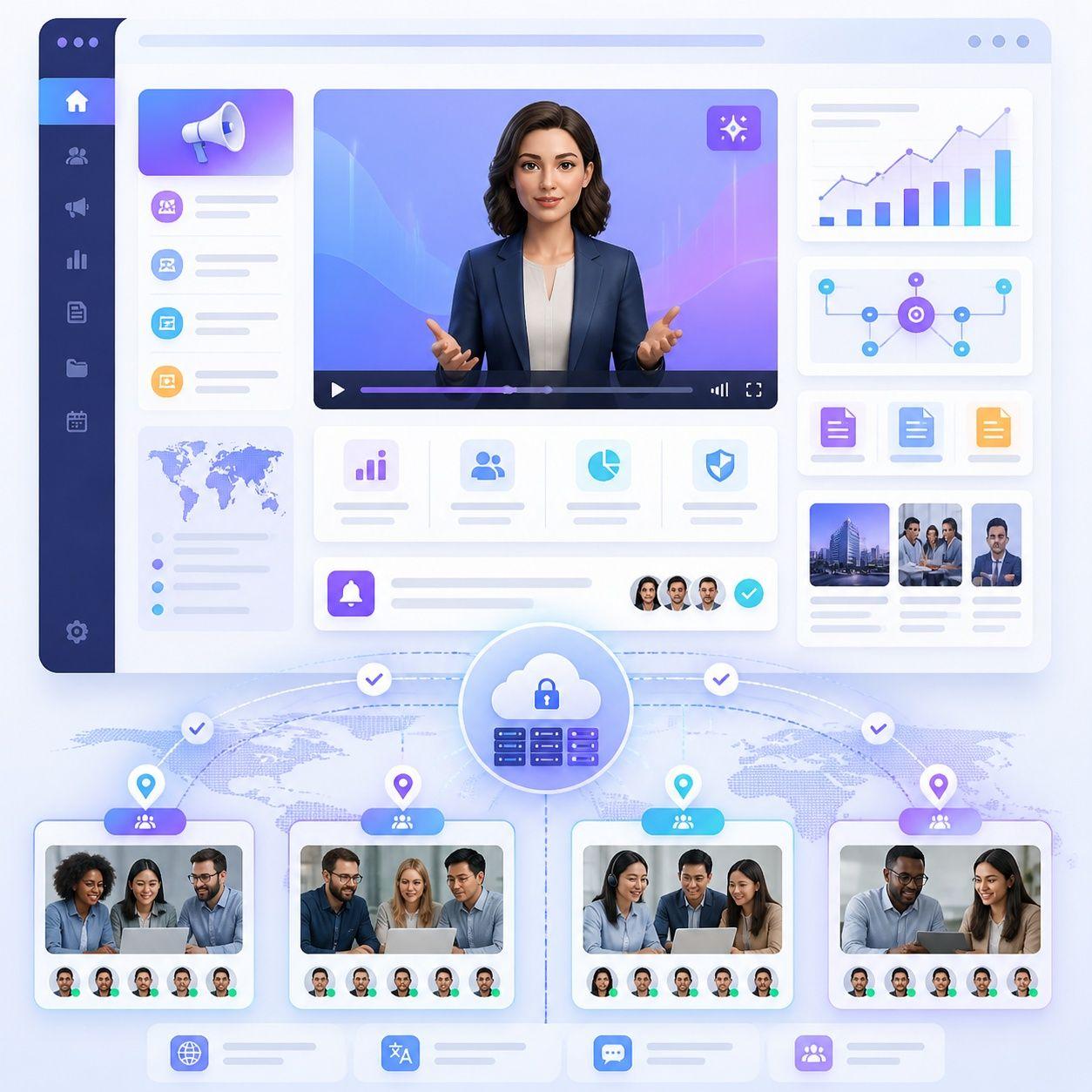
Talking avatars can speak. Avatar O can teach. It can move, point, and use gestures while explaining on-screen material, creating a more presentation-like experience than a static avatar reading a script.
Turn Content Into a Presentation
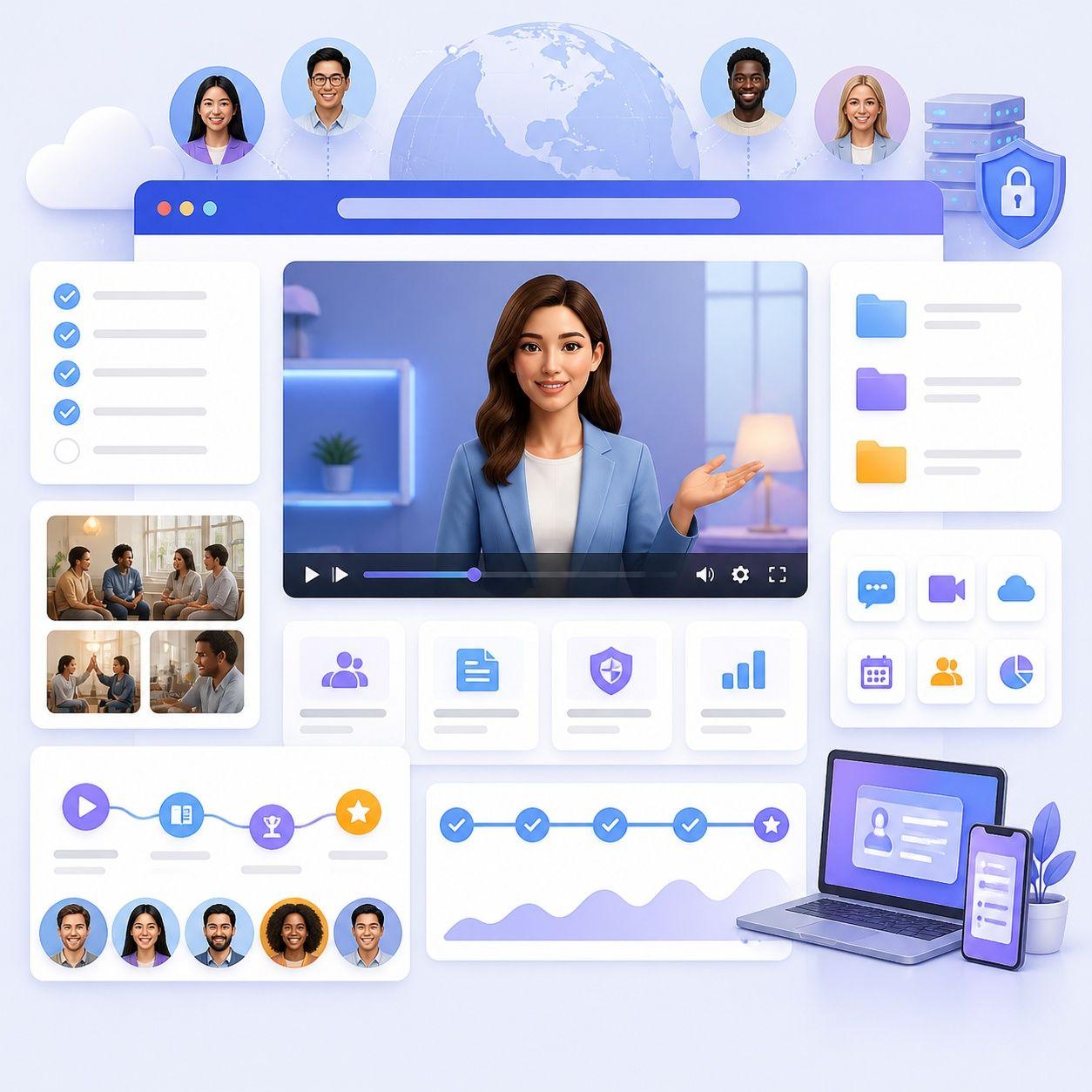
Upload a PPT, PDF, document, text, or script. Leadde analyzes the source material, creates an outline and narration, and restructures it into scene-by-scene video content instead of simply recording slides.
Choose Avatars and Voices
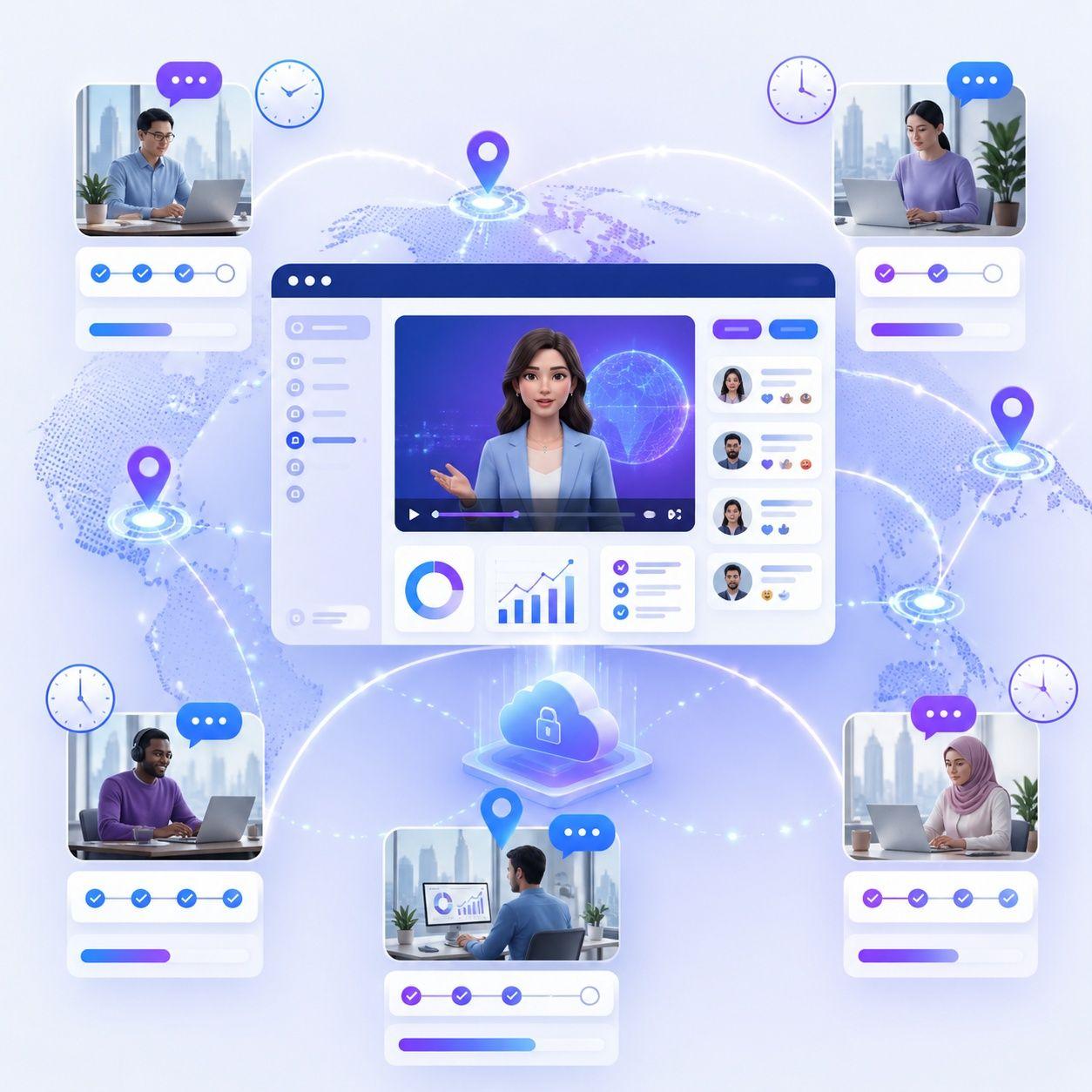
Create presenter videos with Leadde’s library of 300 AI avatars, use supported custom avatar options, or hide the avatar for voice-over-only videos. Leadde also provides 100+ AI voices and voice cloning.
Create Multilingual Presenter Videos
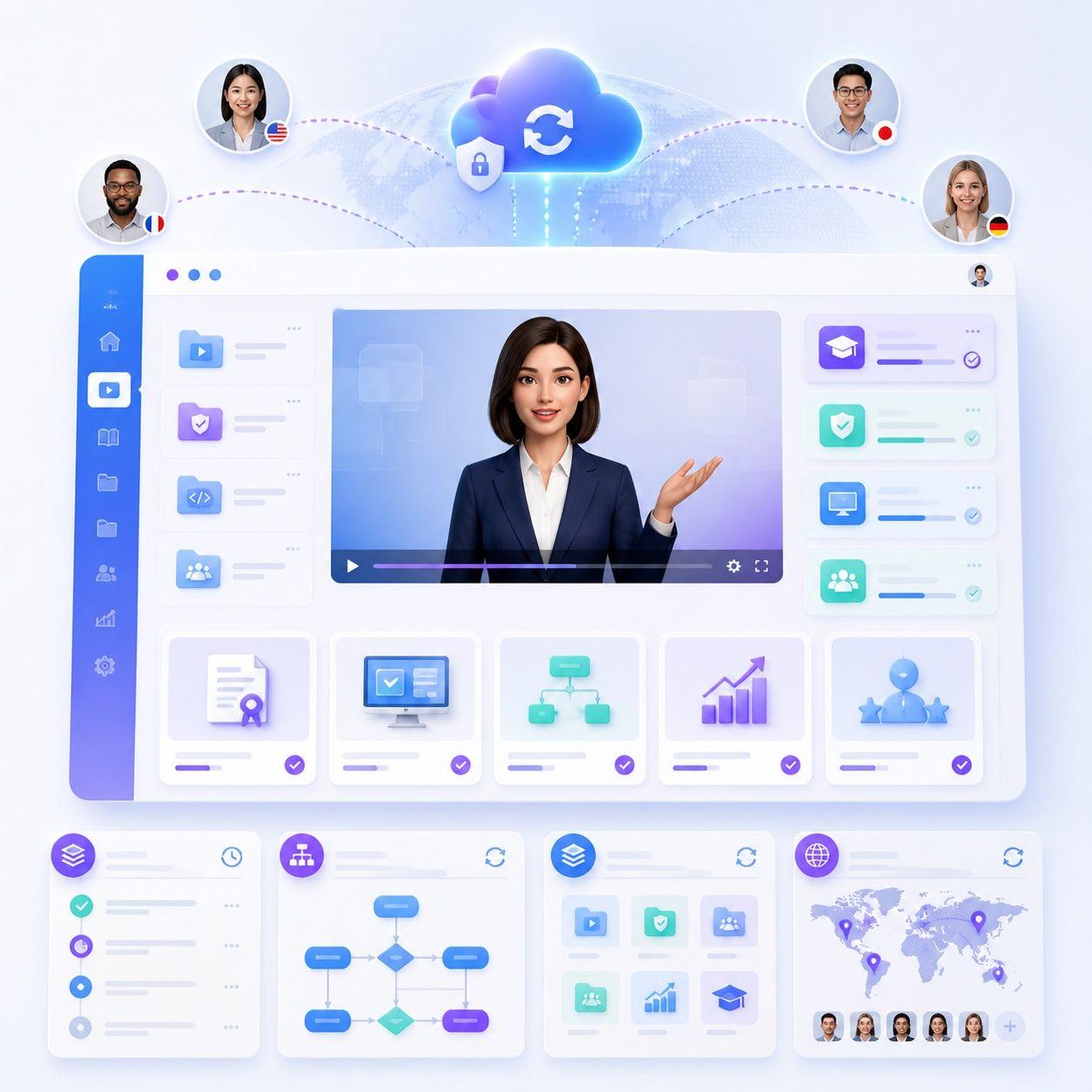
Adapt presenter videos for global audiences with 88 languages and 175 dialects. Leadde also supports video translation, dubbing, subtitles, on-screen text translation, and optional lip sync.
Who Is an AI Presenter For?
Teachers and Educators
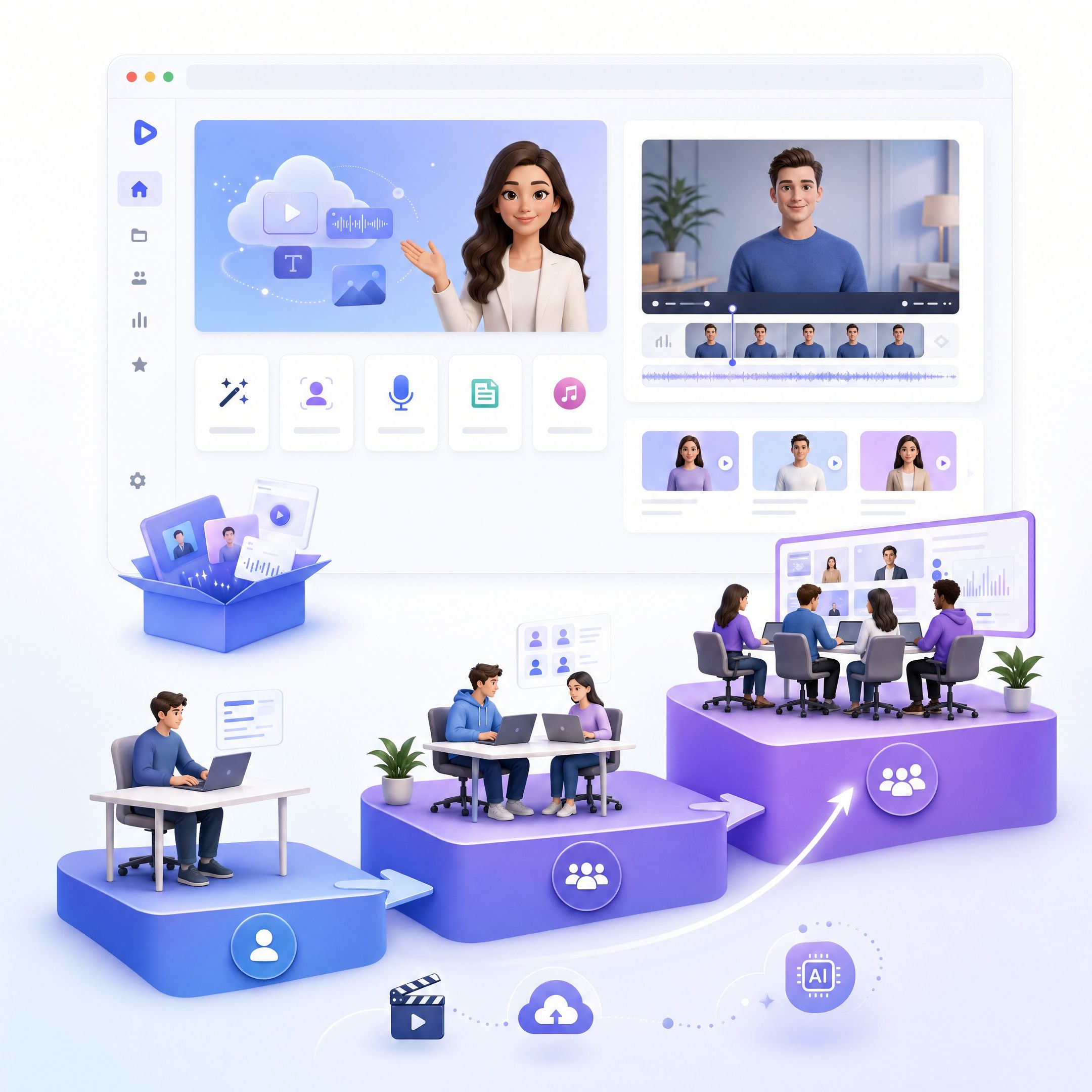
Turn lecture notes, presentations, PDFs, and course materials into presenter-led lessons where the digital presenter can guide attention to important visual content.
Training and L&D Teams
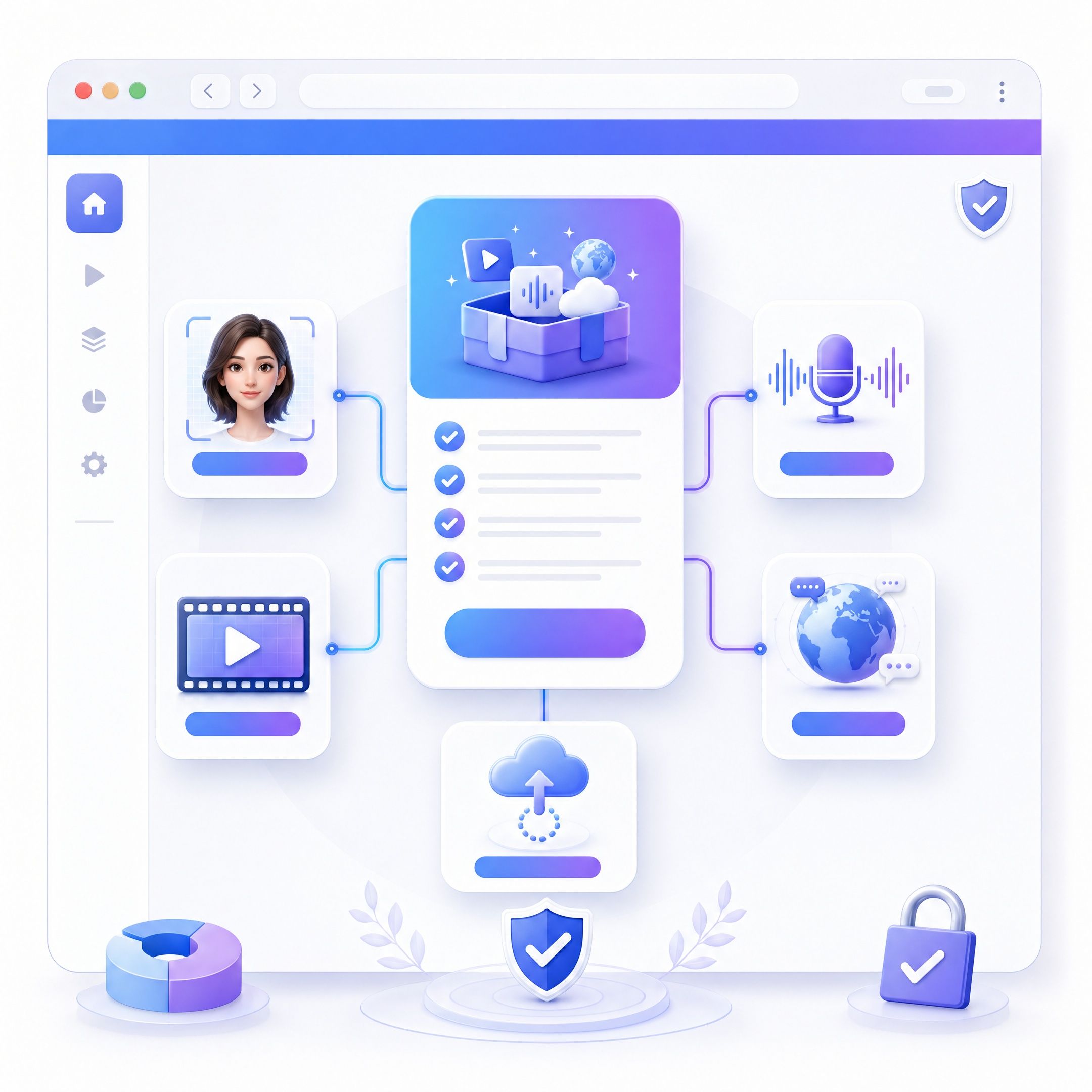
Convert onboarding materials, policies, SOPs, and training decks into standardized presenter videos that can be updated without organizing another recording session.
Businesses and Sales Teams
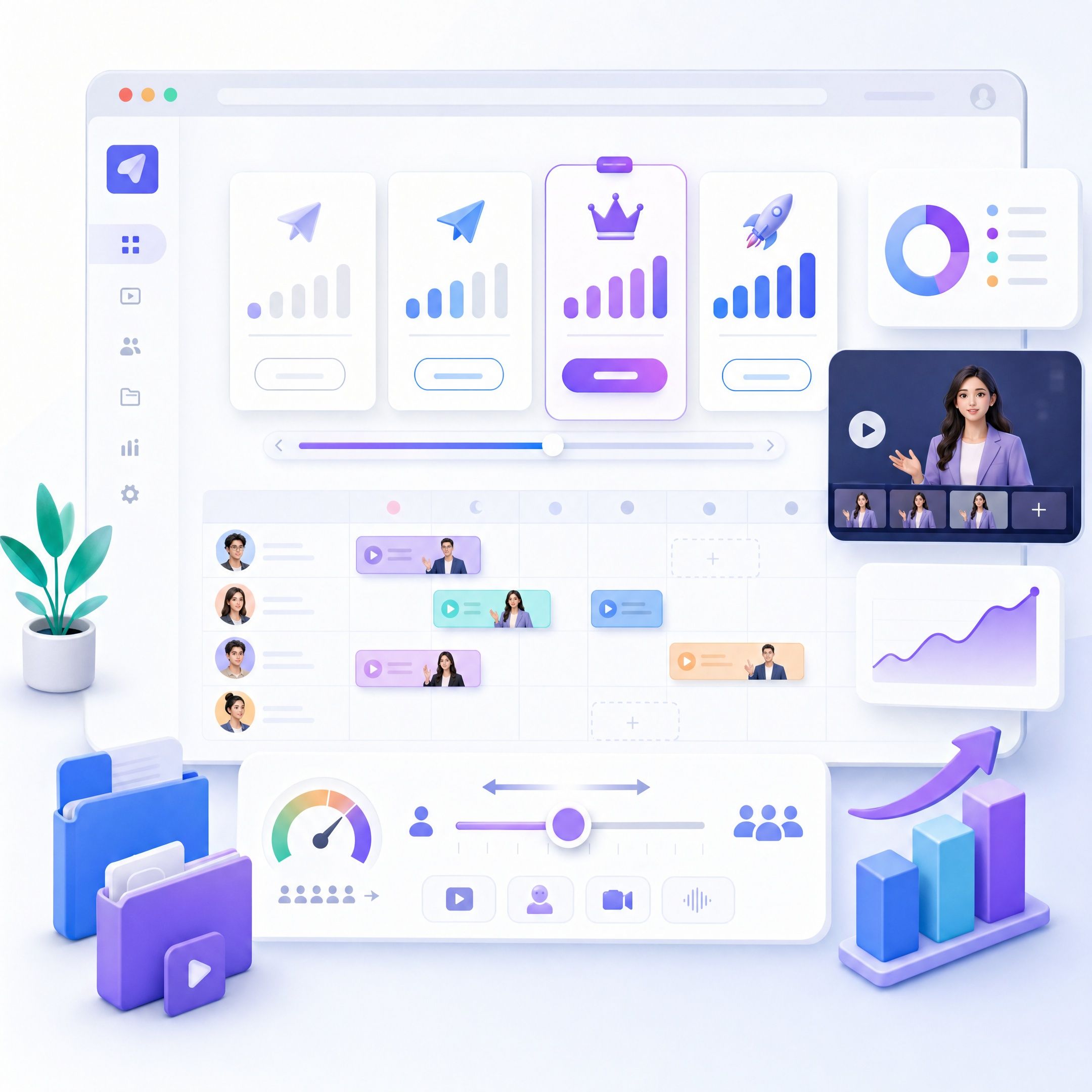
Transform product information, pitch decks, proposals, and company materials into narrated presentations for product education, sales enablement, and internal communication.
Marketers and Content Teams
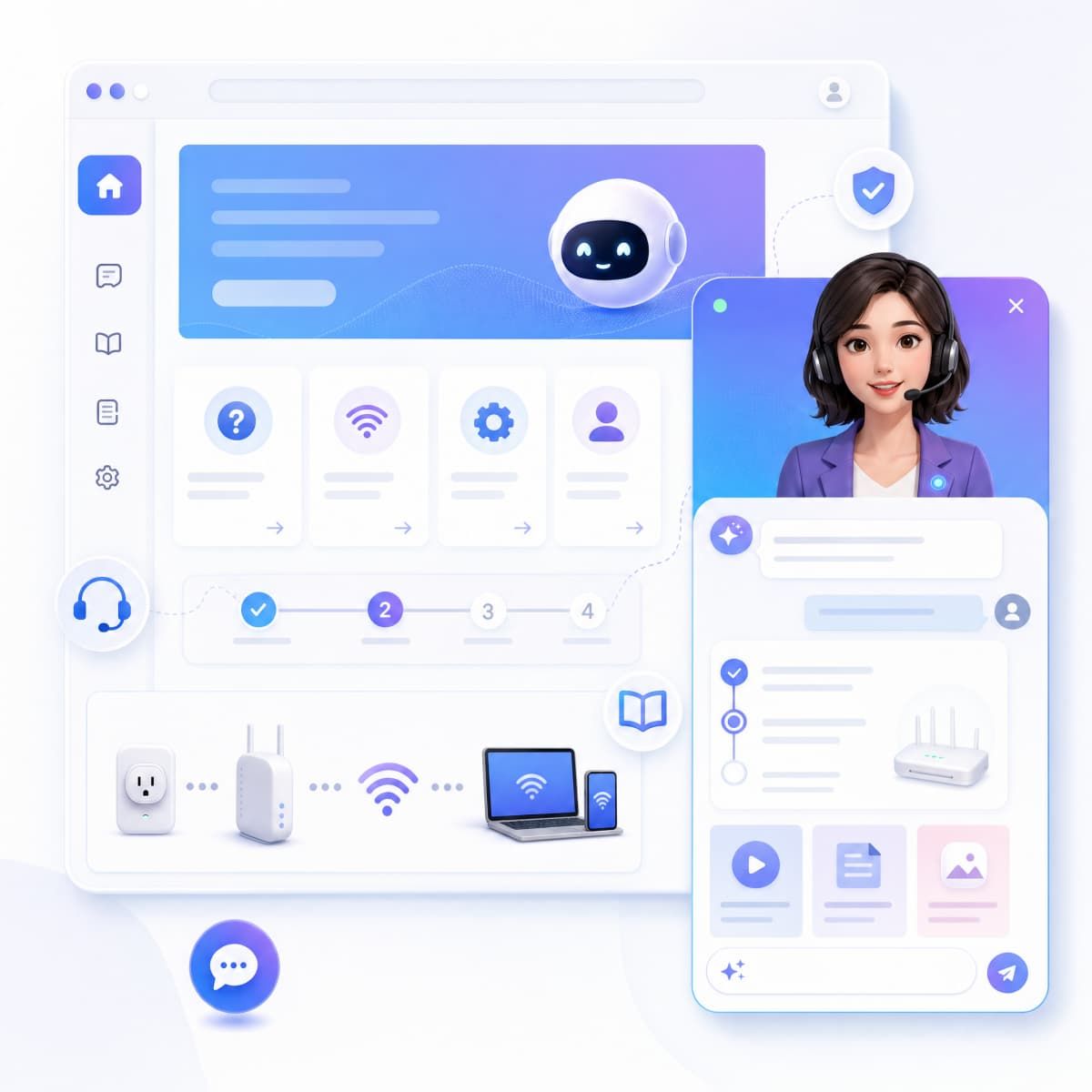
Create presenter-led explainers, launches, announcements, and educational content without building every video from a blank editing timeline.
AI Presenter Use Cases
Online Course Videos
Turn presentations, lecture notes, PDFs, and learning materials into structured lessons with an AI avatar presenter that guides viewers through the content.
Employee Training
Create onboarding, compliance, policy, and professional development videos from existing business documents and training presentations.
SOP and Process Videos
Convert operating procedures, safety instructions, and process documentation into step-by-step presenter videos with visual highlights and narration.
Product and Software Demos
Use an AI video presenter to explain product information, workflows, feature releases, or support content in a clear scene-by-scene format.
Sales Presentation Videos
Turn pitch decks and proposals into shareable presenter-led videos, helping sales teams explain the same material without repeatedly recording presentations.
News and Company Updates
Create presenter-led announcements, internal updates, launch news, and recurring business communications with an AI virtual presenter instead of filming each update manually.
Frequently asked questions
A talking avatar primarily speaks generated or supplied narration. Leadde’s Avatar O is designed around presenting and teaching: during an explanation, it can interact with the visual content through movement, pointing, and gestures. The goal is a digital presenter that helps explain what is on screen, rather than simply reading a script.
Yes. Leadde currently offers a Free plan, and its homepage states that users receive 200 free credits. Available generation limits and export capabilities can depend on the plan, so specific usage and download conditions should be checked in the current product interface.
Yes. Leadde’s Slide Presenter supports PPT and PDF imports. Rather than only turning slides into a recording, Leadde can extract the presentation’s content and structure, rewrite bullet points into narration, and reorganize the material into video scenes with voice, subtitles, visuals, and an avatar.
Yes. Leadde provides 300 AI avatars and supports multiple avatar creation options. You can use an AI avatar presenter for training, education, product explanations, presentations, and other presenter-led videos, or hide the avatar and create a voice-over-only version.
Yes. Leadde’s current homepage states support for 88 languages and 175 dialects, together with 100+ AI voices. Leadde also provides translation and dubbing workflows for adapting existing video content to additional languages, with optional lip sync.
Yes. An AI presenter can be used for company news, announcements, internal communications, product releases, and other recurring updates. Leadde can turn the source material into structured scenes and narration, making it possible to update the content and regenerate the video without filming a presenter again.
Create Your AI Presenter Video with AI
Turn your text, documents, or presentations into a video with a digital presenter that does more than read the script.
