
Create Your Own Custom AI Avatar
Choose your own custom avatar
Type your script in any language
Trusted by Leading Universities & Institutions Worldwiide











What Is a Custom Avatar?
A custom avatar is a personalized AI presenter created for your own identity or brand, rather than a ready-made avatar from a public library. With Leadde, you can use your custom avatar with AI narration or a cloned voice and reuse the same presenter across different videos.
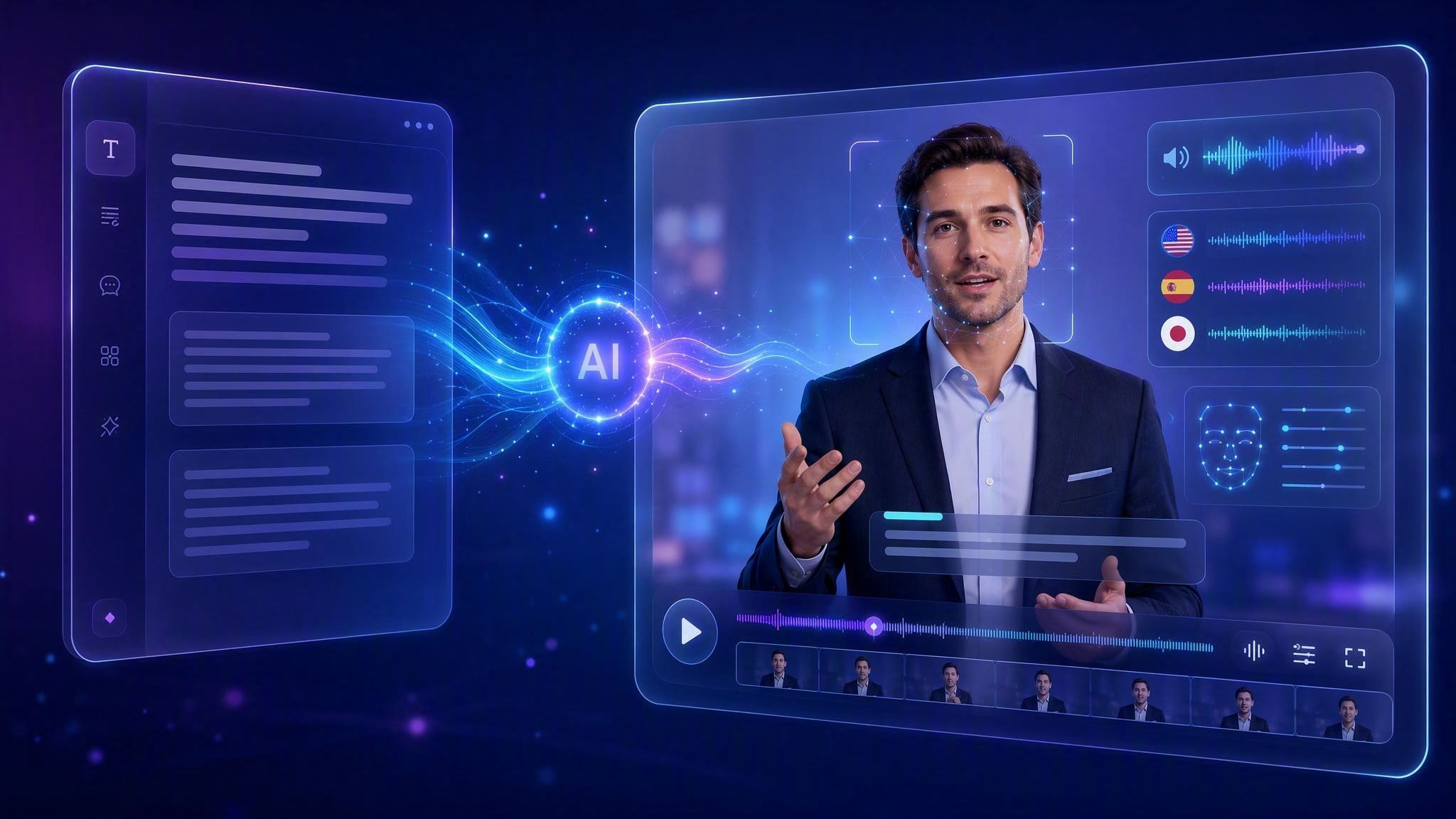
Custom Avatar vs Ready-Made Avatar


Leadde vs Synthesia vs HeyGen: AI Avatar Video Generator Comparison



How to Create a Custom AI Avatar

Step 1: Create or Select Your Custom Avatar
Set up the personalized avatar you want to use as your recurring presenter. If you want to create one specifically from a picture, use Leadde’s Picture Avatar workflow.
Step 2: Add Your Content and Voice
Add your script or source content, then choose an AI voice or pair the avatar with your cloned voice.
Step 3: Create and Reuse Your Avatar
Generate your video, then reuse the same custom avatar for future videos to maintain a consistent presenter identity.
Why Use Leadde’s Custom Avatar Maker?
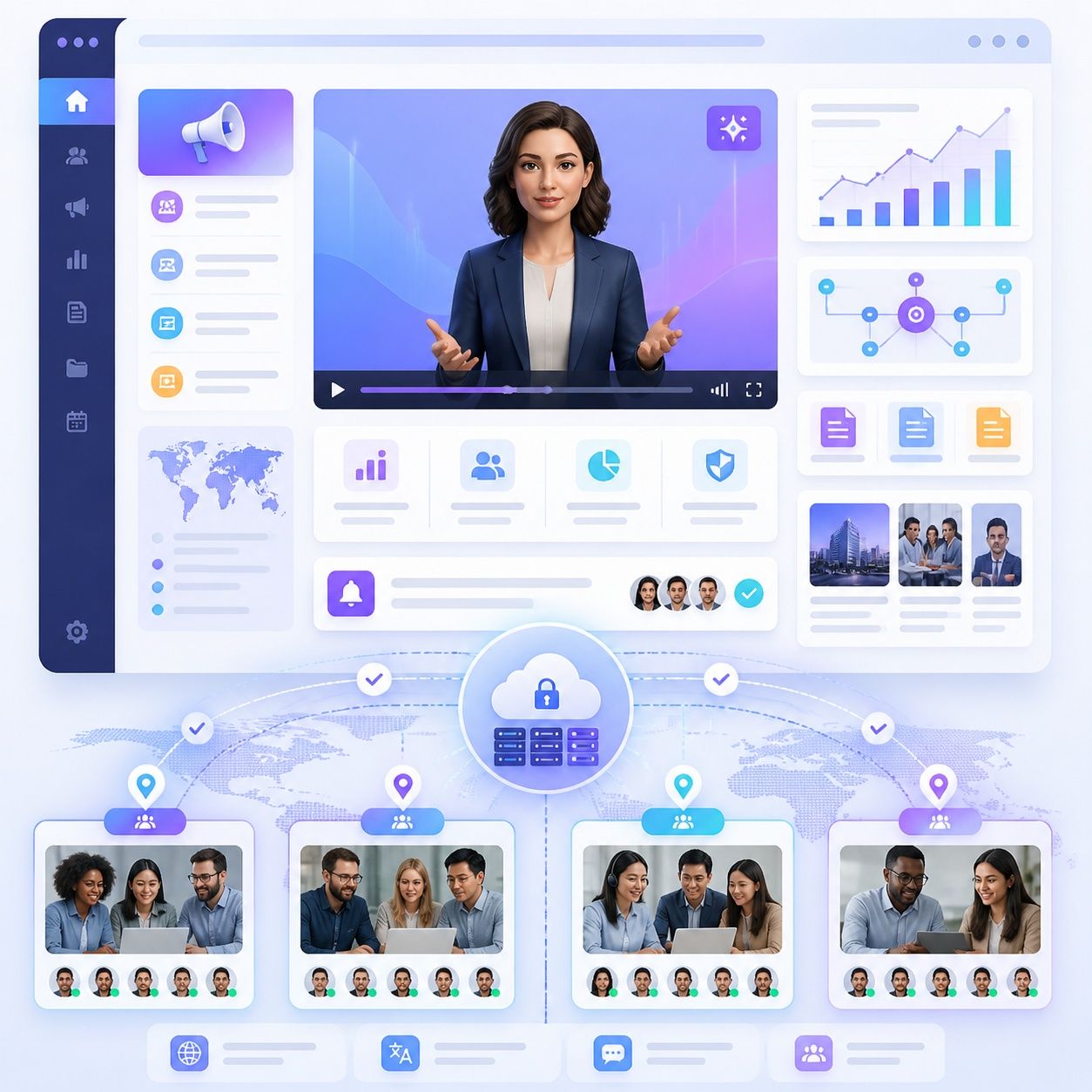
Your Own AI Presenter
Create a personalized avatar for your own identity or brand instead of relying only on ready-made presenters.
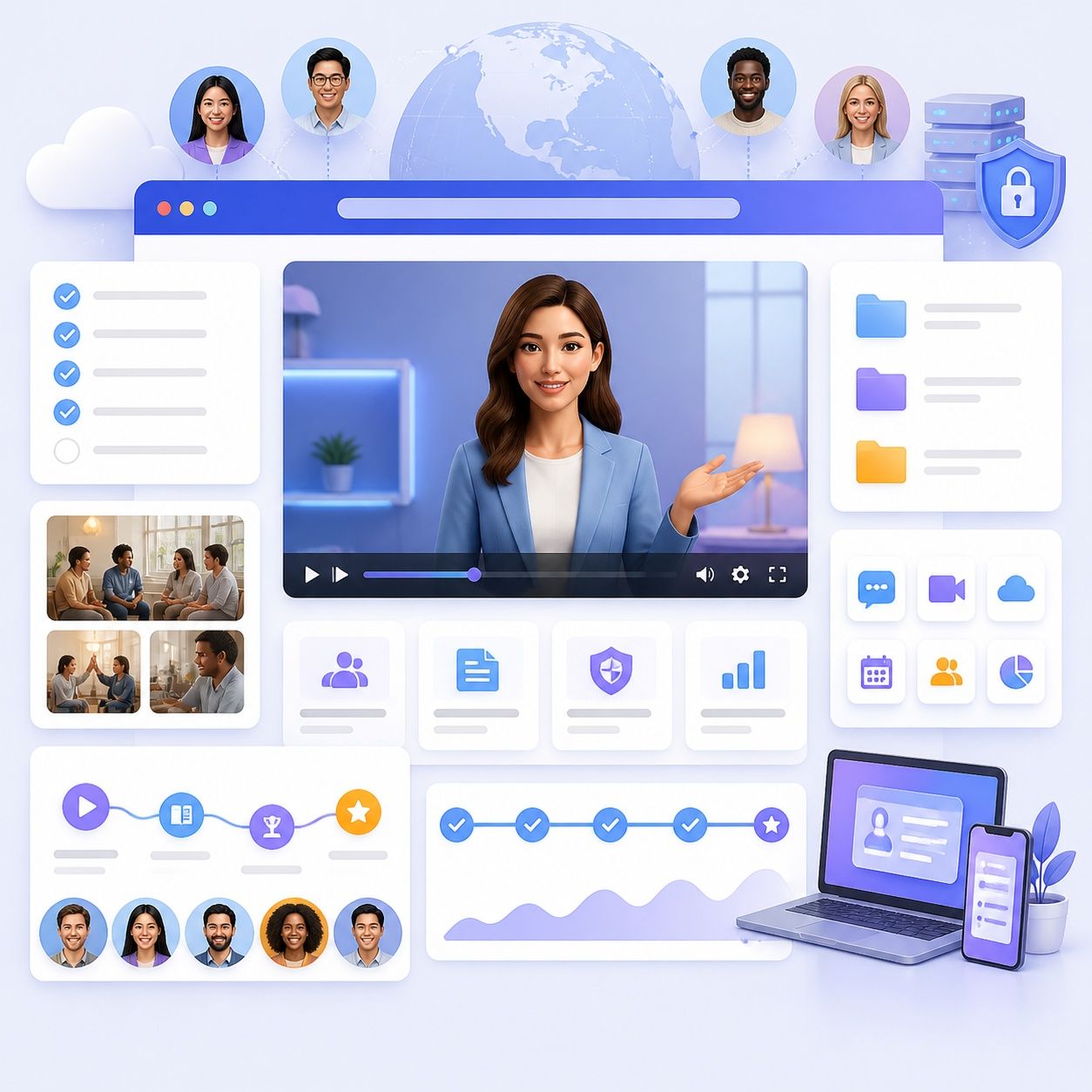
Pair It With Your Voice
Use AI narration or voice cloning to give your custom avatar a consistent voice for recurring video content.
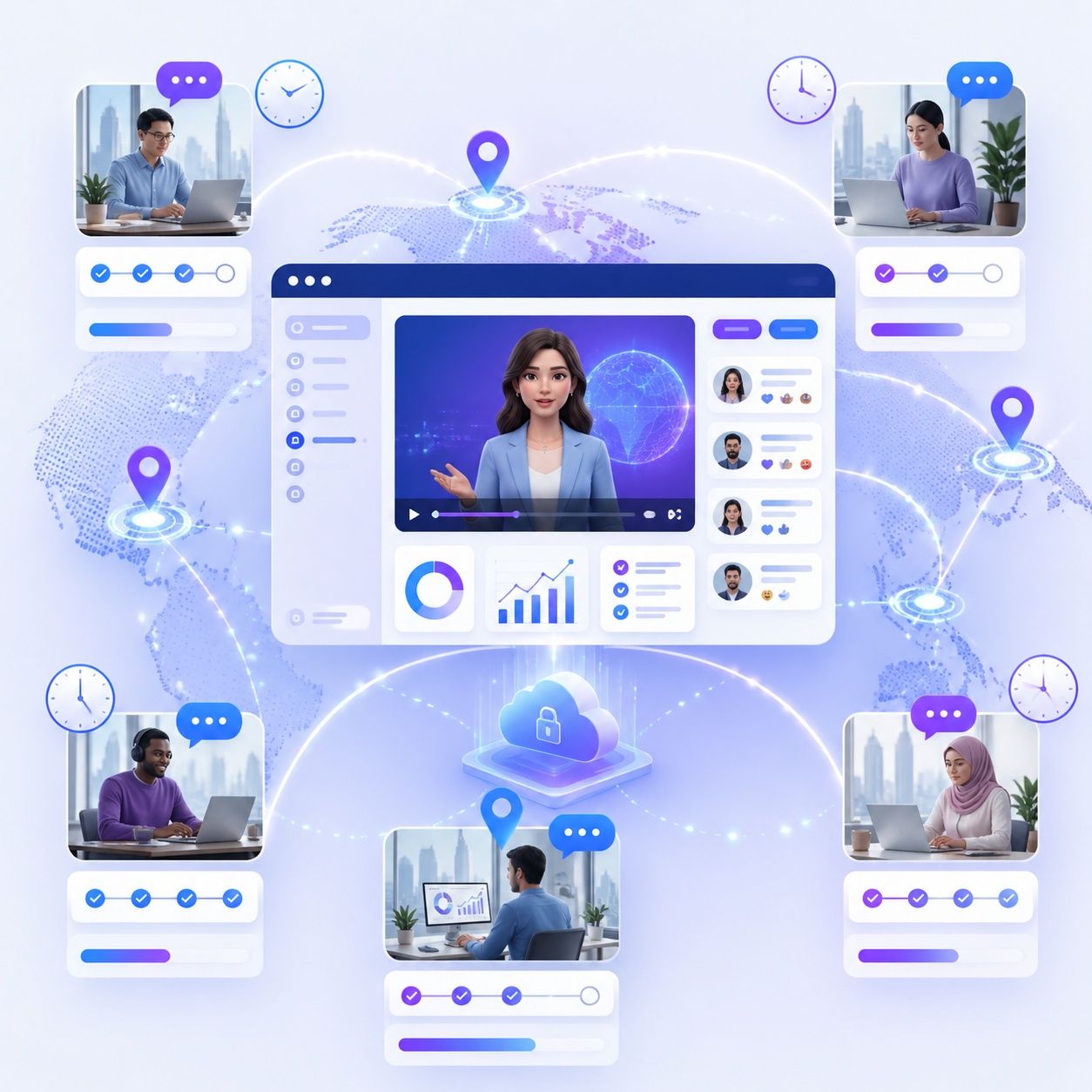
Keep One Consistent Identity
Reuse the same custom avatar across training, educational, marketing, product, and internal videos instead of changing presenters from project to project.
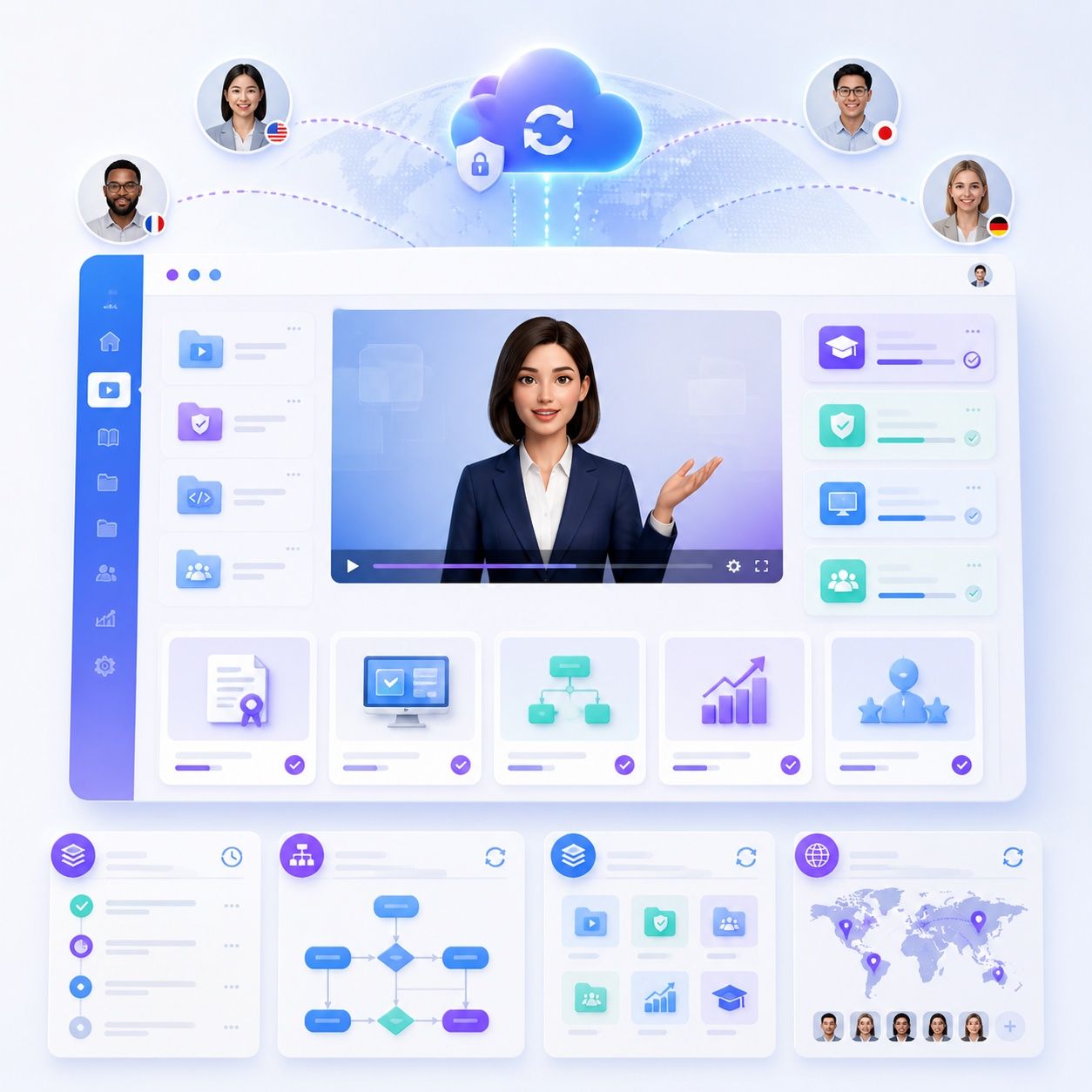
Localize the Same Presenter
Use the same avatar identity with Leadde’s multilingual voice and localization capabilities when creating content for different audiences.
Create Your Personal AI Avatar That Represents You
Your Own AI Presenter
Use a personal avatar that represents you instead of relying only on ready-made AI presenters.
Your Avatar and Voice
Pair your personal AI avatar with AI narration or a cloned voice for a more personalized video presence.
One Avatar Across Videos
Reuse the same personal avatar across training, education, marketing, product, and business videos for a consistent presenter identity.
Who Is a Custom Avatar For?
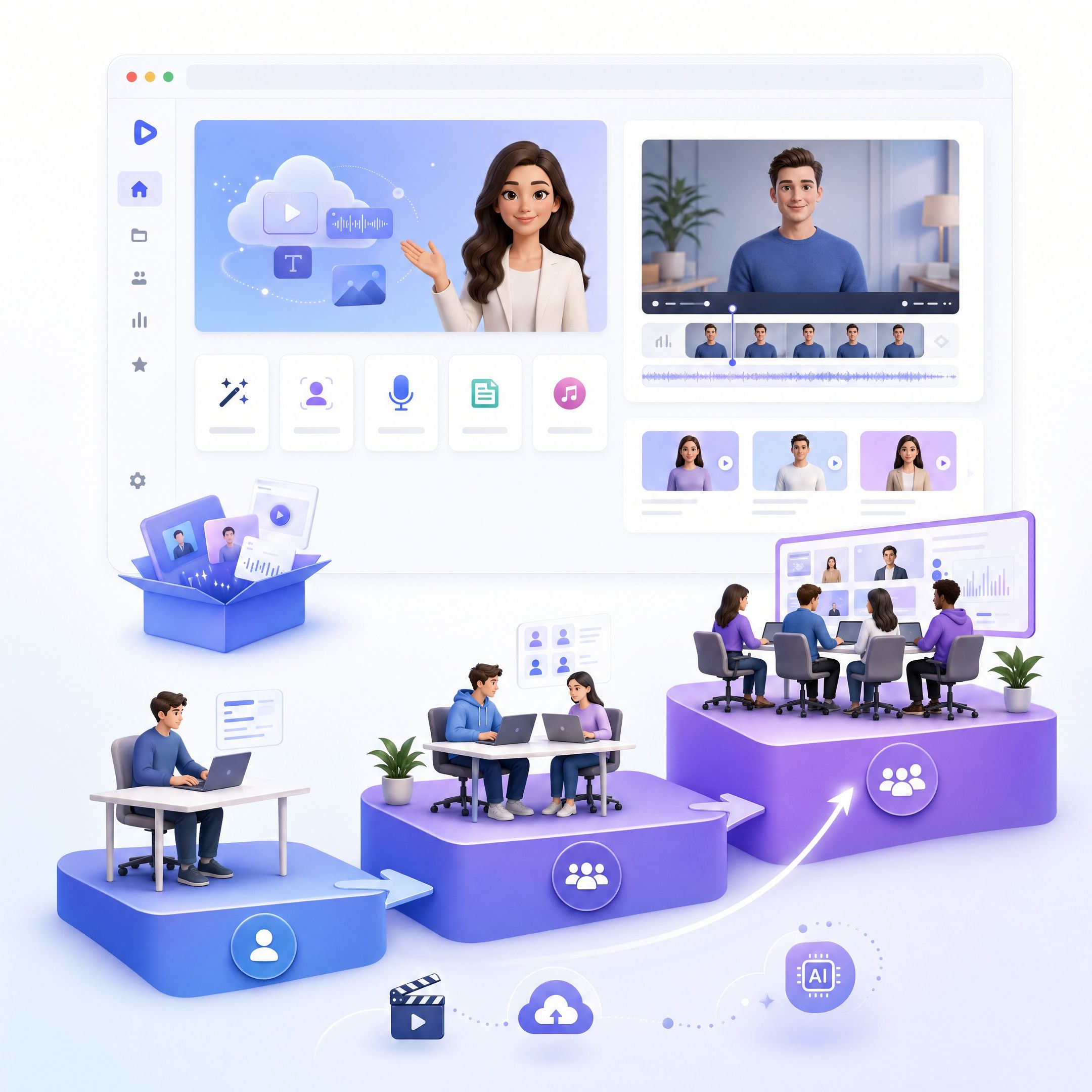
Businesses
Create a consistent AI presenter for training, internal communications, product information, sales content, and other recurring business videos.
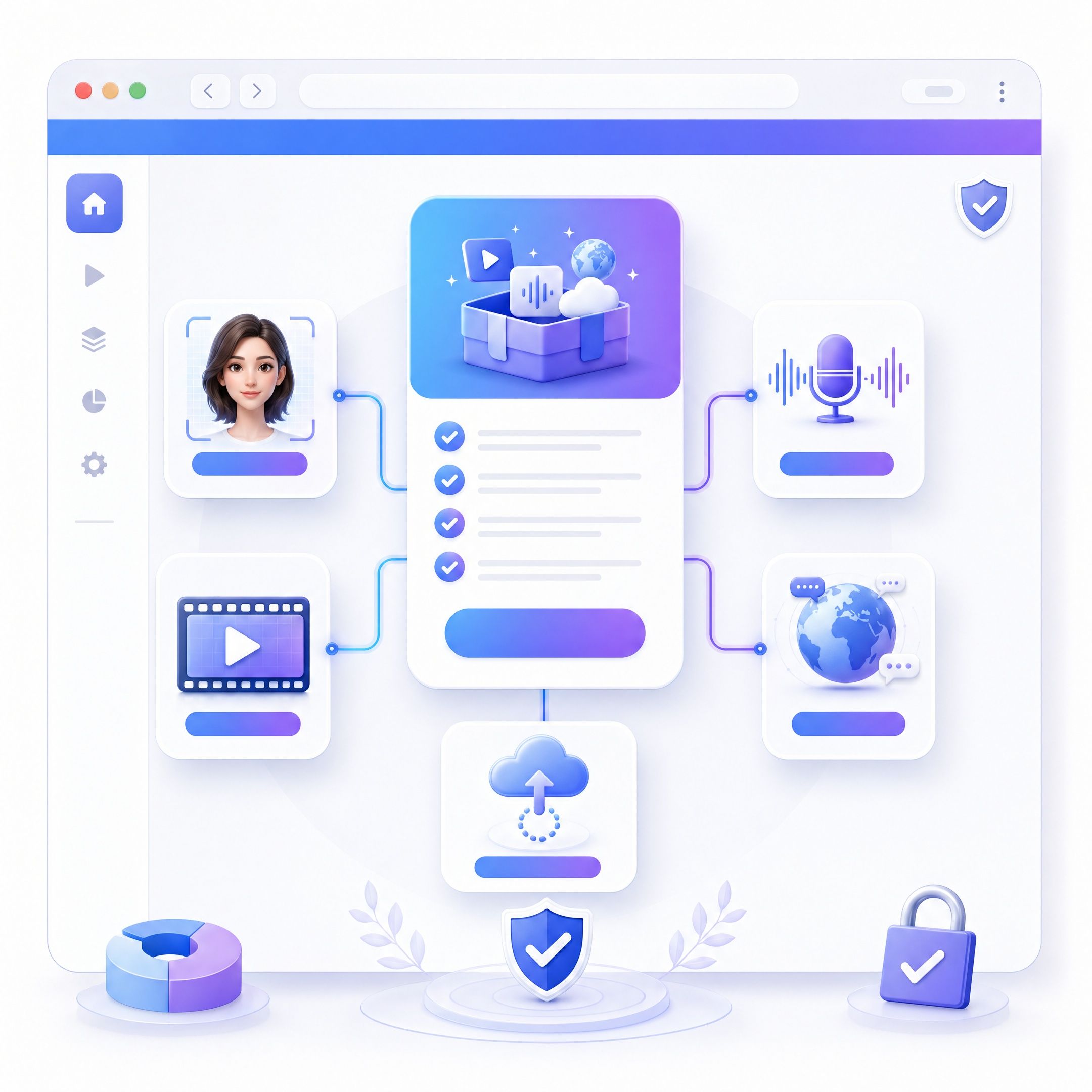
Training Teams
Use a custom AI avatar to present onboarding materials, SOPs, policies, courses, and learning content without recording a presenter every time content changes.
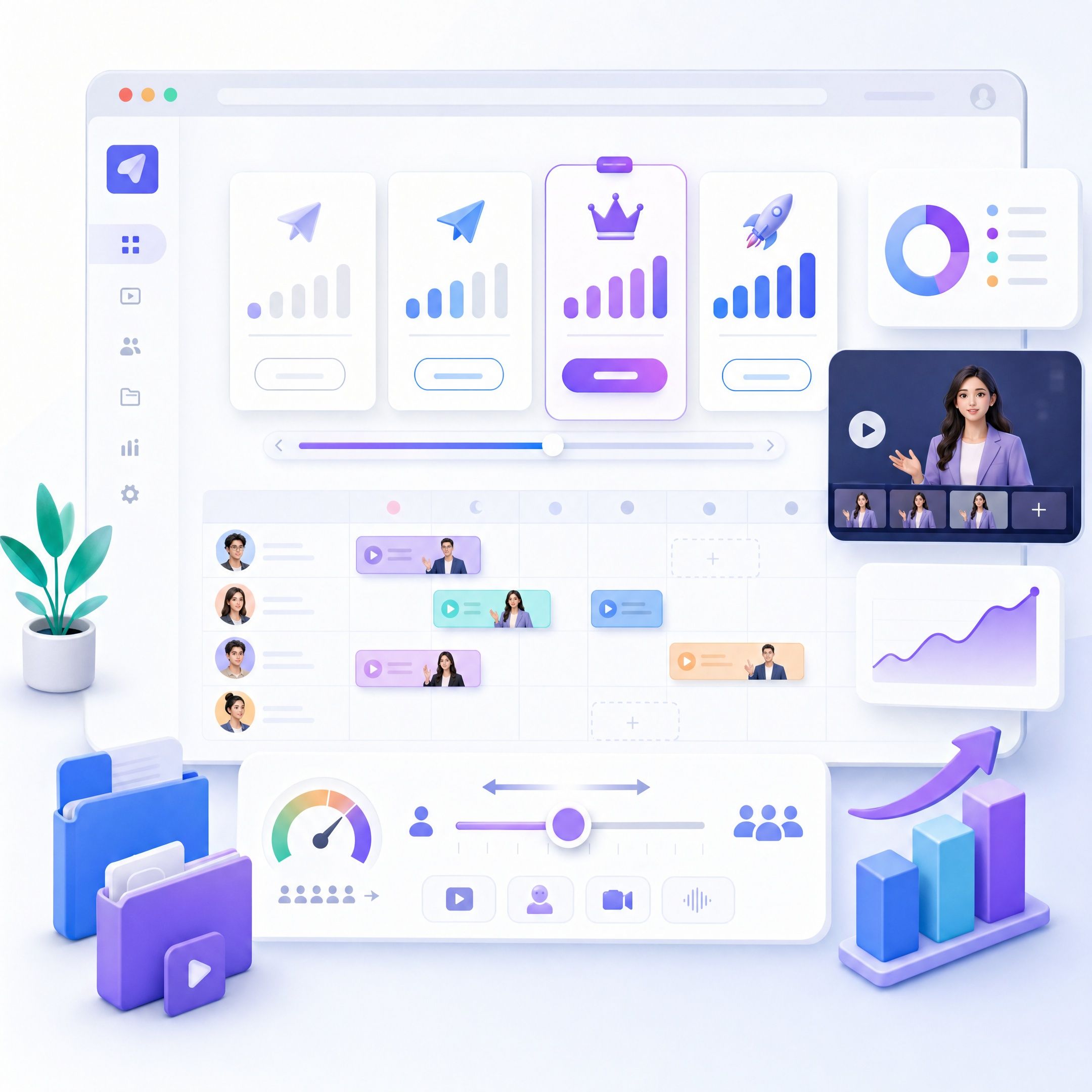
Educators and Course Creators
Turn lessons, scripts, presentations, and learning materials into videos presented by a personalized AI avatar.
Marketers and Content Creators
Create avatar-led explainer, product, educational, and promotional videos while maintaining a recognizable presenter across different content.
Custom AI Avatar Use Cases
Consistent Training Presenters
Use the same custom AI avatar across courses, SOPs, onboarding, and recurring training so learners see a consistent presenter throughout your learning content.
Employee Onboarding
Create onboarding videos with a consistent AI presenter for company policies, processes, introductions, and role-specific information.
Brand Product Presenters
Use a recognizable custom avatar to introduce products, explain features, and present recurring product updates with a consistent on-screen identity.
Personal Course Instructors
Create course and lesson videos with a personal AI avatar that acts as a recurring instructor across different topics and learning modules.
Internal Communications
Use a custom avatar to deliver company announcements, internal updates, policy changes, and recurring organizational communications.
Marketing and Explainer Videos
Create branded explainer and marketing content with a recognizable AI presenter instead of recording a new on-camera video for every message.
Frequently asked questions
Create your custom avatar in Leadde, add the content you want it to present, choose an AI voice or cloned voice, and generate your video. You can then adjust the script, scenes, visuals, avatar, and other video elements.
Yes. Leadde supports custom avatars that can be used as presenters in AI-generated videos. You can combine your avatar with scripts, visual scenes, subtitles, AI voices, and other video elements in the same workflow.
Leadde supports voice cloning as well as AI voices. This allows you to pair a custom avatar with a cloned voice or choose another AI voice that fits your video and audience.
Leadde supports custom photo avatars. If your main goal is specifically to turn a picture into an AI avatar, you can also use Leadde’s Picture Avatar tool for that workflow.
Custom AI avatars can be used for training videos, onboarding, educational content, product demos, internal communications, explainers, marketing content, and other videos where a consistent digital presenter is useful.
Create Your Custom Avatar with AI
Create your own AI avatar, add a voice, and turn it into a presenter for your next video.
