
AI Pinterest Video Maker
What Is a Pinterest Video Maker?
A Pinterest video maker turns product catalog photos, recipe cards, and DIY instructions into vertical 9:16 or widescreen 16:9 Video Pins for discovery boards. Inside Leadde Video Agent, attach up to 20 images and 2 brief documents, remix Monochrome Editorial or Polaroid Collage, and export 1080P or 4K MP4 clips. Storefront teams can also explore AI Ecommerce Video Maker for broader shop catalogs.
Trusted by the world's leading brands







Core Capabilities of Our AI Pinterest Video Generator
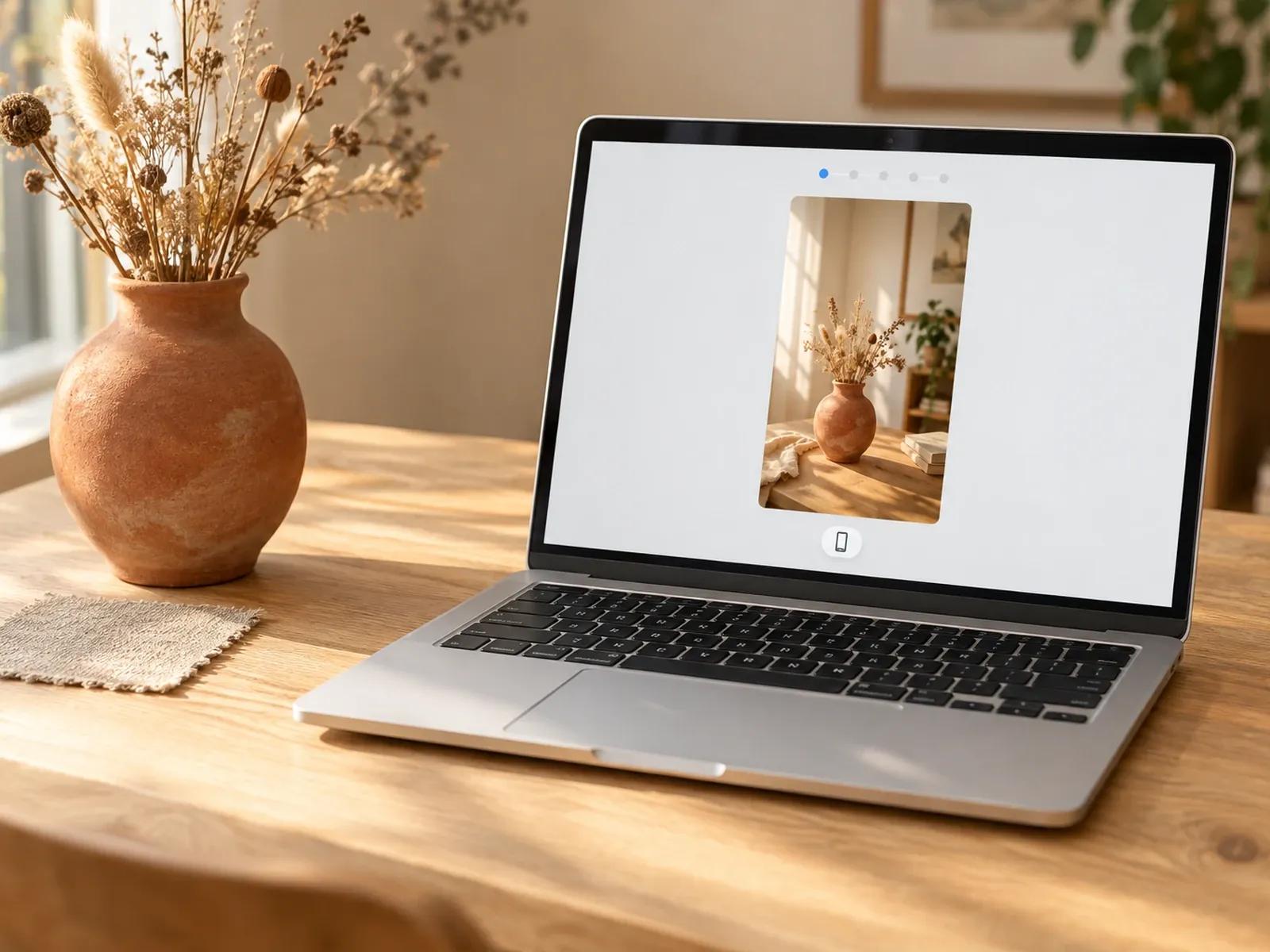
Vertical 9:16 and 16:9 Pin Layouts
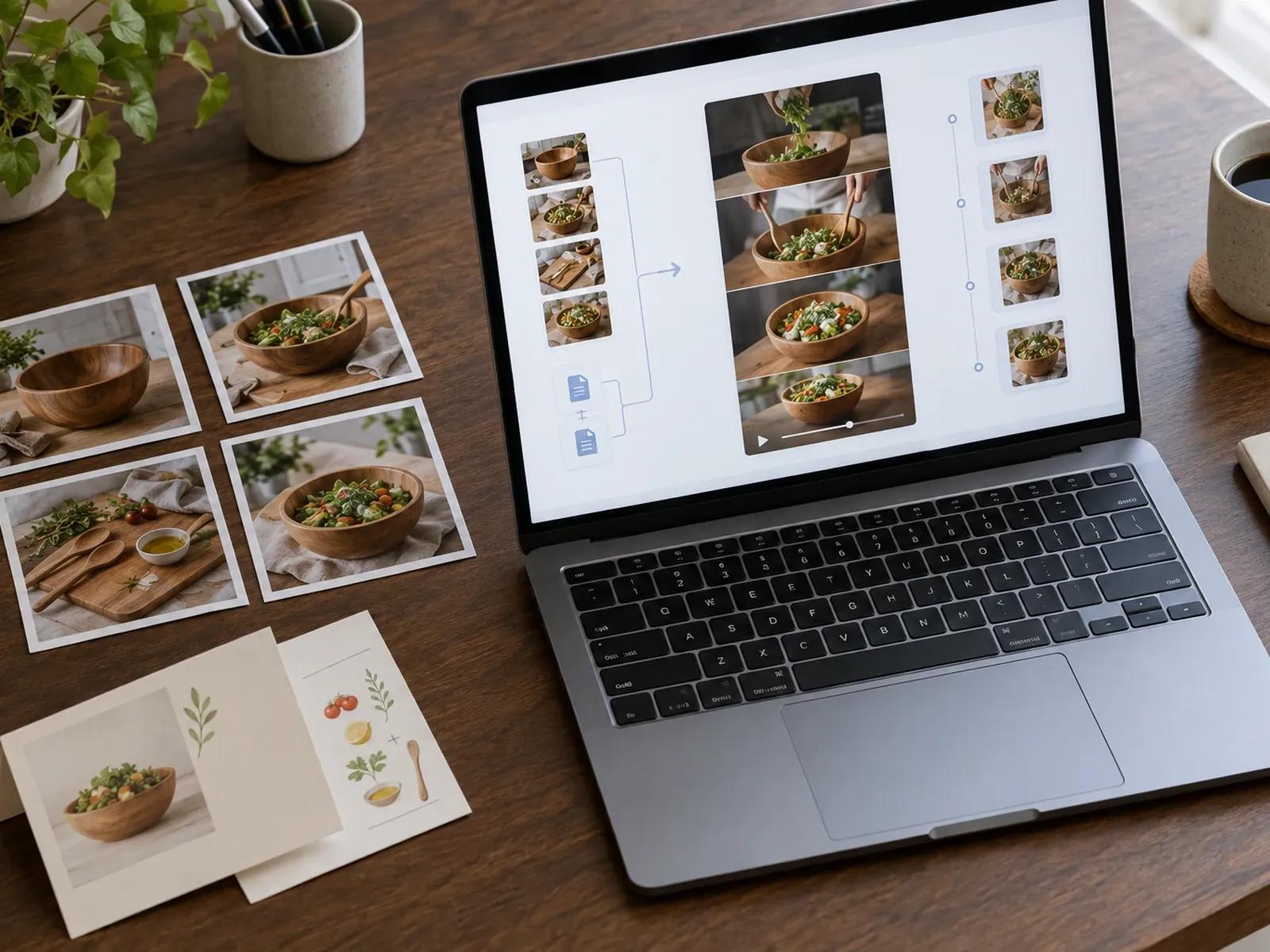
Upload 20 Catalog Photos and 2 Guides
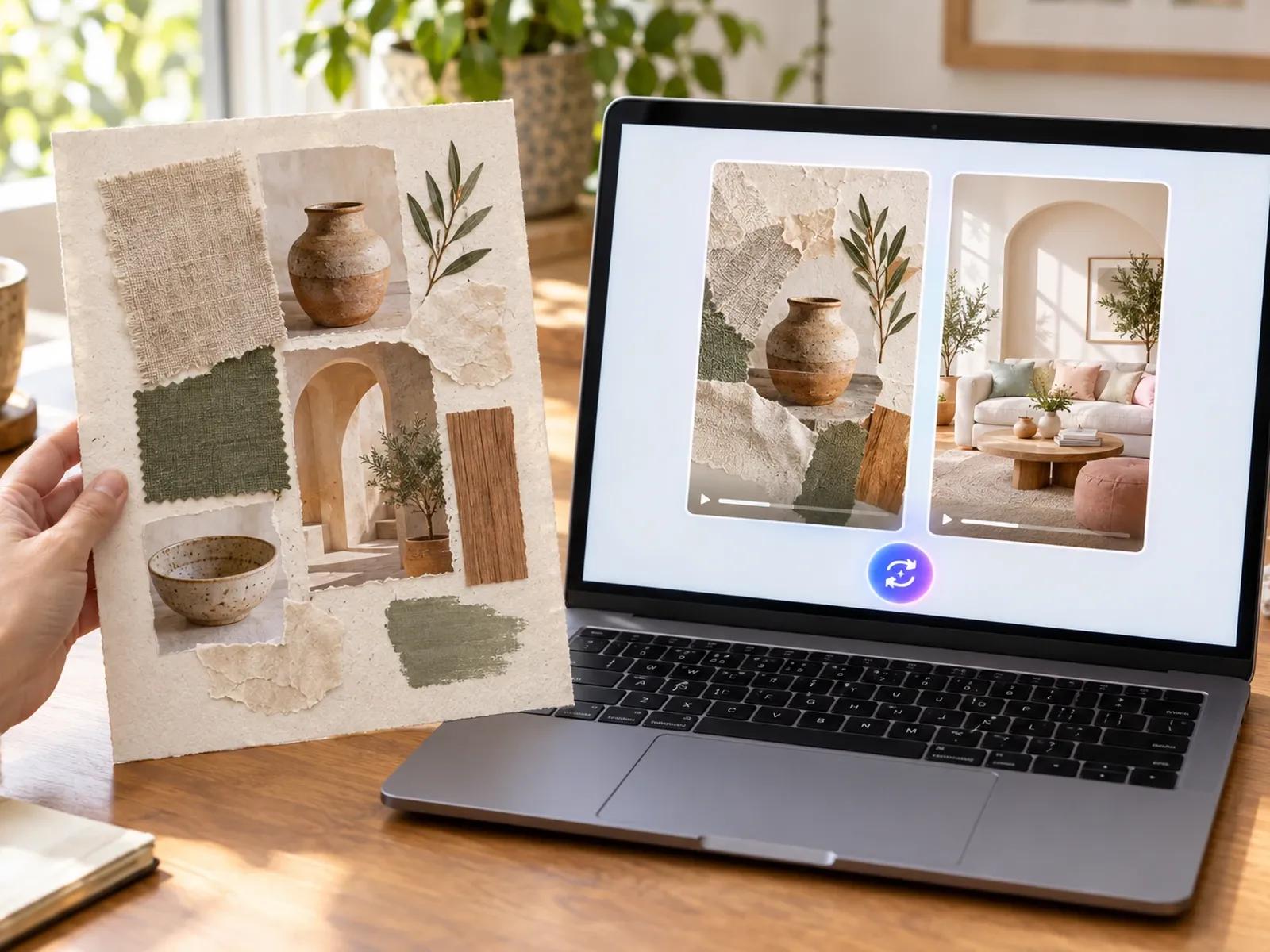
Editorial Grid and Polaroid Collage Styles
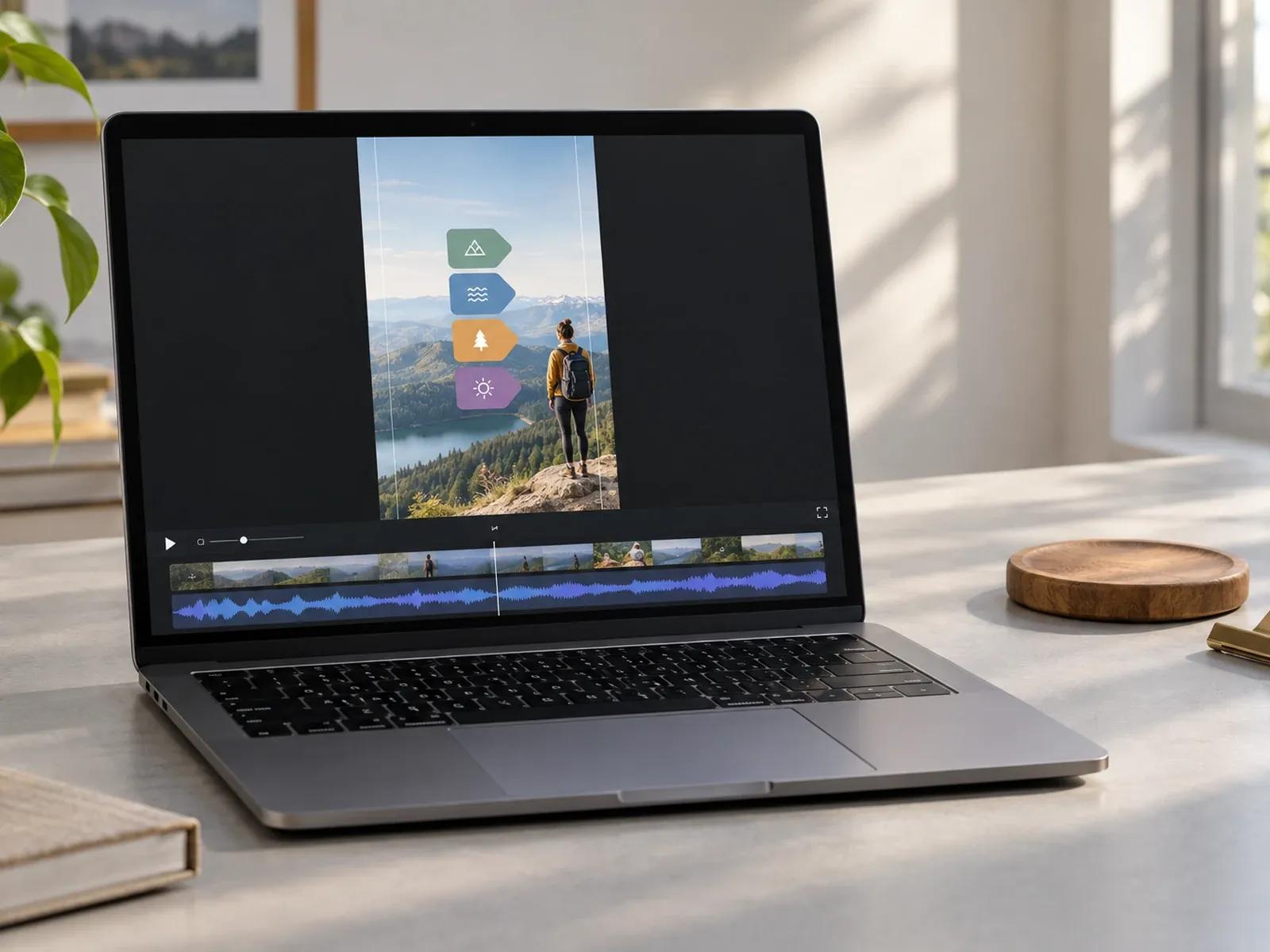
Silent-Friendly Cards and 4K MP4 Export
Three Steps from Catalog Photos to Video Pin
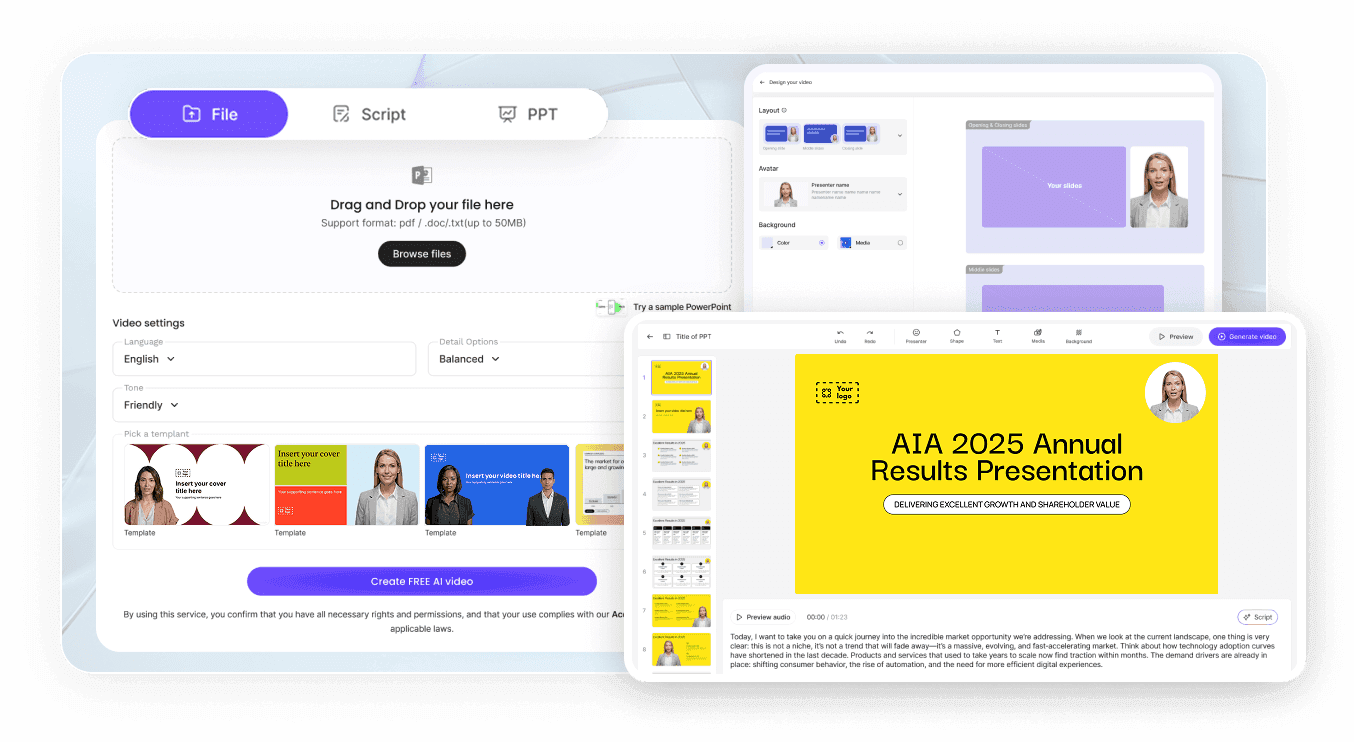
Step 1: Select a 9:16 Editorial Pin Style
Step 2: Attach Lookbook Photos and Pin Copy
Step 3: Review Text Cards and Download MP4
Where Brands Apply a Pinterest Video Pin Maker
Home Decor & Furniture Collection Pins
Group living room photos, material swatches, and dimensions into warm 30-second Pins that inspire home renovation boards.
Fashion Lookbook & Seasonal Outfit Ideas
Pair vertical street-style portraits with clean magazine grids and item labels so shoppers save your seasonal collection.
DIY Craft & Recipe Step-by-Step Guides
Turn ingredient lists or craft instructions into numbered visual cards that show the finished dish first and steps next.
Beauty Routine & Skincare Product Promos
Highlight texture close-ups, ingredient benefits, and application order in mute-friendly 9:16 Pins for skincare shoppers.

Why Lifestyle Teams Choose Our Pinterest Video Pin Maker
Built for Visual Search and Board Saves
Grounded in Your Real Product Photography
Text-First Pacing for Sound-Off Browsing
High-Resolution 1080P and 4K MP4 Output
Practical Tips for High-Save Pinterest Video Pins
Show the Finished Result in Frame One
Keep Pin Runtimes Between 15 and 30 Seconds
Use Readable Serif or Bold Sans Titles
Group Three to Five Steps Per Video Pin
Prompt No Avatar for Clean Aesthetic Boards
Match Card Colors to Your Seasonal Palette
Pinterest Video Maker Frequently Asked Questions
Pick a 9:16 vertical Pin canvas alongside a 30 sec or 60 sec preset inside Leadde Video Agent. Next, drop in your catalog or DIY step photographs, click Remix on Monochrome Editorial or Polaroid Collage, and type your board title and item callouts.
Yes. Typing "No avatar, no voiceover" into the composer while asking for soft acoustic guitar keeps the Pin purely visual and instrumental. Video Agent will build each 9:16 card around your uploaded photography, editorial borders, and bold step labels so silent Pinterest scrollers can follow every detail.
A single prompt inside Video Agent accepts up to 20 image files in JPG, JPEG, or PNG format (up to 20 MB per photo) alongside 2 reference documents in PDF, PPTX, DOC, DOCX, or TXT format (up to 50 MB per document) to populate your Video Pin cards.
Video Agent currently outputs native 9:16 vertical and 16:9 widescreen frames, both of which Pinterest accepts for Video Pins and Idea Pins. Because Leadde does not connect to Pinterest publishing APIs or scrape board URLs, you download the finished MP4 from Studio and upload it to your Pin board.
This Pinterest video maker is tailored for visual discovery boards, DIY step tutorials, and lookbook Pins built to earn long-term board saves. Social managers creating vertical Story ads can switch to Instagram Video Maker, while merchants building multi-platform storefront clips can use AI Ecommerce Video Maker.
Yes. Pin creators can test lookbook prompts, remix editorial grids, and check 9:16 card timing at zero cost while Video Agent carries its Free in beta badge; when you are ready to download a 1080P or 4K lookbook Pin from Studio, credit usage follows the Leadde Pricing page.
Start Creating Scroll-Stopping Pinterest Video Pins Today
