AI Restaurant Video Maker
What Is a Restaurant Video Maker?
A restaurant video maker converts signature dish photographs, seasonal menu sheets, and kitchen checklists into 9:16 social promos, 16:9 menu boards, and staff training clips for cafes and dining groups. Leadde Video Agent stages up to 20 food snapshots and 2 menu files, while Studio adds 9 subtitle presets and 88 languages; shippable CPG brands can visit AI Ecommerce Video Maker or Free AI Ad Generator.
Trusted by the world's leading brands






Tools Inside Our Food Promo Video Maker
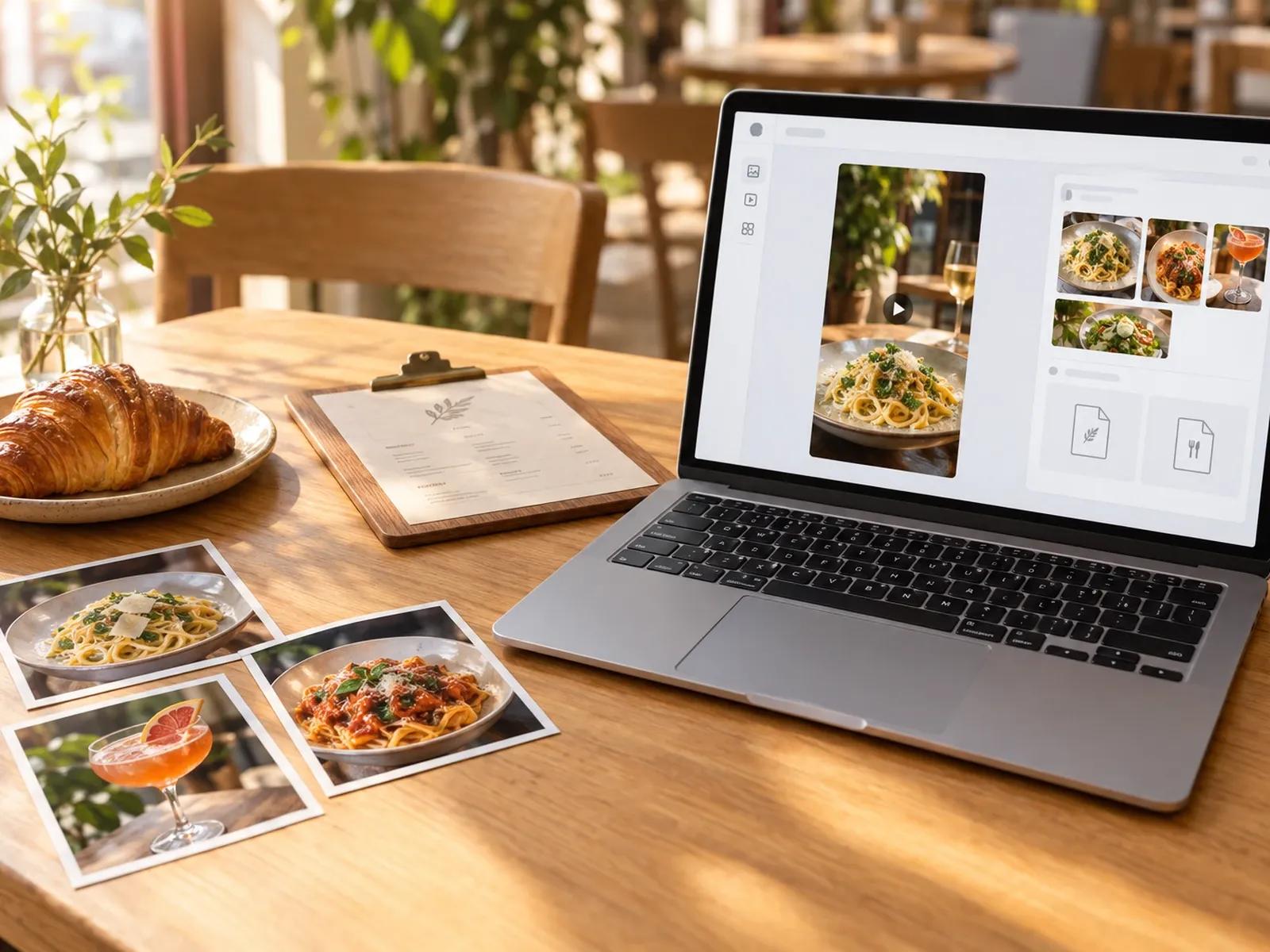
Group 20 Dish Snapshots and 2 Menus
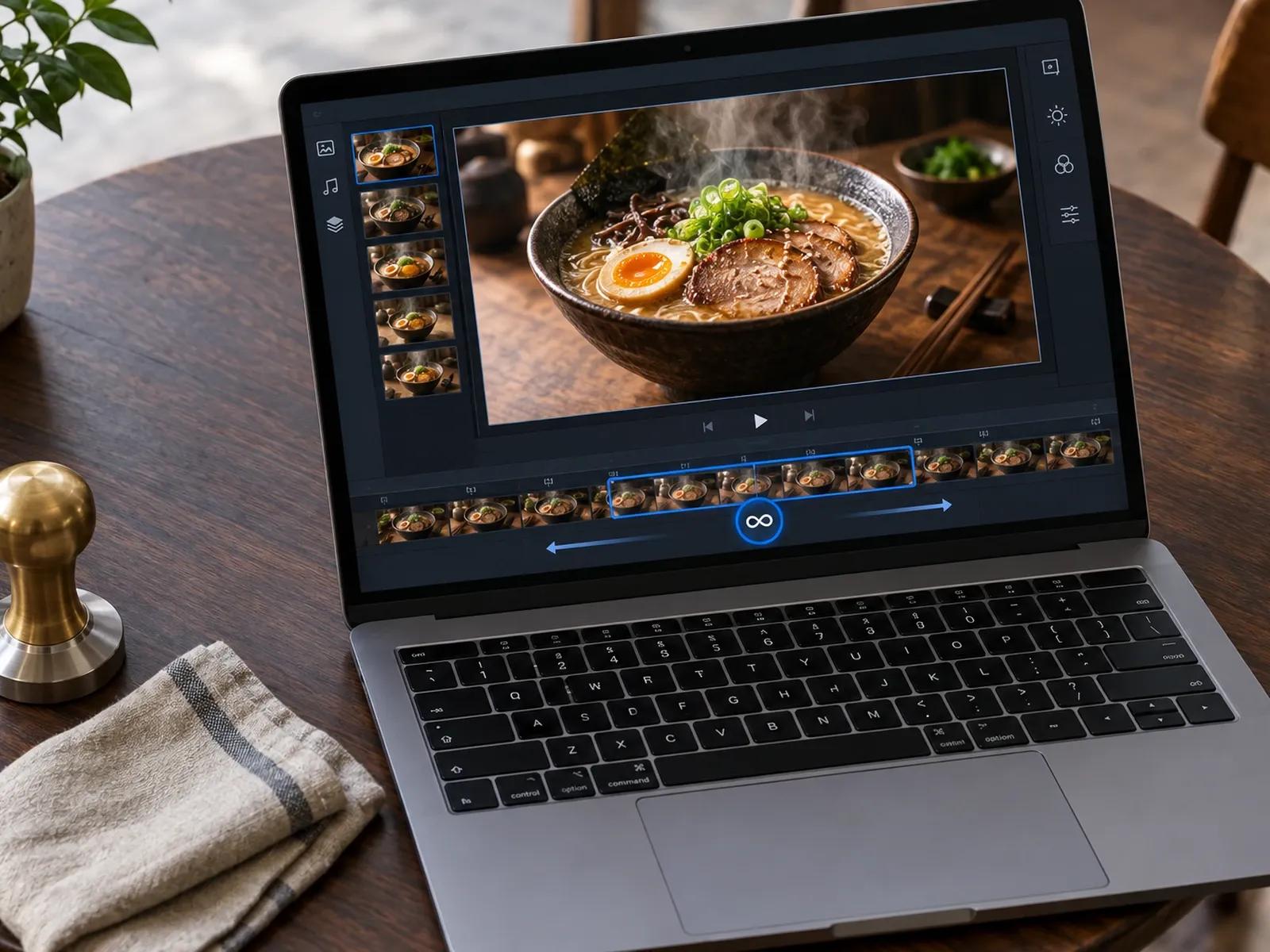
Subtle Dish Motion and Loop Display Mode
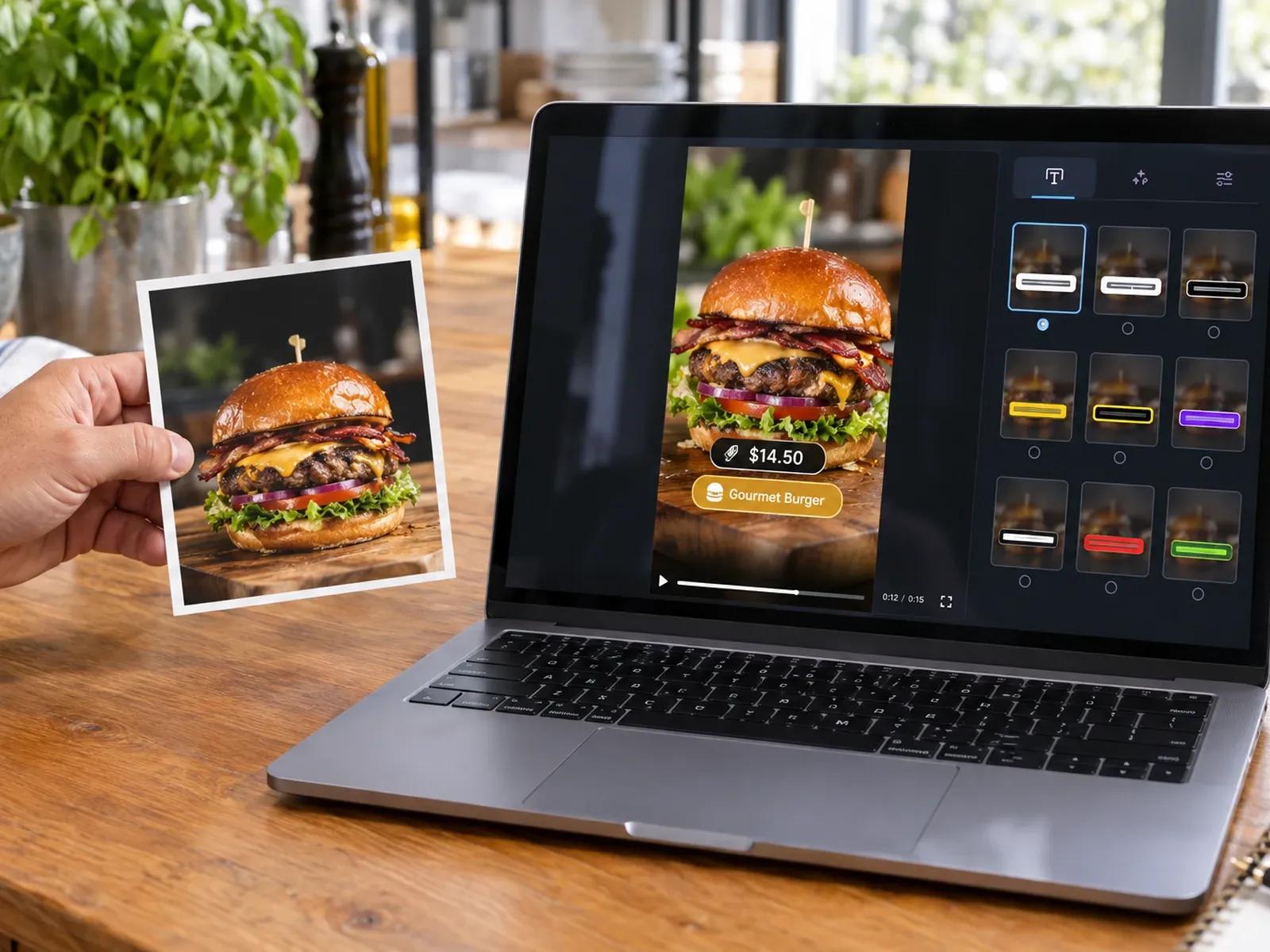
9 Subtitle Presets for Muted Local Feeds
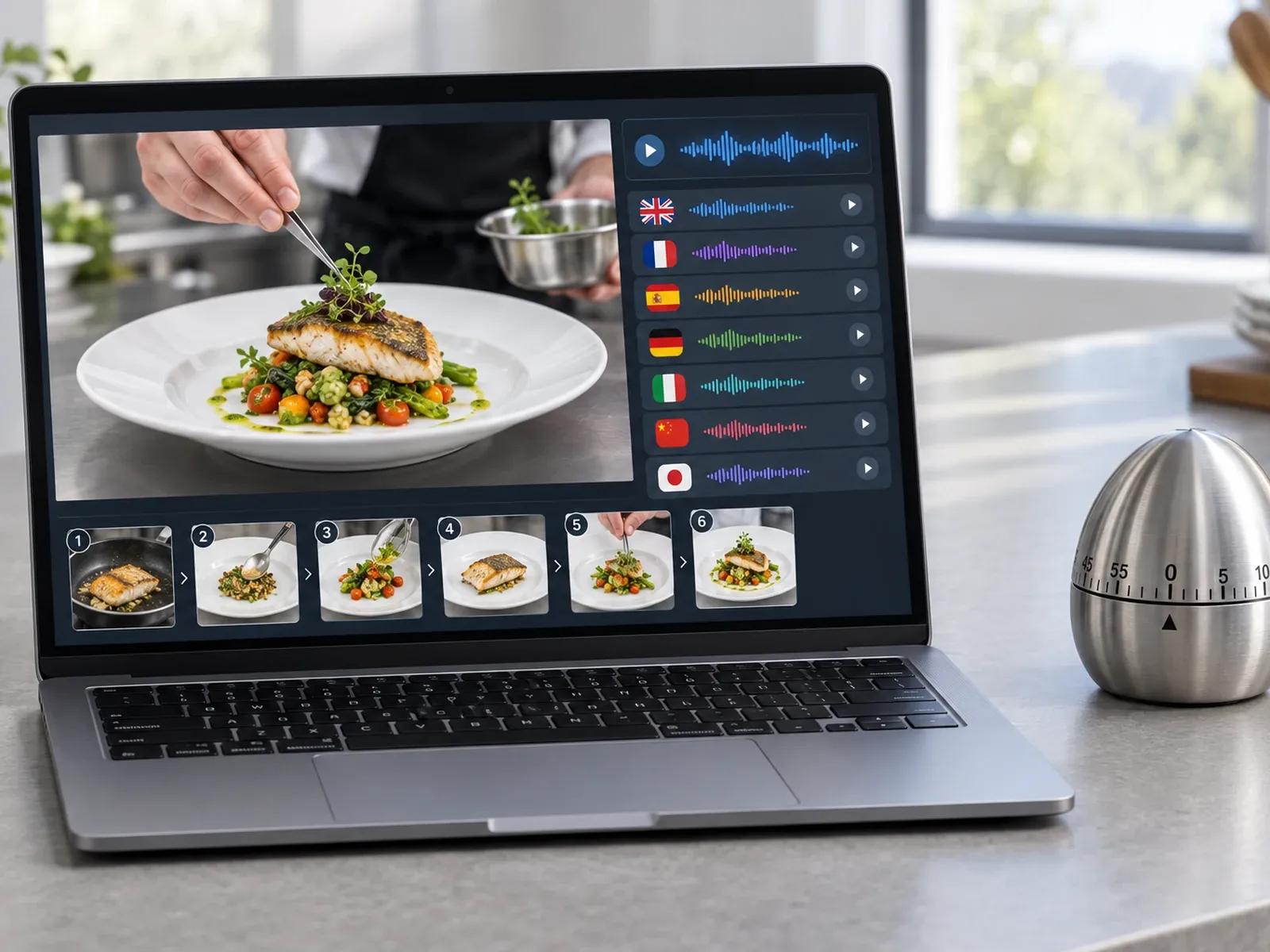
Multilingual Back-of-House Prep Training
Creating Clips in a Restaurant Menu Video Generator
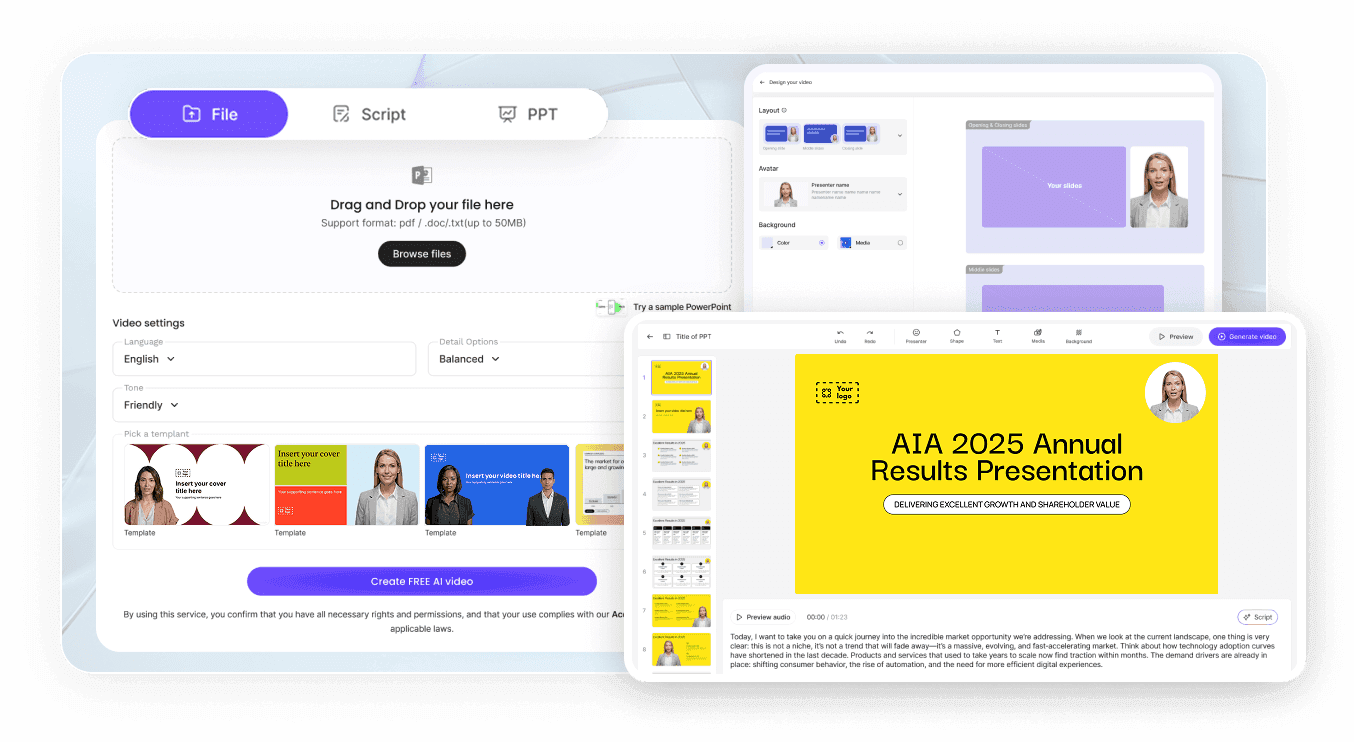
Step 1: Choose Social Reel or Menu Framing
Step 2: Add Food Photographs and Menu Specials
Step 3: Set Loop Mode or Subtitles and Export
Campaigns Built With a Cafe Social Video Maker
Daily Specials & Seasonal Menu Launch Reels
Turn smartphone photos of new entrees, cocktails, and chef specials into 30-second 9:16 Reels and TikTok promo clips now.
Digital Menu Boards & Lobby TV Screen Loops
Display widescreen 16:9 dish showcases and combo pricing across dining-room screens using Studio's Loop Video Fit option.
Happy Hour, Brunch & Holiday Booking Promos
Promote happy hour hours, weekend brunch reservations, and holiday tasting menus with bold 9 subtitle presets on screen.
Back-of-House Prep & Allergen Briefings
Train new line cooks and servers on plating steps and allergen rules with localized kitchen videos across 88 languages now.

Why Operators Use Our Hospitality Training Video Creator
Showcases Built From Your Actual Plating Photos
Front-of-House Promos and Kitchen SOPs in One App
Legible Dish Titles Over Rich Food Photography
Swap Sold-Out Dishes or Prices in Minutes
Tips for Appetizing Restaurant Videos
Lead With Your Best Close-Up Dish Shot
Add Subtle Steam or Pan Motion
Format Dish Labels for Muted Browsing
Put Address and Booking Hours on Card Last
Use Loop Mode for Counter TV Monitors
Localize Prep Guides for Multilingual Crews
Restaurant Video Maker Frequently Asked Questions
Start in Leadde Video Agent by selecting 9:16 vertical for Reels and TikTok or 16:9 widescreen for counter menu displays, with a 15, 30, or 60 second timer; after attaching 20 dish or dining-room photos and 2 menu files, export your MP4 from Studio.
Yes; ask for upbeat acoustic, jazz, or cafe instrumental background music with zero avatar or voiceover in Video Agent, or remove the presenter layer on the Studio timeline so your entree photography, price callouts, and 9 subtitle presets fill every card.
Open the Media panel or AI Tools inside Leadde Studio and run Image-to-Video to add gentle steam or camera pans to still smartphone dish photos; you can also interleave uploaded MP4 kitchen clips with still menu cards using Loop, Freeze, Full Video, or Insert modes.
Yes; restaurant operators can upload food-safety manuals, cleaning checklists, or server onboarding slides into Leadde to build a step-by-step instructional video, then click Translate inside Studio to localize spoken voiceovers and on-screen text across 88 languages and 175 dialects for staff.
Restaurant Video Maker is tailored for cafes, bars, and dining groups building menu launches, digital menu board loops, and kitchen SOP training. Online stores selling packaged retail goods can visit AI Ecommerce Video Maker, while media buyers testing paid ad variants can open Free AI Ad Generator.
Yes; uploading dish photos and testing menu layouts in Video Agent is free while marked Free in beta, and Studio dining scene previews do not consume credits; workspace credits apply when running Image-to-Video food motion, translations, or final MP4 exports per the Leadde Pricing page.
Launch Your Restaurant Menu Promo or Kitchen Training Video