Leadde Logo

YouTube Ad Maker

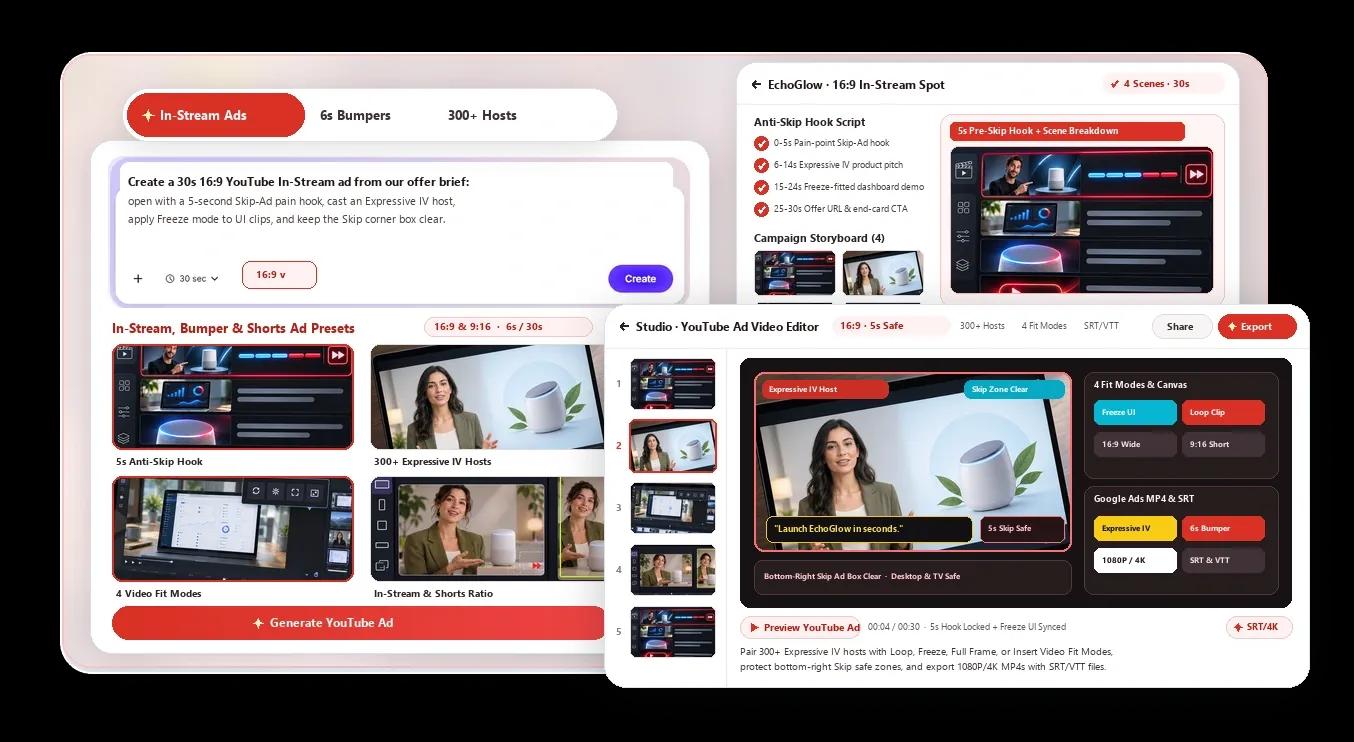
Capture attention before the five-second Skip Ad countdown ends with our YouTube ad maker. Turn campaign briefs into 16:9 pre-roll and 9:16 vertical spots using 300+ Expressive IV presenters and 4 Video Fit Modes inside Leadde Studio today.
Prompt & Script
File
PPT
Need inspiration? Try one of these ideas
No credit card required

What Is a YouTube Ad Maker?

A YouTube ad maker builds skippable 16:9 In-Stream commercials, 6-second non-skippable Bumper spots, and 9:16 Shorts ads designed to hook viewers before the five-second Skip Ad button activates. Inside Leadde, Video Agent drafts anti-skip hook scripts while Studio pairs 300+ Expressive IV presenters with 4 Video Fit Modes; organic channel uploads live at AI YouTube Videos Generator or Commercial Video Maker.

Trusted by the world's leading brands

11.png
22.png
33.png
44.png
55.png
66.png
77.png
11.png
22.png
33.png
44.png
55.png
66.png
77.png
11.png
22.png
33.png
44.png
55.png
66.png
77.png

Features of Our AI YouTube Ad Generator
Anti-Skip Opening Hook Storyboards
Anti-Skip Opening Hook Storyboards

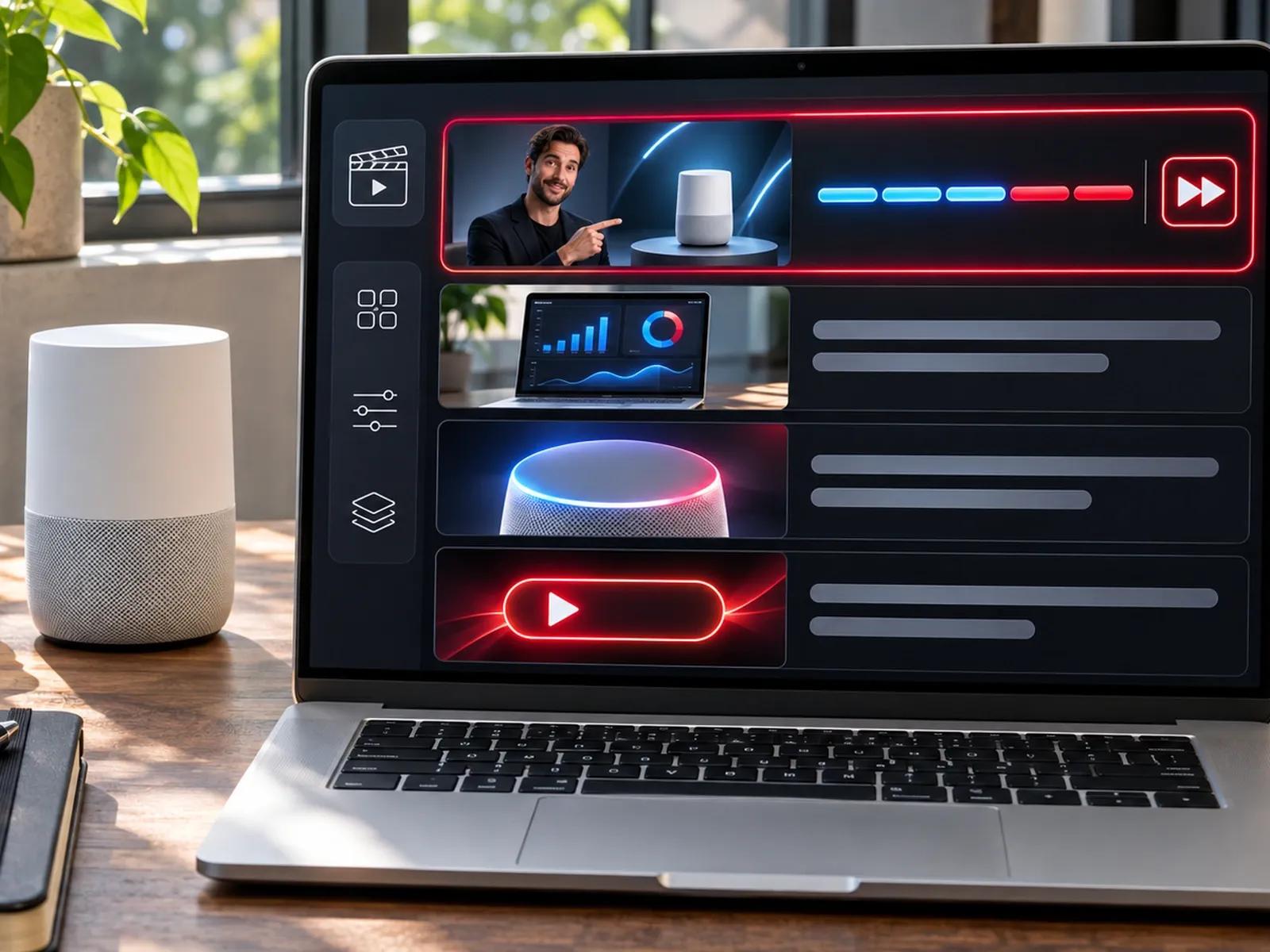
Upload your product brief, offer terms, and landing page screenshots into Video Agent so your storyboard front-loads the core buyer pain point before the five-second YouTube Skip Ad countdown finishes.
Expressive IV Spokesperson Performance
Expressive IV Spokesperson Performance

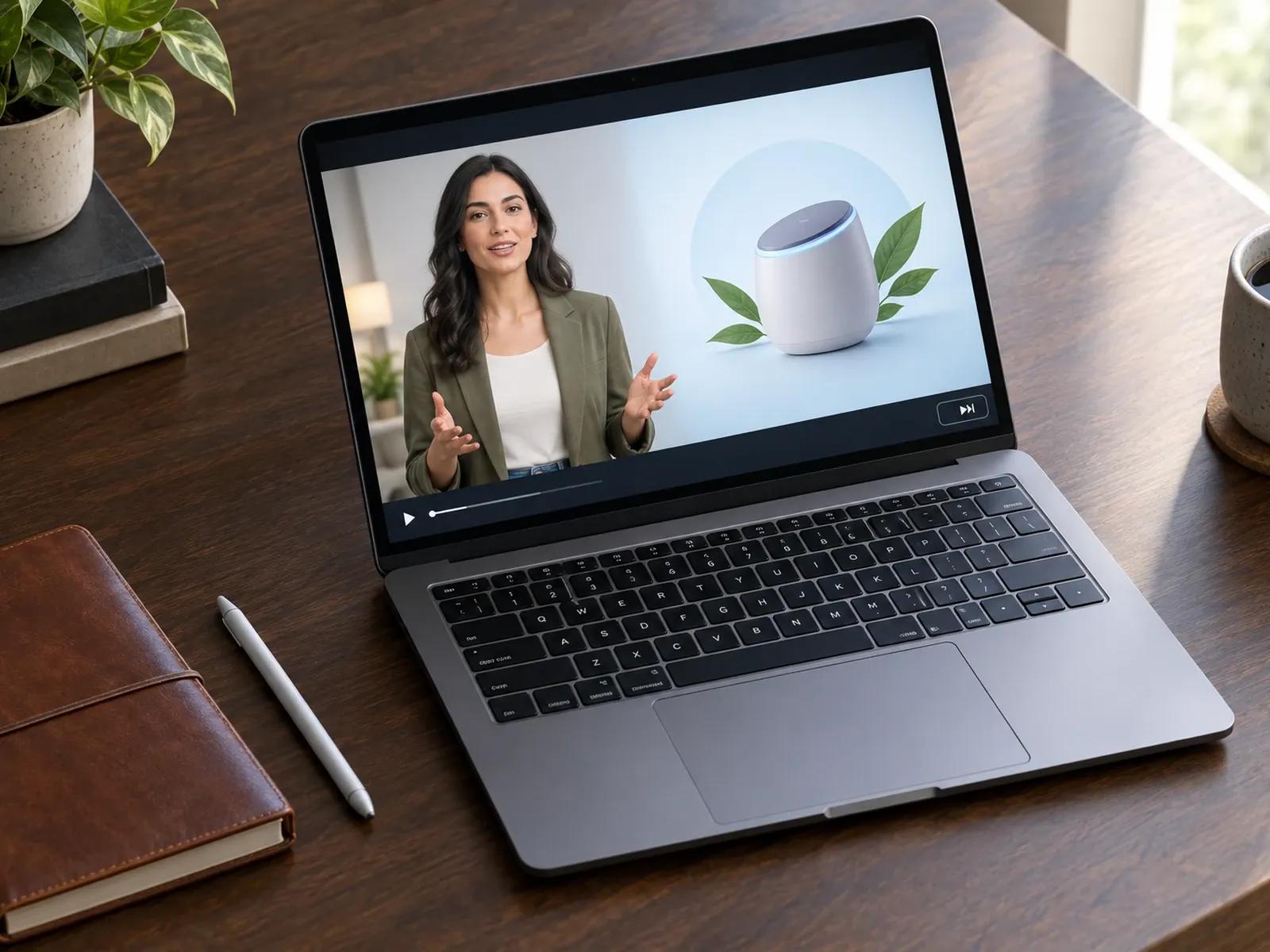
Place a credible human host in your opening frame using 300+ presenters powered by the Expressive IV Engine (1 minute per clip), spanning Natural, Expressive, Motion, and 2D/Cartoon styles.
4 Video Fit Modes for Product Walkthroughs
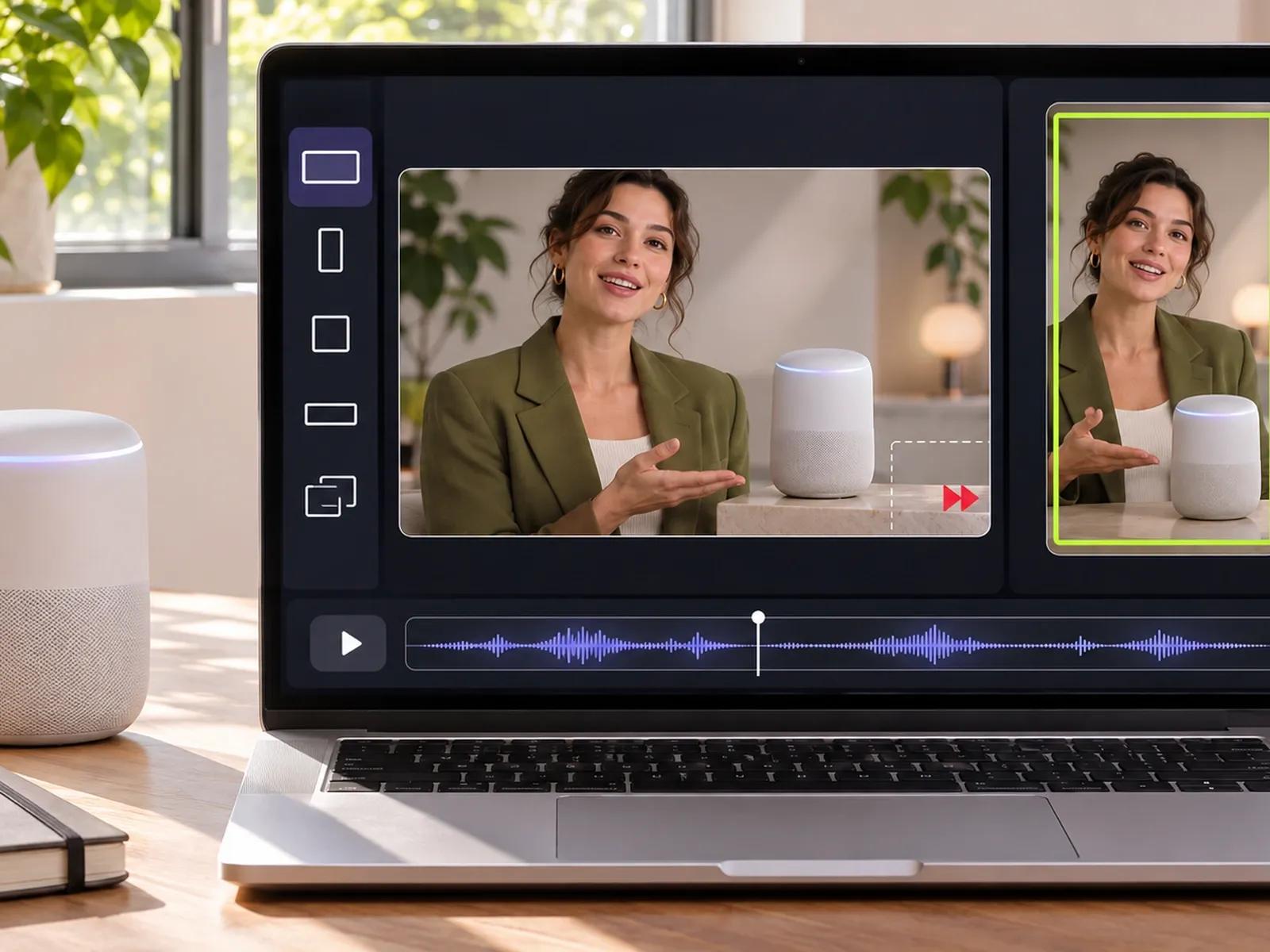
4 Video Fit Modes for Product Walkthroughs

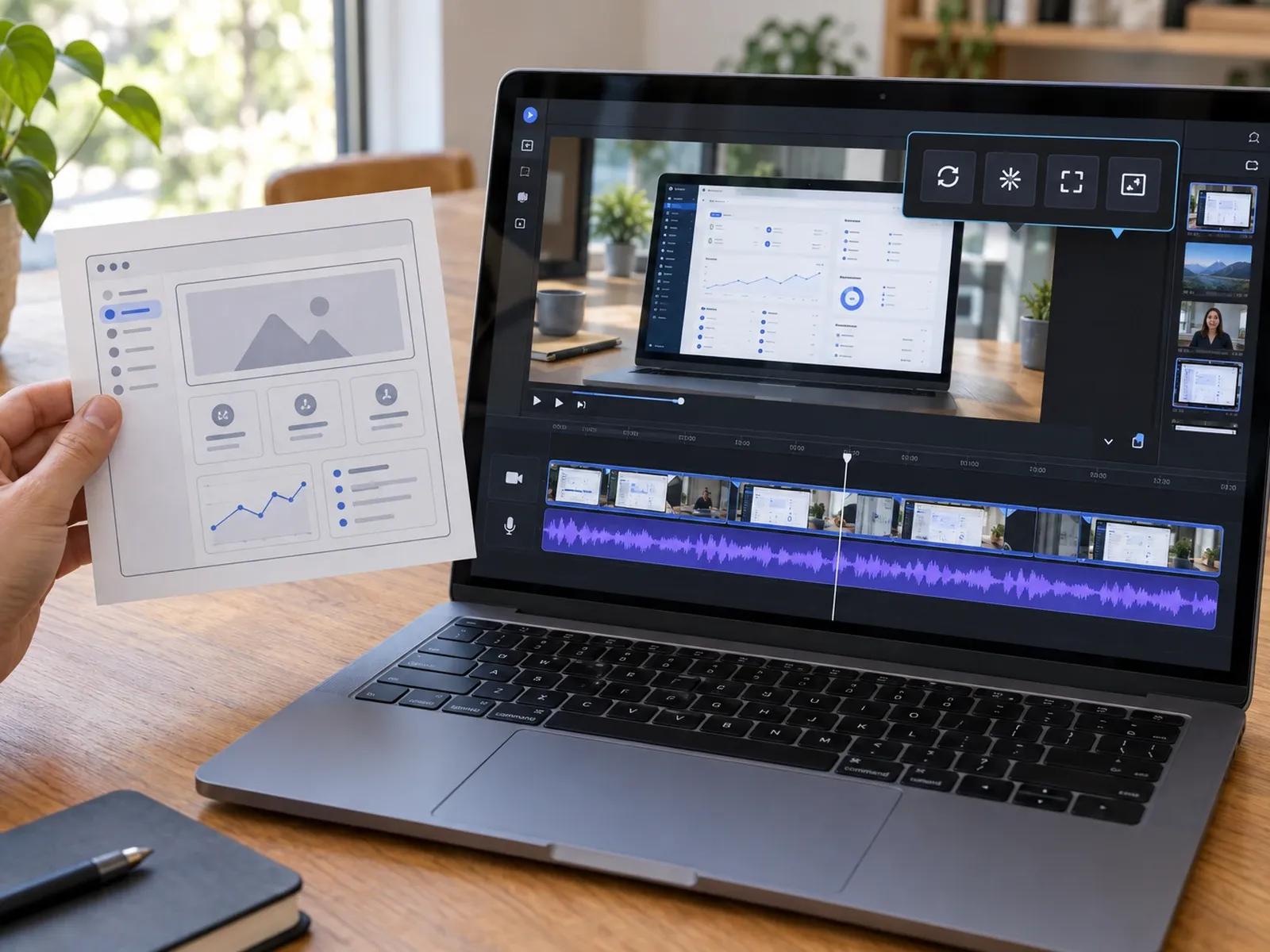
Drop software screen recordings or physical product clips onto the Studio timeline and apply Loop, Freeze, Full Frame, or Insert fit modes so your visual demo matches spoken narration timing.
Multi-Ratio Canvas for Google Video Ads

Multi-Ratio Canvas for Google Video Ads

Switch between 16:9 widescreen framing for desktop and connected TV In-Stream or Bumper inventory and 9:16 vertical framing for mobile feeds, keeping companion banner and Skip button zones clear.

Steps in a YouTube Video Ad Creator

From campaign brief to a Google Ads MP4 master, follow this three-step workflow.
Step 1: Upload Offer Docs & Set Ad Format

Step 1: Upload Offer Docs & Set Ad Format

Attach up to 2 campaign briefs (.pdf or .docx) in Video Agent and define whether your spot is a six-second Bumper or skippable In-Stream ad.

Step 2: Generate Your Anti-Skip Script

Enter your buyer problem, product proof, and landing page URL so Video Agent writes a five-second hook and scene breakdown.

Step 3: Add a Spokesperson & Export MP4

Place an Expressive IV presenter beside your product screenshots in Studio, check safe zones, and render a 1080P or 4K MP4.

In-Stream Video Ad Maker Campaign Scenarios

Skippable 16:9 Direct-Response Video Ads

Hook prospects in the opening five seconds and demonstrate your core workflow on screen so you only pay for engaged views.

6-Second Non-Skippable YouTube Bumper Spots

Deliver one sharp visual product reveal and a single spoken sentence inside a tight six-second 16:9 widescreen commercial.

Vertical 9:16 YouTube Shorts Feed Campaigns

Stop mobile swipes on the YouTube Shorts feed with native vertical presenter hooks, center captions, and rapid B-roll cuts.

B2B SaaS & Software Walkthrough Campaigns

Pair an authoritative corner presenter with Freeze-fitted dashboard screenshots to qualify enterprise software buyers fast.

compliance background

YouTube Bumper Ad Maker Advantages for Brands

Generic stock footage montages lose viewers the moment the five-second Skip Ad button unlocks on YouTube.

Hold Attention Past the Skip Countdown

Slow logo reveals waste your opening four seconds; Video Agent opens immediately with a spoken buyer pain point and visual proof so qualified prospects stay watching past the five-second mark.

Skip Studio Shoots When Testing Ad Angles

Instead of hiring a production crew for one 30-second commercial, generate spokesperson spots with 300+ Expressive IV presenters and swap opening scripts whenever a Google Ads angle fatigues.

Fit Software Recordings Without Black Frame Gaps

When a spoken benefit runs longer than your uploaded UI clip, Studio's 4 Video Fit Modes (Loop, Freeze, Full Frame, Insert) hold the final frame or repeat the motion cleanly on screen.

Export 1080P and 4K MP4s With SRT Captions

Download crisp 1080P or 4K MP4 masters alongside standalone SRT or VTT subtitle files that satisfy Google Ads technical specs across desktop, mobile, and connected TV YouTube inventory.

YouTube Ad Maker Tips to Lower Cost Per View

Call Out Buyer Pain in Sentence One

Name your viewer's exact job role or problem in the opening spoken clause before the five-second Skip Ad button unlocks.

Show Brand Identity Inside Five Seconds

Place your product UI or logo badge in the upper corner during the hook so even viewers who skip remember your brand name.

Guard the Bottom-Right Skip Button Zone

Keep pricing badges and subtitles away from the lower-right 16:9 corner where YouTube places the Skip Ad countdown button.

Use Freeze Mode on Analytics Dashboards

Apply Studio's Freeze fit mode at the end of a software clip so viewers can read the final chart while narration finishes.

Pair Spoken Offers With Closing End Cards

Close every In-Stream commercial with a three-second end card that repeats the URL verbally so TV and desktop users click.

Split-Test Three Opening Hooks Per Campaign

Duplicate your project in Studio and export three different five-second hooks ahead of the same demo to lift view rates.

YouTube Ad Maker Frequently Asked Questions

Enter your product value proposition, target buyer problem, and offer URL into Leadde Video Agent; the agent structures an anti-skip five-second opening hook followed by proof and callout cards that you refine with 300+ Expressive IV presenters and 4 Video Fit Modes in Studio.
YouTube Ad Maker is purpose-built for paid Google Ads placements, including skippable 16:9 In-Stream spots, 6-second Bumper ads, and 9:16 Shorts commercials with five-second anti-skip hooks; for organic channel tutorials, vlogs, and long-form explainers, use AI YouTube Videos Generator or Commercial Video Maker.
Yes; before generating your storyboard in Video Agent, select 16:9 widescreen (1920×1080) for skippable In-Stream and non-skippable Bumper inventory on desktop and connected TV, or choose 9:16 vertical (1080×1920) to produce mobile-first commercials for the YouTube Shorts feed today.
When you place an uploaded product clip or screen recording onto the Leadde Studio timeline, you can choose Loop, Freeze, Full Frame, or Insert; if your spoken voiceover runs longer than the clip, Freeze holds the final frame and Loop repeats the motion cleanly.
Leadde renders and exports high-bitrate 1080P or 4K MP4 video files along with standalone SRT or VTT caption tracks that you upload to your YouTube channel or link inside Google Ads Manager; the platform does not connect directly to Google Ads billing accounts.
New accounts receive 200 free monthly credits, and scripting In-Stream or Bumper storyboards in Video Agent is marked Free in beta; credits are consumed only when you render Expressive IV presenter scenes, generate B-roll visuals, or export final MP4 files per the Leadde Pricing page.

Launch High-Retention YouTube Video Ads With Leadde Today
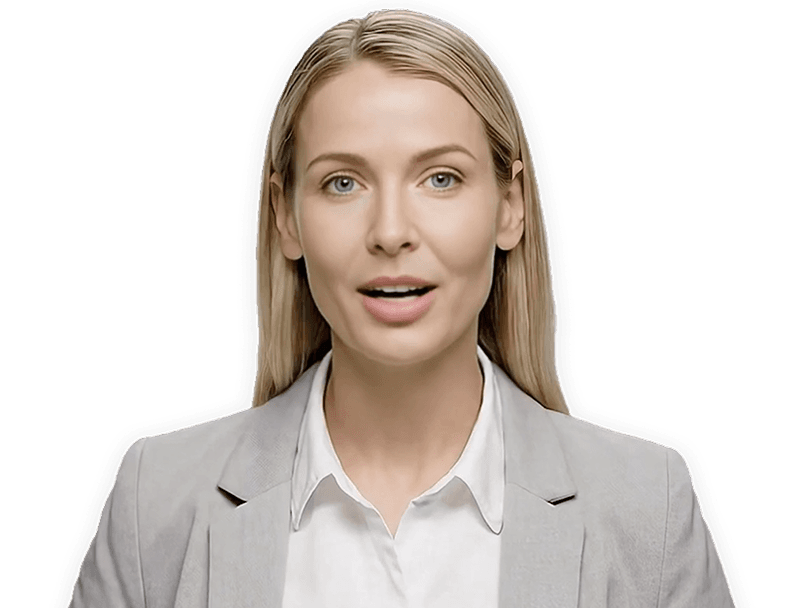
Drop your offer brief and product screenshots into Leadde Video Agent to build In-Stream, Bumper, and Shorts commercials.
avatar