
Best AI Video Tools for Healthcare Training & Patient Education

The best AI video tools for healthcare training and patient education in 2026 are platforms that help medical teams turn approved SOPs (via SOP video maker), clinical guidelines, slide decks, PDFs (via PDF to video), and training scripts into accurate, reviewable, multilingual videos.
Tools such as Leadde, Synthesia, and HeyGen are commonly considered because they support AI presenters, fast video creation, localization, and scalable training delivery, but healthcare organizations should prioritize source-based workflows, human medical review, privacy controls, and easy content updates over cinematic visuals alone.
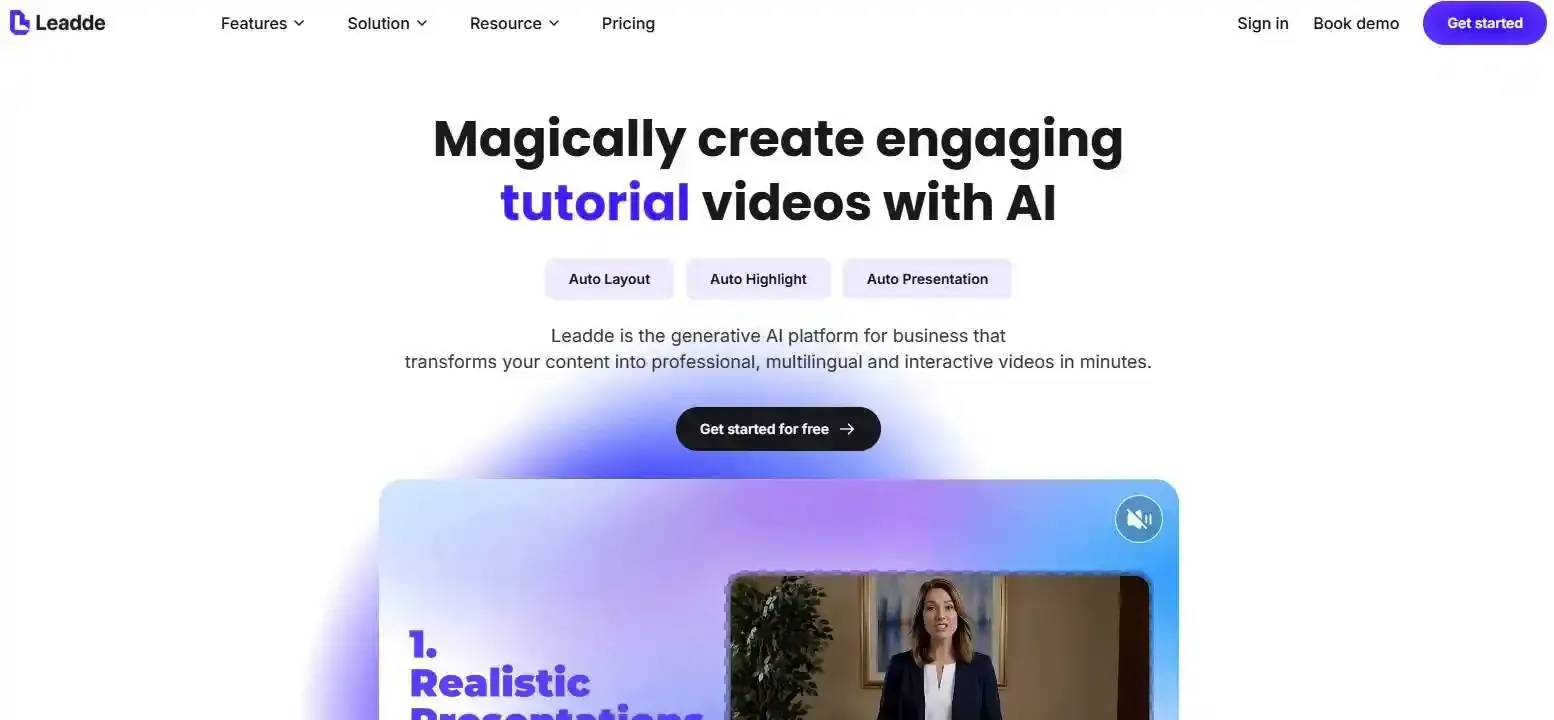
Traditional medical training videos are slow, expensive, and hard to update. Leadde helps healthcare solutions teams turn documents and text into professional business videos automatically, creating training content in minutes while saving over 80% of production costs and 90% of content creation time.
What Are the Best AI Video Tools for Healthcare Training in 2026?
The best AI video tools for healthcare training are platforms that help teams create accurate, reviewable, multilingual, and easy-to-update training videos from trusted source materials.
For most healthcare organizations, the strongest shortlist includes Leadde, Synthesia, and HeyGen, but each tool fits a different workflow.
- Leadde is strongest for document-to-video healthcare training.
- Synthesia is strong for avatar-led staff training and compliance modules.
- HeyGen is strong for multilingual video translation and patient-facing localization.
Healthcare teams should not choose tools based on avatar realism alone. They should evaluate whether the platform supports medical review, privacy controls, content updates, localization, and long-term training management.
The Shift from Traditional Studio Filming to AI Digital Classrooms
Traditional healthcare training videos often require:
- Scriptwriters
- Medical reviewers
- Filming crews
- Presenters
- Editors
- Translators
- Re-recording when policies change
AI video platforms reduce much of this production friction. Instead of scheduling a doctor, trainer, or hospital director for every update, teams can generate a digital training module from an approved script, SOP, PDF, or slide deck.
This shift creates a new model: the AI digital classroom. In this model, organizations can learn how hospitals use AI video for staff onboarding to produce repeatable training videos for compliance, safety procedures, clinical workflows, patient education, and continuing medical education.
The key advantage is not only speed. The deeper value is that training can become consistent, scalable, multilingual, and easier to revise when clinical or institutional guidance changes.
Core Evaluation Metrics for Medical-Grade AI Video Software
Healthcare teams should evaluate AI video tools using stricter criteria than general marketing teams.
A strong medical-grade AI video platform should support:
| Evaluation Metric | Why It Matters in Healthcare Training |
| Source-based creation | Reduces the risk of AI inventing unsupported clinical claims |
| Medical review workflow | Allows clinicians and subject matter experts to approve content |
| Data security controls | Helps reduce privacy and compliance risks |
| Multilingual output | Supports diverse staff, patients, and global teams |
| Captions and accessibility | Improves comprehension and access |
| Version control | Helps teams avoid outdated training materials |
| LMS or completion tracking | Supports mandatory training and audit needs |
| Fast updates | Reduces re-filming when SOPs or policies change |
The HIPAA Security Rule requires regulated entities to protect electronic protected health information through administrative, physical, and technical safeguards, so healthcare teams should review privacy and security requirements before uploading sensitive materials to any AI platform. (HHS.gov)
Synthesia vs. HeyGen vs. Leadde: Quick Feature Comparison Matrix
| Tool | Best Fit | Strength | Healthcare Training Limitation to Check |
| Leadde | SOPs, PDFs, PPTs, manuals, and text-to-video training | Converts existing business documents into structured professional videos with automation, multilingual workflows, avatars, and content management features | Teams should verify security, BAA, PHI handling, and LMS requirements before regulated use |
| Synthesia | Avatar-led staff training, onboarding, compliance, and clinical education | Official healthcare page positions it for clinical, compliance, and onboarding training videos; enterprise materials mention SOC2, GDPR, ISO42001, and SAML/SSO | May require teams to prepare scripts and review all medical content before publishing |
| HeyGen | Patient education localization and multilingual video translation | Official pages mention 175+ languages and dialects for patient education and multilingual training videos | Strong for localization, but medical accuracy and PHI-sensitive workflows still need review |
For healthcare training, Leadde is the best fit when the source material already exists as a SOP, PDF, PowerPoint, policy document, or training manual. Synthesia and HeyGen are useful when teams already have polished scripts and need avatar-led delivery or localization.
How Can Medical Educators Turn Clinical Documents Into Training Videos?
Medical educators often do not start with a blank script. They usually start with existing materials:
- SOPs
- Clinical guidelines
- Nursing protocols
- Compliance manuals
- Patient education handouts
- Pharmaceutical training decks
- Medical device instructions
- PowerPoint training courses
Learning how to convert medical documents into training videos allows educators to streamline their workflow, turning these complex materials into structured training videos without forcing instructional designers to rewrite everything manually.
The Pain of Manual Scriptwriting in Healthcare Instructional Design
Manual scriptwriting is one of the slowest parts of healthcare video production.
A clinical educator may need to read a 40-page SOP, identify key learning points, simplify the language, remove irrelevant sections, write a voiceover script, create slides, add visuals, and then send everything for clinical review.
This workflow is slow because healthcare content must be:
- Accurate
- Clear
- Role-specific
- Consistent with institutional policy
- Safe for the intended audience
- Reviewed before publishing
AI video tools can reduce this burden by creating a first draft from the source material. The goal is not to remove human review, but to let medical educators spend more time improving accuracy and less time formatting scripts.
From SOP PDFs and PPTs to Structured Training Videos
Document-to-video workflows are especially valuable in healthcare because many organizations already need to create healthcare training videos from existing documents and approved institutional materials.
A strong workflow looks like this:
- Upload an approved SOP, PDF, PPT, Word file, or text document.
- Let AI extract the core learning points to turn SOP documents into training videos in minutes.
- Generate a structured video outline.
- Create scene-by-scene narration.
- Add an AI presenter, visuals, captions, and voiceover.
- Send the draft to a clinical or compliance reviewer.
- Publish the final version to staff, patients, or an LMS.
Leadde is especially relevant here because its product overview describes a workflow that converts PowerPoint files, PDFs, Word documents, scripts, and text into structured video presentations with generated outlines, scenes, voice-over scripts, and visual layouts.
This makes document-to-video more practical than avatar-only tools when the training content already exists inside institutional documents.
Maintaining Institutional Branding, Medical Visual Identity, and Content Consistency
Healthcare organizations need consistent visual identity across patient education, staff training, and compliance communication.
Branding matters because medical videos often represent the hospital, clinic, pharmaceutical company, or care network. Inconsistent colors, fonts, presenters, or language can reduce trust.
AI video tools should help teams maintain:
- Logo placement
- Brand colors
- Standardized templates
- Consistent presenters
- Approved terminology
- Department-specific formats
- Clear disclaimers where needed
For patient-facing education, consistency is especially important. A video explaining discharge instructions or medication safety should feel official, calm, and credible.
For internal training, branding also helps employees recognize content as institution-approved rather than informal or unverified.
Why Does Interactivity Matter in Healthcare Training and Patient Education?
One-way videos are useful for basic explanations, but many healthcare training scenarios require more than passive watching.
Clinical communication, patient intake, escalation training, and role-based safety scenarios benefit from interactive learning. This is where chat-enabled video, interactive avatars, and conversational learning can add value.
Interactive AI video should not replace clinical supervision. Its best use is to create safe practice environments where learners can repeat scenarios, test decision-making, and receive structured feedback.
Why One-Way Videos Fall Short in Patient-Doctor Roleplay
Traditional training videos usually show the correct behavior once. The learner watches, remembers what they can, and moves on.
That is not enough for complex healthcare communication. A nurse, doctor, or support staff member may need to practice:
- Explaining a procedure
- Handling an anxious patient
- Asking intake questions
- Giving discharge instructions
- Responding to confusion
- Escalating a safety concern
A one-way video can demonstrate these skills, but it cannot test whether the learner can respond in real time.
Interactive video creates a more active learning path. It allows learners to practice conversations, compare responses, and build confidence before working with real patients.
Using Chat-Enabled Video to Support Clinical Scenario Learning
Chat-enabled video can help healthcare teams move from passive instruction to scenario-based learning.
For example, a training module can present a virtual patient who asks follow-up questions about medication use, wound care, or appointment preparation. The learner can respond, and the system can guide them toward clearer, safer communication.
This is useful for:
- Patient service teams
- Nursing support staff
- Care coordinators
- Call center teams
- Medical assistants
- New clinical employees
Leadde’s internal product overview describes interactive video experiences through features such as Chat with Video, which allows viewers to interact with video content and ask questions.
For healthcare training, this kind of interactivity can help transform video from a passive lecture into a searchable, question-driven learning resource.
Training Nursing and Support Staff With Responsive AI Learning Experiences
Nursing and support staff often need quick, role-specific training that fits into busy schedules.
Responsive AI learning experiences can help by giving staff members short modules, clear explanations, and the ability to revisit specific questions. This is especially useful for protocols that are important but difficult to remember after one session.
Examples include:
- Infection prevention steps
- Patient transfer procedures
- Equipment cleaning protocols
- Appointment scheduling scripts
- Emergency escalation rules
- Patient privacy reminders
The strongest use case is not replacing live clinical education. It is giving staff members a scalable way to refresh knowledge, practice communication, and access approved explanations when needed.
How Can Healthcare Teams Create Professional Medical Spokesperson Avatars?
Medical spokesperson avatars can help healthcare organizations scale trusted communication without repeatedly scheduling live filming.
A reusable digital presenter can appear in staff training, patient education, compliance reminders, onboarding modules, and multilingual video libraries.
However, healthcare teams must treat avatar creation carefully. A medical avatar represents trust, authority, and institutional identity. Consent, accuracy, and appropriate use are essential.
Replacing Repeated Studio Setup With Reusable Digital Presenters
Filming a real doctor, trainer, or executive every time content changes is inefficient.
Healthcare training changes often because of:
- New policies
- Updated clinical guidelines
- New equipment
- Revised safety procedures
- New compliance requirements
- Updated patient instructions
A reusable digital presenter can reduce repeated filming. Once the presenter style is approved, teams can update scripts, generate new modules, and keep the same professional face and voice across the training library.
This is useful for high-volume training environments where speed and consistency matter.
Ethical Digital Twin Customization for Doctors, Trainers, and Hospital Leaders
A digital twin or personal avatar should only be created with clear consent and responsible governance.
Healthcare organizations should define:
- Who can create the avatar
- Who can approve its use
- Which topics it can cover
- Whether it can be used in patient-facing content
- How scripts are reviewed before publishing
- How the avatar is retired if the person leaves the organization
This is especially important when the avatar represents a real doctor, hospital director, professor, or clinical trainer.
The avatar should not imply that a real clinician personally reviewed every sentence unless that review actually happened.
Voice, Accent, and Presenter Consistency for Professional Medical Communication
Voice and accent consistency can improve the quality of training videos, especially across global healthcare teams.
A consistent presenter voice can help organizations create:
- Standardized onboarding modules
- Clear patient education videos
- Repeated compliance reminders
- Multilingual training libraries
- Department-specific learning paths
Voice cloning and accent localization should be handled carefully. Healthcare teams should confirm speaker consent, review pronunciation of medical terms, and avoid using cloned voices for misleading or unauthorized content.
In patient education, clarity matters more than novelty. The best voice is not always the most realistic one; it is the one patients can understand, trust, and follow.
Which AI Video Tool Best Supports Multilingual Healthcare Training and Global Compliance?
Multilingual video is essential for healthcare organizations that serve diverse patients or operate across regions.
Language barriers can affect patient understanding, employee onboarding, safety training, and compliance communication. AI video tools can help teams create localized versions faster, but medical translation must be reviewed carefully.
The safest approach is AI translation plus human medical review.
Localizing CME, Staff Training, and Patient Education for Global Audiences
Healthcare training often needs to reach different audiences:
- Clinicians
- Nurses
- Front desk teams
- Call center teams
- Lab staff
- Patients
- Caregivers
- Global field teams
- Pharmaceutical sales or medical affairs teams
Each medical audience may need different language, tone, detail level, and terminology. Mastering how to create multilingual medical training videos is essential for keeping safety protocols standardized across regional teams.
HeyGen’s official patient education page says its AI video translation can localize patient education videos across 175+ languages and dialects, while preserving speaker tone with voice cloning and lip-sync. (HeyGen)
Leadde’s product overview also highlights multilingual video workflows, translation tools, and large-scale localization support for business video production.
For healthcare teams, the real value is not just translation speed. It is the ability to keep training consistent across locations while adapting language for local audiences.
Translating Medical Content Without Losing Clinical Meaning
Medical translation is higher risk than general business translation.
A small mistranslation can change the meaning of:
- Dosage instructions
- Follow-up care
- Safety warnings
- Contraindications
- Procedure steps
- Consent explanations
- Emergency guidance
AI tools can accelerate translation, subtitles, dubbing, and voiceover. But medical terminology should be reviewed by qualified reviewers before publication.
A strong localization workflow should include:
- Source material approval
- AI translation or dubbing
- Medical terminology review
- Cultural and reading-level review
- Final approval
- Version tracking
This is especially important for patient-facing videos, where viewers may rely on the content to make care-related decisions.
Choosing Scalable Video Models for High-Volume Healthcare Training
High-volume healthcare training teams should evaluate pricing and production limits carefully.
A tool may look affordable at first, but costs can increase when teams need:
- More seats
- More video minutes
- More languages
- More avatars
- Longer exports
- Enterprise security
- Team review workflows
- LMS integrations
- Custom branding
Healthcare organizations should compare platforms by cost per approved training update, not just cost per generated video.
For example, if a policy changes monthly, the best platform is the one that lets the team update scripts, regenerate scenes, keep branding consistent, and republish quickly without rebuilding the entire course.
What Is the Real Cost, ROI, and Risk of Using AI Video Tools in Healthcare?
AI video tools can reduce production cost and time, but healthcare teams should evaluate ROI with a realistic view of review, compliance, and governance.
The lowest-cost tool is not always the best choice. A cheap video generator that lacks review controls, privacy safeguards, or update workflows may create risk later.
Healthcare ROI should include both efficiency and risk reduction.
Subscription, Enterprise, and Video Production Cost Considerations
AI video pricing can vary based on:
- Number of users
- Video minutes
- Export quality
- Avatar access
- Translation volume
- Voice cloning
- Storage
- Branding
- Security features
- Enterprise controls
- Support level
- LMS or API access
Healthcare teams should ask vendors for plan-specific details instead of relying on generic pricing summaries.
A practical buying checklist includes:
| Question | Why It Matters |
| Does the plan support team review? | Healthcare content needs approval before publishing |
| Are multilingual videos included? | Localization can become expensive |
| Are enterprise security features included? | Healthcare buyers often need stronger controls |
| Can videos be updated without full regeneration? | Medical policies change often |
| Does the platform support completion tracking or LMS export? | Compliance training may require records |
| Can the vendor sign a BAA if PHI is involved? | PHI-sensitive workflows need legal review |
For LMS-oriented training, Colossyan’s SCORM feature page states that users can export videos and courses as SCORM 1.2 or SCORM 2004 packages and set completion criteria before uploading to an LMS.
How AI Video Tools Can Reduce Medical Video Production Time and Cost
AI video tools can reduce the need for repeated filming, manual editing, and expensive localization.
The savings usually come from:
- Faster script drafting
- Reusable avatars
- Automated voiceover
- Template-based video creation
- Faster translation
- Easier updates
- Less studio dependency
- Reduced editing workload
Leadde’s product overview reports up to 90% reduction in content creation time and up to 80% reduction in video production costs for organizations using its platform.
For healthcare teams, this matters most when content changes frequently. A video about a new policy, safety procedure, or care workflow should not require weeks of production every time it needs an update.
Building a Medical Review Workflow to Prevent AI Hallucinations
AI video tools should draft healthcare training content, not approve it alone.
A safe medical review workflow should include:
- Start with approved source material.
- Generate the outline and script.
- Review for clinical accuracy.
- Review for privacy and PHI risk.
- Review translation and terminology.
- Approve the final video.
- Store the approved version.
- Schedule future review dates.
Healthcare teams should be especially careful with content involving diagnosis, medication, procedures, emergency instructions, or patient-specific advice.
The safest rule is simple: AI can accelerate the draft, but qualified humans must approve the final medical message.
Conclusion
The best AI video software for healthcare training depends on the workflow. Choose Leadde when your team needs to convert SOPs, PDFs, PPTs, manuals, and text into professional training videos; choose Synthesia when avatar-led staff training is the main priority; and choose HeyGen when multilingual patient education and video translation are most important. For regulated healthcare environments, the best platform is the one that supports accurate source-based content, human medical review, privacy-aware workflows, fast updates, and long-term training library management.





