
DNA Replication Video Maker
Turn complex DNA replication lessons into clear, animated explainer videos in minutes. Leadde's DNA replication video maker uses AI Motion, narrated scenes, and 200+ presenters to bring the double helix, replication fork, helicase, and DNA polymerase to life — no animator or video editor needed.
Why Leadde is the Best DNA Replication Video Maker
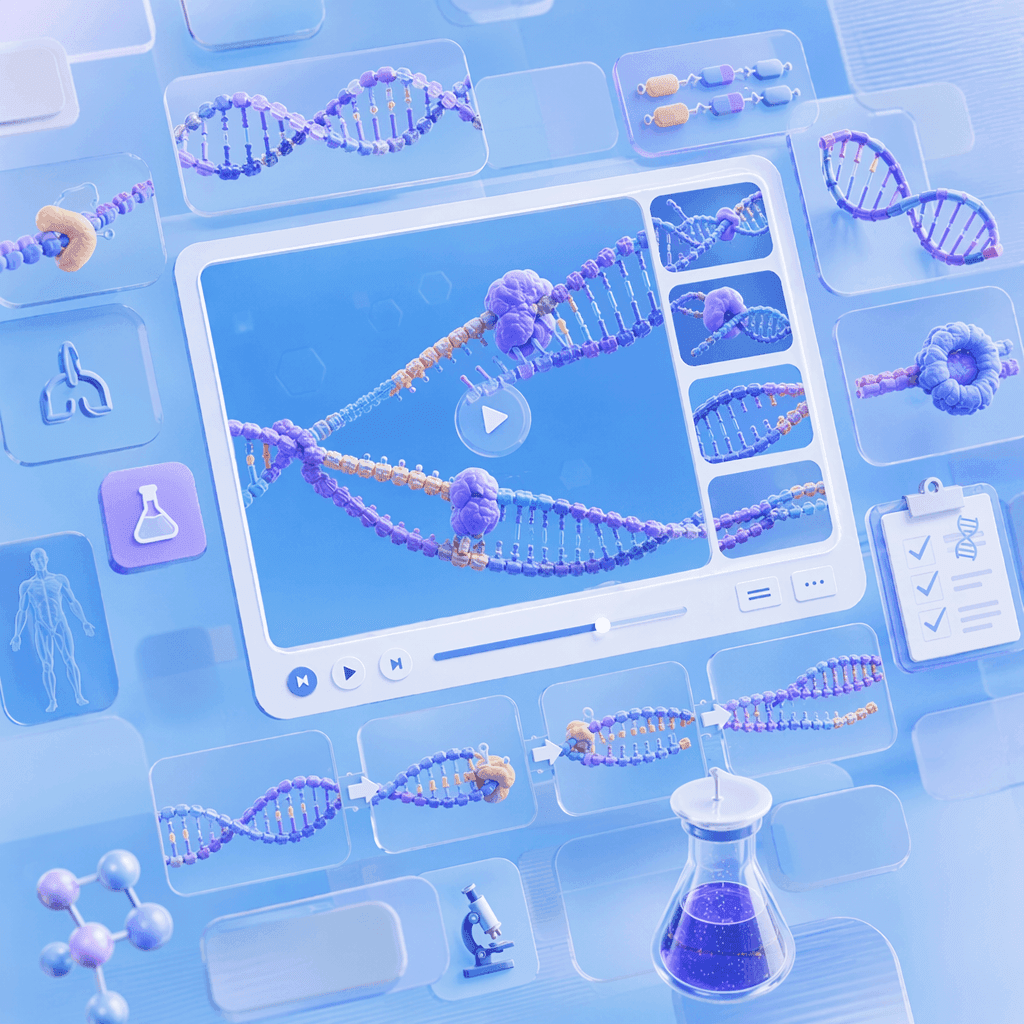
Cover Every DNA Replication Topic in One Workflow
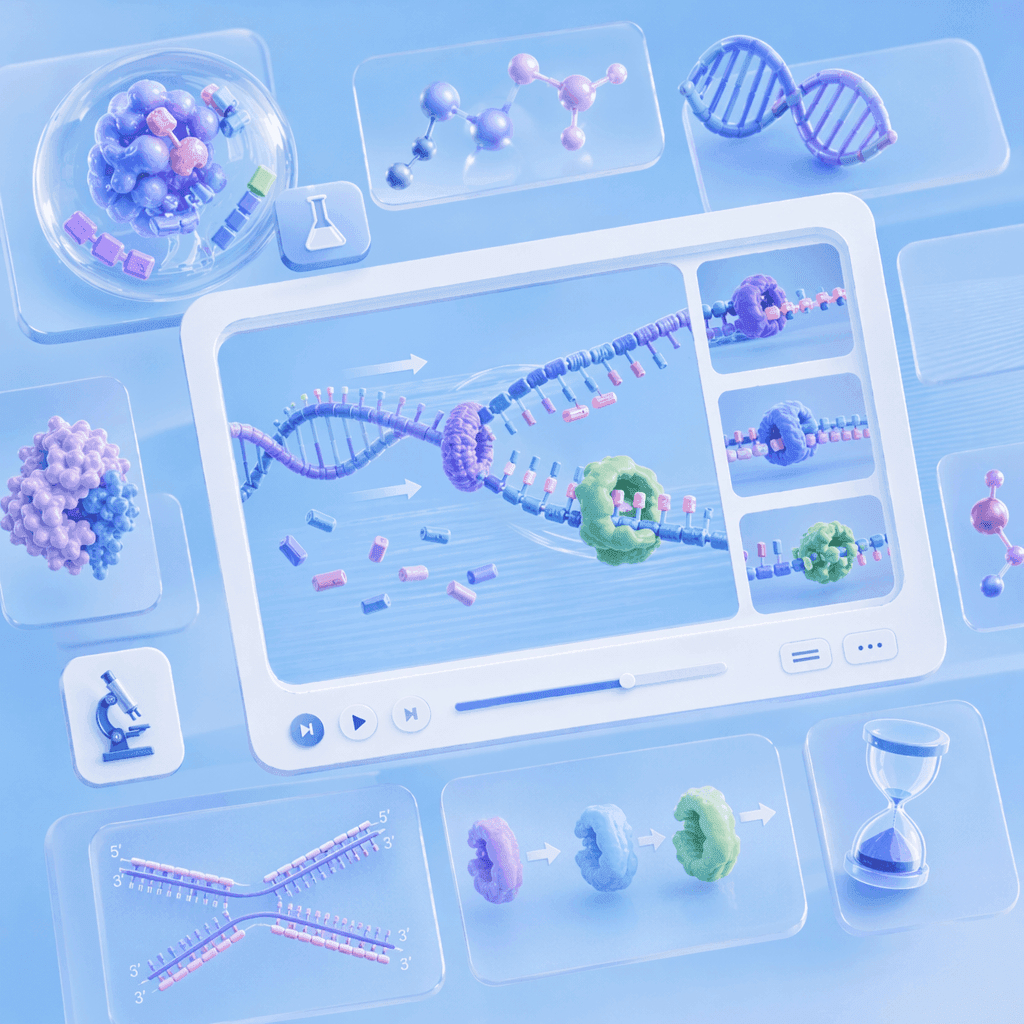
AI Motion for Replication Forks, Enzymes, and Molecular Processes

Narrated DNA Replication Videos in 88 Languages

Templates for Lessons, Lab Walkthroughs, and Exam Recap Videos
How to Create a DNA Replication Video with AI

Step 1: Add Your Topic, Notes, or Textbook Chapter
Step 2: Generate Animations and Narration
Step 3: Refine, Translate, and Share with Students
DNA Structure & Double Helix Videos
DNA Double Helix Animation
Nucleotide Structure Animation
Base Pairing Rules Animation
DNA Packaging and Chromatin Animation
Genetics, Mutations & Molecular Biology Videos
Semi-Conservative Replication Animation
DNA Mutation Animation
DNA Repair Mechanism Animation
DNA Replication to Transcription Animation
Trusted by Biology Teachers, Tutors, and EdTech Creators
One Tool for the Entire DNA and Molecular Biology Curriculum
Update Content as Curriculum Changes
Interactive Q&A for Every Student
Track Engagement and Comprehension

DNA Replication Video Ideas & Use Cases
GCSE & AP Biology Lessons
Undergraduate Molecular Biology & Genetics
Online Course Modules
Tutoring & Exam Prep
Build Dedicated Biology Animation Videos for Top Topics

Cell Animation
Visualize cell structure, organelles, and the cell cycle — animated diagrams covering plant cell and animal cell biology.

Brain Animation
Map the lobes of the brain, neural pathways, and nervous system function — animated visualizations students replay before exams.

Mitosis Animation
Walk through prophase, metaphase, anaphase, and telophase — each mitosis stage gets its own scene with animated chromosomes.

Evolution Video
Build an evolution video covering natural selection, common ancestry, and speciation — a Darwin lesson companion across units.

Photosynthesis Animation
Animate light-dependent and light-independent reactions inside the chloroplast — pair with plant cell animation for plant biology.

Biology Animation
From cells and mitosis to evolution — animated biology videos covering the full life-science syllabus.
FAQs
A DNA replication video maker is software that turns molecular biology concepts — DNA structure, the replication fork, enzyme function, and genetic mutations — into animated, narrated explainer videos. Leadde uses AI to generate Motion graphics from a prompt, structure your topic into scenes, and deliver the lesson through realistic AI presenters in 88 languages.
Yes. Leadde's Free Plan gives you full access to the AI Video Creator, Text-to-Motion generation, the 200+ avatar library, and core editing tools. You can generate your first DNA replication video entirely in your browser — no credit card and no software install required.
You can animate any DNA topic that fits a scripted lesson — double helix structure, nucleotide composition, base pairing, the replication fork, helicase, DNA polymerase, leading and lagging strands, Okazaki fragments, semi-conservative replication, mutations, and DNA repair. Use the topic pages above as starting templates, or paste your own lesson notes and let the AI structure the scenes.
Yes. Leadde supports 88 languages and 175 dialects. Create the DNA replication video once in your source language, then use the Translate tool to regenerate it with localized voiceover, synced lip movements, and on-screen captions for every student in the class.
You can try it yourself by heading to the sidebar and navigating to AI Tools > Create Media, where you’ll find two ways to generate visuals. For a free option, use the Motion tab to animate specific actions or explanations. For full video generation, Text-to-Video lets you create complete video clips from pure text prompts using your account credits.
Ready to try Leadde?
