
Leadde Logo

Organic Chemistry Animation Maker

Make organic chemistry animation videos around the structures and reaction steps in your lesson. Draft Motion visuals in Leadde, add narration, and review atom labels, charges, and electron movement against your references before sharing with students.

Use at least 10 words or CJK characters.

Create Organic Chemistry Lessons With Leadde

Build a Lesson Around Carbon Structures

Start with your own worked example or teaching notes about carbon structures, stereochemistry, and reaction mechanisms. Give the AI Video Creator a clear audience and learning objective, then review the draft outline before developing the visuals.

Describe the Motion You Need

Open Media, choose Create with AI, and select Motion. Describe one visual change at a time, including the labels and sequence you want. Preview the generated asset and revise the prompt, or add a verified diagram to the lesson where precision matters.

Add a Spoken Explanation

Pair the visual sequence with a script that explains why each change matters. Preview the narration and adjust the wording and pacing before rendering the lesson. An AI presenter is available when a visible guide suits the format.

Prepare Versions for Your Learners

Reuse a saved lesson as a starting point for a different audience or language. Review translated technical terminology as well as the visuals. Generation uses credits; available export and branding options depend on your plan.

How to Create a Organic Chemistry Animation

Step 1: Define the Lesson and Check the Example

Step 1: Define the Lesson and Check the Example

Choose one question about carbon structures, stereochemistry, and reaction mechanisms. Prepare a verified example, name the intended audience, and draft an outline with a clear starting point and conclusion.

Step 2: Generate and Assemble the Scenes

Use Motion in Create with AI to draft the animated assets you need. Add them to your video, write the narration, and preview the result. Keep source diagrams available while reviewing the generated scenes.

Step 3: Review, Render, and Share

Check the subject-specific details, narration, and pacing. Correct any errors before rendering, then share the video through a Leadde link or download it in a format available on your plan.

Plan a Clear Visual Sequence

Choose one idea for the lesson and describe what should change between scenes. The illustration is a simplified concept for planning a visual explanation.
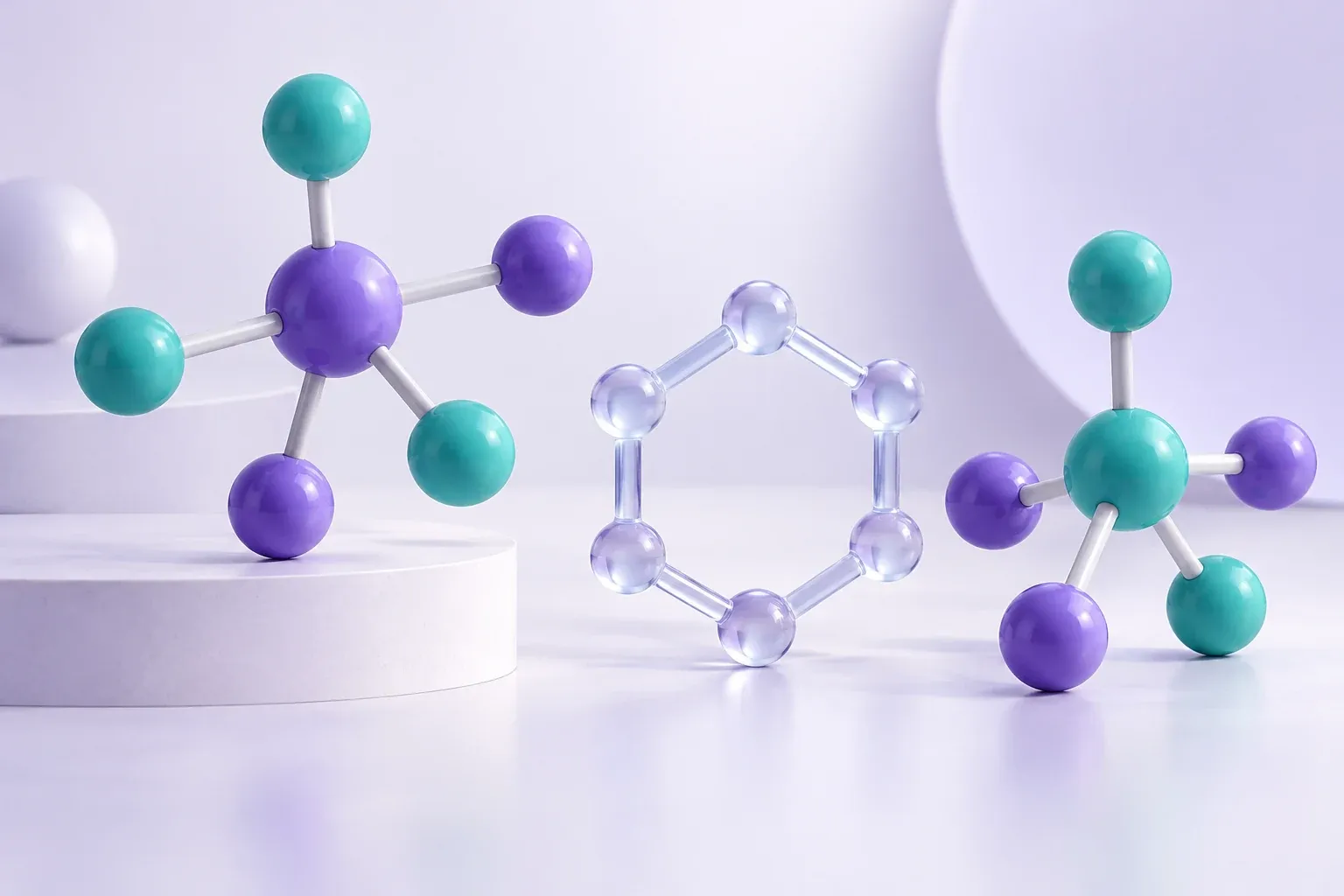
Concept illustration.
Concept illustration of unlabelled violet and teal molecular teaching models.

Organic Chemistry Topics for Animated Lessons

Functional Groups and Structure

Introduce a functional group within a larger molecule, then compare it with a related structure. Provide the correct bond representation and naming convention. Keep the lesson focused on the structural feature students need to recognize and explain.

Isomers and Stereochemistry

Choose one comparison, such as connectivity or spatial arrangement, and state what stays the same. Use verified molecular views when three-dimensional relationships matter. Check wedge and dash bonds and any stereochemical labels before presenting the example.

Reaction Mechanism Storyboards

Break a supplied mechanism into individual electron-movement steps. Explain the nucleophile, electrophile, bond changes, and intermediate in context. Generated arrows and charges need a chemistry review; use your checked mechanism as the authority throughout the video.

Reaction Conditions and Competing Pathways

Present the conditions given in a worked problem before discussing a pathway. Keep an example's solvent, substrate, and reagent assumptions visible. A sequence of scenes can explain the comparison without claiming that the AI predicts reaction outcomes.

Organic Chemistry Animation Ideas and Use Cases

Introductory Organic Chemistry

Prepare a focused explanation of a structural convention before students begin naming compounds or drawing their own mechanisms.

Undergraduate Mechanism Tutorials

Walk through one verified mechanism with a spoken explanation of why each arrow starts and ends where it does.

Stereochemistry Revision

Compare carefully selected views of the same model so learners can discuss orientation without confusing it with a change in connectivity.

Pre-Lab Concept Briefings

Explain the course concepts behind an experiment using approved teaching materials. Keep practical procedures and safety instructions under your institution's review.

Prepare a Lesson You Can Reuse

Keep Each Clip Focused

A short explanation of one organic chemistry question is easier to reuse than a video that tries to cover an entire chapter. State what learners should understand before you write the prompt.

Use Your Course Terminology

Keep symbols and definitions consistent with the materials your audience already uses. Review AI-written scripts before narration, especially where a familiar word has a technical meaning.

Revise the Saved Lesson

Update the script or a visual when the lesson changes. Preview the revised explanation and regenerate the video before sharing it as the current version.

Choose the Right Visual Source

Use generated Motion assets for a draft explanation and verified diagrams for details that require precision.
compliance background

Before You Share Your Organic Chemistry Video

Inspect Valence and Charge

Check bonds, lone pairs where shown, and formal charges against a verified structure.

Review Electron-Pushing Arrows

Confirm each arrow's origin, destination, and relationship to the written mechanism.

Preserve Conditions

Keep relevant reagents, solvent assumptions, and stereochemical conventions consistent with the lesson.

Use Authoritative Reference Assets

Include checked molecular diagrams when exact geometry matters, and have an instructor review the finished explanation.

FAQs

You can develop a narrated teaching video about carbon structures, stereochemistry, and reaction mechanisms. Start with reviewed material, draft visual assets using Motion, then assemble and check the explanation before you share it.

Use Leadde to turn a checked chemistry explanation into a narrated video. Verify structures, electron-pushing arrows, charges, stereochemistry, and conditions with suitable chemistry references before publishing. Use specialist chemistry tools for structure validation or reaction prediction.

Draft an introductory organic chemistry explainer comparing alcohol and ether functional groups. Use the verified structures I provide, point out the oxygen environment, and keep naming examples separate. Do not invent reaction conditions or experimental instructions.

Motion generation uses credits. Review the credit cost shown in the product before generating, and check the pricing page for current plan allowances and export options.

Ready to Try Leadde?

Bring a checked organic chemistry example and start building your lesson. Describe the visual sequence, review the draft, and add your explanation.

avatar
